iPad Mini 3 Cases
Find iPad Mini 3 cases designed to fit your tablet and help protect it from everyday bumps and scratches. Compare covers by fit, button and port access, and how you use your iPad, and check compatibility with the iPad Mini 3 before choosing.
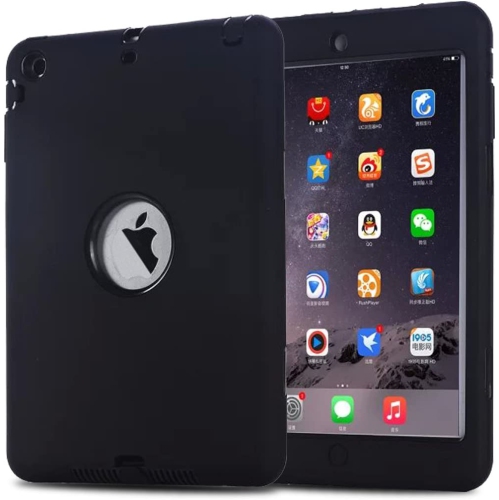
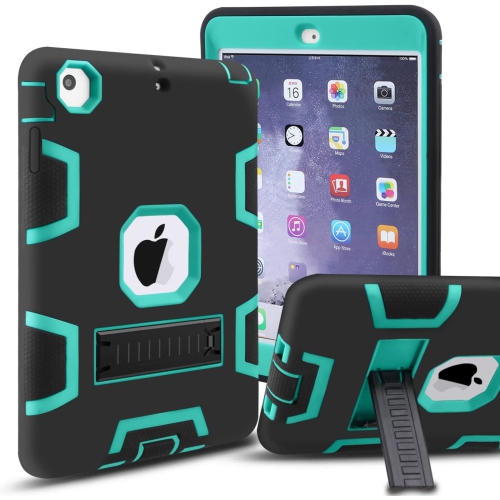
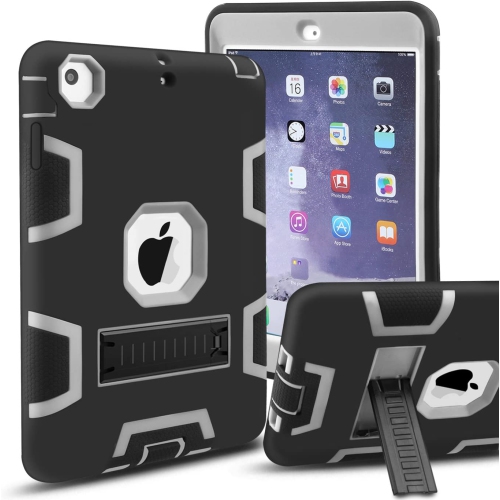
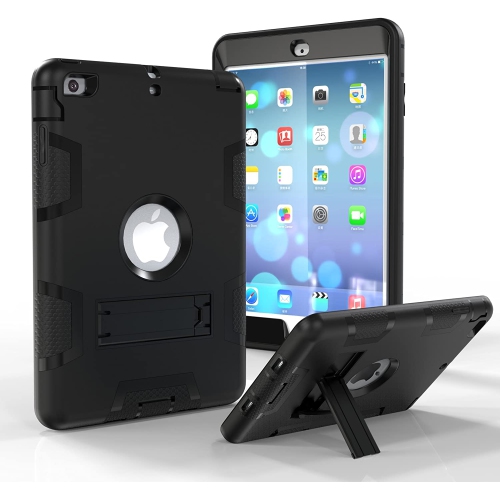
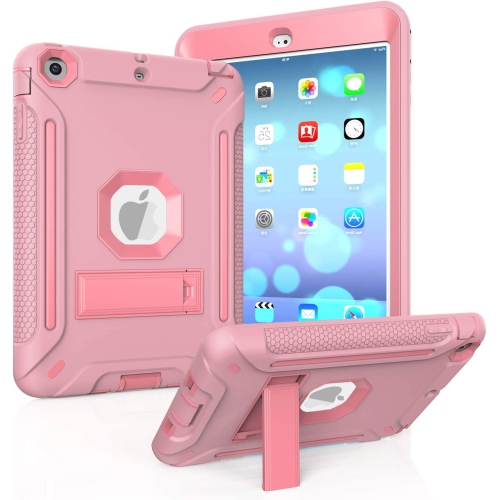
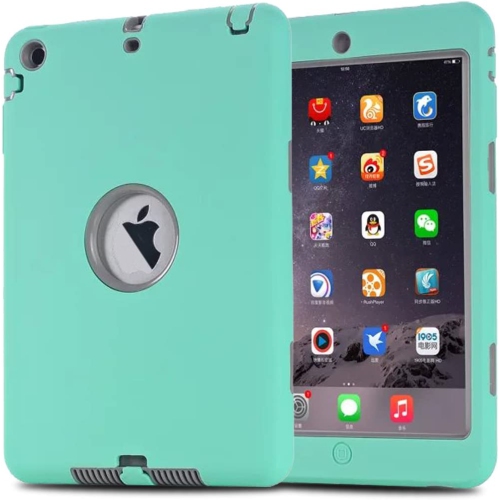
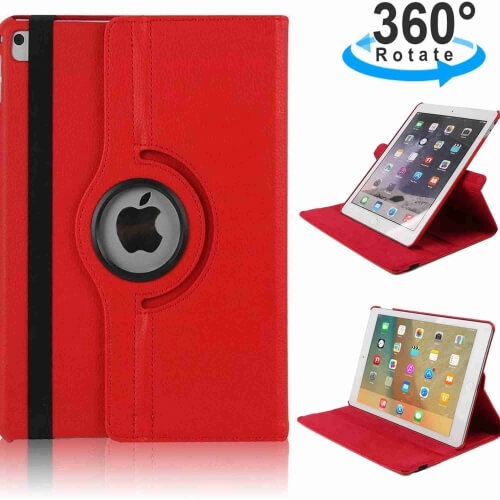
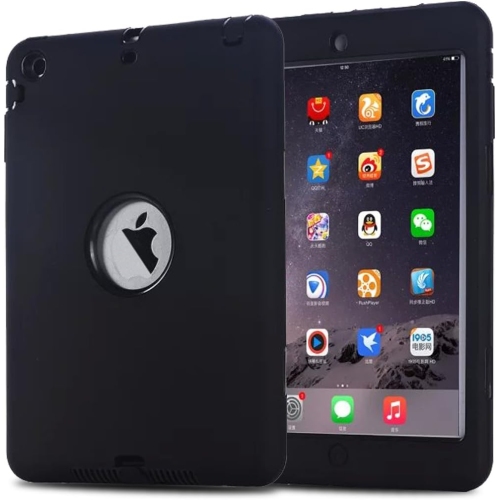
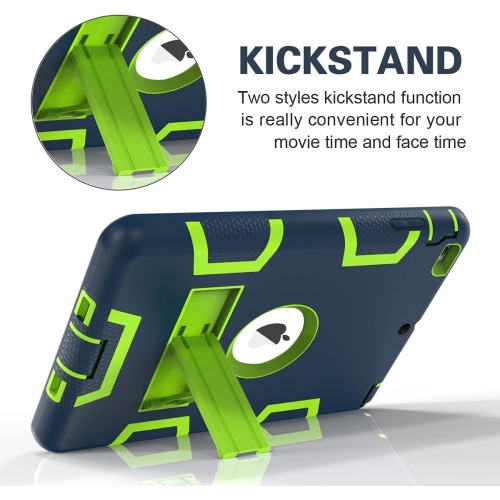
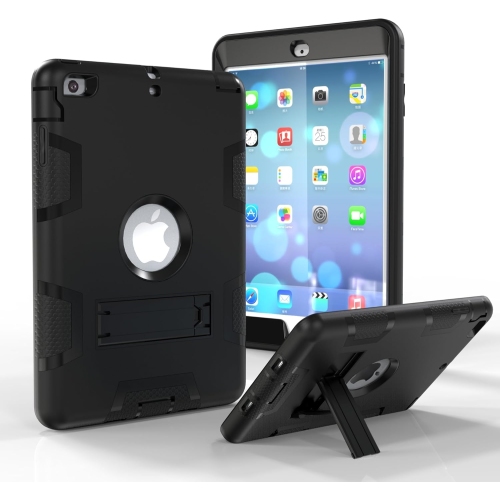
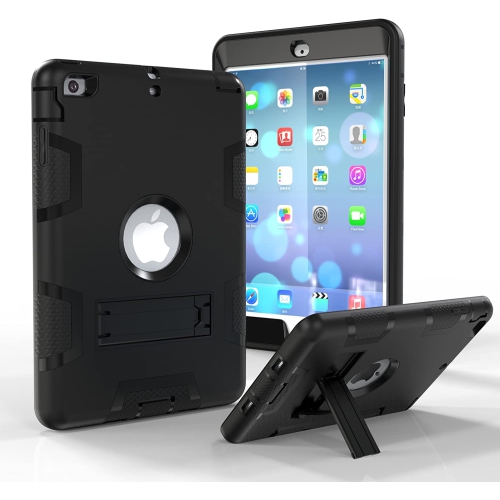
![GENERIC Case for Ipad Mini 1/2/3 Retina Case, Ipad Mini Case, Ipad Mini 2 Case, Ipad Mini 3 Case, 3 In 1 Hybrid [Soft&hard]](https://multimedia.bbycastatic.ca/multimedia/products/500x500/198/19809/19809713.jpeg)
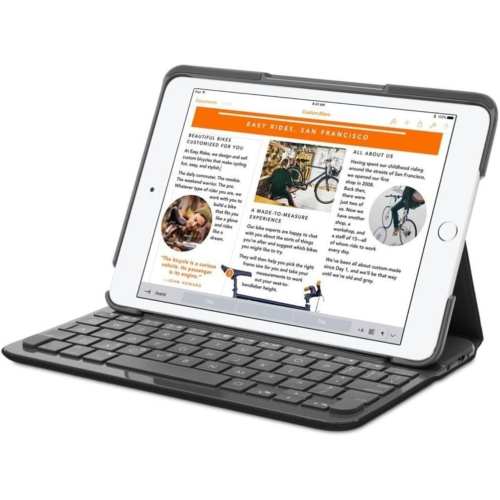
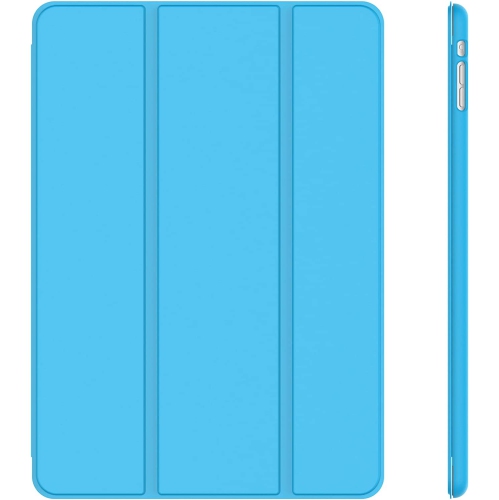
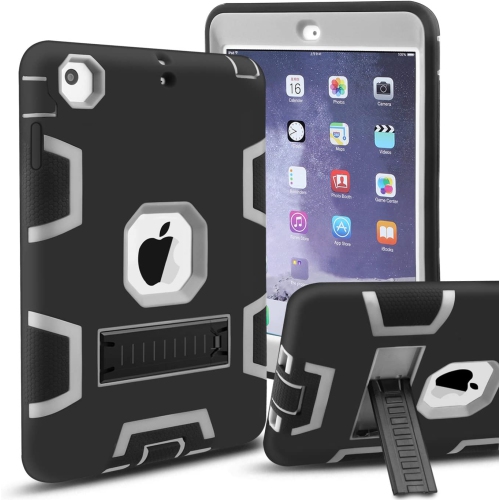
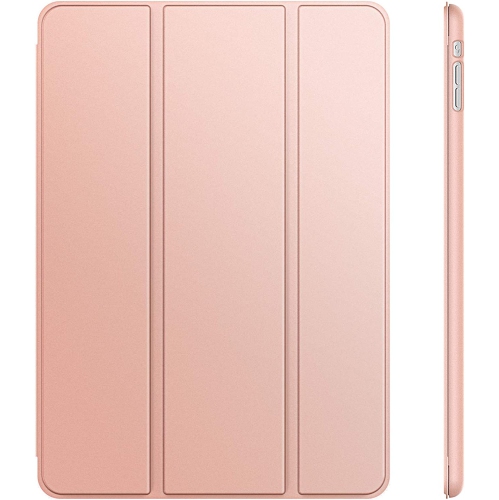
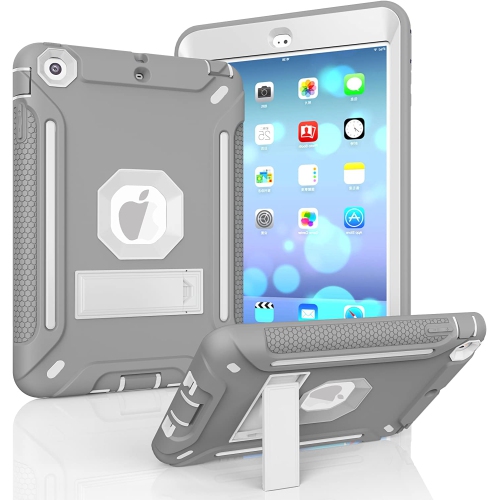
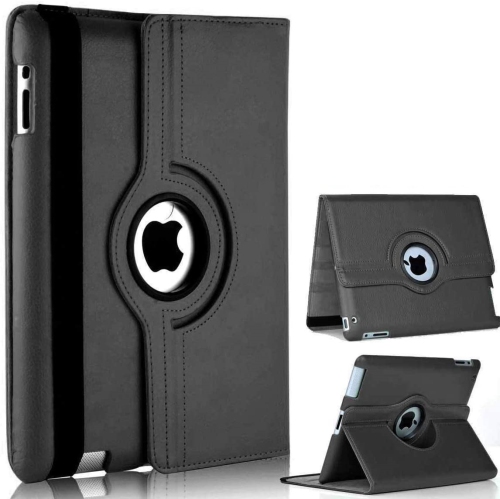
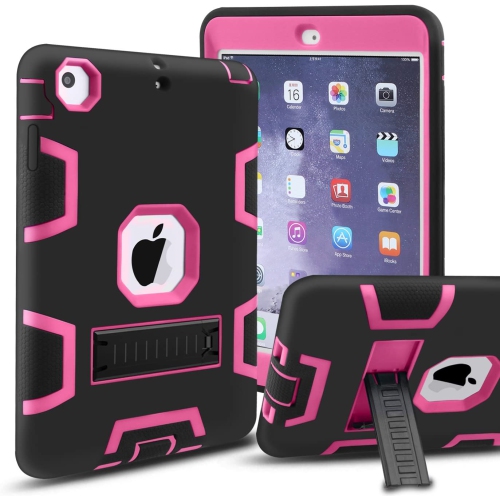
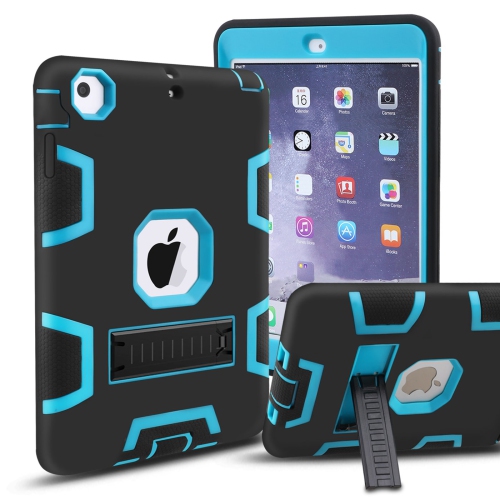
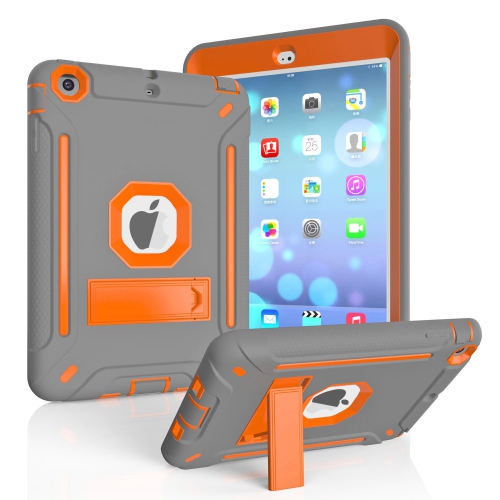
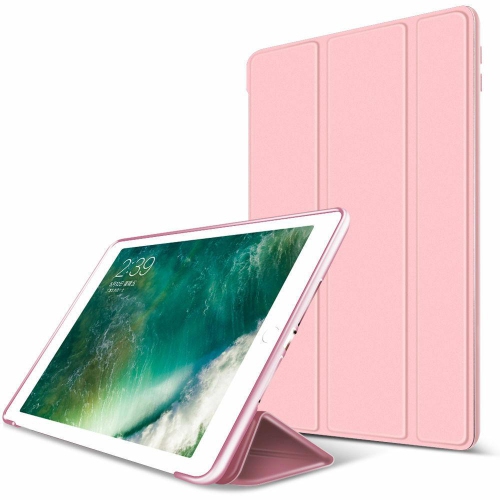
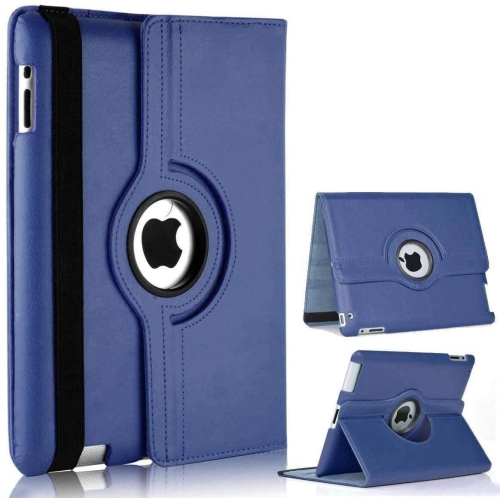
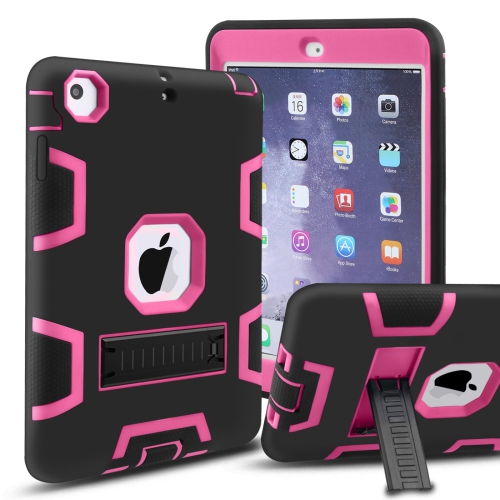
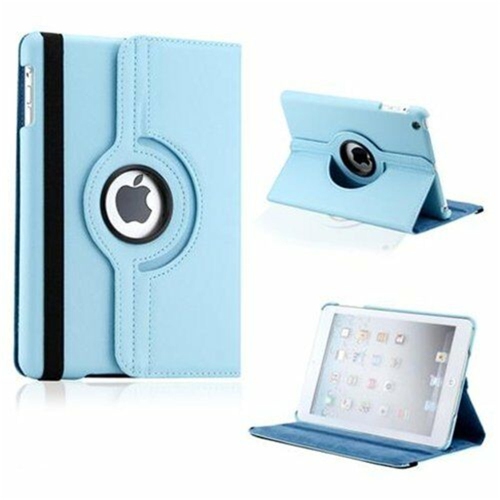
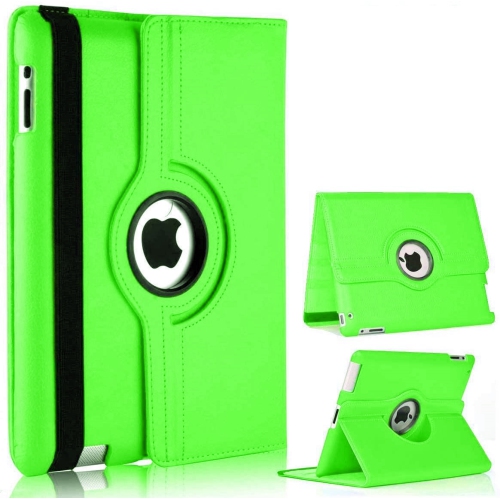
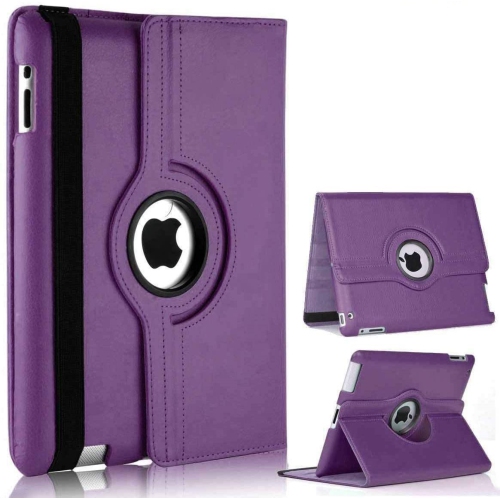
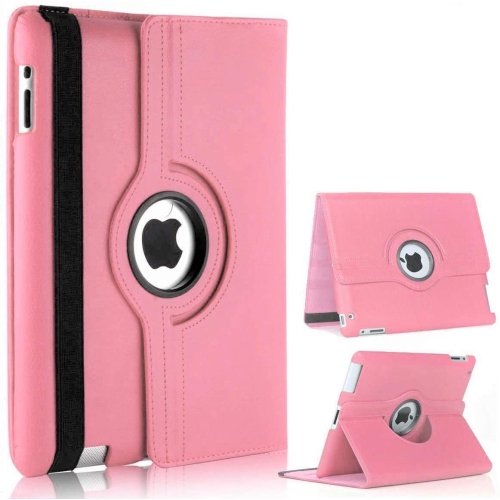
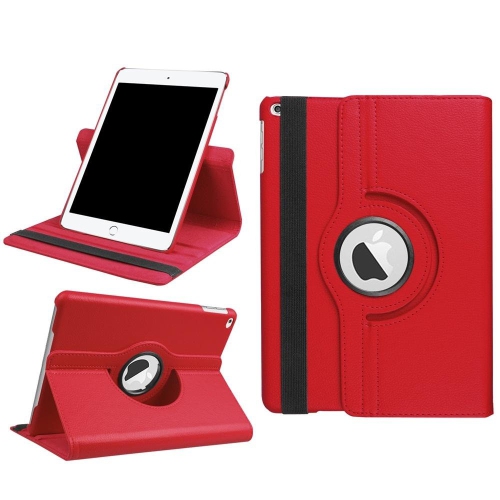
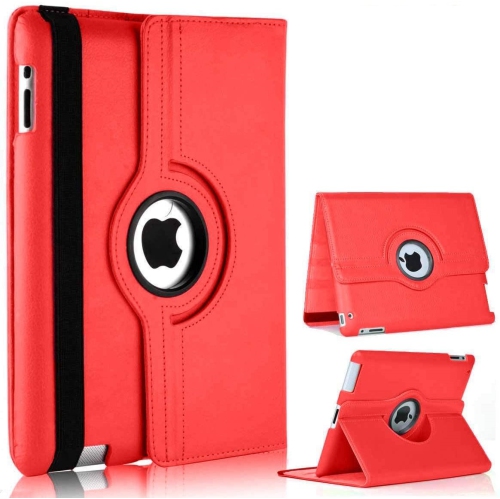
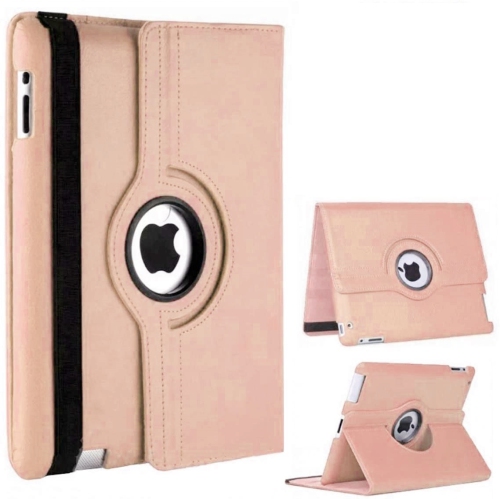
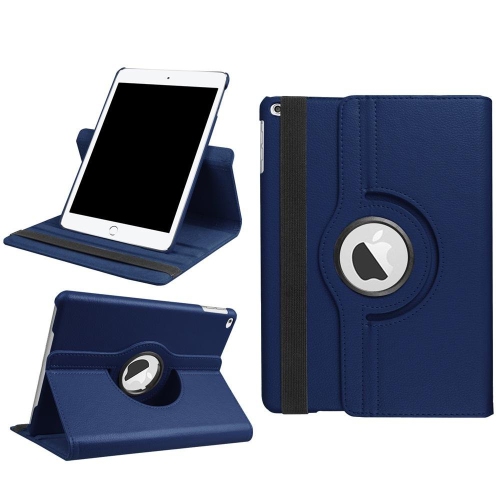
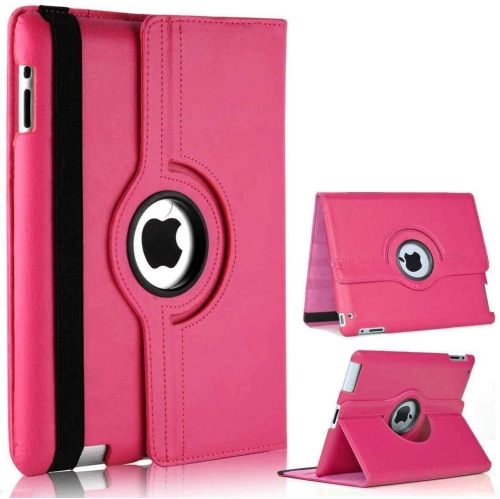
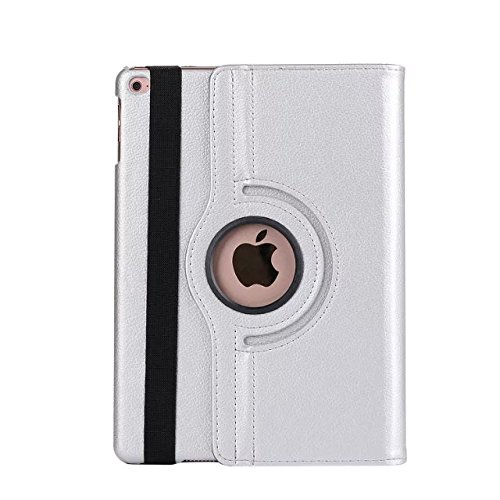
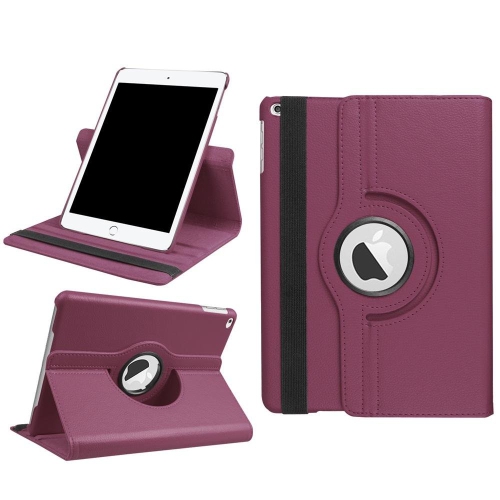
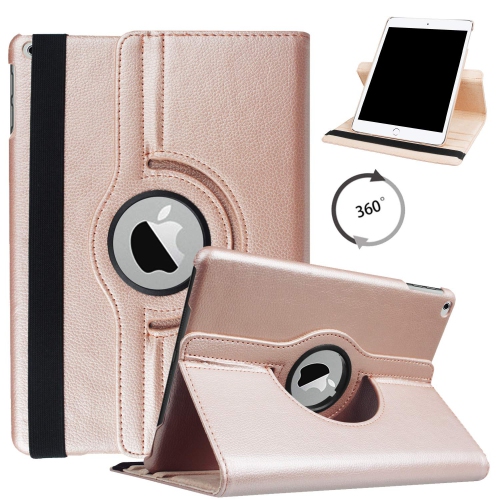
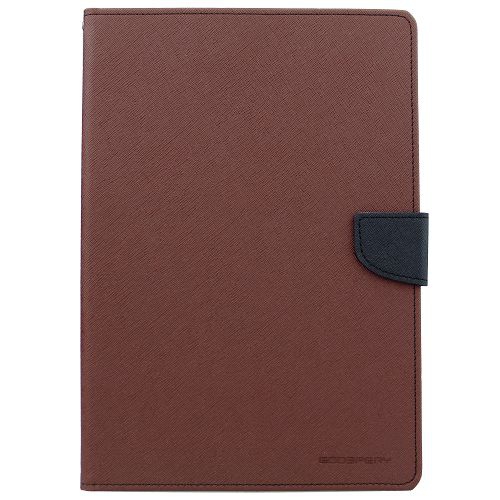
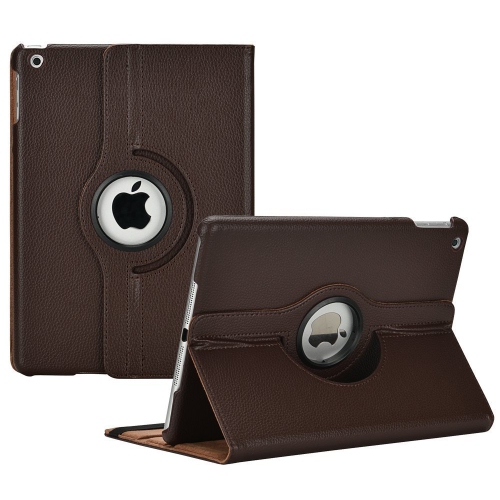
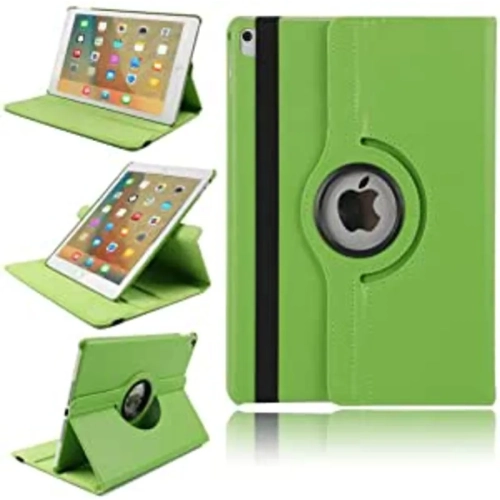
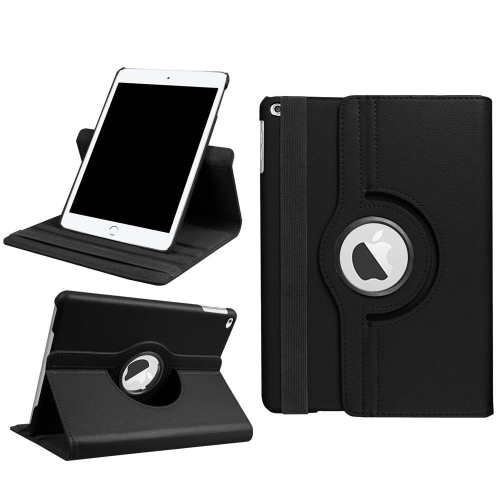
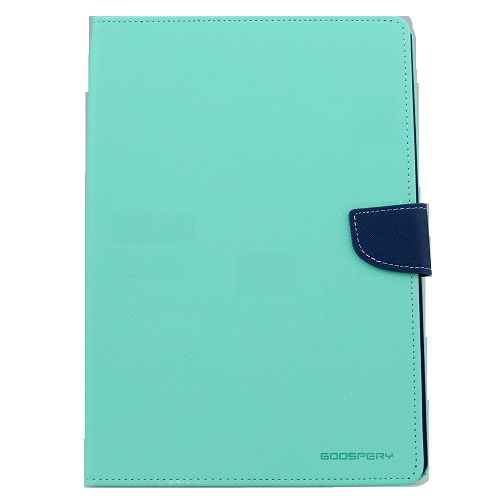
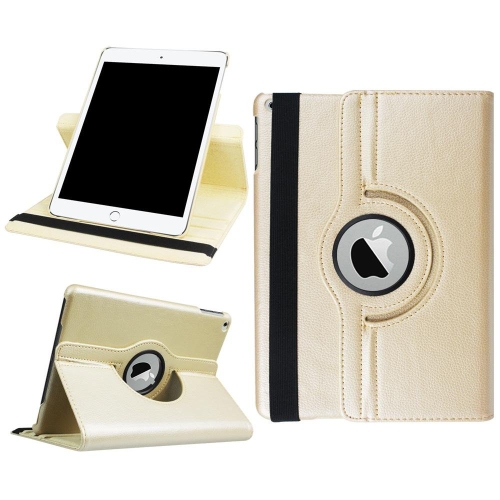
![KEEGUARD 360 Degree Rotating Smart Auto Sleep-Wake Pu Leather Case Cover for Apple Ipad Mini 2 / Mini 3 [7.9 Inch] Light In Pink](https://multimedia.bbycastatic.ca/multimedia/products/500x500/149/14994/14994085.jpeg)
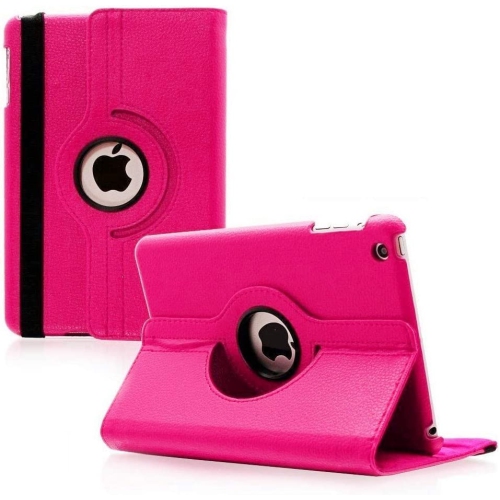
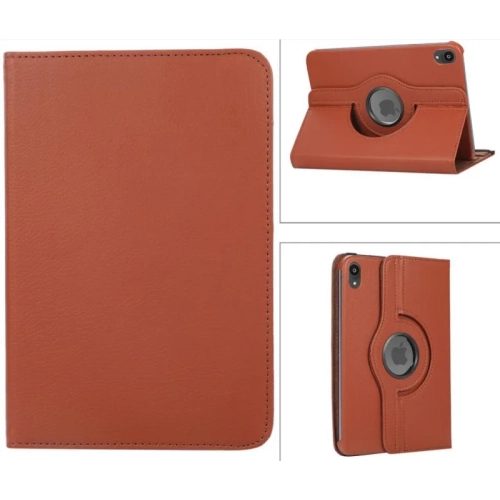
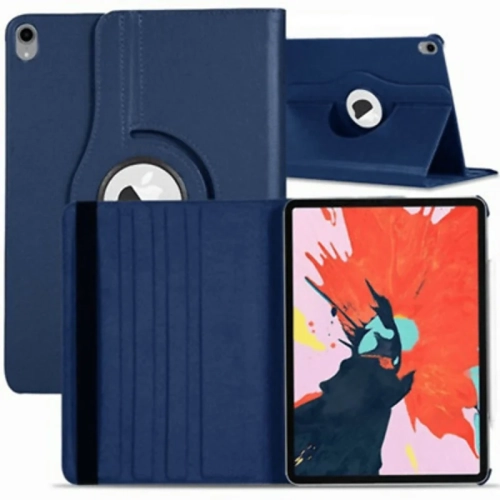
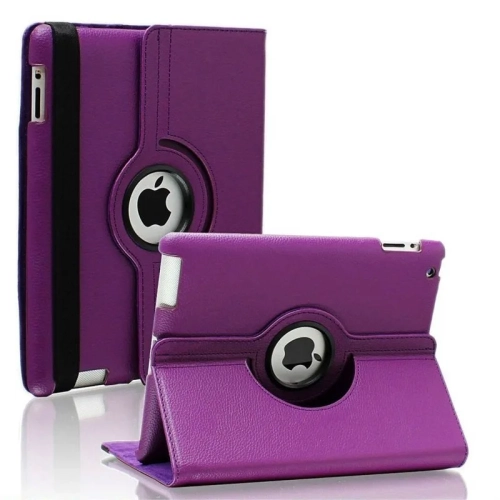
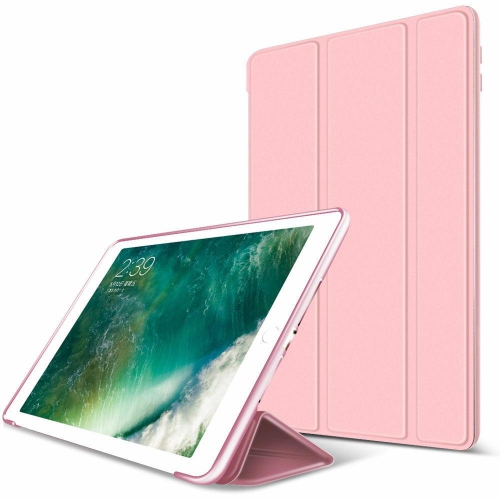
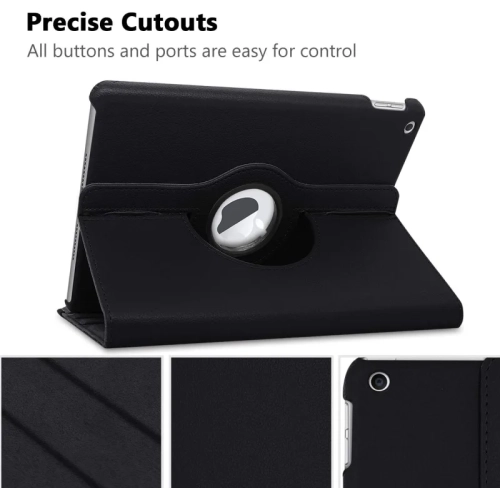
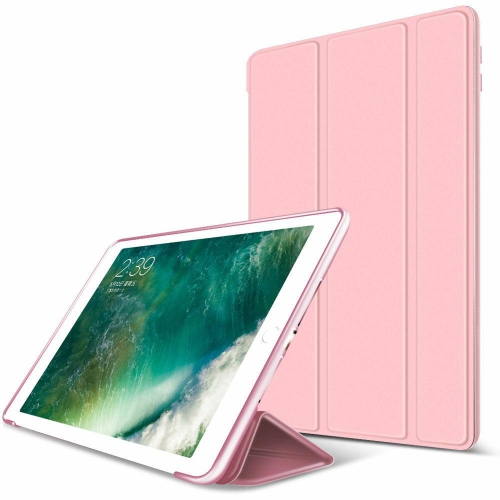
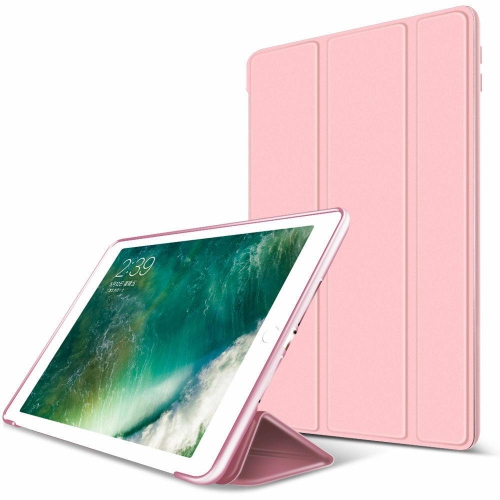
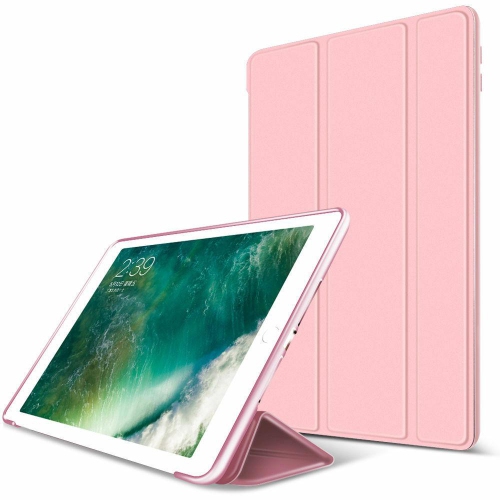
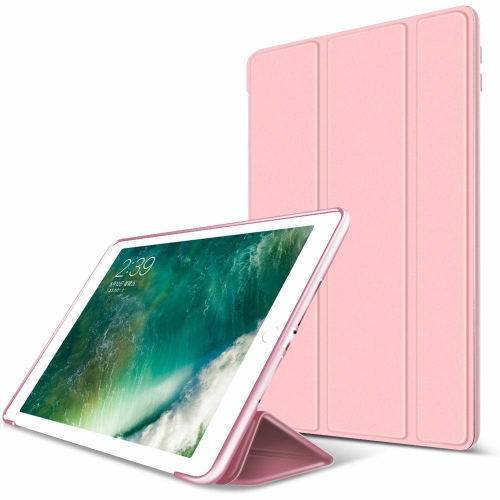
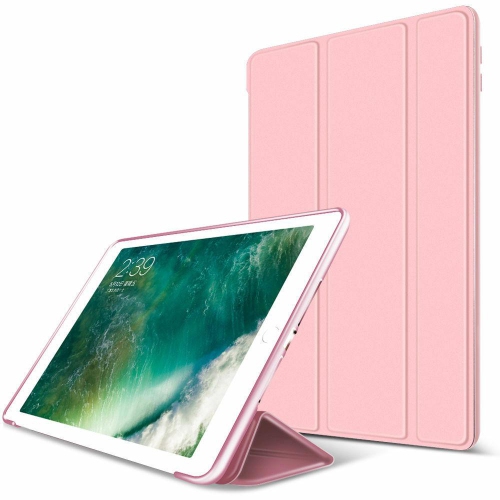

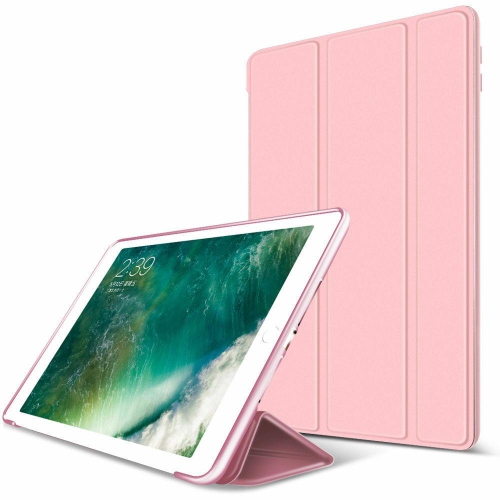
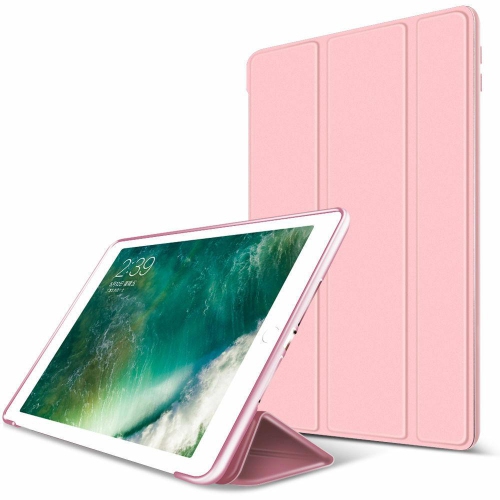
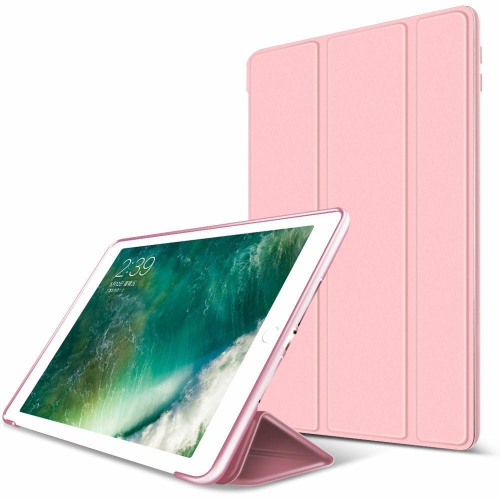
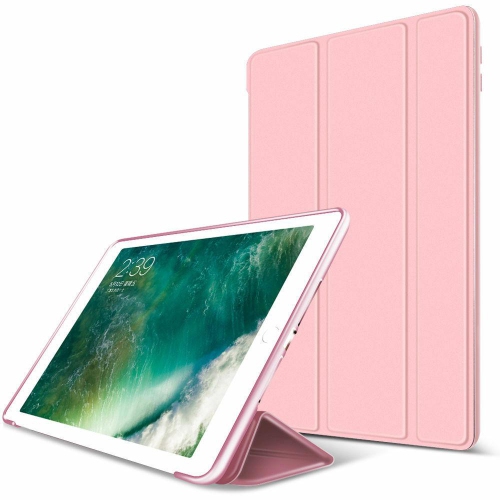
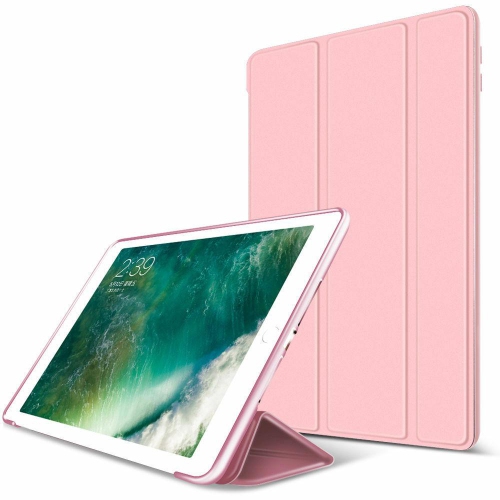

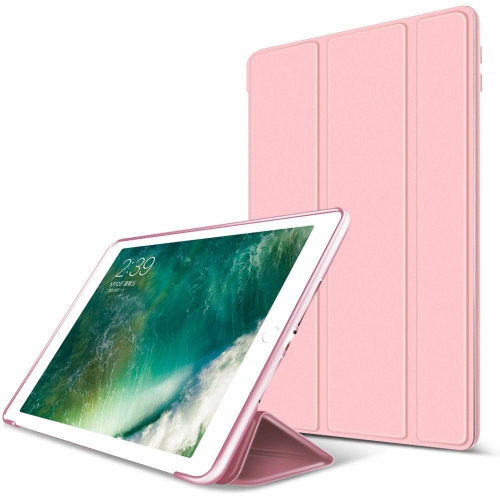
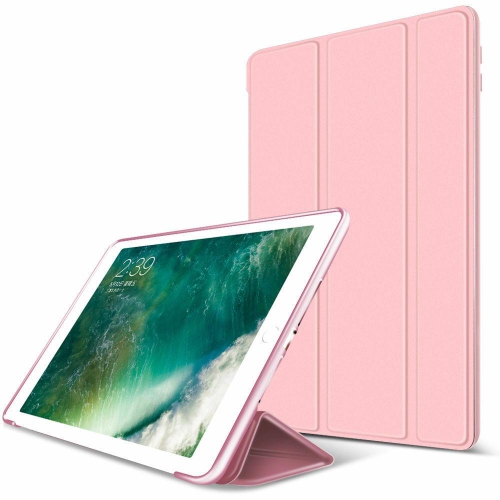
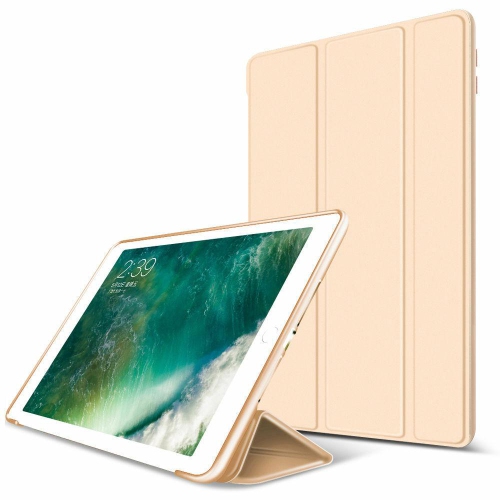
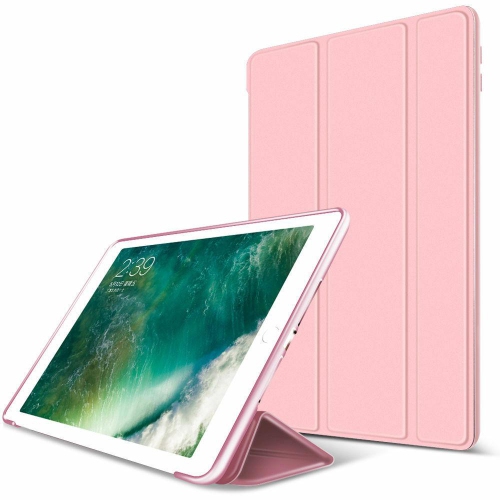
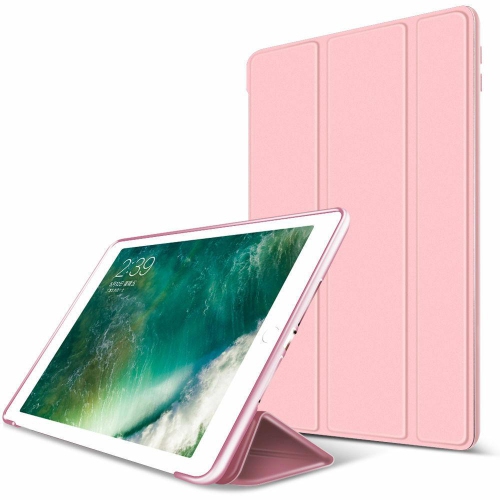
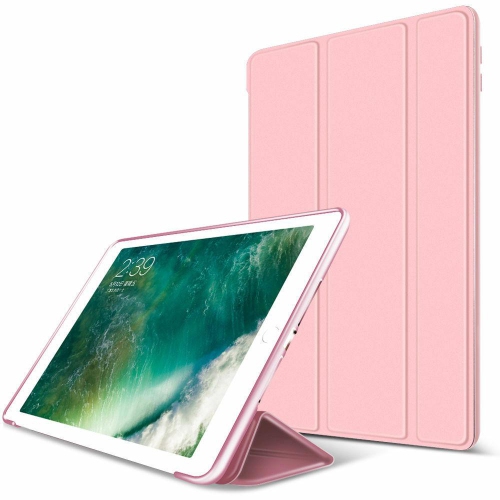
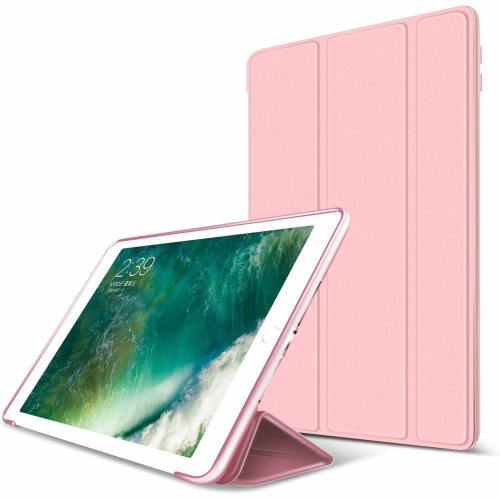
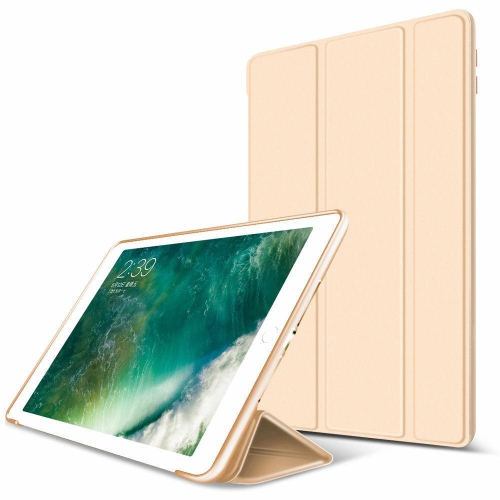
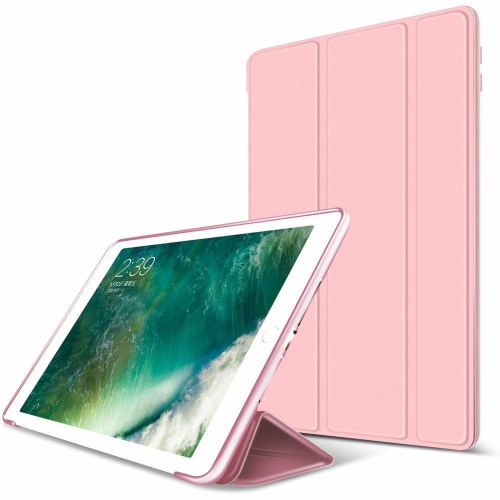
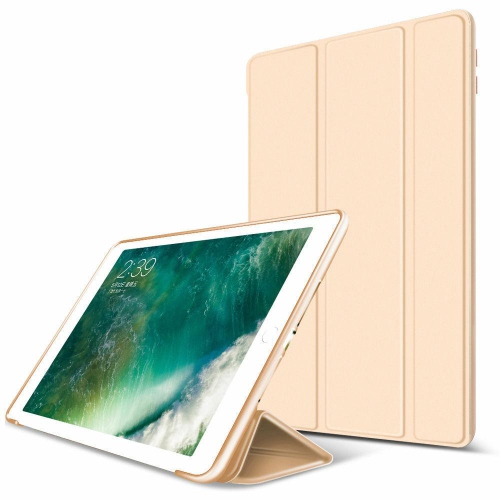
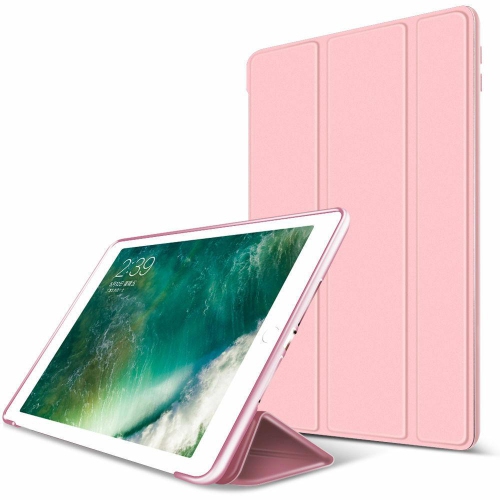
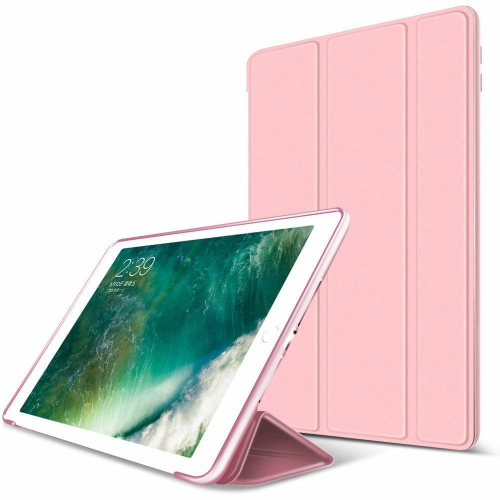
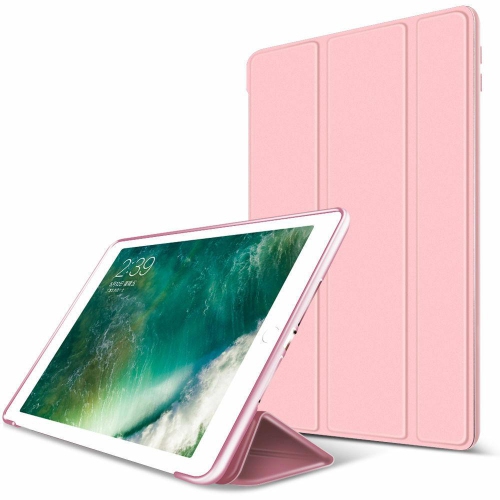
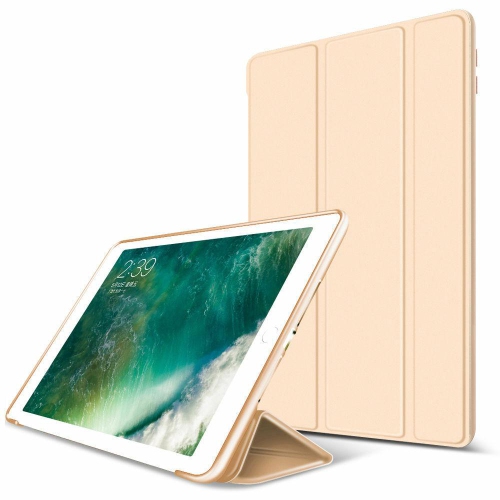
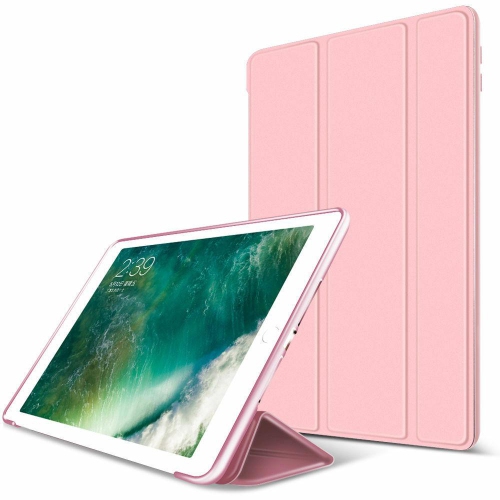
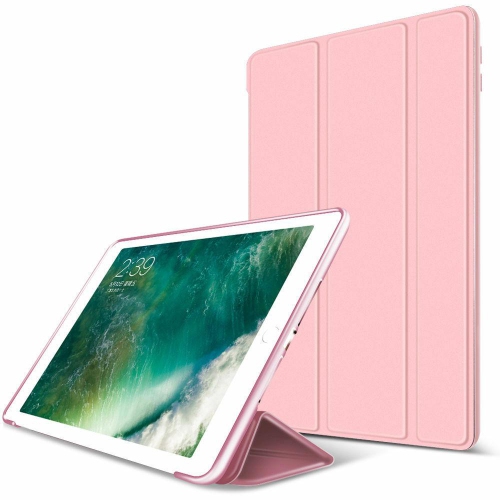
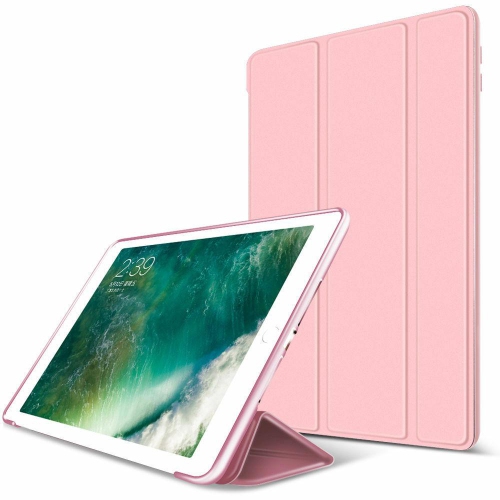
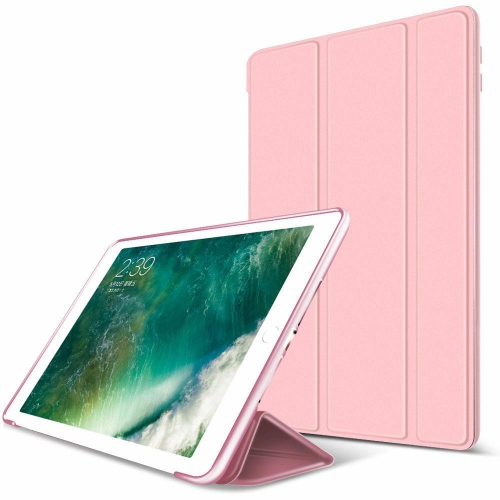
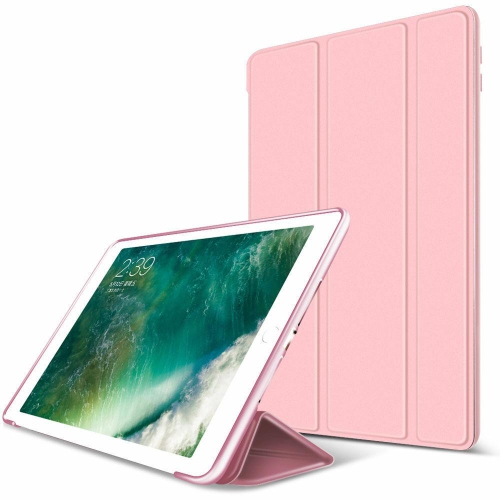
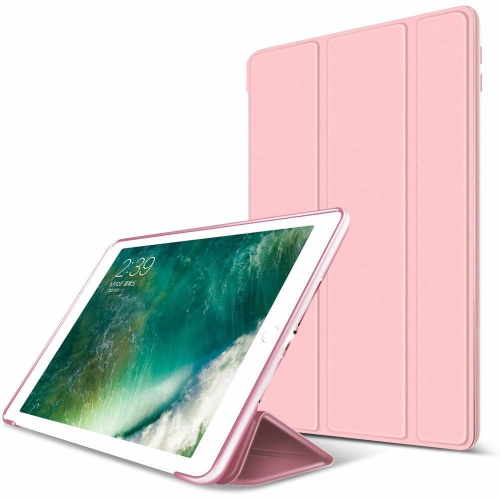
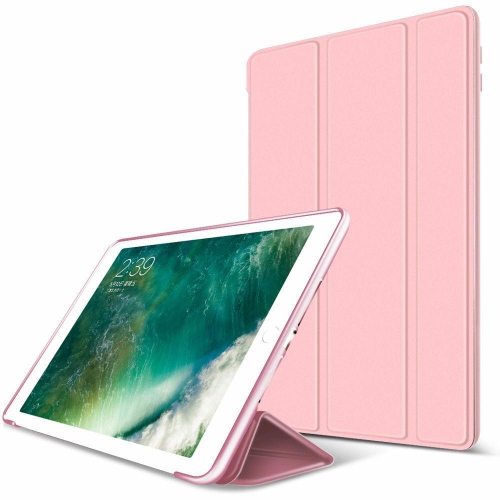
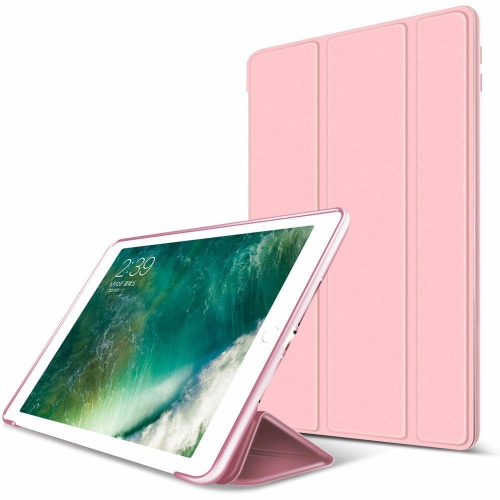
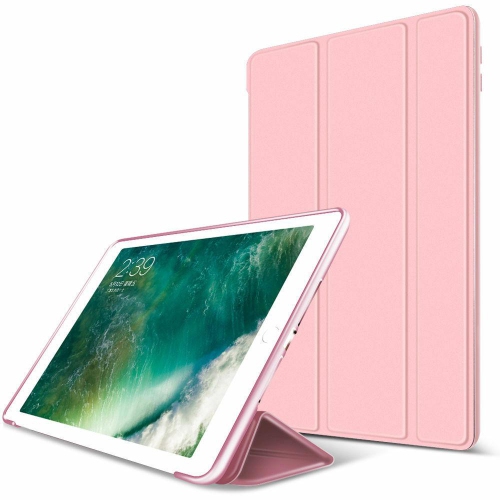
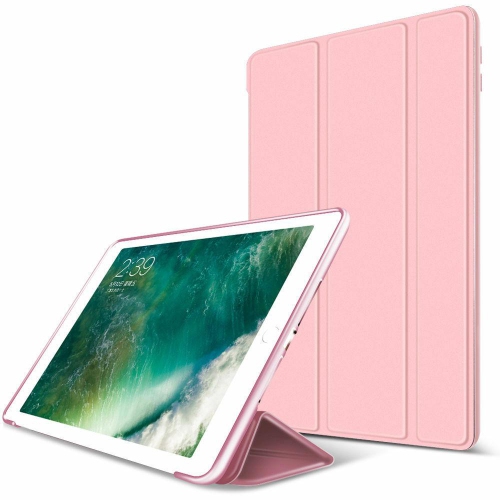
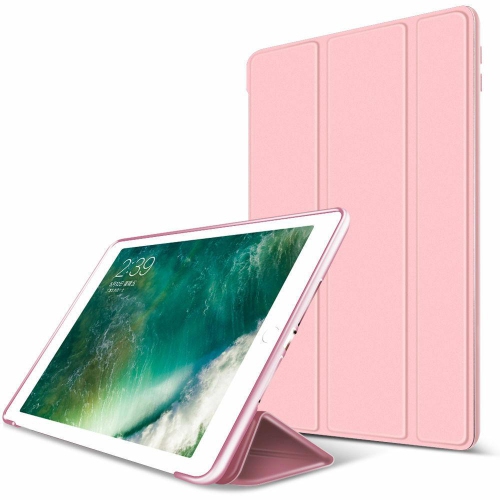
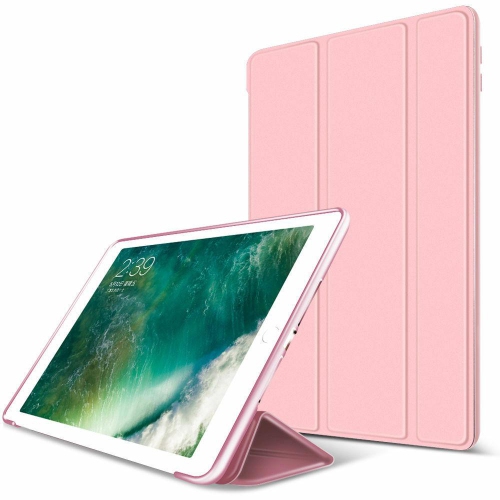
![SUPERSHIELD [Suprshield] Clear Case for Apple Ipad Mini 1St Generation, Ipad Mini 2Nd Generation, And Ipad Mini 3Rd Gen, Clear Tpu Soft Shockproof](https://multimedia.bbycastatic.ca/multimedia/products/500x500/166/16622/16622384.jpeg)
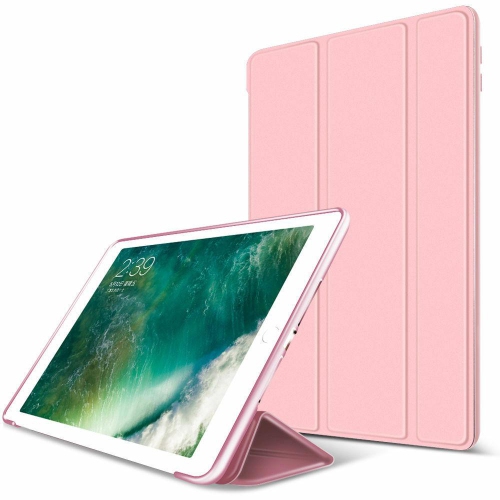
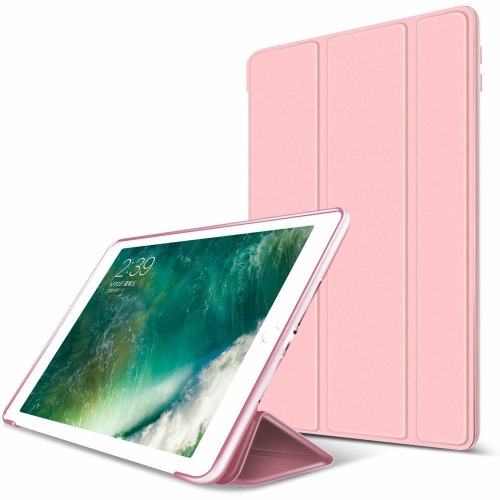
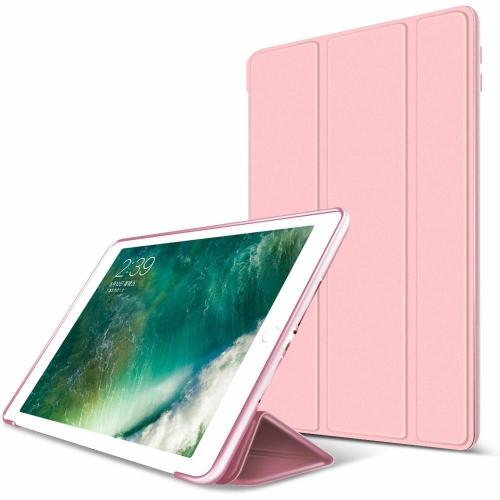
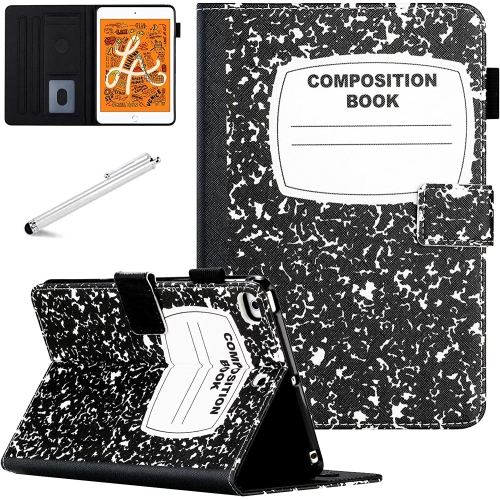
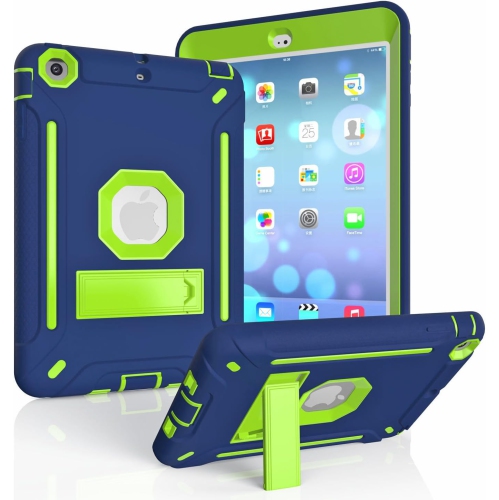
![ZAMA Rotating Case for Ipad Mini 1/2/3 (7.9"), 360 Degree Stand [Auto Sleep/wake] Flip Leather Smart Ipad Cover (Black)](https://multimedia.bbycastatic.ca/multimedia/products/500x500/184/18484/18484307.jpeg)
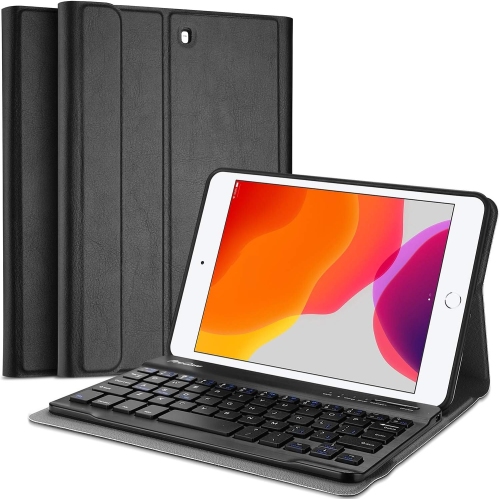
![GENERIC Breacn Ipad Mini Case [Ipad Mini 3 Case][Ipad Mini 2 Case] Full Body [Shock Proof for Kids Case] -360 Degrees Swivel](https://multimedia.bbycastatic.ca/multimedia/products/500x500/198/19878/19878275.jpeg)
![GENERIC Ipad Mini 1/2/3 Case - Fabric 360 Degree Rotating [Auto Sleep/wake] Stand Smart Cover Case for Apple Ipad](https://multimedia.bbycastatic.ca/multimedia/products/500x500/198/19878/19878339.jpeg)
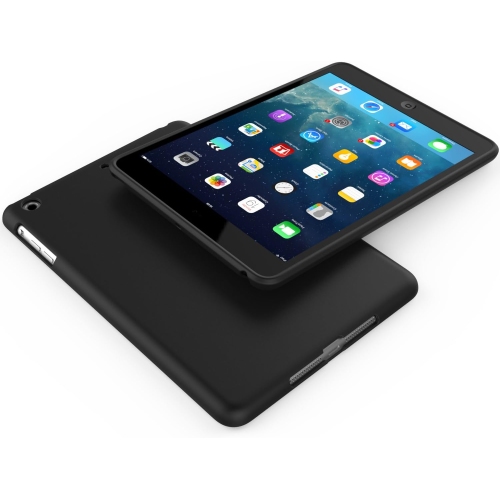
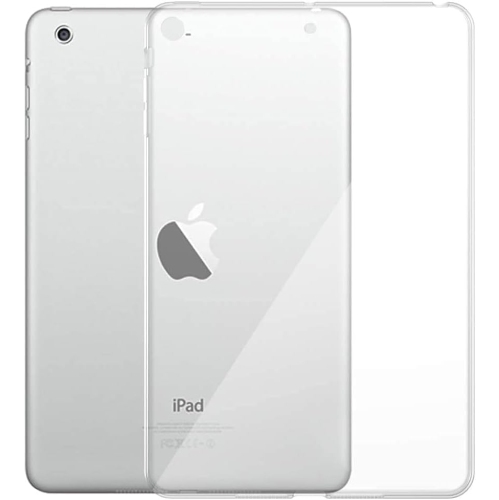
![GENERIC Ipad Mini 1/2/3 Case - 360 Degree Rotating Stand [Auto Sleep/wake] Folio Leather Smart Cover Case for Apple Ipad](https://multimedia.bbycastatic.ca/multimedia/products/500x500/198/19879/19879243.jpeg)
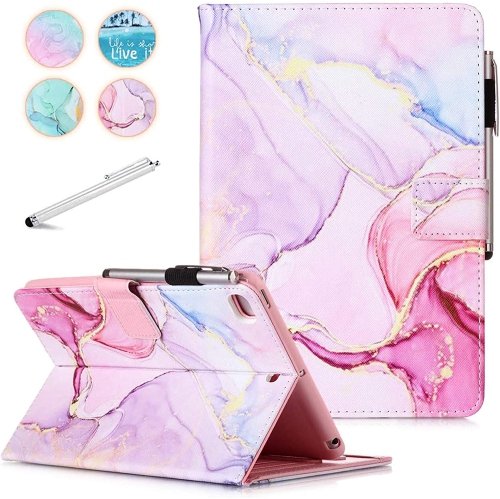
![GENERIC Ipad Mini Case, Mini 4 Mini 5 Mini 3/2/1 Smart Wake Sleep Case With Kickstand [Card Slot & Pen Holder] Pu](https://multimedia.bbycastatic.ca/multimedia/products/500x500/198/19879/19879000.jpeg)
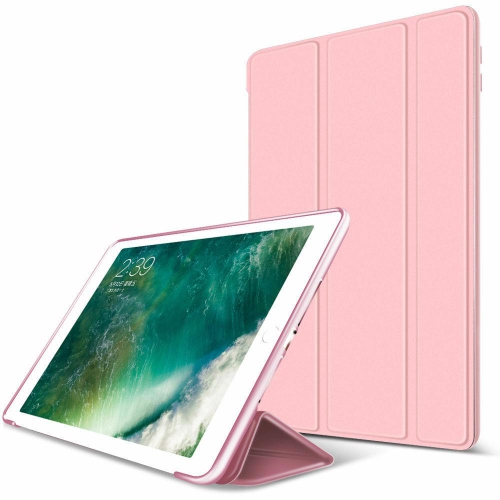
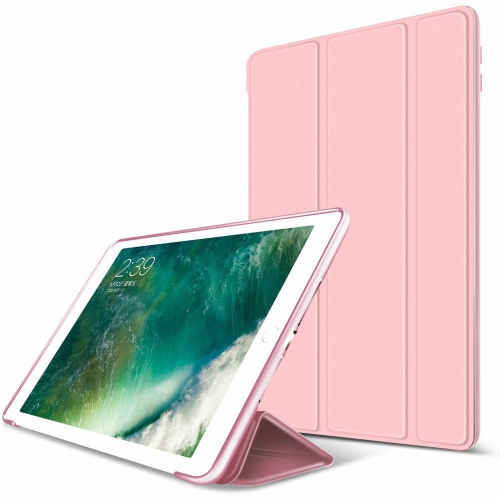
![GENERIC Ipad Mini 1/2/3 Case - Magnetic Smart Case [Trifold Stand] [Auto Sleep/wake] Slim Soft Silicone Smooth Back](https://multimedia.bbycastatic.ca/multimedia/products/500x500/198/19878/19878207.jpeg)
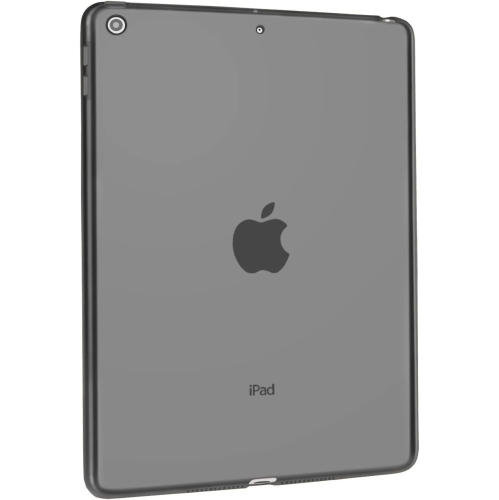
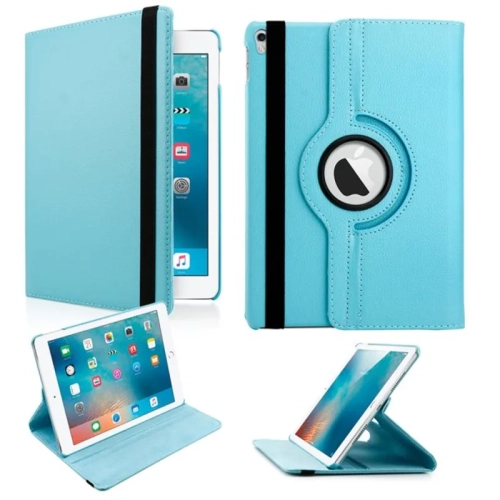
![GENERIC [Rotating] Case for Ipad Mini 1/2/3, 360 Degree Stand [Auto Sleep/wake] Folio Leather Smart Cover (Light Blue)](https://multimedia.bbycastatic.ca/multimedia/products/500x500/198/19878/19878861.jpeg)
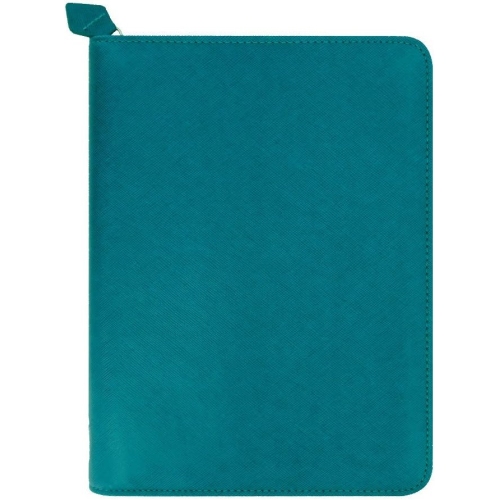
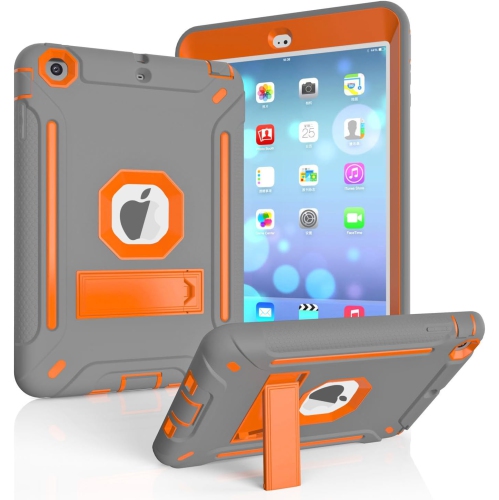
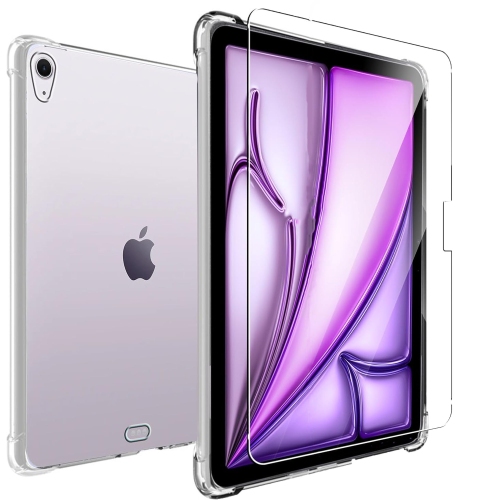
![UNKNOWN Case for Ipad Mini 1/2/3 Retina Case, Ipad Mini Case, Ipad Mini 2 Case, Ipad Mini 3 Case, 3 In 1 Hybrid [Soft&hard]](https://multimedia.bbycastatic.ca/multimedia/products/500x500/182/18212/18212648.jpeg)
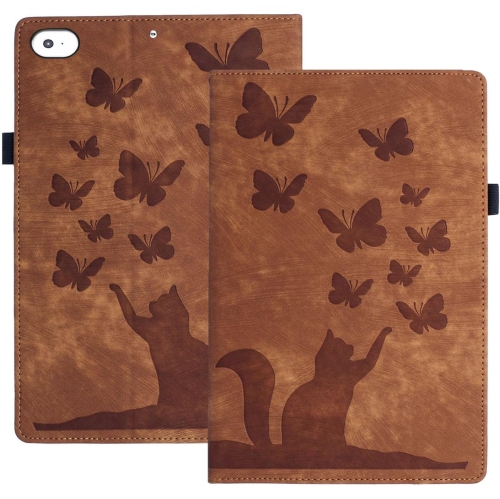
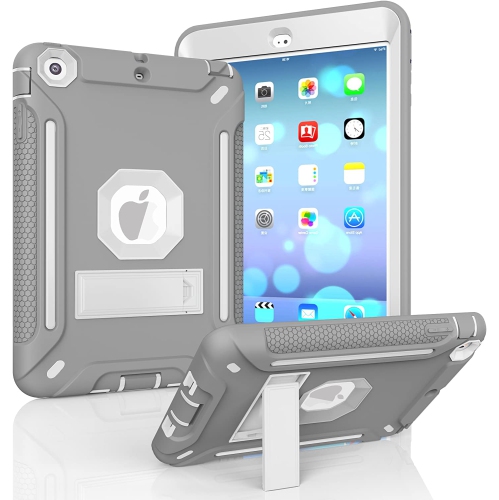
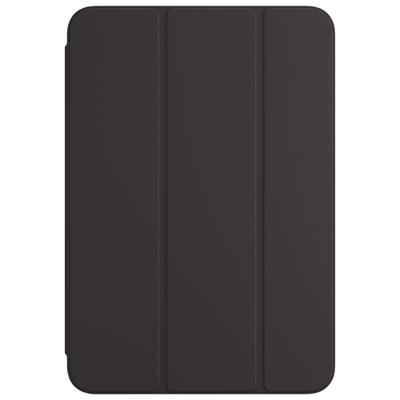
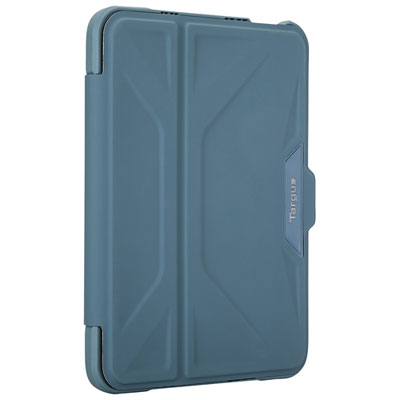
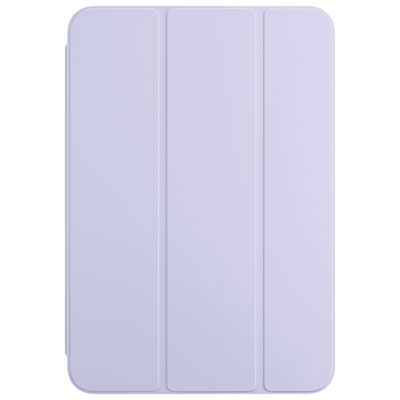
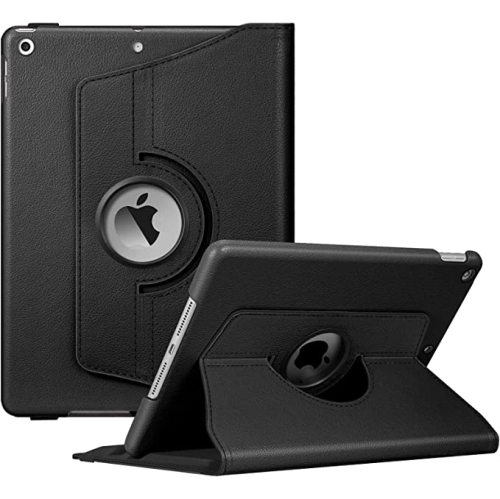
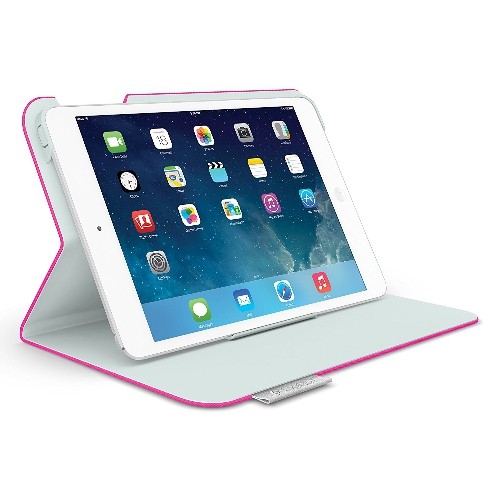
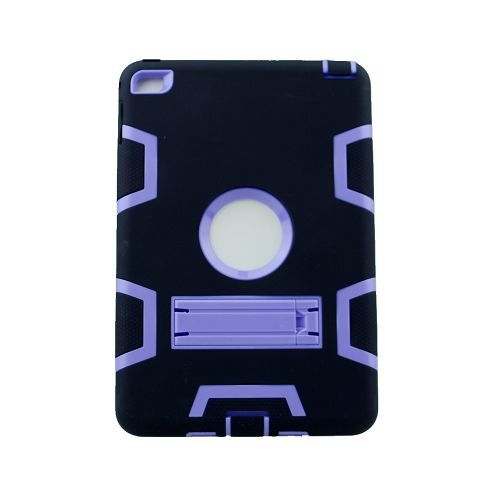
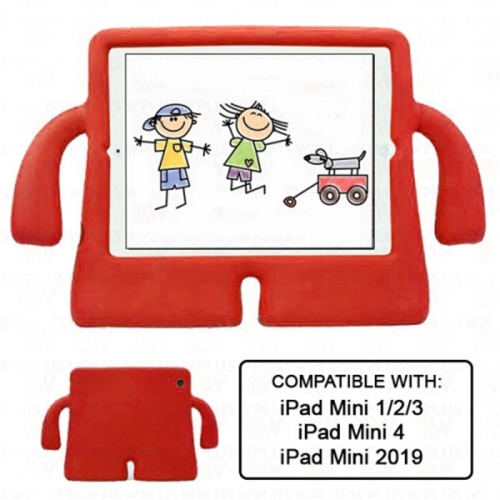
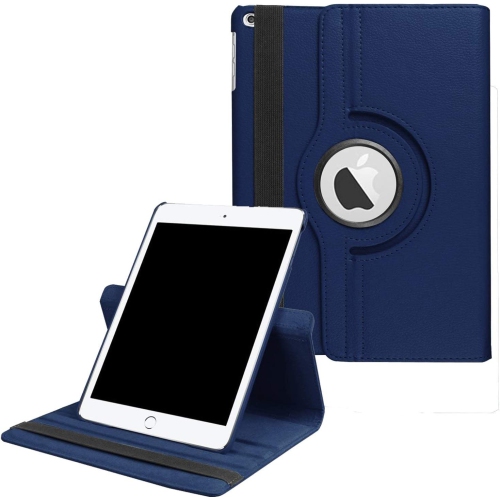
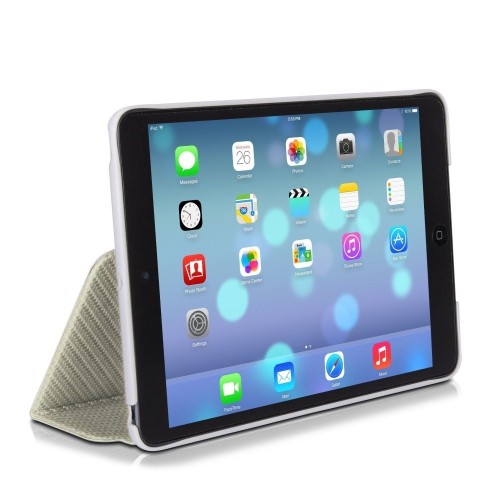
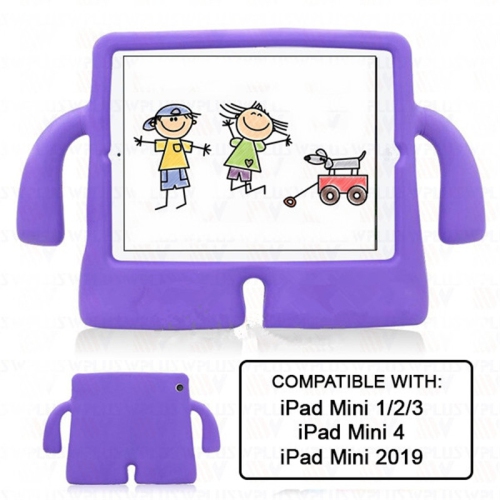
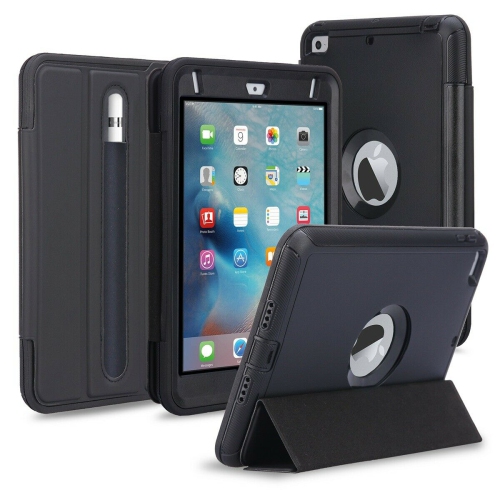


![GENERIC [Rotating] Case for Ipad Mini 1/2/3, 360 Degree Stand [Auto Sleep/wake] Folio Leather Smart Cover (Navy Blue)](https://multimedia.bbycastatic.ca/multimedia/products/500x500/198/19879/19879060.jpeg)
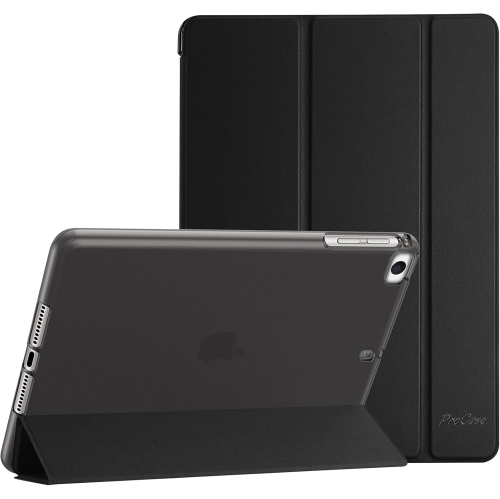
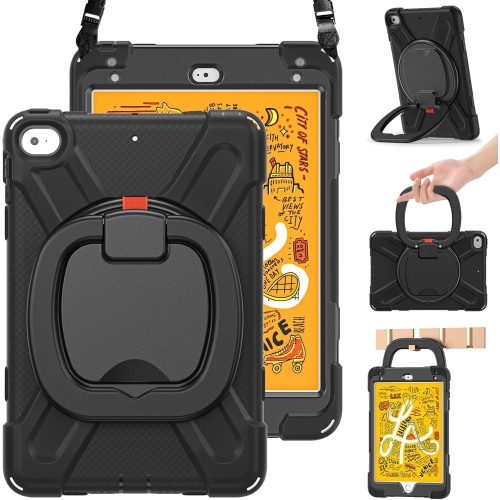
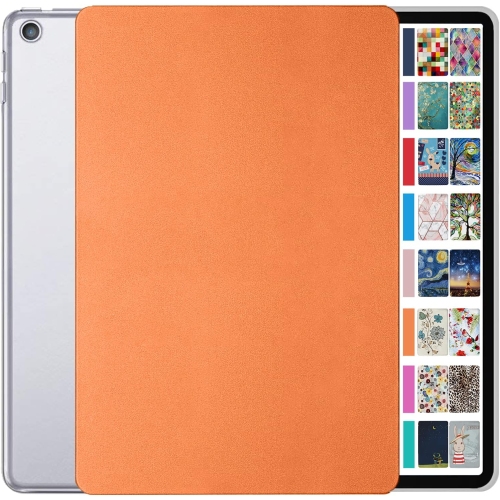

FAQ
Common tablet case styles include back covers, folio cases and sleeves. A back cover leaves the screen uncovered, a folio has a front flap, and a sleeve holds the tablet between uses. Check that the case is labelled for iPad mini 3.
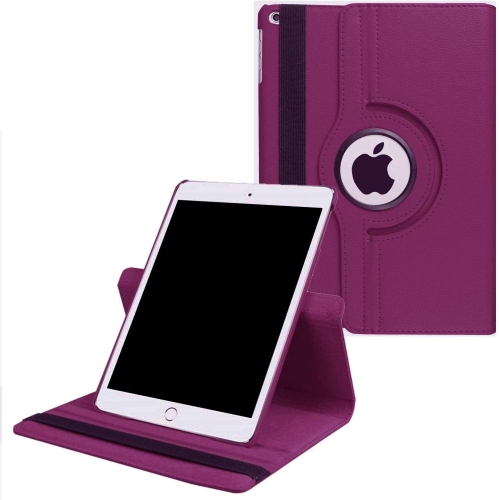
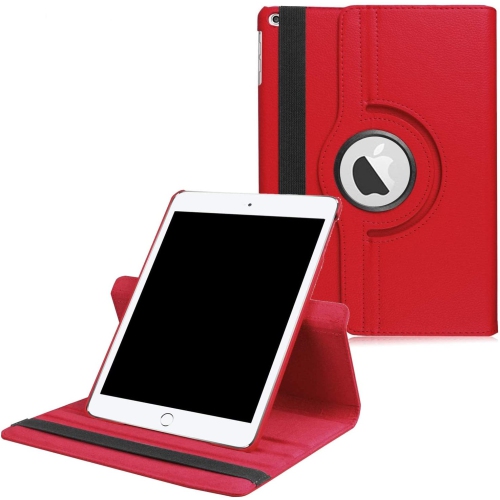
Some cases have a folding cover or built-in stand for propping up the tablet. If this feature matters to you, check the description for supported viewing positions and whether the stand works in portrait or landscape orientation.
Look for an iPad mini 3 case with openings for the Lightning connector, headphone jack, speakers and cameras. The design should also accommodate the volume controls, top button and Home button with Touch ID.
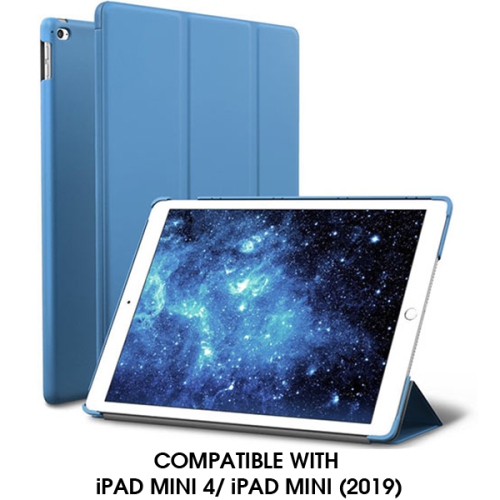
A compatible magnetic cover can wake the display when opened and put it to sleep when closed. This feature depends on the cover design and the tablet’s Lock/Unlock setting, so check the case description if you want this function.
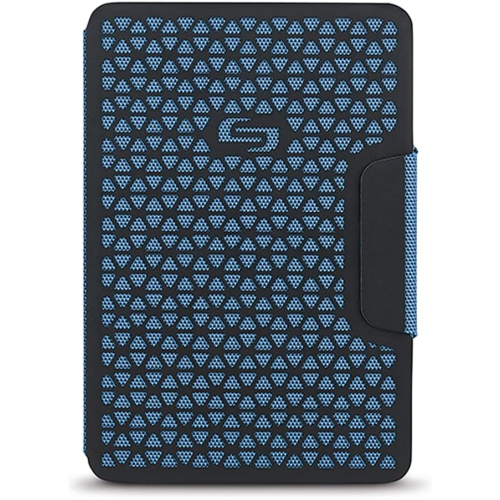
Consider whether you prefer a solid colour, a pattern or a clear design that leaves the tablet’s finish visible. Product photos and descriptions can help you compare the appearance of cases labelled for iPad mini 3.
Top selling and popular products
Discover more categories related to iPad Mini 3 Cases
Some products may be subject to Environmental Handling Fees (EHF) depending on your province. Learn more about EHFs.