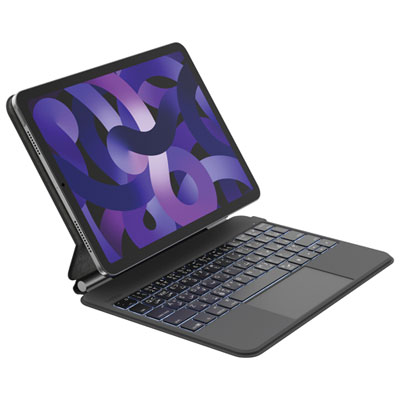
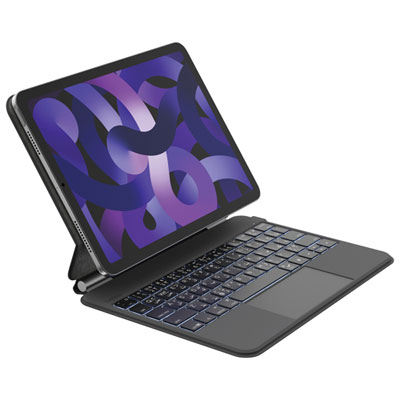
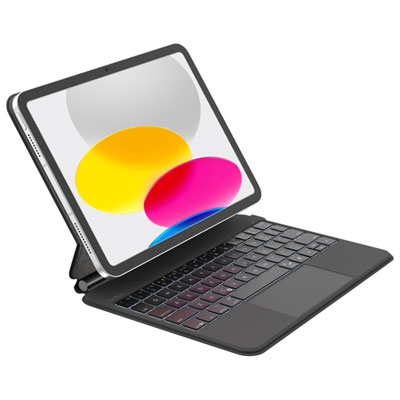
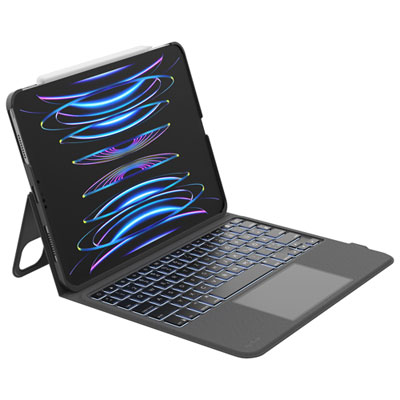
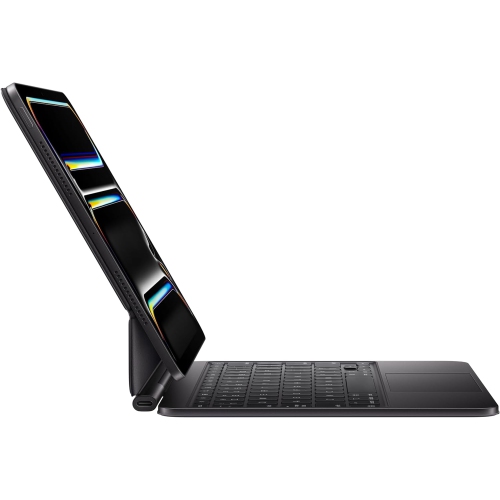
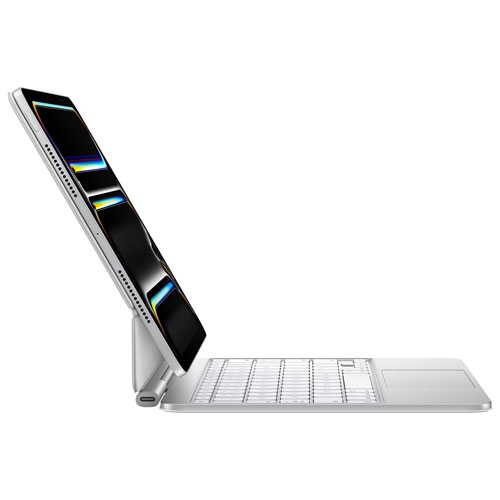
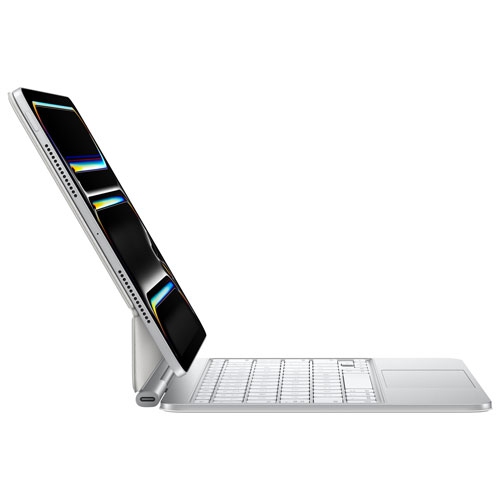
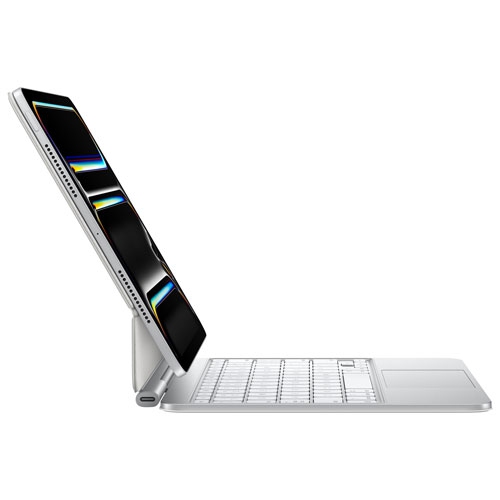
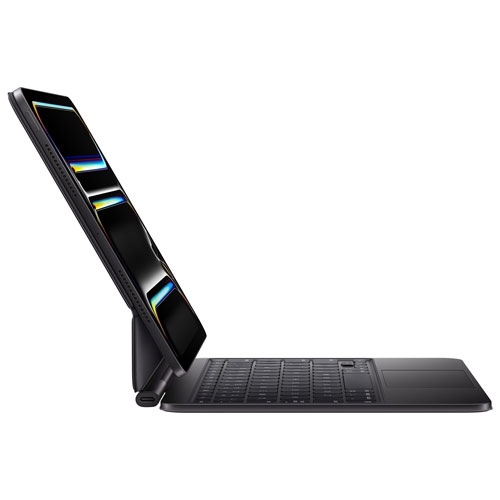
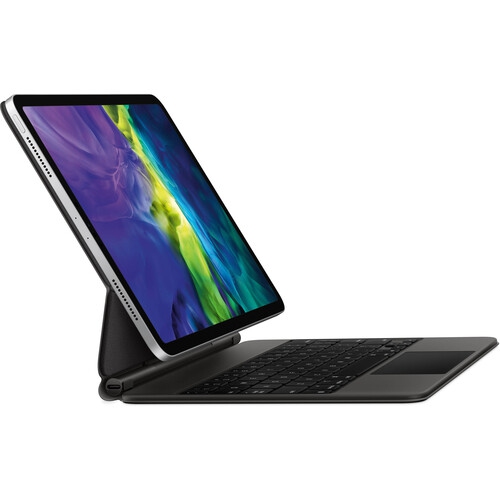
iPad Pro 11 Keyboards

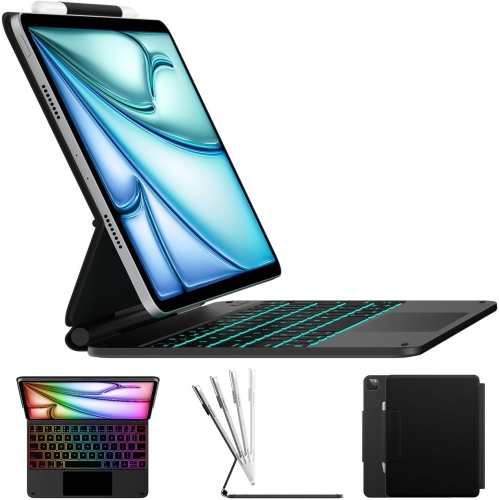
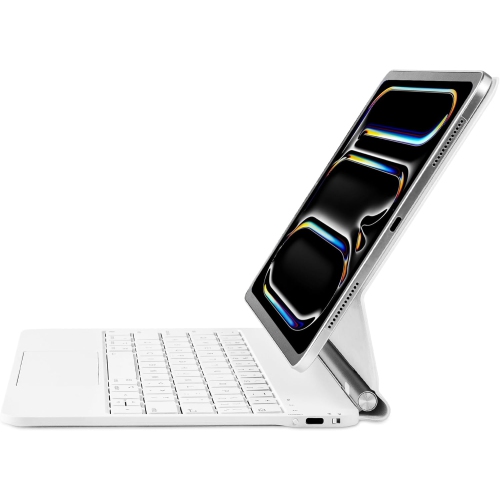
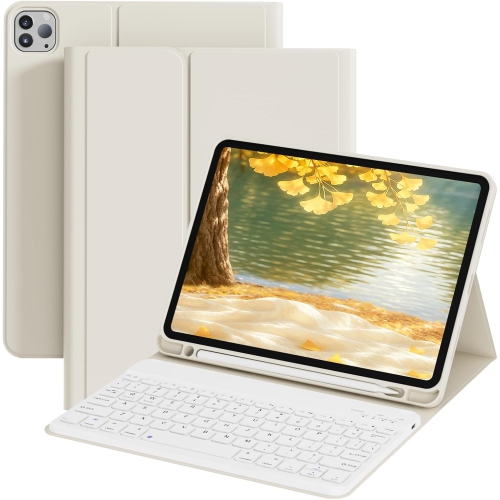
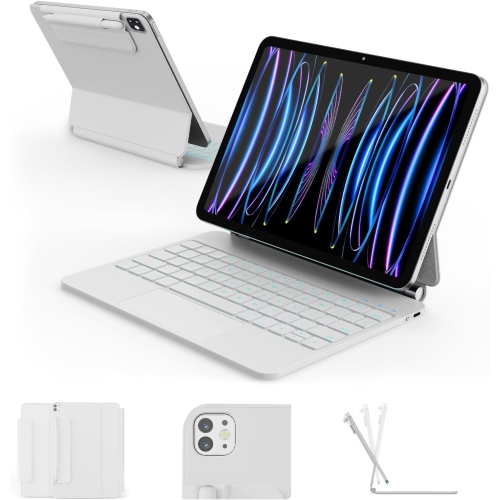
Find keyboards for your 11-inch iPad Pro to make typing emails, taking notes, and working on documents more comfortable. Compare compatible options by layout, connection type, and portability, and check support for your iPad Pro’s model and generation before choosing.

Read More

Sort

The right keyboard fit goes beyond screen size

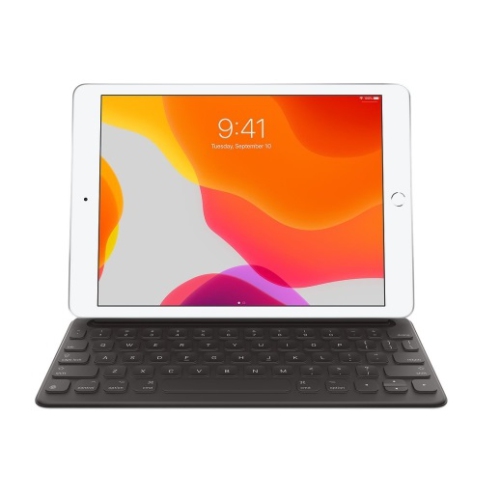
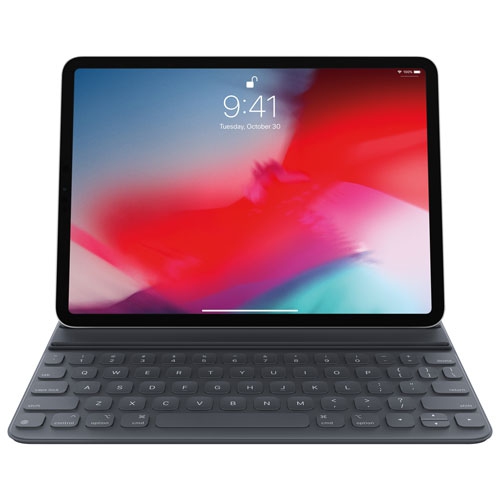
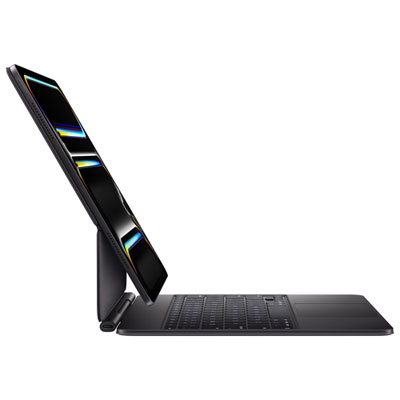
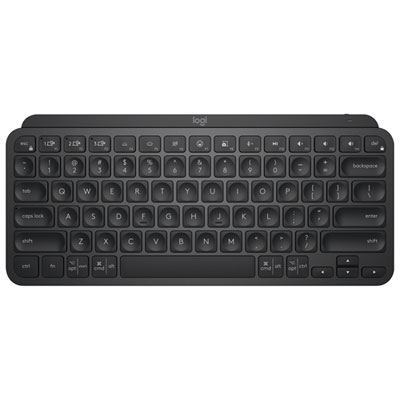
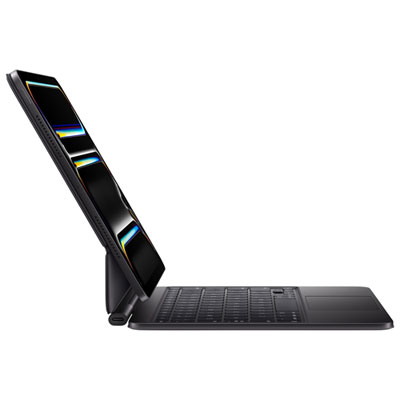
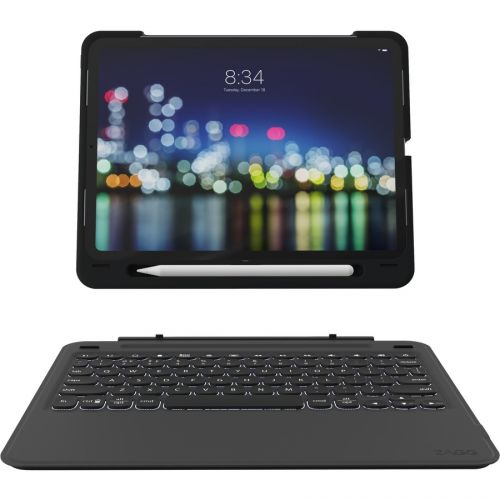
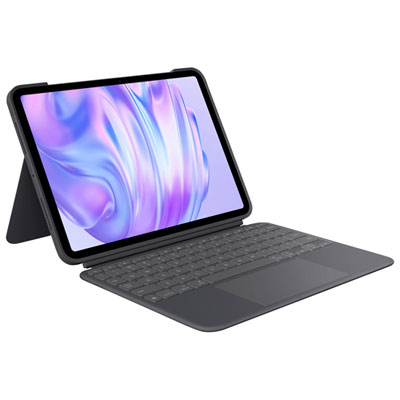
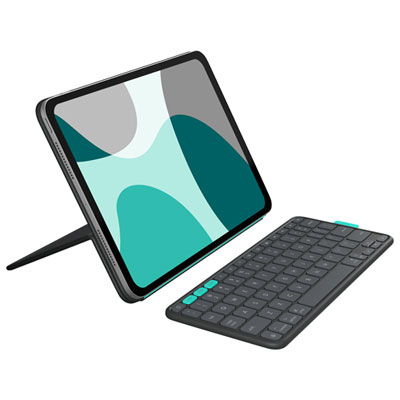
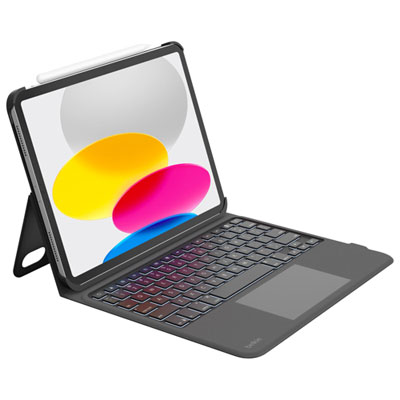
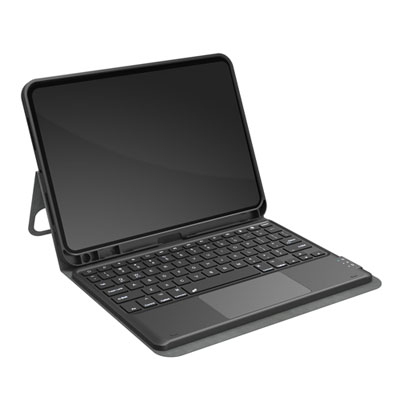
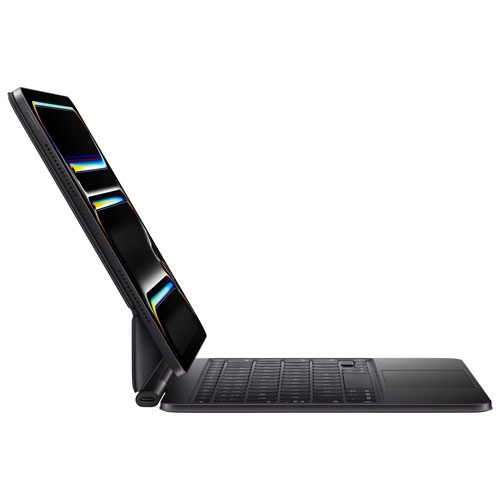
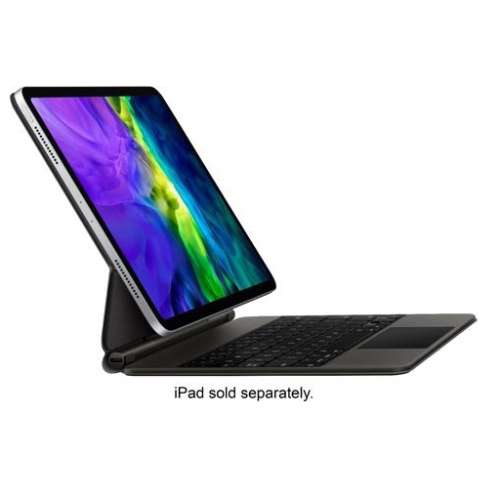
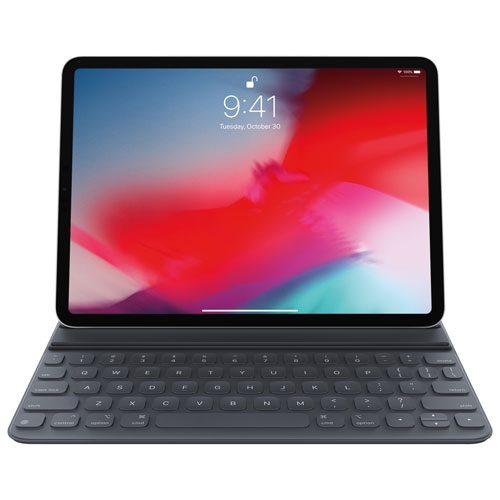
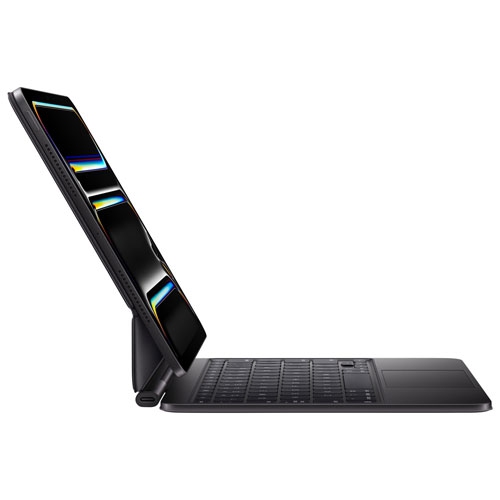
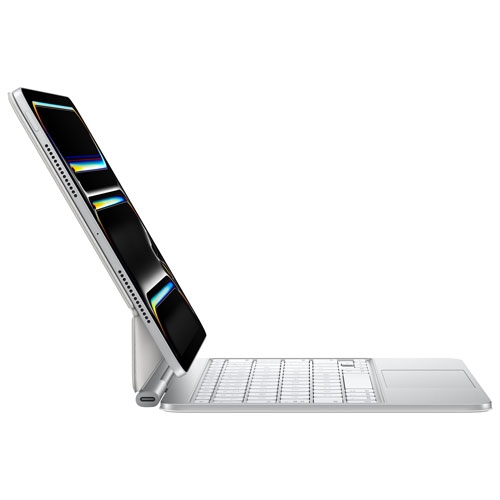
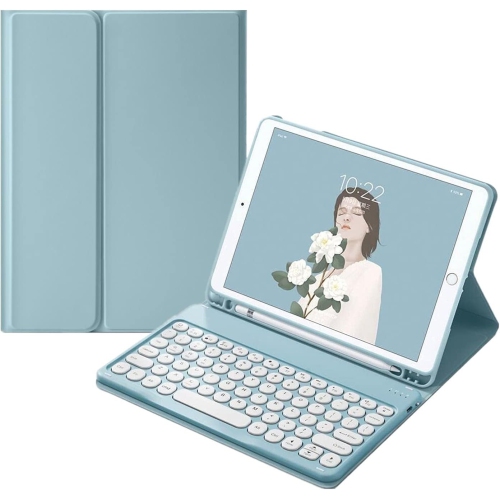
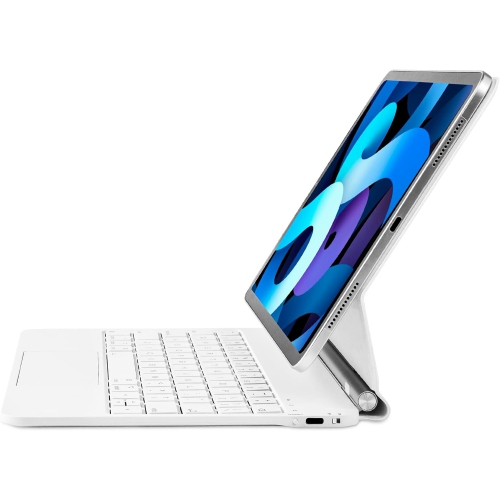
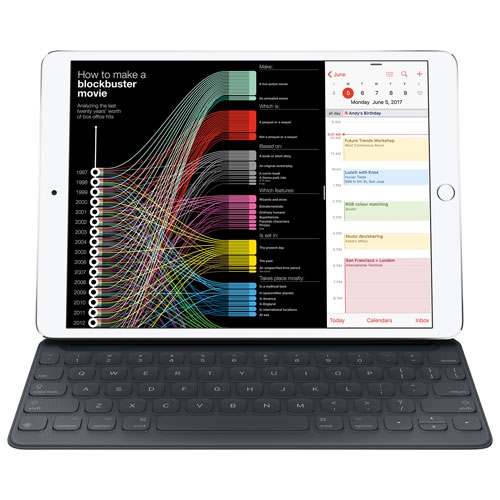
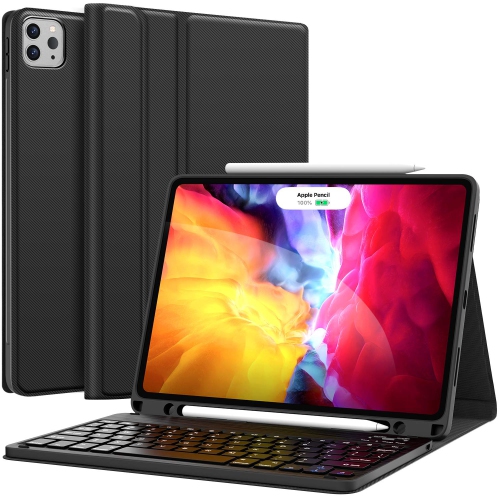
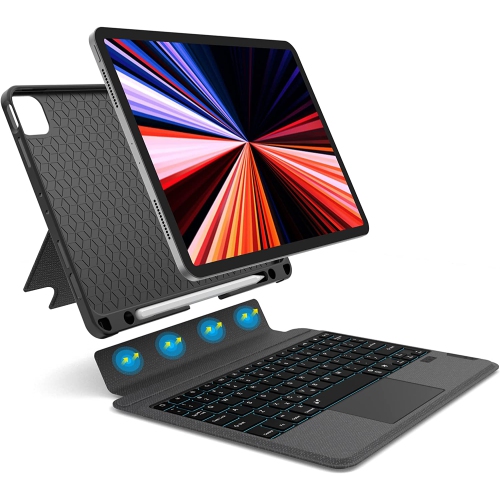
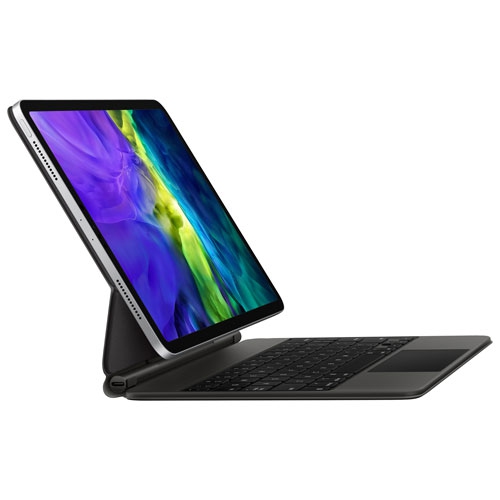
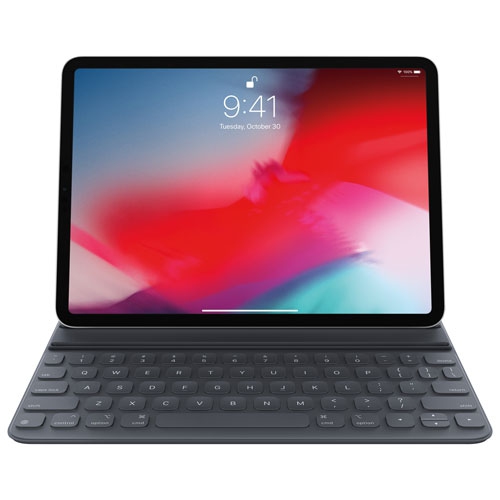
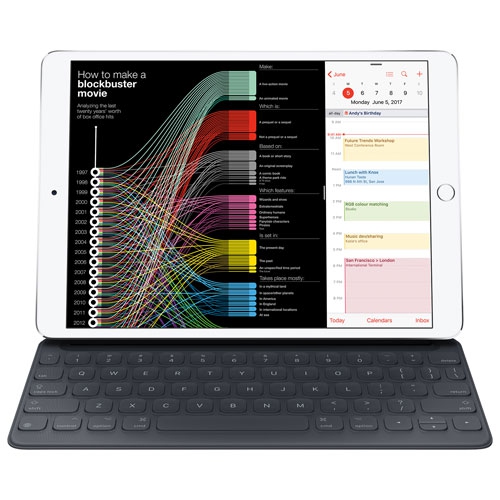
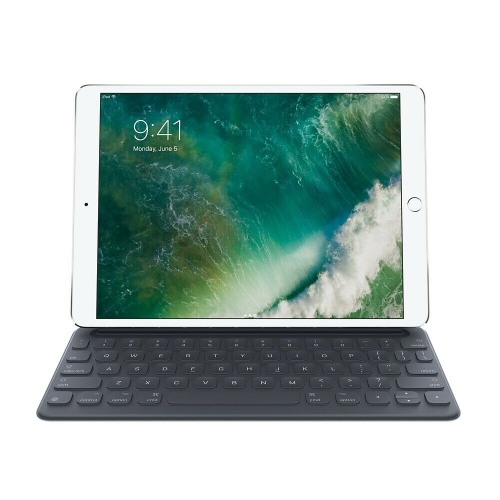
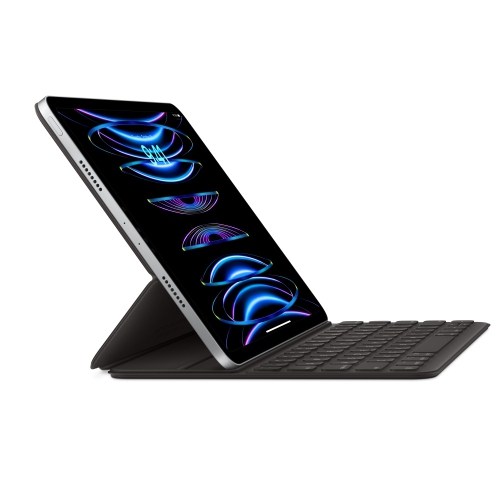
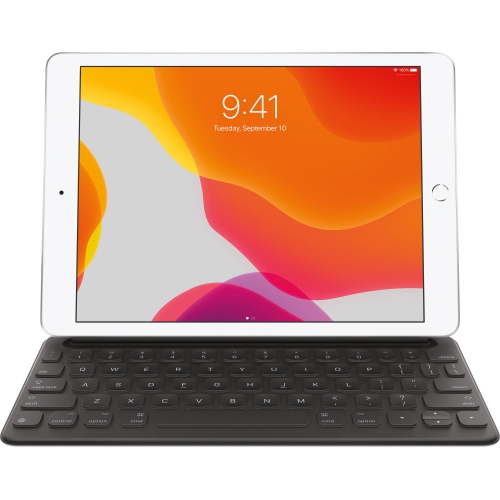
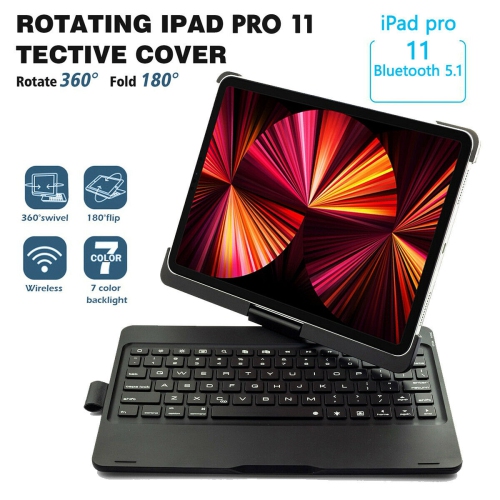
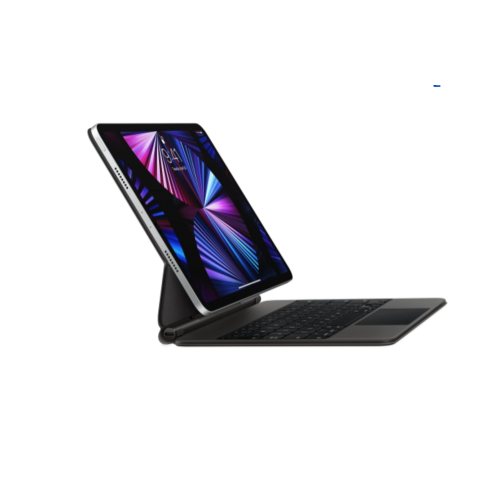
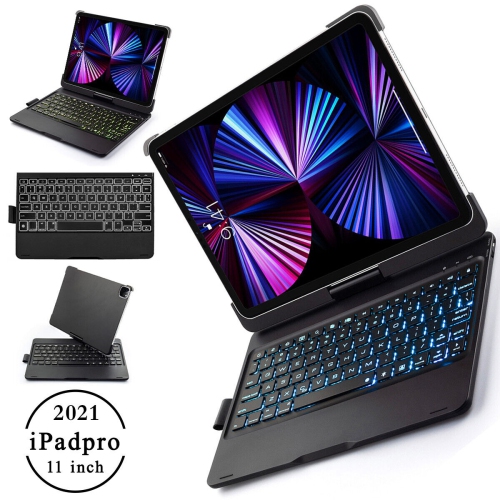
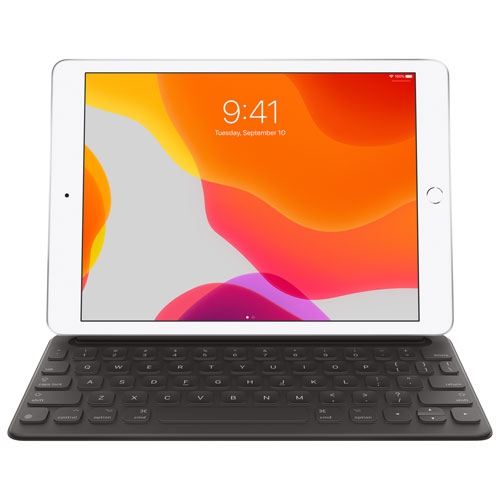
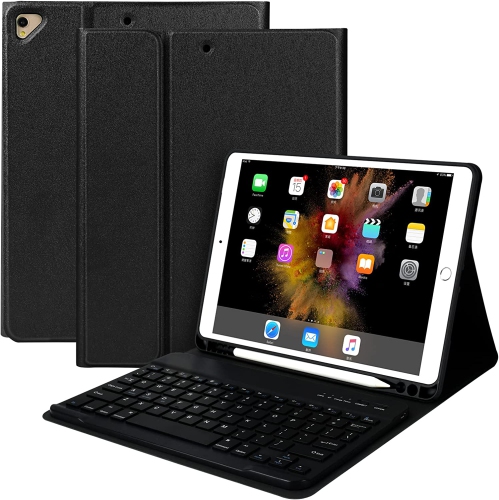
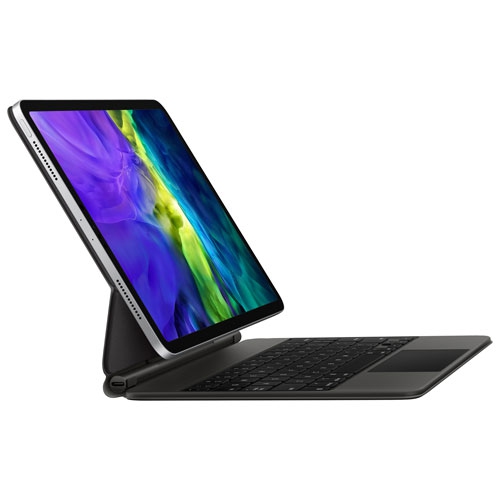
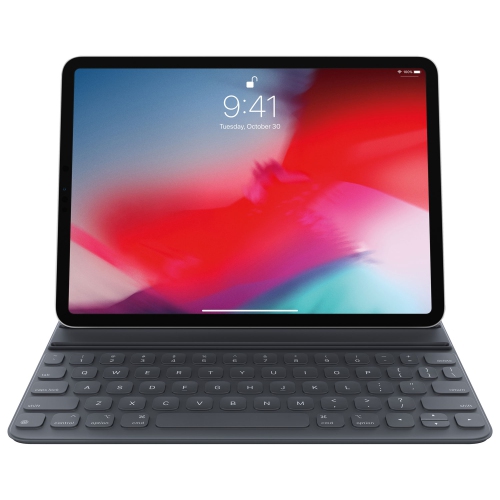
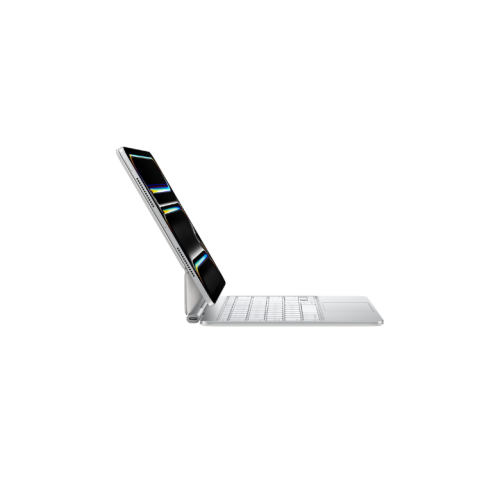
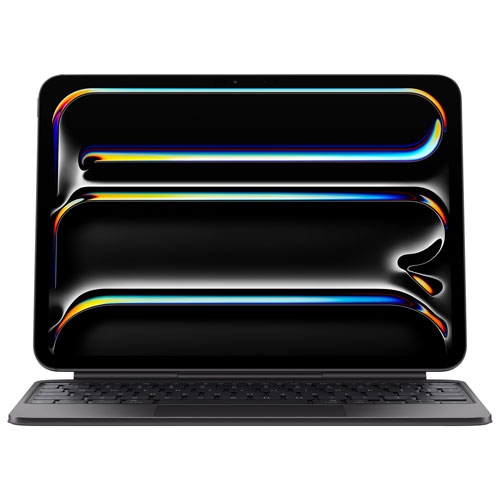
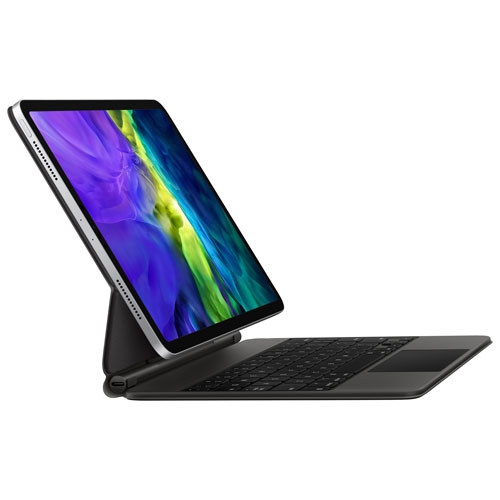
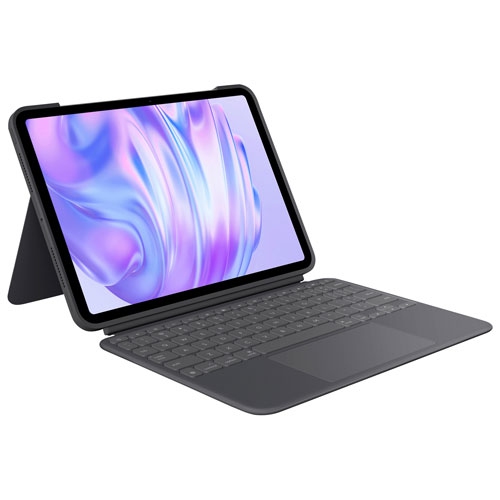
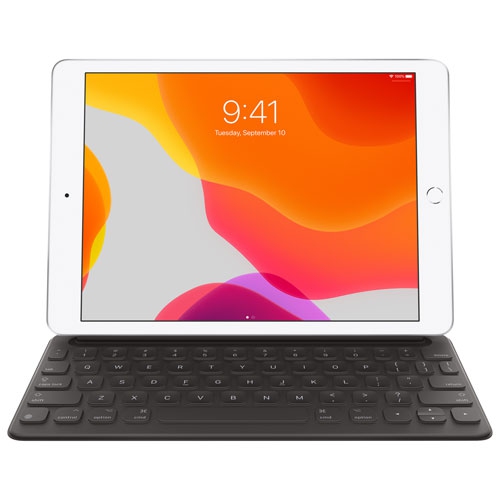
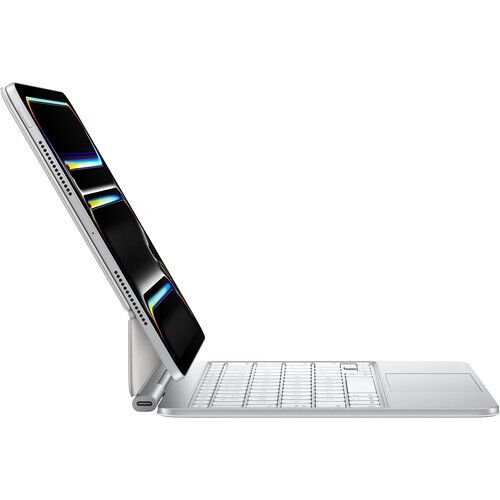
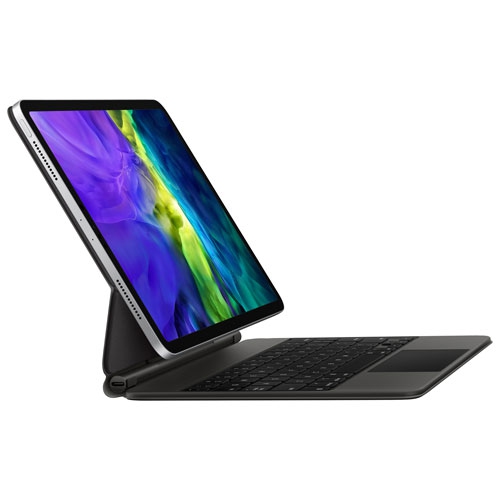
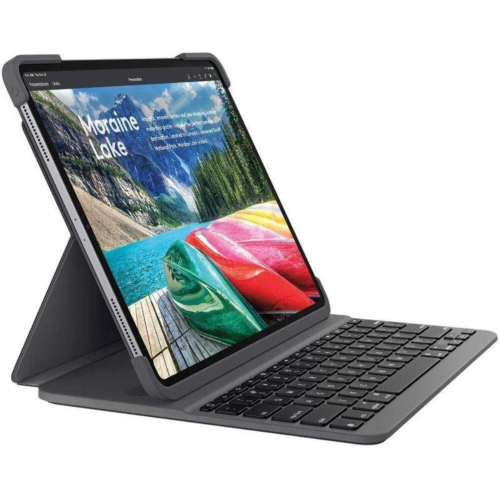
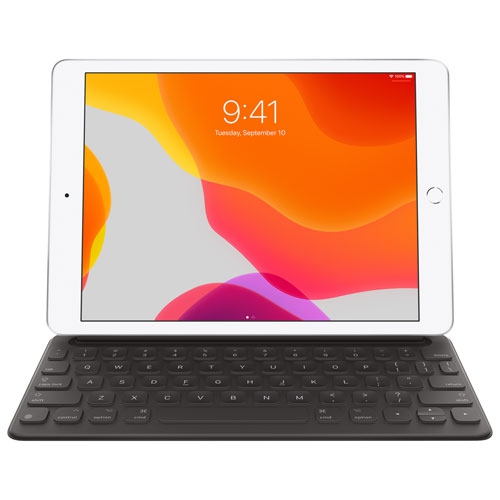
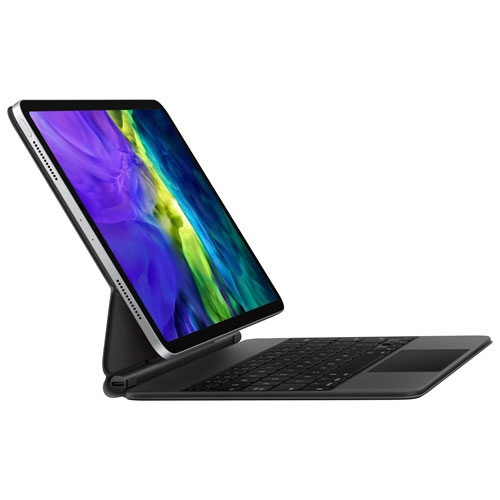
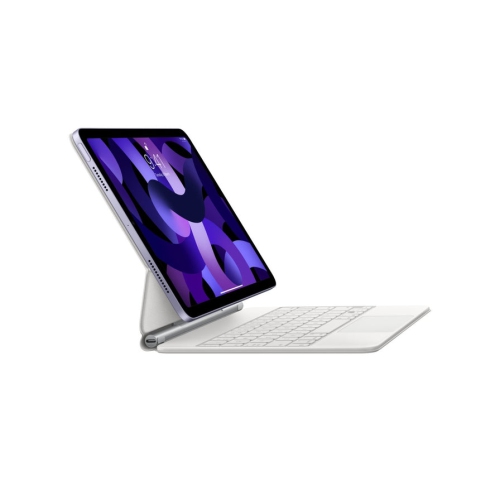
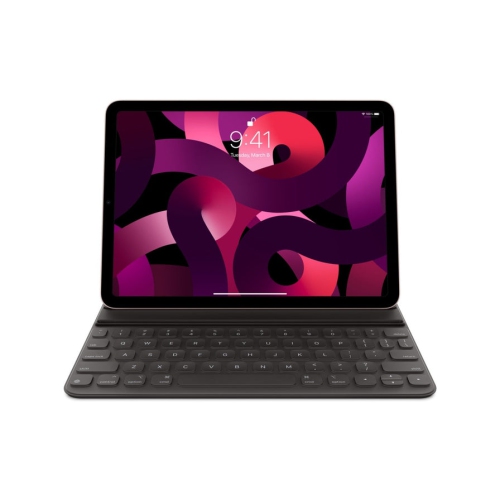
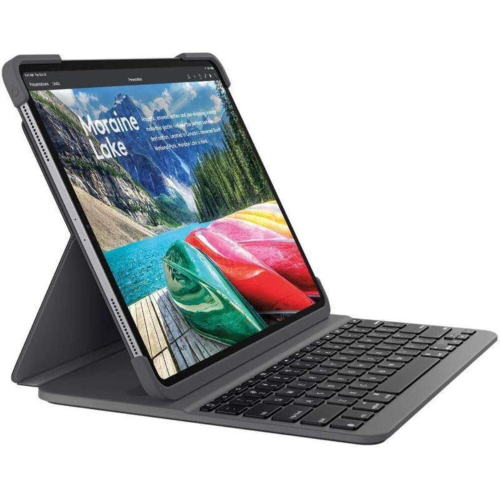
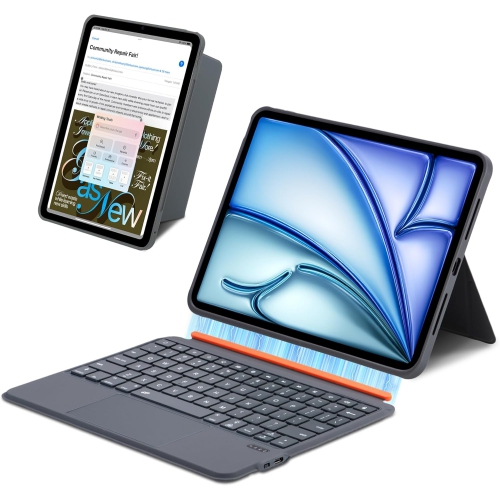
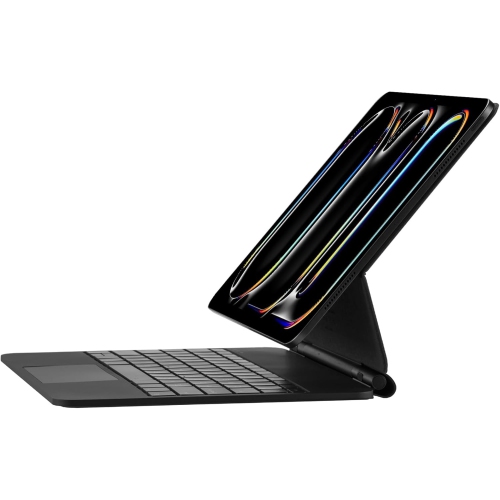
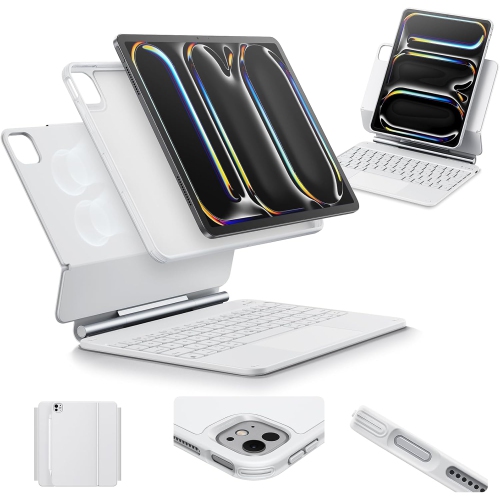
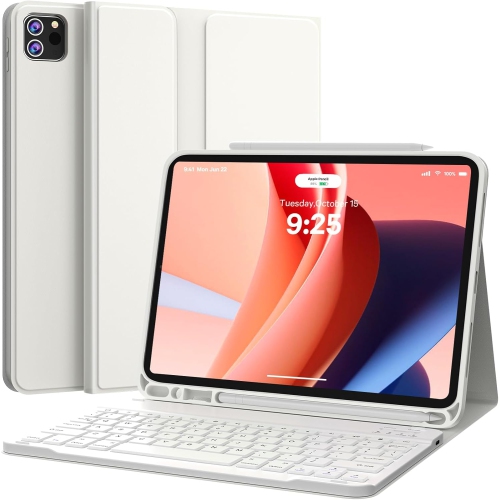
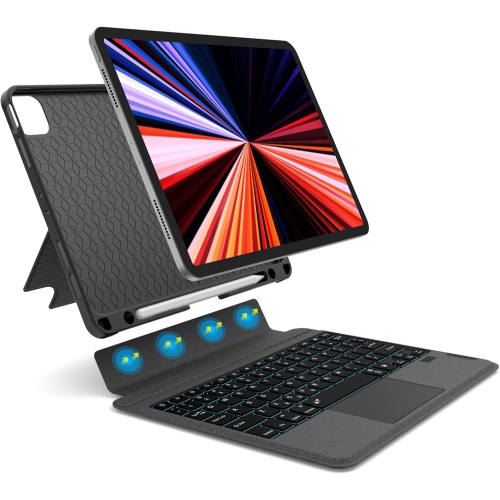
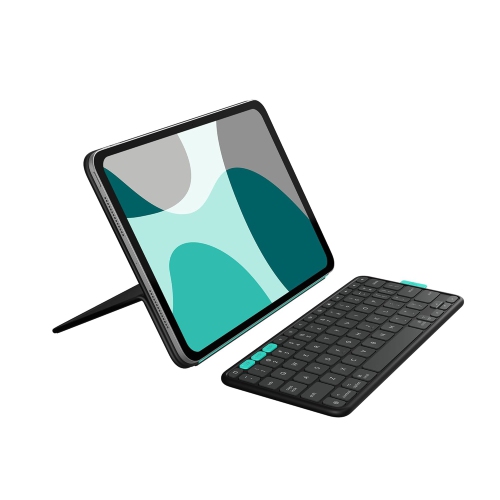
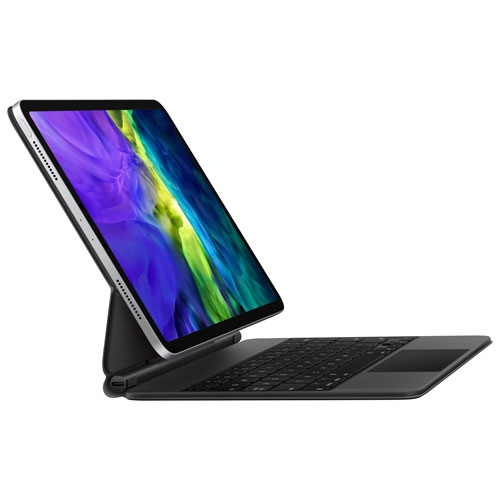
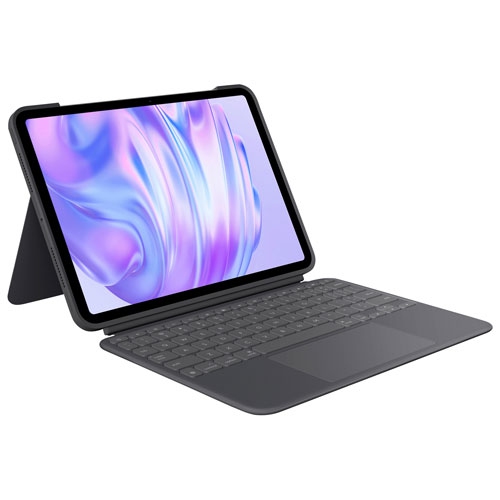
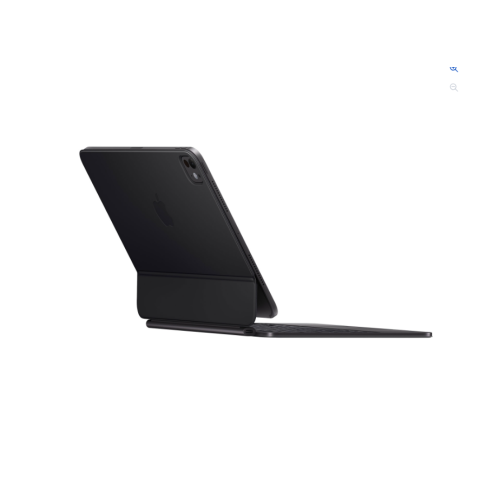
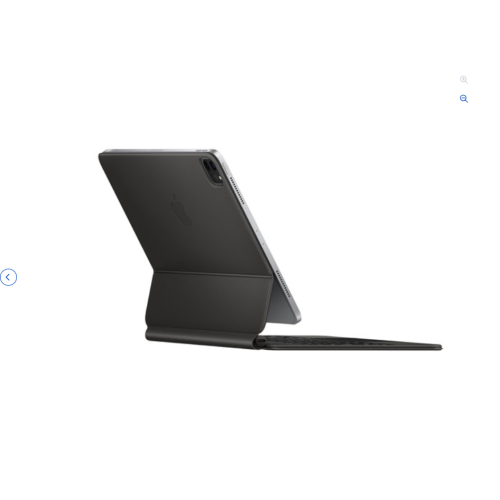
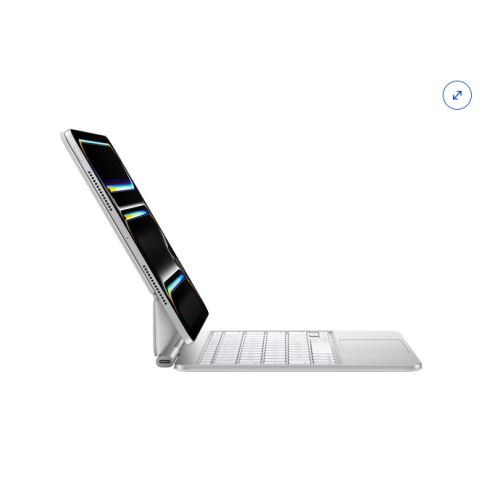
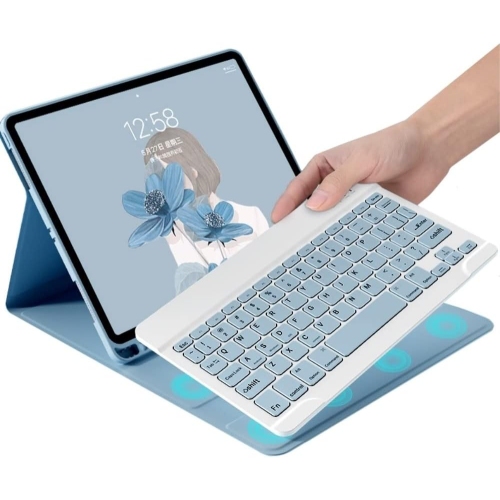
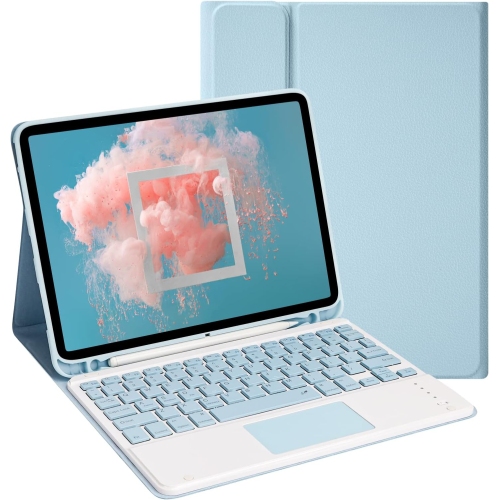
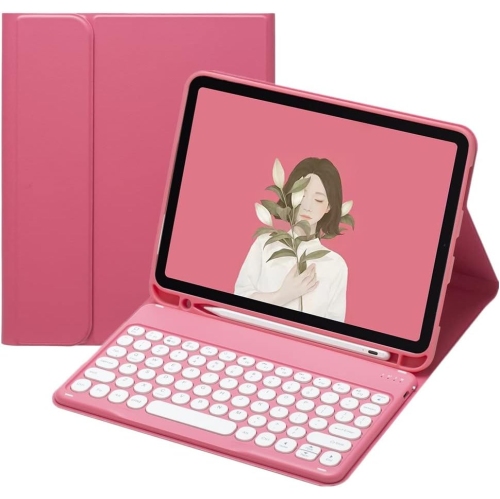
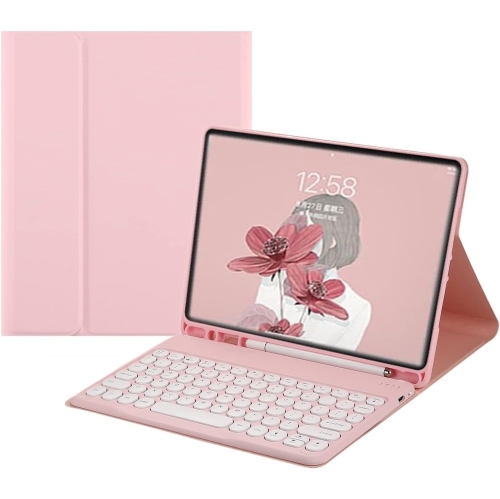
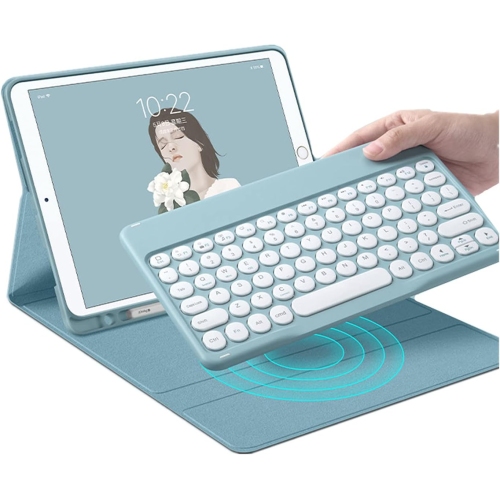
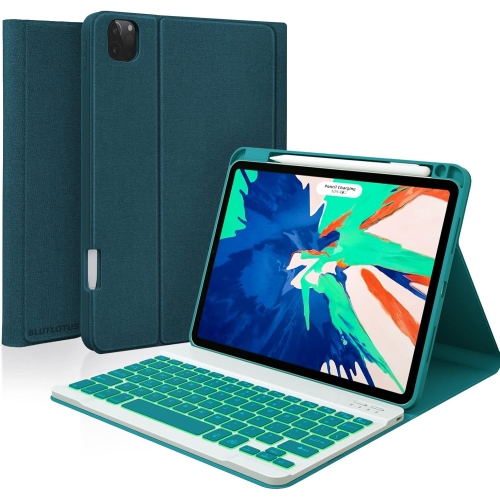
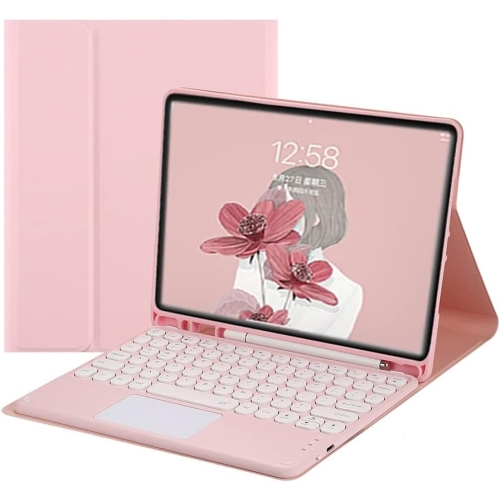
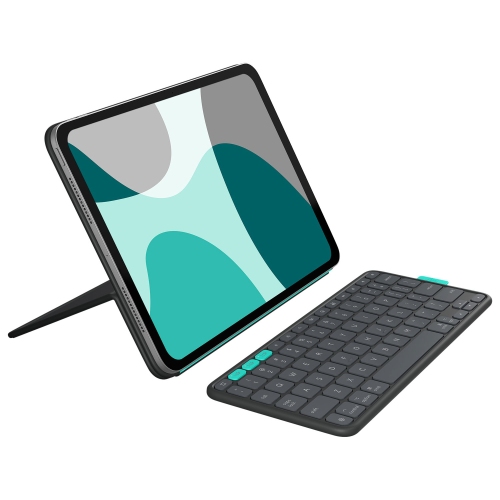
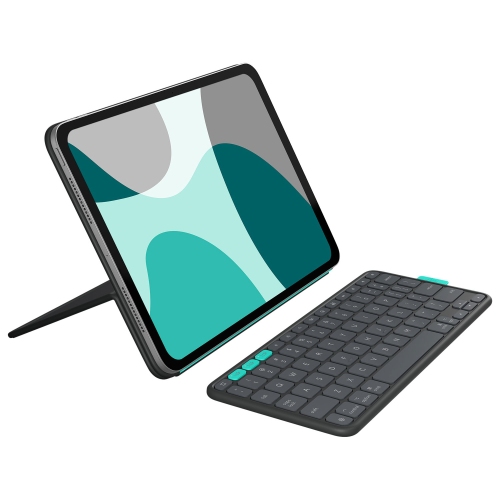
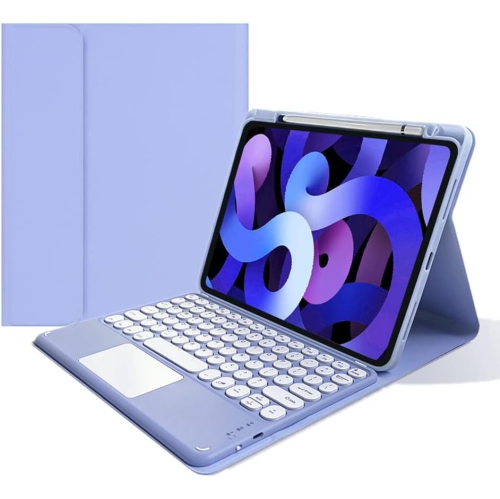
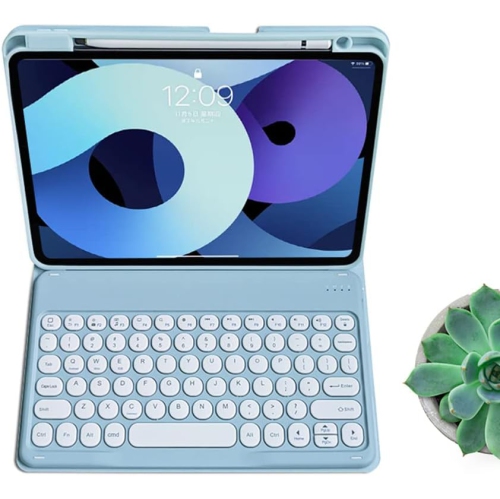
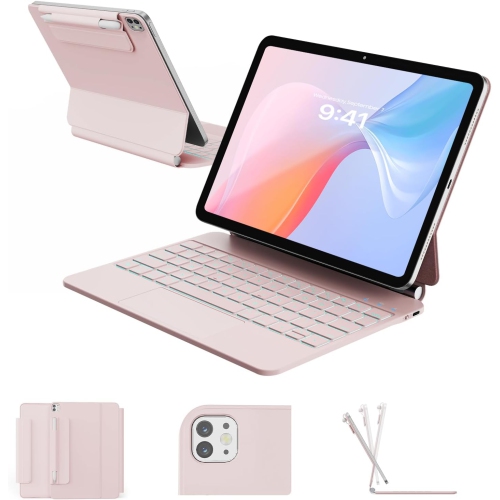
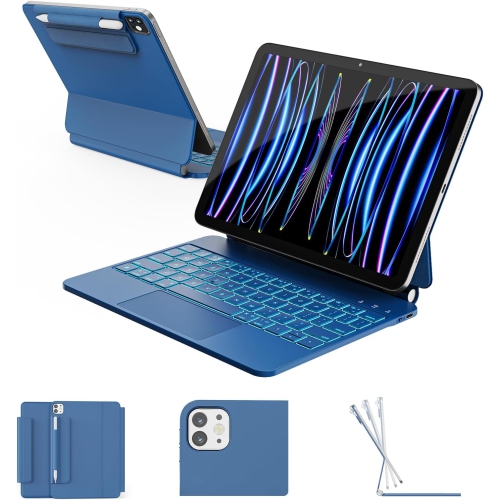
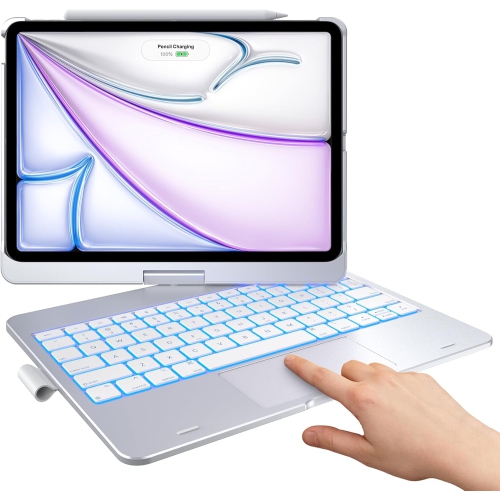
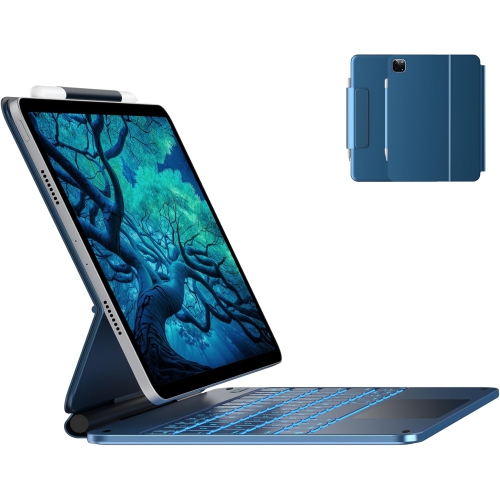
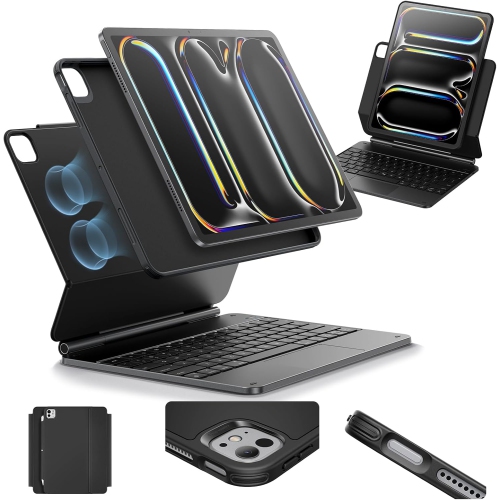
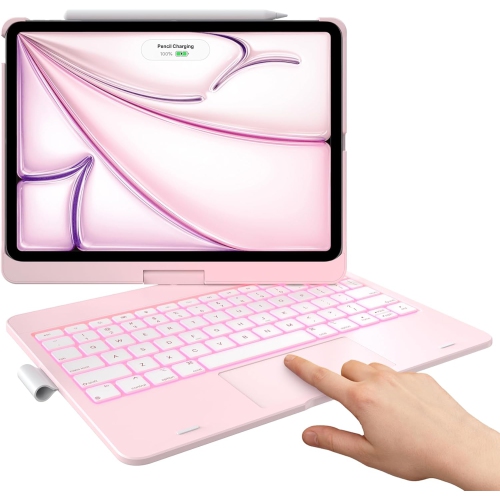
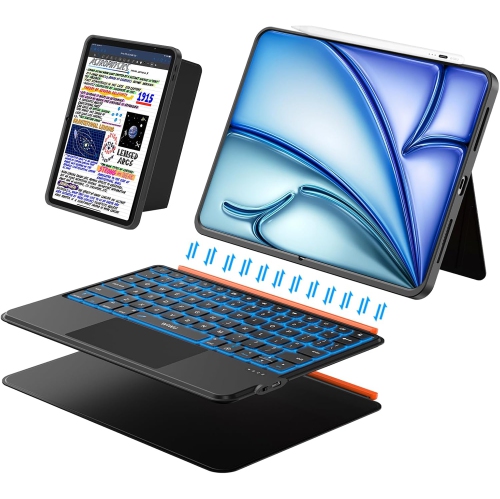
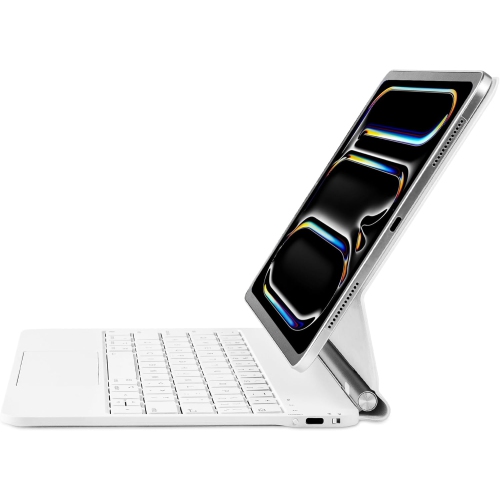
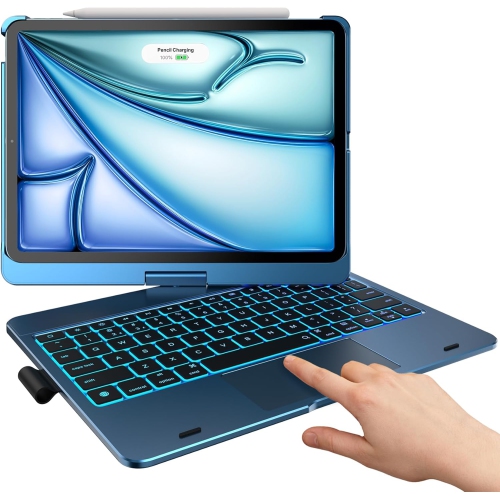
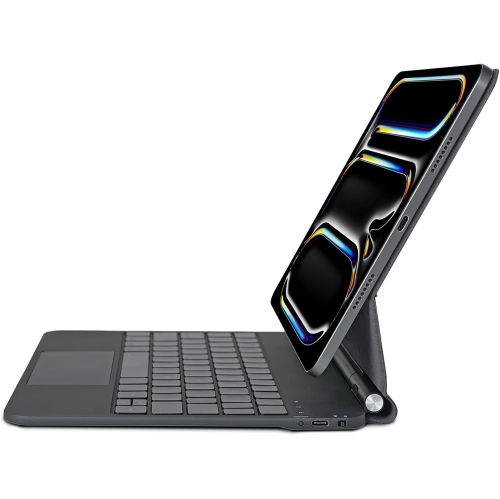
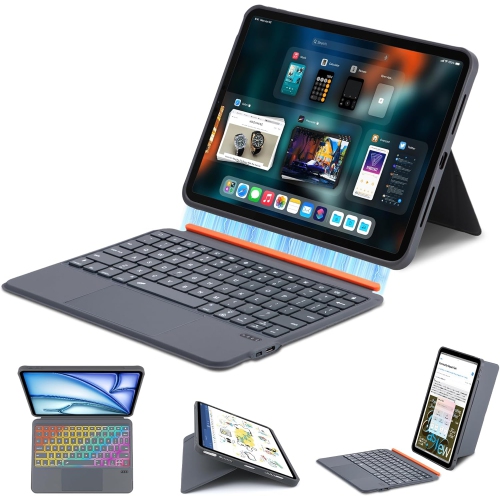
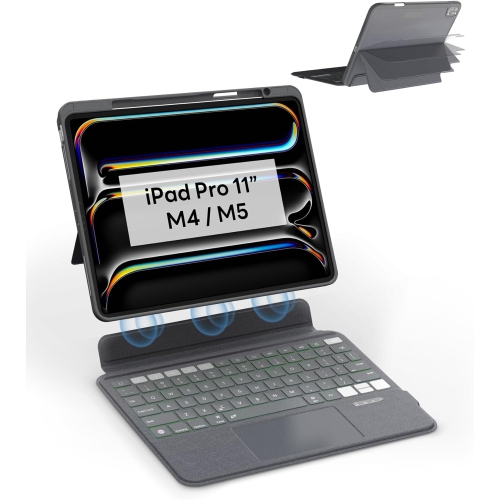
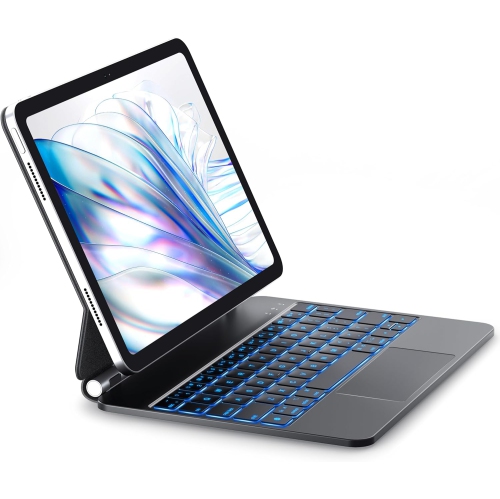
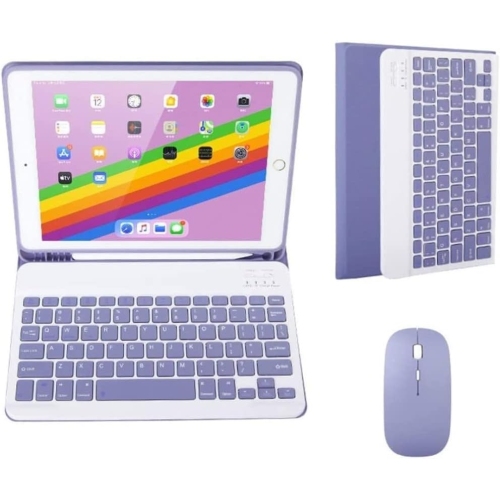
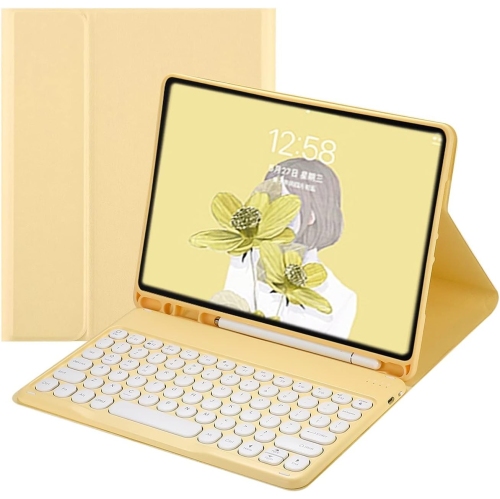
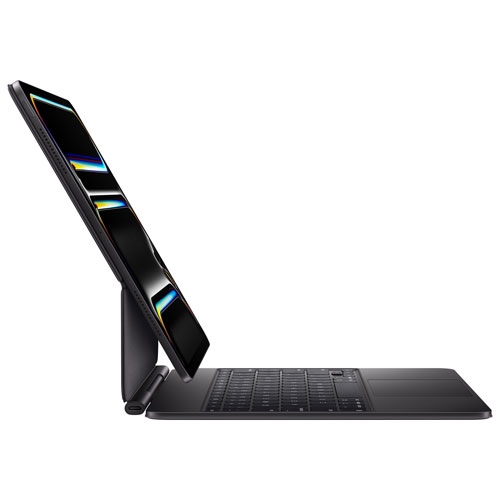
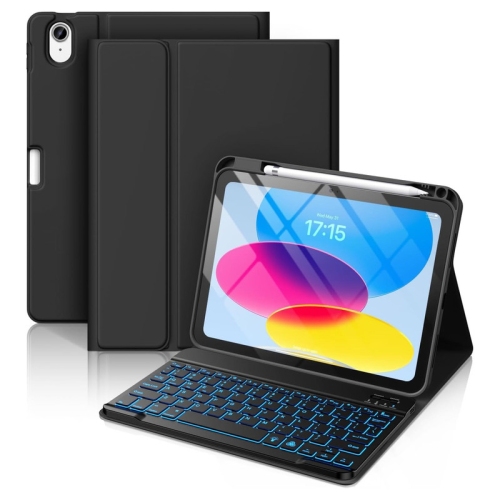
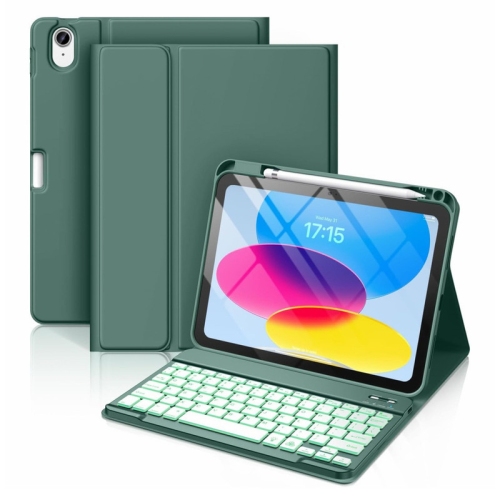
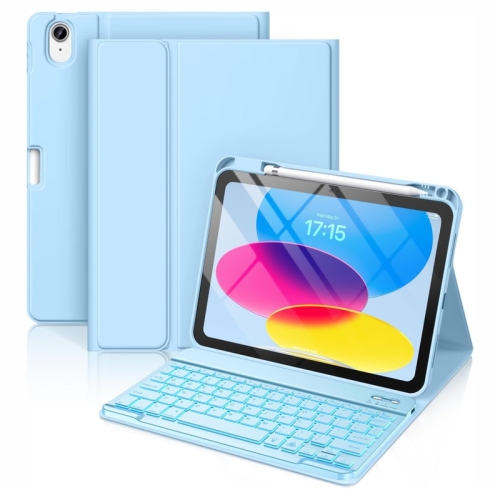
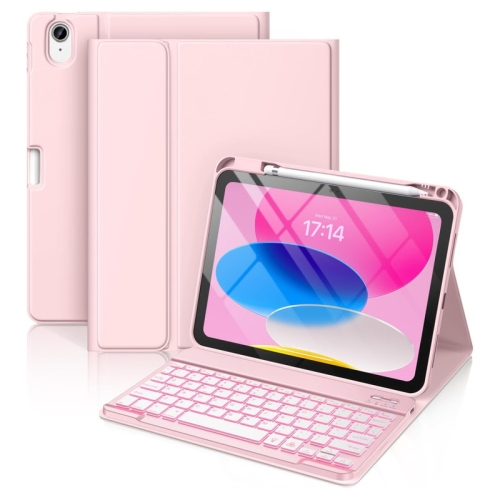
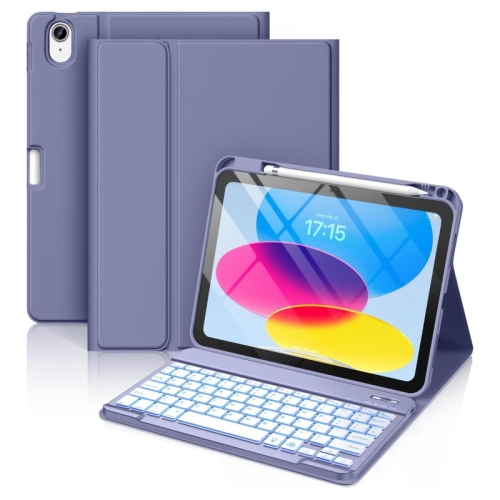
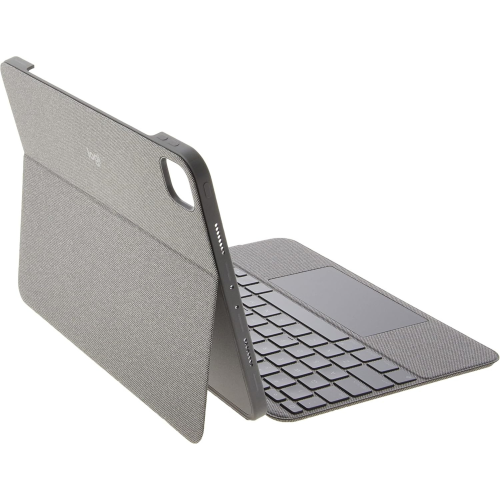
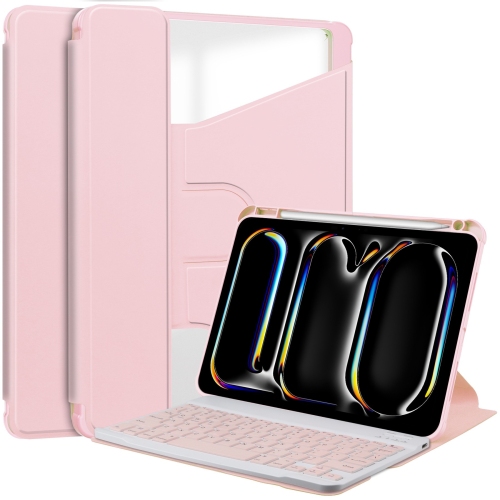
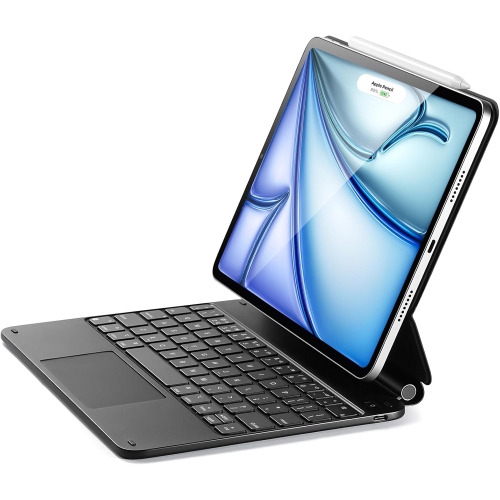
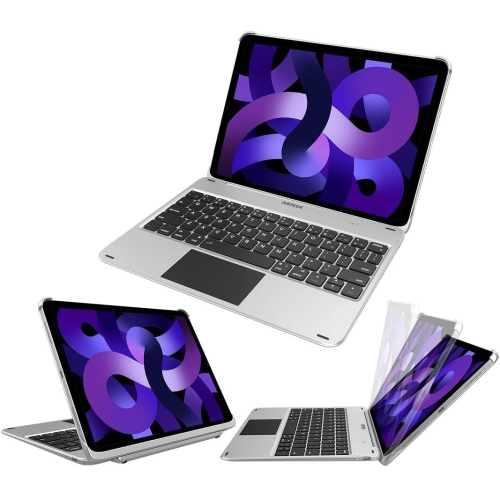
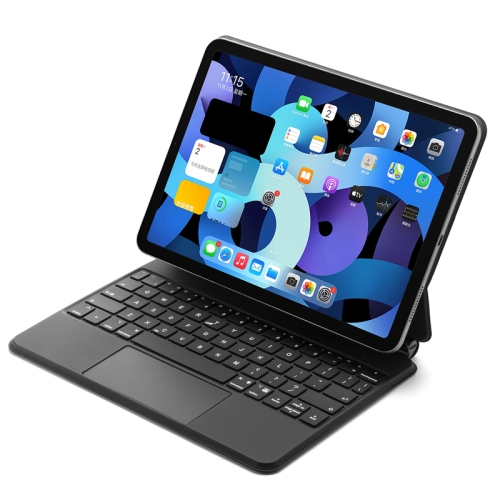
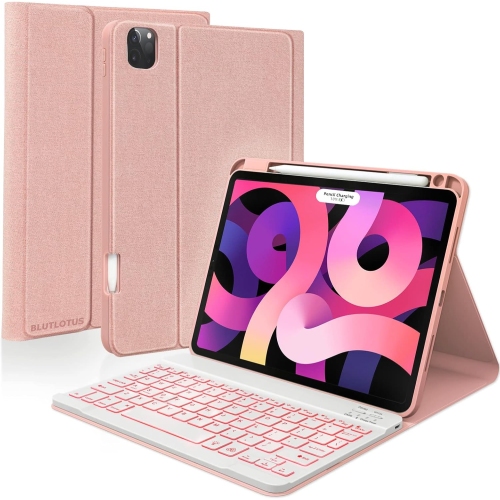
An 11-inch iPad Pro keyboard gives a compact tablet a more comfortable setup for writing, working, and everyday communication. Physical keys make a difference when an email becomes several paragraphs, lecture notes need organizing, or a document calls for frequent edits. With the on-screen keyboard out of the way, more of the display remains visible for text, spreadsheets, and reference material. The main formats include keyboard cases that combine typing support with a fitted cover, detachable designs that separate the keyboard from the tablet, and standalone wireless keyboards used alongside a compatible stand. Each suits a different routine. An attached keyboard is convenient for moving between meetings or classrooms, while a separate keyboard leaves more freedom to position the screen on a desk. Detachable designs accommodate both typing and handheld use, making it easier to move from writing a report to reading or sketching without carrying the full keyboard assembly in hand. Compatibility is the starting point for all of these options: an 11-inch screen measurement alone does not confirm that a keyboard case will fit. Different iPad Pro generations can have different dimensions, camera openings, magnetic attachment arrangements, and connector requirements. A fitted accessory needs to match the tablet’s exact model, not simply its screen size or a similar-looking name. The model information in the tablet’s settings helps distinguish generations before comparing accessory specifications. For a generation-specific fit, keyboards for the 11-inch iPad Pro (4th generation) provide a more focused starting point than screen size alone. Standalone Bluetooth keyboards do not depend on a fitted shell, but their operating system support and shortcut functions still matter. Existing accessories also affect fit: a keyboard case may require removal of another protective cover, and a thick screen protector can affect how some covers close. Precise alignment keeps buttons, speakers, cameras, and charging ports accessible, so the tablet remains practical beyond the typing tasks that brought the keyboard into use.

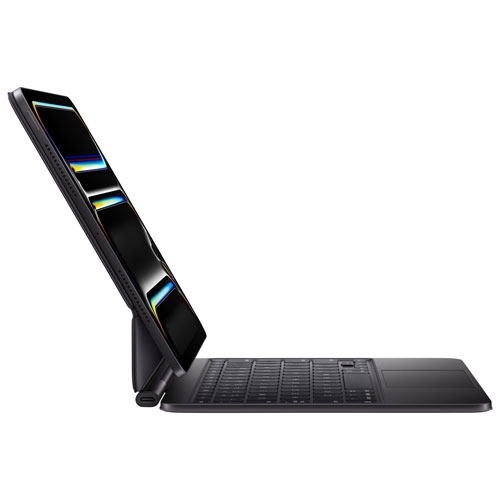
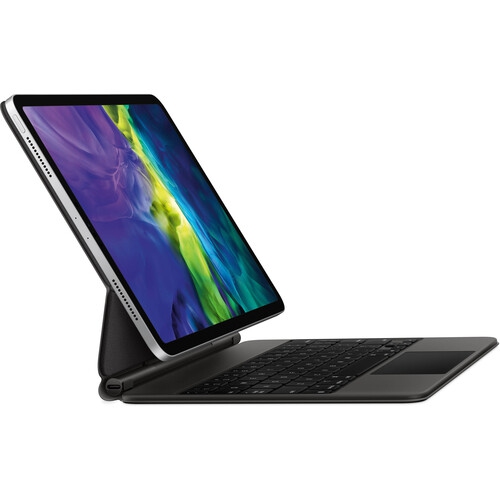
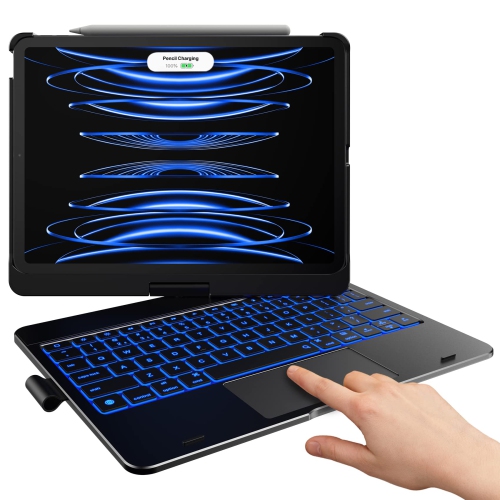
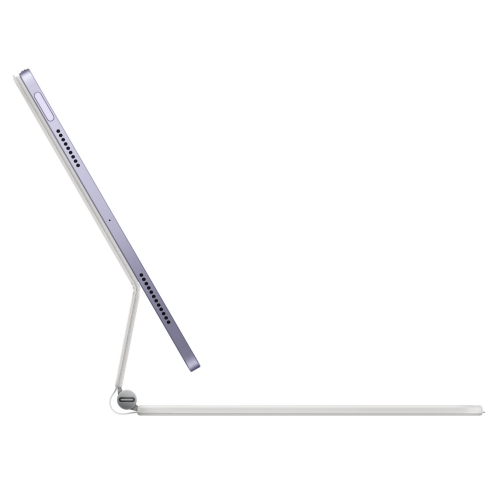
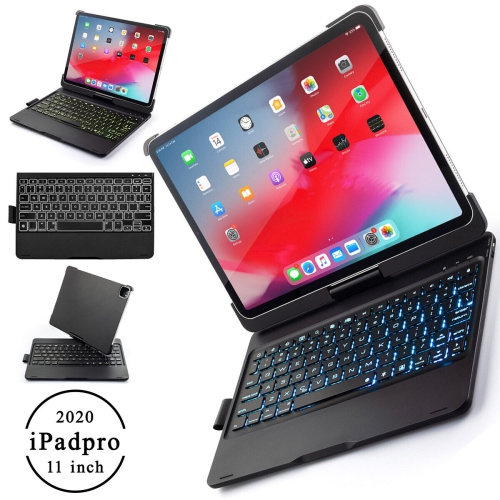
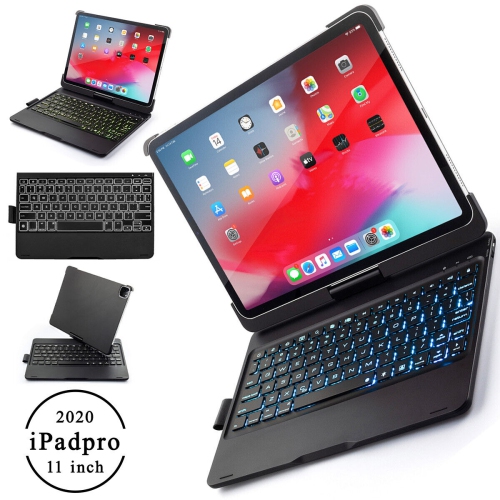
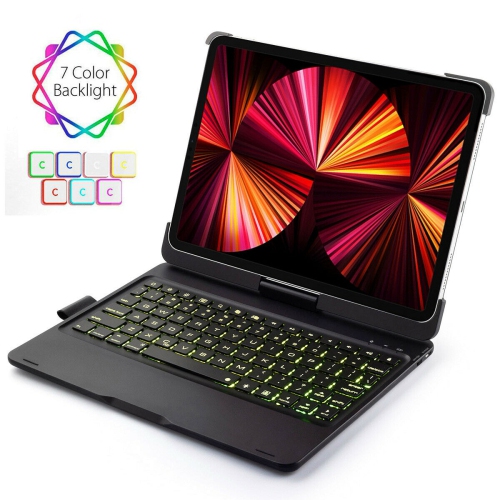
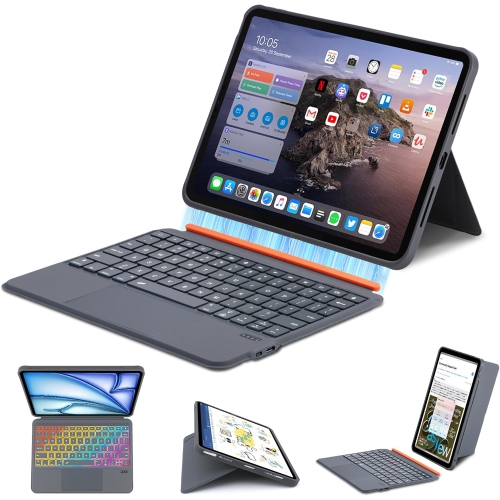
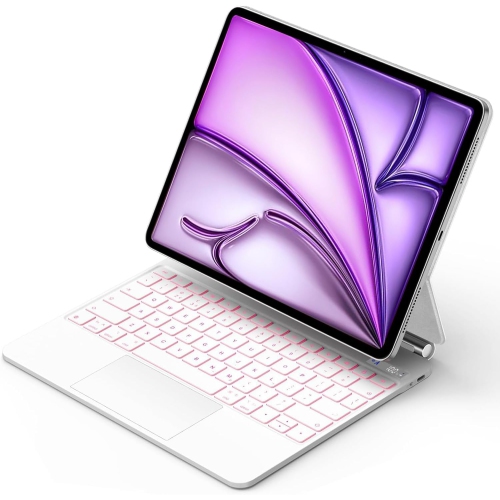
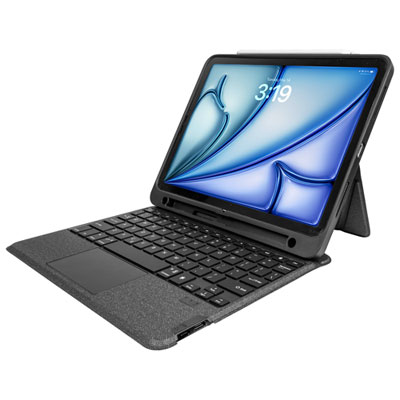
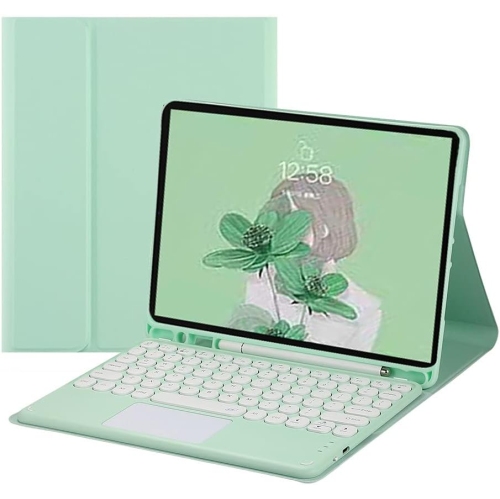
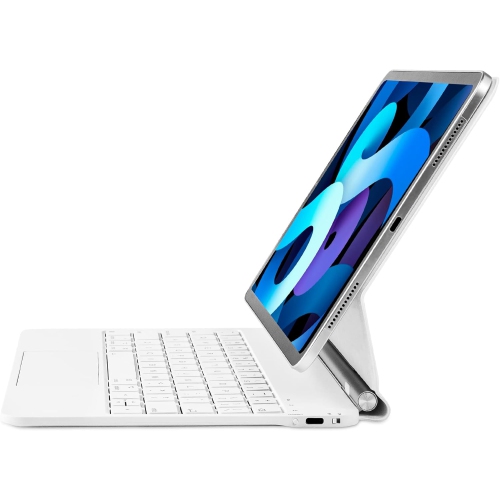
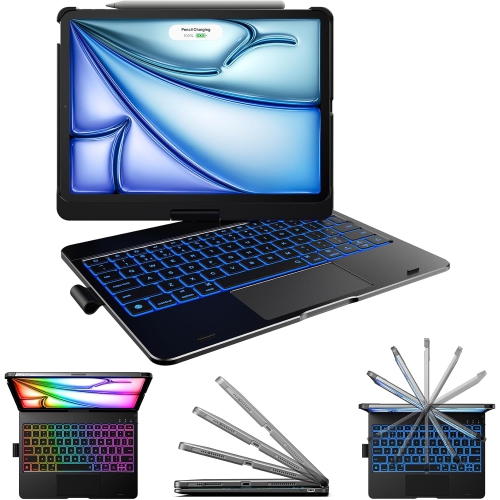
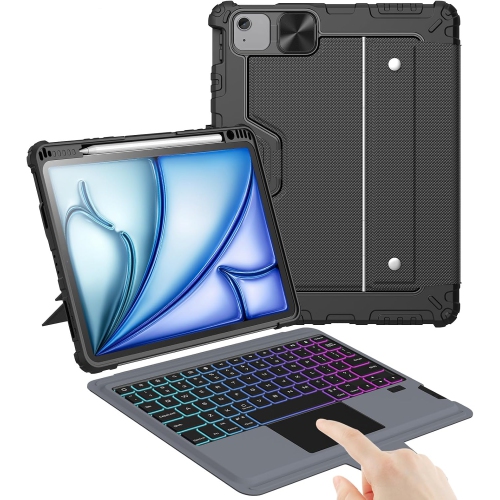
Typing comfort depends on more than the presence of physical keys. Key spacing, travel, resistance, and the size of frequently used keys all influence how naturally a compact keyboard handles longer sessions. An 11-inch layout has limited space, so punctuation keys, arrow keys, and number rows deserve attention, particularly for anyone entering figures or editing text throughout the day. A familiar language layout matters as well; English and French typing needs can involve different printed legends and shortcut habits. Backlit keys can make letters easier to identify in a dim lecture hall or during a presentation, while adjustable brightness helps keep the illumination comfortable. A function row may put volume, screen brightness, or media controls within reach, although the available controls vary by keyboard and software support. An integrated trackpad adds pointer control for selecting text, navigating documents, and moving between supported apps. Its usable surface, click feel, and gesture support can matter as much as its presence, especially when the tablet is being used for detailed editing rather than quick messages. Keyboard shortcuts and pointer behaviour depend on the operating system and individual apps, so a keyboard does not necessarily reproduce every desktop workflow. Connection and power arrangements also shape daily use. Compatible direct-connector keyboards can draw power from the tablet without a separate keyboard charging routine, while Bluetooth designs generally need pairing and their own battery power. Wireless flexibility can be useful when the screen sits farther back on a desk, but it also introduces another battery to monitor. Some attached keyboards provide pass-through charging, leaving the tablet’s own port accessible for another supported connection; that charging port should not be assumed to support data transfer or accessories. Beyond the keys, the support structure matters. A broad kickstand needs space behind the tablet, while a hinged design has its own balance and angle limits. A setup that feels steady on a desk may behave differently on a lap or a narrow tray, particularly when reaching toward the touchscreen.

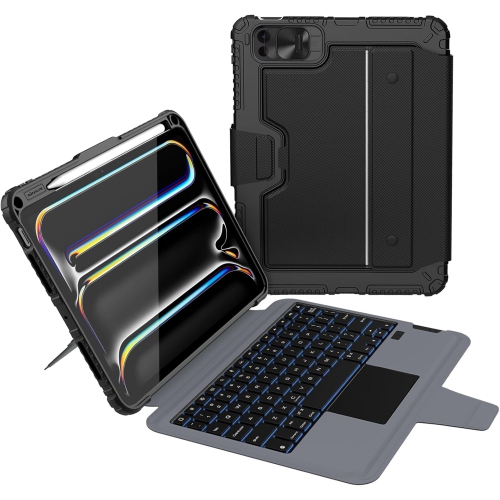
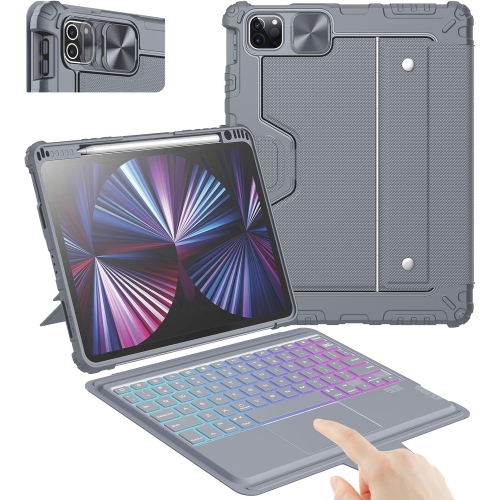
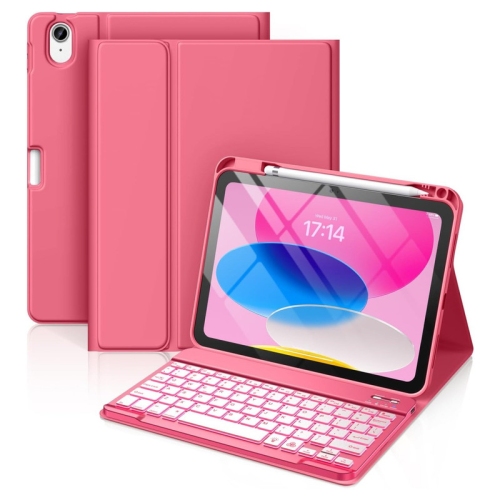
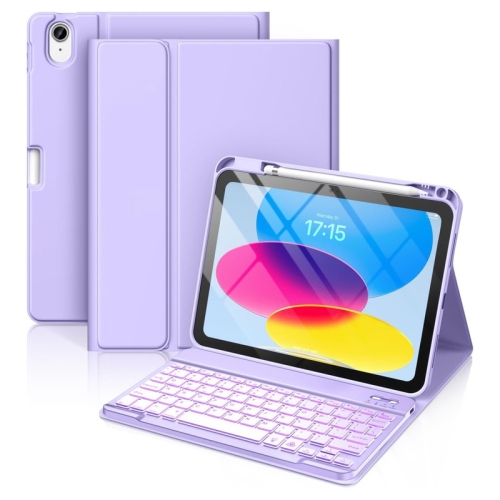
Materials and construction affect how an iPad Pro keyboard feels in use and how well it handles being carried every day. Rigid plastic shells can provide a close-fitting structure, fabric-covered surfaces offer a softer feel, and metal components can add firmness around a hinge or palm rest. None of these materials alone establishes the level of protection. Corner coverage, edge design, hinge construction, and the way the cover closes all contribute to durability, while any stated drop or spill resistance should be checked against the accessory’s specifications. A slim keyboard cover may protect the display from contact inside a bag without offering the same coverage as a case with raised edges and reinforced corners. Added protection can also mean more weight and bulk, which becomes noticeable when the tablet travels with a charger, notebook, and other daily essentials. Detachable components are useful for reducing handheld weight, though separate pieces need somewhere secure to go when not attached. Surface finish and colour influence upkeep as well as appearance: textured covers can collect lint, and lighter finishes may show marks from frequent handling. Routine care usually involves clearing loose debris gently and wiping accessible surfaces with a soft cloth, following the manufacturer’s cleaning directions. Liquid should not be sprayed directly onto keys, connectors, or seams, and a keyboard should be dry before it is closed against the display. Protective sleeves can help prevent loose objects in a bag from pressing against the case or catching between the keys. For students, frequent travellers, and people who write away from a fixed desk, the most useful combination is often comfortable typing, dependable support, and manageable carrying weight. At a permanent workspace, a separate keyboard and stand can offer greater positioning flexibility. As a gift, a keyboard is a practical addition for someone who already uses an 11-inch iPad Pro for writing, provided the tablet generation, preferred layout, and need for a trackpad are known. Those everyday details determine whether the accessory becomes part of a regular routine.
Read More

FAQ

Some products may be subject to Environmental Handling Fees (EHF) depending on your province. Learn more about EHFs.