MacBook 13 Inch Protective Cases
Keep your device looking its best with a MacBook 13 inch protective case designed to help guard against everyday wear. Whether you’re commuting to work, heading to class, or working from your favourite coffee shop, a protective case adds an extra layer of reassurance for your MacBook. Explore a variety of styles and finishes to find the perfect fit for your needs while expressing your personal style. Give your MacBook 13 inch the protection it deserves and enjoy peace of mind wherever you go.
Sort
Protection for MacBooks at work, school, and while travelling
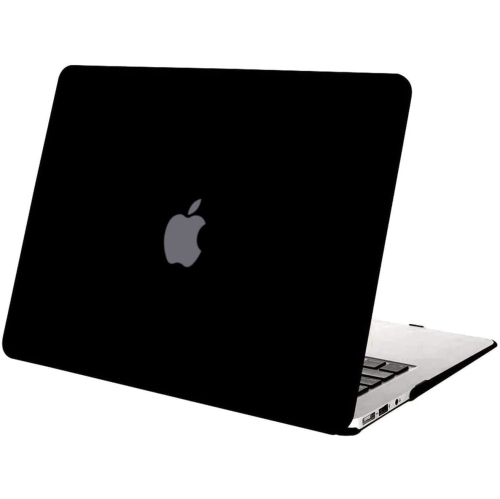
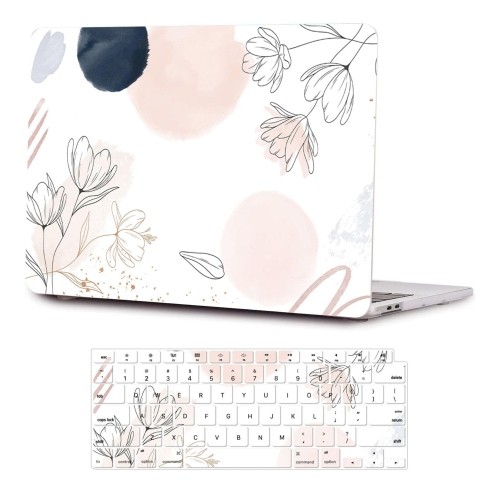
MacBook 13-inch protective cases help guard a compact laptop against the everyday marks and bumps that can happen at school, work, home, or while travelling between them. A case can be especially useful for students carrying a computer between classrooms, commuters moving through busy transit stations, and professionals who work from cafés, shared offices, or client locations. It can also make a thoughtful gift for someone starting a course, changing jobs, or upgrading their home office. The first step is choosing protection that matches how the MacBook is used. A snap-on hard shell stays attached while the computer is open, helping defend the lid, base, and corners from scratches caused by desks, backpacks, and other devices. These cases are typically slim and lightweight, making them practical for people who want everyday coverage without adding much bulk. A transparent finish can preserve the original appearance of the computer, while a matte or fingerprint-resistant surface may feel more comfortable to handle throughout a long day. Some designs use a two-piece construction with a rigid outer panel and softer bumper edges to absorb minor knocks around vulnerable corners. Look for open ventilation areas and unobstructed access to ports, speakers, hinges, and charging connections. A properly fitted case should close naturally, sit securely without interfering with the display, and leave the keyboard and trackpad comfortable to use. Since 13-inch MacBook models can differ in shape, thickness, port layout, and hinge design, confirm whether the case is made for a MacBook Air or MacBook Pro and check the compatible model year or chip generation before ordering. Even small dimensional differences can affect how well a shell clips into place, so selecting by screen size alone may not be enough.
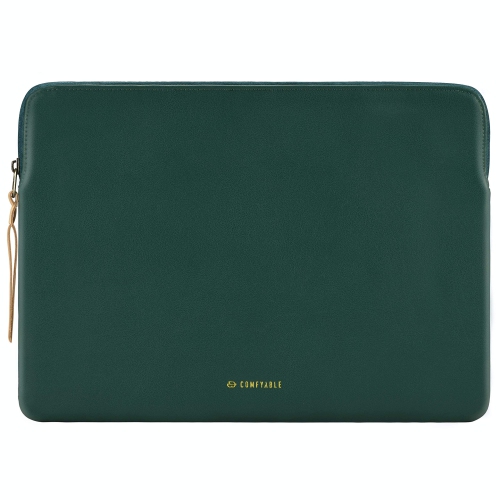
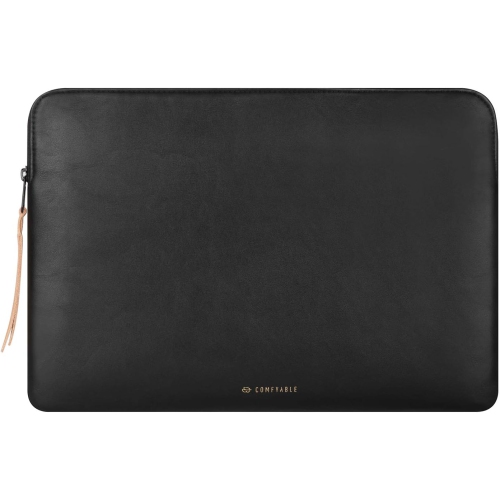
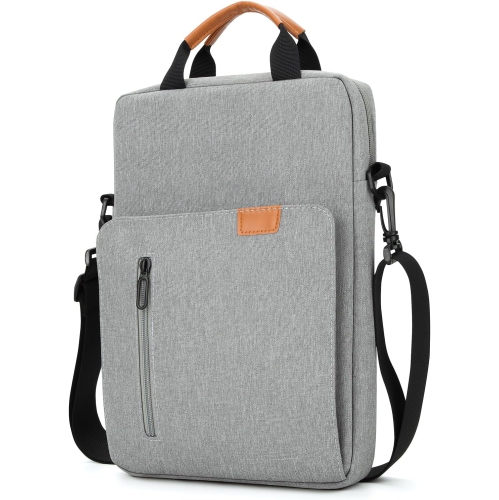
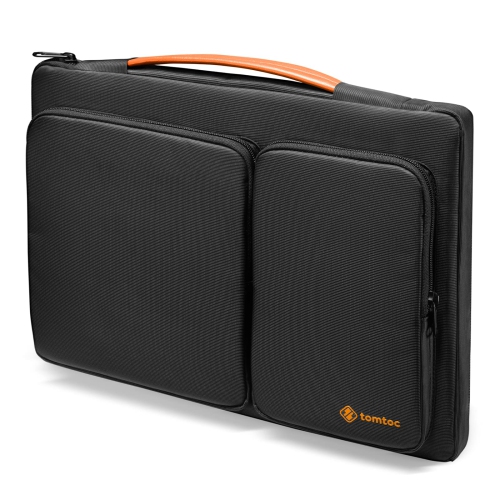
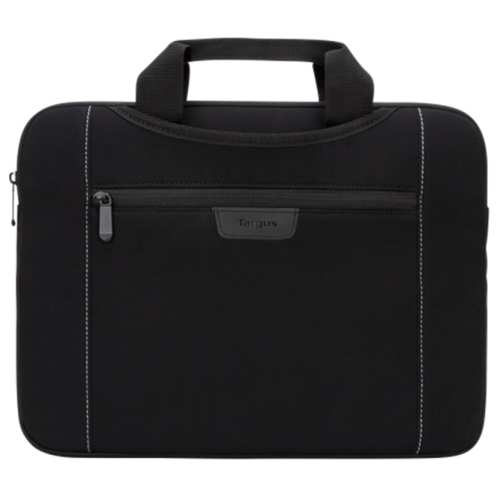
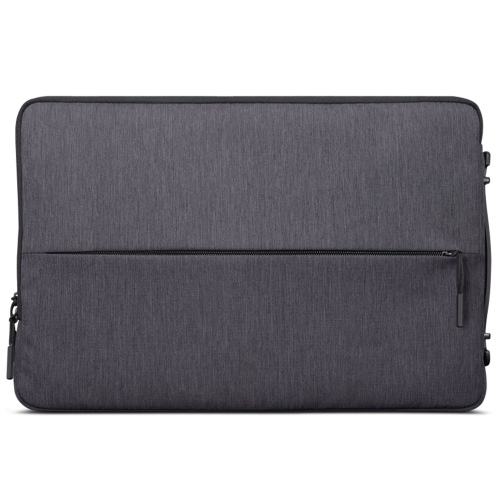
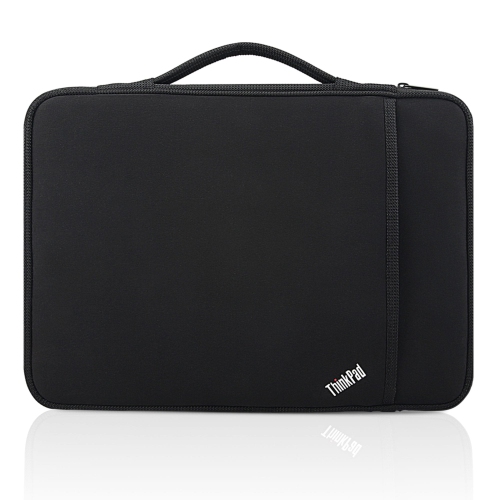
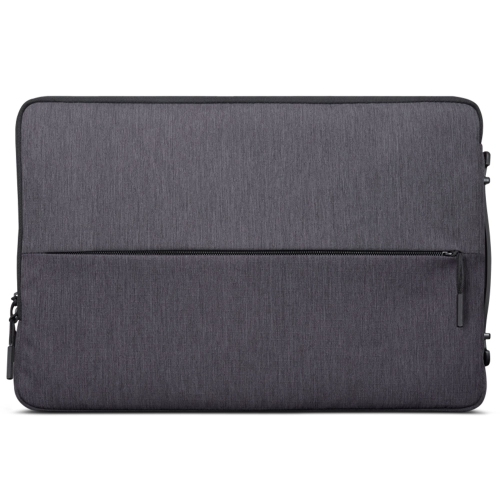
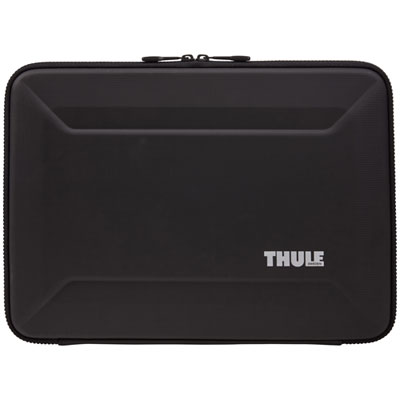
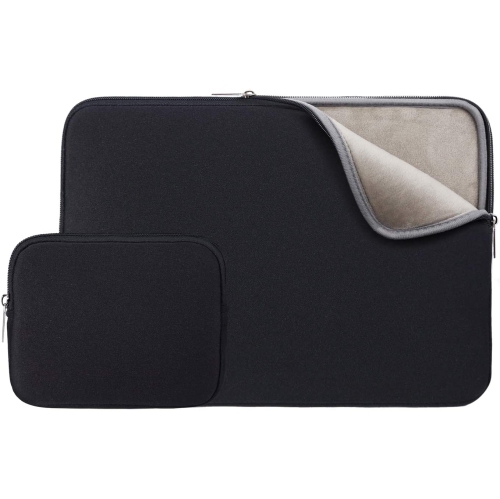
For travel, a padded sleeve or carrying case offers a different kind of protection. Instead of remaining on the MacBook during use, it surrounds the computer while it is stored in a backpack, tote, briefcase, or luggage. This option is useful for anyone who regularly moves their laptop between locations or wants cushioning against pressure and accidental drops during transit. Look for high-resilience padding around the edges, a soft fleece or brushed interior to help prevent scuffs, and a zipper that opens smoothly without catching on the computer. Corner reinforcement is valuable because corners often take the force when a bag is set down quickly on a floor or table. A water-resistant outer material can provide an added layer of confidence during a walk through light rain or when a drink spills nearby, although no sleeve should be treated as fully waterproof unless its specifications clearly say so. Some carrying cases include a front compartment for a charging cable, mouse, earbuds, notebook, or adapters, helping keep small essentials together instead of letting them collect at the bottom of a bag. A slimmer sleeve may be best for slipping into an existing backpack, while a structured carrying case with a handle can function as a compact laptop bag on its own. For additional choices that prioritise easy transport, browse Lightweight MacBook Cases. Think about the kind of movement the case will see: a student may value room for a power adapter and stationery, while a frequent traveller may prefer a close-fitting profile that slides neatly beneath an airplane seat or into a crowded work bag.
The most suitable protection often depends on whether the MacBook is vulnerable mainly while it is being carried or while it is being used. A sleeve offers cushioning during transit but must be removed before opening the computer, whereas a hard shell provides continuous surface protection at a desk, in a library, or on a kitchen counter. Some people use both: a slim snap-on shell for daily handling and a padded sleeve for commuting, travel, or storage. This layered approach can be helpful during the cooler months, when laptops may be moved between heated rooms and cold outdoor air, or as routines shift between home, campus, and the office. Before making a selection, consider the computer’s exact model, the amount of space available in the usual bag, the need for accessory storage, and whether a little extra weight will be noticeable over a full day. Check that closures are secure, seams feel durable, and the interior is free of rough surfaces that could rub against the finish. A keyboard cover or screen film may be included with some protective sets, but these accessories should be designed for the correct keyboard layout and display dimensions. It is also worth allowing enough room for the MacBook and its charger without forcing the zipper or compressing the corners. With the right fit and features, a protective case becomes part of a reliable daily routine: the laptop can be packed before the morning commute, carried through changing weather, opened for a quick presentation, and stored safely at the end of the day with less concern about ordinary scratches, knocks, and handling.
For travel, a padded sleeve or carrying case offers a different kind of protection. Instead of remaining on the MacBook during use, it surrounds the computer while it is stored in a backpack, tote, briefcase, or luggage. This option is useful for anyone who regularly moves their laptop between locations or wants cushioning against pressure and accidental drops during transit. Look for high-resilience padding around the edges, a soft fleece or brushed interior to help prevent scuffs, and a zipper that opens smoothly without catching on the computer. Corner reinforcement is valuable because corners often take the force when a bag is set down quickly on a floor or table. A water-resistant outer material can provide an added layer of confidence during a walk through light rain or when a drink spills nearby, although no sleeve should be treated as fully waterproof unless its specifications clearly say so. Some carrying cases include a front compartment for a charging cable, mouse, earbuds, notebook, or adapters, helping keep small essentials together instead of letting them collect at the bottom of a bag. A slimmer sleeve may be best for slipping into an existing backpack, while a structured carrying case with a handle can function as a compact laptop bag on its own. For additional choices that prioritise easy transport, browse Lightweight MacBook Cases. Think about the kind of movement the case will see: a student may value room for a power adapter and stationery, while a frequent traveller may prefer a close-fitting profile that slides neatly beneath an airplane seat or into a crowded work bag.
The most suitable protection often depends on whether the MacBook is vulnerable mainly while it is being carried or while it is being used. A sleeve offers cushioning during transit but must be removed before opening the computer, whereas a hard shell provides continuous surface protection at a desk, in a library, or on a kitchen counter. Some people use both: a slim snap-on shell for daily handling and a padded sleeve for commuting, travel, or storage. This layered approach can be helpful during the cooler months, when laptops may be moved between heated rooms and cold outdoor air, or as routines shift between home, campus, and the office. Before making a selection, consider the computer’s exact model, the amount of space available in the usual bag, the need for accessory storage, and whether a little extra weight will be noticeable over a full day. Check that closures are secure, seams feel durable, and the interior is free of rough surfaces that could rub against the finish. A keyboard cover or screen film may be included with some protective sets, but these accessories should be designed for the correct keyboard layout and display dimensions. It is also worth allowing enough room for the MacBook and its charger without forcing the zipper or compressing the corners. With the right fit and features, a protective case becomes part of a reliable daily routine: the laptop can be packed before the morning commute, carried through changing weather, opened for a quick presentation, and stored safely at the end of the day with less concern about ordinary scratches, knocks, and handling.
Top selling and popular products
-
 Your price for this item is $43.68
 -
 Your price for this item is $18.99
 -
 Your price for this item is $22.99
 -
 Your price for this item is $37
 -
 Your price for this item is $43.68
 -
 Your price for this item is $23.99
 -
 Your price for this item is $64.99
 -
 Your price for this item is $134.95
Discover more categories related to MacBook 13 Inch Protective Cases
Top Collections:
Pokemon Centers, Kindle Devices, Best Budget Office Chairs, Apple iPhones 16, Best Laptops for Writers, iPhone 15 Apple, Canon G7X Cameras, Refurbished Apple Laptops, Alarm Clock, Motorola Razr Phones
Some products may be subject to Environmental Handling Fees
(EHF) depending on your province.
Learn more about EHFs.