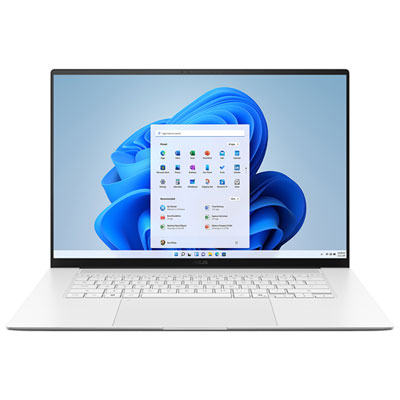
Laptops For Gaming Enthusiasts
Laptops For Gaming Enthusiasts are designed to deliver an immersive experience for those who demand top performance and reliability. Explore a wide selection of models tailored for smooth gameplay, responsive controls, and impressive visuals. Whether you’re seeking a portable powerhouse for competitive action or a versatile system for your favorite titles, you’ll find options that cater to every gaming style. Find the perfect fit among Laptops For Gaming Enthusiasts and elevate your setup to the next level.
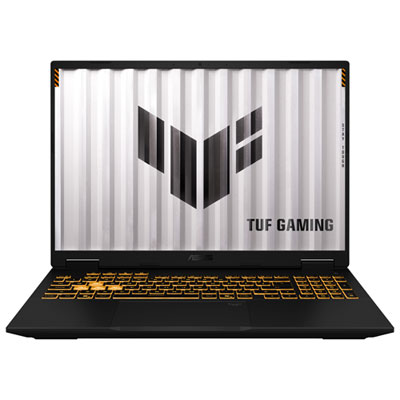
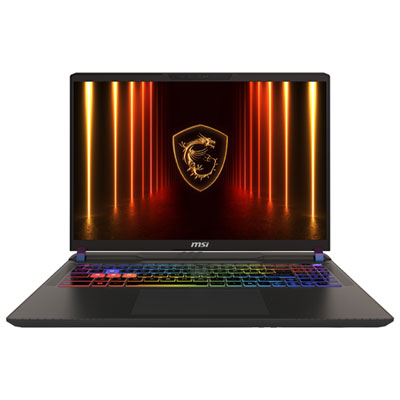
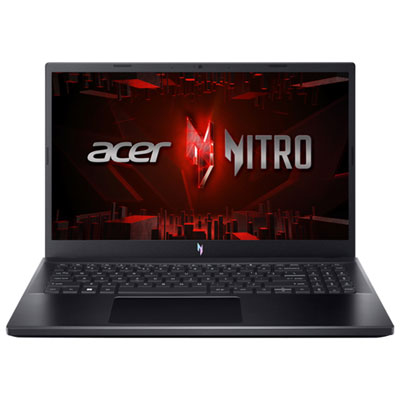
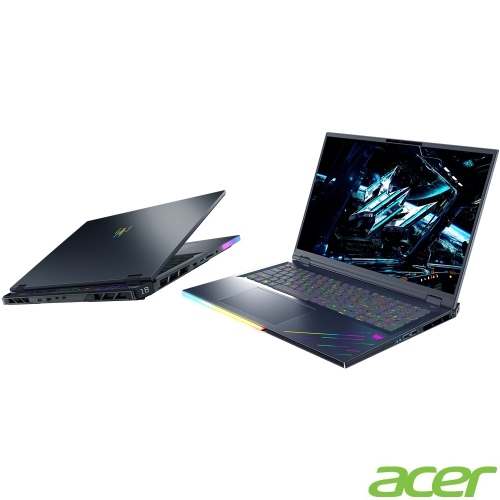
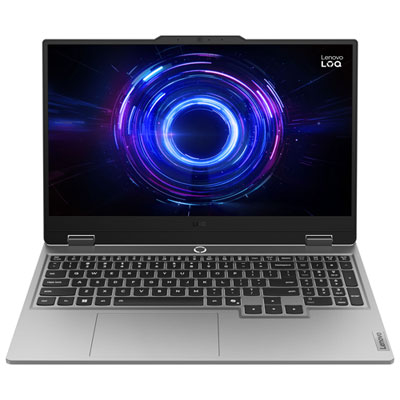
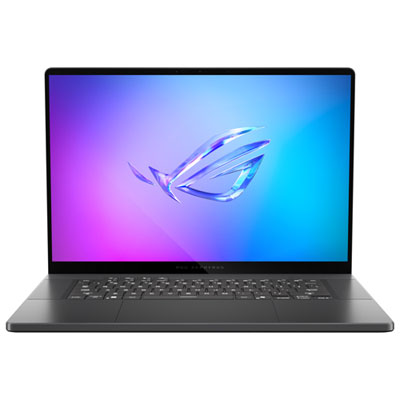

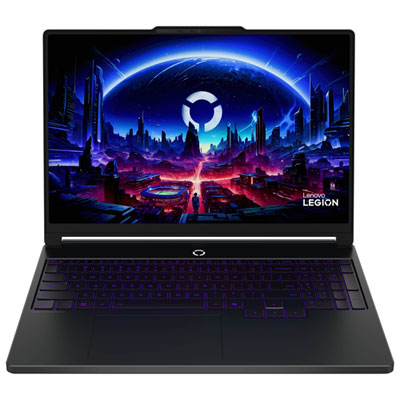

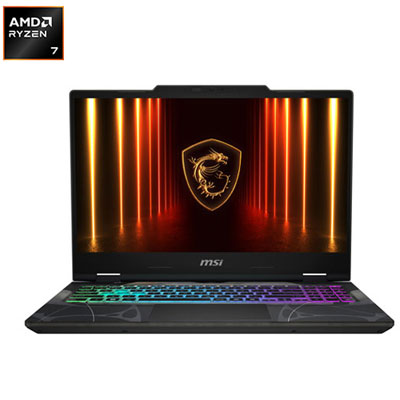


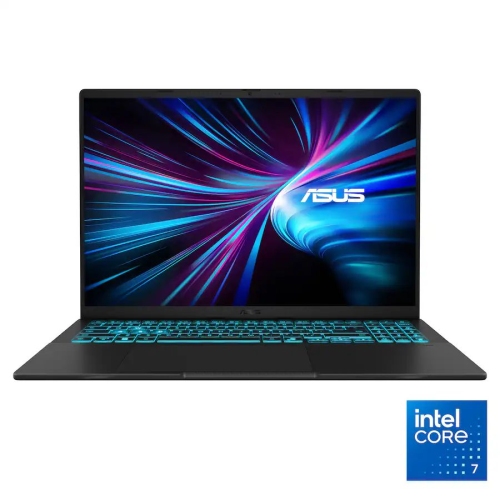

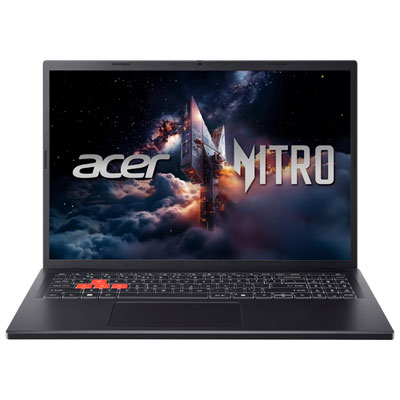
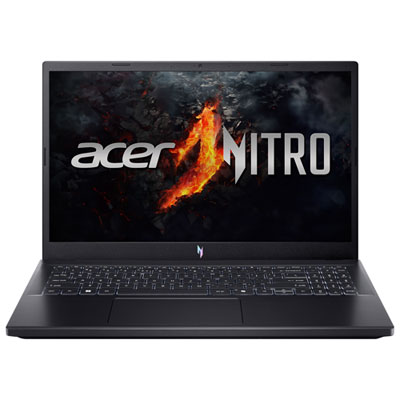
Performance and portability for immersive gaming anywhere
When considering a laptop for gaming, it’s important to think about the types of games you love to play and the experience you want to create. Performance features such as advanced graphics cards, high-refresh-rate displays, and efficient cooling systems are essential for ensuring your laptop can handle the latest releases without lag or overheating. Many gaming laptops now offer customizable RGB lighting, tactile keyboards, and immersive audio, making them as visually striking as they are powerful. Portability is another key factor—modern gaming laptops are designed to be lighter and slimmer, so you can easily bring your setup to a friend’s house, a summer cottage, or a local gaming event. Upgradability and connectivity also play a role, with multiple ports for accessories, external monitors, and high-speed internet connections that keep you competitive in online matches. For those looking to future-proof their investment, options with expandable memory and storage ensure your system can grow alongside your needs. If you’re searching for more specialized options, the High-Performance Laptops for Gamers page offers a curated selection tailored to the demands of serious players.
As gaming continues to evolve, laptops designed for enthusiasts are keeping pace with the latest innovations—whether you’re exploring open-world adventures, diving into esports tournaments, or streaming your gameplay to a growing audience. The versatility of these devices extends beyond gaming; they’re also excellent for schoolwork, creative projects, and everyday entertainment, making them a practical choice for students, professionals, and families alike. During the transition from summer to fall, when schedules shift and routines change, a reliable gaming laptop can be the perfect companion for both productivity and play. With the right features and thoughtful design, these laptops ensure that every session is immersive, responsive, and visually spectacular, so you can focus on what matters most: enjoying your favourite games and connecting with friends and communities around the world.
FAQ
What features should I look for in a gaming laptop?
When choosing a gaming laptop, look for a high-performance graphics card (GPU), a fast processor (CPU), ample RAM (at least 16GB is recommended), and a high-refresh-rate display. Good cooling systems and storage options like SSDs also enhance gaming performance.
How important is the refresh rate on a gaming laptop screen?
A higher refresh rate, such as 120Hz or 144Hz, provides smoother visuals and can improve your gaming experience, especially in fast-paced games. It reduces motion blur and makes gameplay feel more responsive compared to standard 60Hz screens.
Can I upgrade components in a gaming laptop?
Some gaming laptops allow upgrades to certain components like RAM or storage drives. However, most have fixed CPUs and GPUs. Always check the manufacturer's specifications to see which parts are user-upgradable.
Do gaming laptops support external monitors and accessories?
Yes, most gaming laptops come with multiple ports such as HDMI, DisplayPort, or USB-C that allow you to connect external monitors, keyboards, mice, and other accessories for an enhanced gaming setup.
How does battery life compare between gaming laptops and regular laptops?
Gaming laptops typically have shorter battery life than regular laptops due to their powerful hardware and high-performance displays. For extended unplugged use, consider adjusting settings or using power-saving modes when not gaming.
Top selling and popular products
-
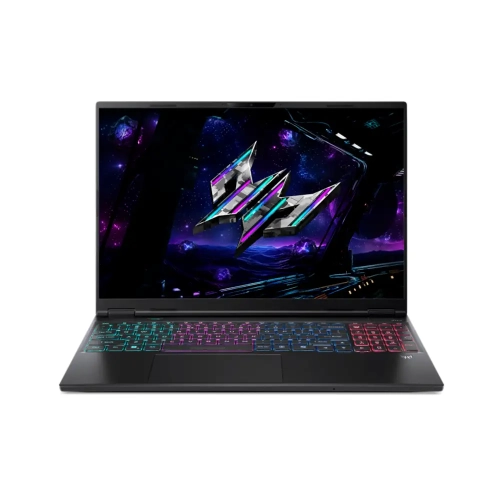 Your price for this item is $3499.99
-
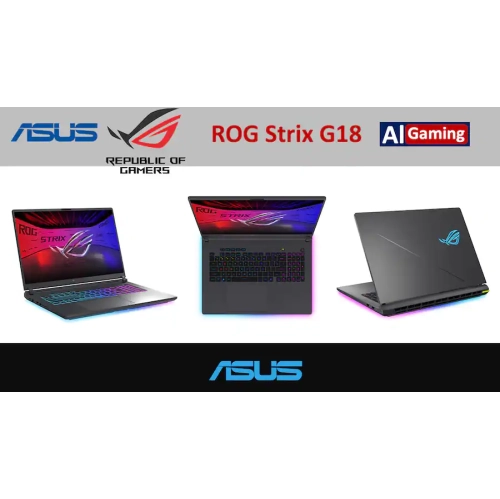 Your price for this item is $2899
-
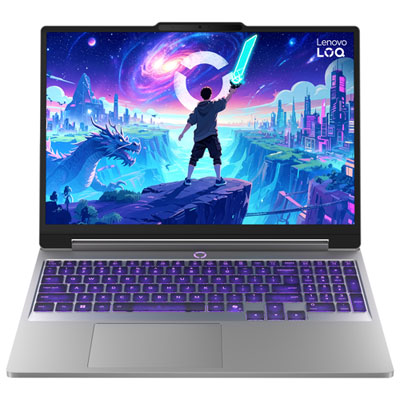 Your price for this item is $1499.99
-
 Your price for this item is $3449
-
 Your price for this item is $2999
-
 Your price for this item is $3649
-
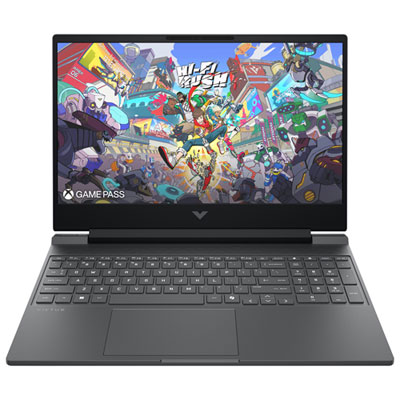 Your price for this item is $999.99
-
 Your price for this item is $2699.99