Working Station Laptops
If you're looking for a laptop that can handle your work and play, the best laptops for working are those with long battery life and a large hard drive. They should also be lightweight and portable so you can take them anywhere.
Sort
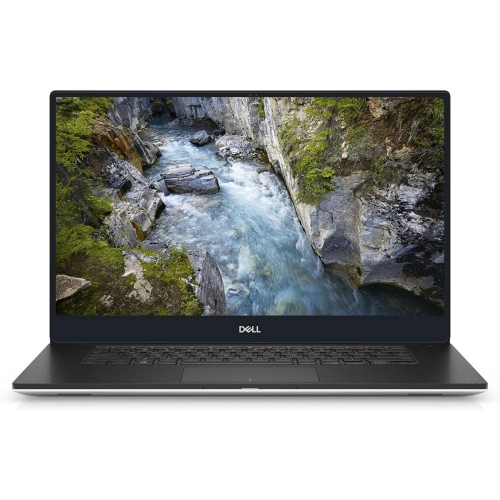
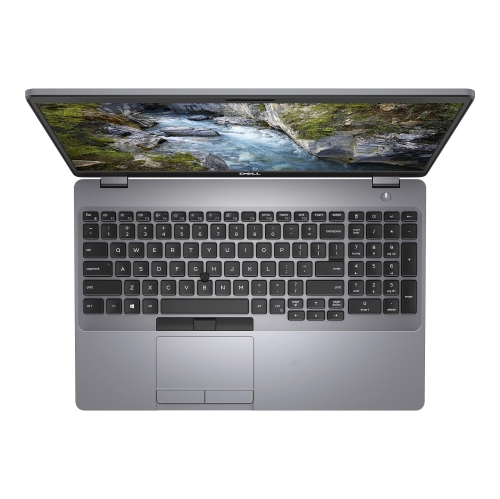
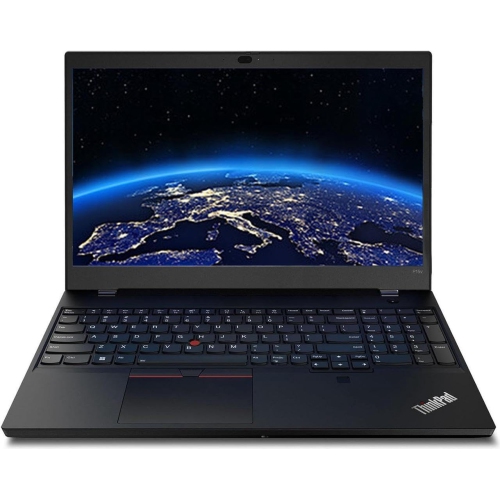
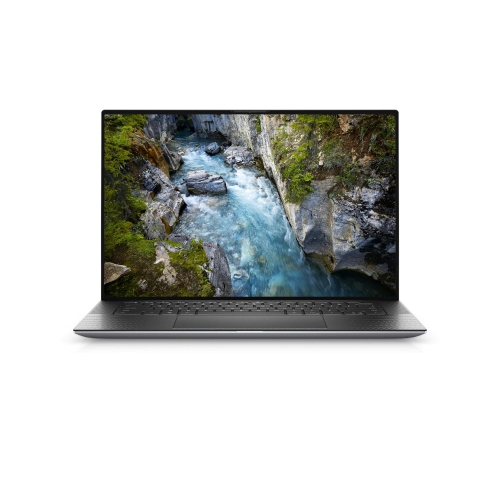
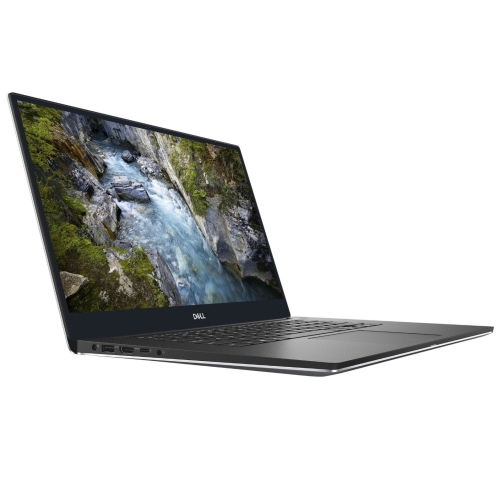
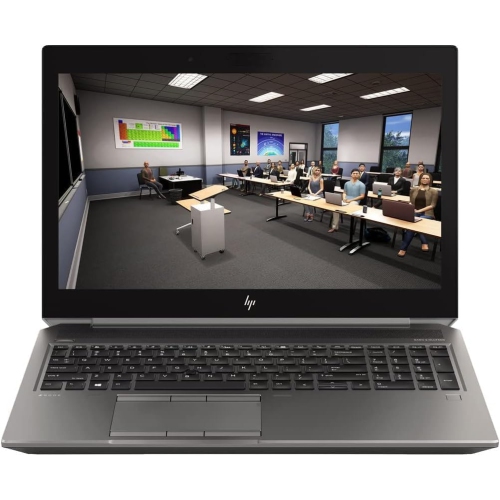
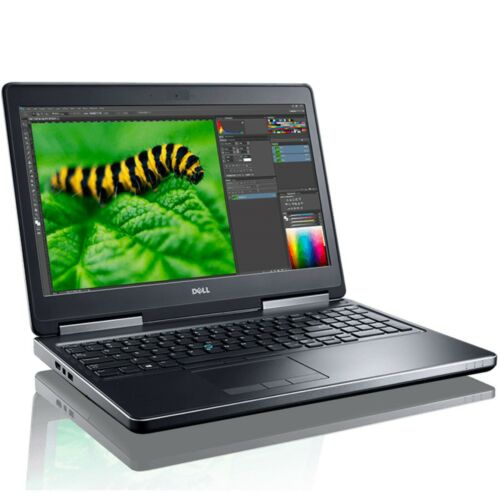
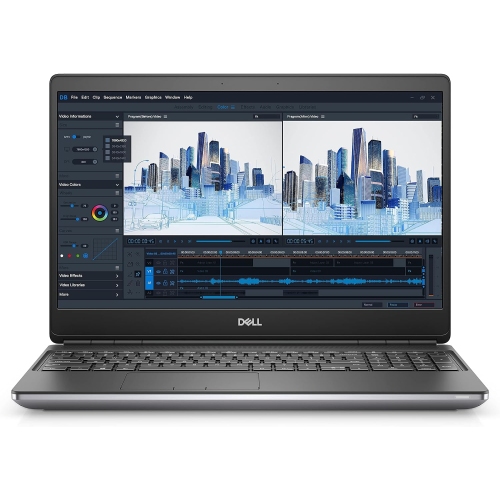
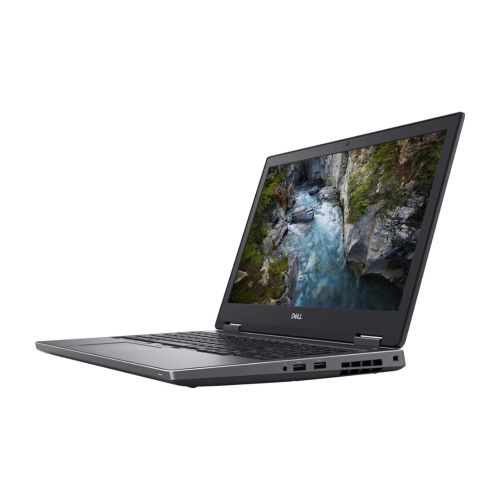

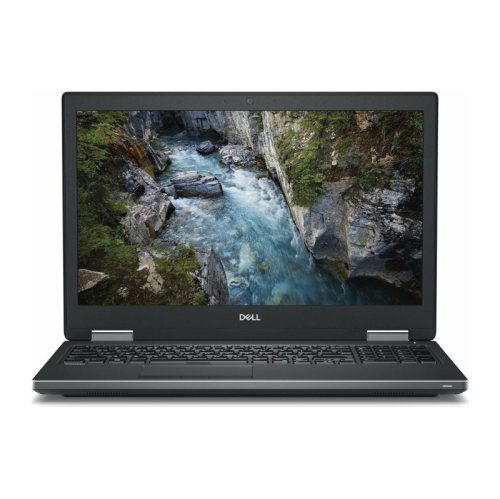
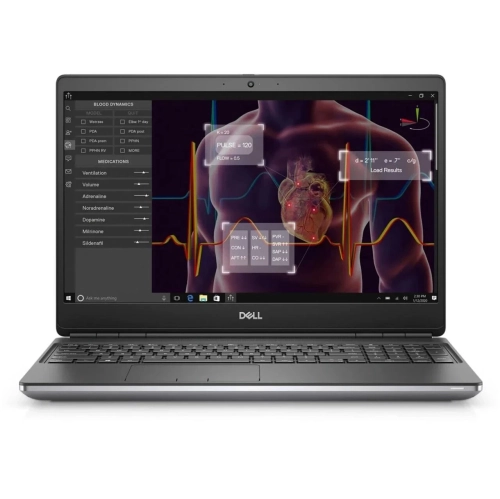
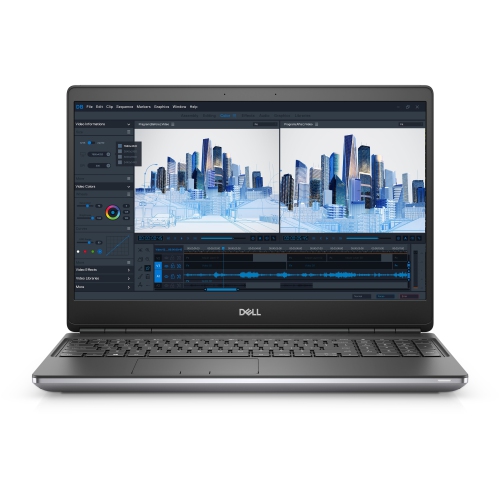
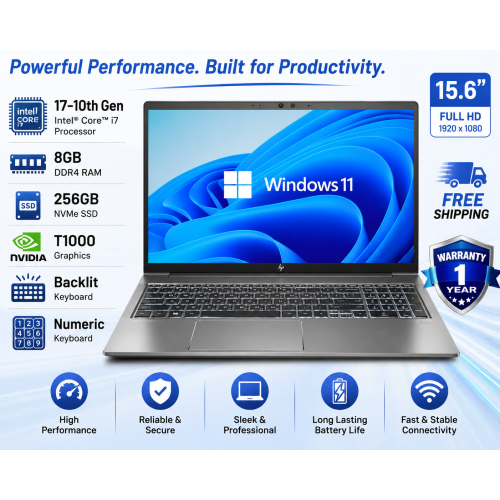
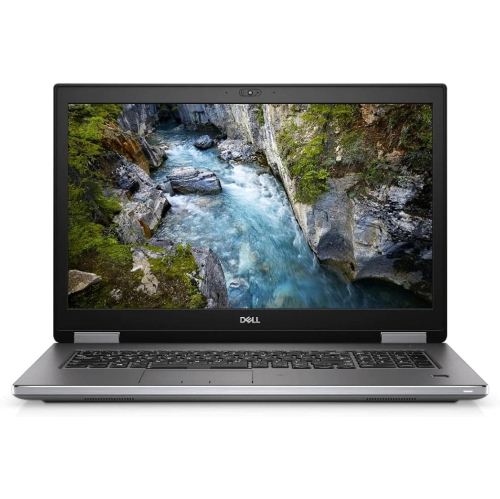
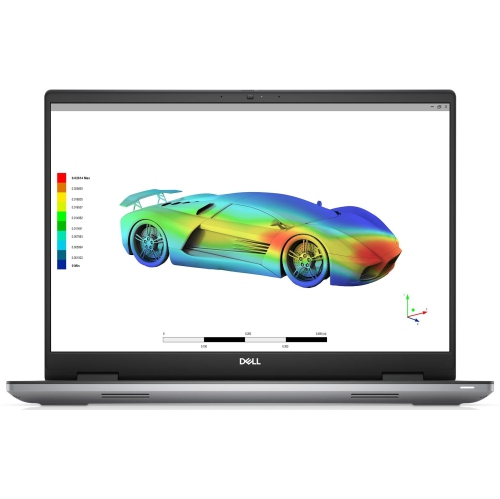
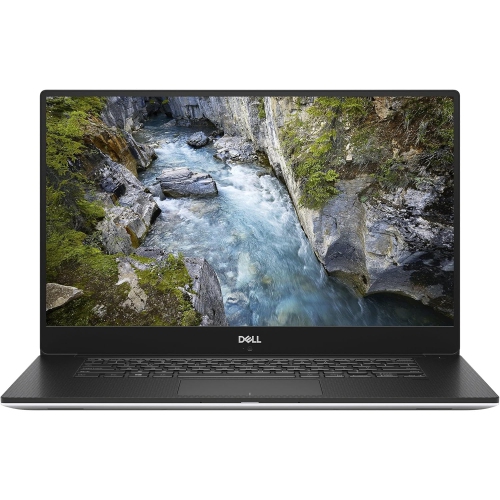
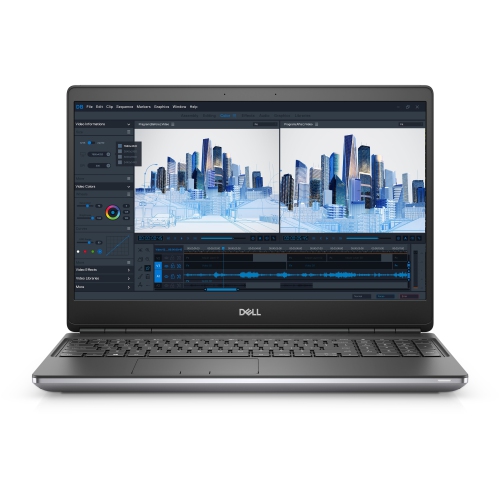
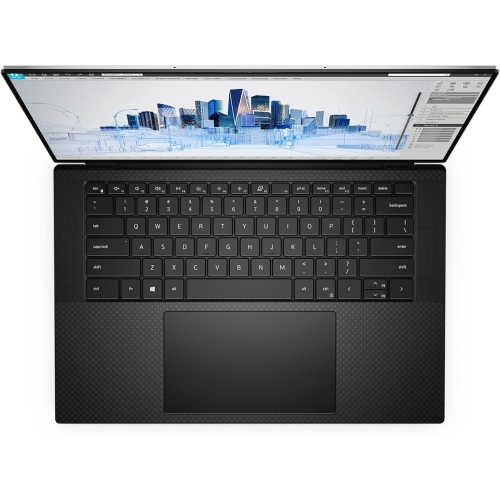
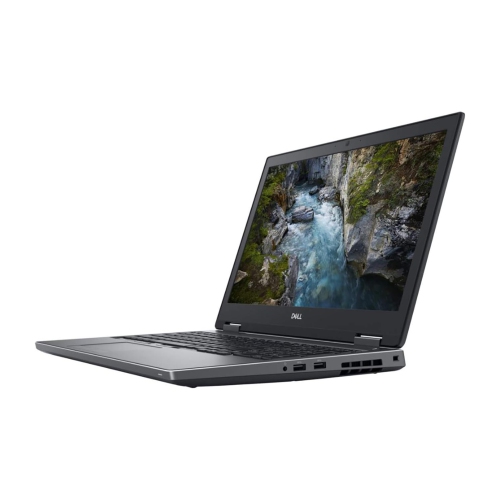
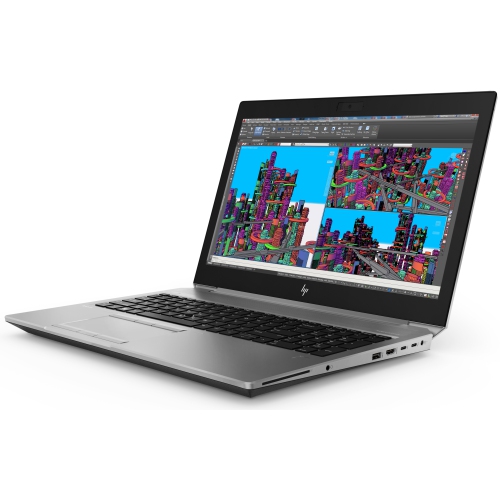
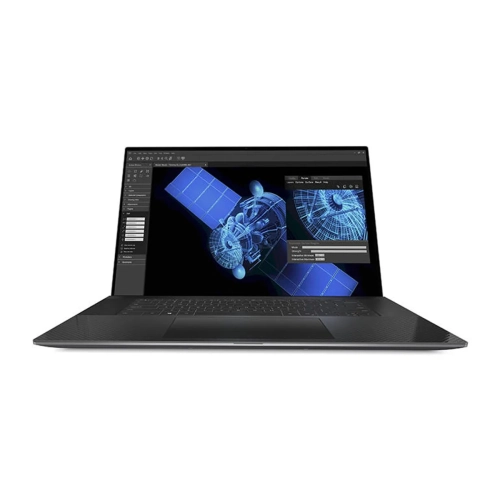
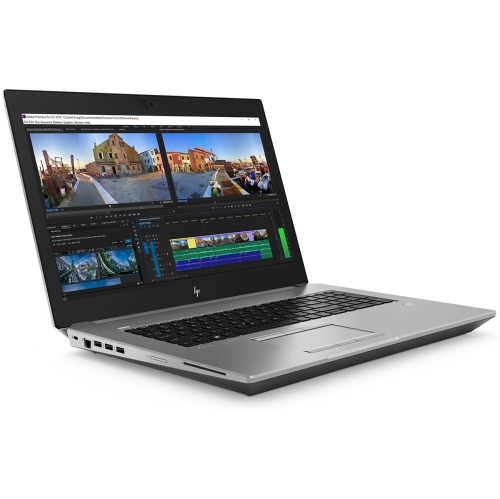
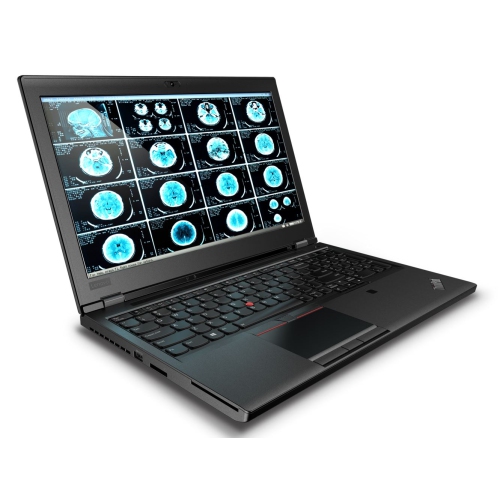
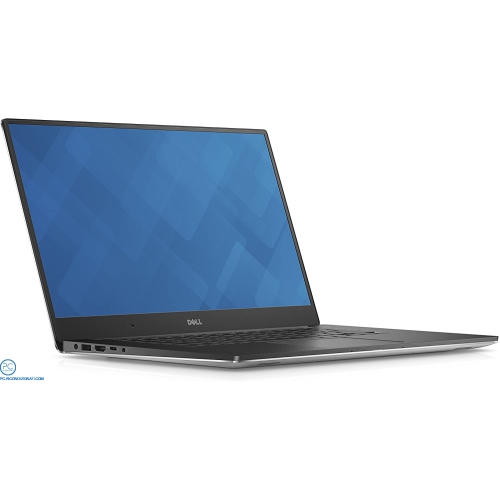
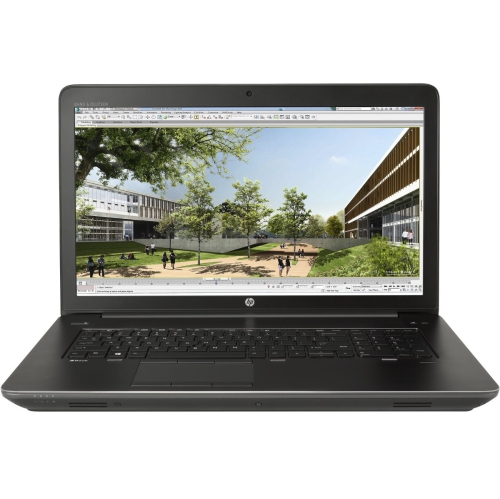
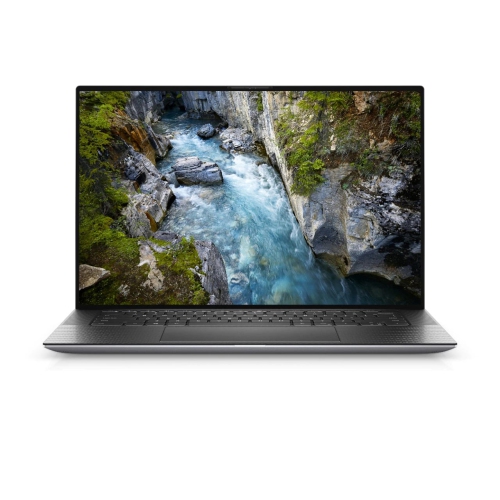
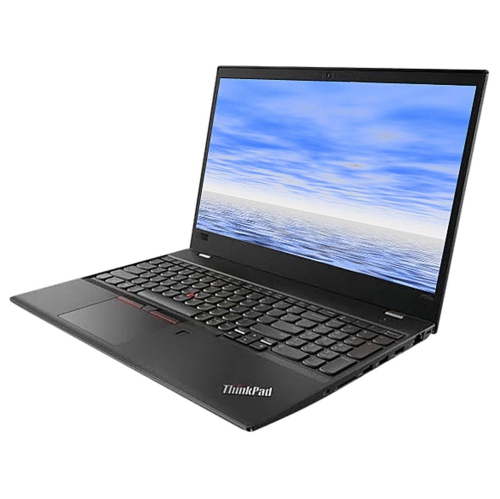
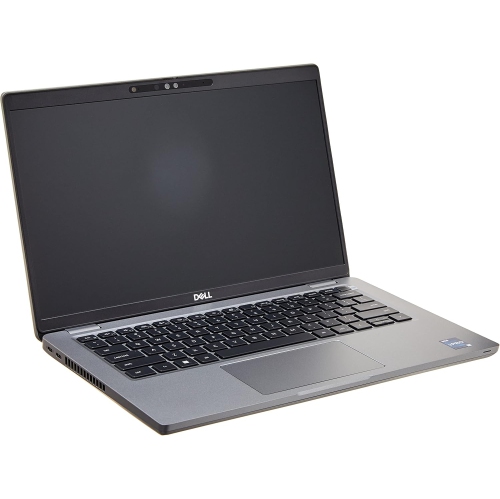
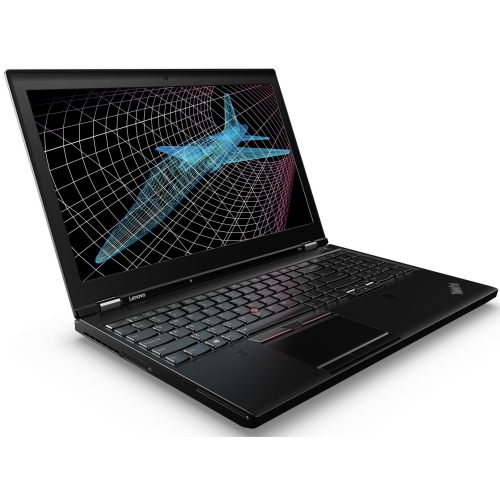

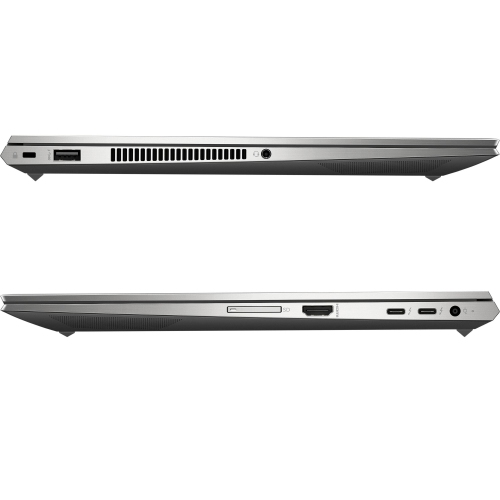
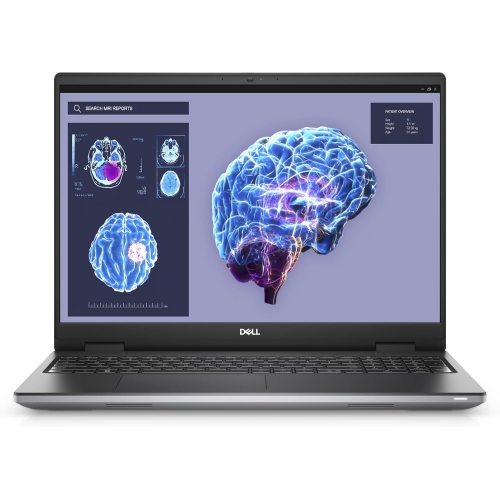
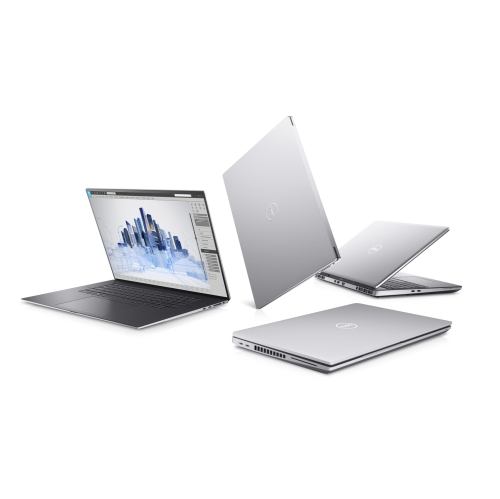
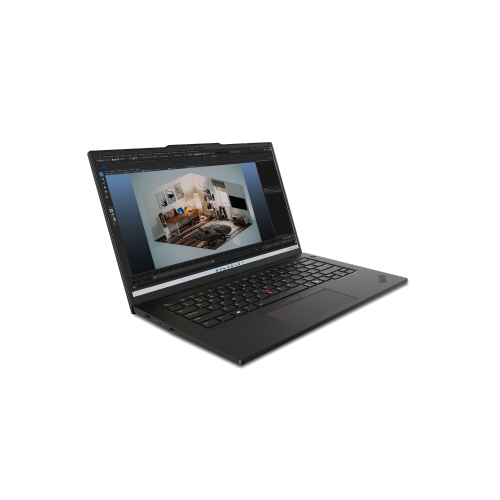
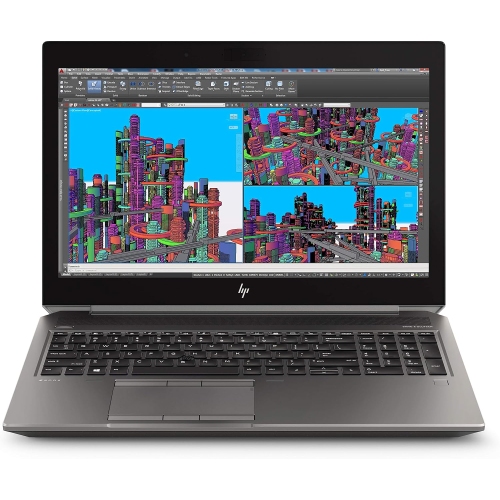
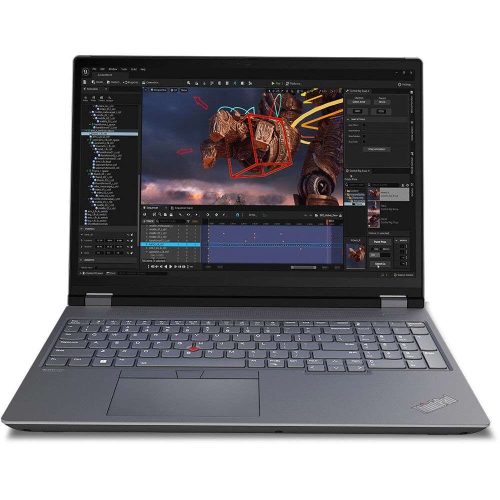
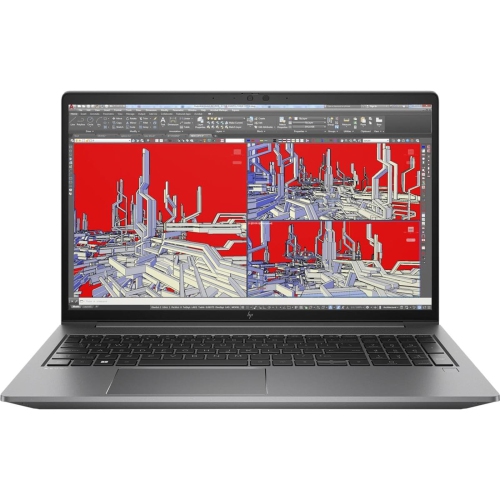
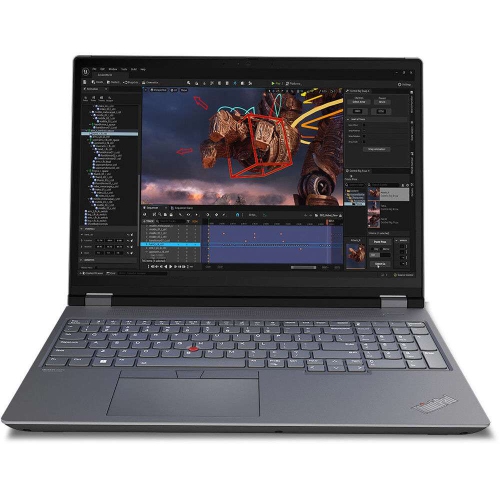
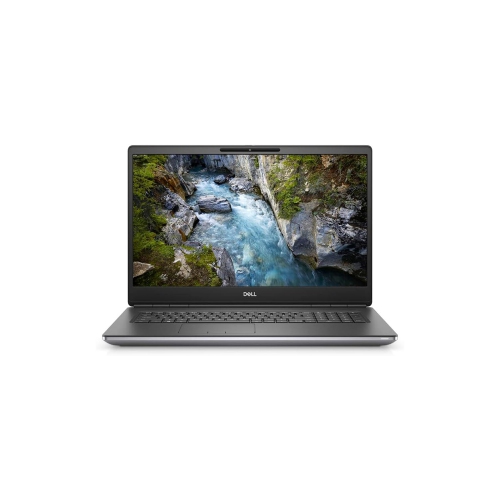
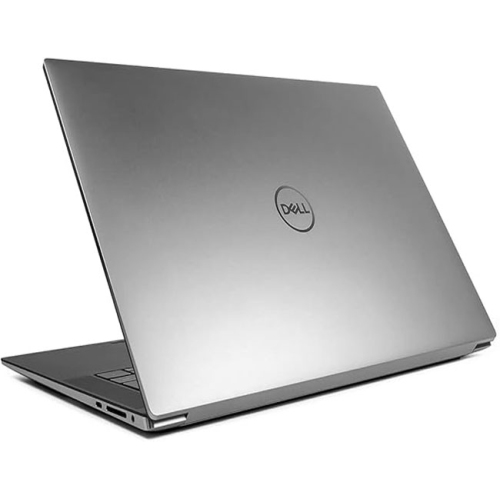
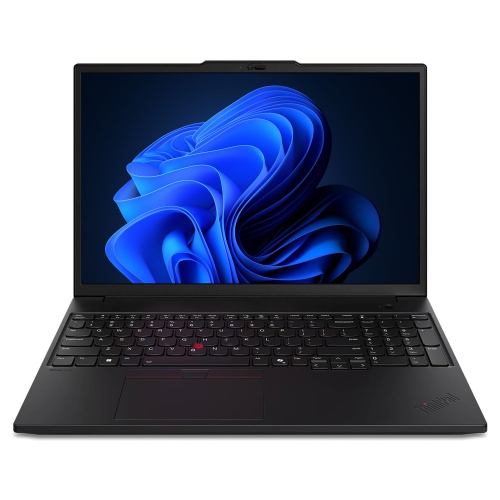
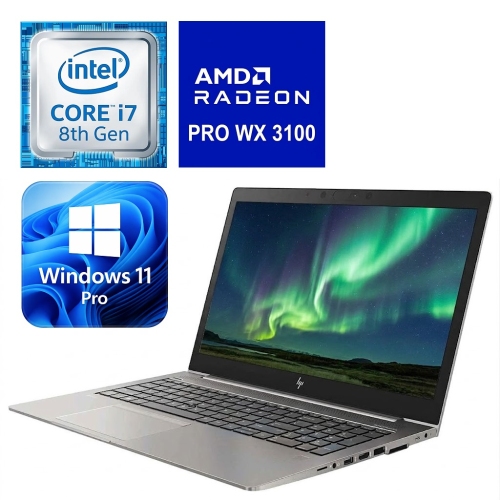
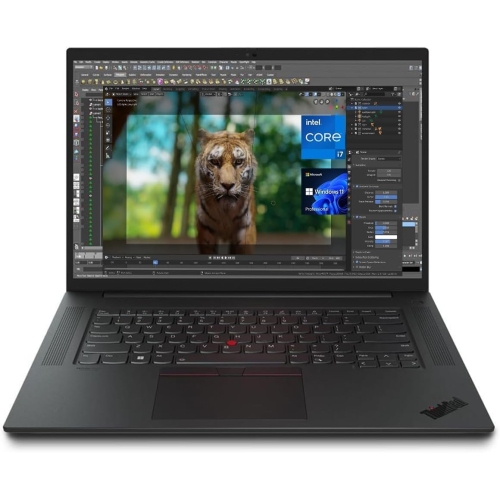
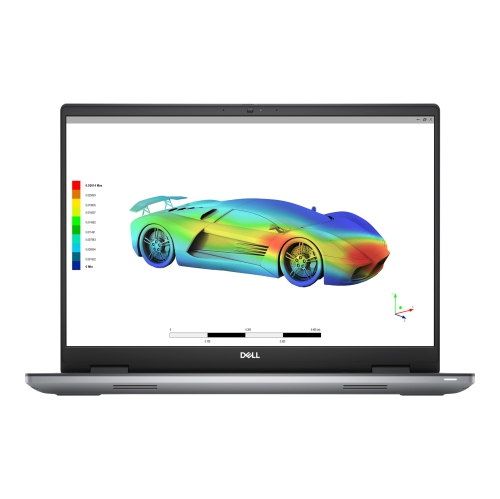
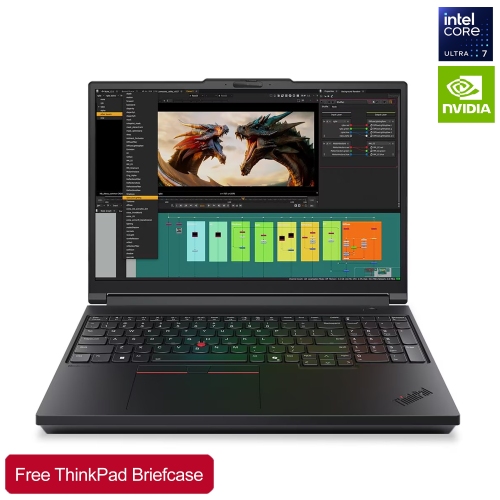
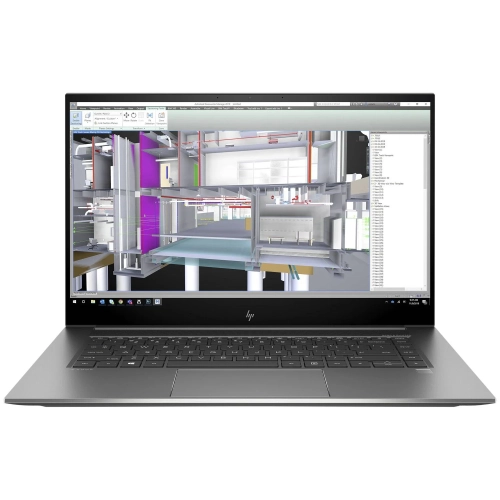
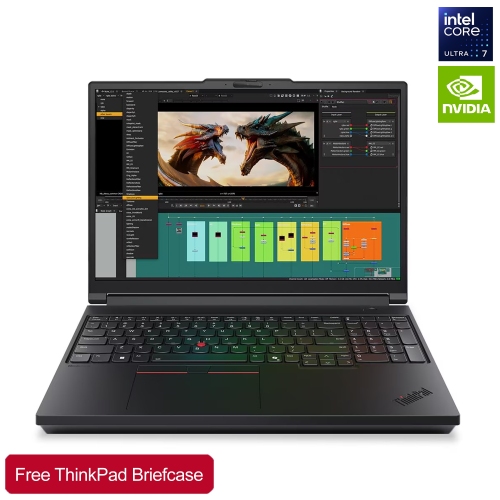
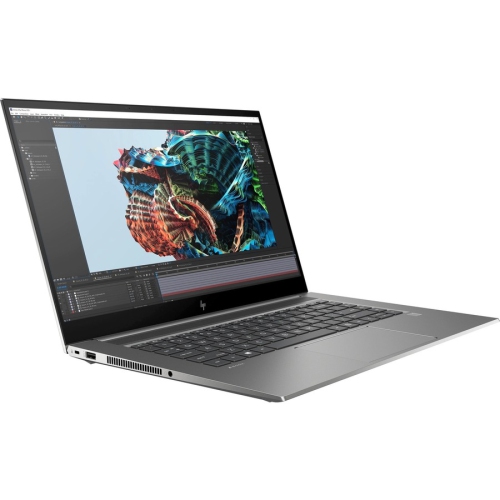
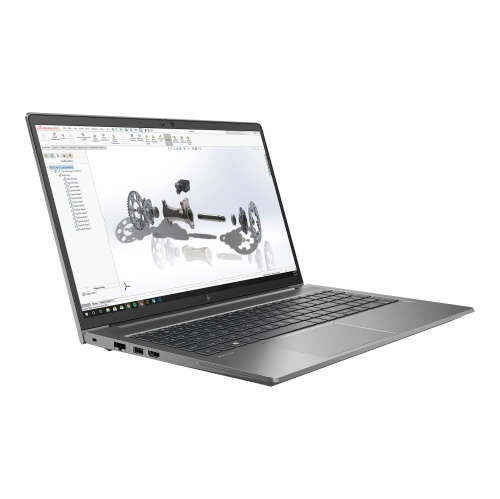
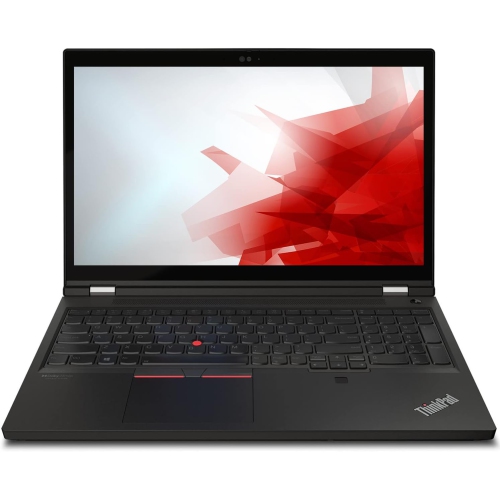
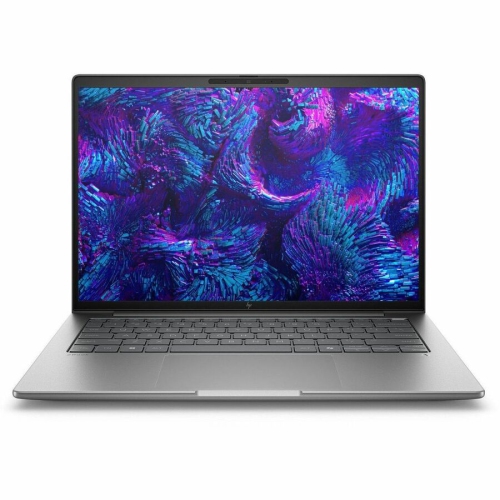
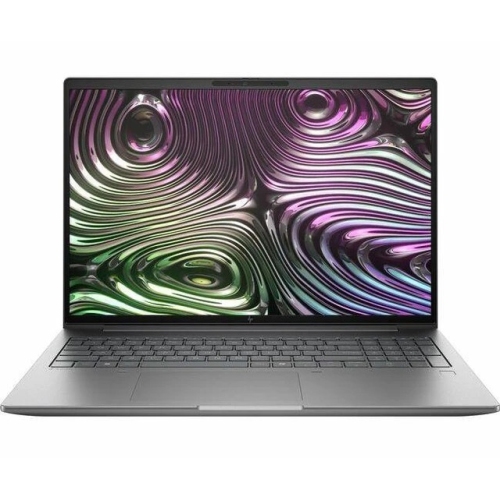
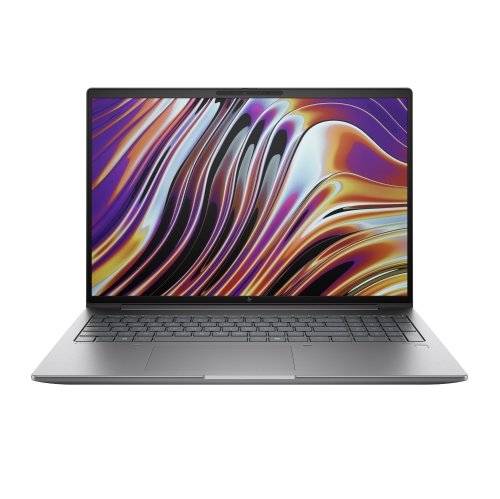
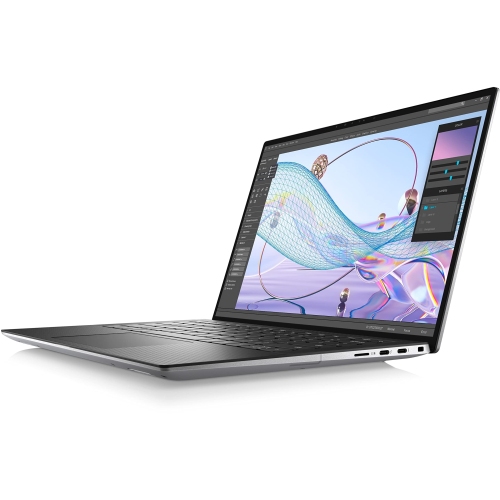
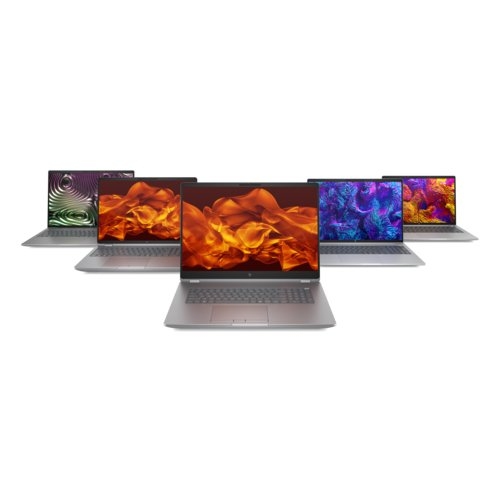
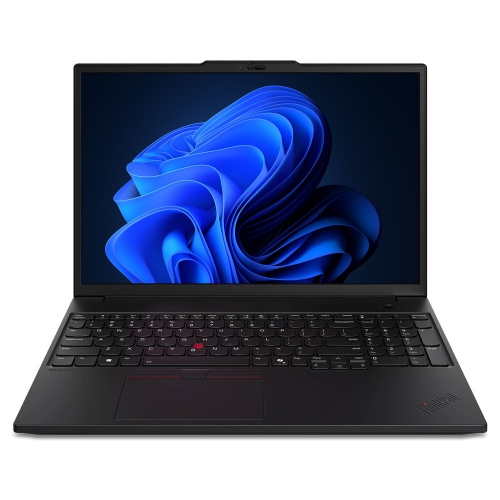
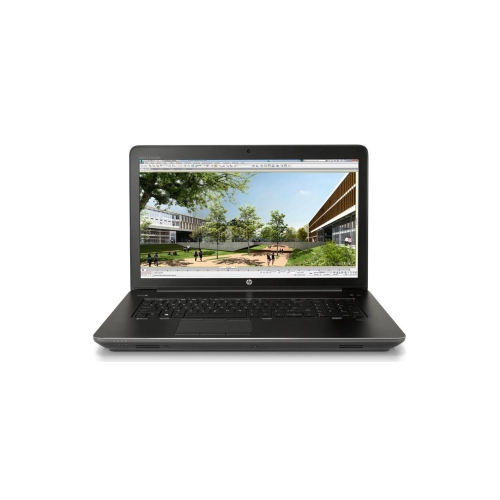
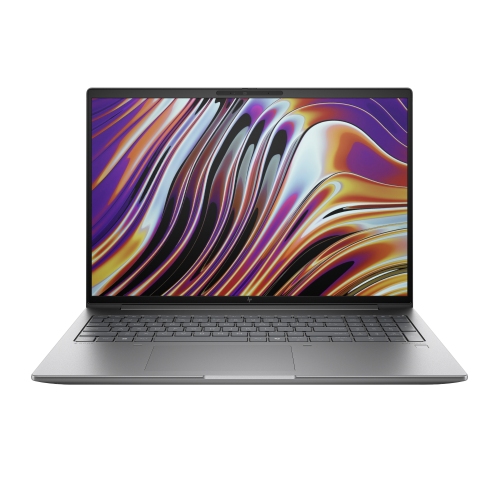
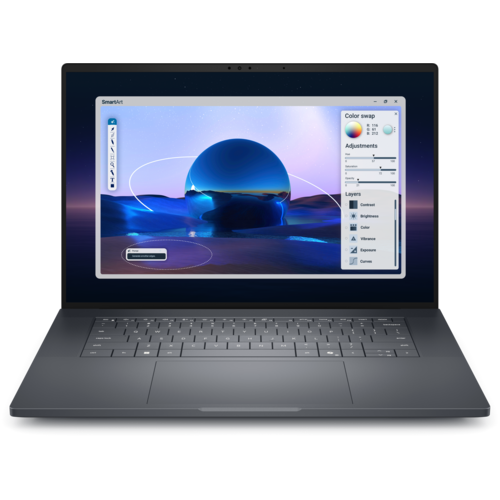
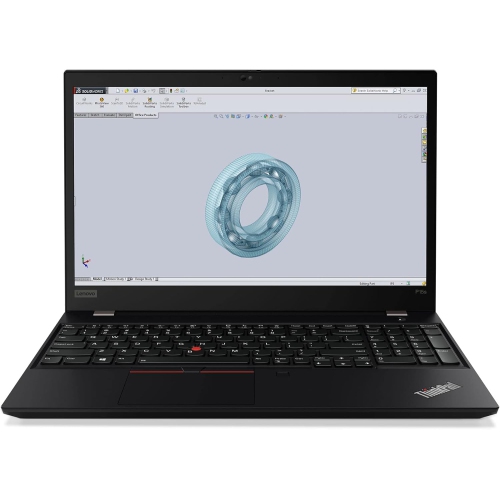
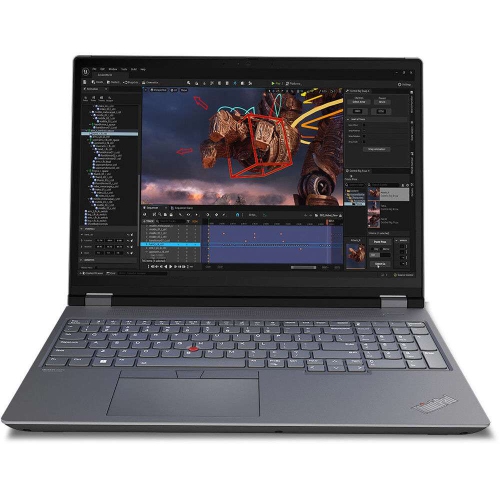
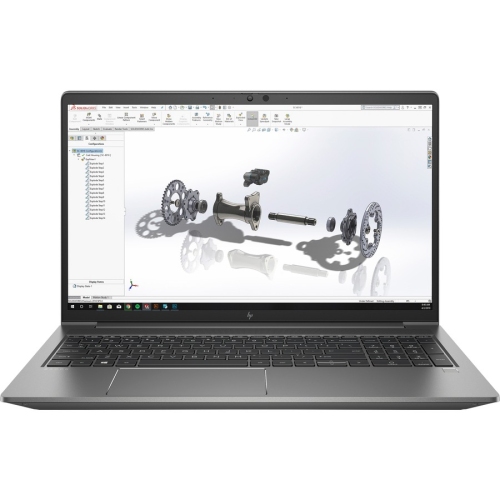
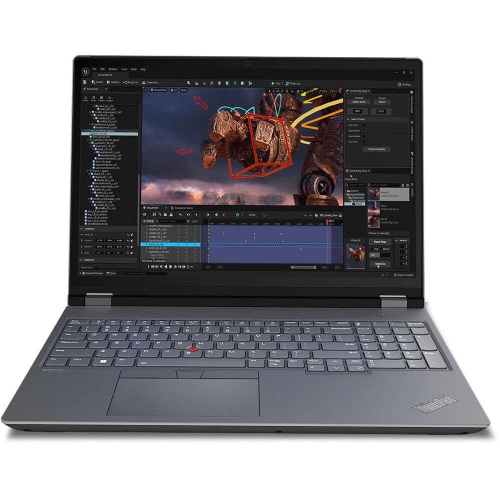
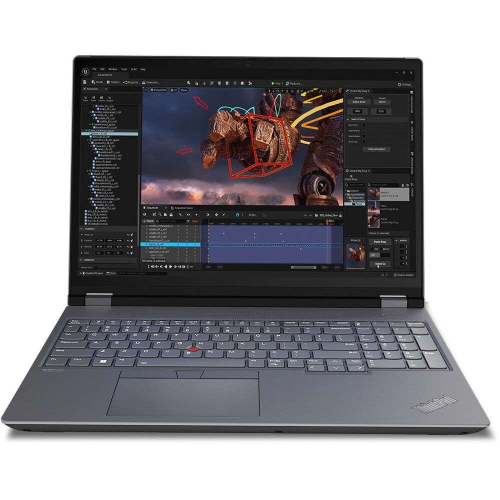
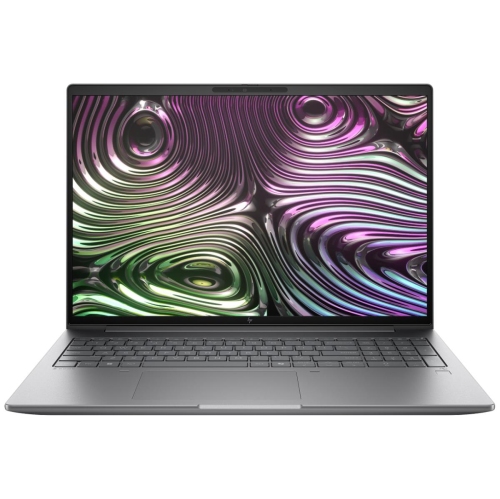
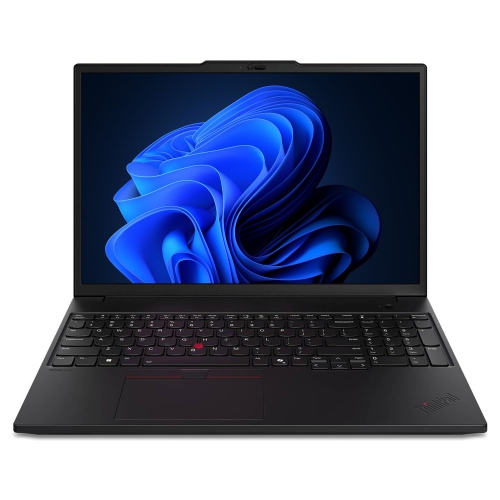
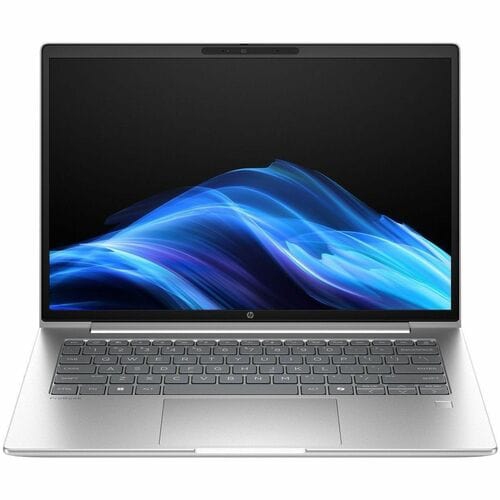
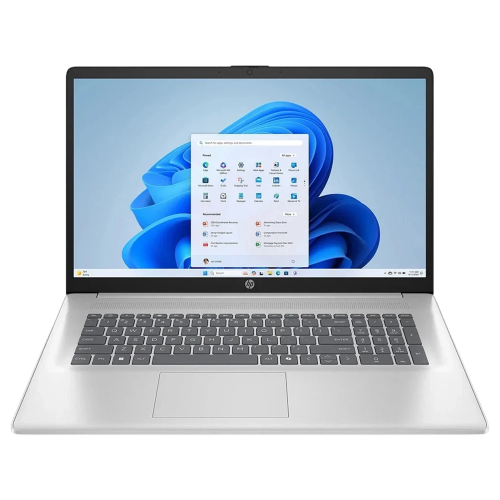
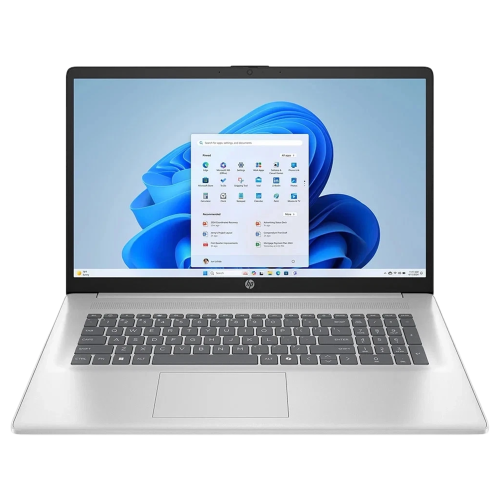
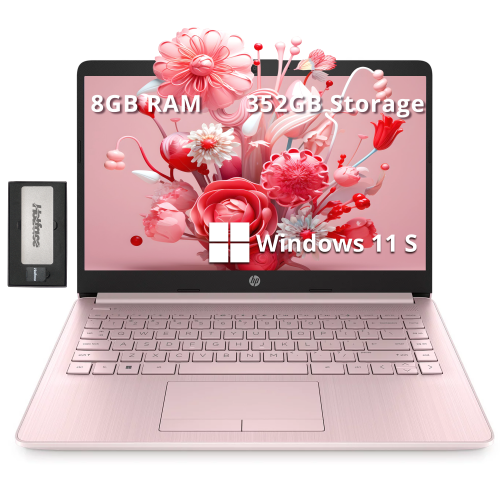
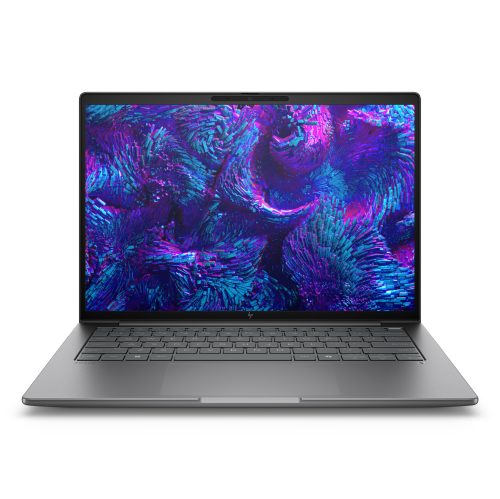
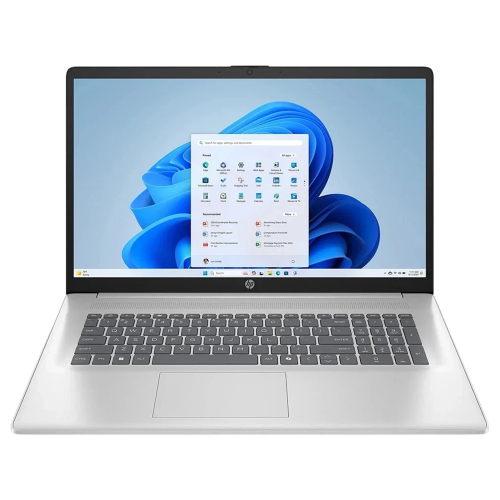
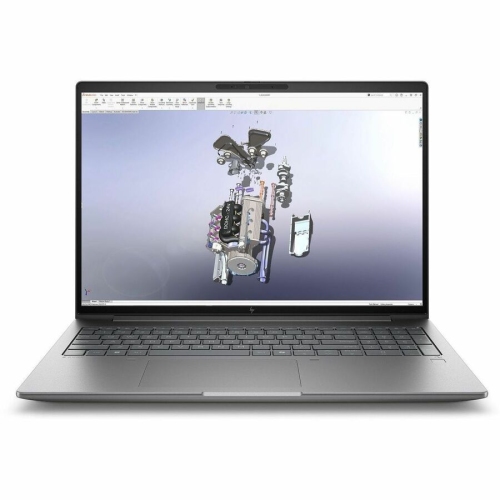
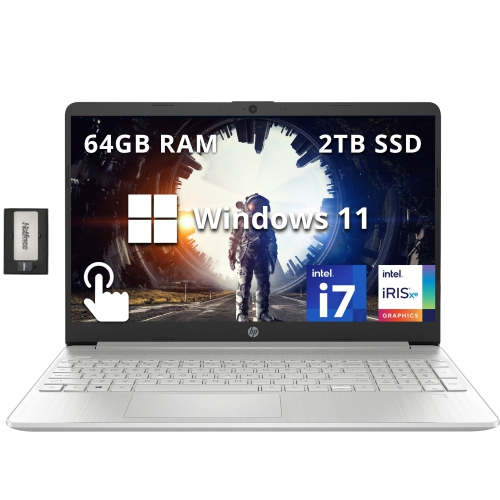
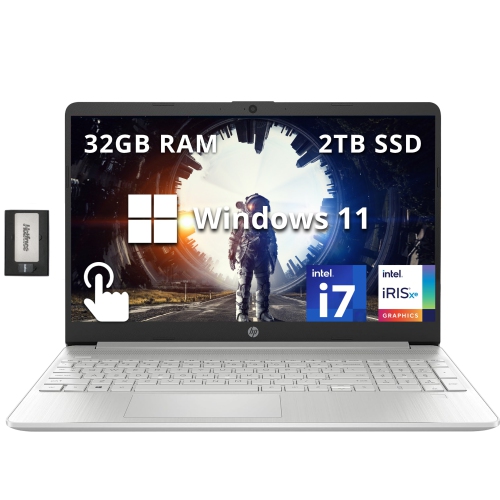
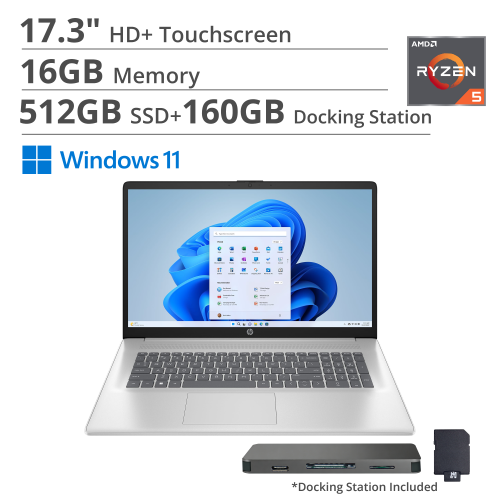
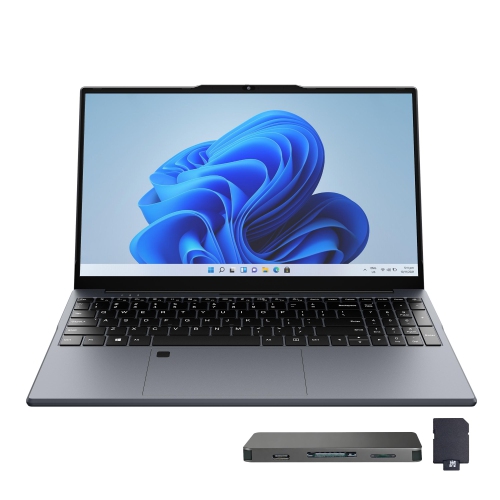
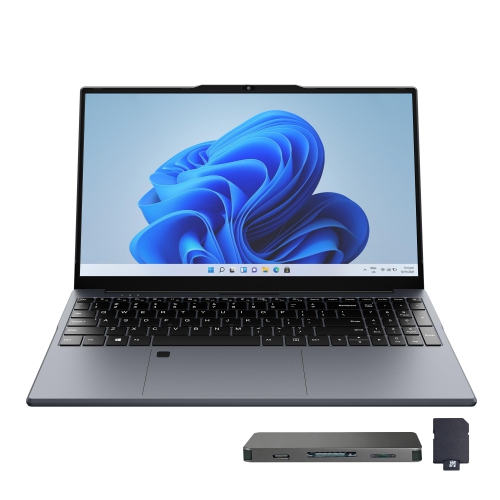
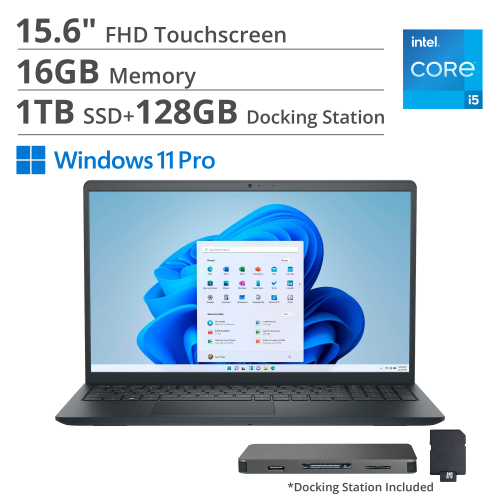
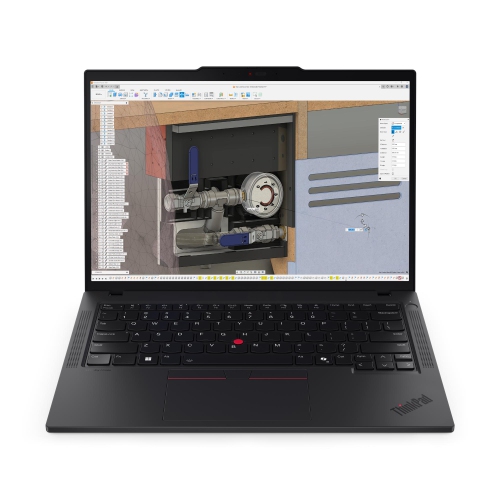
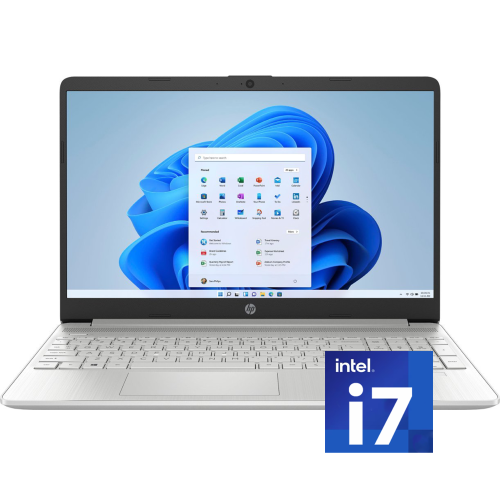
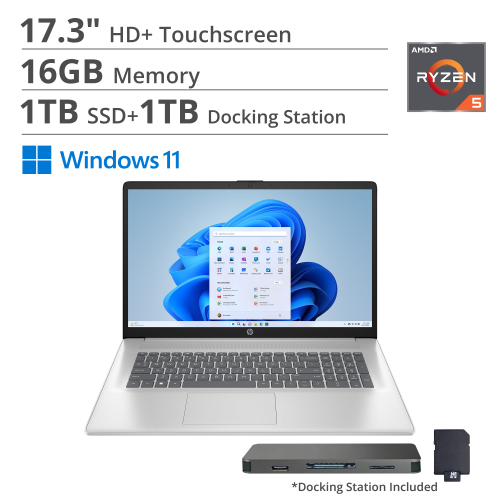

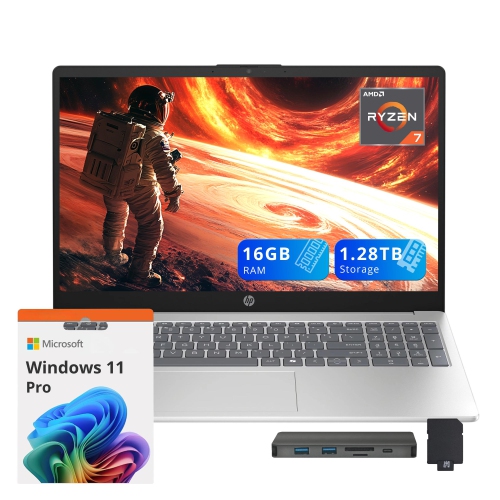
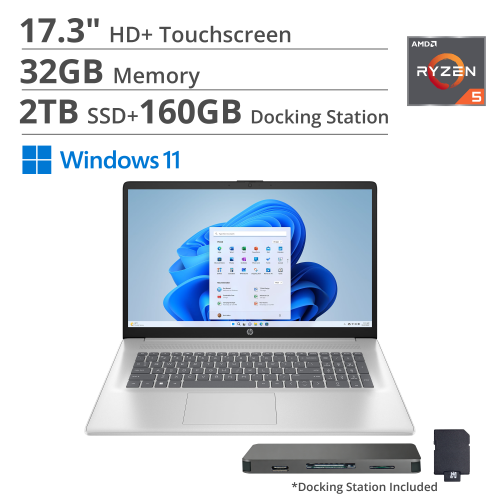
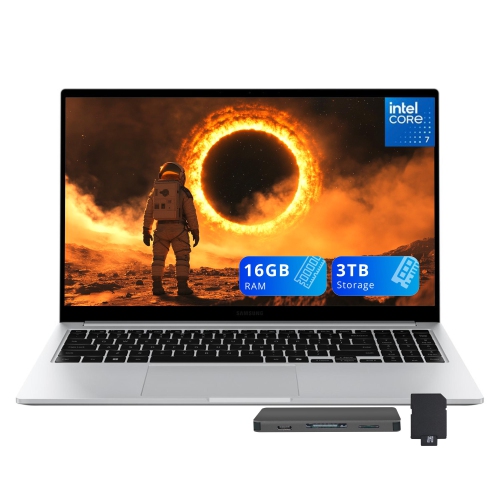
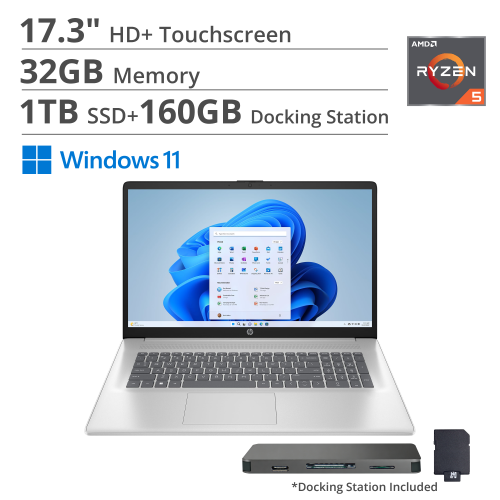
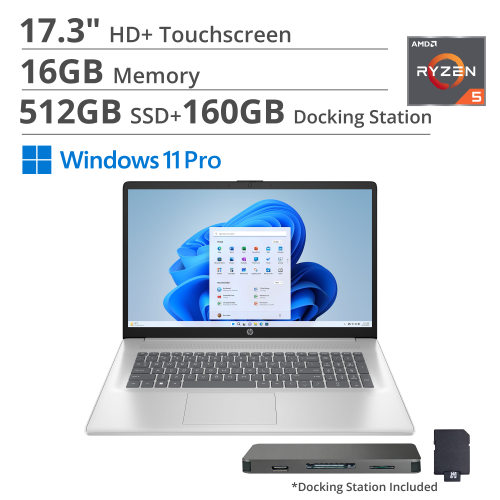
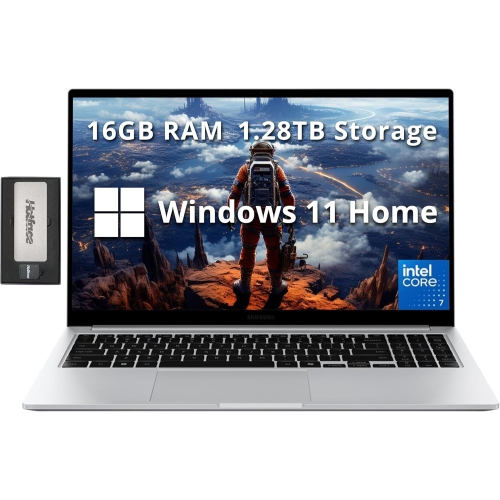
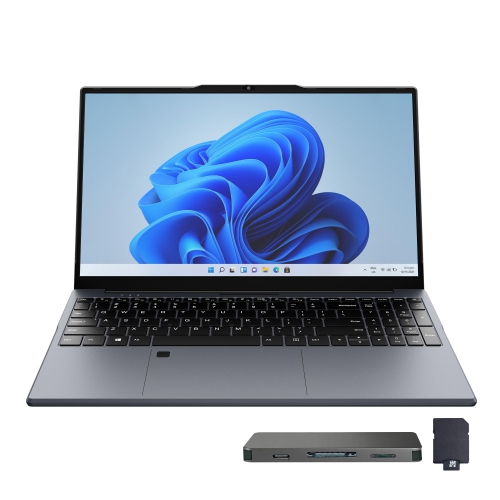
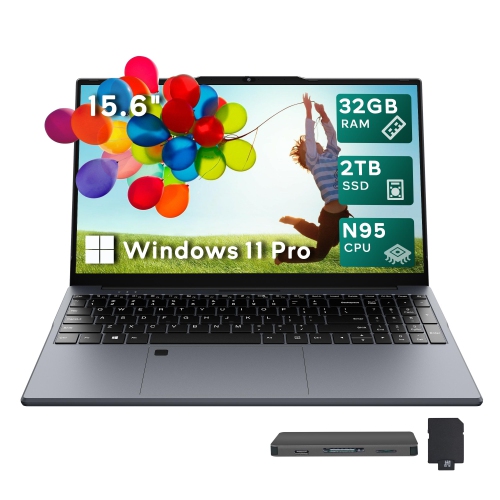
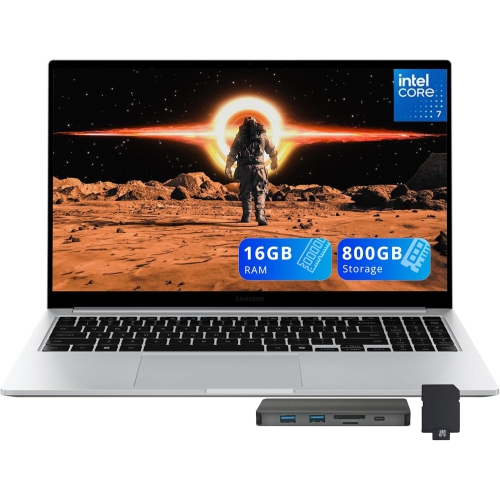
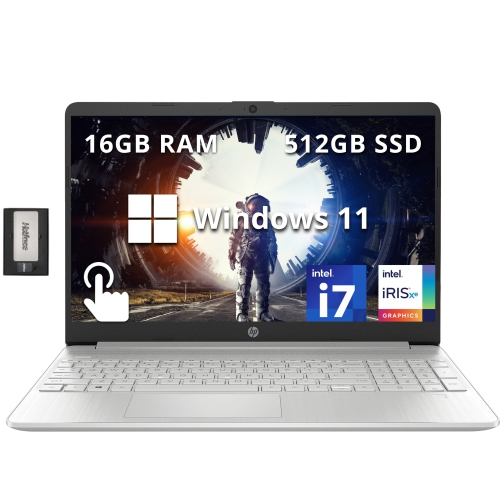
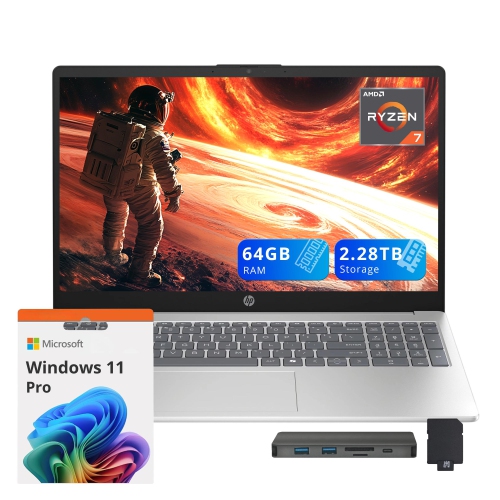
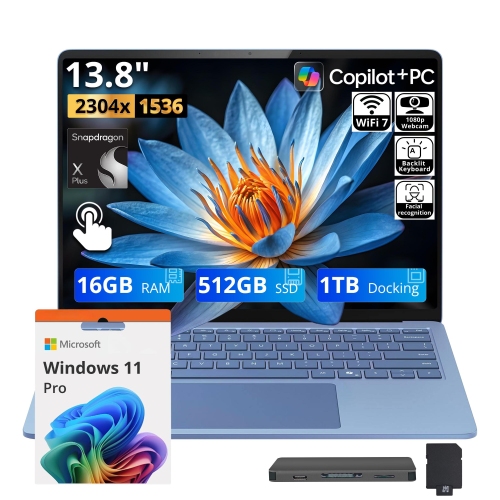

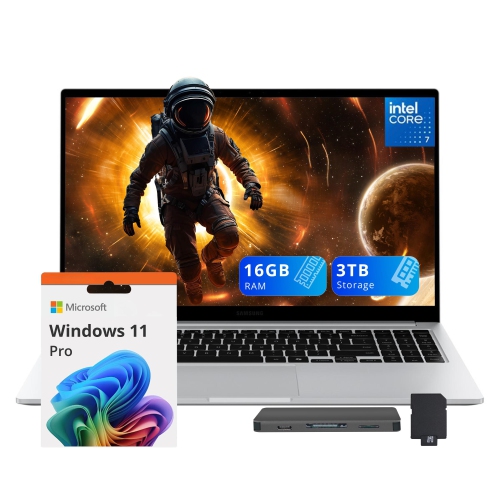
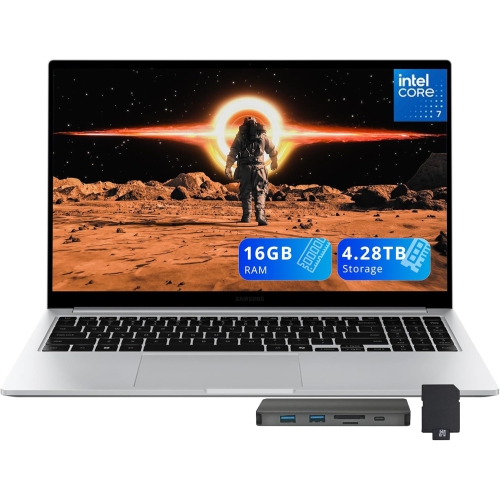
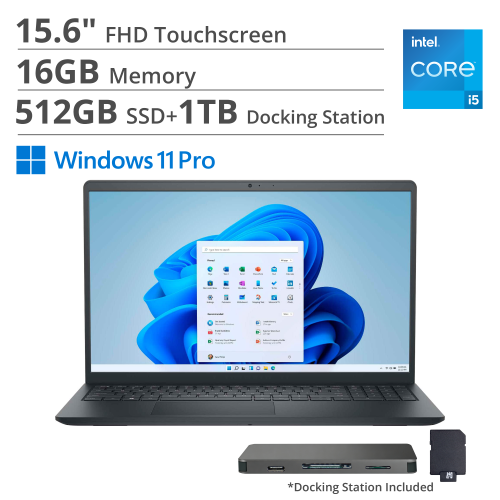
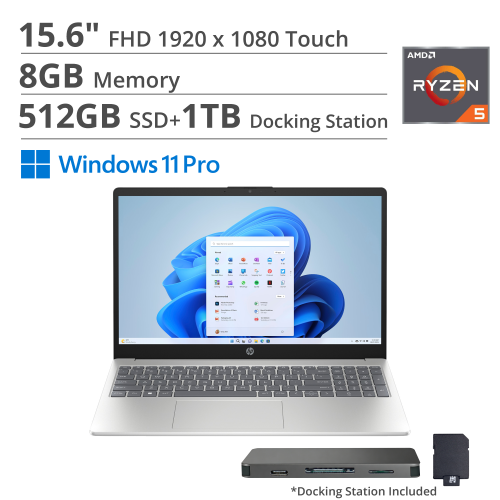
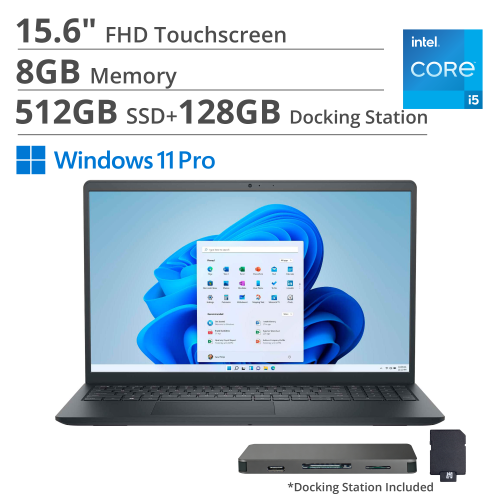
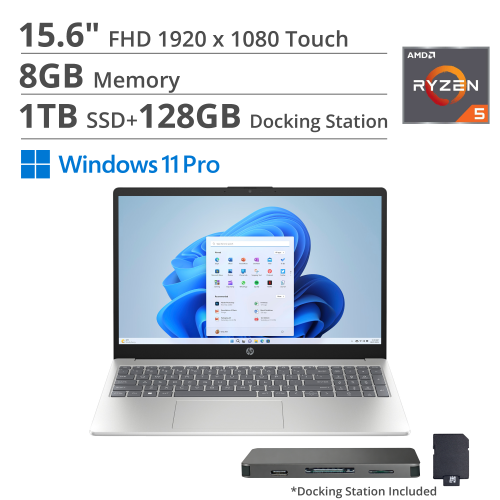
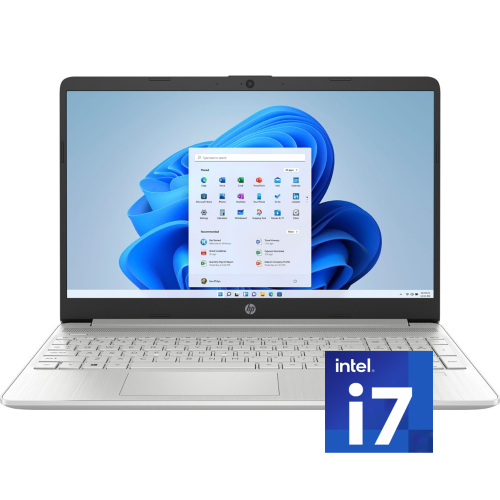
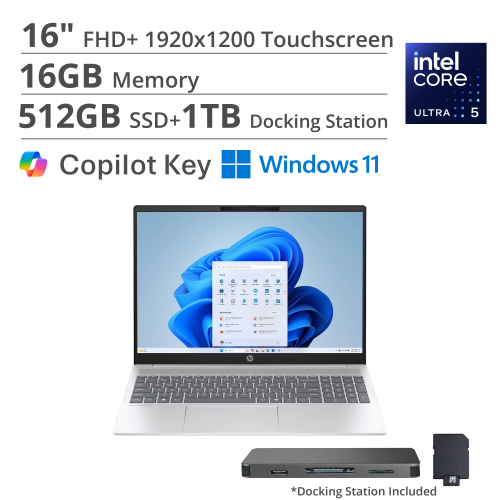
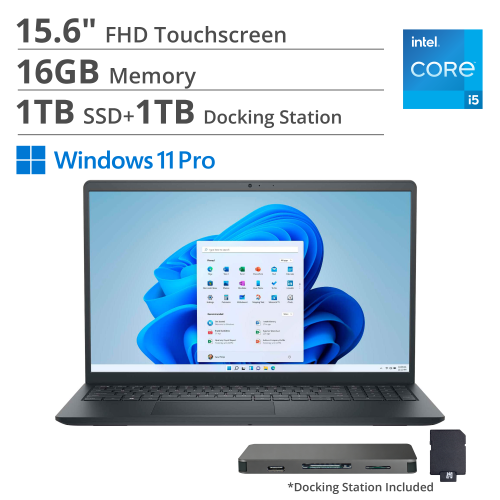
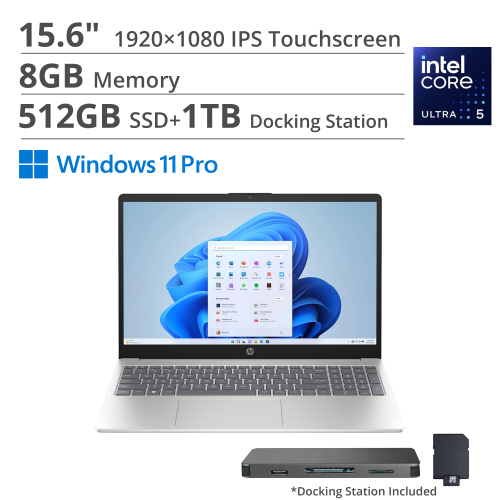
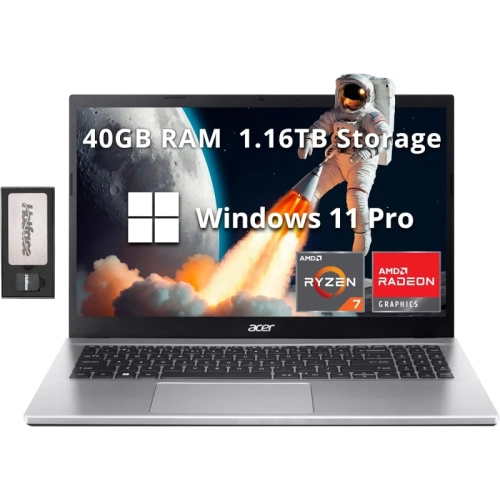
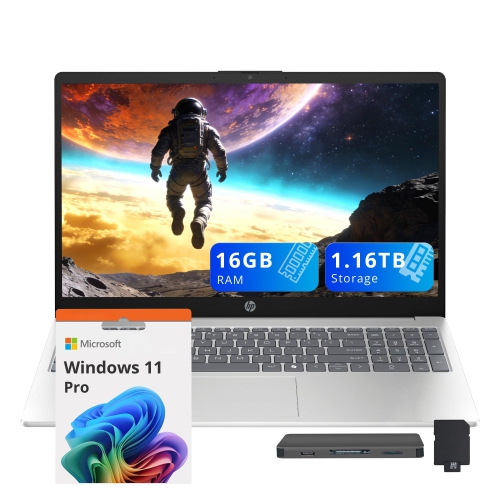
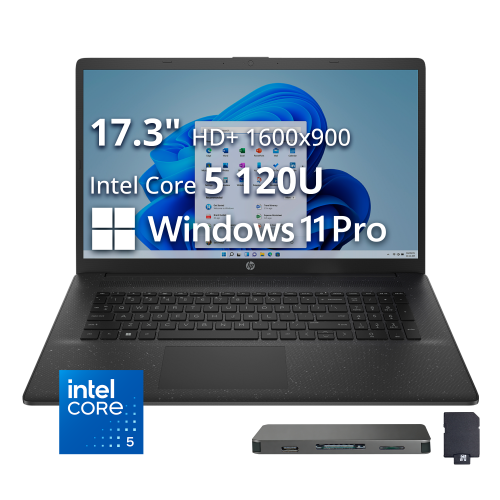
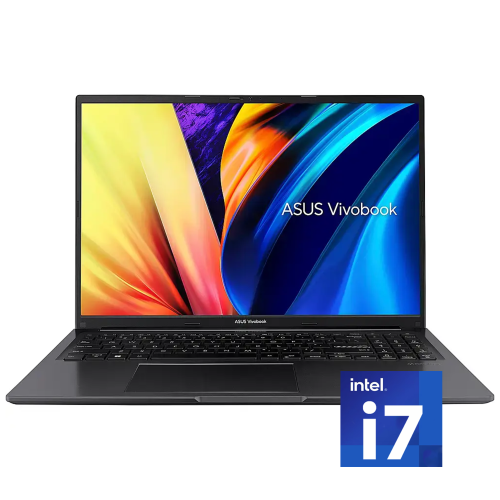
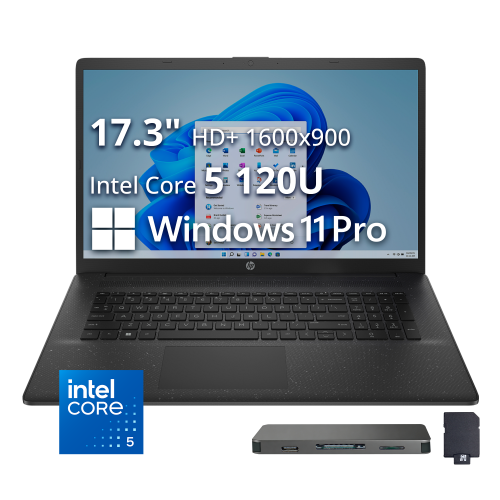

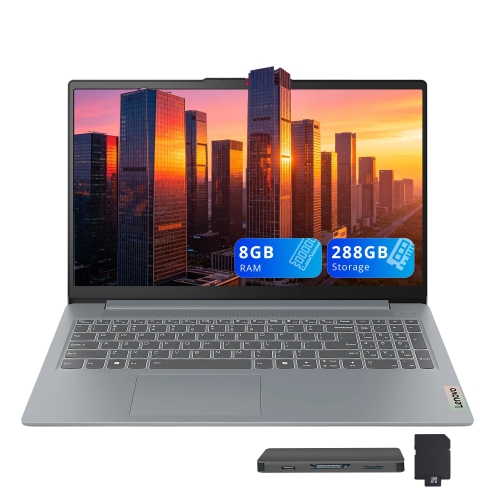
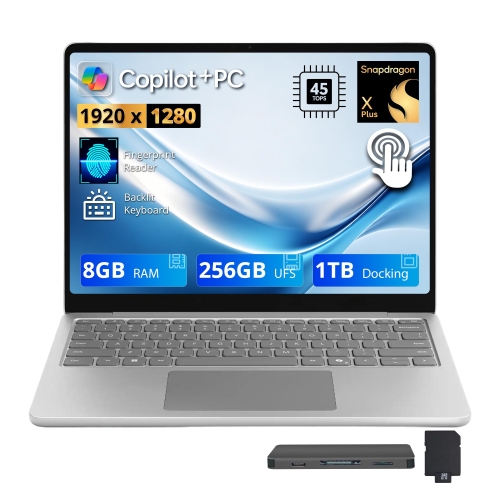
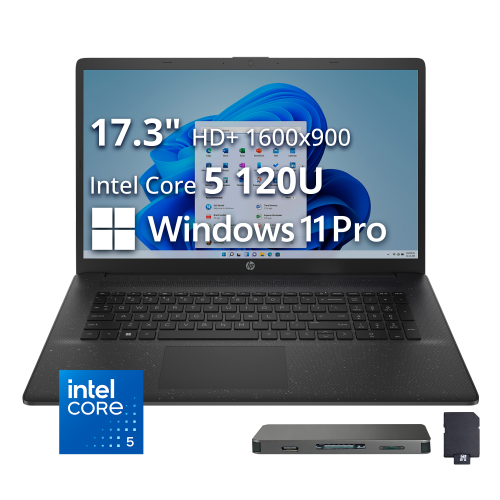
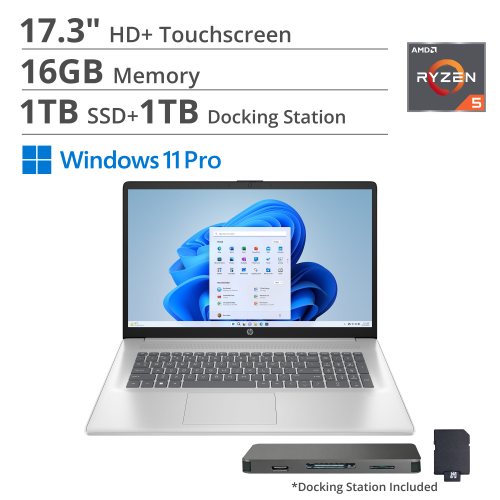
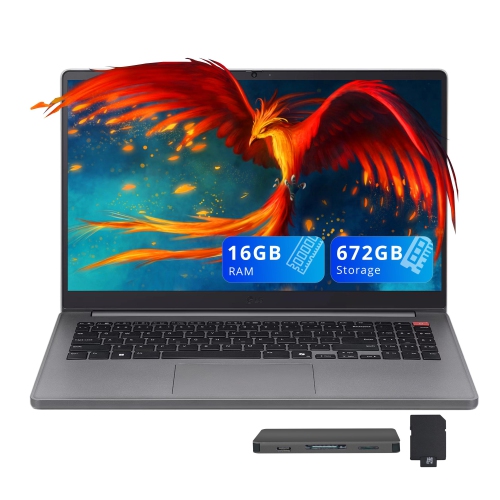
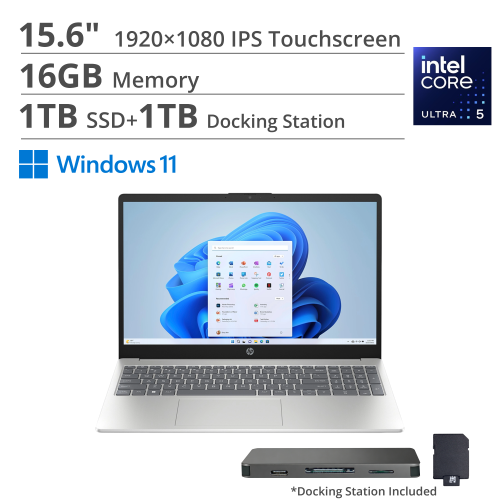
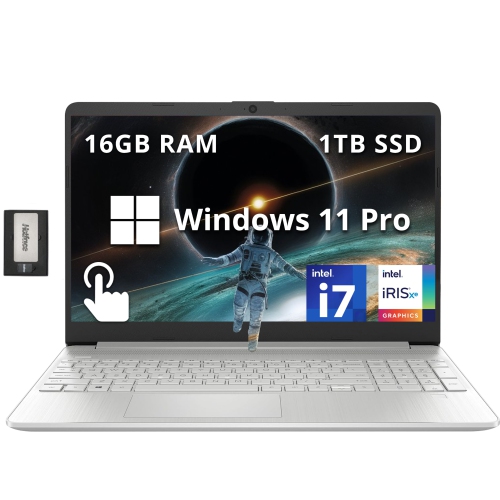
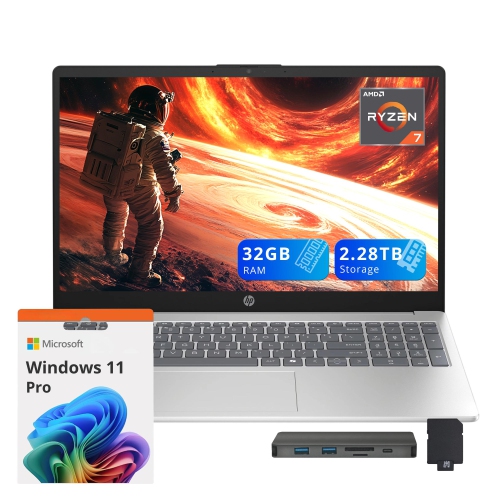
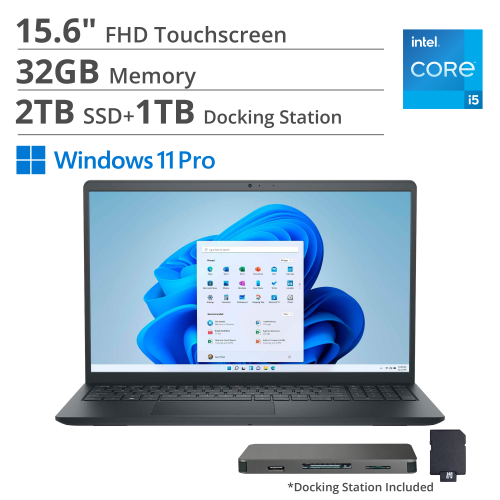
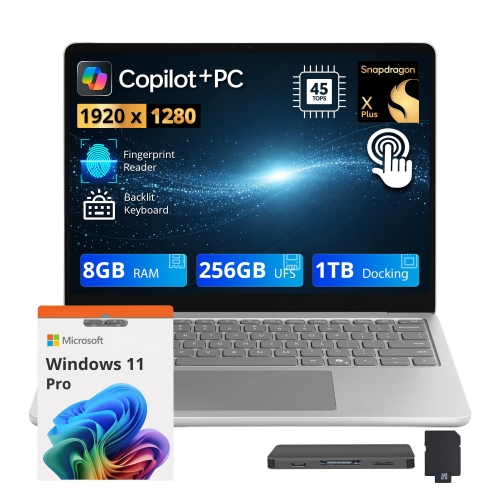

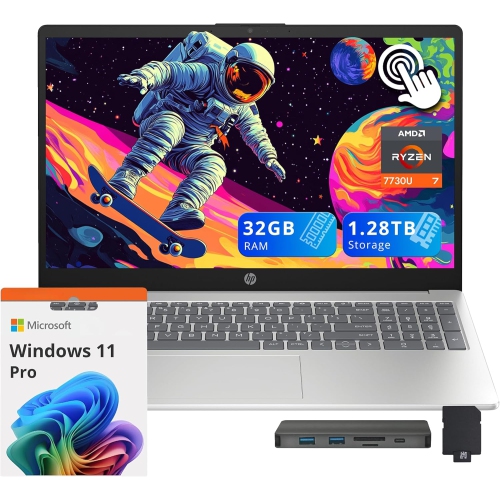
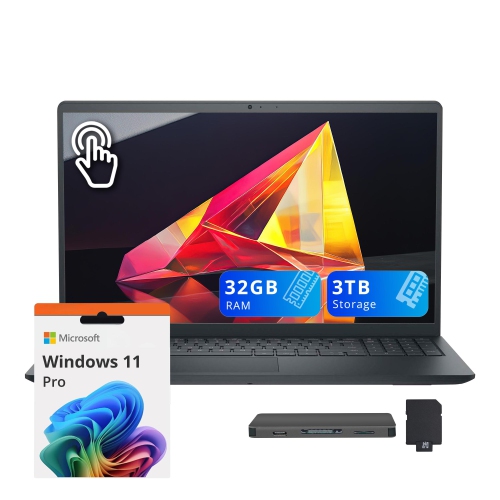
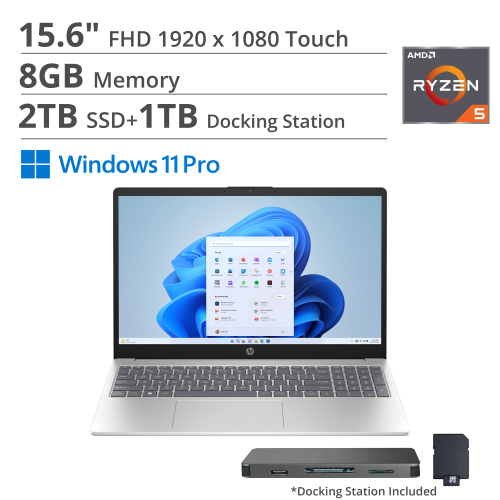
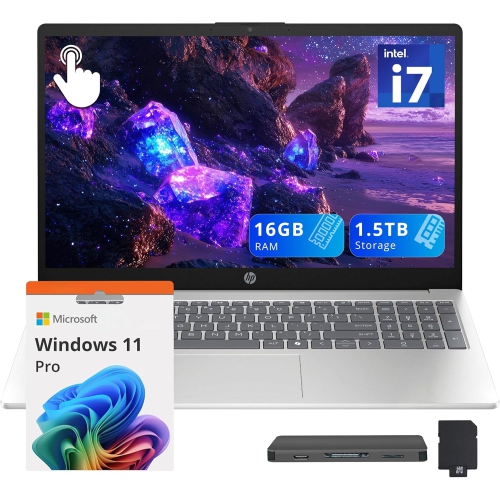
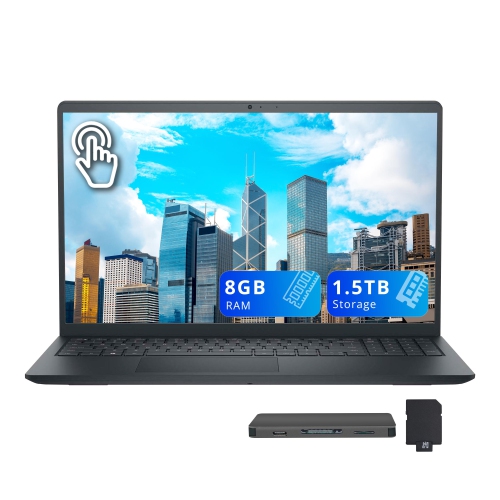
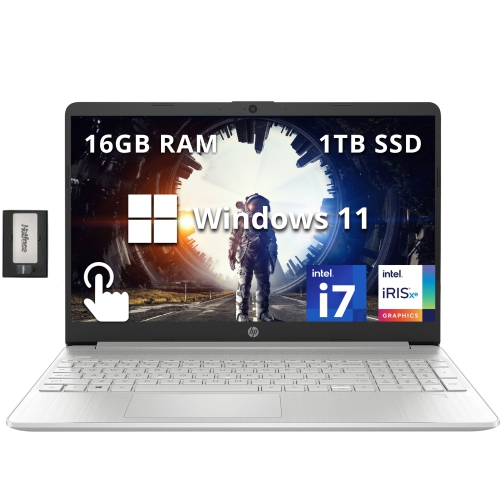
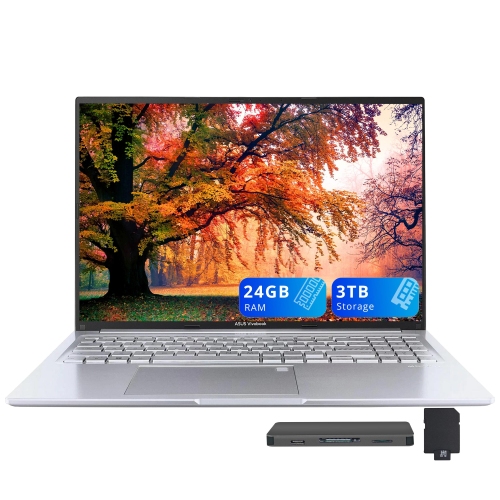
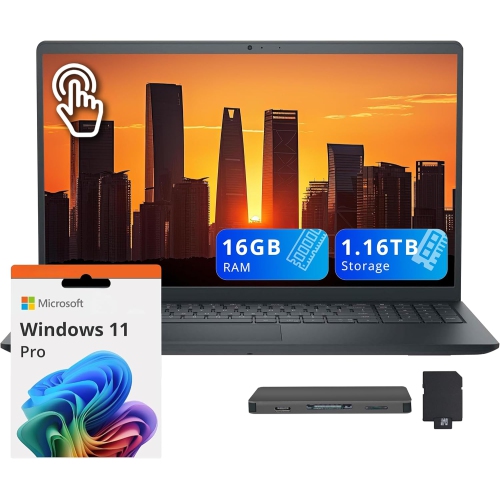
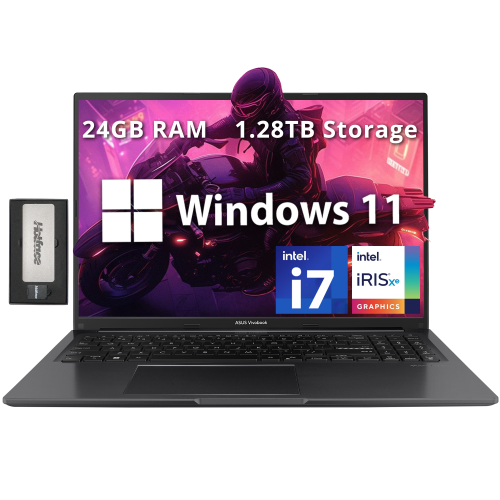
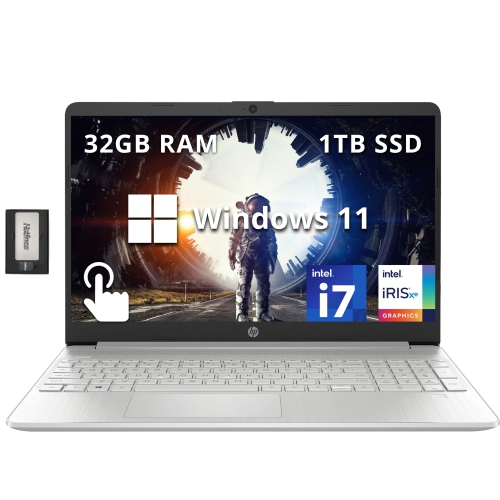
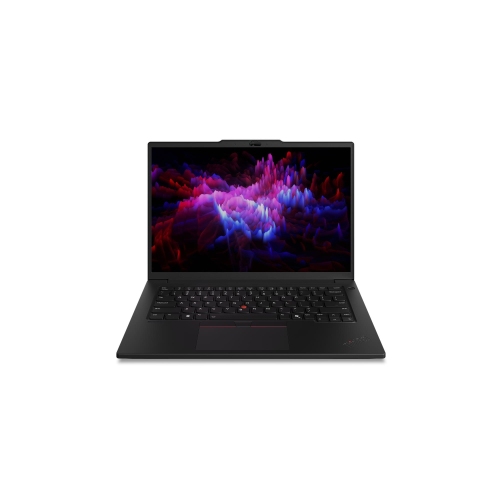
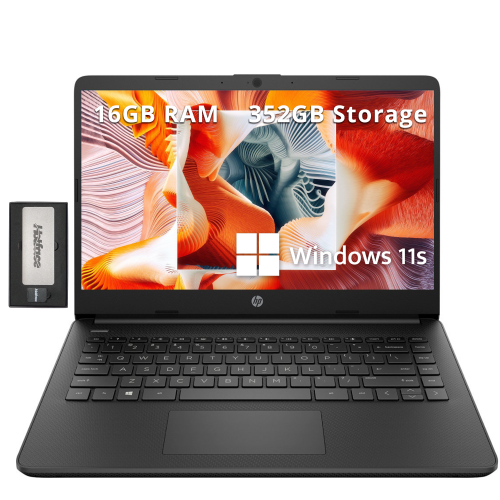
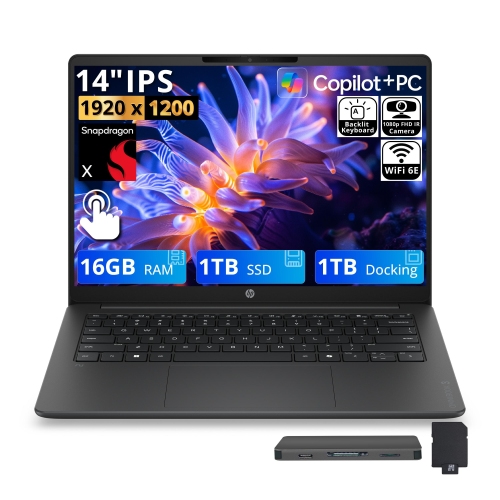
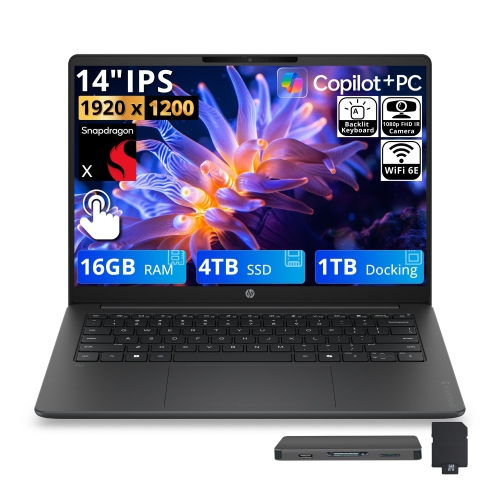
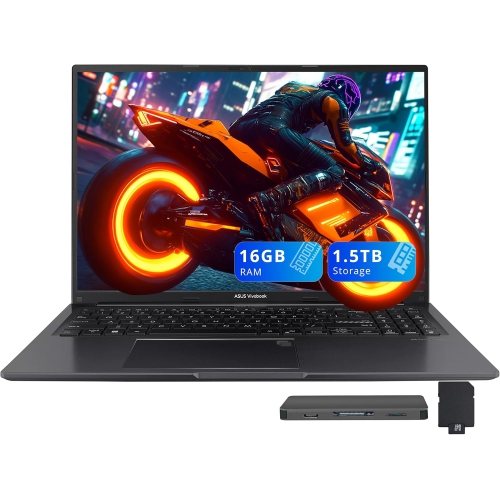
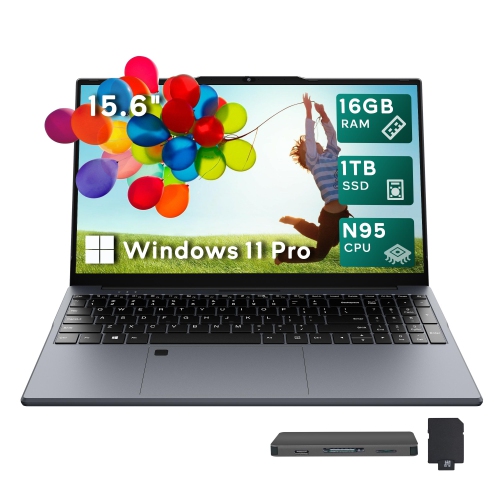
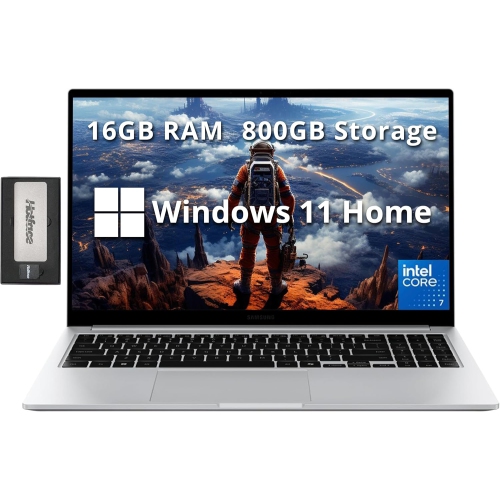
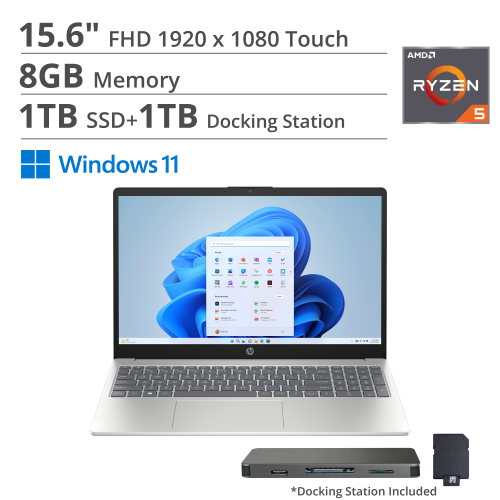
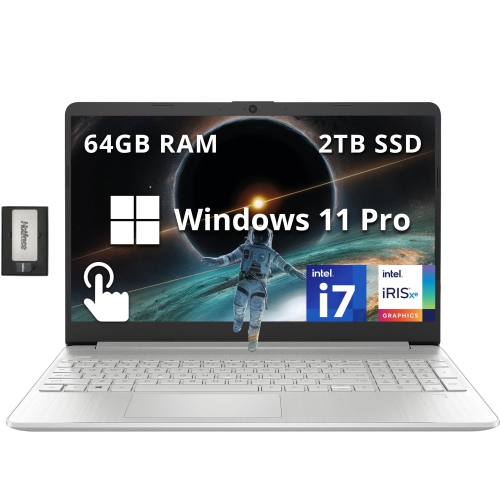
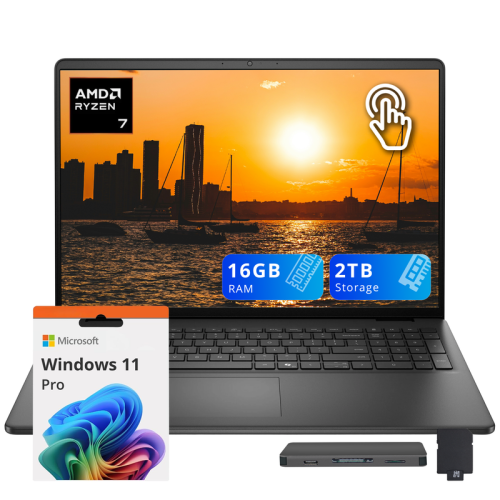
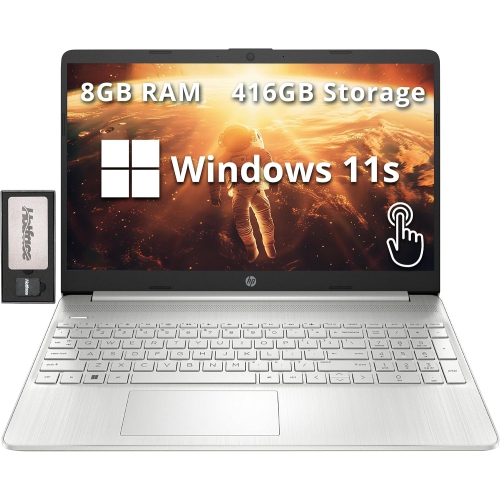
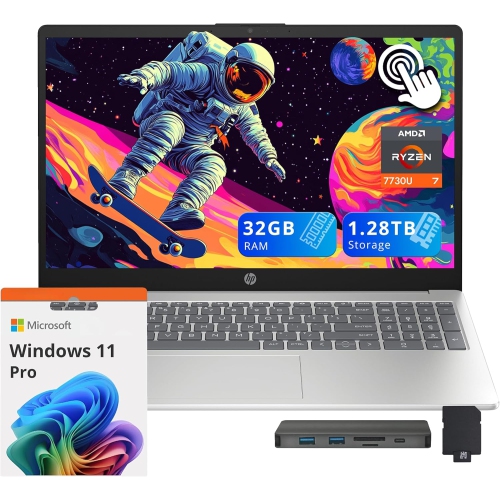
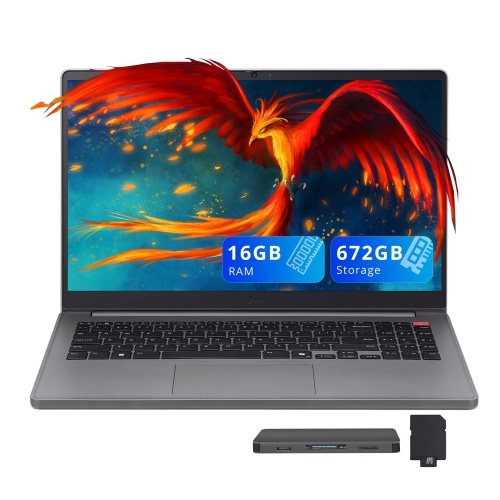
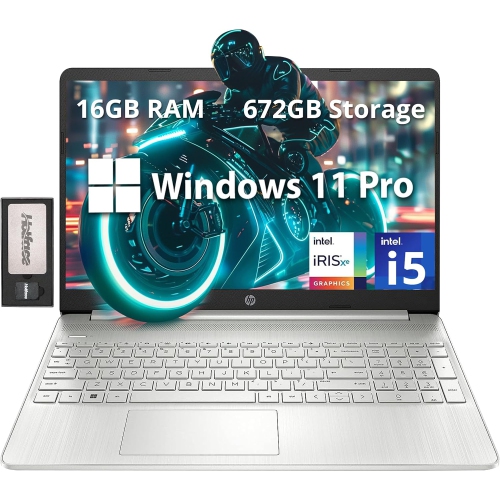
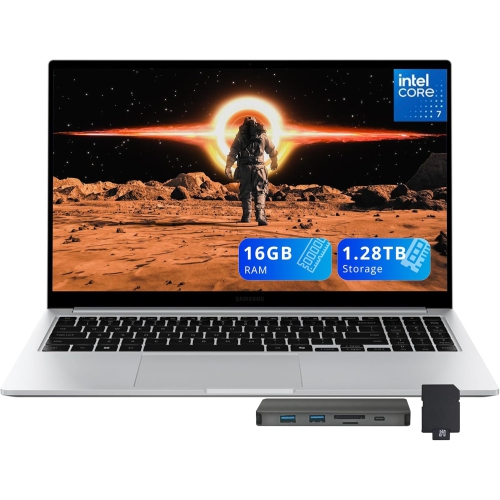
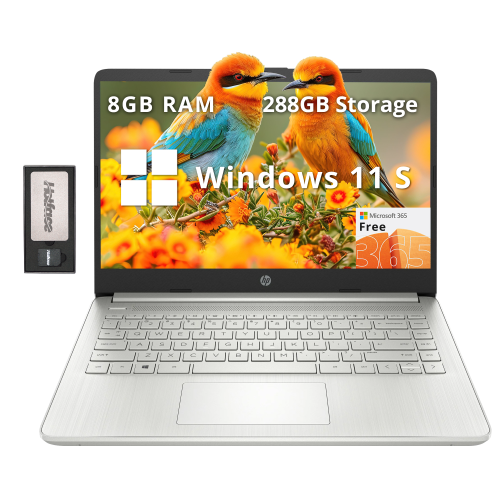
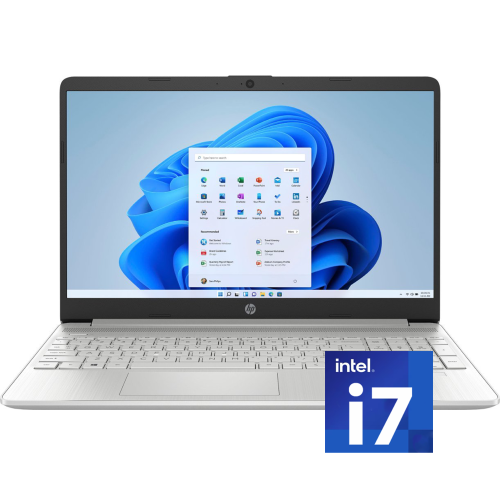
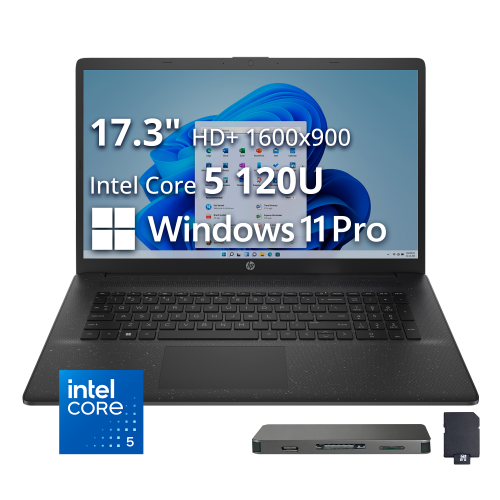
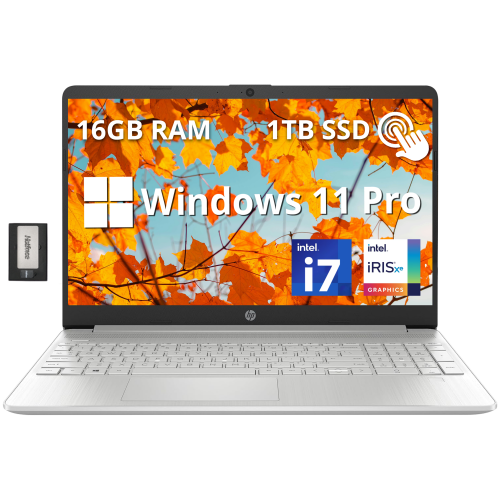
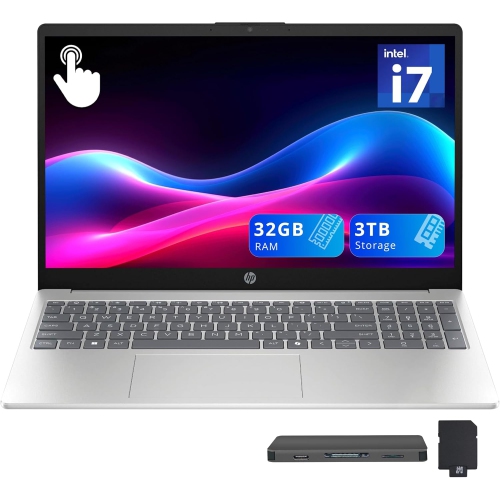
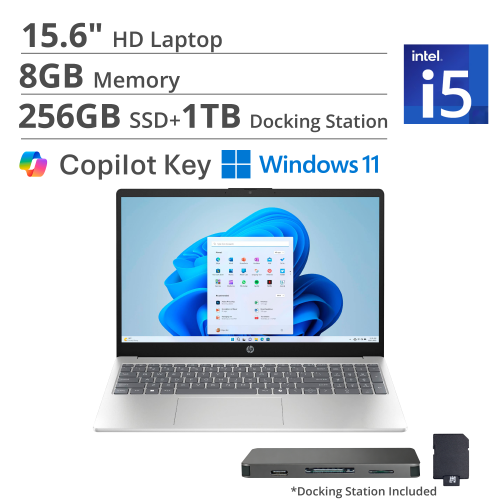

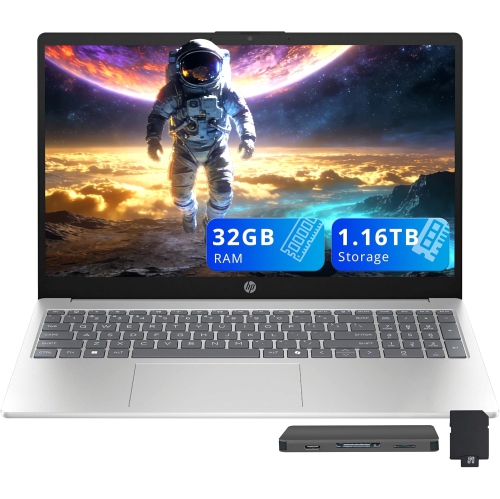
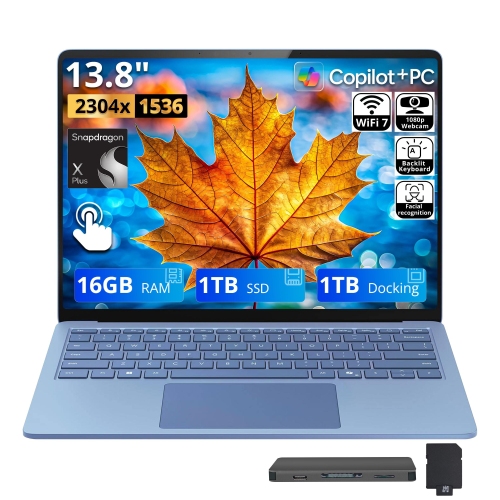
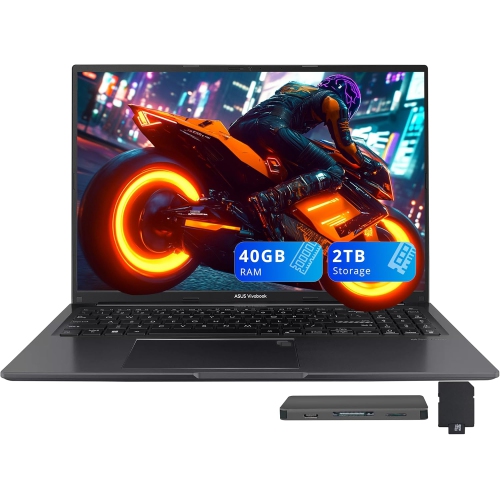
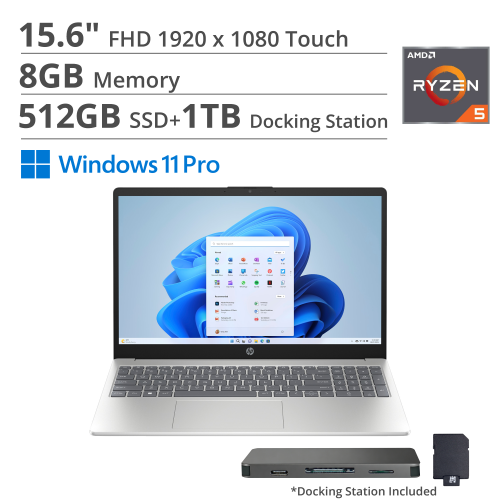
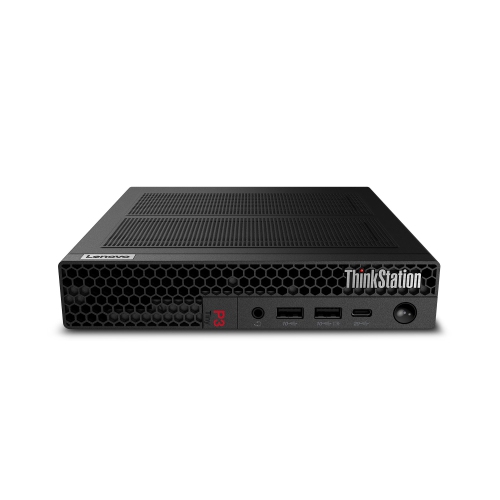
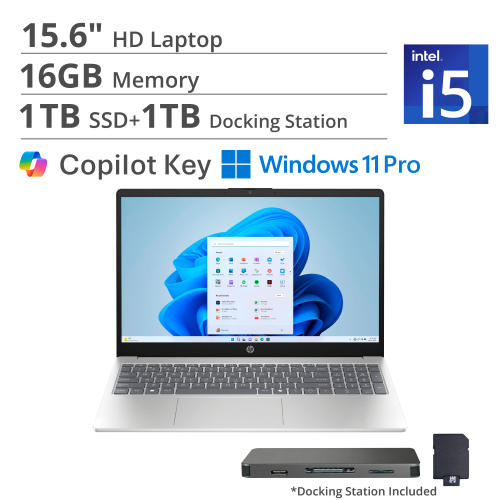
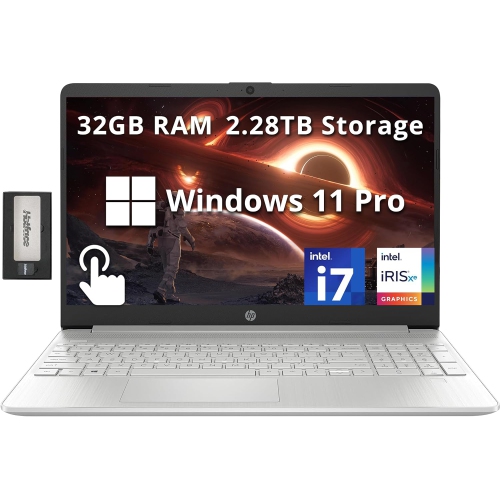
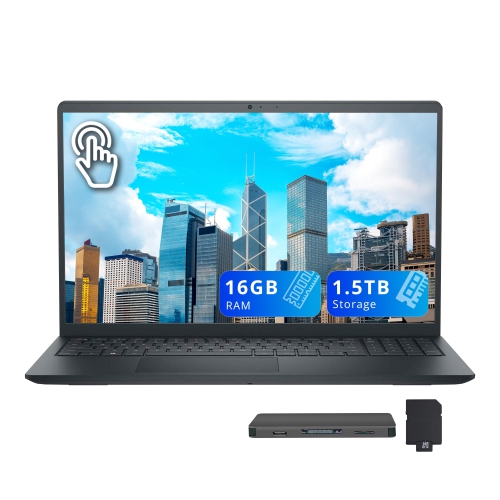
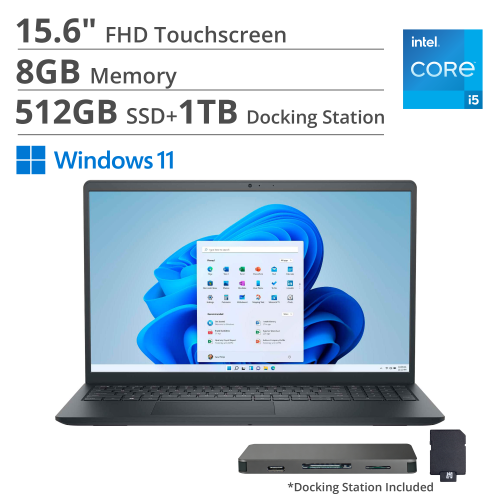
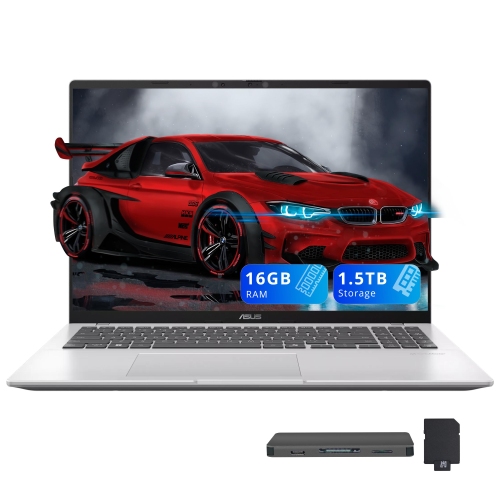
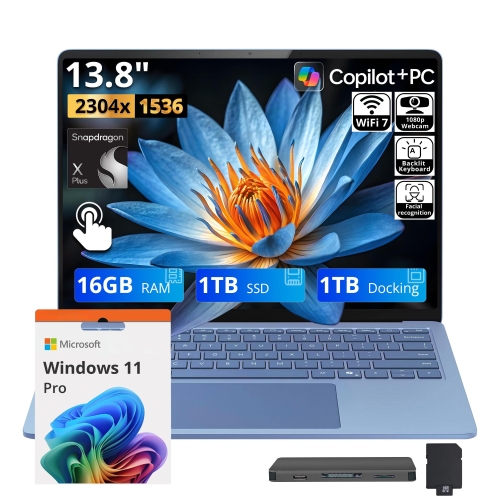
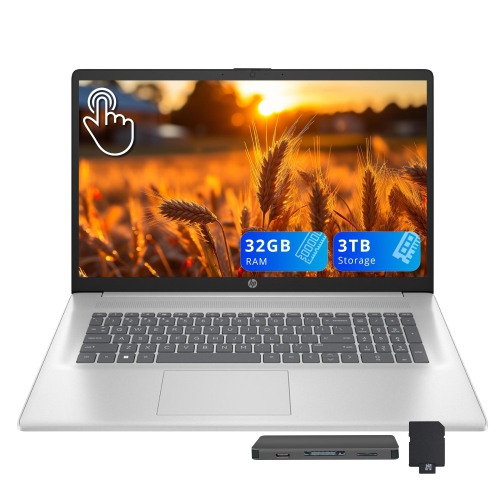
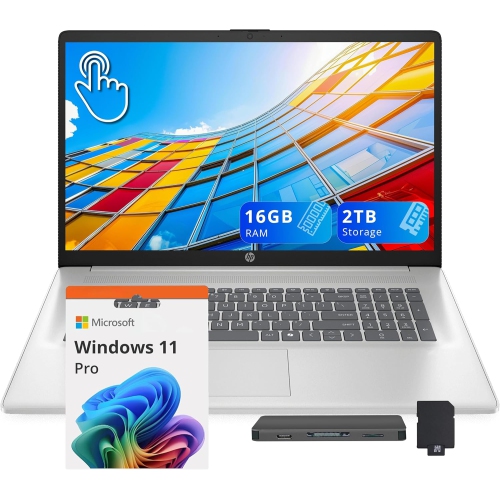
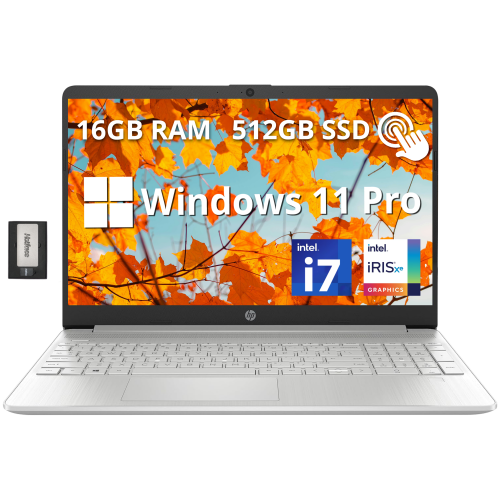
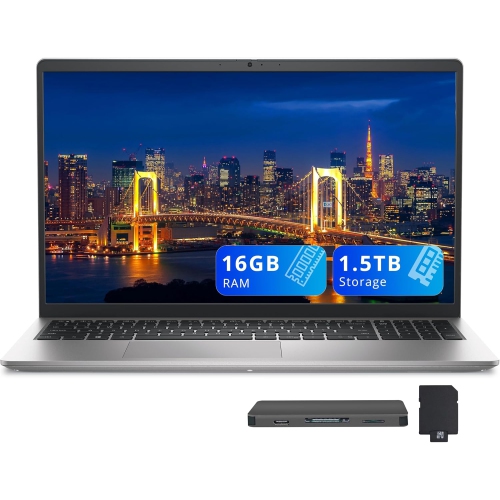
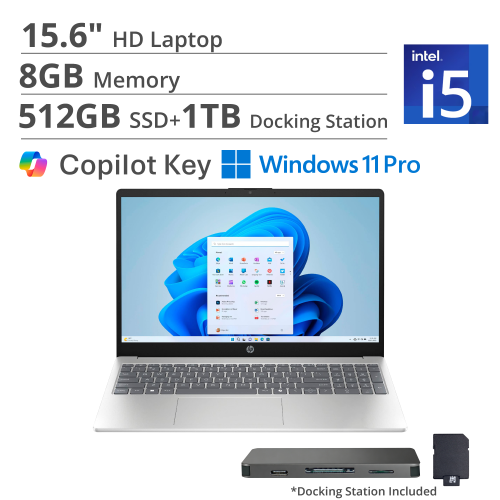
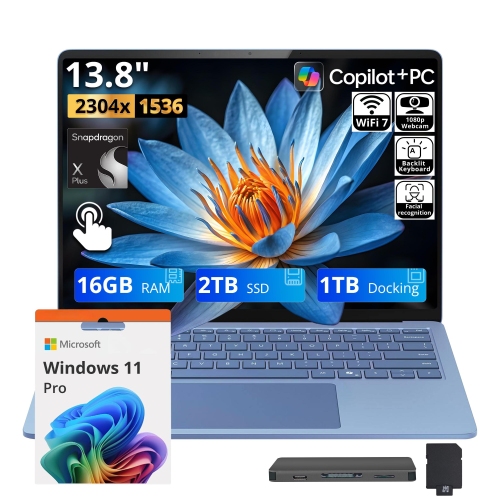
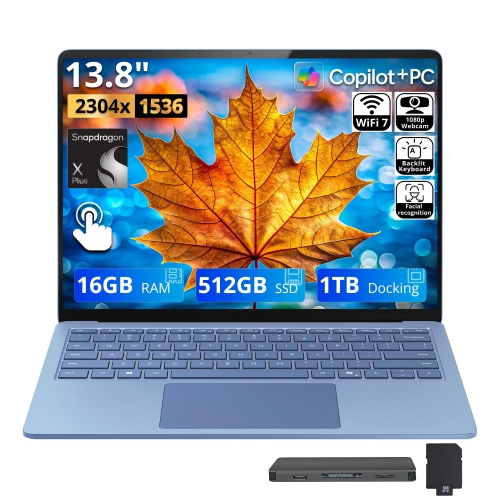
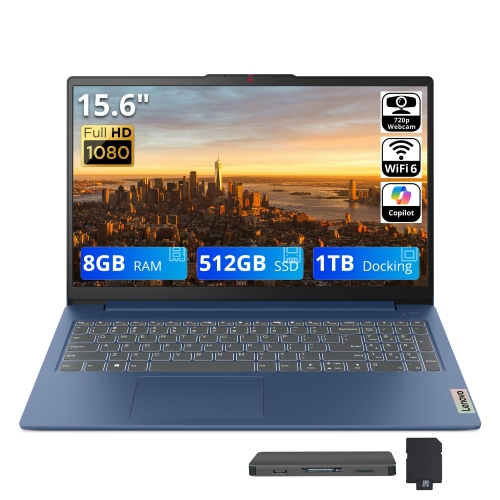
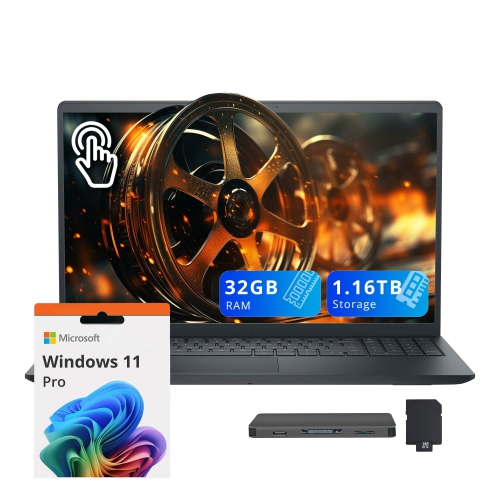
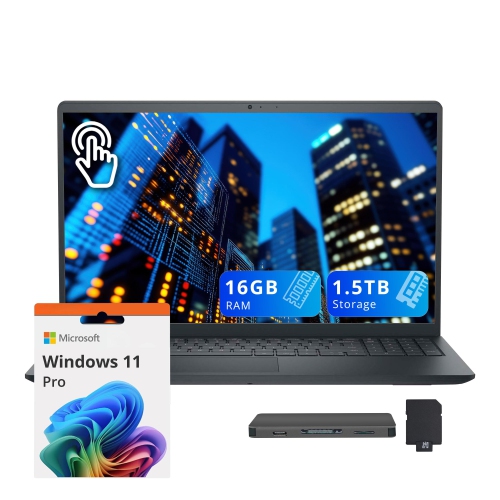
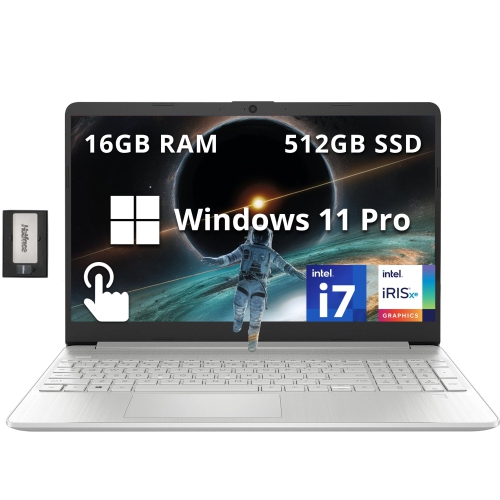
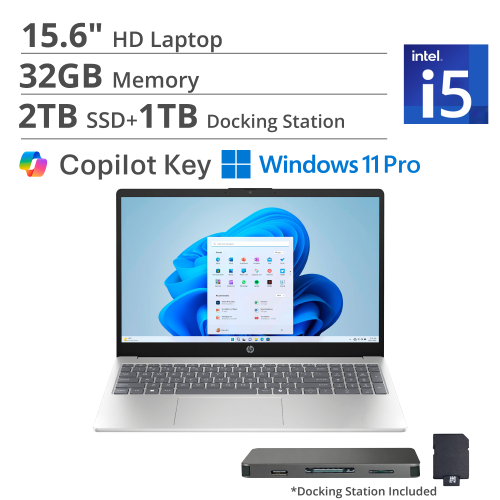
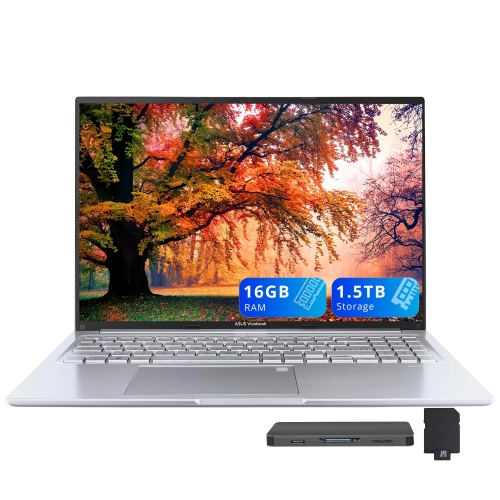
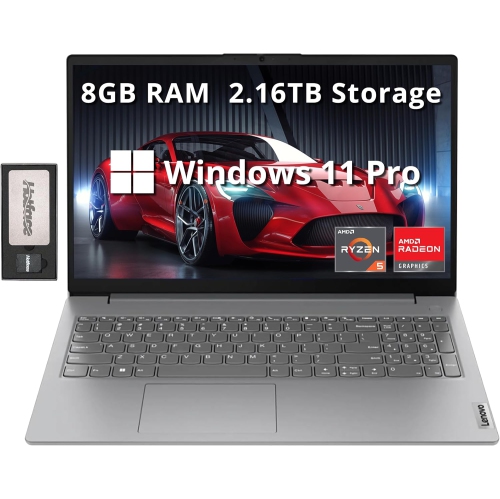
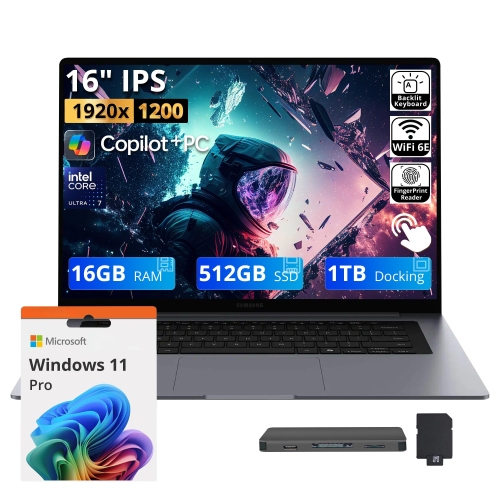
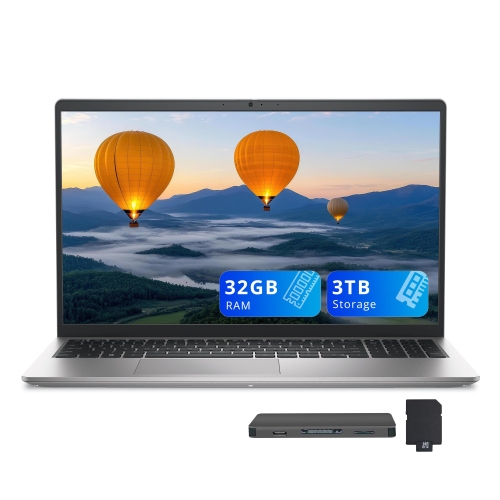
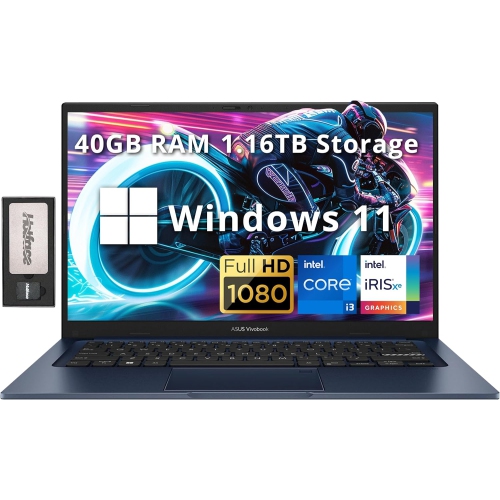
Professional performance for demanding work beyond the desktop
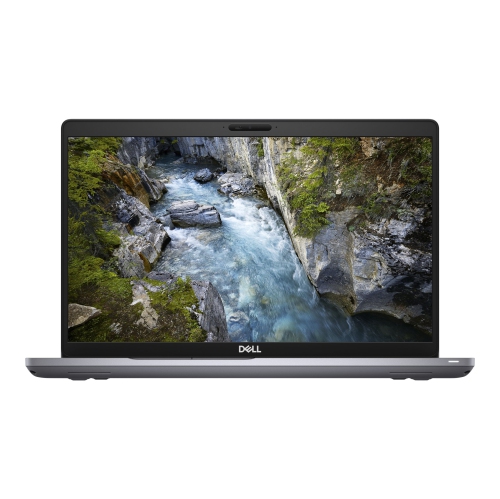
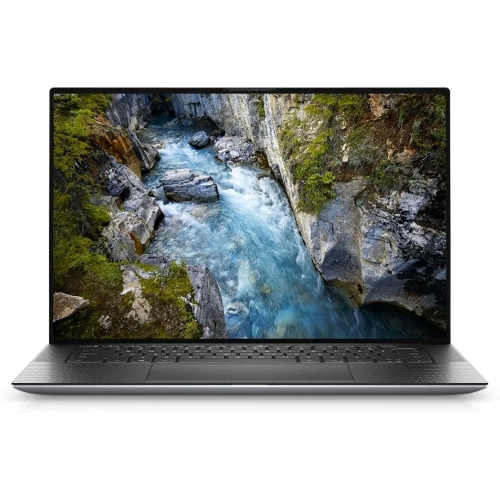
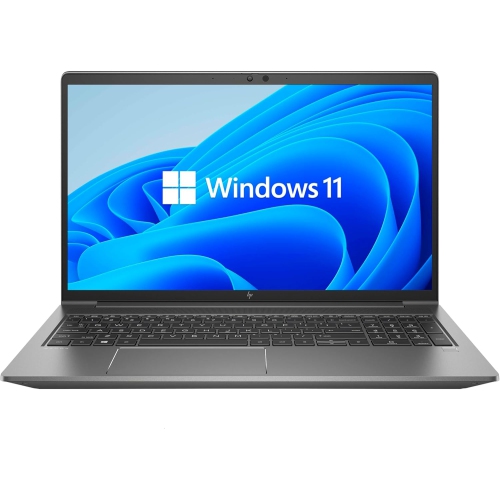
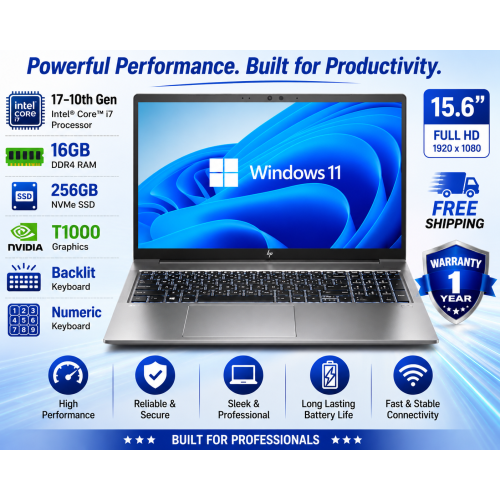
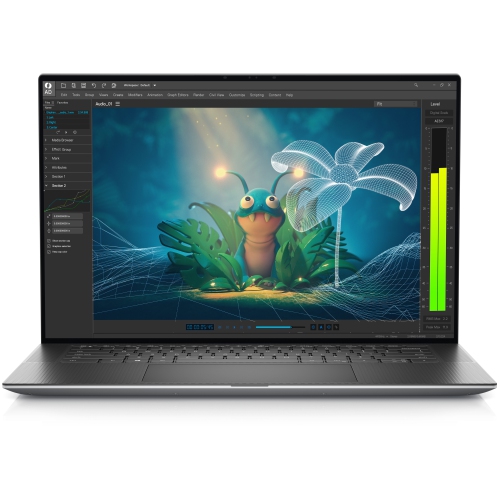
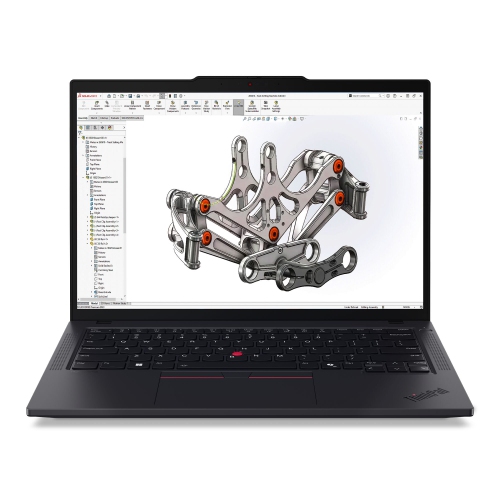
Working station laptops are built for demanding professional workloads that can push an everyday computer beyond its intended limits. They are suited to engineers, architects, designers, developers, analysts, filmmakers, researchers and other professionals who need reliable performance away from a fixed desktop setup. These mobile workstations can handle tasks such as computer-aided design (CAD), 3D modelling, animation, rendering, data analysis, software development, simulation and high-resolution video editing. A powerful processor helps manage complex calculations and multitasking, while a professional graphics processor is designed to provide stable performance in supported creative, engineering and scientific applications. Many models are tested for compatibility with commonly used professional software, which can be an important consideration when your work depends on accurate visual output, dependable drivers and fewer interruptions. For people who move between a studio, office, classroom, job site and home workspace, a working station laptop can bring serious computing capability in a portable format. It may also be a thoughtful gift for a student entering engineering, architecture, media production or another technology-focused programme, particularly when their coursework involves demanding software that requires more than a basic laptop can provide. Rather than choosing based only on appearance or advertised speed, consider the type of work the computer will perform, the applications it needs to run and the amount of time it will spend under sustained load.
The processor, graphics hardware, memory and storage all have a direct effect on how smoothly a workstation laptop handles professional work. A multicore processor is useful for compiling code, processing large datasets, exporting video and completing other heavily threaded tasks, while higher-performance graphics hardware can accelerate 3D views, visual effects, rendering and technical drawings. Memory is especially important when working with large assemblies, layered media files, virtual machines or several applications at once; a laptop with generous RAM can reduce the need to close programmes or rely heavily on slower storage. Fast solid-state storage helps applications open quickly and makes large project files easier to access, and a larger drive provides room for source footage, design assets, local datasets and backups. Some workstation laptops support memory or storage upgrades, which may help extend their usefulness as project requirements grow. Display quality also deserves close attention. A sharp screen with accurate colour reproduction can make fine details easier to inspect and help creative professionals evaluate images, video and rendered scenes with greater confidence. Screen size is a balance between workspace and portability: a larger display can make timelines, tool palettes and technical drawings more comfortable to view, while a more compact design is easier to carry through a campus, office or client meeting. A bright screen, a comfortable keyboard, a responsive touchpad and a sturdy chassis may seem like small details at first, but they become increasingly noticeable during long work sessions. Look for a practical selection of ports for external displays, storage devices, accessories and wired networks, especially if the laptop will replace a desktop workstation.
Portability does not have to mean giving up performance, although every workstation laptop involves a balance between processing power, weight, battery life, acoustics and cooling. Systems designed for continuous rendering or simulation may be larger because they need stronger cooling hardware and room for higher-performance components. Slimmer options can be easier to carry and may suit professionals who spend more time travelling between workspaces, but it is important to check their sustained performance rather than judging capability by a brief burst of speed. Battery capacity, charging options and the availability of a compatible power adapter matter when working away from a desk, while a docking setup can make it simple to connect a full-size keyboard, multiple monitors and other accessories when you return to a permanent workstation. Security features such as a fingerprint reader, camera privacy controls, encrypted storage support and business-focused management tools can help protect confidential drawings, client information, research and project files. Windows and macOS each offer different software ecosystems, and compatibility should be confirmed before purchase, particularly for specialised engineering, scientific or production applications. Professionals comparing configurations may also wish to explore Workstation Laptops for Engineers for options suited to technical design and development. During the warmer months and into the cooler months, a capable workstation laptop can support work from a bright home office, a shared studio or a temporary field location, giving demanding users the flexibility to keep projects moving wherever their responsibilities take them.
The processor, graphics hardware, memory and storage all have a direct effect on how smoothly a workstation laptop handles professional work. A multicore processor is useful for compiling code, processing large datasets, exporting video and completing other heavily threaded tasks, while higher-performance graphics hardware can accelerate 3D views, visual effects, rendering and technical drawings. Memory is especially important when working with large assemblies, layered media files, virtual machines or several applications at once; a laptop with generous RAM can reduce the need to close programmes or rely heavily on slower storage. Fast solid-state storage helps applications open quickly and makes large project files easier to access, and a larger drive provides room for source footage, design assets, local datasets and backups. Some workstation laptops support memory or storage upgrades, which may help extend their usefulness as project requirements grow. Display quality also deserves close attention. A sharp screen with accurate colour reproduction can make fine details easier to inspect and help creative professionals evaluate images, video and rendered scenes with greater confidence. Screen size is a balance between workspace and portability: a larger display can make timelines, tool palettes and technical drawings more comfortable to view, while a more compact design is easier to carry through a campus, office or client meeting. A bright screen, a comfortable keyboard, a responsive touchpad and a sturdy chassis may seem like small details at first, but they become increasingly noticeable during long work sessions. Look for a practical selection of ports for external displays, storage devices, accessories and wired networks, especially if the laptop will replace a desktop workstation.
Portability does not have to mean giving up performance, although every workstation laptop involves a balance between processing power, weight, battery life, acoustics and cooling. Systems designed for continuous rendering or simulation may be larger because they need stronger cooling hardware and room for higher-performance components. Slimmer options can be easier to carry and may suit professionals who spend more time travelling between workspaces, but it is important to check their sustained performance rather than judging capability by a brief burst of speed. Battery capacity, charging options and the availability of a compatible power adapter matter when working away from a desk, while a docking setup can make it simple to connect a full-size keyboard, multiple monitors and other accessories when you return to a permanent workstation. Security features such as a fingerprint reader, camera privacy controls, encrypted storage support and business-focused management tools can help protect confidential drawings, client information, research and project files. Windows and macOS each offer different software ecosystems, and compatibility should be confirmed before purchase, particularly for specialised engineering, scientific or production applications. Professionals comparing configurations may also wish to explore Workstation Laptops for Engineers for options suited to technical design and development. During the warmer months and into the cooler months, a capable workstation laptop can support work from a bright home office, a shared studio or a temporary field location, giving demanding users the flexibility to keep projects moving wherever their responsibilities take them.
Top selling and popular products
-
 Your price for this item is $449
 -
 Your price for this item is $3099
 -
 Your price for this item is $664.05
 -
 Your price for this item is $599.68
 -
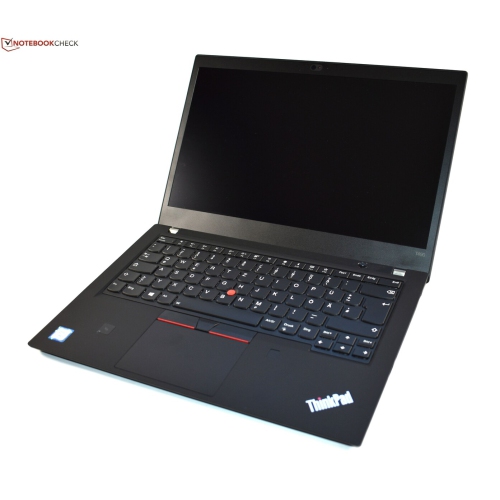 Your price for this item is $499.99
 -
 Your price for this item is $418.98
 -
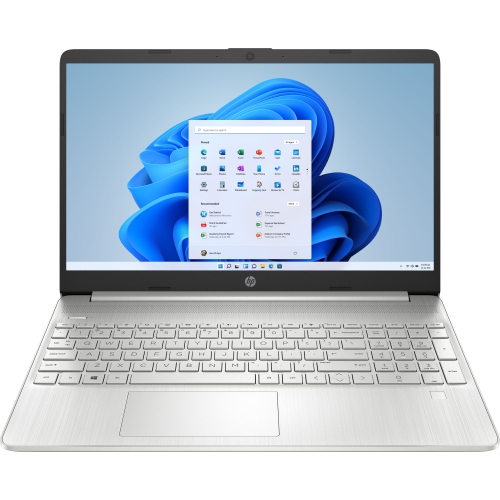 Your price for this item is $829
 -
 Your price for this item is $999.95
Discover more categories related to Working Station Laptops
Top Collections:
Pokemon Centers, Kindle Devices, Best Cameras for Sports Photography, Pokémon 30th Celebration Cards, Apple iPhones 16, Canon G7X Cameras, iPhone 15 Apple, Flip Phones, Samsung Galaxy Phones, Alarm Clock
Some products may be subject to Environmental Handling Fees
(EHF) depending on your province.
Learn more about EHFs.