Best Laptops Under $400

Find the best laptops under $400 for everyday tasks, from browsing the web and checking email to streaming your favourite shows. Ranked by user review ratings, this selection makes it easy to compare budget-friendly options and find a laptop that fits your needs without stretching your budget.

Read More

What to look for in laptops under $400

1. Performance and Operating System

Choose a laptop that can handle your main tasks, such as browsing, schoolwork or video calls. Aim for 8GB of RAM for smoother multitasking when available within your budget, and check that Windows or ChromeOS supports the apps you need.

2. Storage Type and Capacity

An SSD generally offers faster startup and file access than a hard drive or eMMC storage. Check how much space you need for apps and files, especially if you plan to work offline rather than use cloud storage.

3. Display and Portability

A Full HD screen can make text and images look sharper than a lower-resolution display. Compare screen size, weight and battery life to find a balance between comfortable viewing and easy carrying.

4. Condition and Warranty

Under $400, your options may include new, open-box and refurbished laptops, so check the condition before buying. Review warranty coverage, return eligibility and any details about battery condition, particularly for previously used models.
Citrus catapult arrow
  1. 1

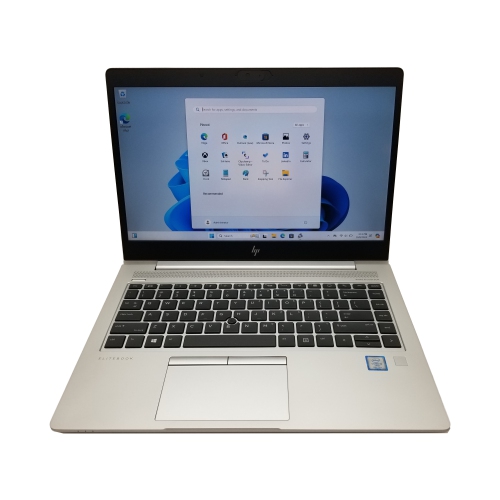
    HP Refurbished (Good) - Elitebook 840 G5 14" Fhd Laptop - Intel Core I5-8350U - 16GB Ram - 256GB SSD - Windows 11 Pro - In Silver

    About this product

    A refurbished silver laptop featuring a 14" FHD display, Core i5 processor, 16GB RAM, and 256GB SSD.

    (18)
    $249.99
    SAVE $150
    Your price for this item is $249.99
  2. 2

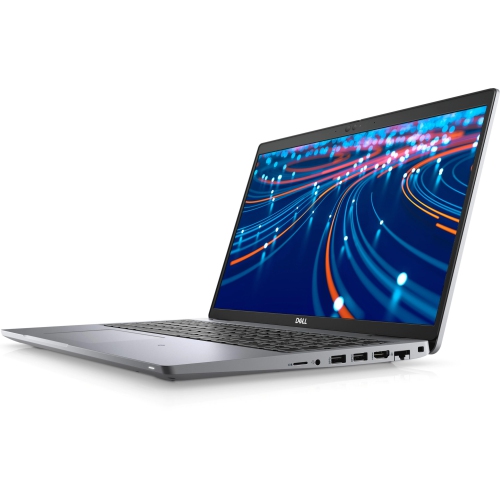
    DELL Refurbished (Good) - Latitude 5000 5420 14" Laptop - Intel Core I5-1145G7 - 16GB Ram - 256GB SSD - Windows 11 Pro - In Black

    About this product

    A refurbished laptop featuring a 14" HD display, 11th Gen Core i5, 16GB RAM, and 256GB SSD.

    (3)
    $353.00 Your price for this item is $353
  3. 3

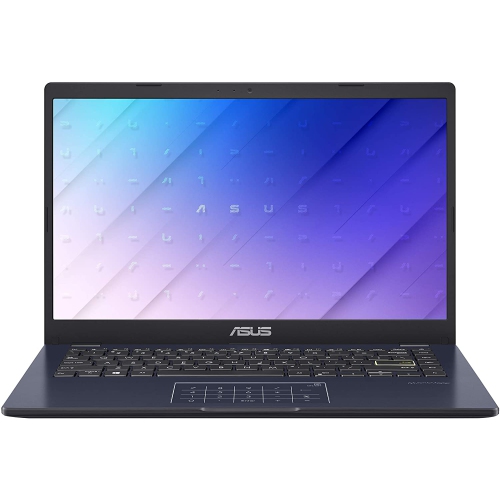
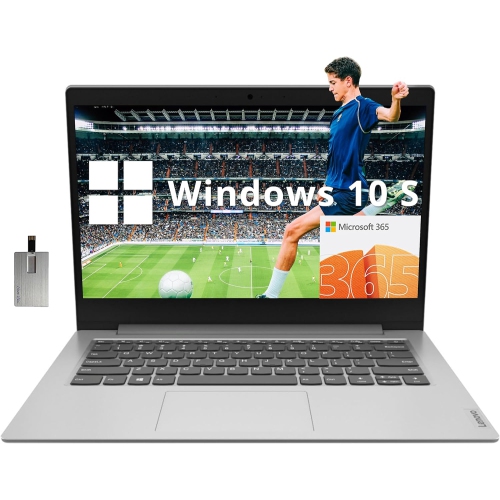
    ASUS 14" Fhd Laptop - Intel Celeron N4500 - 4GB Ddr4 - 64GB SSD - Intel Uhd Graphics 600 - Windows 11 - Star In Black

    About this product

    A compact black laptop featuring an Intel Celeron N4500, 4GB RAM, 64GB storage, and Windows 11.

    What customers like

    • Long battery life
    • Affordable price and good value
    • Solid build quality and durability
    • Good performance for basic tasks
    • Lightweight and portable
    (527)
    $300.00 Your price for this item is $300
  4. 4

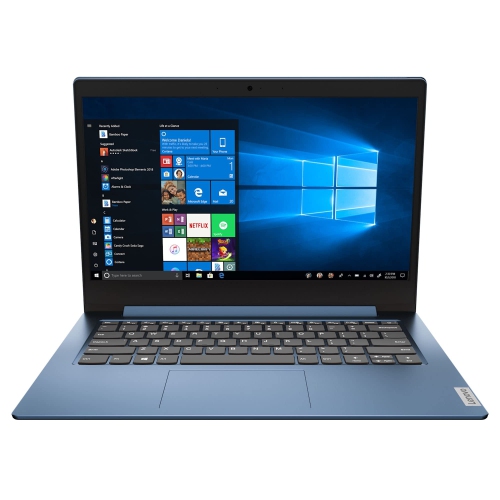
    LENOVO 14E 14" Touchscreen Chromebook - Amd A4-9120 - 4GB Ddr4 - 32GB Flash Memory - Chromeos - In Gray

    About this product

    A 14" Chromebook with Full HD display, AMD A4 processor, 4GB RAM, and 32GB flash storage.

    What customers like

    • Fast performance
    • Good screen quality
    • Great value for the price
    • Lightweight and portable
    • Easy to use and set up
    (23)
    $389.99
    SAVE $110
    Your price for this item is $389.99
  5. 5

    ACER Chromebook 315 15.6" HD - Intel Pentium N6000 - 4GB Lpddr4X - 128GB Storage - Chromeos - - Protective Sleeve Included In Silver

    About this product

    A lightweight silver laptop with a 15.6" HD screen, Intel Pentium processor, and Wi-Fi 6 connectivity.

    What customers like

    • User-friendly and easy setup
    • Long battery life
    • Large and bright display
    • Affordable price
    • Lightweight and portable
    (396)
    $339.99
    SAVE $360
    Your price for this item is $339.99
  6. 6

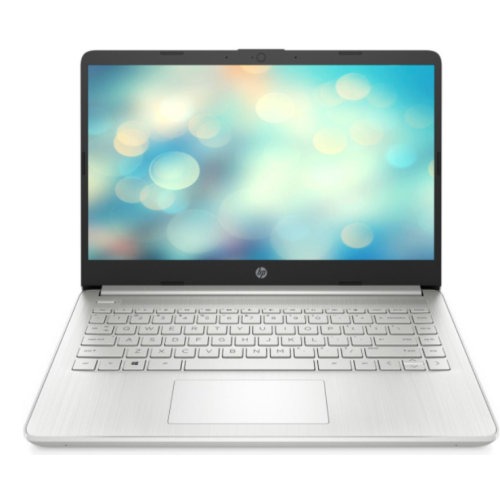
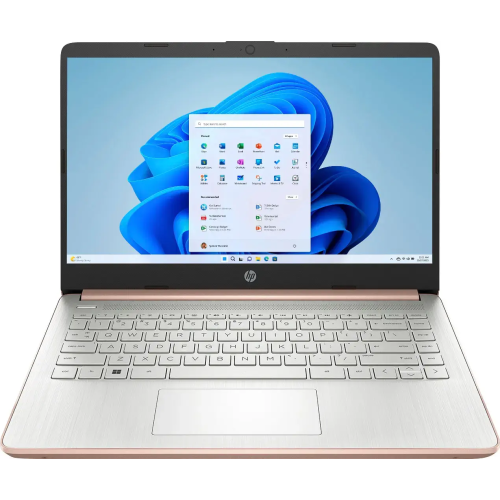
    HP Excellent Refurbished - 14" Laptop - Intel Core I3-1115G4 - 4GB - 128GB SSD - Windows 11 Home - In Silver

    About this product

    A refurbished laptop featuring an Intel Core i3 processor, 128GB SSD, 4GB RAM, and natural silver finish.

    What customers like

    • Quick processor
    • Meets expectations
    • Upgradeable RAM
    • Performs beyond expectations
    (19)
    $324.99
    SAVE $225
    Your price for this item is $324.99
  7. 7

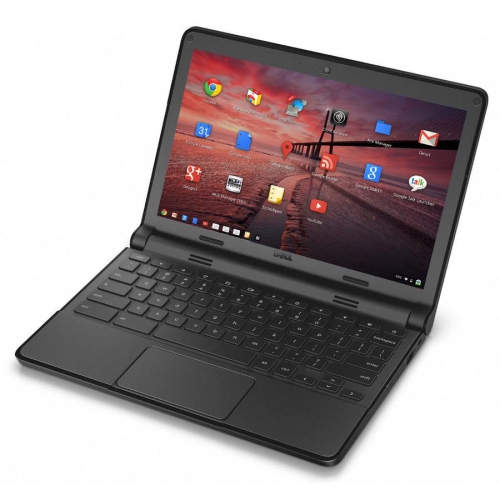
    DELL Refurbished (Good) - Chromebook 11 11.6" Student Chromebook - Intel Celeron N2840 - 4GB Ram - 16GB SSD - Chromeos

    About this product

    A refurbished Dell Chromebook 11 with easy connectivity, long battery life, and automatic security updates.

    (7)
    $149.00 Your price for this item is $149
  8. 8

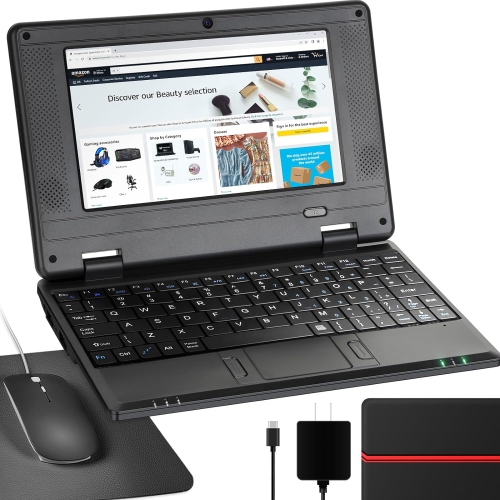
    NBD 7" Android 12 Netbook - Quad Core - 2GB Ram - 32GB Storage - Wifi/bluetooth/webcam - - Bag, Mouse & Mouse Pad Included In Black

    About this product

    A lightweight 7-inch IPS screen netbook with Android 12.0, ideal for kids' learning and entertainment.

    (1)
    $159.99
    SAVE $30
    Your price for this item is $159.99
  9. 9

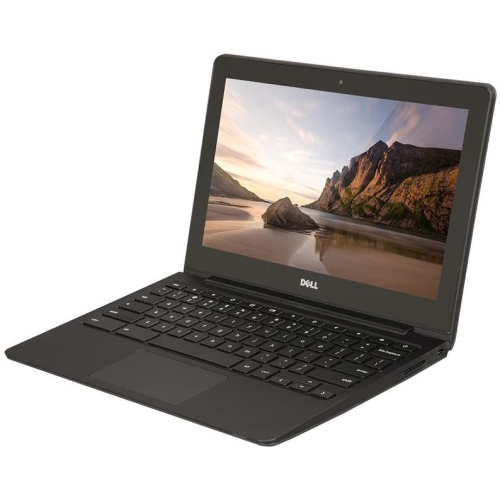
    DELL Refurbished (Good) - Chromebook 11 11.6" Student Chromebook - Intel Celeron 2955U - 4GB Ram - 16GB Emmc - Chrome Os - In Black

    About this product

    A durable 11.6" Chromebook with Intel Celeron processor, 16GB SSD, 4GB RAM, and built-in webcam.

    (1)
    $299.00 Your price for this item is $299
  10. 10

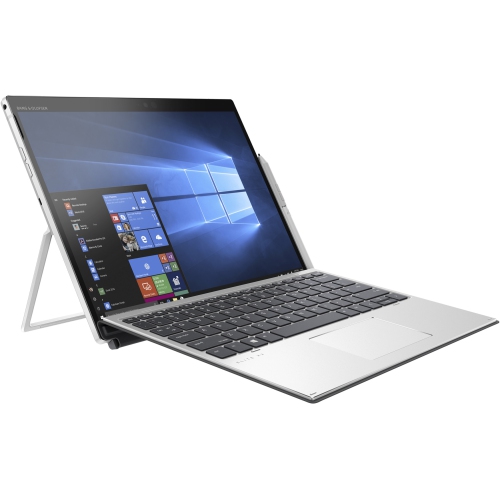
    HP Refurbished (Good) - Elite X2 G4 13" 2-In-1 Laptop - Intel Core I5-8365U - 16GB Ram - 256GB SSD - Windows 10

    About this product

    A versatile 2-in-1 laptop featuring an Intel Core i5 processor, 256GB SSD, and 16GB RAM.

    (1)
    $399.99
    SAVE $400
    Your price for this item is $399.99

Why everyday tasks matter more than impressive laptop specs

The best laptops for everyday essentials combine comfortable typing, a readable screen, and enough processing power for the tasks that fill an ordinary day. Writing an assignment, checking email, joining a video call, and watching a film do not require the same hardware as editing high-resolution footage or running demanding games. Entry-level laptops are particularly well suited to students working on research and documents, households that need a shared computer, and anyone who wants a straightforward device for browsing and staying in touch. A full keyboard and a screen that stays upright on its own make a laptop practical for longer writing sessions, whether it sits on a kitchen table or a library desk. The most useful distinction is often between a laptop designed around browser-based applications and one that runs locally installed desktop software. A browser-focused system can be a good fit for online coursework, webmail, and shared documents, while a desktop operating system may be necessary for particular school applications, workplace tools, or accessories. Compatibility matters more than a familiar-looking interface: some programs require a particular operating system, processor type, or amount of memory. Online learning portals may also have requirements for assessments and video meetings. For a student moving between classrooms or someone carrying a computer on public transit, a smaller chassis and lighter charger can make daily travel easier. For a laptop that mostly stays at home, a larger display may be more useful than shaving weight from a bag. These computers can also make thoughtful gifts for someone starting a course, practising typing, or wanting a dedicated place to manage personal paperwork. Matching the computer to the recipient’s actual applications and comfort preferences helps make it useful beyond the first few days. The strongest fit is not necessarily the laptop with the longest feature list, but the one that handles a familiar routine without adding unnecessary complexity.

Memory, storage, and processor capability work together to shape how responsive a laptop feels. Memory, also called RAM, provides working space for open applications and browser tabs. A system with 4GB of RAM can handle light tasks, but it leaves less room for switching between a video meeting, a presentation, and several research tabs. Where supported, 8GB provides more headroom for that kind of everyday multitasking, although the operating system and software also affect performance. Storage serves a different purpose: it holds applications, downloads, photographs, and other saved files. A stated storage capacity is not the same as the space left for personal files, because the operating system and preinstalled software occupy part of it. Solid-state drives generally offer more responsive file access and application loading than eMMC storage, though results vary with the hardware. Cloud storage can keep documents accessible across devices, but it depends on account settings, internet access, and whether files have been saved for offline use. A laptop intended for writing on a train or studying away from Wi-Fi needs applications and documents that remain usable without a connection. Processor names alone do not tell the whole story; the processor generation, design, and cooling all influence its ability to keep up. Everyday processors are best matched to lighter workloads rather than complex video projects, large creative files, or graphics-intensive games. Screen specifications deserve similar attention. Full HD resolution can make text and spreadsheets clearer than lower-resolution displays, while an anti-glare finish helps reduce distracting reflections near a window. A 14-inch screen offers a practical balance between workspace and portability; a 15.6-inch screen gives documents and films more room but usually needs a larger bag. Brightness, viewing angles, and text scaling also affect comfort, particularly when reading for extended periods. Battery life varies with screen brightness, video calls, wireless activity, and power settings, so a stated runtime is a reference point rather than a promise for every routine.

The parts touched and used every day can matter just as much as the specifications inside. A keyboard with well-spaced keys and clear lettering is easier to settle into during a long assignment, while a responsive touchpad reduces the need to carry a separate mouse. A number pad can be helpful for entering figures, but its inclusion may change the keyboard layout and the position of the main typing area. Webcam placement, microphone clarity, and speaker placement all influence how comfortably a laptop handles remote lessons or family calls. A headset connection offers a simple way to listen privately in a shared room. Ports deserve a close look too: a USB connection may be needed for a mouse or external drive, while a display connection can make it easier to work on a larger monitor at home. Not every USB-C port supports charging or video output, even when the connector looks identical. Wireless compatibility is also important for connecting to home, campus, or public Wi-Fi. For daily handling, a well-assembled plastic chassis can be practical, while metal panels can add rigidity; neither material alone determines how well a laptop will withstand regular travel. Hinges should support the screen securely, and ventilation openings need space to release heat. A padded sleeve helps protect the casing from scratches inside a backpack, but avoiding pressure on the lid is equally important. Using the computer on a firm surface rather than a blanket keeps vents clear, especially during longer viewing or study sessions in the cooler months. Cleaning with a soft cloth and following the manufacturer’s care directions helps protect the display and keyboard. Software updates, regular file backups, and a secure sign-in are useful habits from the start. Memory and storage may be fixed in place, so upgradeability should never be assumed. For a broader comparison of everyday configurations, the Best Laptops Under $500 collection offers another place to explore laptops suited to study, home administration, and casual entertainment.
Read More

FAQ

Some products may be subject to Environmental Handling Fees (EHF) depending on your province. Learn more about EHFs.