Best Laptops Under $300
Find the best laptops under $300 for everyday tasks, from browsing the web to checking email and working on documents. Ranked by user review ratings, this list highlights budget-friendly options to help you compare laptops and choose one that fits your needs without stretching your budget.
What to look for in laptops under $300
1. Everyday Performance
2. Operating System
3. Storage and Connectivity
4. Portability and Condition
-
1
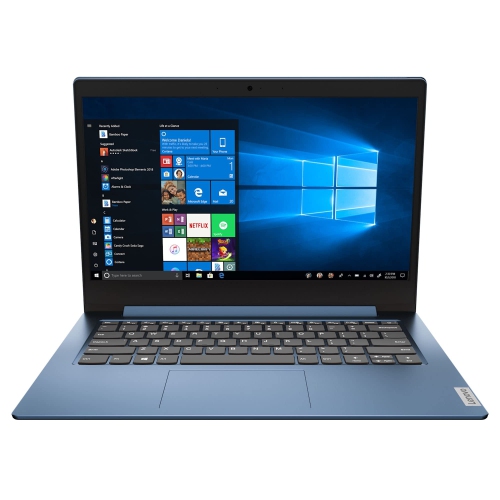
LENOVO Refurbished (Good) - Ideapad 14 Laptop - Amd Athlon Silver 3050E - 4GB Ram - 128GB SSD - Windows 10 S - Ice In Blue
About this product
A refurbished blue laptop featuring AMD Athlon Silver processor, 4GB RAM, 128GB SSD, and Windows 10 S.
$251.98 Your price for this item is $251.98 -
2
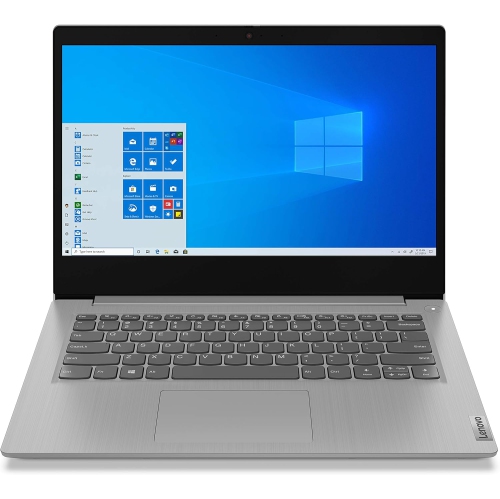
LENOVO Refurbished (Good) - Ideapad 3 14" Fhd Laptop - Intel Core I3-1005G1 - 4GB Ddr4 - 128GB SSD - Windows 10 S - Platinum In Grey
About this product
A slim grey laptop featuring Intel Core i3, 4GB RAM, 128GB SSD, and Windows 10 S.
$269.96 Your price for this item is $269.96 -
3
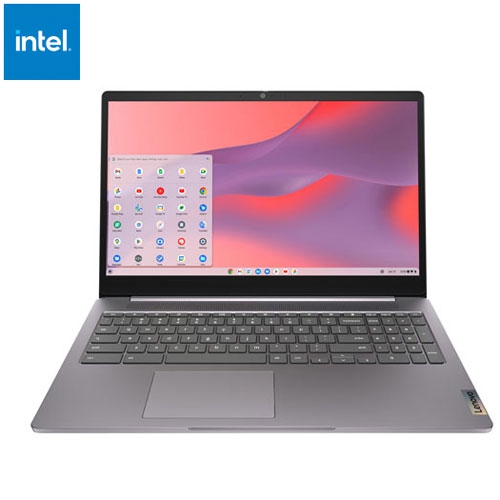
LENOVO Refurbished (Excellent) - Ideapad 3I 15.6" Chromebook - Intel Celeron N4500 - 4GB Lpddr4X - 64GB Emmc - Chromeos - Arctic In Grey
About this product
A refurbished grey laptop featuring an Intel Celeron processor, 4GB RAM, 64GB storage, and Chrome OS.
(2)$284.95Your price for this item is $284.95SAVE $95 -
4
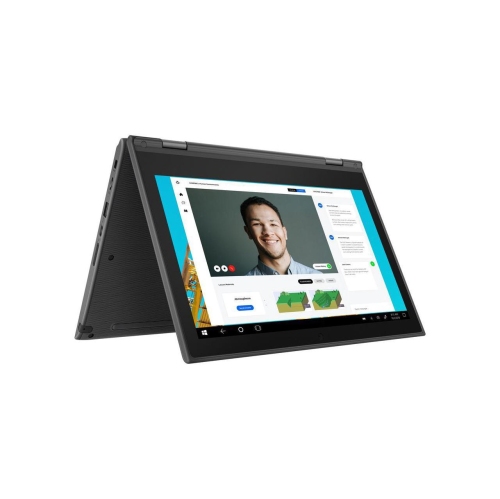
LENOVO 300E 2In1 11.6" Touchscreen Notebook Amd A4-9120 4GB 32GB Chrome Os Dark Refurbished Good In Gray
About this product
A versatile grey 2-in-1 touchscreen notebook with AMD A4 processor, 4GB RAM, and Chrome OS.
$218.00Your price for this item is $218SAVE $181 -
5
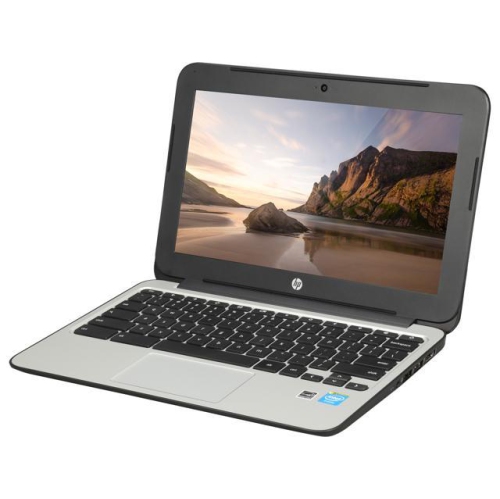
HP Refurbished (Good) - Chromebook 11 G3 11.6" - Intel Celeron Dual Core 2.16Ghz - 2GB Ddr3L - 16GB SSD - Chrome Os - In Black
About this product
A refurbished Chromebook with Intel Celeron dual-core processor, 16GB SSD, and Chrome OS for everyday tasks.
$249.00 Your price for this item is $249 -
6
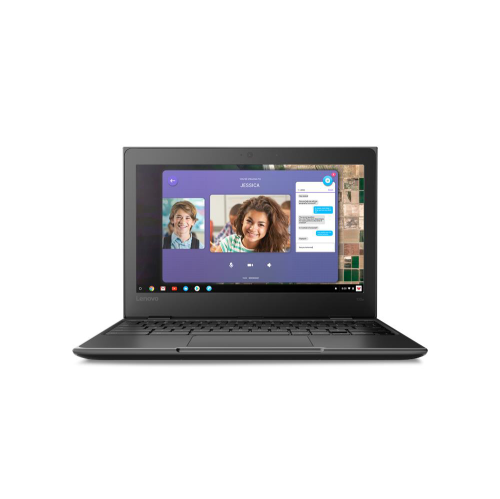
LENOVO 100E Chromebook 2Nd Gen 11.6" Chromebook - Amd A4-9120C - 4GB Ddr4 - 32GB Emmc - Chrome Os - In Black
About this product
A compact black Chromebook featuring an AMD A4 processor, 32GB SSD, 4GB RAM, and Chrome OS.
$269.99 Your price for this item is $269.99
FAQ
Entry-level laptops commonly use Windows or ChromeOS. Windows supports a wide range of desktop applications, while ChromeOS centres on web-based tools and Google services. Check the operating system requirements of any software you plan to use before choosing a laptop.
Common connections include USB-A for accessories, USB-C for compatible devices, HDMI for an external display, and a headphone jack. Wi-Fi connects the laptop to a wireless network, while Bluetooth connects compatible peripherals. USB-C capabilities vary, so check whether a port supports charging or video output.
A new laptop has not previously been used by a customer. A refurbished laptop has typically been inspected, tested, and prepared for resale after prior use or a customer return. Refurbishment standards, cosmetic condition, included accessories, and warranty coverage can vary, so review the listing details.
Local storage keeps files on the laptop’s internal drive, while cloud storage keeps files on a remote service accessed through an account. Locally saved files are generally accessible without an internet connection. Cloud services may offer syncing and offline access, depending on the service and your settings.
Included software varies by laptop. Some come with trial versions or limited-term subscriptions, while others provide access to browser-based tools. Check whether an office application is included, requires a separate subscription, or needs an internet connection for the features you want to use.
Top selling and popular products
Discover more categories related to Best Laptops Under $300
Some products may be subject to Environmental Handling Fees (EHF) depending on your province. Learn more about EHFs.