Dell Laptops for School Students
Laptops are one of the most important gadgets for school. If you're a student, you know that the right laptop can make all the difference. Whether it's for taking notes in class, writing papers, or doing research, a good laptop will help you get your work done faster and more efficiently. Here are some great laptops for students from Dell.
Sort
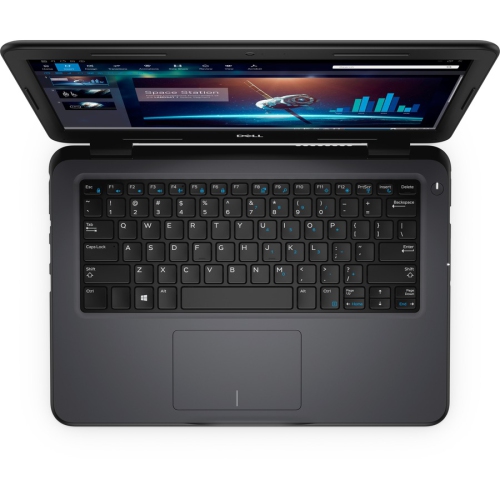
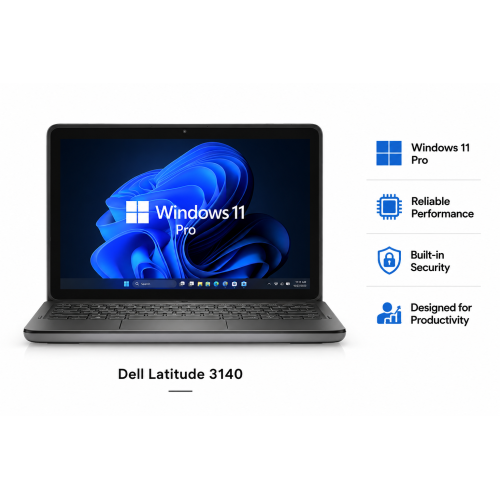
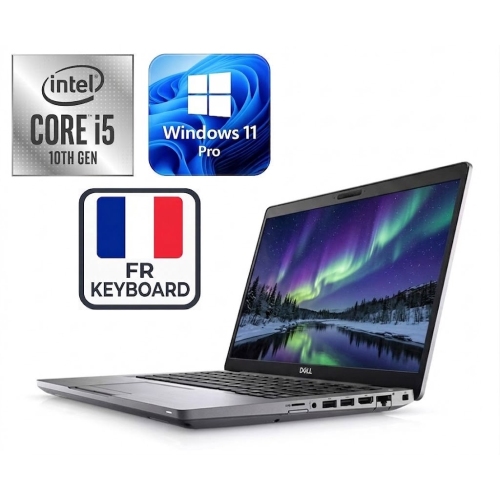
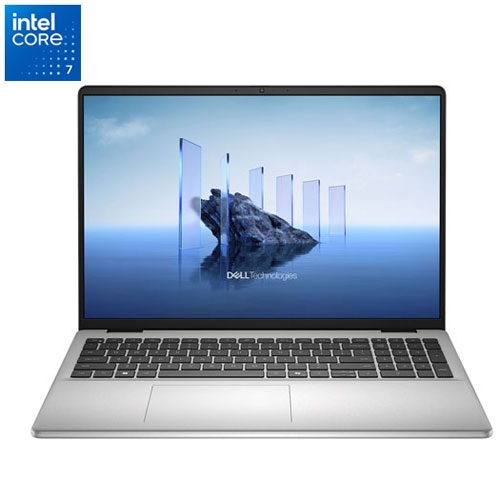
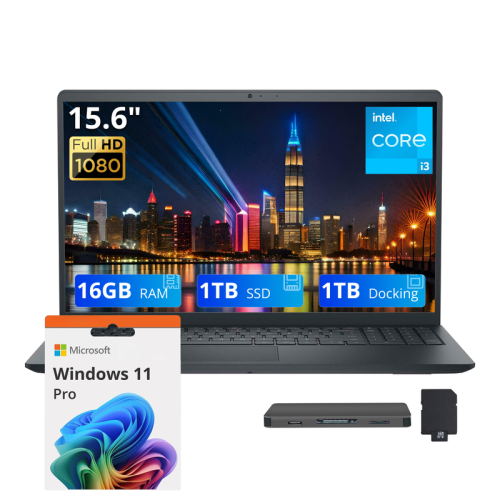
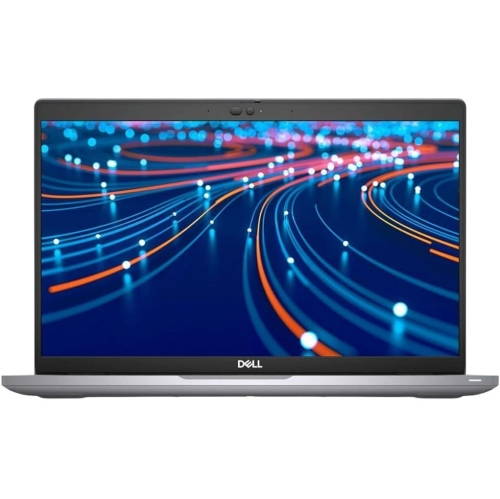
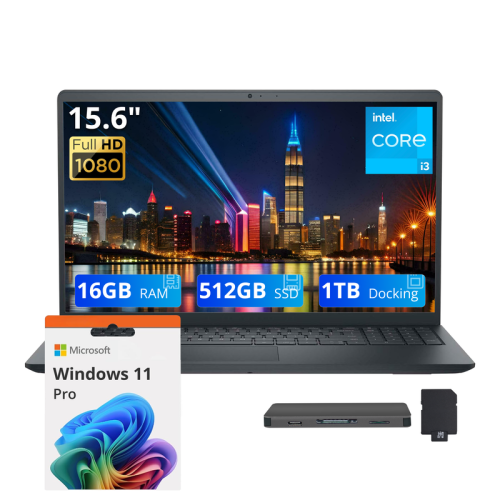
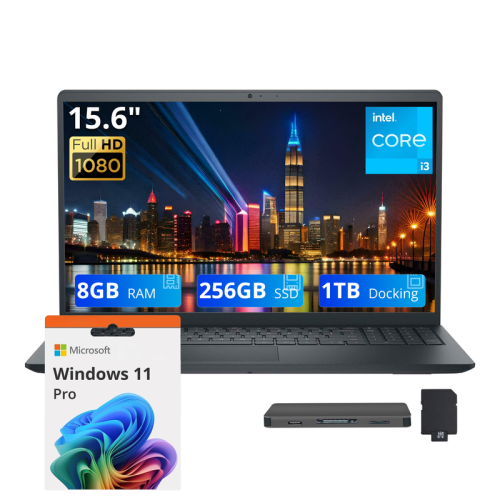
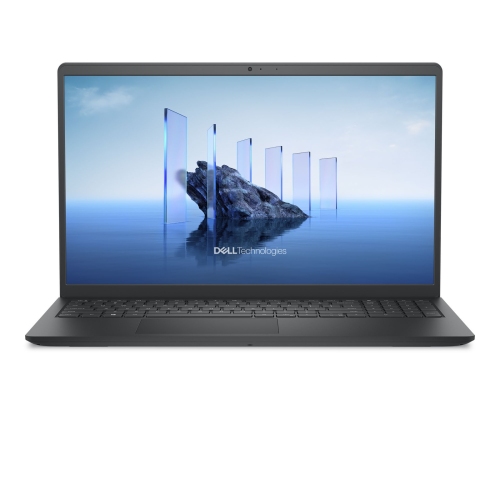
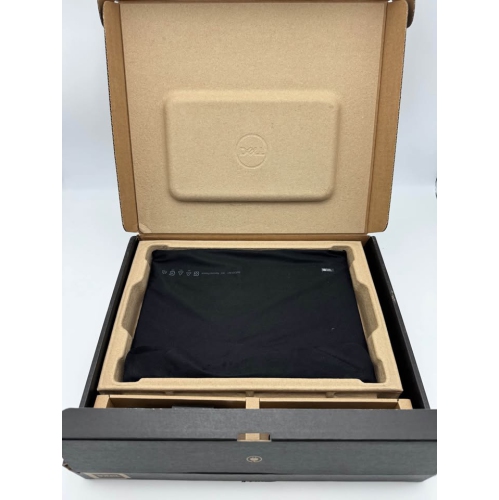
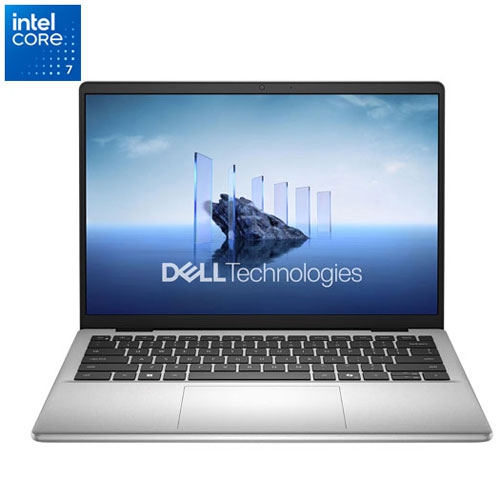
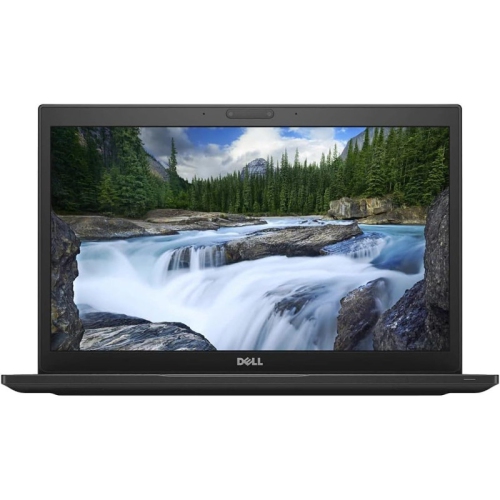
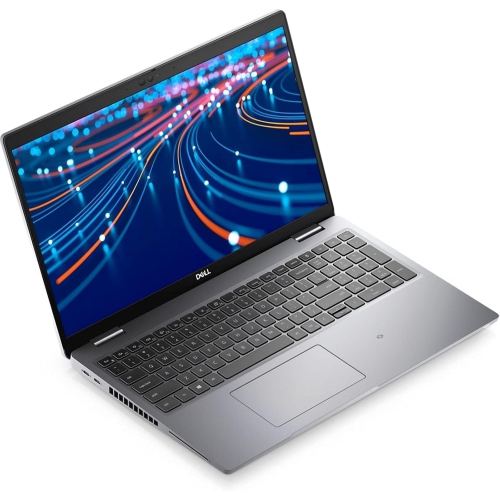
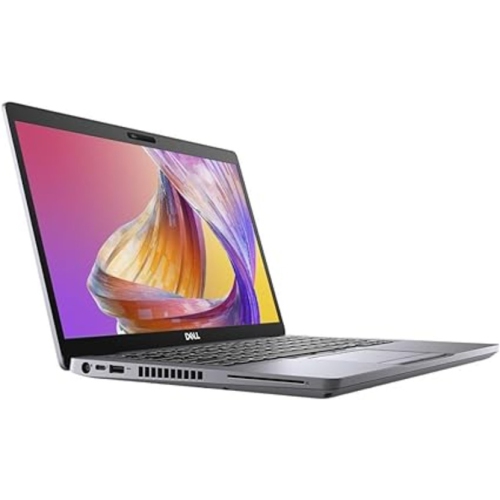
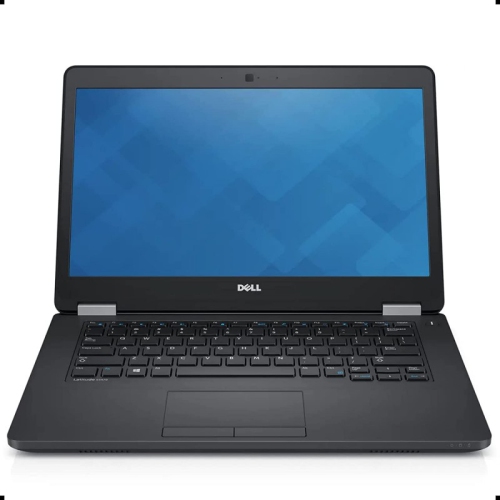
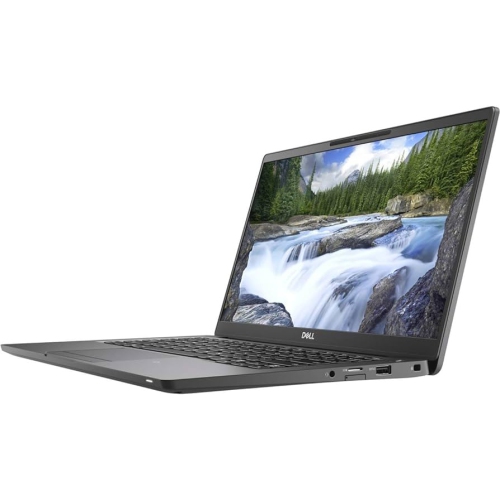
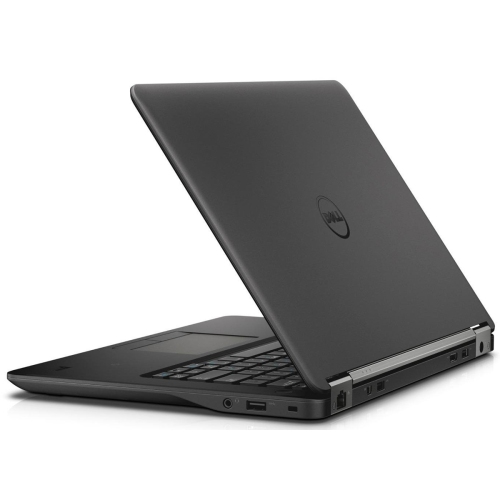
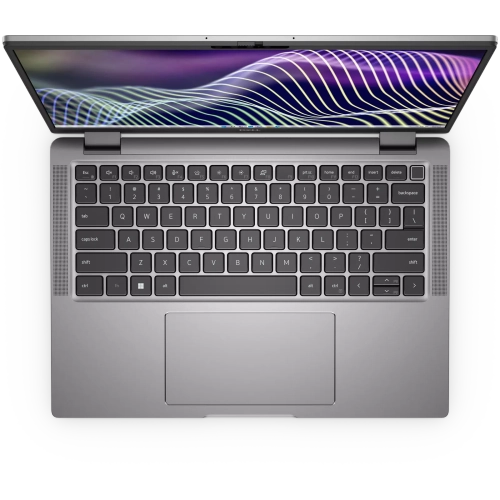
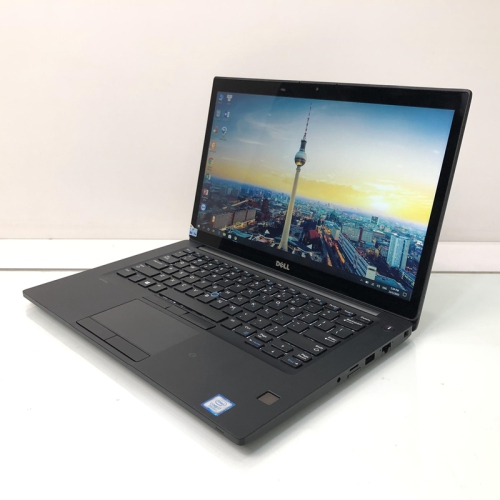
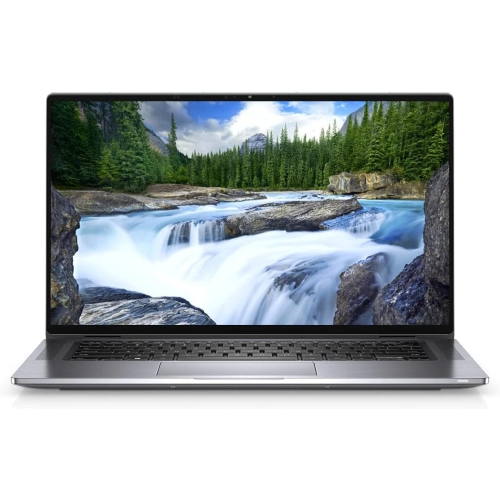
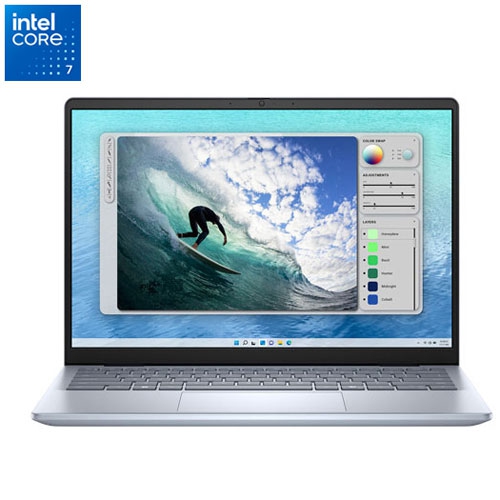
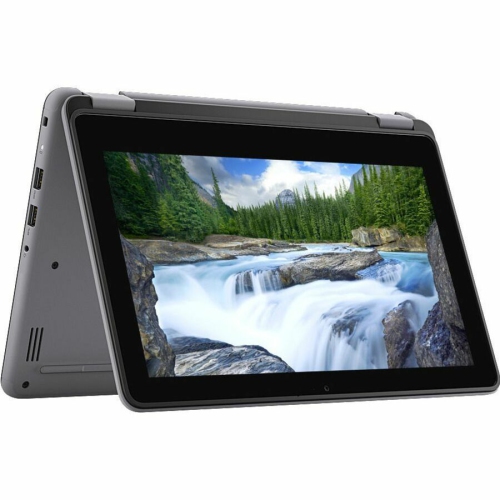
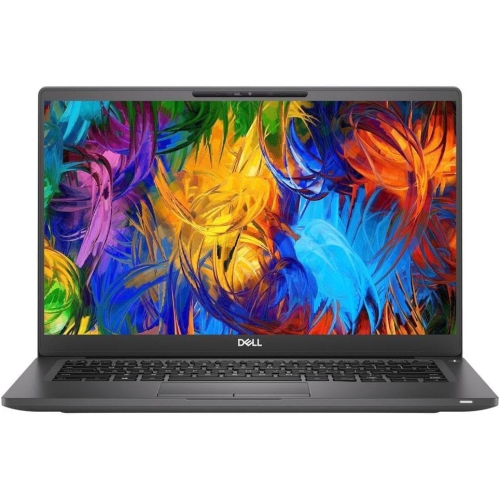
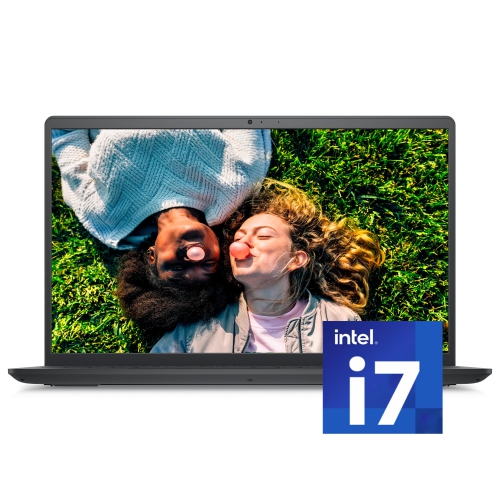
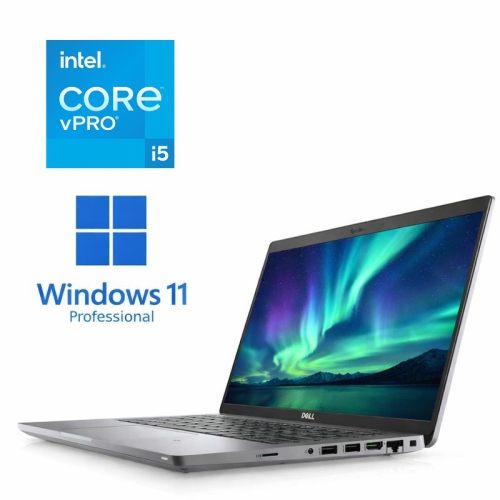
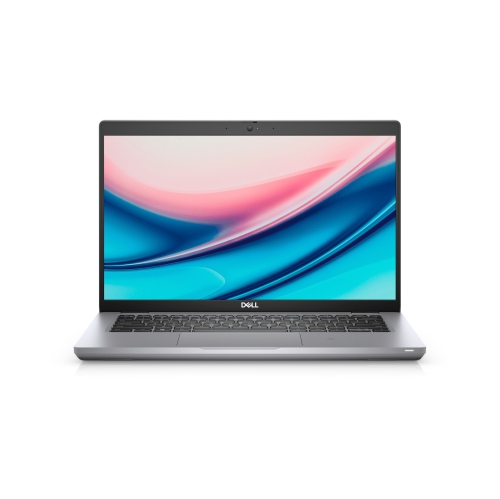
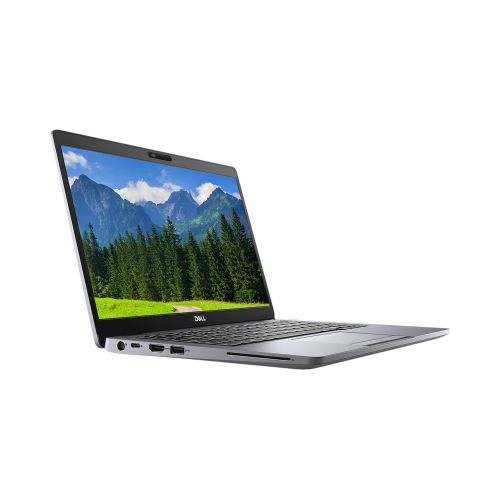
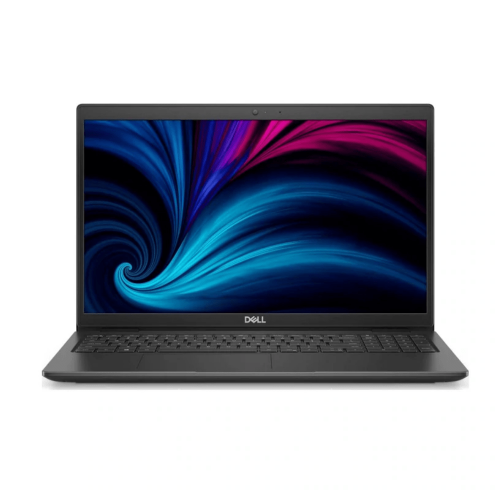
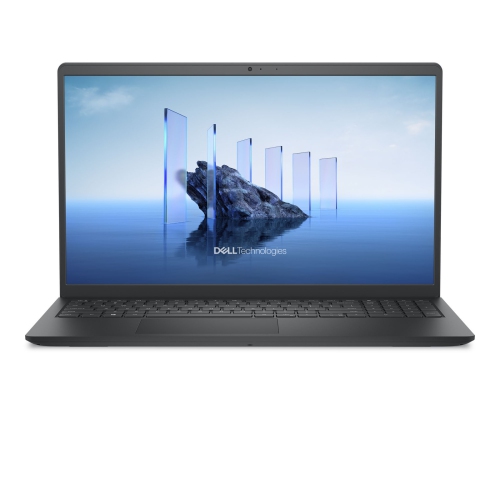
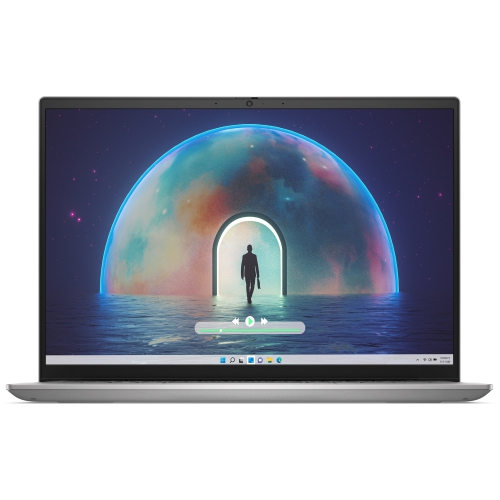
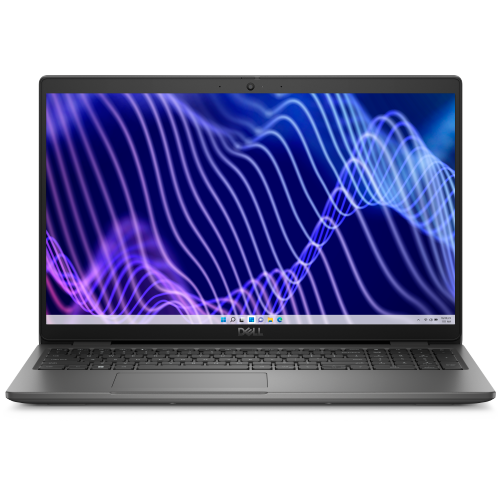
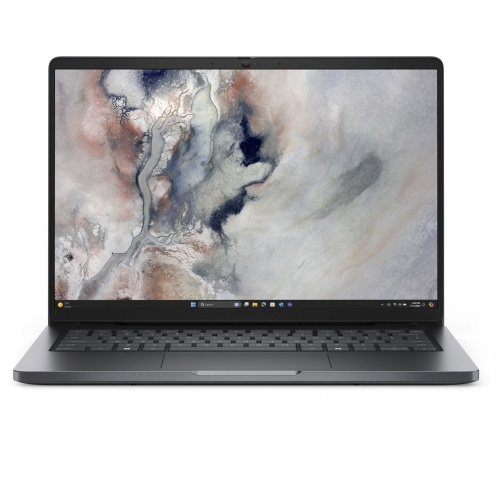
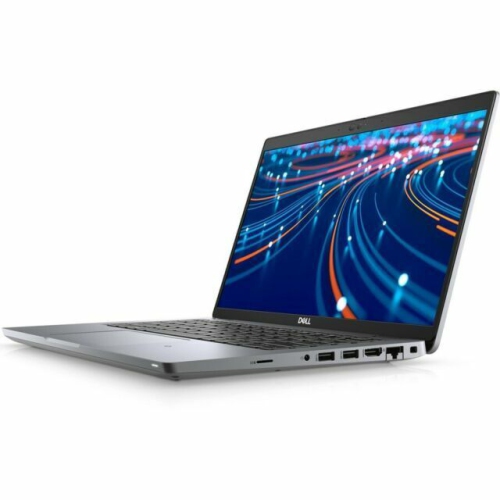
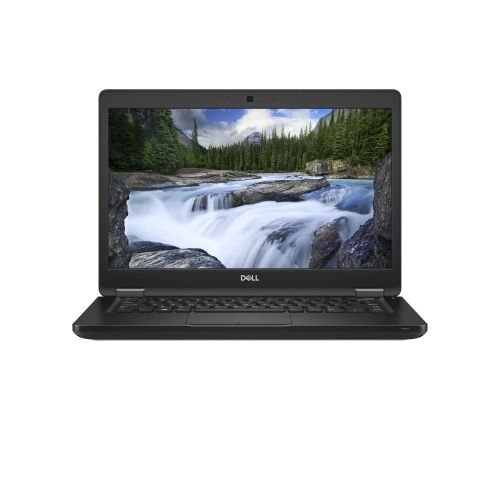

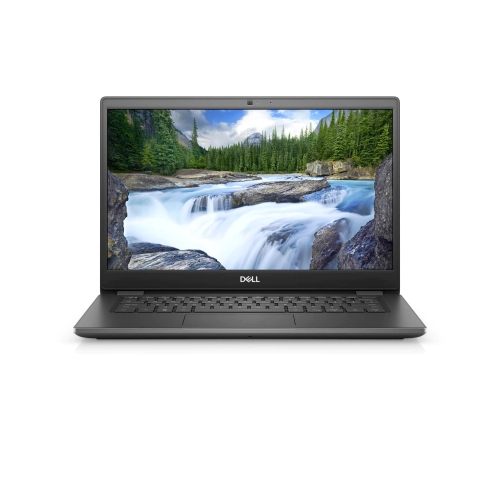
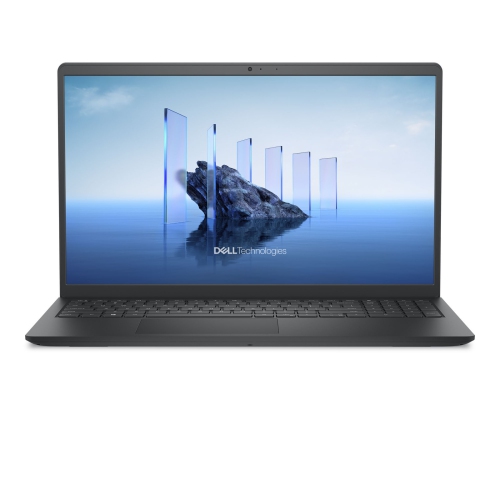
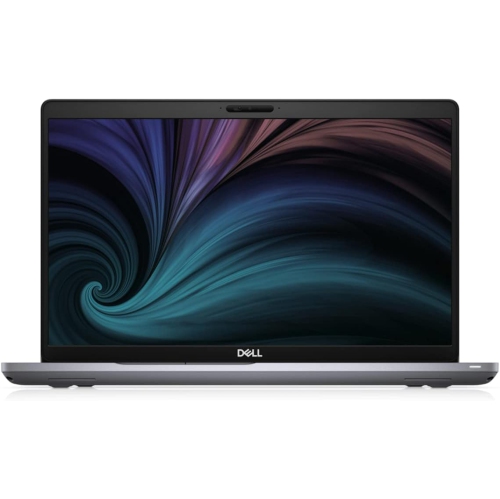
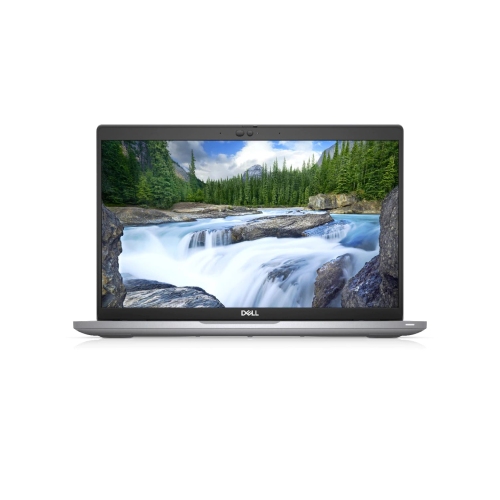
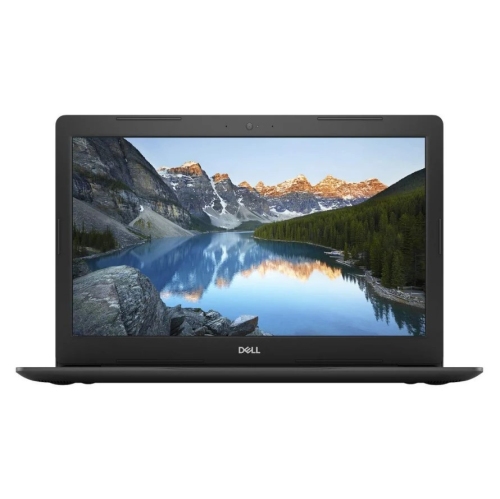
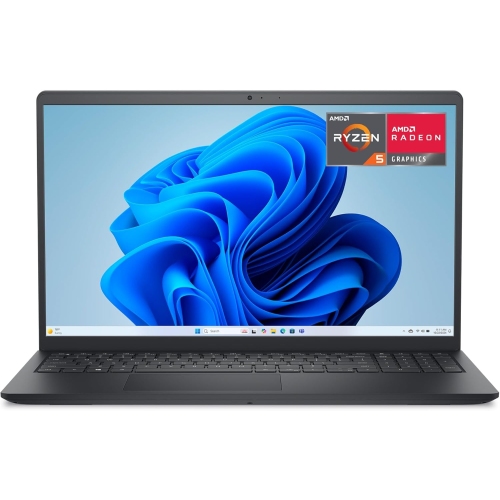
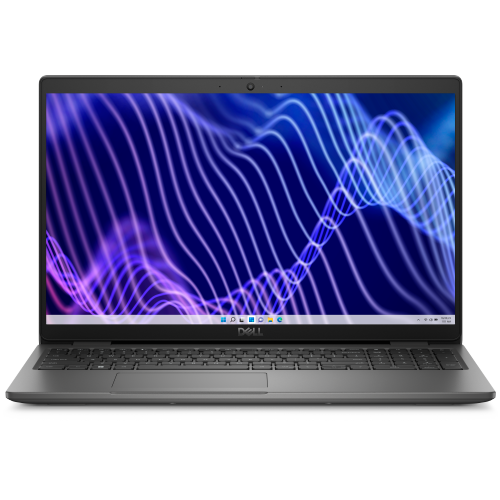
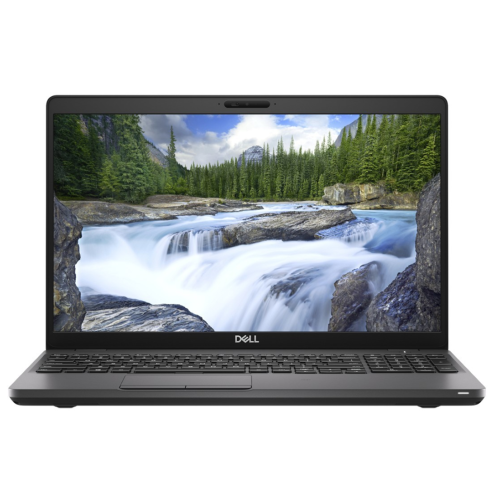
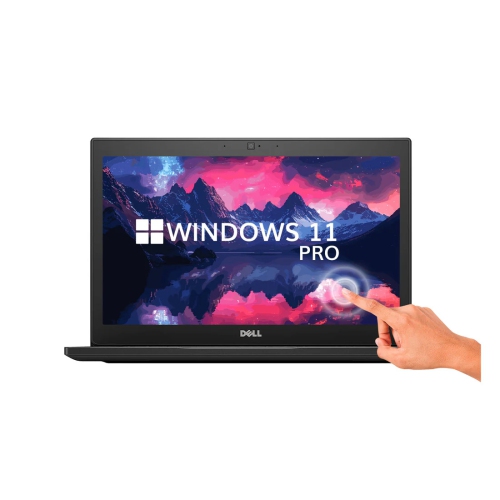
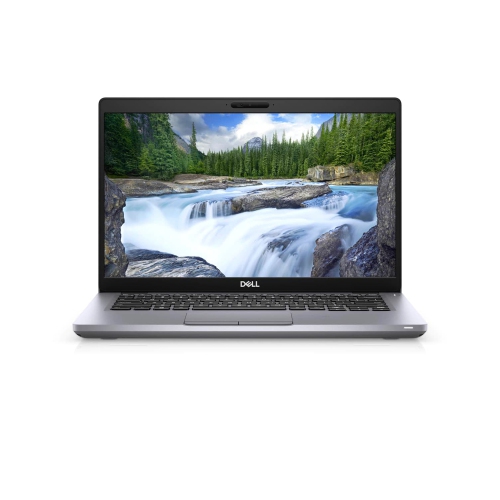
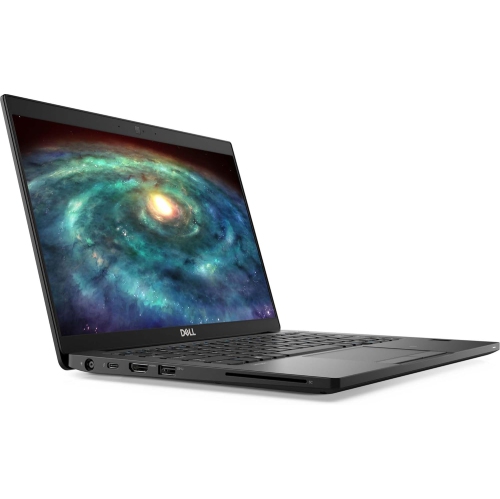
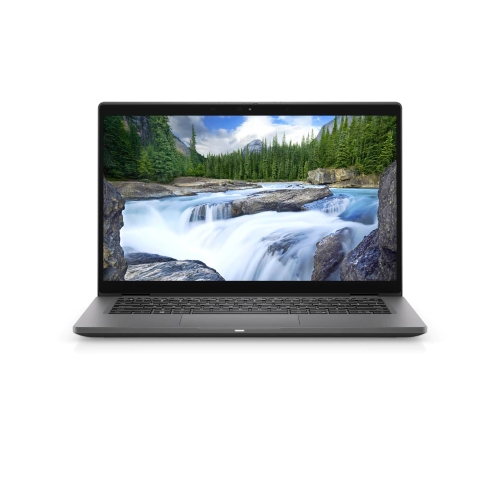
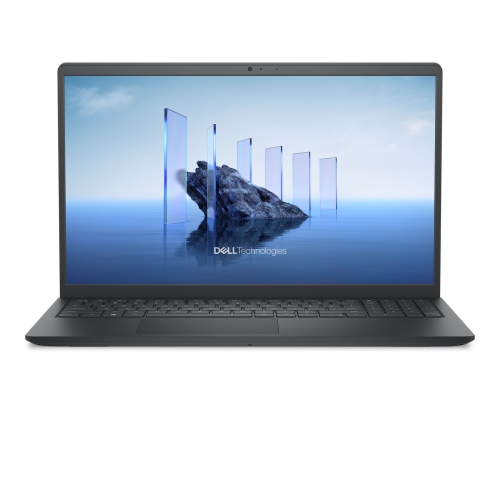
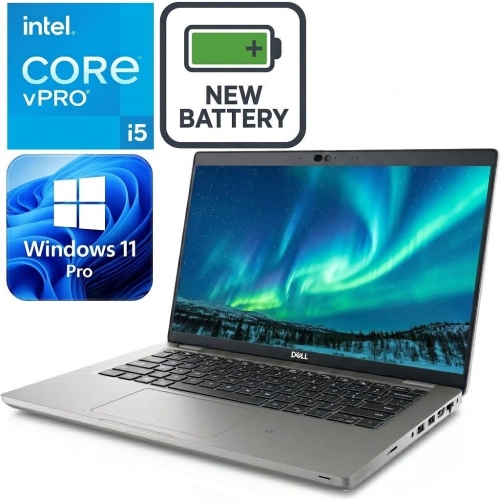
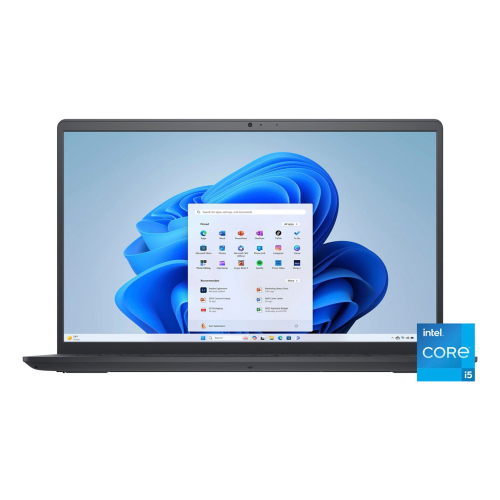
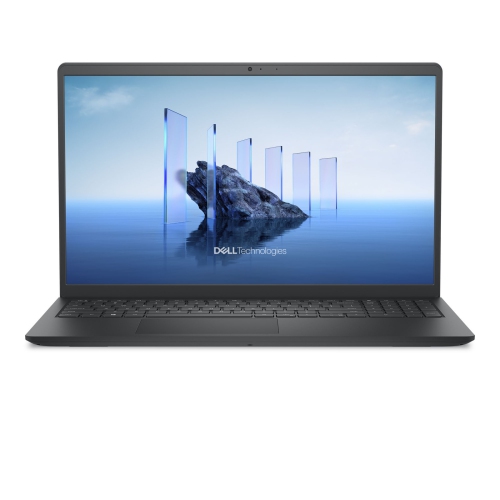
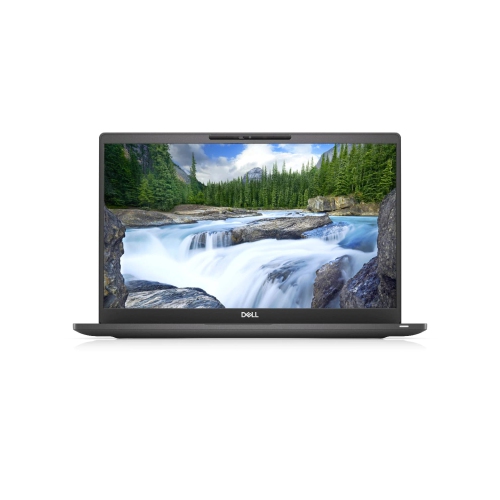
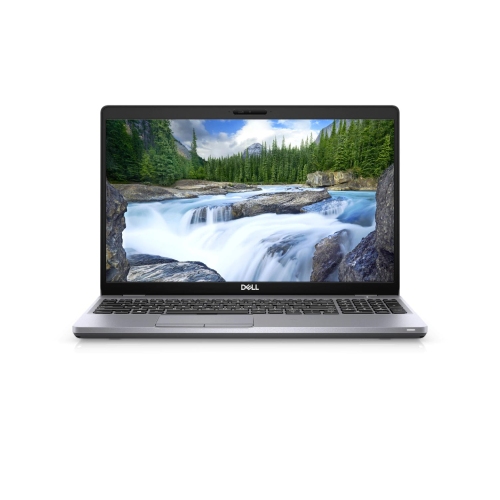
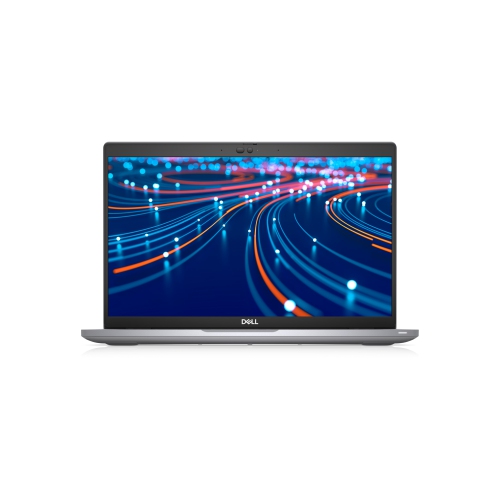
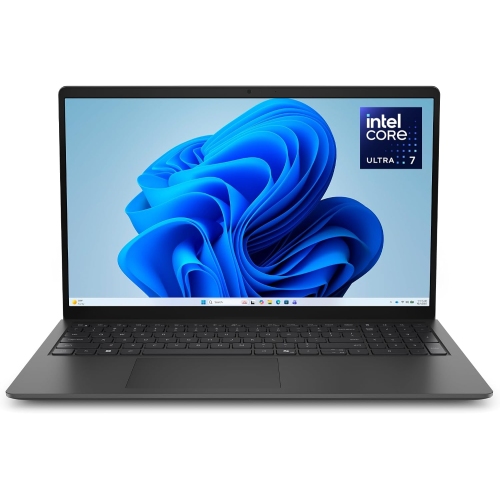
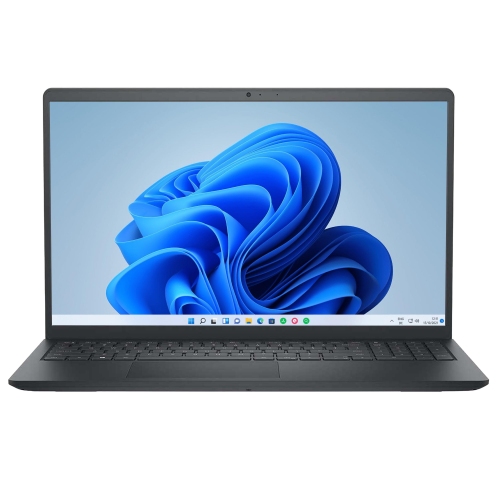
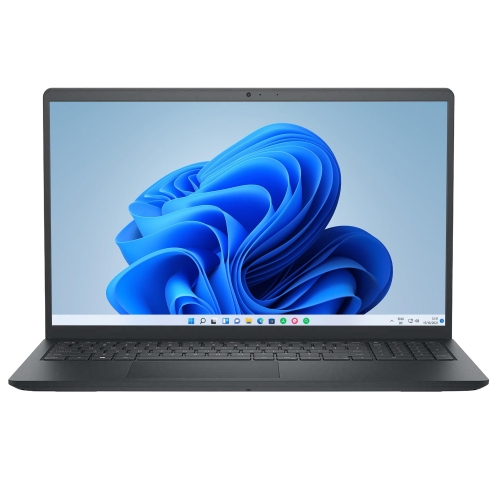
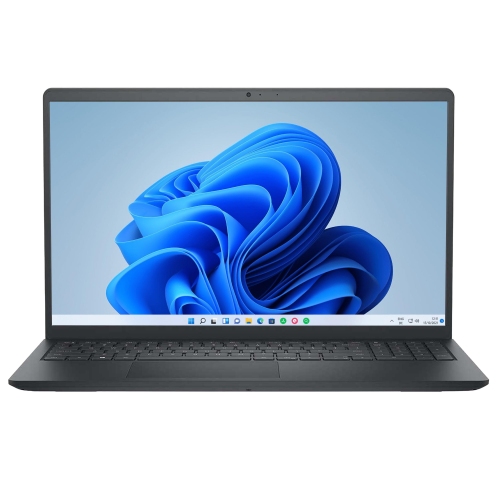
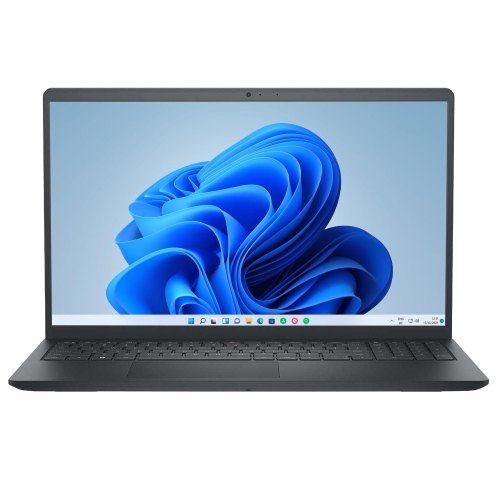
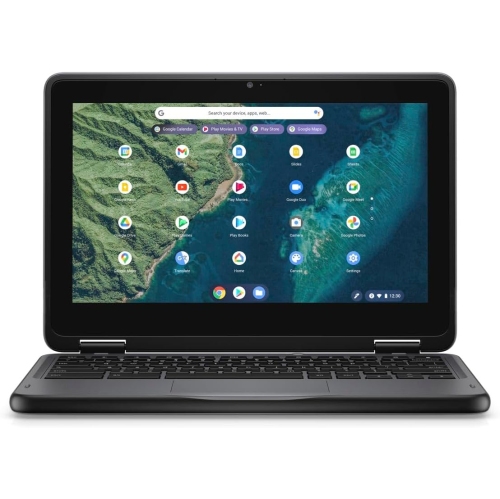
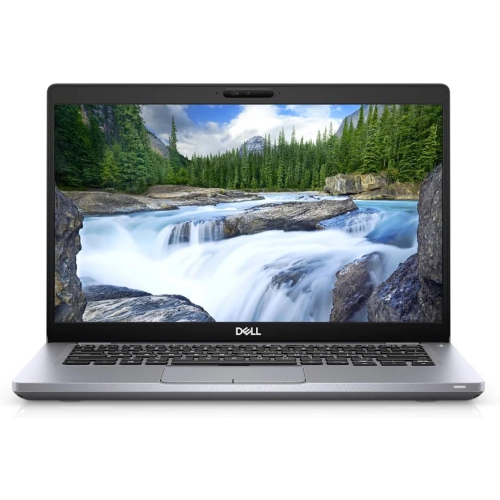
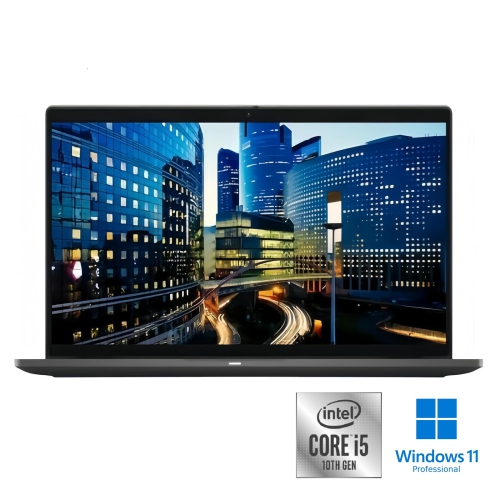
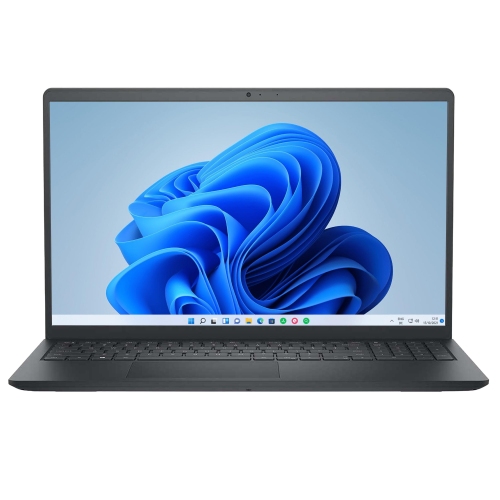
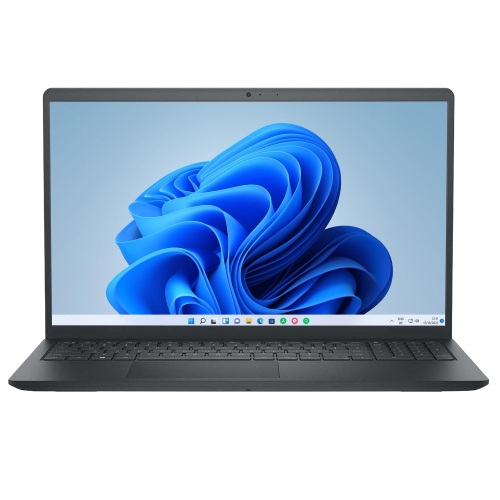
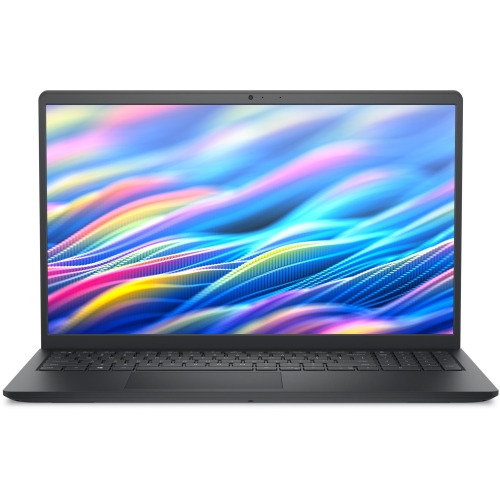
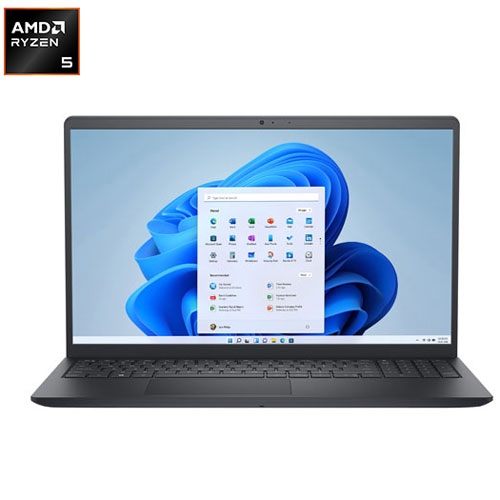
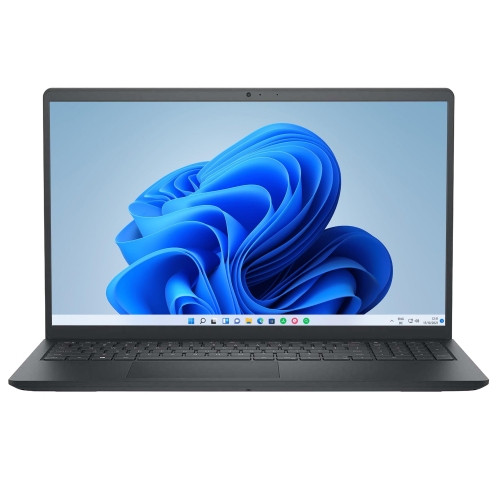
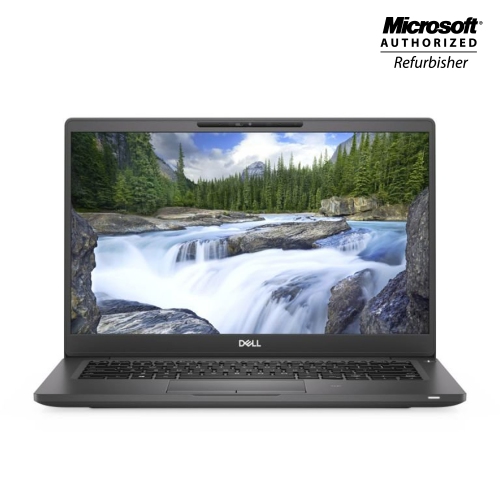
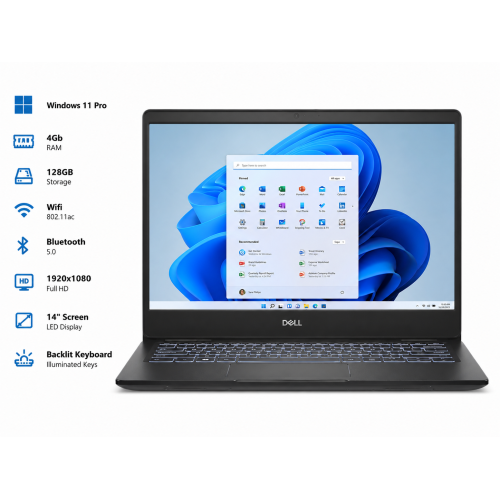
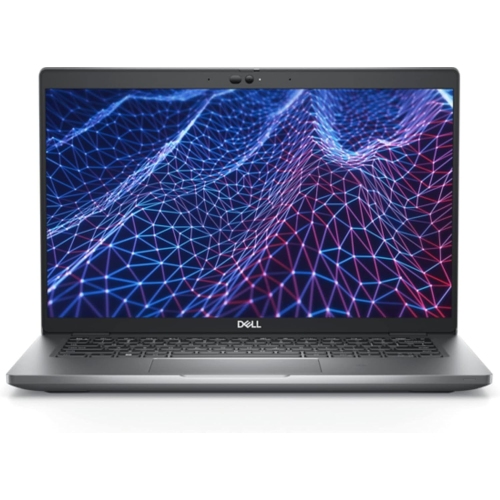
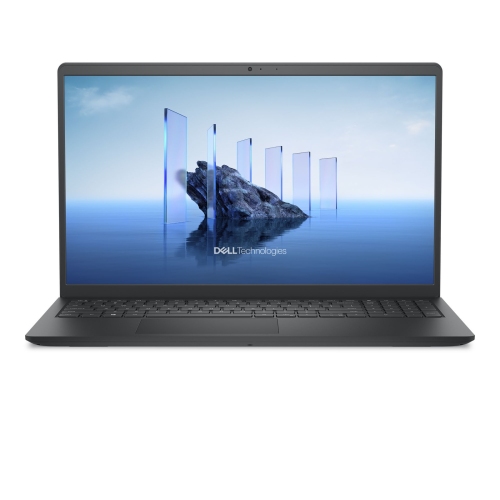
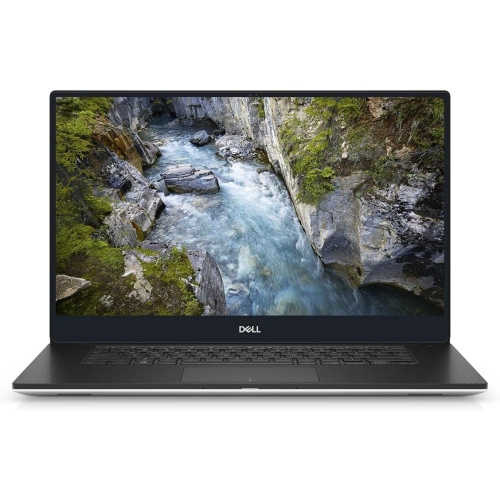
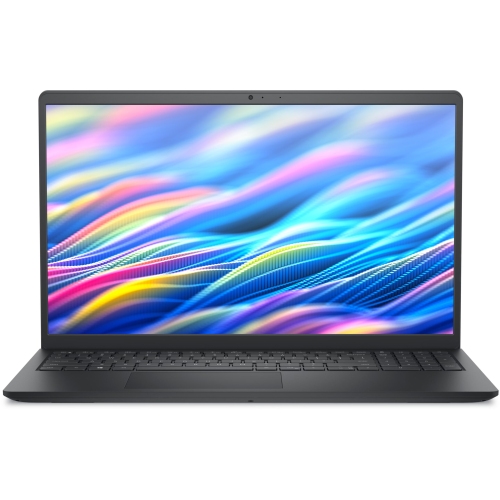
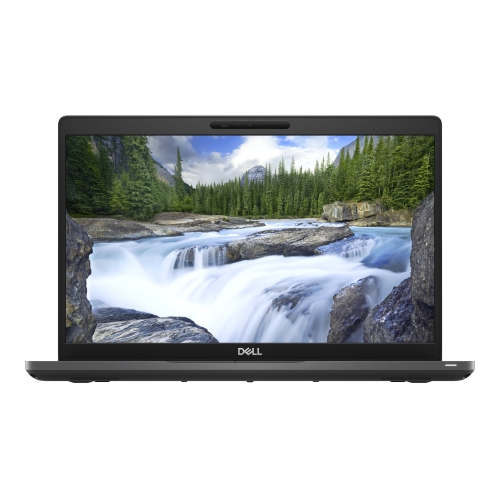
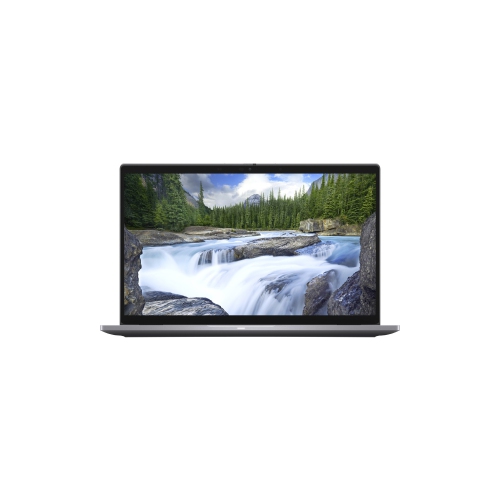
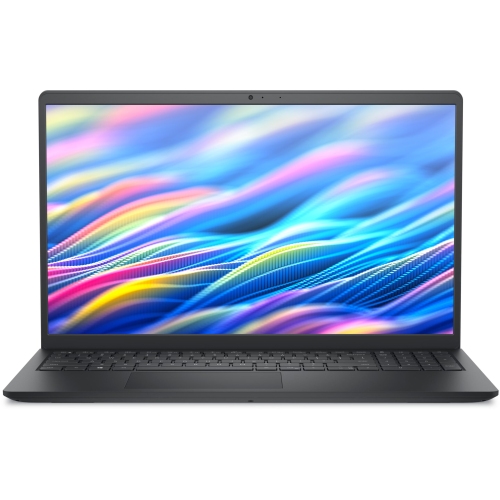
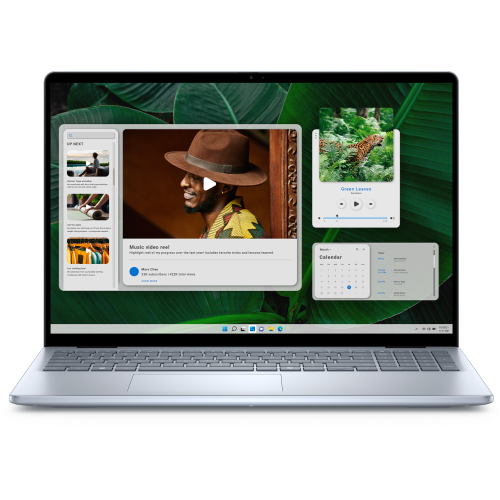
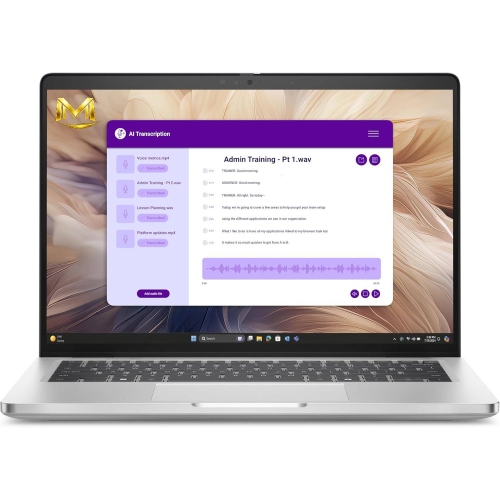
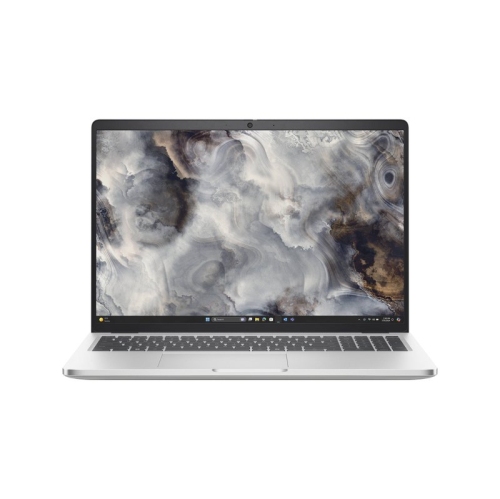
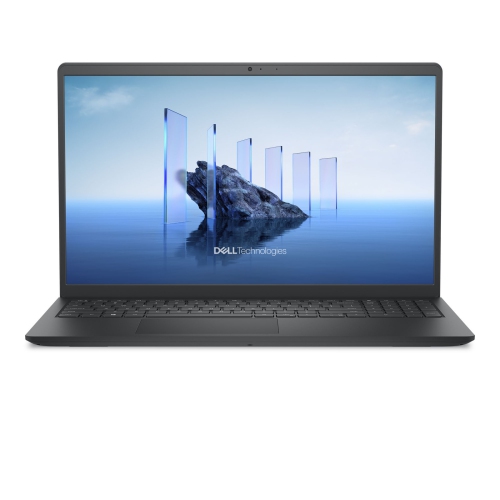
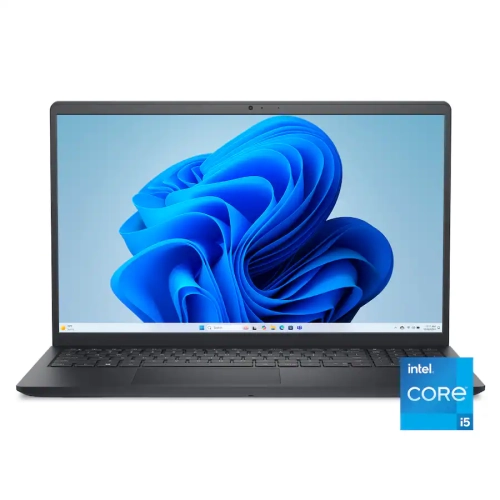

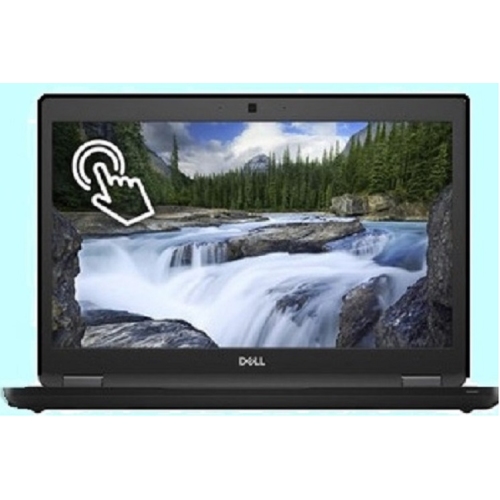
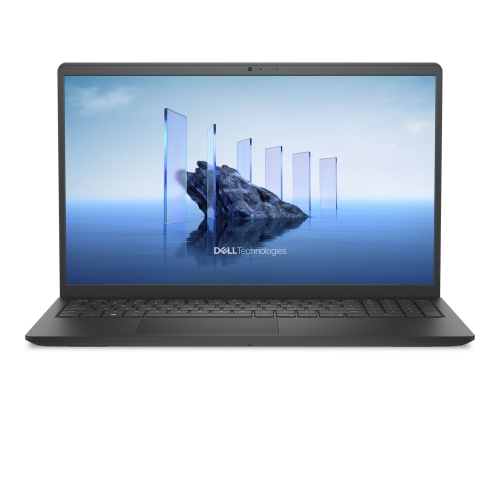
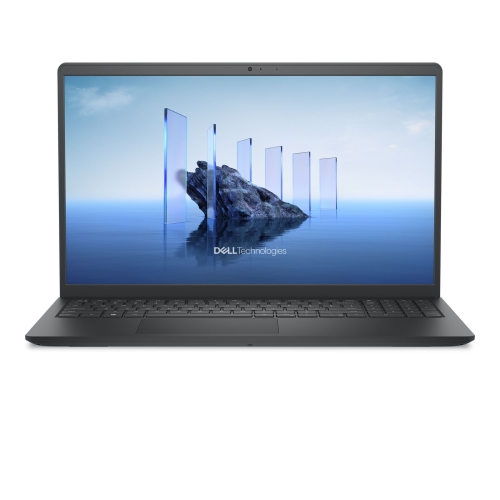
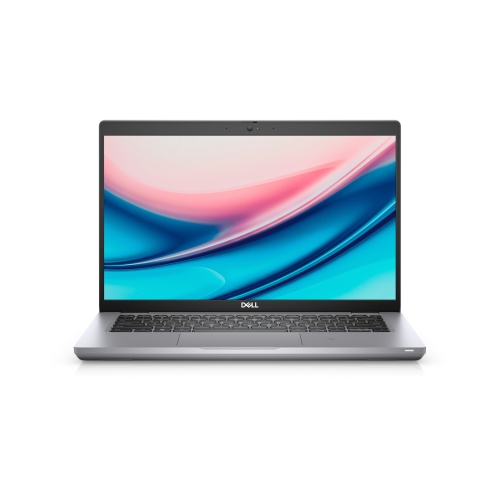
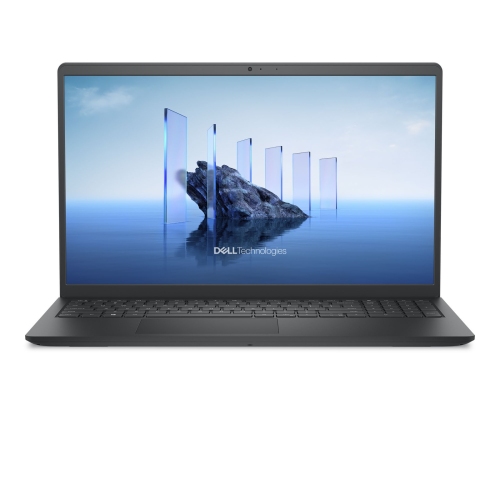
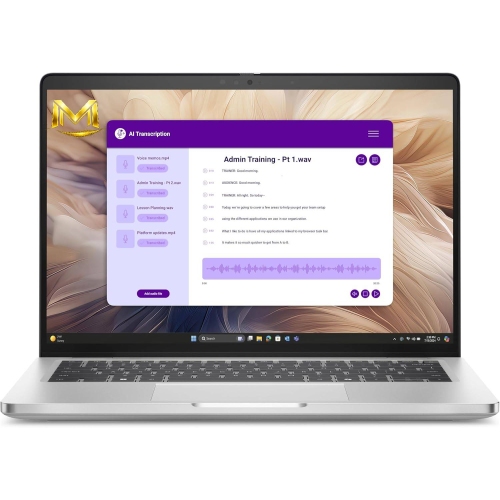
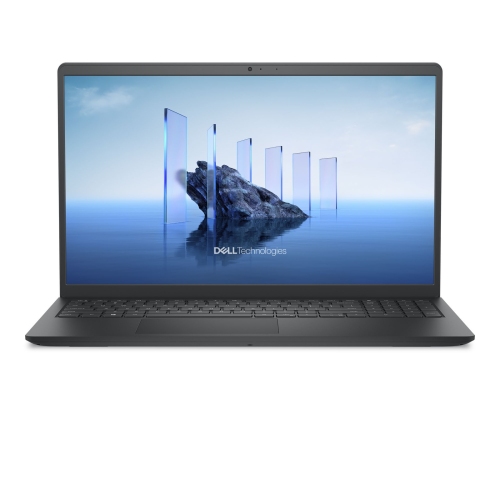
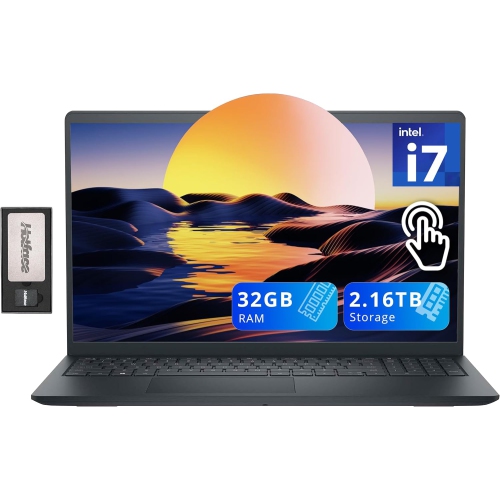
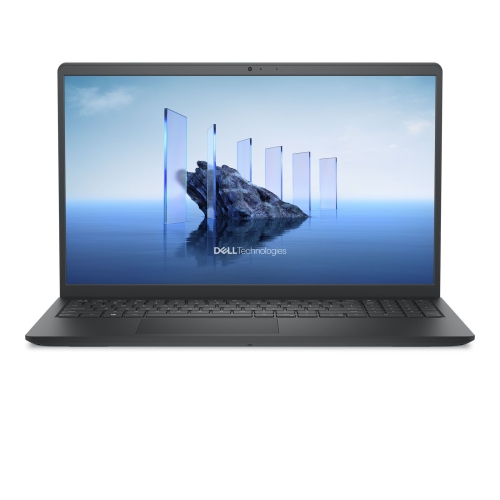
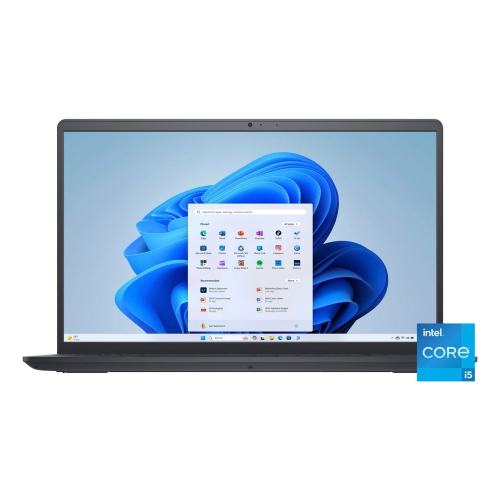
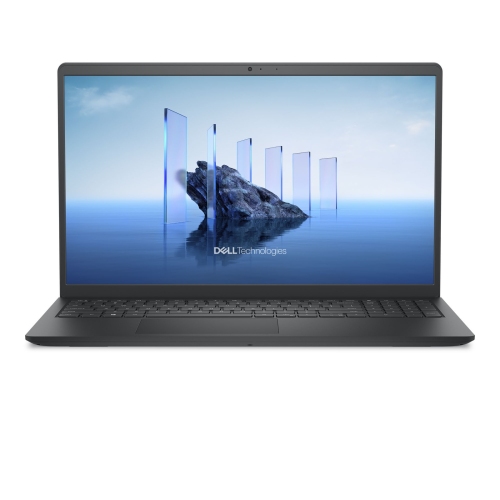
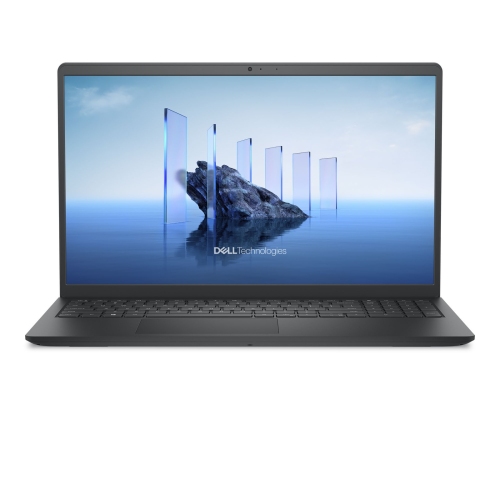
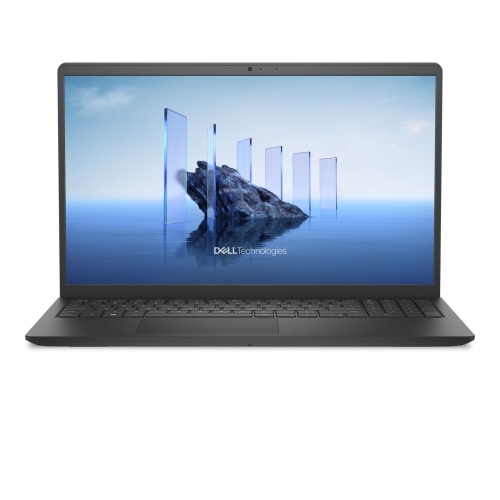
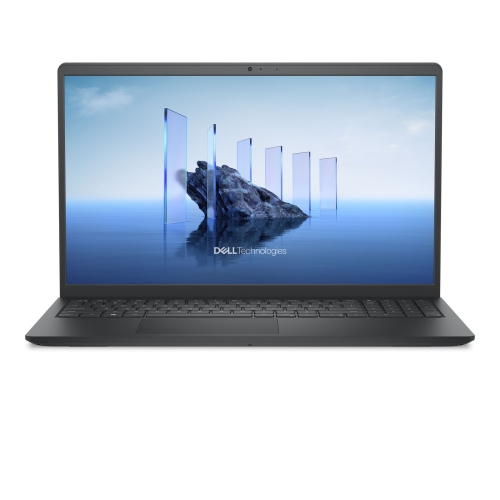
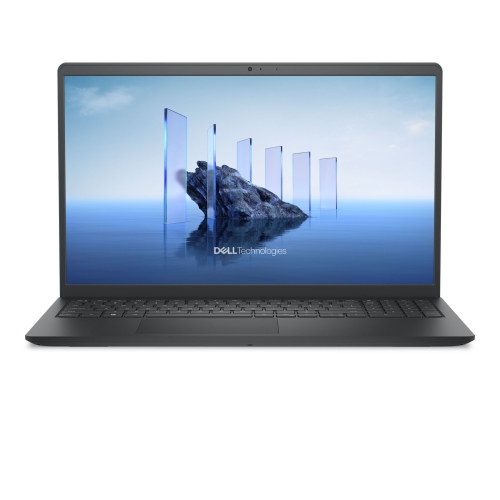
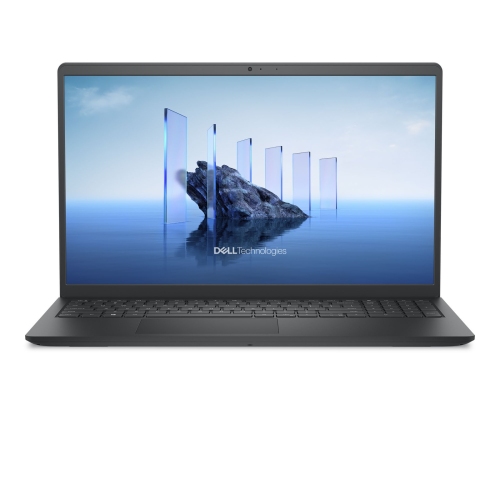
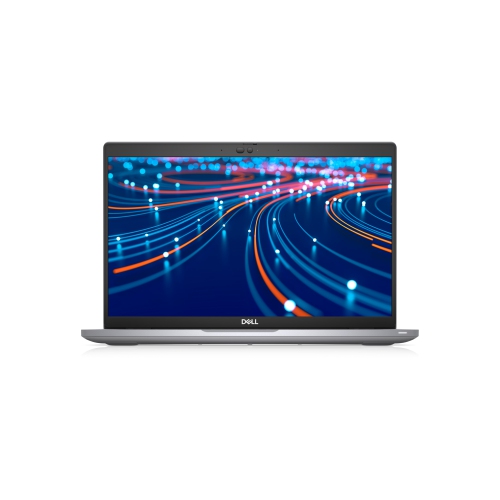
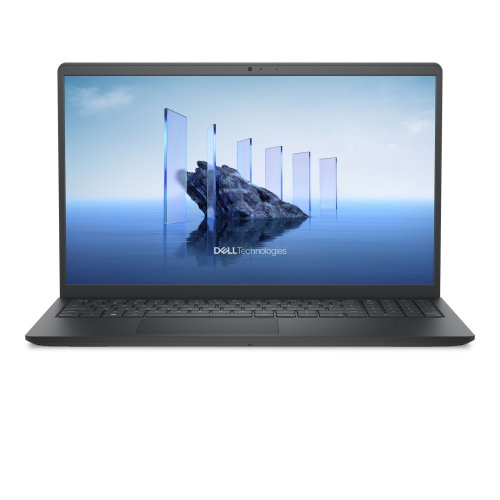
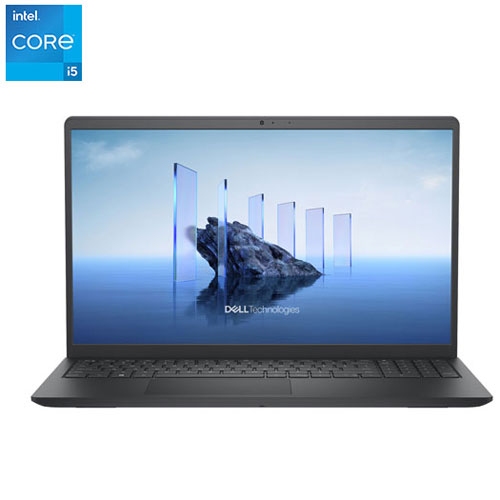
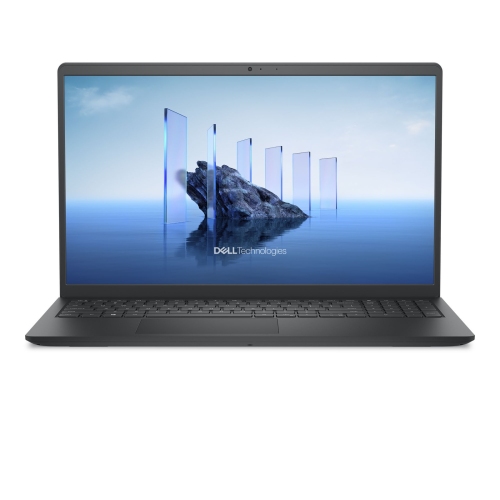
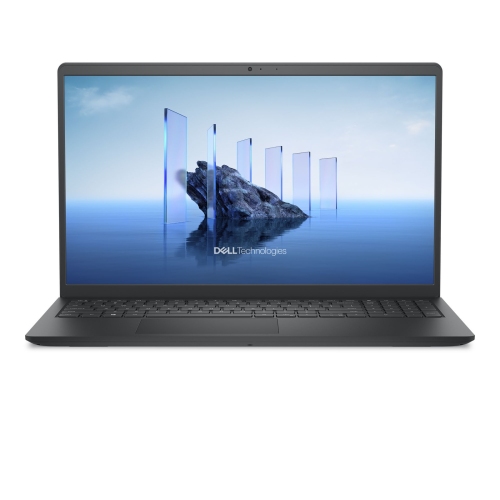
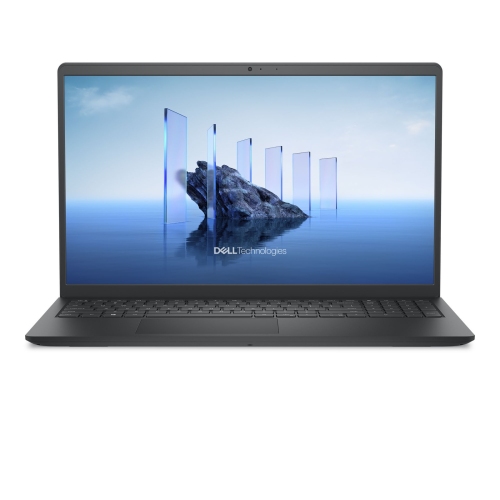
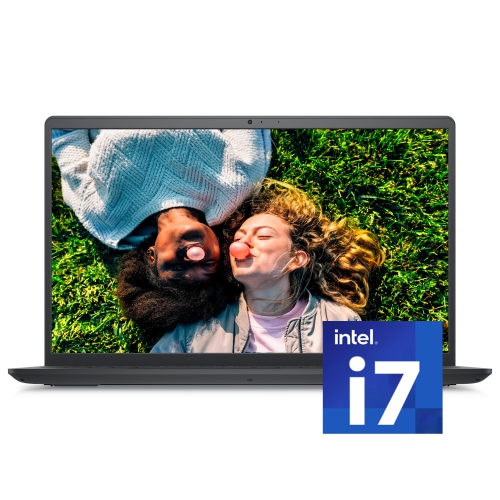
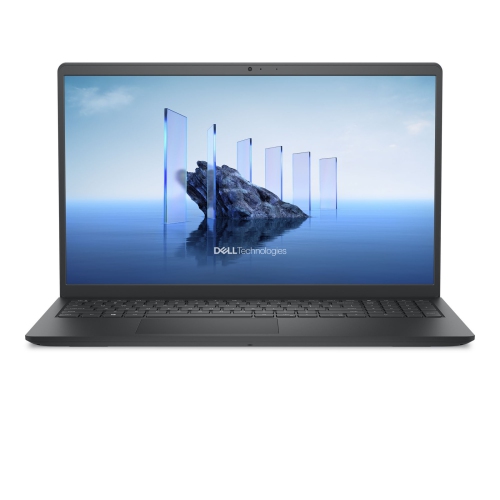
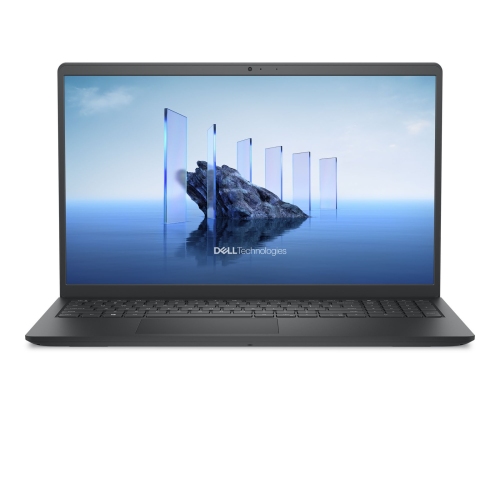
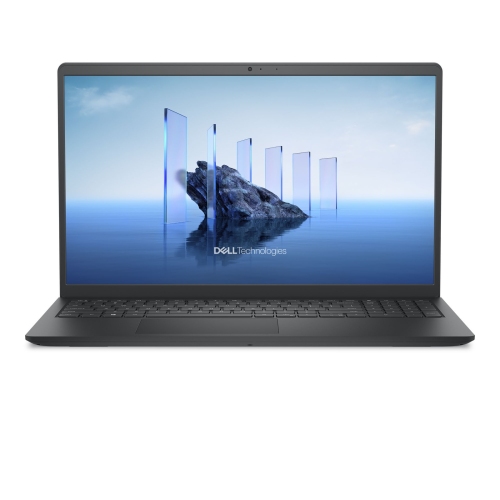
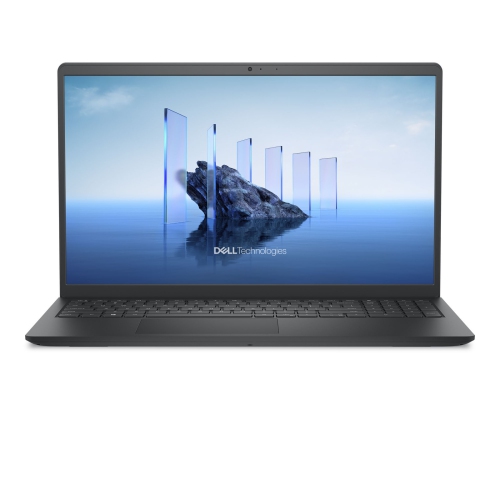
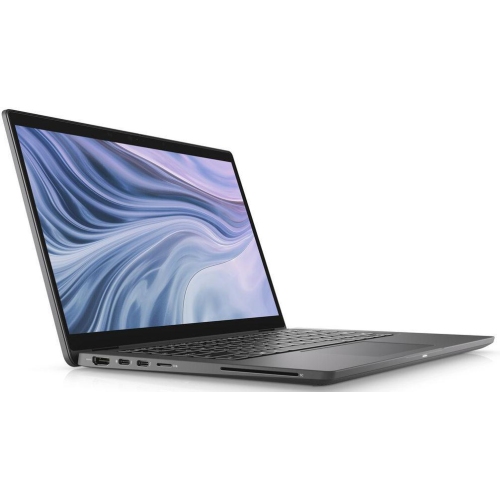
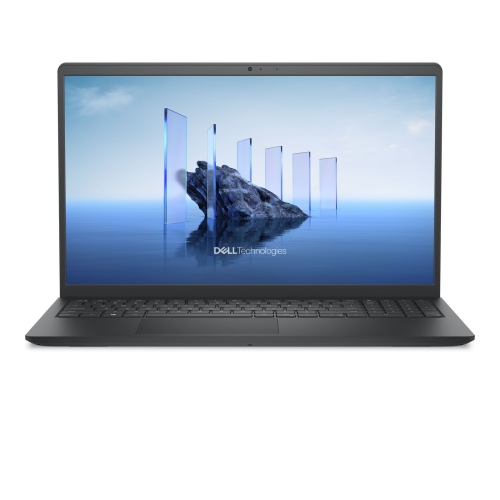
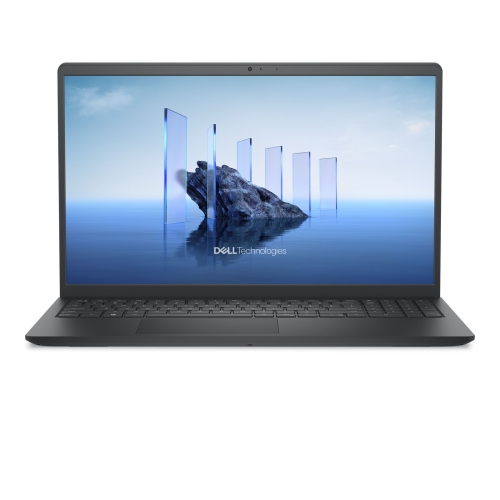
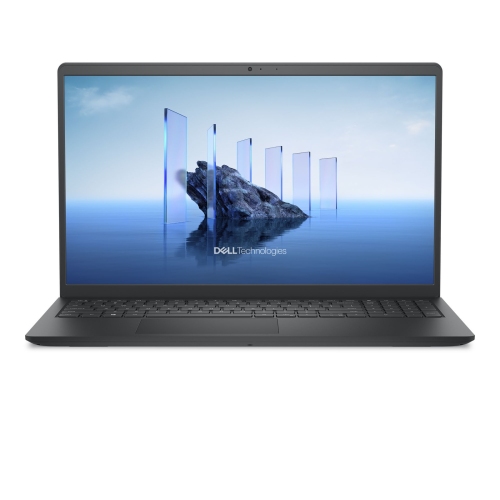
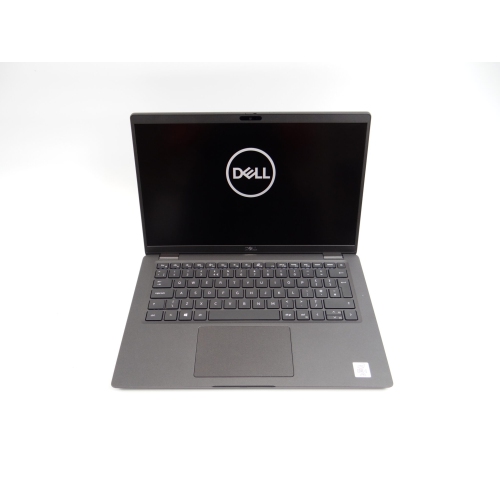
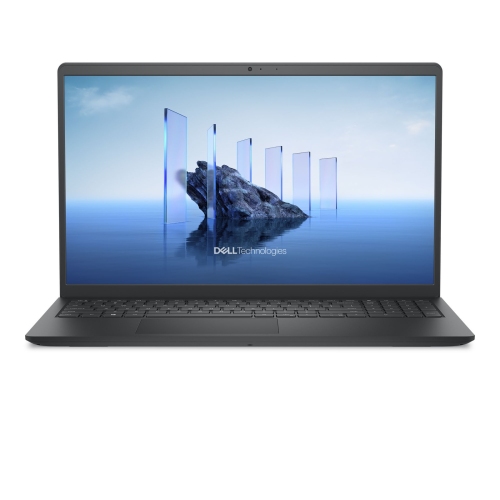
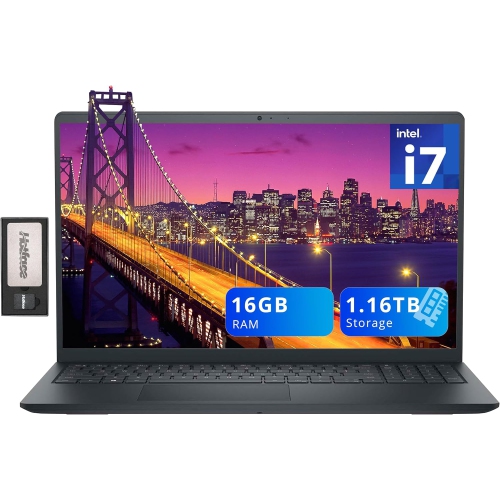
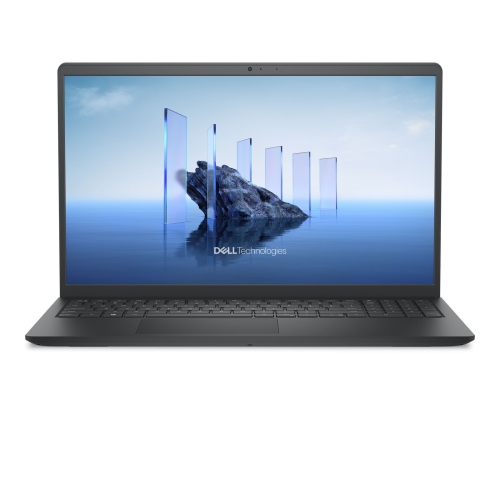
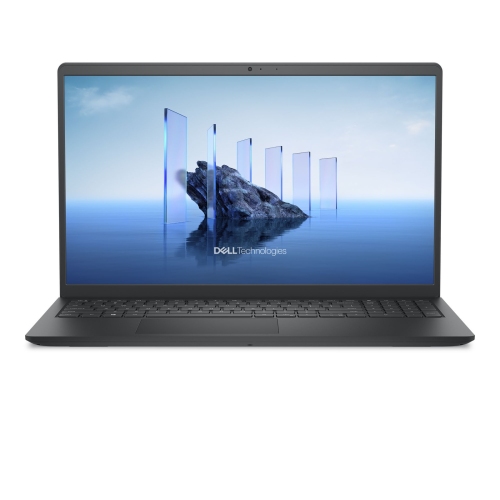
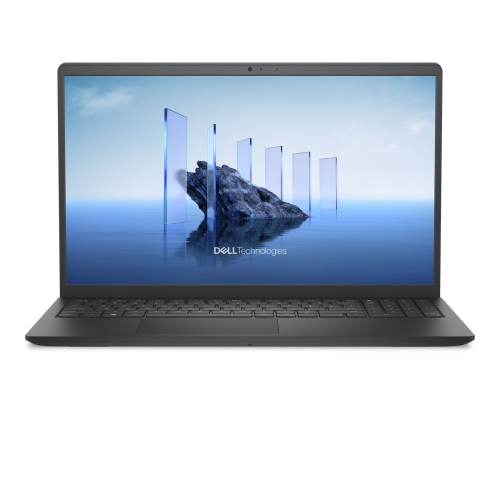
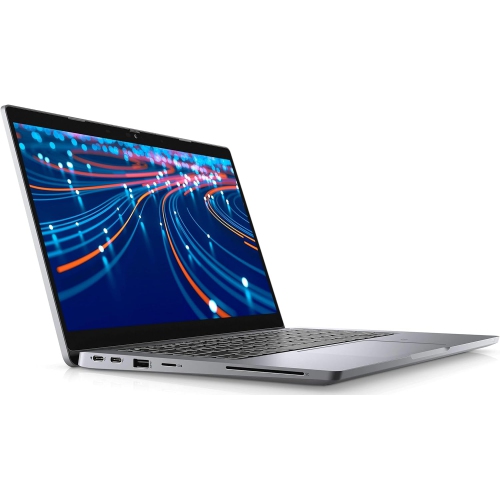
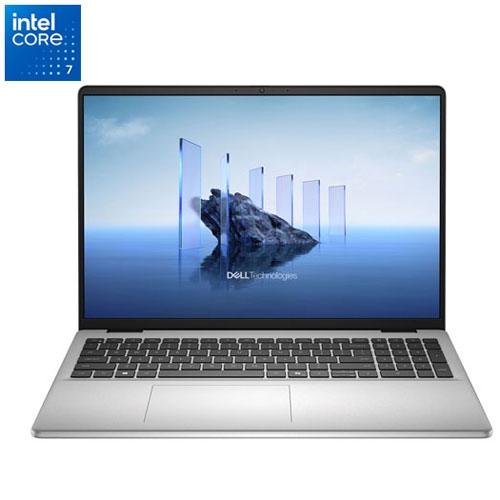
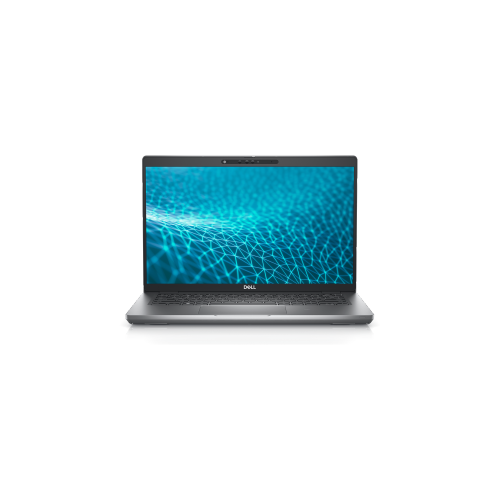
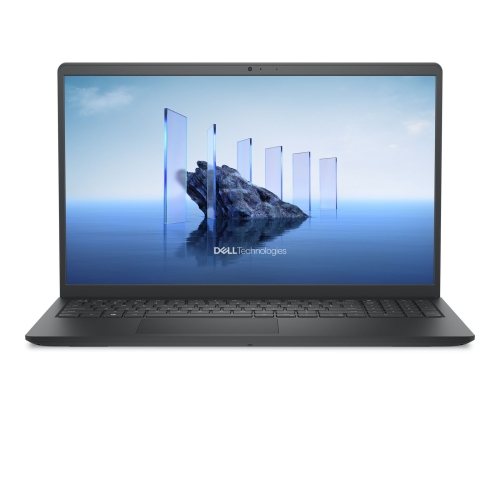
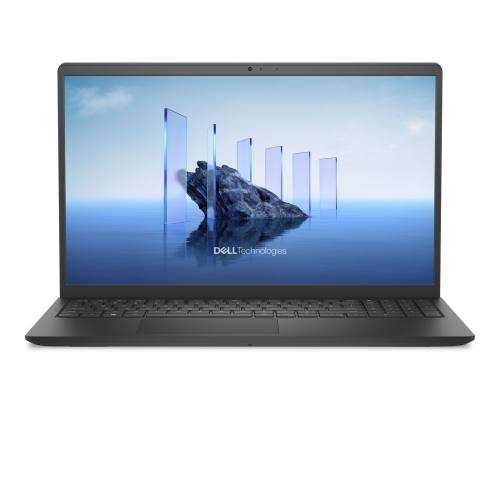
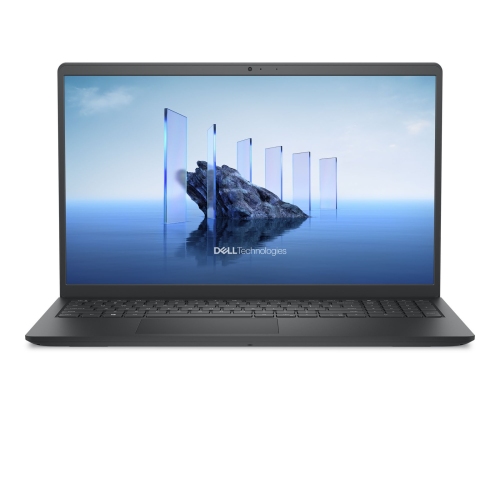
From classroom notes to campus projects, flexibility matters
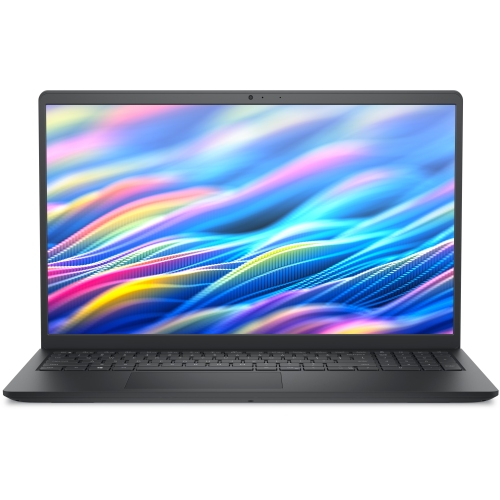
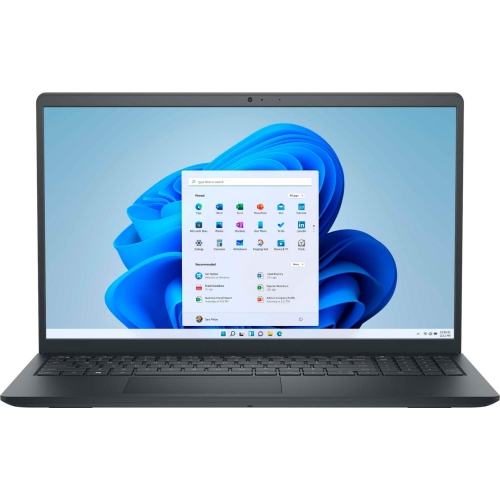
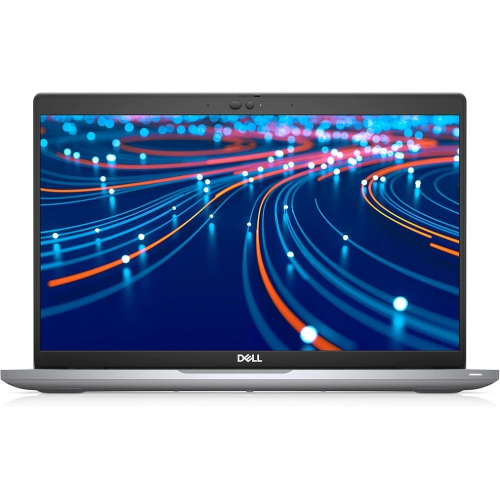
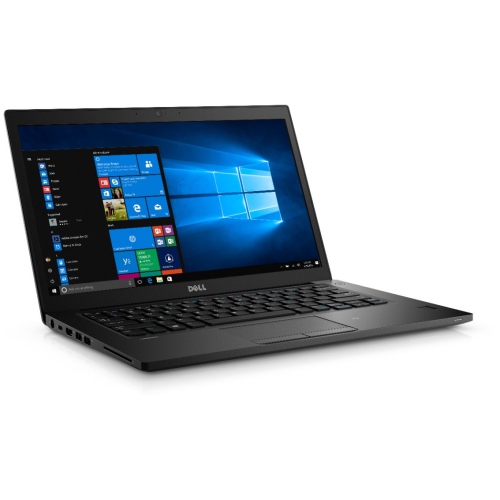
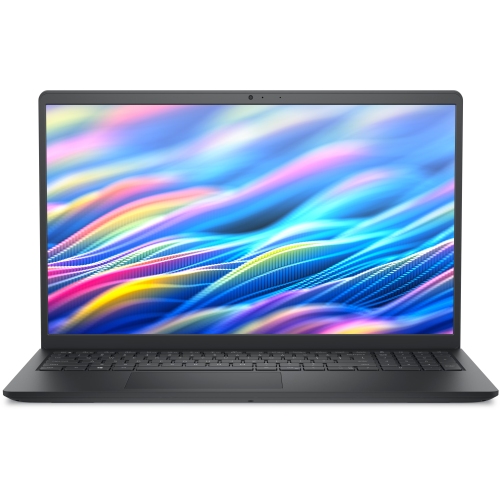
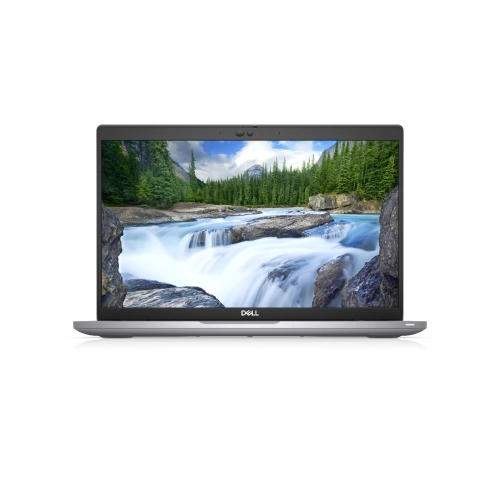
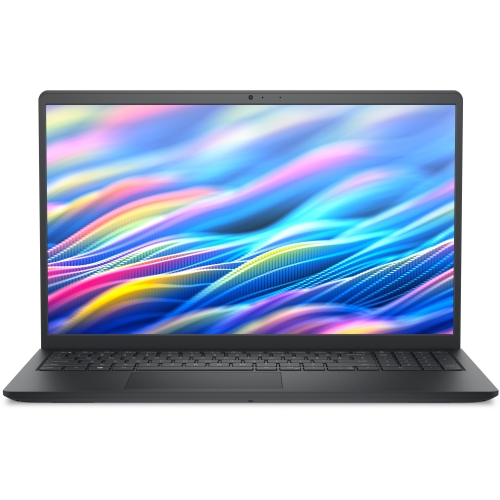
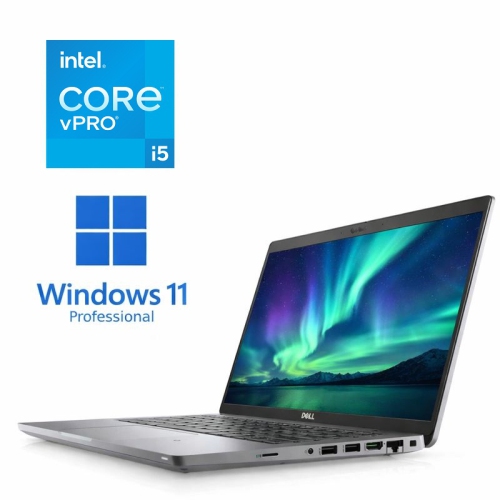
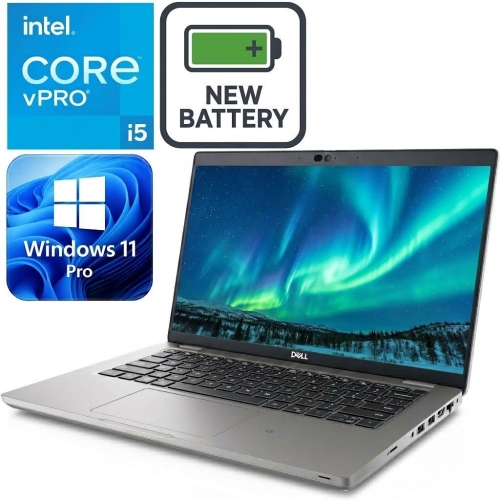
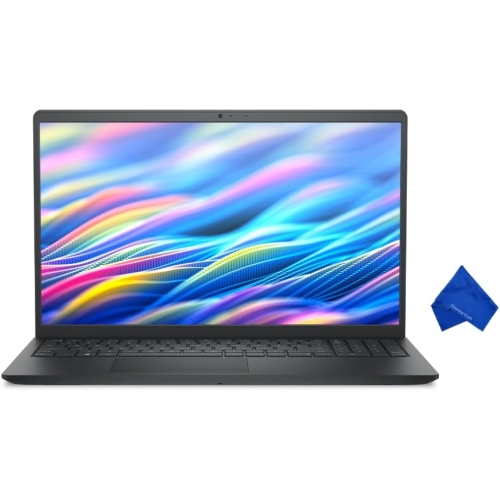
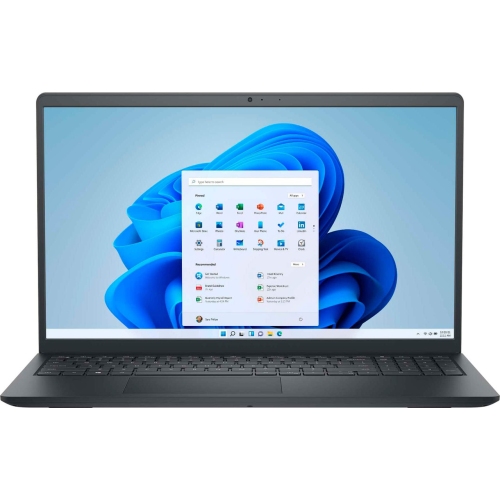
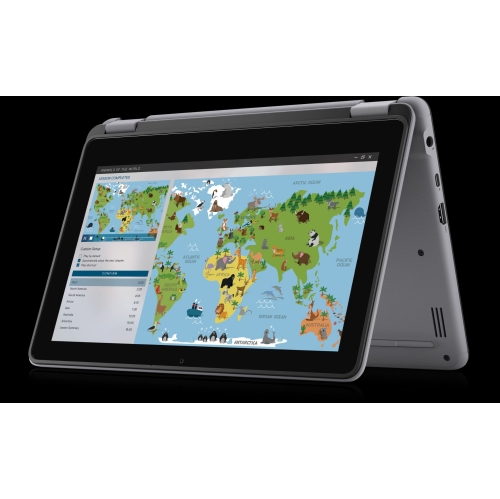
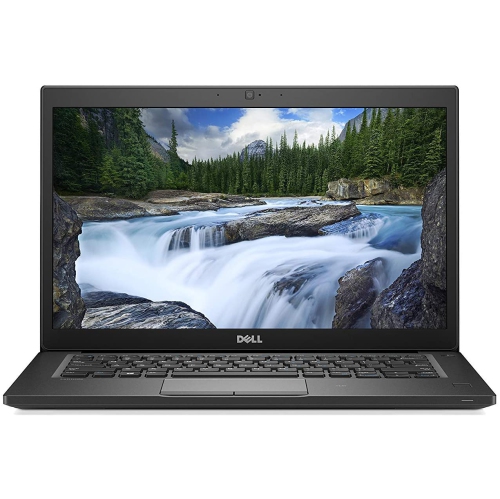
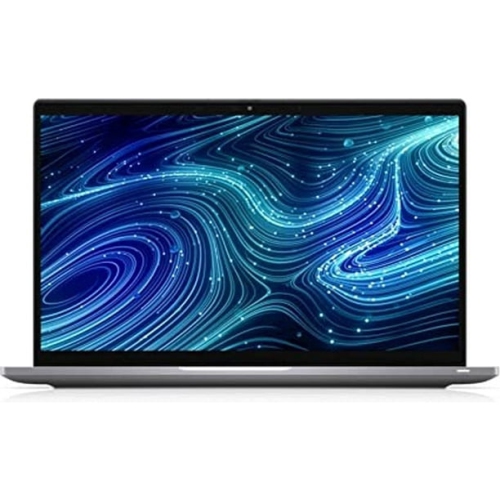
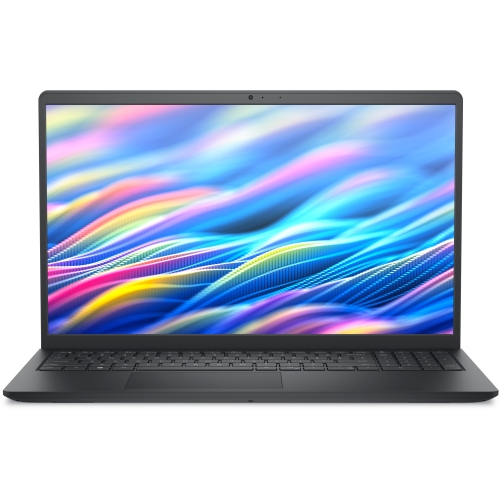
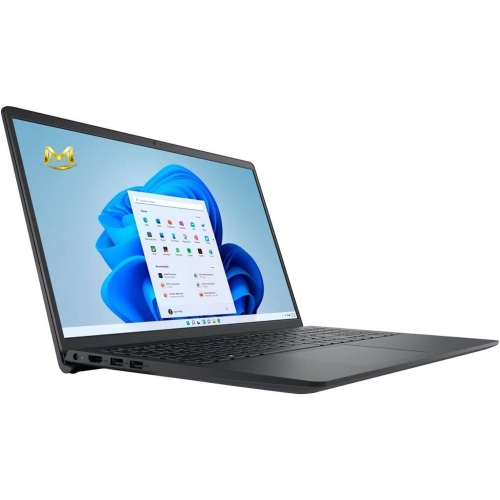
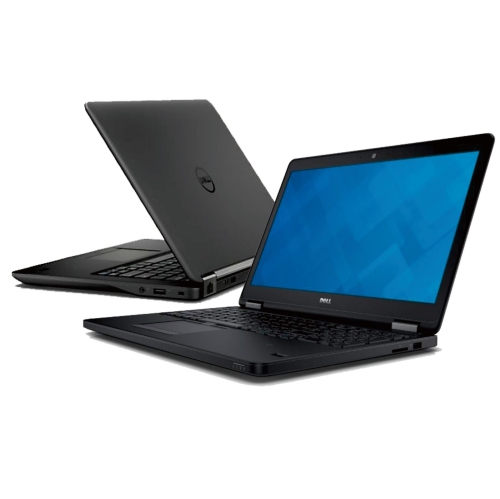
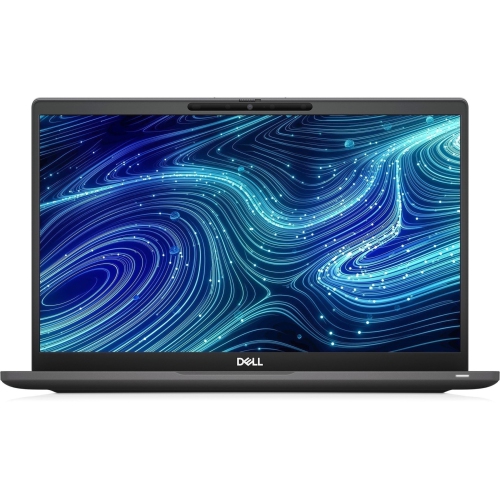
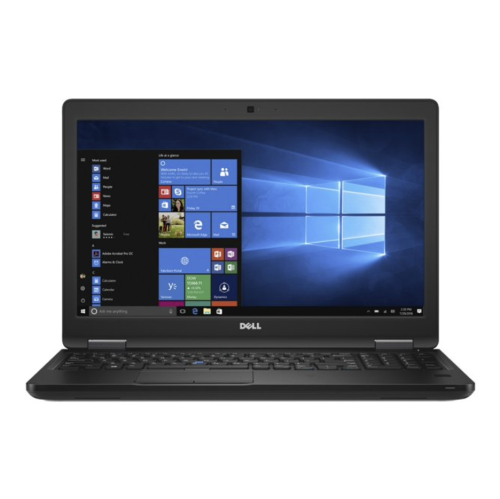
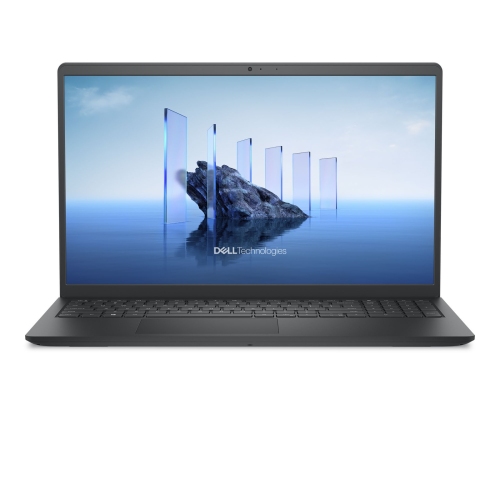
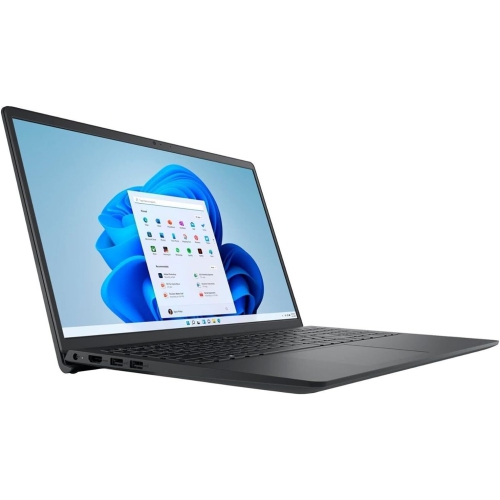
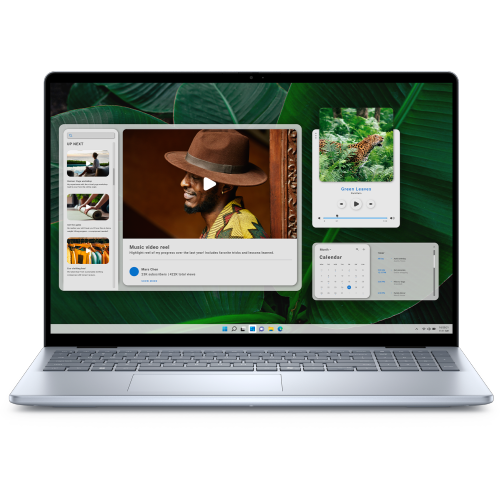
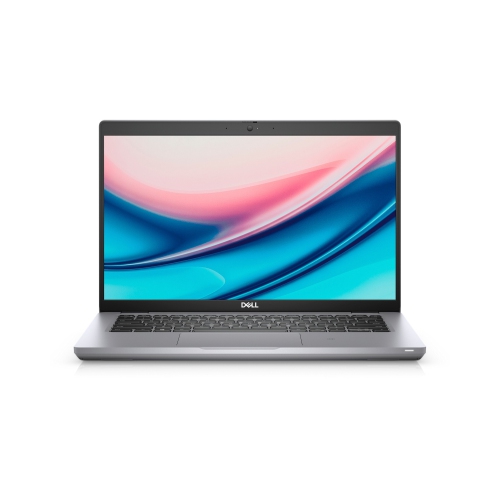
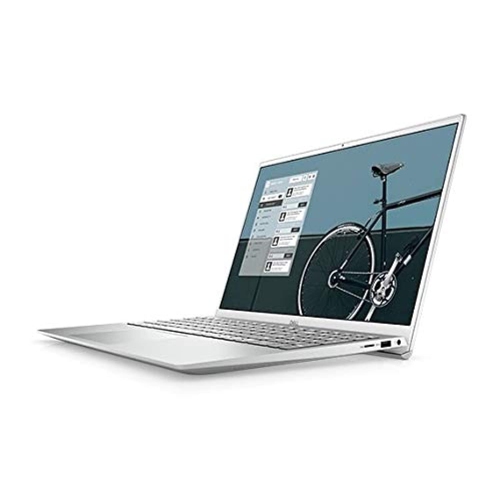
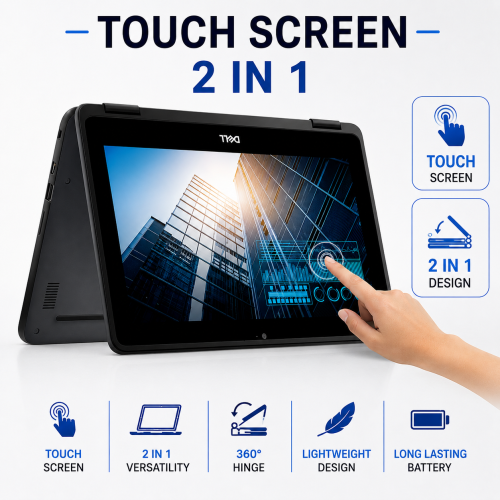
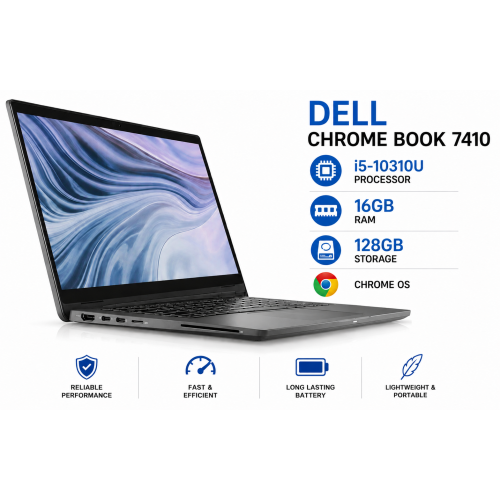
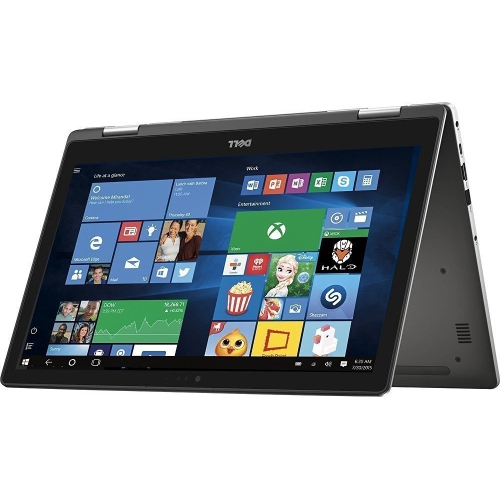
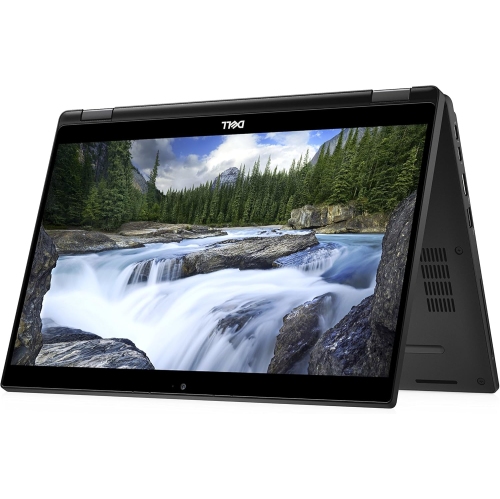
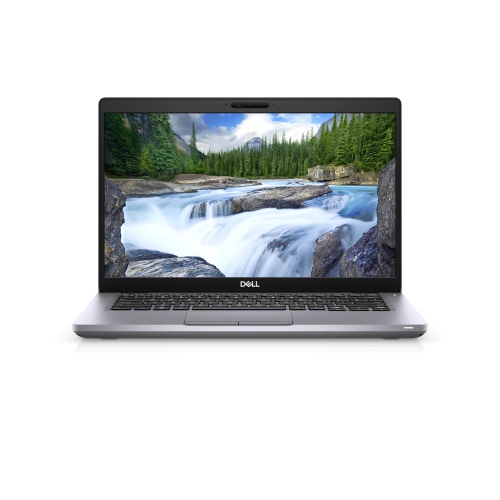
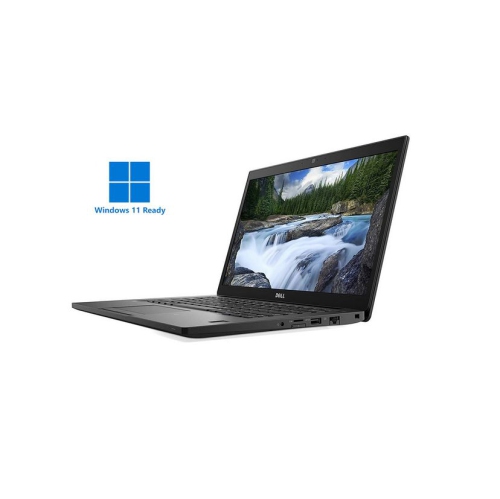
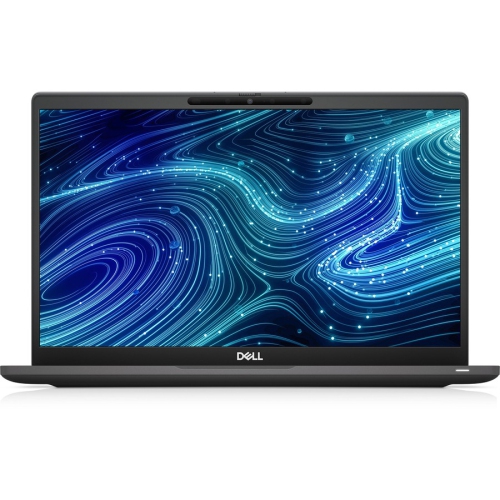
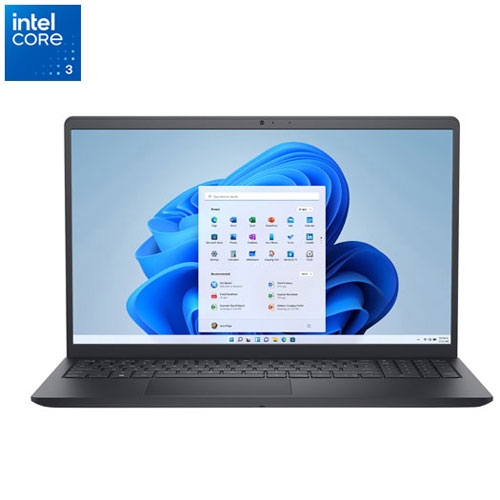
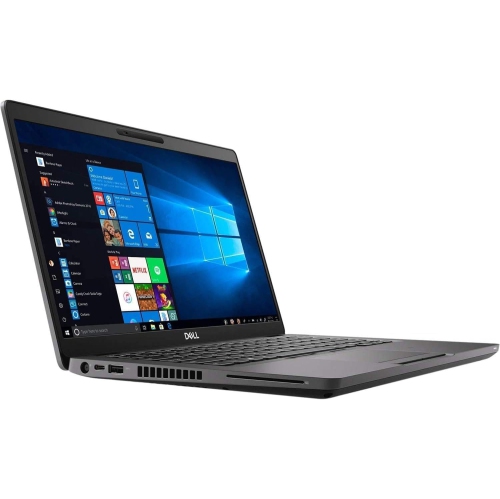
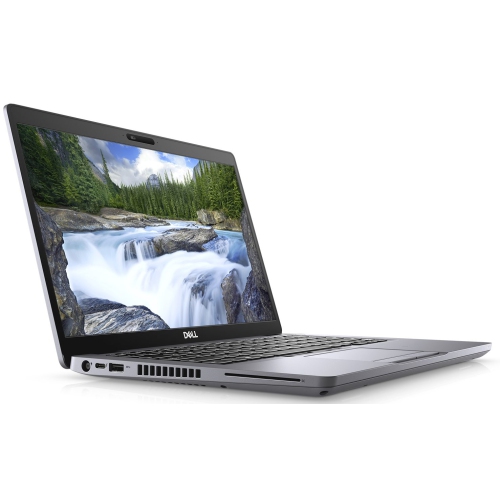
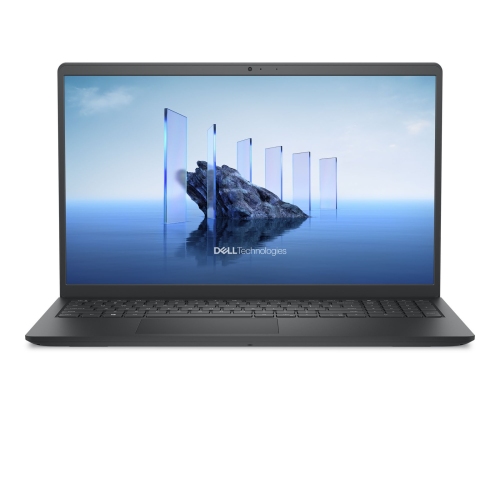
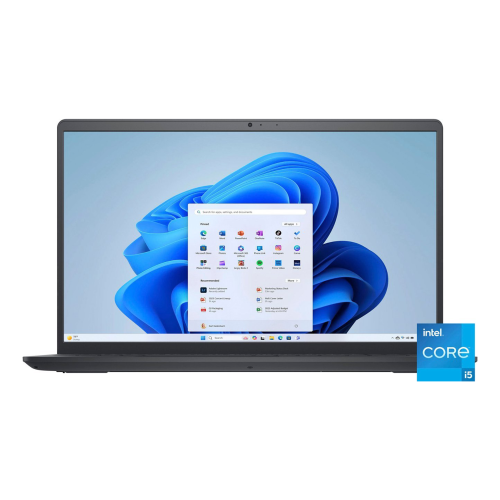
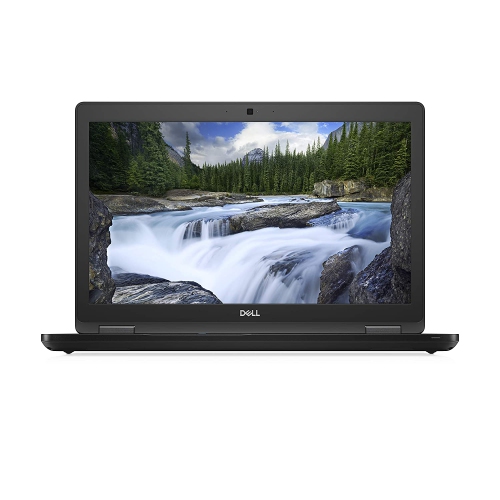
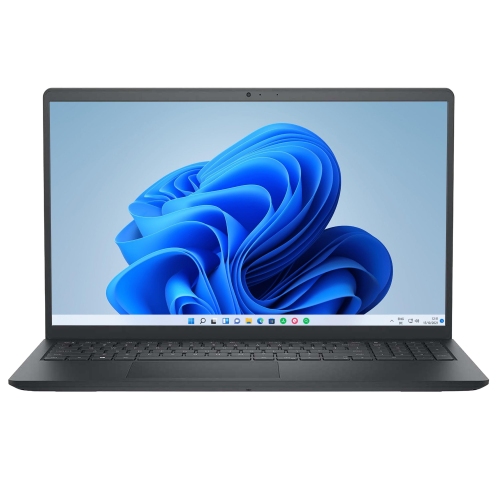
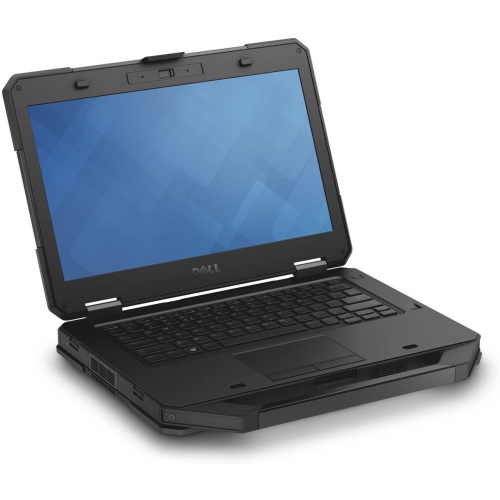
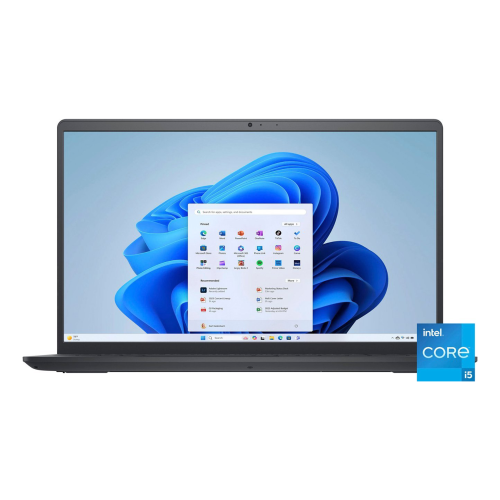
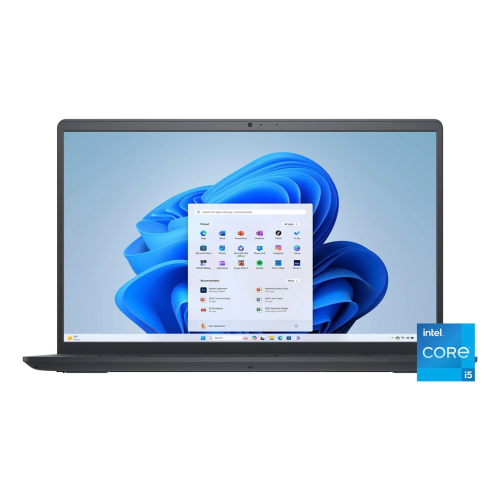
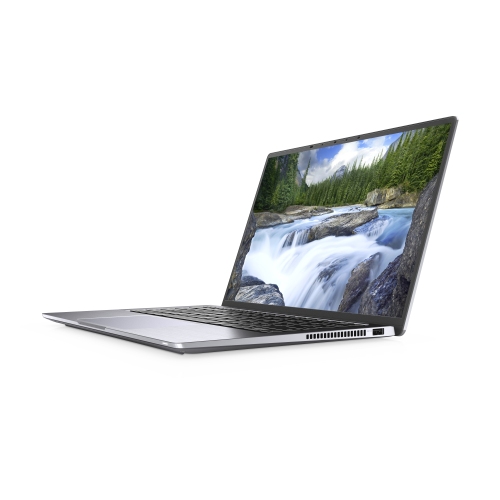
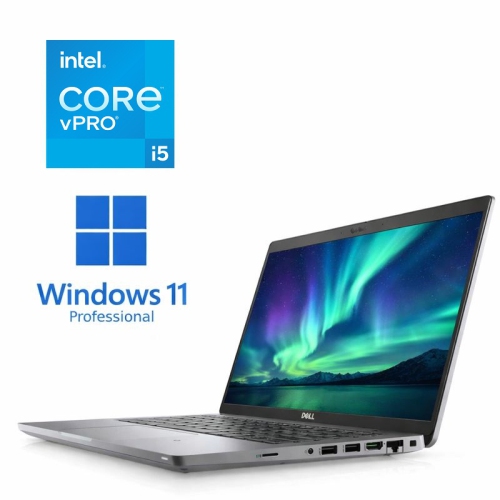
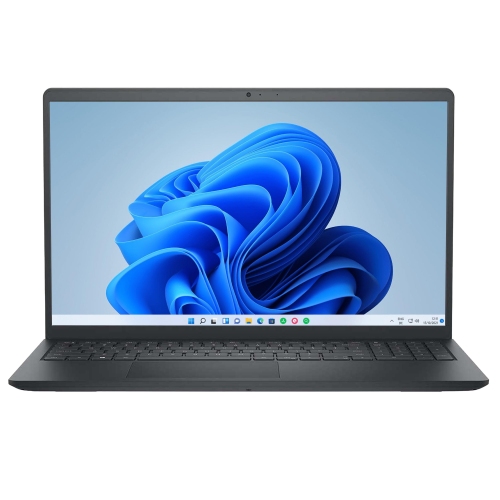
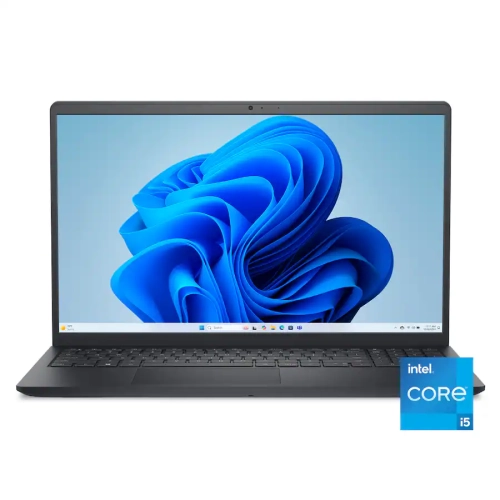
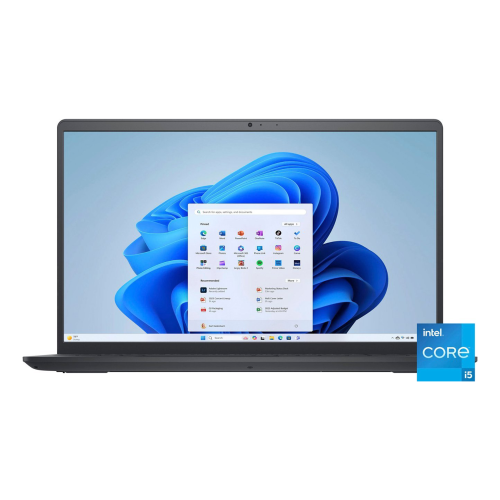
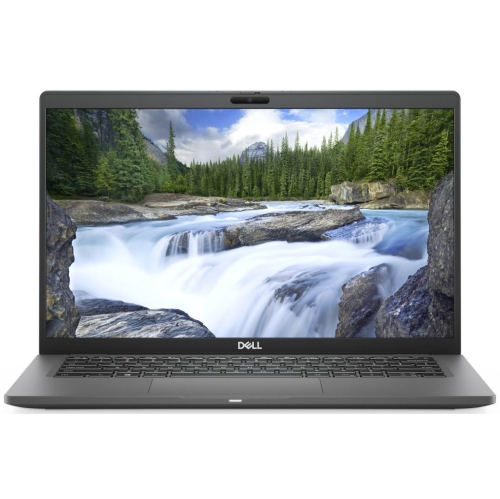
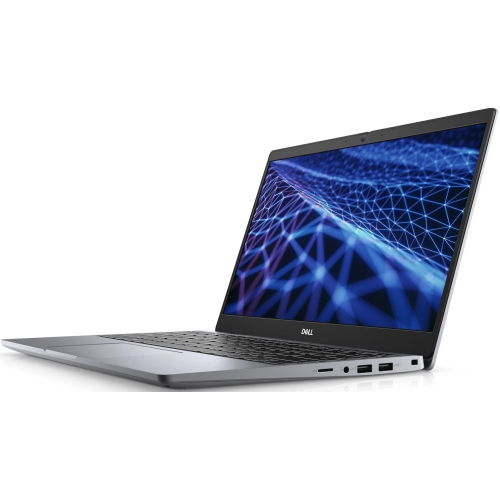
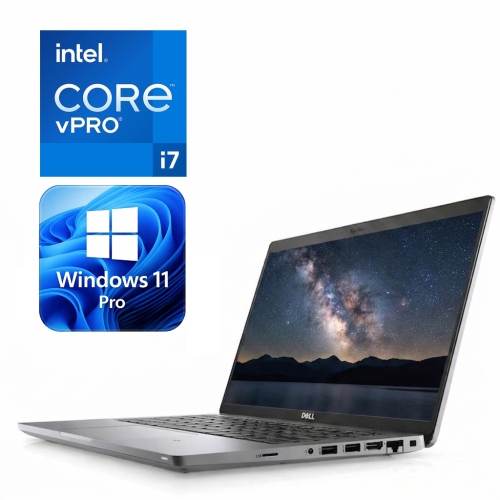
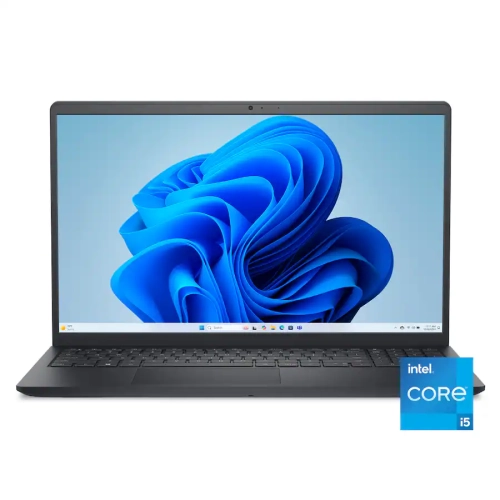
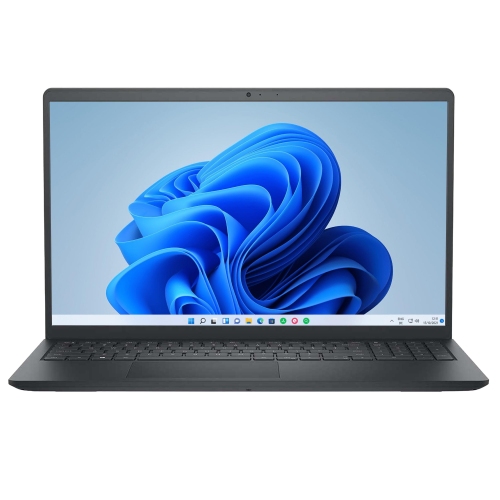
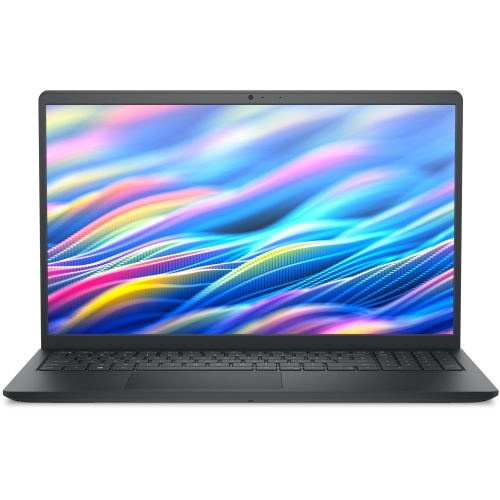
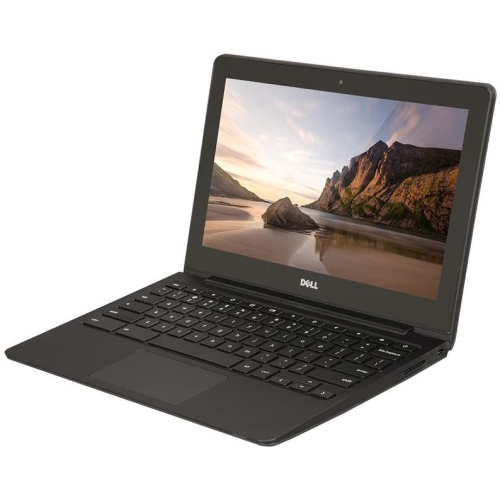
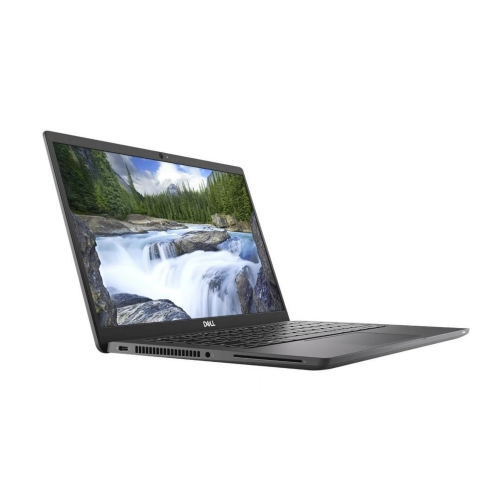
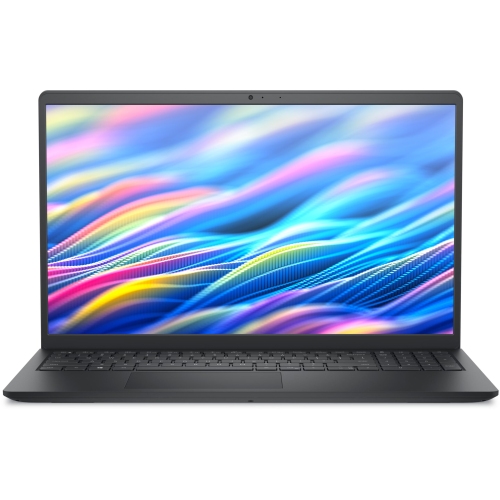
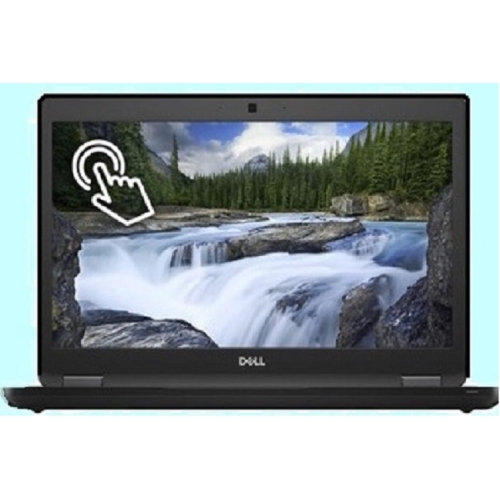
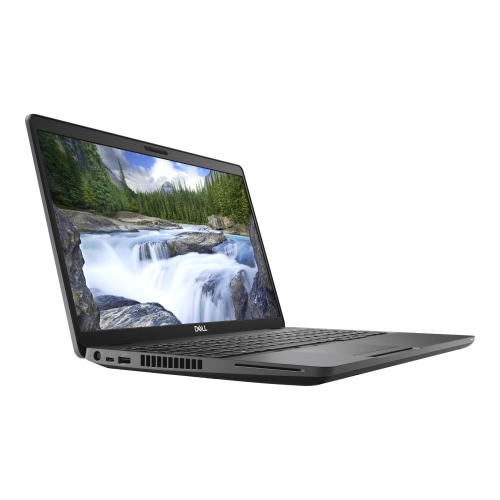
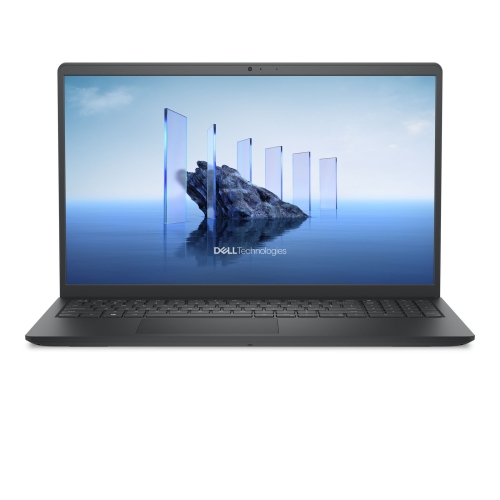
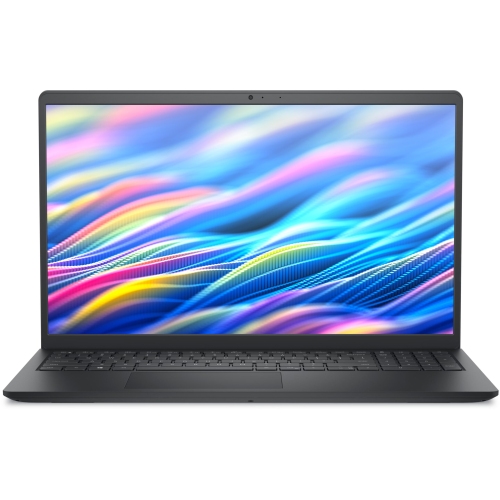
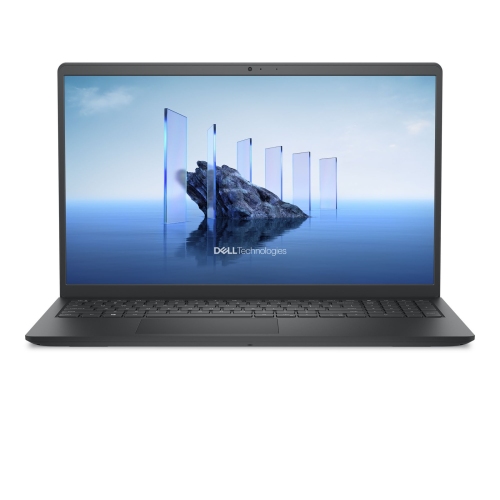
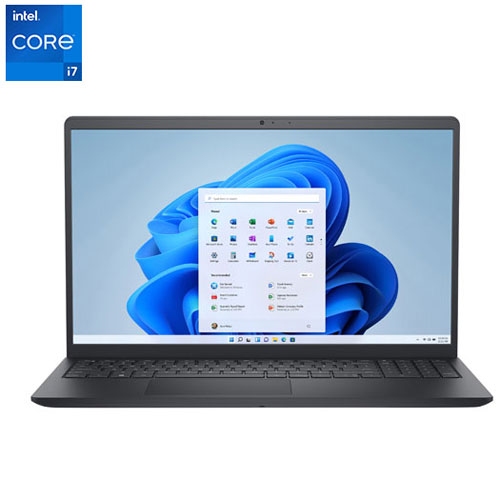
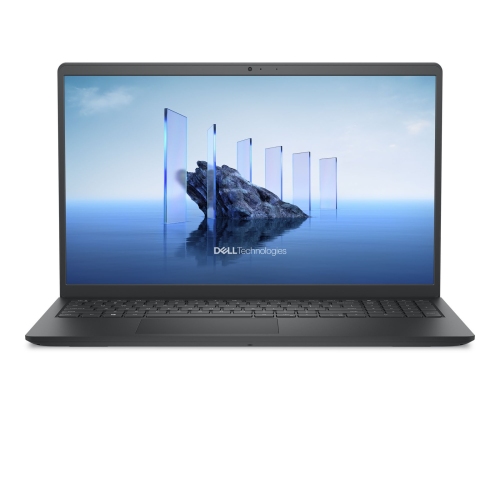
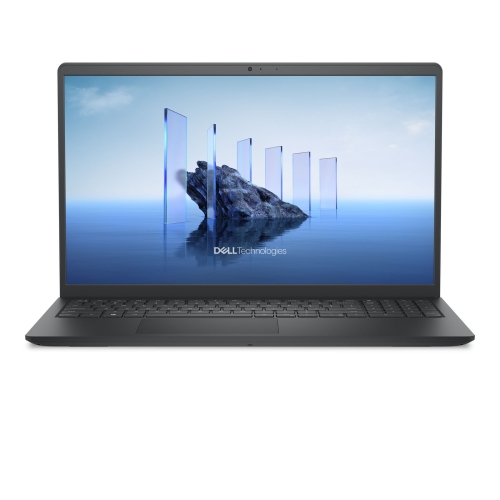
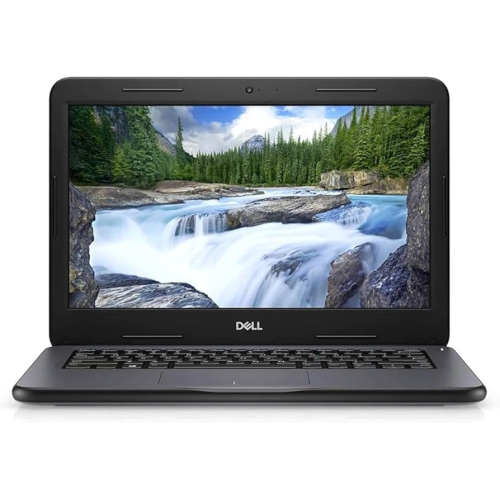
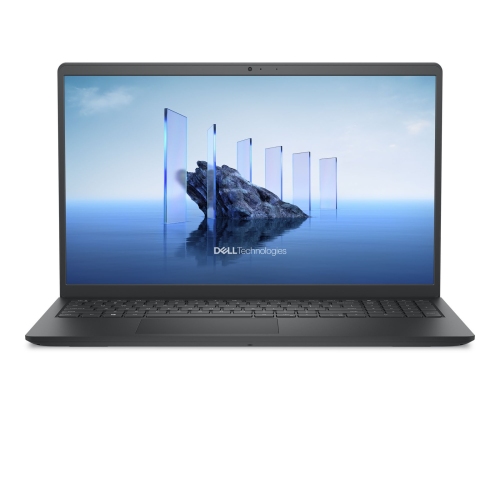
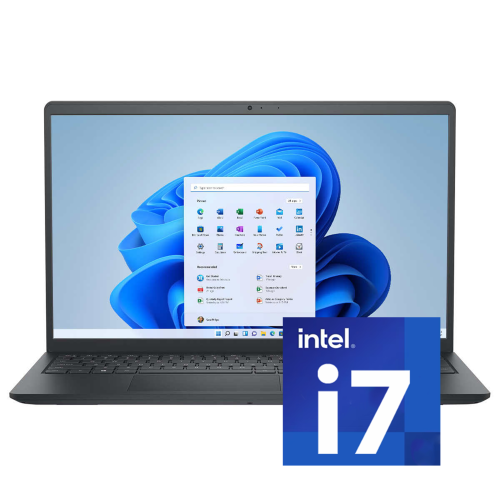
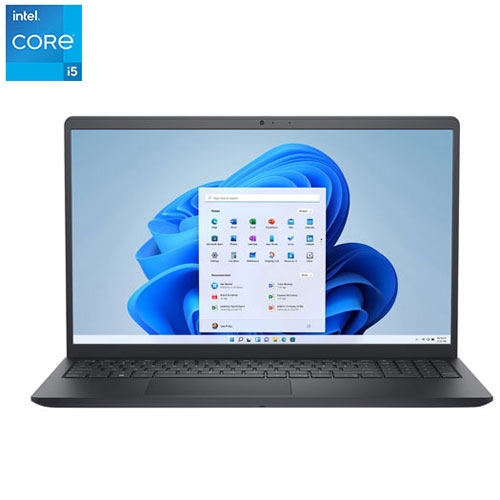
Choosing a laptop for school means balancing the way a student learns with the way they move through the day. A dependable computer may be used at the kitchen table before class, carried between lectures, opened in a library, or tucked into a backpack for a group project after school. The right choice should feel comfortable for regular writing, research, video calls, online learning platforms, presentations, spreadsheets and general browsing without becoming difficult to carry. Students in elementary and secondary school may benefit from a straightforward laptop with a sturdy build, a clear display, a comfortable keyboard and simple access to schoolwork. Models designed with education in mind may include reinforced construction, spill-resistant keyboards and testing for everyday bumps or drops, which can be helpful when a computer travels between classrooms and home. Older students and college or university learners may prefer a lighter, more refined design with a faster processor, additional memory, a larger solid-state drive or a high-resolution touchscreen. Convertible 2-in-1 designs can add flexibility by folding into tablet, tent or presentation modes for reading, sketching, reviewing notes or sharing a screen with classmates. Browse DELL Laptops for Students to compare available options by size, features and price, then consider how the computer will fit into the student’s everyday routine. A student who spends hours commuting may appreciate a slim chassis and long battery life, while someone who works mostly at home may place more value on a spacious screen, a full-size keyboard and a wide selection of ports.
Operating system is another important consideration because it affects the apps, school services and accessories a student can use. Windows laptops offer broad compatibility with productivity software, creative tools, learning platforms, printers and peripherals, making them a practical choice for students whose classes require specific desktop programs. Chrome OS laptops are often simple to set up and well suited to browser-based assignments, cloud documents, video lessons and school accounts. They can be a convenient fit for younger learners or anyone who wants a focused device for everyday schoolwork. Checking the school’s technical requirements before buying can help prevent surprises, particularly when a course calls for specialized software, advanced file formats or a particular operating system. Performance should match the workload rather than simply chasing the highest specifications. For note-taking, web research and word processing, an efficient entry-level processor with 8GB of memory can provide a comfortable starting point. Students handling large presentations, coding projects, photo editing or multiple demanding applications may appreciate a more capable processor and 16GB or more of memory. Solid-state storage helps a laptop start quickly and open files promptly; 256GB may suit lighter school use, while 512GB or more gives extra room for class materials, applications, photos and creative projects. A 13- or 14-inch display is easy to carry and can be a good compromise for students who work in different locations. A 15-inch display offers more room for split-screen research and detailed documents, though it may take up more space in a backpack. Touchscreens can make scrolling, drawing and annotating feel natural, while a non-touch display may help keep the price lower and extend battery life on some configurations.
A student laptop can also be a thoughtful gift for a new school year, a graduation, a first year away from home or a transition into college or university. Families buying for a younger student may want to prioritize durability, a manageable size and a keyboard that feels comfortable for smaller hands. For a teenager preparing for more independent study, a laptop with a strong webcam, clear microphones and reliable wireless connectivity can support virtual office hours, presentations and group work. University students often need a computer that can last through a full day of lectures, study sessions and travel, especially when an outlet is not always nearby. Battery estimates vary with screen brightness, applications, video playback and wireless use, so it is useful to look for a model with enough capacity for the student’s schedule rather than relying on a single advertised figure. Ports also deserve attention: USB-A can connect older flash drives and accessories, USB-C may support charging and modern peripherals, and an HDMI connection can be useful for a classroom or dorm display. A protective sleeve, wireless mouse, compact charger and privacy screen can make daily use more comfortable, while a backup plan for important assignments helps keep schoolwork accessible if a laptop needs service. During the cooler months, a laptop that moves between heated rooms and outdoor commutes should be allowed to adjust to indoor temperature before extended use if it has been exposed to cold. Comparing processor speed, memory, storage, screen size, weight, battery capacity and operating system together makes it easier to choose a computer that supports the student’s real priorities, from handwritten-style notes and online classes to research, creative work and long evenings preparing for exams.
Operating system is another important consideration because it affects the apps, school services and accessories a student can use. Windows laptops offer broad compatibility with productivity software, creative tools, learning platforms, printers and peripherals, making them a practical choice for students whose classes require specific desktop programs. Chrome OS laptops are often simple to set up and well suited to browser-based assignments, cloud documents, video lessons and school accounts. They can be a convenient fit for younger learners or anyone who wants a focused device for everyday schoolwork. Checking the school’s technical requirements before buying can help prevent surprises, particularly when a course calls for specialized software, advanced file formats or a particular operating system. Performance should match the workload rather than simply chasing the highest specifications. For note-taking, web research and word processing, an efficient entry-level processor with 8GB of memory can provide a comfortable starting point. Students handling large presentations, coding projects, photo editing or multiple demanding applications may appreciate a more capable processor and 16GB or more of memory. Solid-state storage helps a laptop start quickly and open files promptly; 256GB may suit lighter school use, while 512GB or more gives extra room for class materials, applications, photos and creative projects. A 13- or 14-inch display is easy to carry and can be a good compromise for students who work in different locations. A 15-inch display offers more room for split-screen research and detailed documents, though it may take up more space in a backpack. Touchscreens can make scrolling, drawing and annotating feel natural, while a non-touch display may help keep the price lower and extend battery life on some configurations.
A student laptop can also be a thoughtful gift for a new school year, a graduation, a first year away from home or a transition into college or university. Families buying for a younger student may want to prioritize durability, a manageable size and a keyboard that feels comfortable for smaller hands. For a teenager preparing for more independent study, a laptop with a strong webcam, clear microphones and reliable wireless connectivity can support virtual office hours, presentations and group work. University students often need a computer that can last through a full day of lectures, study sessions and travel, especially when an outlet is not always nearby. Battery estimates vary with screen brightness, applications, video playback and wireless use, so it is useful to look for a model with enough capacity for the student’s schedule rather than relying on a single advertised figure. Ports also deserve attention: USB-A can connect older flash drives and accessories, USB-C may support charging and modern peripherals, and an HDMI connection can be useful for a classroom or dorm display. A protective sleeve, wireless mouse, compact charger and privacy screen can make daily use more comfortable, while a backup plan for important assignments helps keep schoolwork accessible if a laptop needs service. During the cooler months, a laptop that moves between heated rooms and outdoor commutes should be allowed to adjust to indoor temperature before extended use if it has been exposed to cold. Comparing processor speed, memory, storage, screen size, weight, battery capacity and operating system together makes it easier to choose a computer that supports the student’s real priorities, from handwritten-style notes and online classes to research, creative work and long evenings preparing for exams.
Top selling and popular products
-
 Your price for this item is $449
 -
 Your price for this item is $3099
 -
 Your price for this item is $664.05
 -
 Your price for this item is $599.68
 -
 Your price for this item is $259
 -
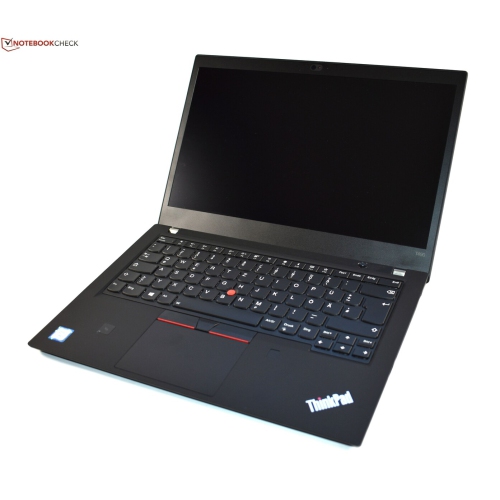 Your price for this item is $499.99
 -
 Your price for this item is $418.98
 -
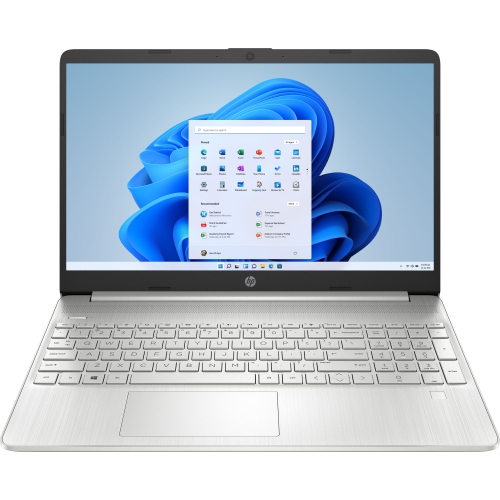 Your price for this item is $829
Discover more categories related to Dell Laptops for School Students
Top Collections:
Pokemon Centers, Best Cameras for Sports Photography, Kindle Devices, Samsung Galaxy Phones, Canon G7X Cameras, Pokémon 30th Celebration Cards, Refurbished Apple Laptops, iPhone 15 Apple, Laptops for Students, Budget Smartphones
Some products may be subject to Environmental Handling Fees
(EHF) depending on your province.
Learn more about EHFs.