Durable Laptops
If you're looking for a laptop that can stand up to the rigors of daily life, consider a durable laptop. These durable laptops are designed to handle the bumps and bruises of life in style. Here are some great durable laptops available for you.
Sort
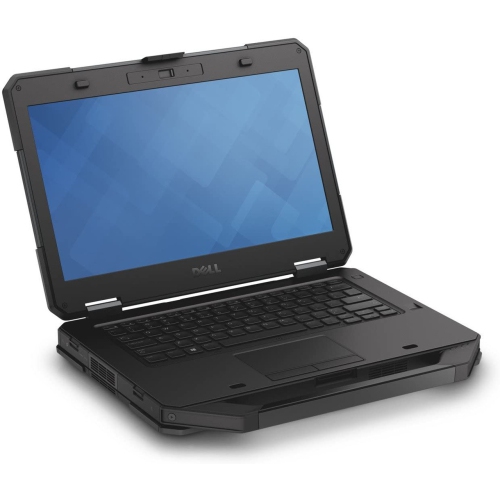
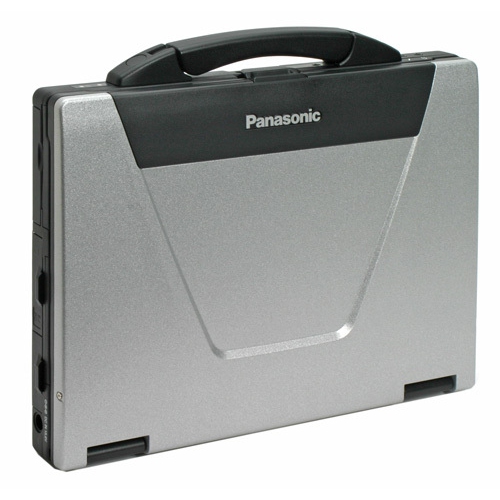
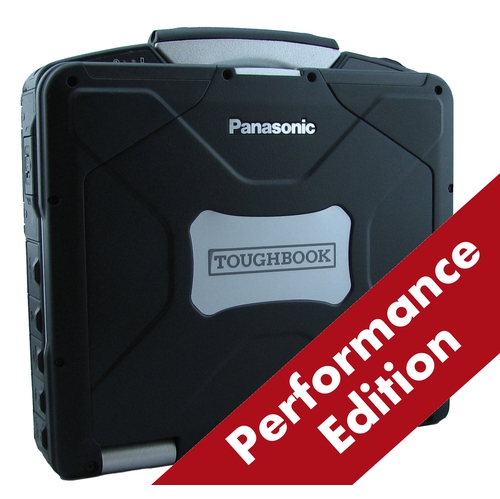
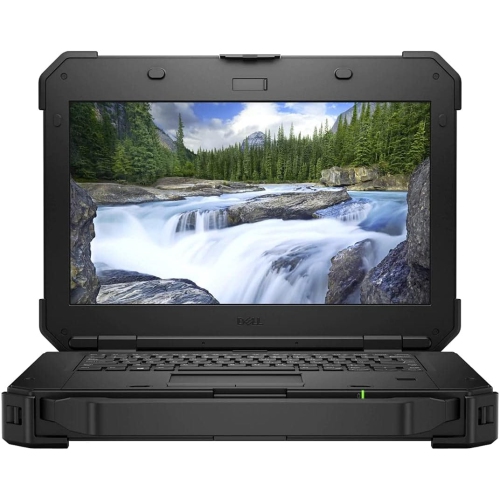
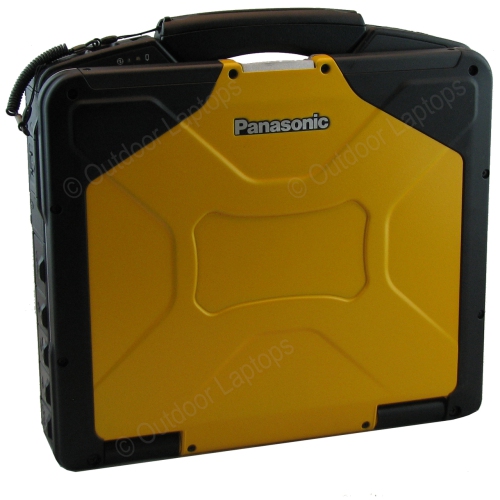
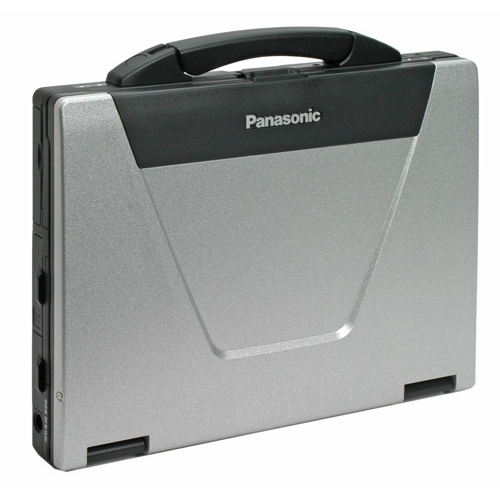
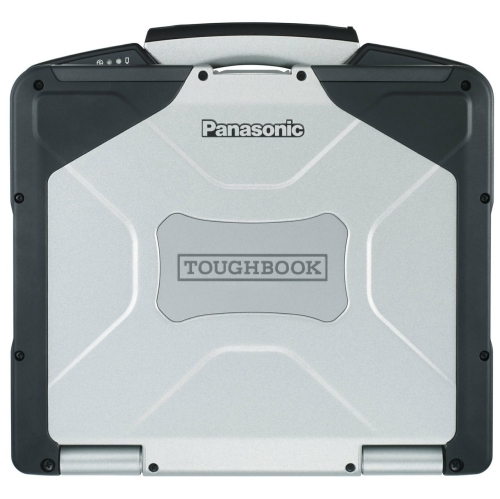
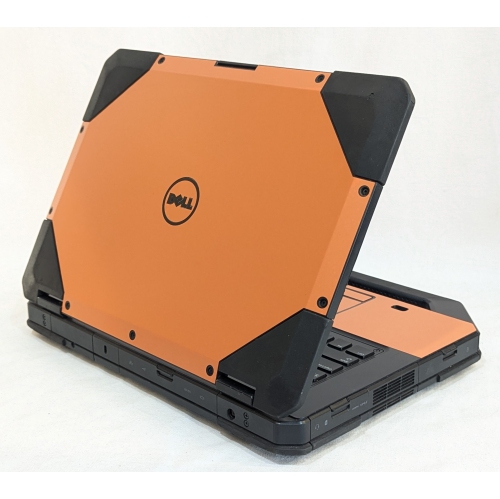
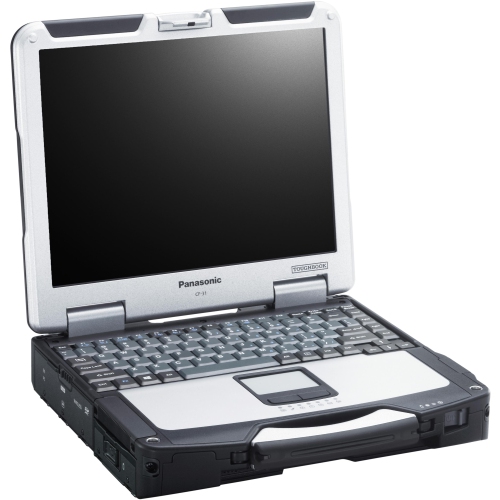
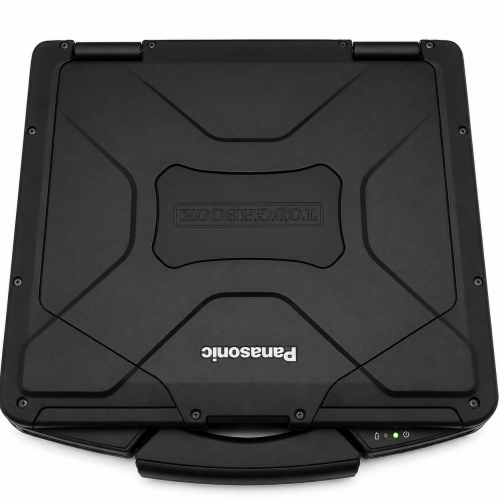
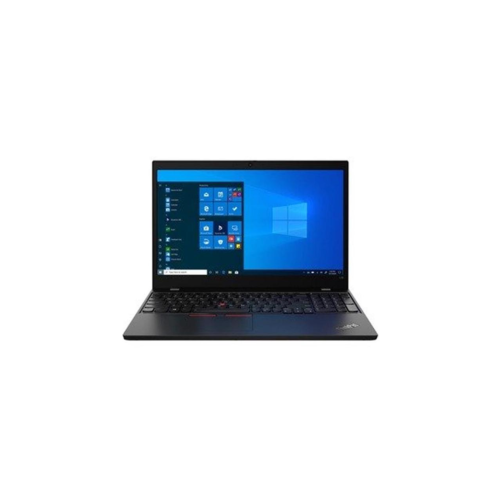

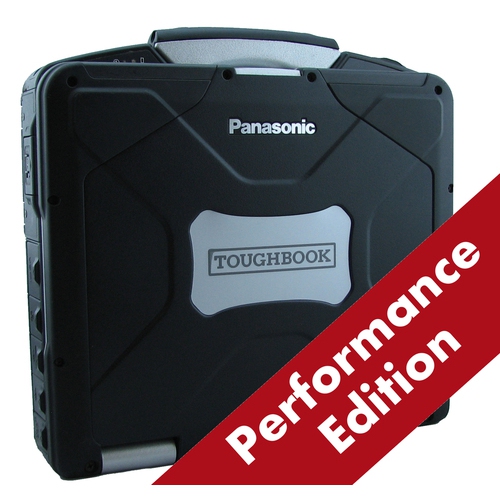
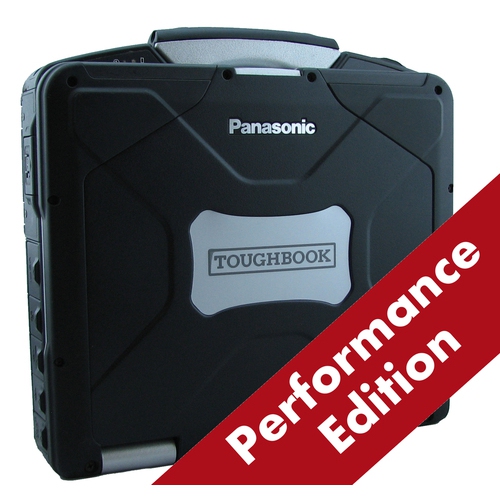
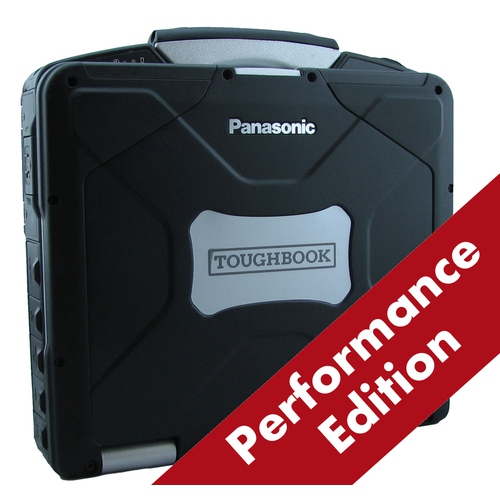
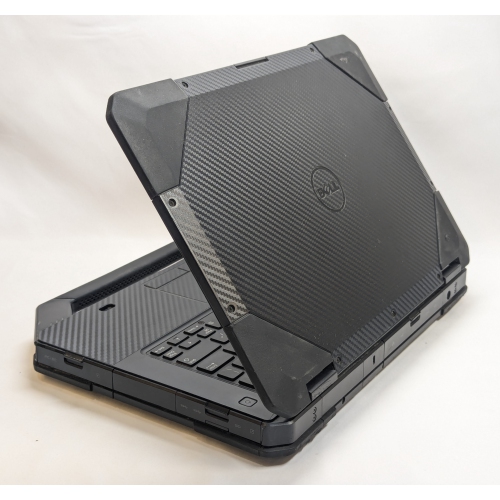
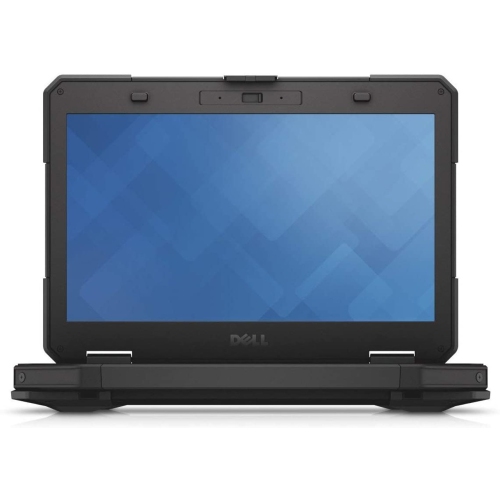
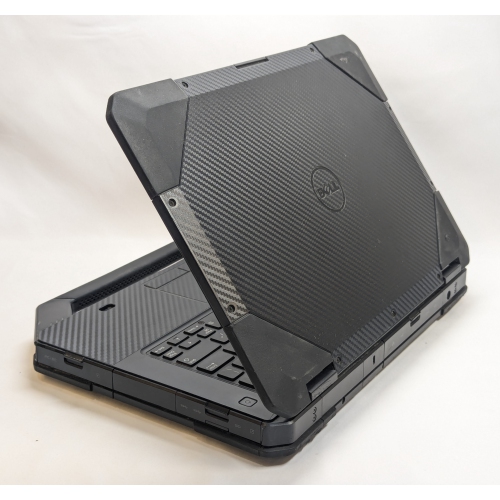
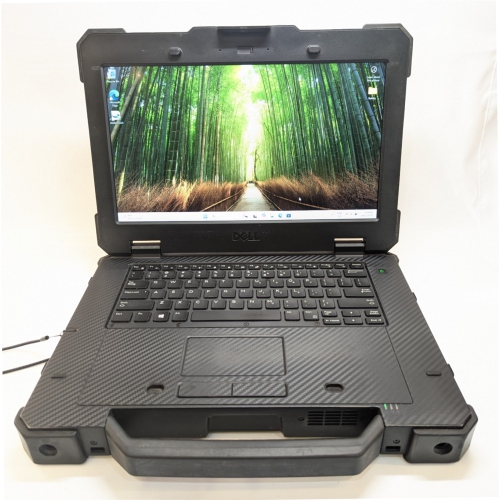
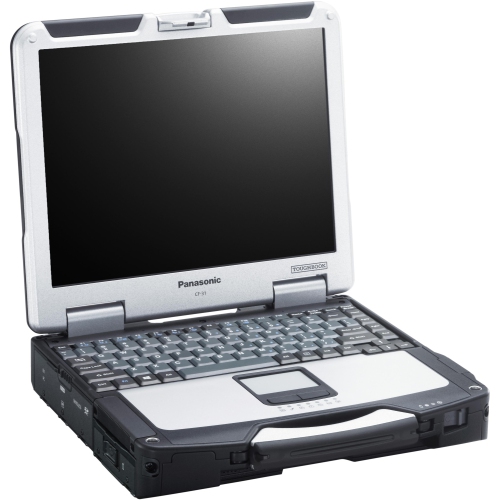
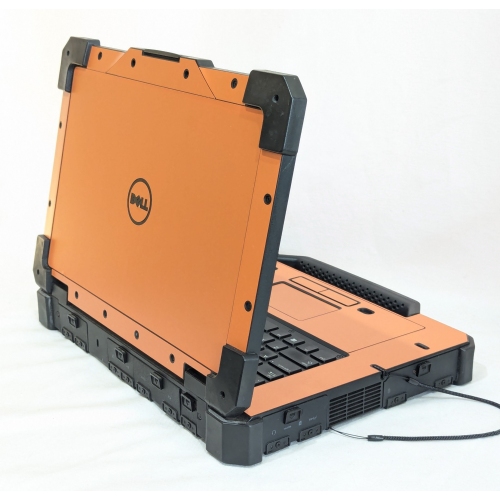
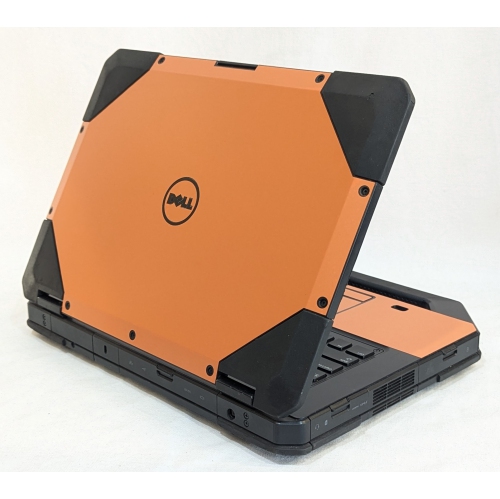
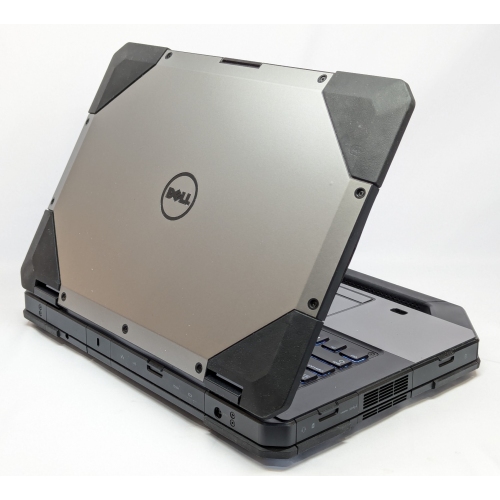
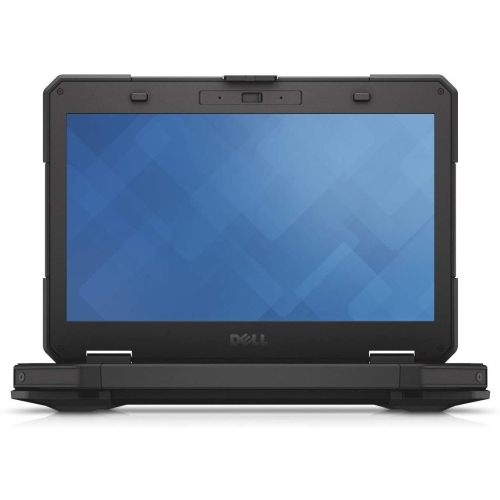
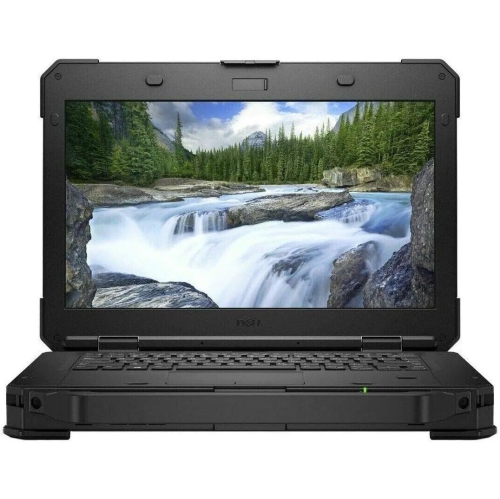
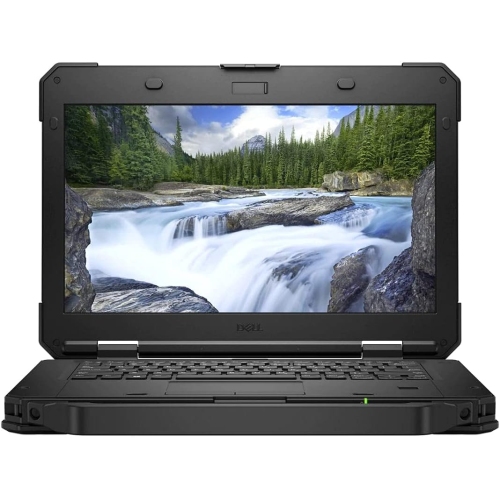
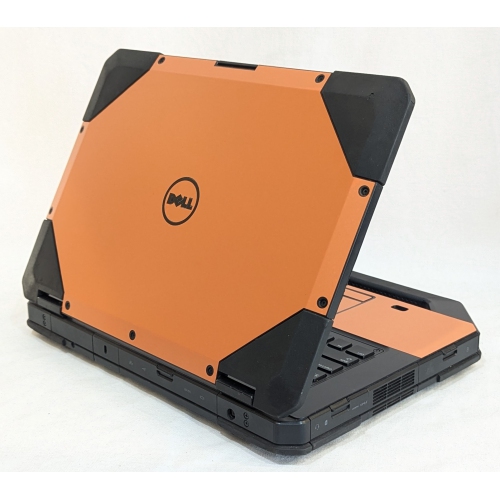
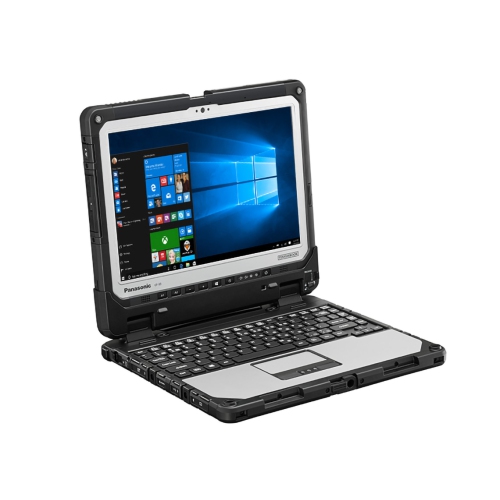
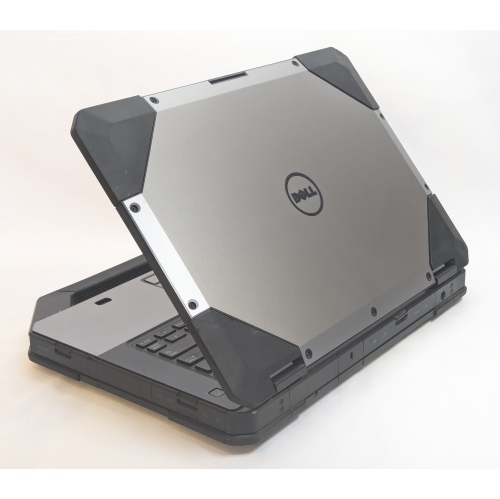
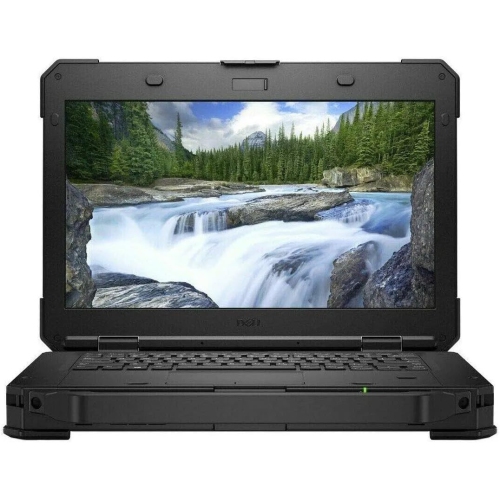
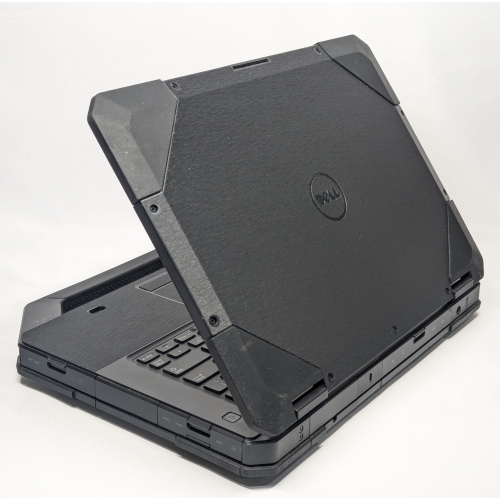
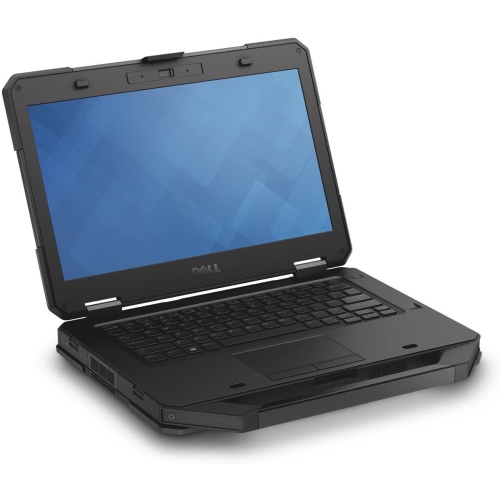
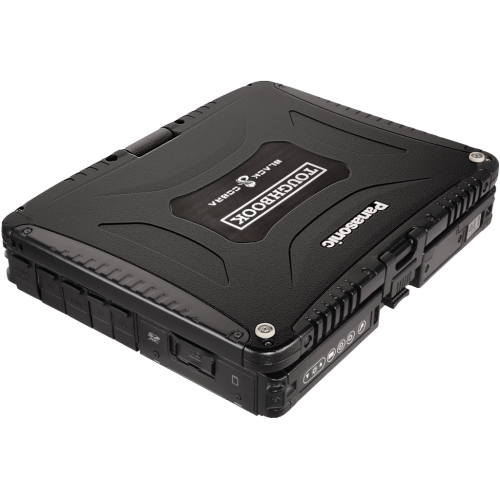

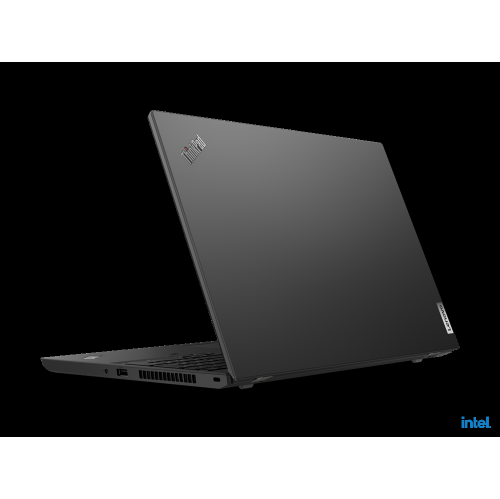
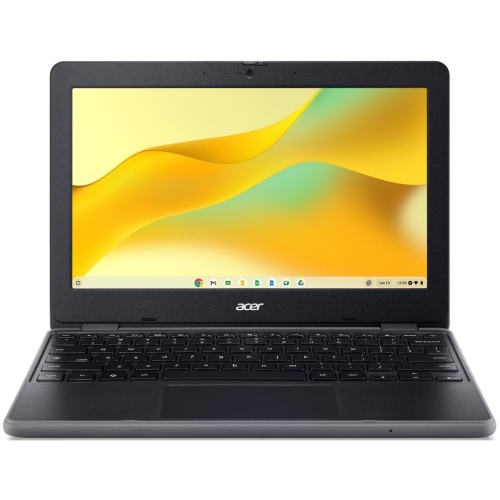
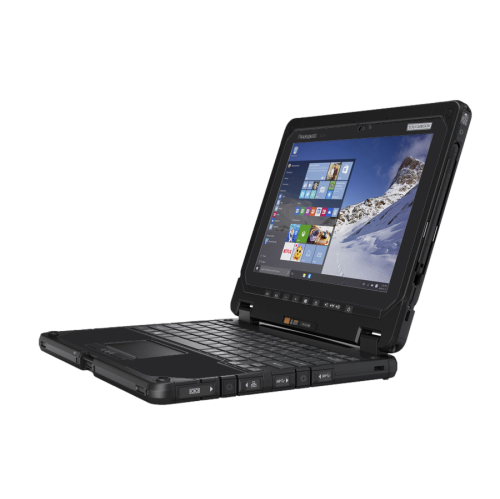
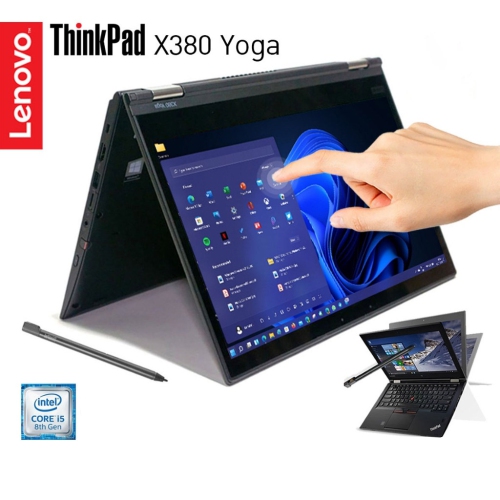
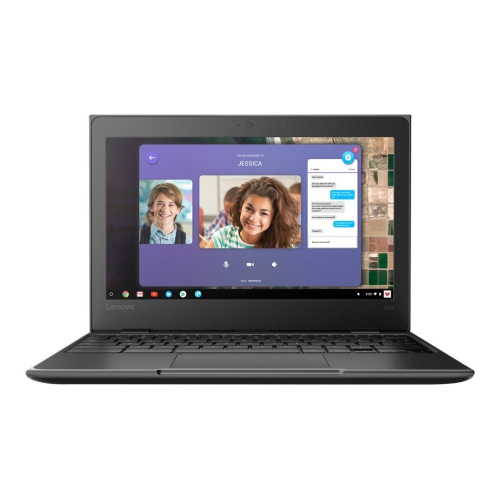
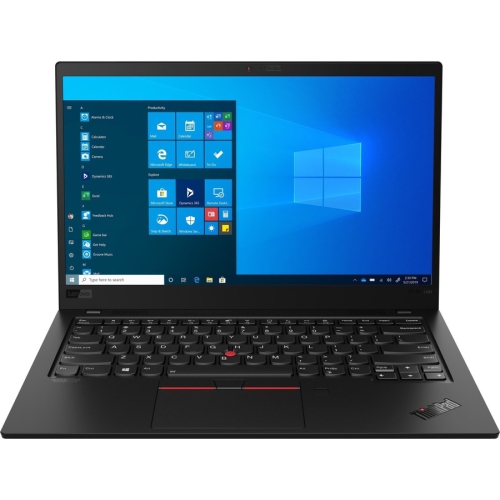
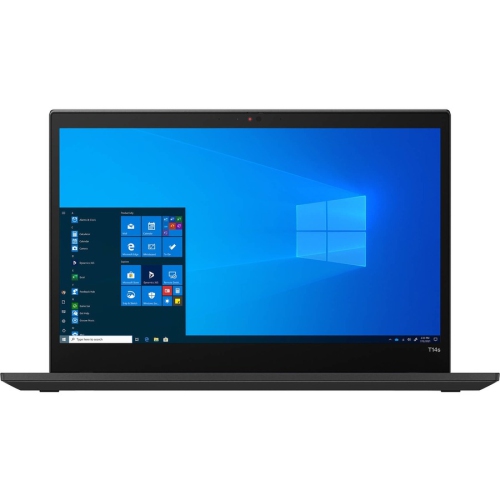
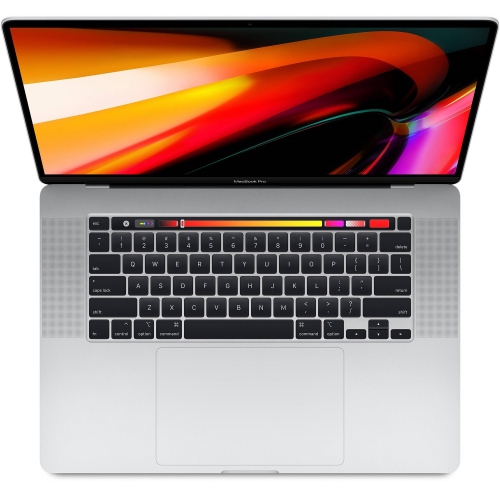
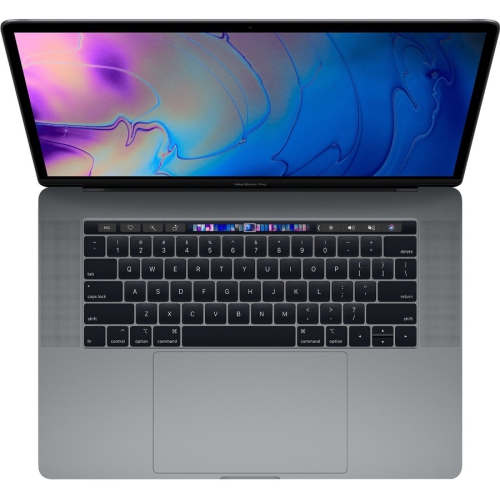
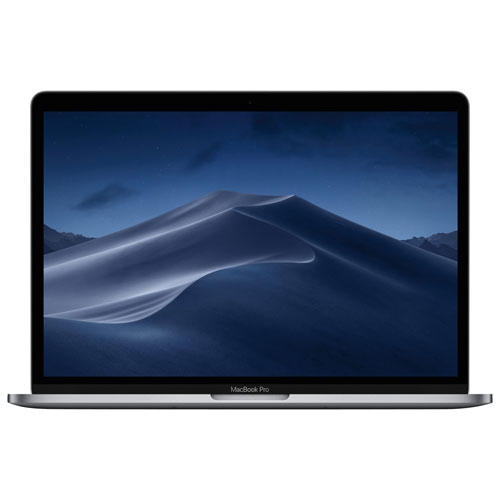
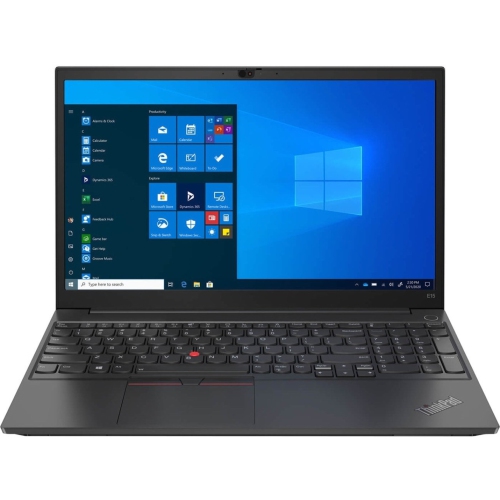
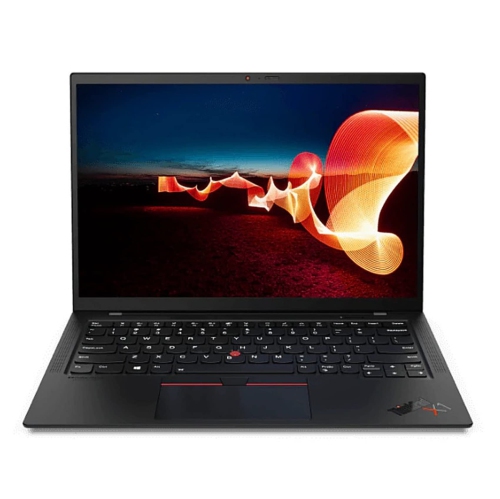
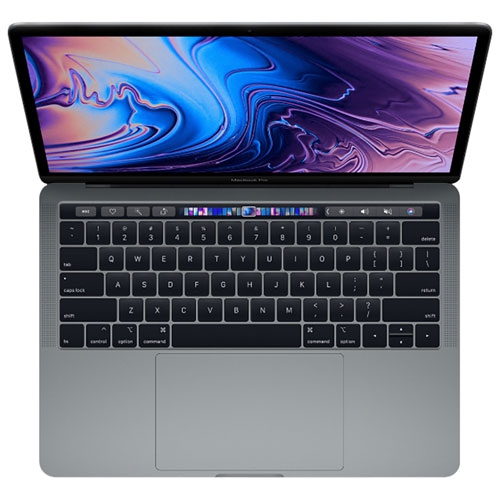
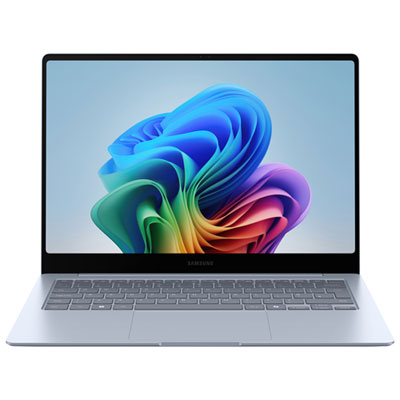
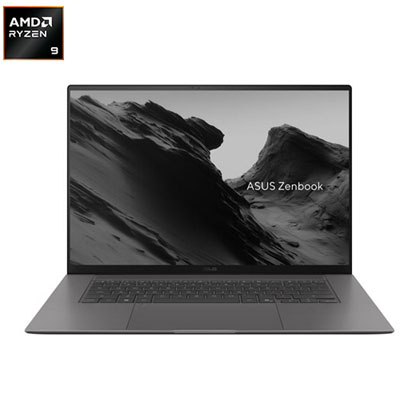
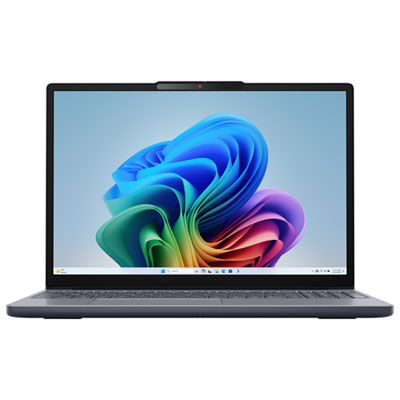
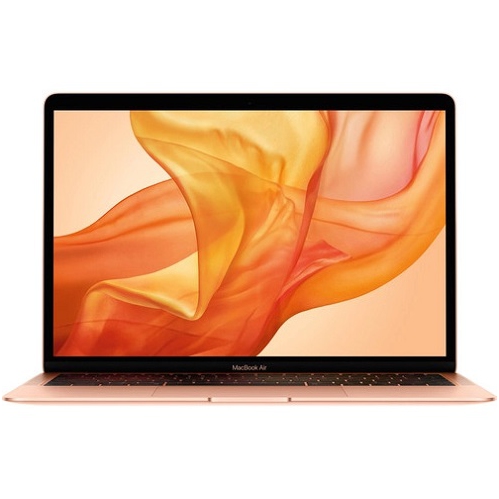
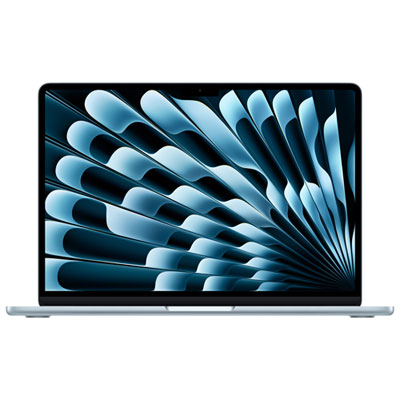
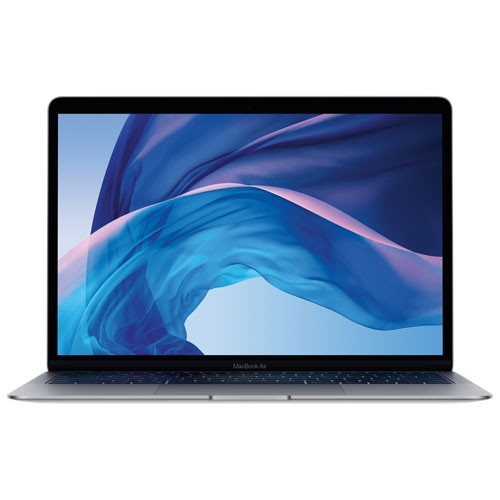
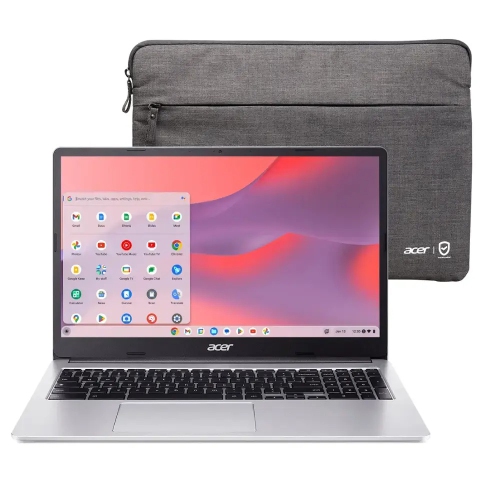
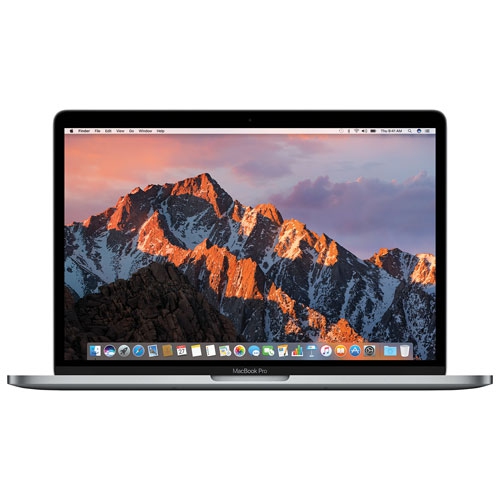
Laptop durability goes deeper than a sturdy shell
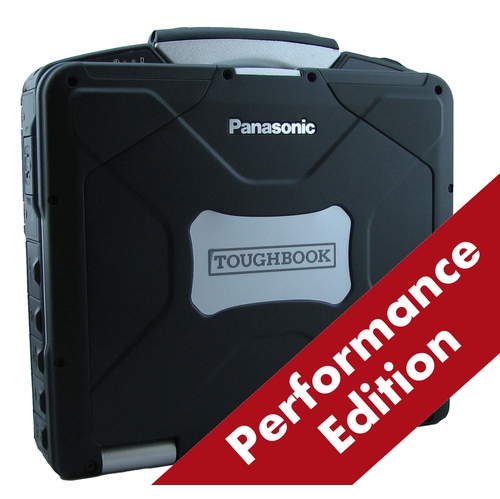
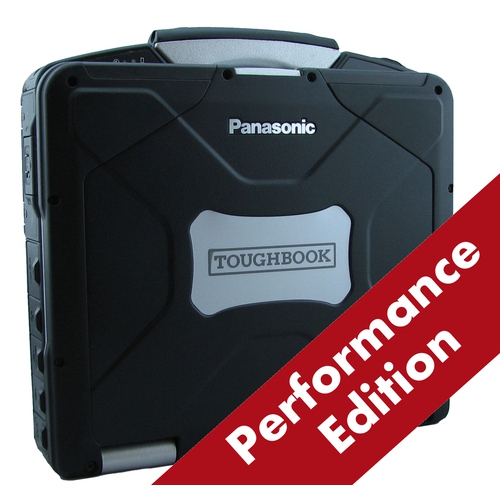
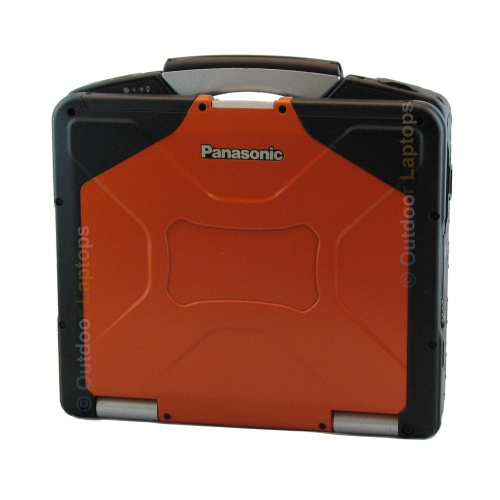
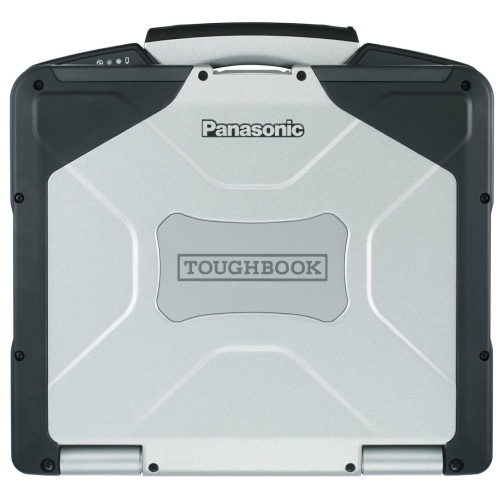
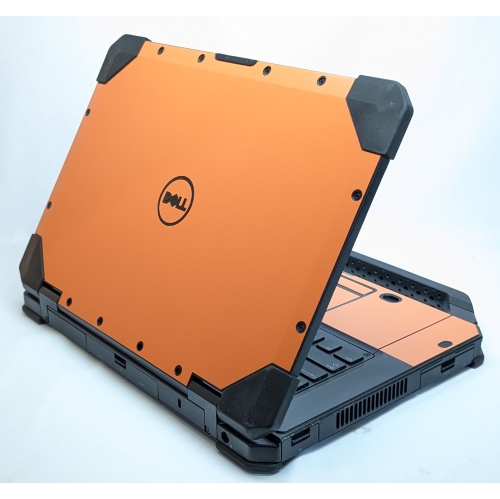
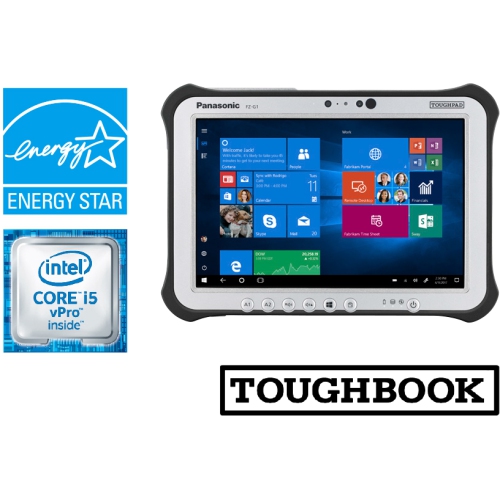
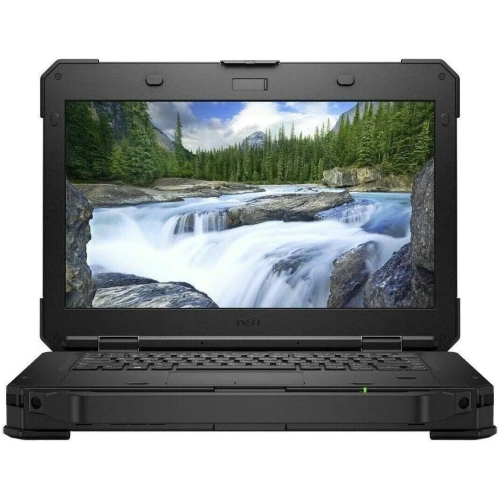
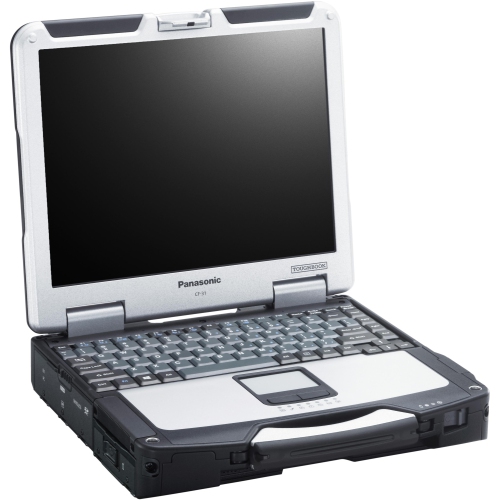
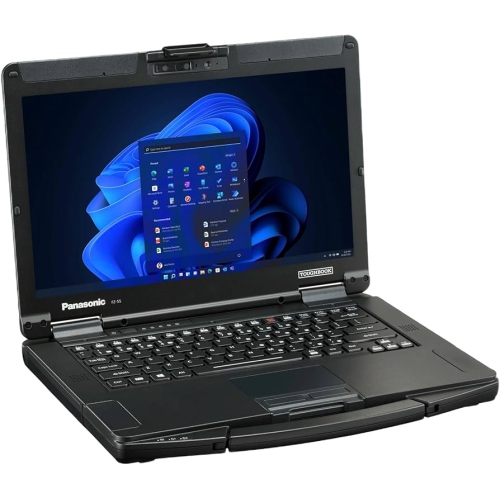
Durable laptops combine dependable everyday performance with construction suited to repeated handling, frequent travel, and regular use away from a single desk. For a student carrying a computer between lectures, that can mean a firm chassis, secure hinges, and a lid that resists flexing inside a backpack. For a mobile technician, durability may also involve reinforced corners, protected connections, and a design tested for specific physical stresses. The distinction between an everyday durable laptop and a rugged laptop matters: a well-built business or personal computer is not automatically intended for construction sites or field service. Aluminium and magnesium-alloy housings can provide rigidity without excessive weight, while reinforced polymer designs can also offer strength. Material alone does not establish toughness; the way the base, display, hinges, and internal components are assembled is equally important. A lid that opens smoothly, a keyboard deck that feels stable, and ports positioned away from likely bumps all contribute to practical durability. Semi-rugged laptops generally add protection beyond conventional designs, while fully rugged laptops may feature more extensive sealing, impact protection, and reinforced structures. Those labels are most useful alongside documented specifications. References to MIL-STD-810G or MIL-STD-810H indicate testing against selected methods within a military test standard, not a universal certification or a guarantee against damage. The actual procedures, conditions, and results provide the meaningful detail. An ingress protection rating addresses a different concern: resistance to solid particles and water under defined test conditions. For example, an IP65 rating indicates a dust-tight enclosure and protection against water jets, but does not establish protection during immersion. Spill-resistant keyboards likewise offer limited protection rather than making a whole computer waterproof. These distinctions help separate useful protection from broad claims, especially when a laptop will move repeatedly between a desk, a carrying bag, and a shared workspace. The most suitable level of protection reflects the handling the computer is likely to face, rather than simply the most rugged description.
Physical strength is only part of what makes a laptop dependable over time. A durable laptop also needs enough processing power, memory, and storage for its intended workload, so everyday tasks remain comfortable as requirements change. Writing assignments, joining video calls, and managing spreadsheets place different demands on a computer than editing large photographs, working with detailed drawings, or running several professional applications together. Sufficient memory helps keep those tasks responsive when several programs are open, while storage capacity determines how much room remains for documents, software, and local media. Solid-state drives have no moving mechanical parts, making them less vulnerable to movement than traditional hard drives, although they still require careful handling and regular backups. Cooling design matters as well, since clear airflow helps components operate as intended during sustained work. Portability involves a similar balance. A lighter laptop is easier to carry throughout the day, while a more heavily reinforced model may add bulk that makes sense for demanding mobile work. Screen size affects both usable workspace and how easily the computer fits into a bag or on a compact desk. A larger display can make side-by-side documents easier to view, whereas a smaller footprint leaves more room on a lecture hall desk or shared counter. Matte finishes can reduce reflections, and higher display brightness can improve visibility in brightly lit locations, though neither feature alone guarantees comfortable viewing in every setting. Keyboard spacing, a responsive touchpad, and a stable screen hinge make long sessions less tiring. Battery capacity and the demands of the workload influence time away from an outlet; published battery figures may not reflect video meetings, demanding software, or high screen brightness. Connections deserve attention too. Built-in ports for frequently used accessories can simplify daily setup, while docking support can make moving between locations more convenient. USB-C ports can differ in charging, display, and data capabilities, so their shape alone does not establish what they support. Together, these details determine whether a sturdy computer also feels practical to use.
Day-to-day care helps preserve the benefits of a durable design. A padded sleeve or well-fitted laptop compartment cushions routine bumps and keeps the computer separate from keys, power adapters, and other objects that could scratch the finish or press against the screen. Fit is important: too much spare room allows movement, while an overly tight compartment can place pressure on the corners and lid. Carrying a laptop by its base rather than its display reduces strain on the hinges, and keeping pens or earphones off the keyboard helps prevent accidental screen damage when the lid closes. Clear ventilation openings, a firm work surface, and cleaning methods approved by the manufacturer support reliable operation without putting finishes or components at unnecessary risk. Liquids should remain away from the keyboard even when spill resistance is specified. For people who mainly work at a desk but still carry their computer between rooms or take it to meetings, Durable Home Office Laptops offer a related focus on dependable daily computing. Students, remote workers, small-business owners, and travelling professionals can each benefit from a balance of sturdy construction and manageable weight, while field-based roles may call for documented protection beyond ordinary office use. As a gift, a durable laptop is most useful when its size, software compatibility, and input options match the recipient’s actual routine. Long-term practicality also includes service access: where supported, replaceable batteries, accessible storage, or upgradeable memory can make maintenance easier as components wear or needs develop. These features vary by model and should not be assumed from a rugged appearance. Warranty terms, service options, and accidental-damage coverage are separate considerations, since a tough chassis does not mean every type of damage is covered. Regular backups remain essential regardless of construction. A dependable laptop ultimately brings together appropriate physical protection, comfortable everyday use, and care that keeps it ready for the next assignment, meeting, or journey.
Top selling and popular products
-
 Your price for this item is $449
-
 Your price for this item is $3099
-
 Your price for this item is $1800.68
-
 Your price for this item is $664.05
-
 Your price for this item is $869.99
-
 Your price for this item is $2960.48
-
 Your price for this item is $489.7
-
 Your price for this item is $1199
Discover more categories related to Durable Laptops
Top Collections:
Best Black Friday Deals This Year, Best Black Friday Deals On Electronics, Kindle Devices, Best Black Friday Deals On Apple Products, Best Budget Office Chairs, Best Cameras for Sports Photography, Dyson Airwrap, Canon G7X Cameras, Best Laptops for Writers, Samsung Galaxy Phones
Some products may be subject to Environmental Handling Fees
(EHF) depending on your province.
Learn more about EHFs.