Laptop Computers for Home Use
A laptop computer is a great tool for your home. It can be used for work, entertainment, and communication. There are many different kinds of laptops that vary in price, size, weight, and features. The best laptop for home use is one that will meet your needs and fit your budget. Here are some great options available today.
Sort
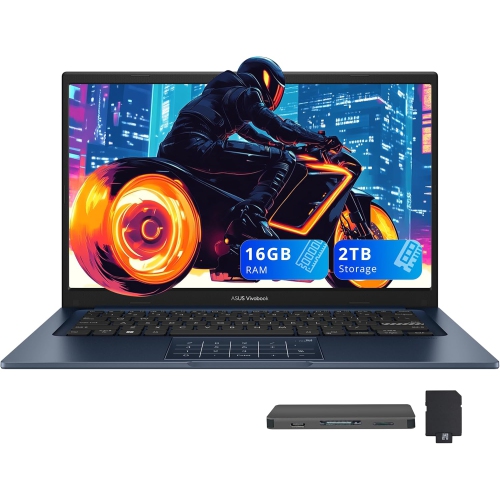
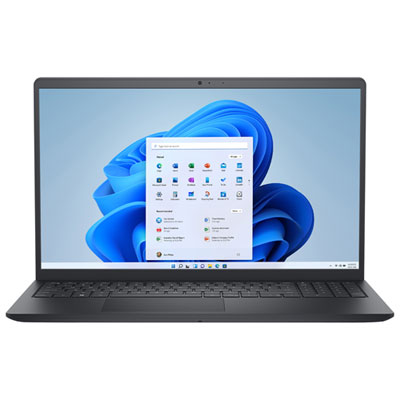
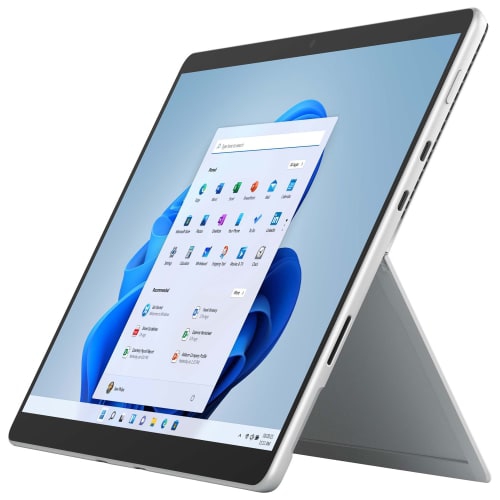
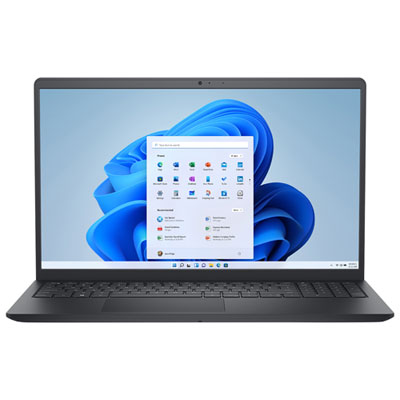
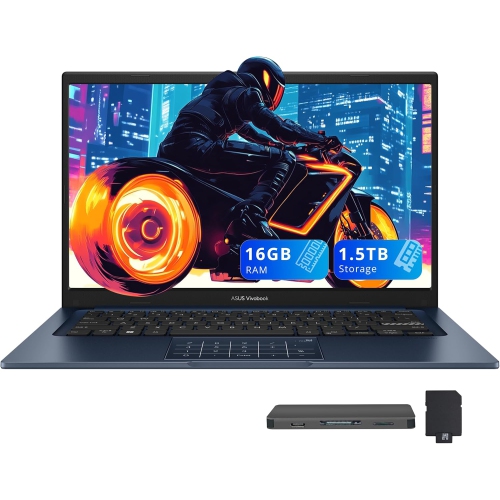
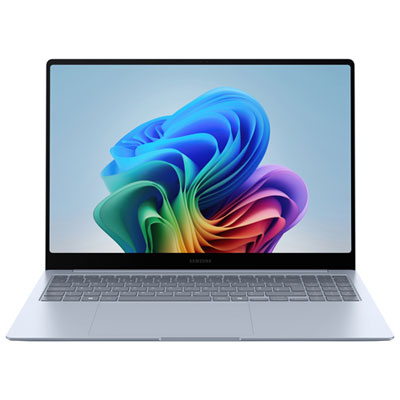
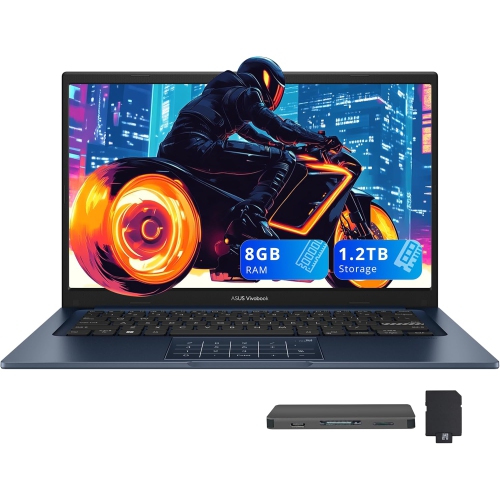
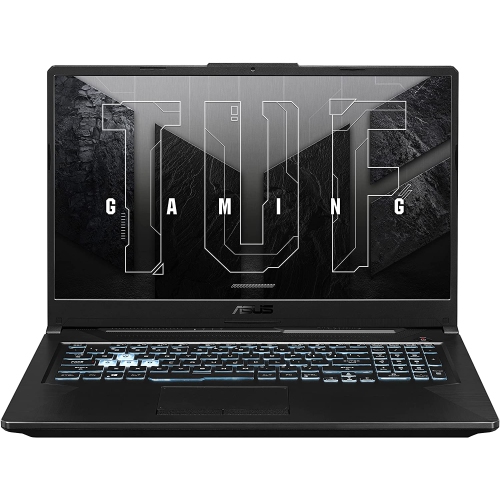
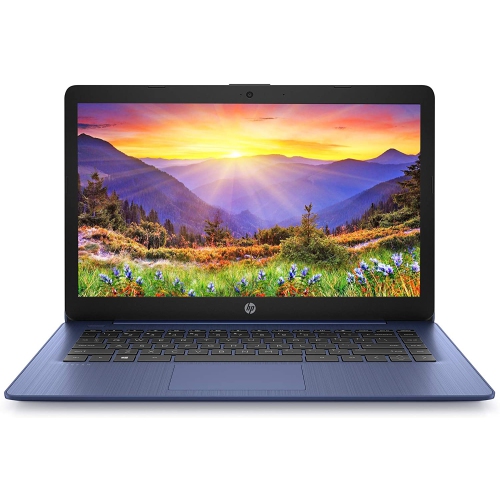
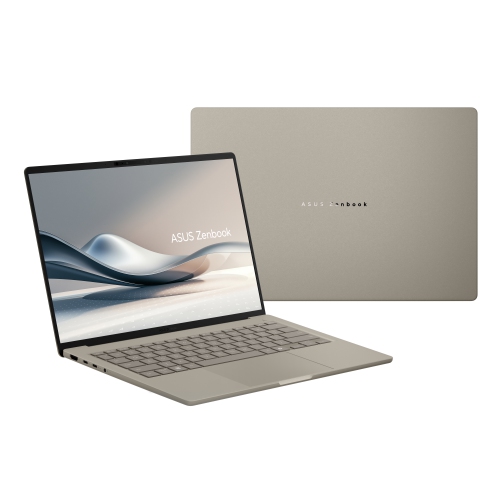
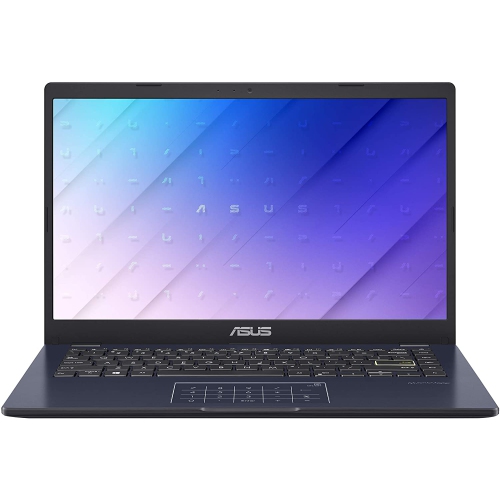
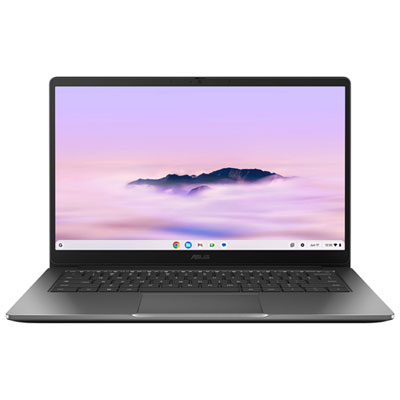
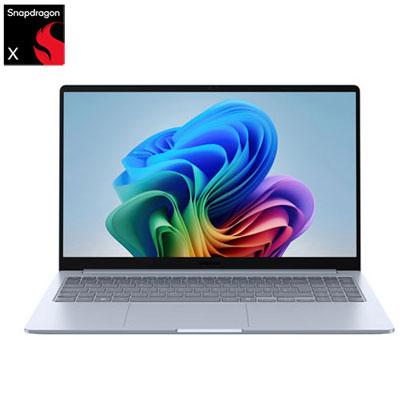
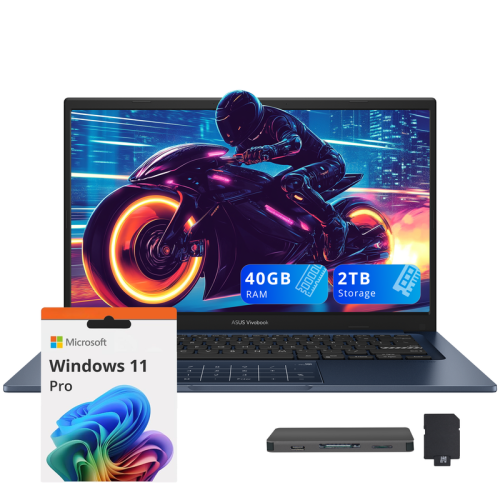
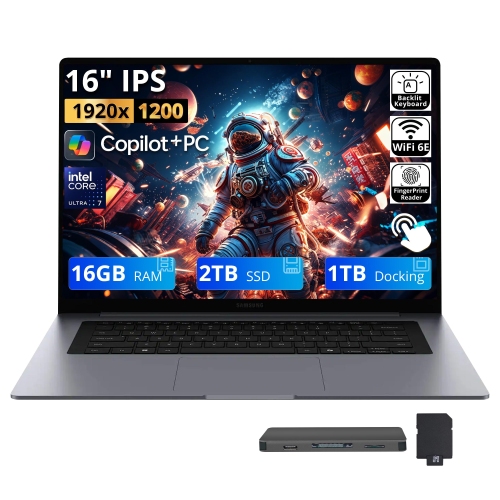
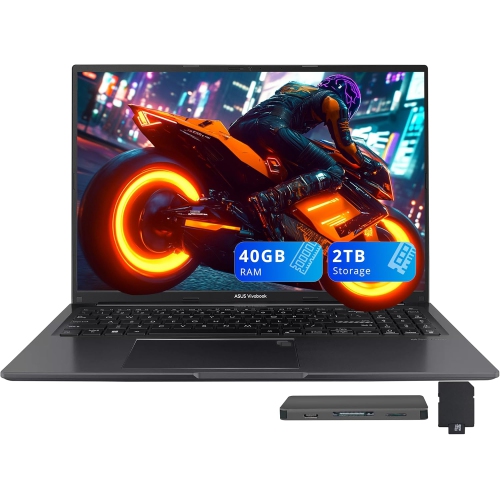
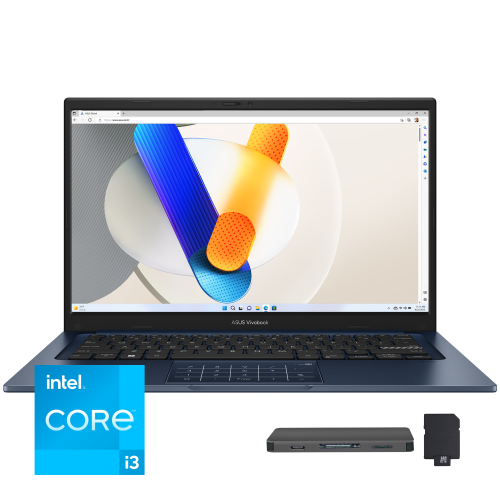


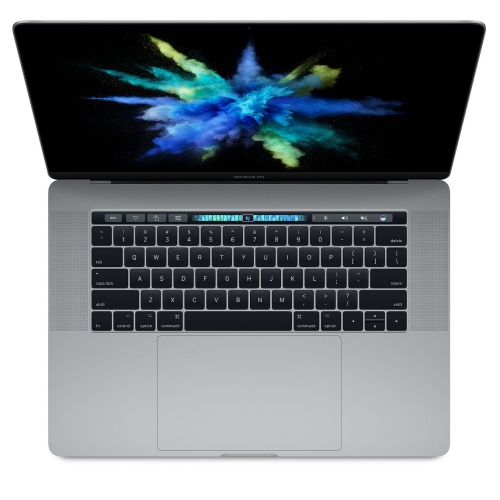
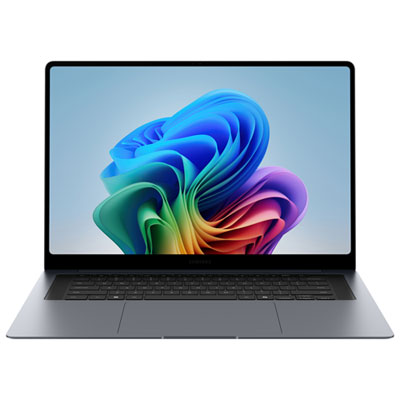
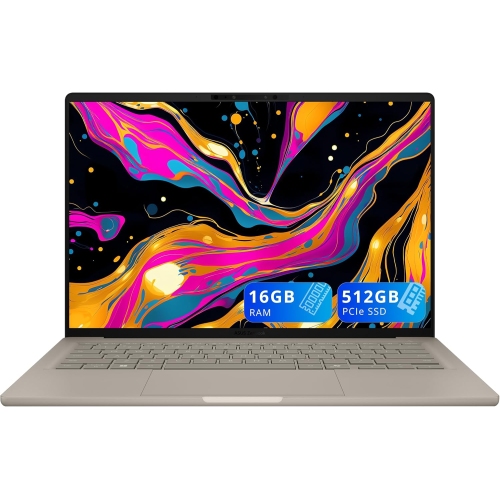
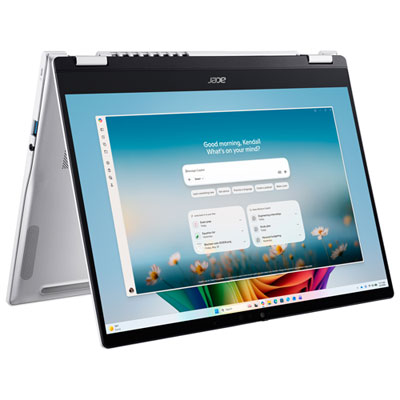
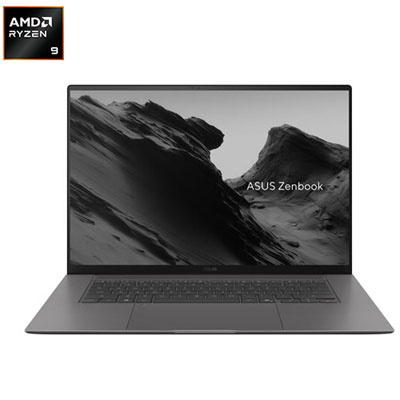
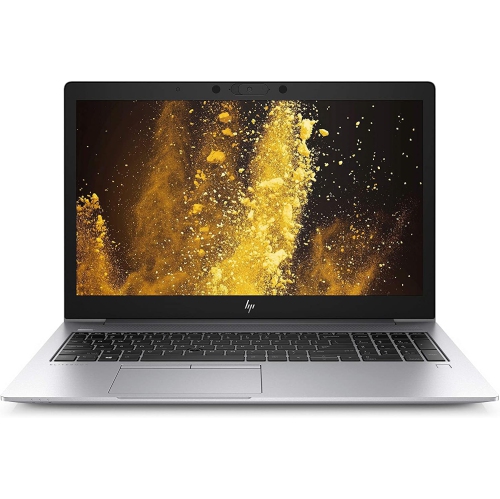
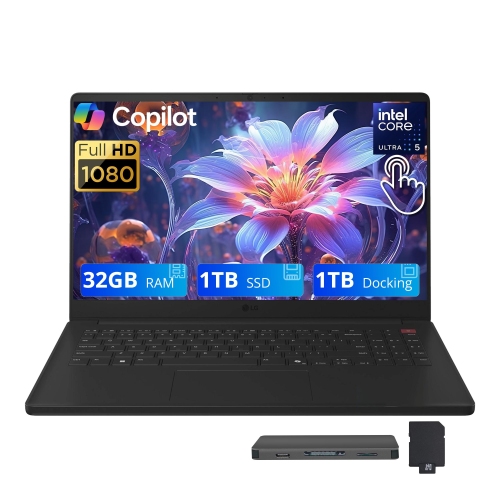
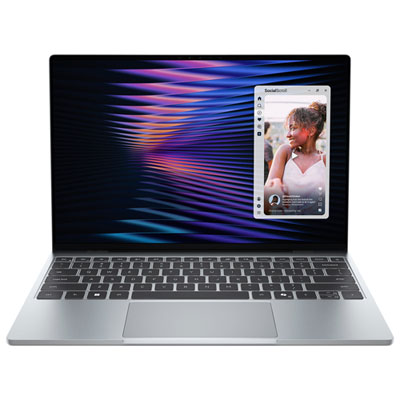

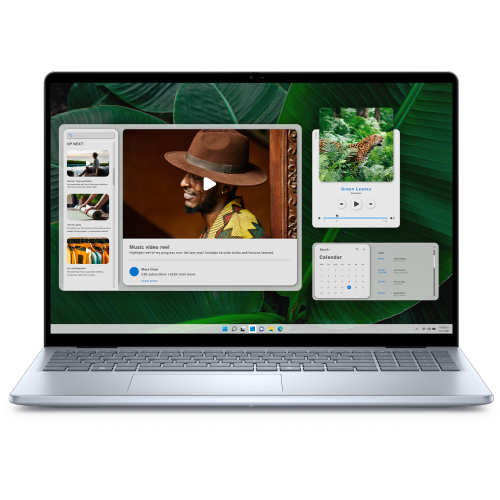
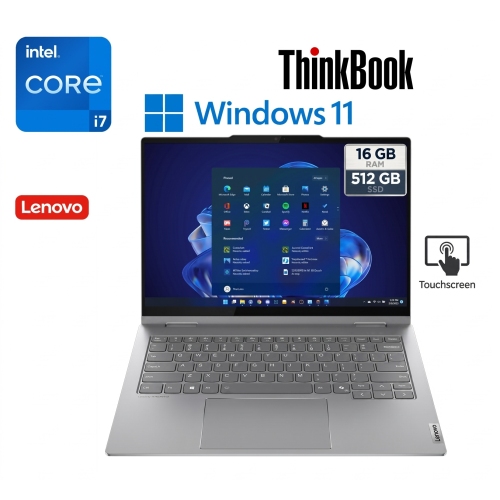
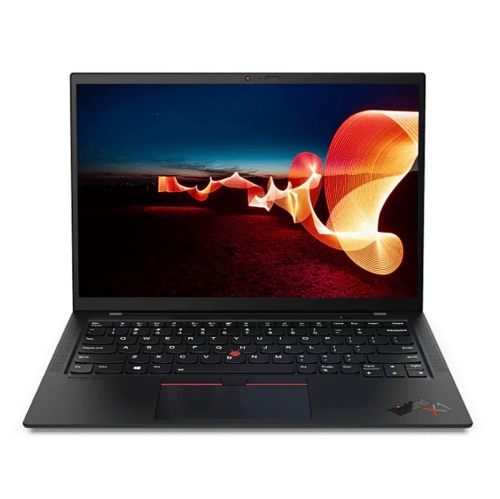
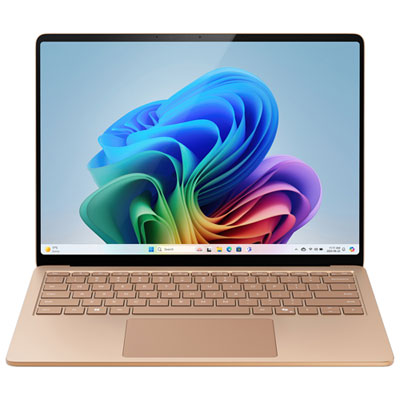

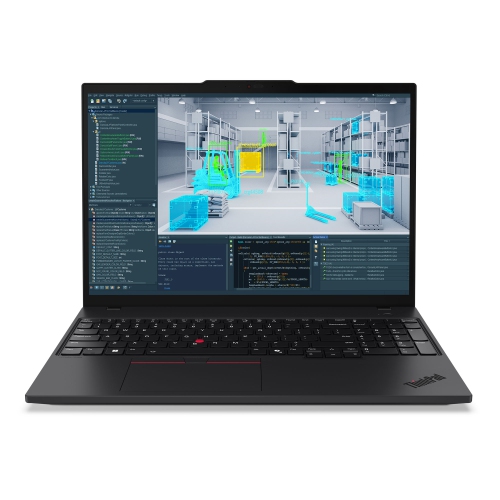
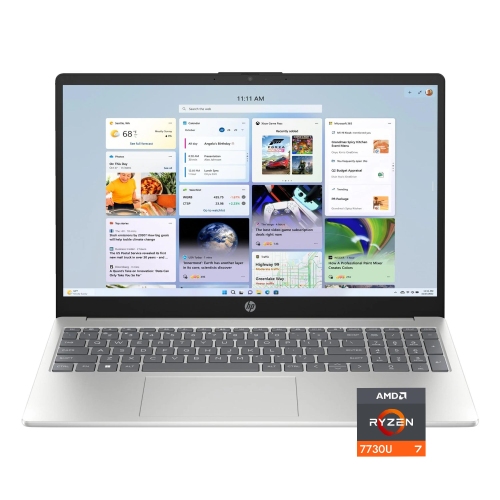
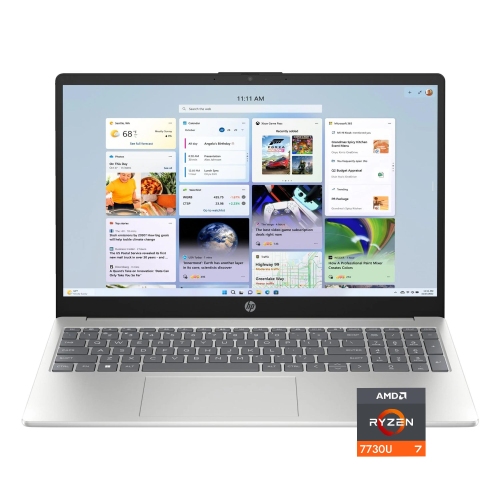
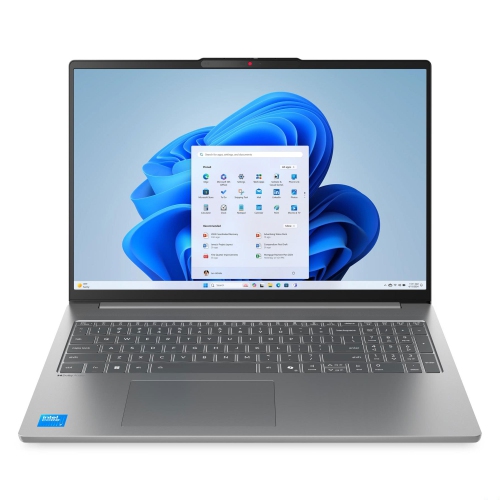
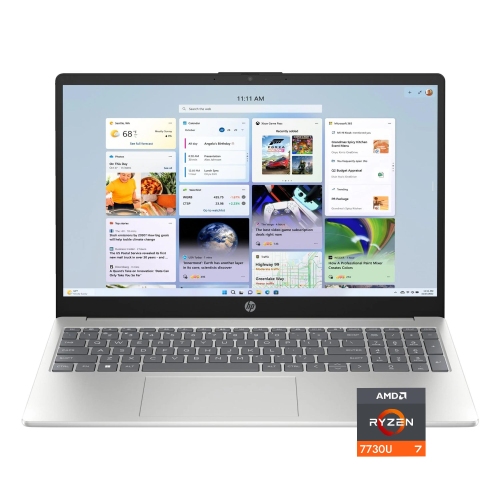
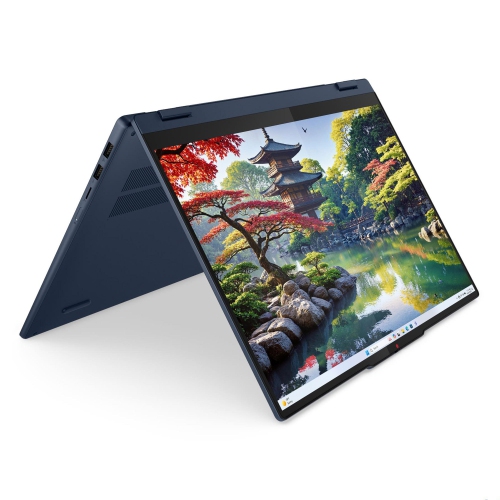
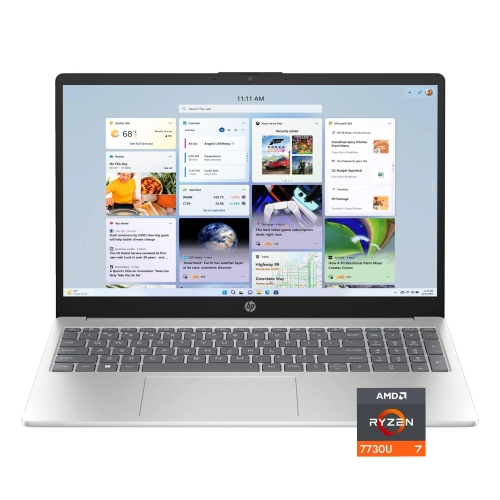

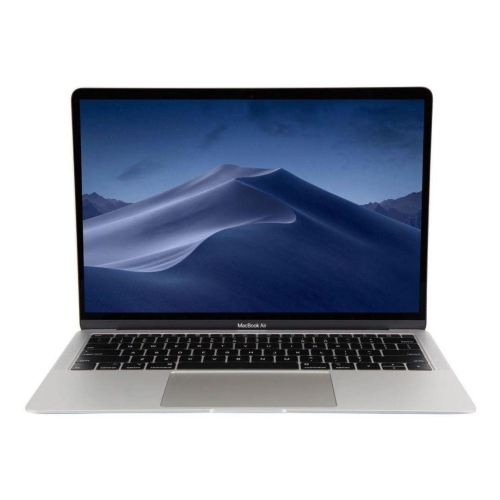
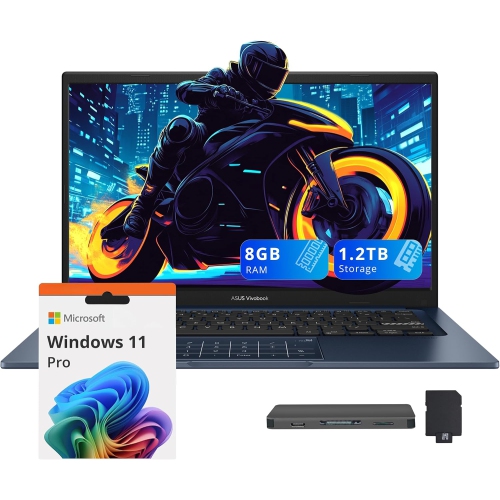
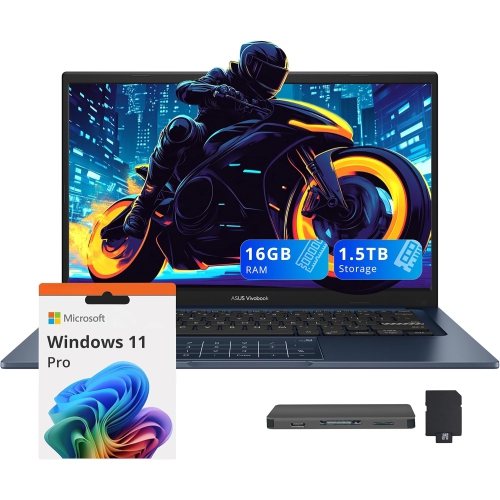
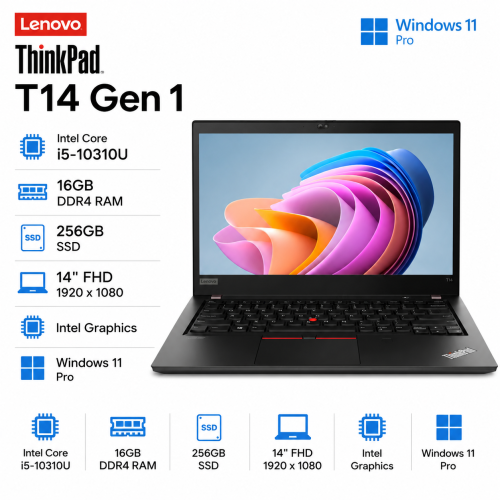
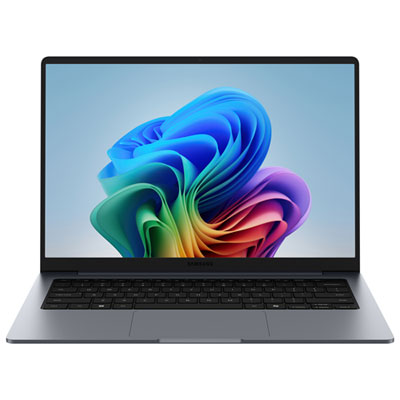
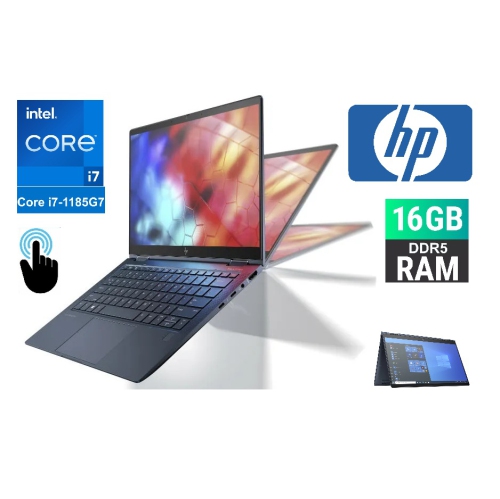
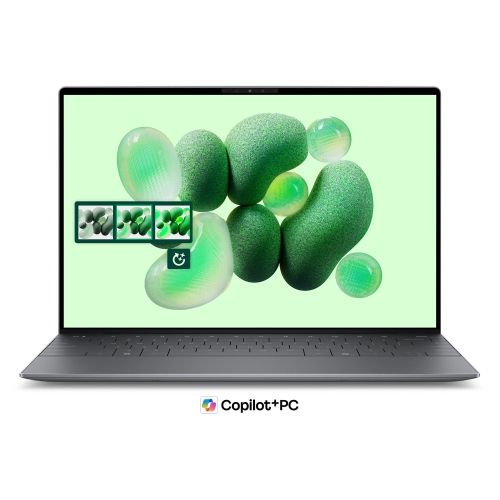
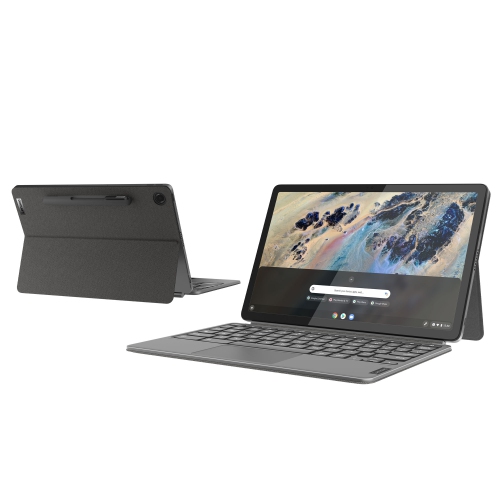
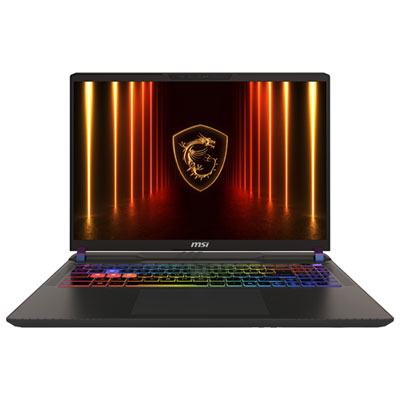
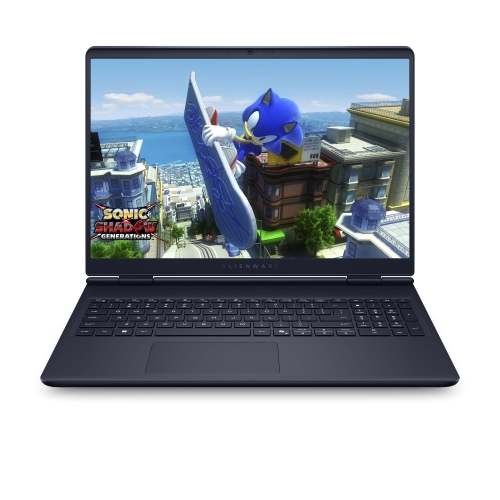
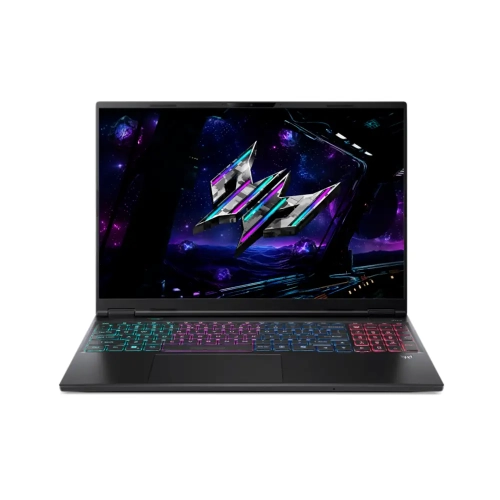

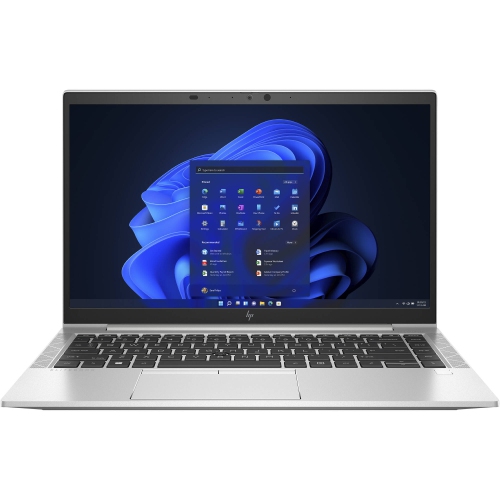
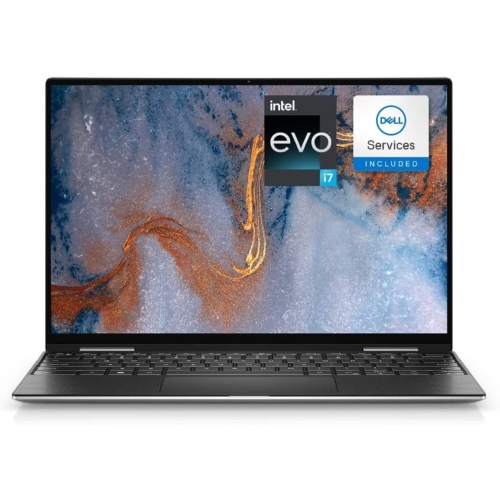

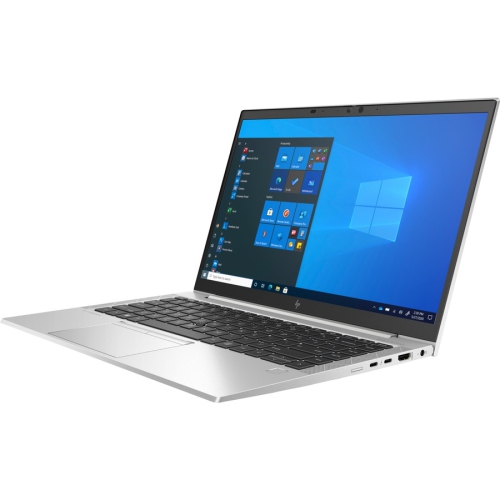
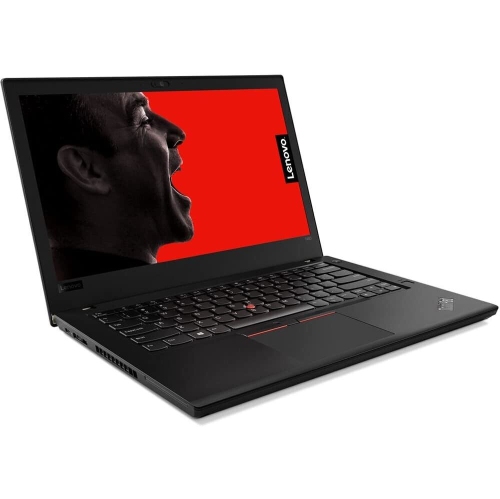
Practical performance for browsing, streaming, calls, and household tasks
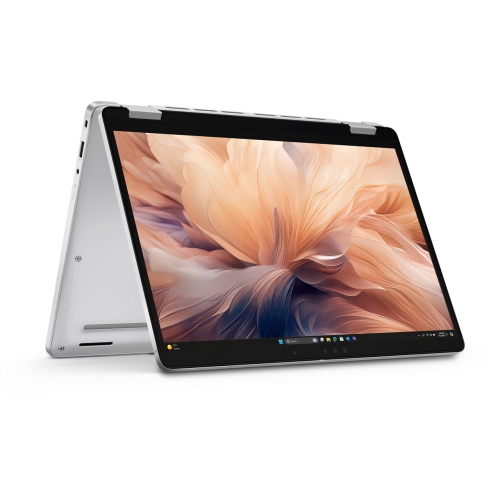
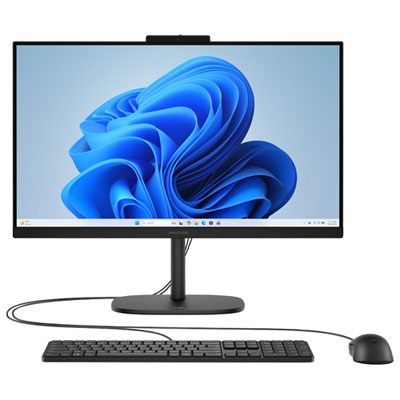
Laptop computers for home use bring practical computing power to the places where everyday life happens: a kitchen table, a quiet corner of the living room, a home office, or the sofa during a rainy afternoon. They are well suited to checking email, browsing the web, managing household accounts, attending video calls, reading the news, streaming films and shows, organizing digital photos, and keeping in touch with friends and family. Unlike a desktop computer, a laptop can move easily from one room to another and can be stored away when the table needs to be cleared for dinner or homework. A comfortable 15-inch or 15.6-inch display is a popular choice for home use because it provides enough space for documents, websites, video calls, and entertainment without becoming difficult to carry. A Full HD screen with a resolution of 1920 x 1080 can make text look sharper and videos appear more detailed, while a larger display may be especially helpful for anyone who spends time reading recipes, viewing spreadsheets, following online lessons, or working with several windows at once. A smaller laptop may suit someone who travels regularly or has limited desk space, but a mid-sized screen often provides a pleasant balance between portability and comfort. When comparing laptops, consider where the computer will be used most often, how much room is available, and whether the screen will be shared with another person. A bright, clear display, a responsive keyboard, and a precise trackpad can make a noticeable difference during long evenings of browsing or a busy morning of household tasks. For a closer look at suitable options, explore Laptops For Everyday Home Use.
Performance requirements for home computing are usually straightforward, but choosing the right specifications can help a laptop feel useful for years of regular tasks. An AMD Ryzen 5 or Intel Core 3 processor is generally well matched to activities such as web browsing, email, streaming, video calls, word processing, online banking, and light multitasking. If your routine includes opening many browser tabs, switching between a video call and a document, or keeping photo libraries and household spreadsheets available at the same time, 16 GB of RAM can provide more breathing room than 8 GB. For simpler use, including occasional browsing, streaming, and correspondence, 8 GB of RAM may be sufficient. Storage is another important consideration. A 512 GB solid-state drive, often called an SSD, offers useful space for documents, applications, photos, downloaded media, and personal files while helping the computer start up and open programs quickly. Someone who mainly streams content and stores photos in the cloud may need less capacity, while a household that keeps a large collection of family pictures, videos, music, or creative projects on the laptop may appreciate additional storage. It is also worth checking the available ports and connections. USB ports can be useful for accessories and external drives, an HDMI connection may help connect to a larger television or monitor, and Wi-Fi support keeps the laptop ready for wireless home networks. A built-in webcam and microphone are valuable for family calls, remote appointments, virtual classes, and work meetings. Battery life matters as well, particularly if the laptop will be carried from a desk to a couch or used away from a power outlet. Choosing an operating system that feels familiar can make setup easier, and checking compatibility with the programs already used at home can prevent surprises later. A laptop intended for web browsing and streaming does not need the same hardware as one used for demanding photo editing, advanced gaming, or professional video production, so matching the specifications to real habits is a sensible way to get dependable performance without paying for features that may rarely be used.
Laptop computers for home use can serve nearly everyone in a household. Students can use them for research, online coursework, writing assignments, and virtual study sessions, while adults may rely on them for working from home, scheduling appointments, completing forms, organizing finances, or managing a small business. Older family members often appreciate a straightforward laptop for video calls, reading, viewing photos, and keeping up with community activities, especially when the display is easy to see and the keyboard is comfortable to use. A laptop can also be a thoughtful gift for someone moving into a new home, beginning a course, starting a remote job, or replacing an older computer that has become slow and unreliable. Before choosing one as a gift, consider the recipient’s comfort with technology, preferred operating system, typical applications, and need for portability. A family laptop may become a shared entertainment centre for streaming during cooler months, a homework station when the weather keeps everyone indoors, or a place to sort photographs from a recent trip while memories are still fresh. For a more personal setup, accessories such as a wireless mouse, laptop stand, full-size keyboard, headset, protective sleeve, or external storage device can make the computer more comfortable and easier to organize. Basic security habits are also part of a good home setup: use a strong password, install system updates, enable available security features, and keep important files backed up. Families may want separate user accounts so that personal documents, saved passwords, and preferences remain organized. Whether it sits on a dedicated desk or moves between rooms throughout the day, the right laptop should feel responsive during ordinary tasks, offer a clear and comfortable viewing experience, and provide enough storage and memory for the way your household actually uses it.
Performance requirements for home computing are usually straightforward, but choosing the right specifications can help a laptop feel useful for years of regular tasks. An AMD Ryzen 5 or Intel Core 3 processor is generally well matched to activities such as web browsing, email, streaming, video calls, word processing, online banking, and light multitasking. If your routine includes opening many browser tabs, switching between a video call and a document, or keeping photo libraries and household spreadsheets available at the same time, 16 GB of RAM can provide more breathing room than 8 GB. For simpler use, including occasional browsing, streaming, and correspondence, 8 GB of RAM may be sufficient. Storage is another important consideration. A 512 GB solid-state drive, often called an SSD, offers useful space for documents, applications, photos, downloaded media, and personal files while helping the computer start up and open programs quickly. Someone who mainly streams content and stores photos in the cloud may need less capacity, while a household that keeps a large collection of family pictures, videos, music, or creative projects on the laptop may appreciate additional storage. It is also worth checking the available ports and connections. USB ports can be useful for accessories and external drives, an HDMI connection may help connect to a larger television or monitor, and Wi-Fi support keeps the laptop ready for wireless home networks. A built-in webcam and microphone are valuable for family calls, remote appointments, virtual classes, and work meetings. Battery life matters as well, particularly if the laptop will be carried from a desk to a couch or used away from a power outlet. Choosing an operating system that feels familiar can make setup easier, and checking compatibility with the programs already used at home can prevent surprises later. A laptop intended for web browsing and streaming does not need the same hardware as one used for demanding photo editing, advanced gaming, or professional video production, so matching the specifications to real habits is a sensible way to get dependable performance without paying for features that may rarely be used.
Laptop computers for home use can serve nearly everyone in a household. Students can use them for research, online coursework, writing assignments, and virtual study sessions, while adults may rely on them for working from home, scheduling appointments, completing forms, organizing finances, or managing a small business. Older family members often appreciate a straightforward laptop for video calls, reading, viewing photos, and keeping up with community activities, especially when the display is easy to see and the keyboard is comfortable to use. A laptop can also be a thoughtful gift for someone moving into a new home, beginning a course, starting a remote job, or replacing an older computer that has become slow and unreliable. Before choosing one as a gift, consider the recipient’s comfort with technology, preferred operating system, typical applications, and need for portability. A family laptop may become a shared entertainment centre for streaming during cooler months, a homework station when the weather keeps everyone indoors, or a place to sort photographs from a recent trip while memories are still fresh. For a more personal setup, accessories such as a wireless mouse, laptop stand, full-size keyboard, headset, protective sleeve, or external storage device can make the computer more comfortable and easier to organize. Basic security habits are also part of a good home setup: use a strong password, install system updates, enable available security features, and keep important files backed up. Families may want separate user accounts so that personal documents, saved passwords, and preferences remain organized. Whether it sits on a dedicated desk or moves between rooms throughout the day, the right laptop should feel responsive during ordinary tasks, offer a clear and comfortable viewing experience, and provide enough storage and memory for the way your household actually uses it.
Top selling and popular products
-
 Your price for this item is $449
 -
 Your price for this item is $3099
 -
 Your price for this item is $664.05
 -
 Your price for this item is $599.68
 -
 Your price for this item is $259
 -
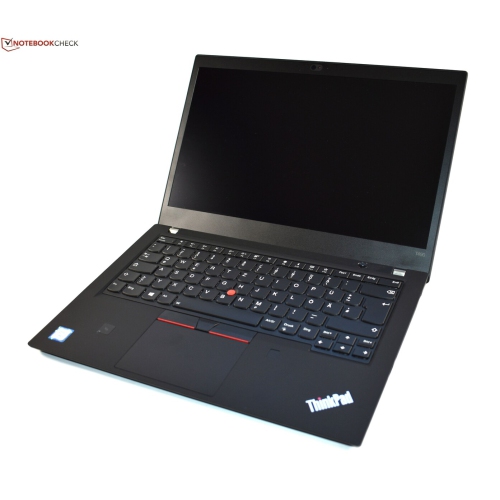 Your price for this item is $499.99
 -
 Your price for this item is $418.98
 -
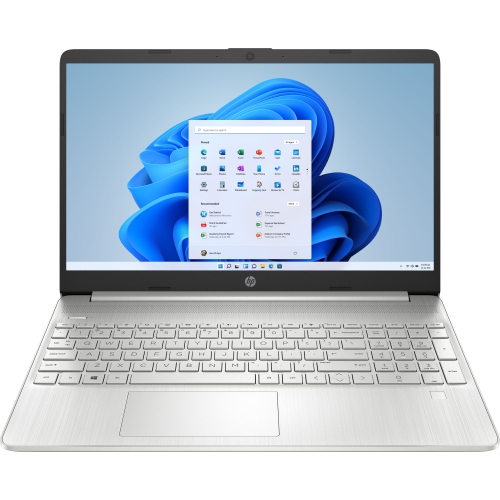 Your price for this item is $829
Discover more categories related to Laptop Computers for Home Use
Top Collections:
Pokemon Centers, Best Cameras for Sports Photography, Kindle Devices, Samsung Galaxy Phones, Canon G7X Cameras, Pokémon 30th Celebration Cards, Refurbished Apple Laptops, iPhone 15 Apple, Laptops for Students, Budget Smartphones
Some products may be subject to Environmental Handling Fees
(EHF) depending on your province.
Learn more about EHFs.