Laptops for Surfing The Internet
If you're looking for a laptop to surf the Internet, send e-mails, or watch videos, we've got you covered. It's ideal for students and professionals who need to be able to work on several documents at once or for those who want to be able to switch between different applications easily. These laptops have features that will let you do all of this and more. Here are some of the best choices available for you to choose from.
Sort
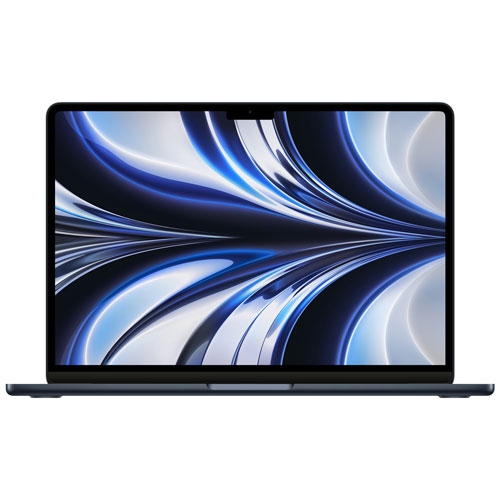
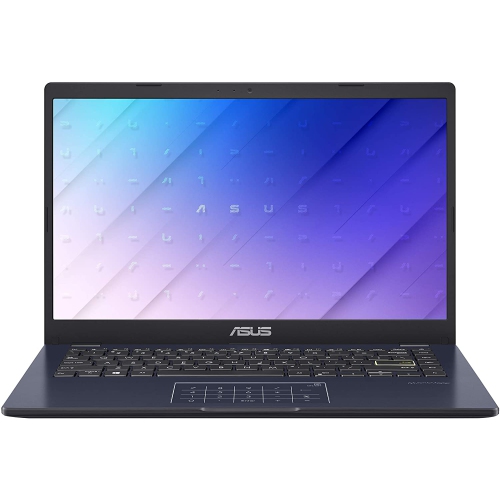
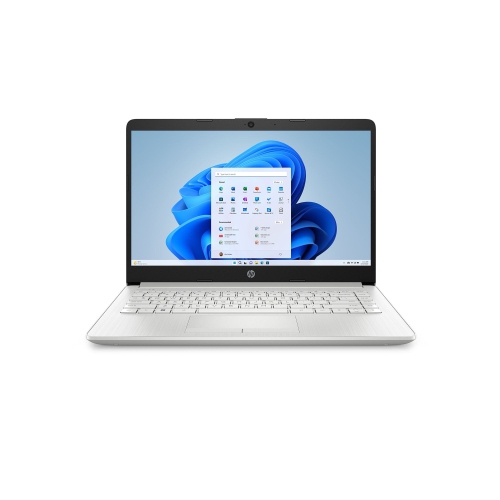
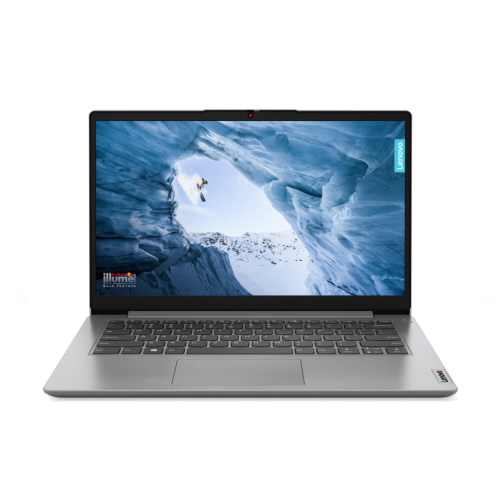
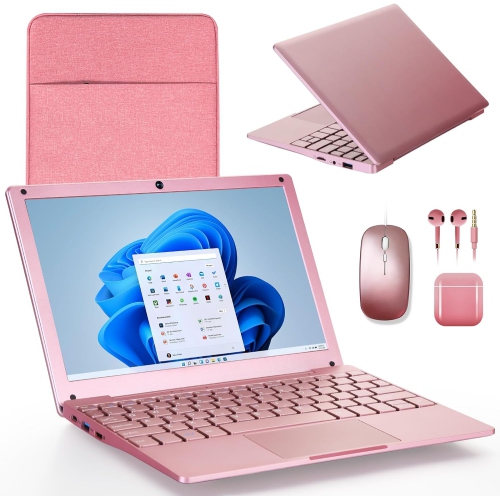
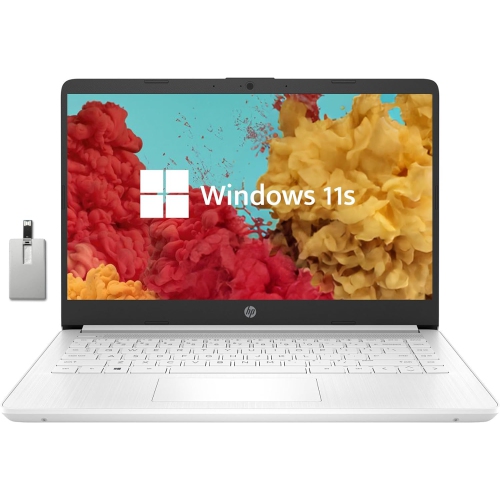
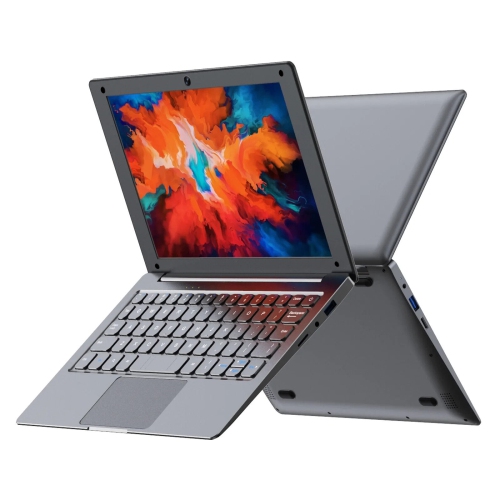
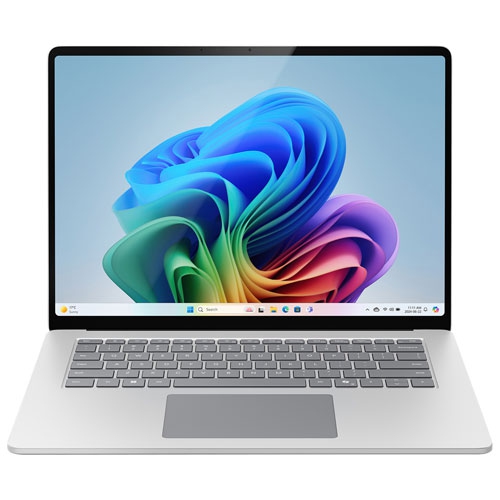
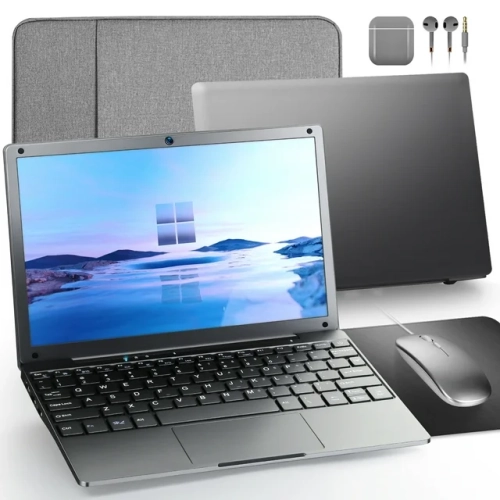
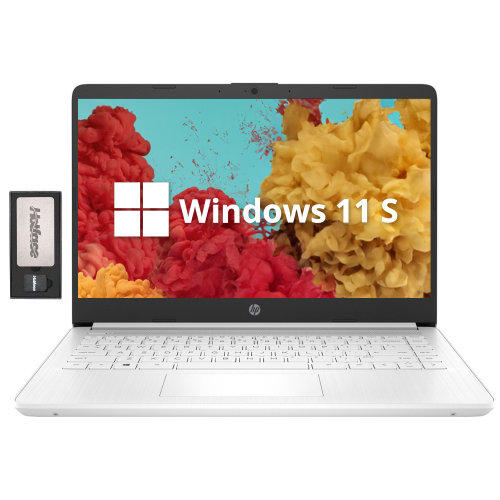
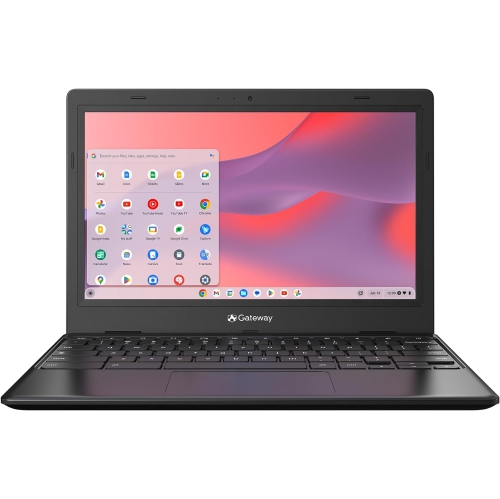
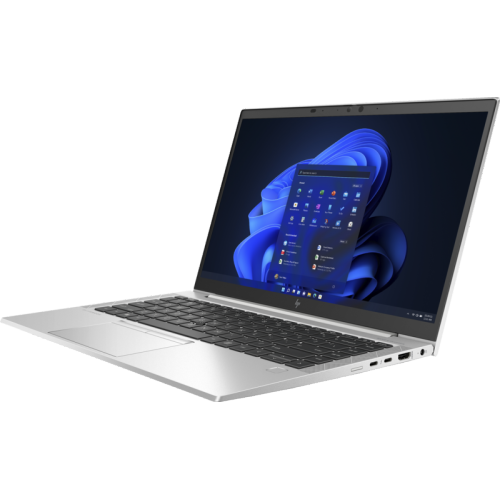

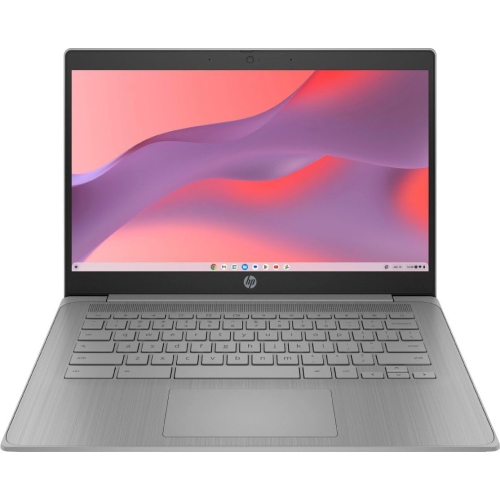
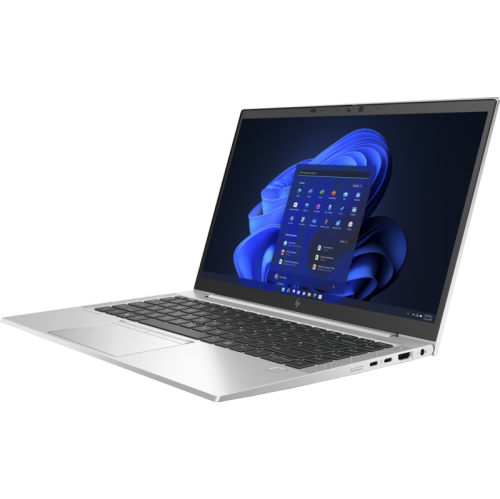
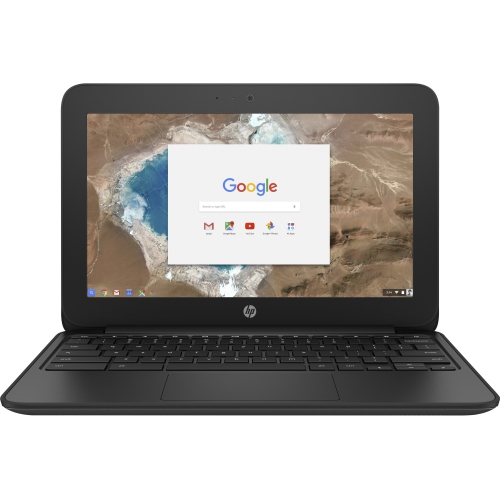
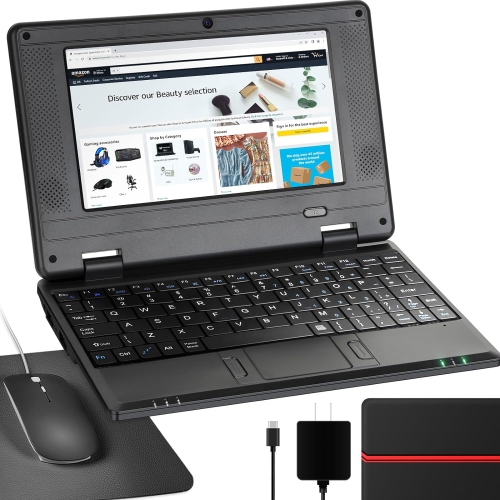
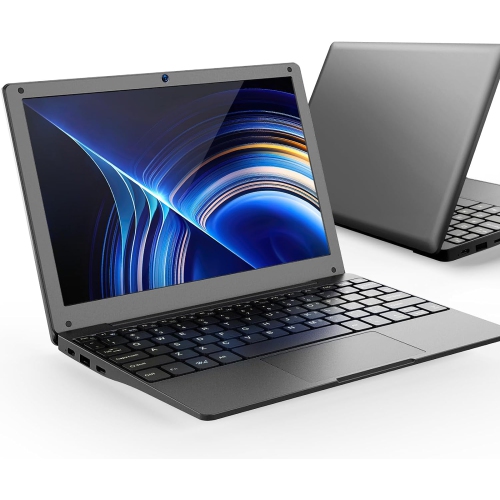
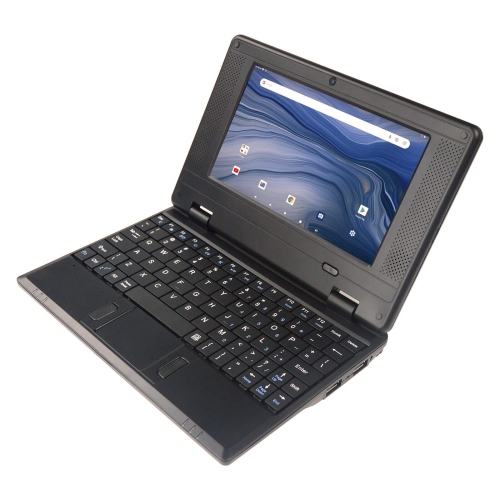
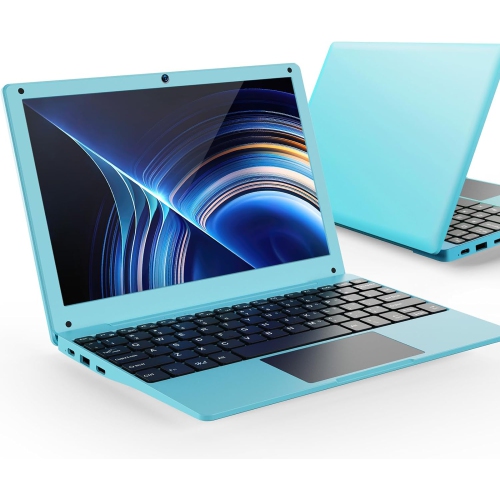
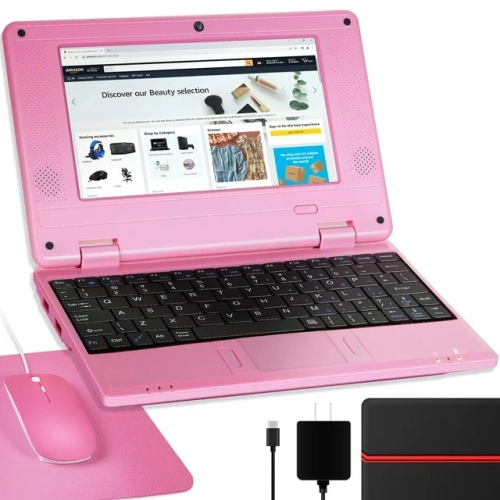
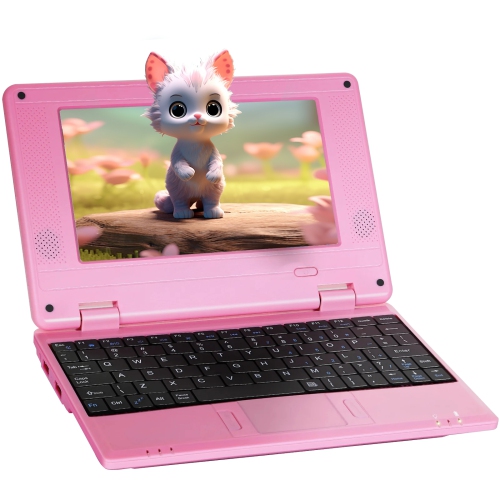
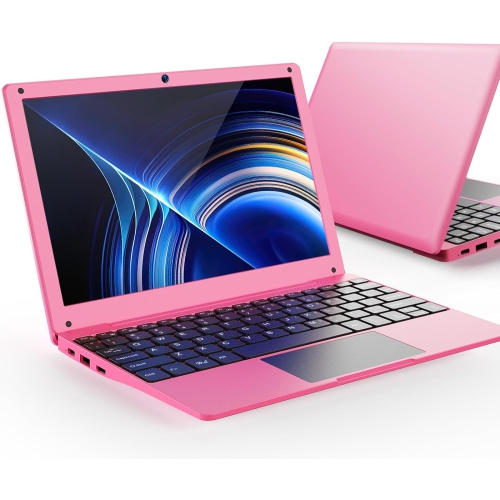
The features that support smooth, comfortable everyday browsing
Laptops for surfing the internet are designed for the everyday tasks that keep you connected, informed, and entertained. They are well suited to browsing websites, reading the news, checking email, managing online banking, comparing products, joining video calls, streaming shows, and keeping in touch with friends and family through social media. For many people, a laptop is also a convenient companion for online learning, digital forms, appointment booking, travel planning, recipe searching, and light document work. Compared with a desktop computer, a laptop gives you the flexibility to move from a kitchen table to a home office, living-room chair, library, or cottage without being tied to one workstation. A lightweight model can slip into a backpack for a day of classes or a visit with family, while a larger screen may feel more comfortable for extended browsing, video calls, and reading. These laptops can make thoughtful gifts for students, grandparents, new homeowners, remote workers, or anyone replacing an older computer that has become slow and difficult to use. They are also practical for households that need a shared device for looking up information, printing forms, watching content, and handling routine online tasks. If your browsing needs include more research, multitasking, and information gathering, explore Laptops for Research and Browsing for options suited to those activities.
When choosing a laptop for internet use, start with the way you expect to use it rather than selecting features that may go untouched. A laptop with at least 8GB of RAM is a sensible choice for browsing with several tabs open, switching between email and web apps, watching video, and joining a call without unnecessary slowdowns. More memory can be useful if you often keep dozens of tabs open or work with several applications at once. A solid-state drive, commonly called an SSD, helps the computer start up quickly and makes websites, apps, and stored files feel more responsive than they would on an older mechanical hard drive. Storage capacity matters as well. Online services can hold photos, documents, and media in the cloud, but additional local storage is helpful if you download files, save family photos, keep music offline, or want room for applications. Screen size is another personal consideration: a compact display can make a laptop easier to carry, while a larger display may reduce scrolling and make text, spreadsheets, and video chats easier to view. Look for a comfortable keyboard and a responsive touchpad, especially if the laptop will be used for composing messages, filling out forms, or writing schoolwork. A sharp display, useful brightness, and clear speakers can improve the experience of watching tutorials or attending virtual appointments. For wireless access, dependable Wi-Fi support helps maintain a smooth connection around the home, although performance also depends on your internet service and network equipment.
Battery life is particularly important for a laptop used throughout the day. A model rated for 10 or more hours may offer the freedom to browse away from a power outlet for much of the day, though actual results vary with screen brightness, video playback, wireless activity, and the applications running in the background. Consider the operating system, too. Chromebooks use ChromeOS and are built around web-based services, making them straightforward for browsing, email, video streaming, and cloud documents. They are often simple to set up and manage, and their streamlined design can suit someone who mainly works online. Windows laptops support a broad range of traditional desktop programs as well as browser-based services, which can be helpful for users who need familiar office software, specialized applications, or compatibility with accessories and printers. Check the ports if you plan to connect a monitor, external drive, memory card, wired network adapter, or other device. Camera quality and microphone performance deserve attention for video calls, while privacy features such as a physical camera shutter can provide added peace of mind. During the cooler months, a laptop can be a comfortable way to catch up on reading from a favourite chair, plan indoor activities, or stay connected with relatives; as the weather warms, a long-lasting battery and portable design make it easier to move between rooms or browse from a shaded outdoor space. By matching memory, storage, battery life, screen comfort, software support, and portability to your routine, you can choose an internet-ready laptop that feels quick, practical, and easy to use every day.
When choosing a laptop for internet use, start with the way you expect to use it rather than selecting features that may go untouched. A laptop with at least 8GB of RAM is a sensible choice for browsing with several tabs open, switching between email and web apps, watching video, and joining a call without unnecessary slowdowns. More memory can be useful if you often keep dozens of tabs open or work with several applications at once. A solid-state drive, commonly called an SSD, helps the computer start up quickly and makes websites, apps, and stored files feel more responsive than they would on an older mechanical hard drive. Storage capacity matters as well. Online services can hold photos, documents, and media in the cloud, but additional local storage is helpful if you download files, save family photos, keep music offline, or want room for applications. Screen size is another personal consideration: a compact display can make a laptop easier to carry, while a larger display may reduce scrolling and make text, spreadsheets, and video chats easier to view. Look for a comfortable keyboard and a responsive touchpad, especially if the laptop will be used for composing messages, filling out forms, or writing schoolwork. A sharp display, useful brightness, and clear speakers can improve the experience of watching tutorials or attending virtual appointments. For wireless access, dependable Wi-Fi support helps maintain a smooth connection around the home, although performance also depends on your internet service and network equipment.
Battery life is particularly important for a laptop used throughout the day. A model rated for 10 or more hours may offer the freedom to browse away from a power outlet for much of the day, though actual results vary with screen brightness, video playback, wireless activity, and the applications running in the background. Consider the operating system, too. Chromebooks use ChromeOS and are built around web-based services, making them straightforward for browsing, email, video streaming, and cloud documents. They are often simple to set up and manage, and their streamlined design can suit someone who mainly works online. Windows laptops support a broad range of traditional desktop programs as well as browser-based services, which can be helpful for users who need familiar office software, specialized applications, or compatibility with accessories and printers. Check the ports if you plan to connect a monitor, external drive, memory card, wired network adapter, or other device. Camera quality and microphone performance deserve attention for video calls, while privacy features such as a physical camera shutter can provide added peace of mind. During the cooler months, a laptop can be a comfortable way to catch up on reading from a favourite chair, plan indoor activities, or stay connected with relatives; as the weather warms, a long-lasting battery and portable design make it easier to move between rooms or browse from a shaded outdoor space. By matching memory, storage, battery life, screen comfort, software support, and portability to your routine, you can choose an internet-ready laptop that feels quick, practical, and easy to use every day.
Top selling and popular products
-
 Your price for this item is $449
 -
 Your price for this item is $3099
 -
 Your price for this item is $299.95
 -
 Your price for this item is $664.05
 -
 Your price for this item is $599.68
 -
 Your price for this item is $869.99
 -
 Your price for this item is $418.98
 -
 Your price for this item is $999.95
Discover more categories related to Laptops for Surfing The Internet
Top Collections:
Pokemon Centers, Kindle Devices, Best Budget Office Chairs, Apple iPhones 16, Canon G7X Cameras, iPhone 15 Apple, Alarm Clock, Refurbished Apple Laptops, Flip Phones, Best Laptops for Writers
Some products may be subject to Environmental Handling Fees
(EHF) depending on your province.
Learn more about EHFs.