Best Computers for Surfing the Web
Find the best computers for surfing the web, whether you’re checking email, catching up on the news, or streaming your favourite shows. Ranked by user review ratings, this list helps you compare top-rated options for everyday browsing and choose a computer that fits your needs and budget.
What to look for in computers for surfing the web
1. Everyday Performance
2. Operating System and Storage
3. Internet Connectivity
4. Screen and Computer Style
-
1
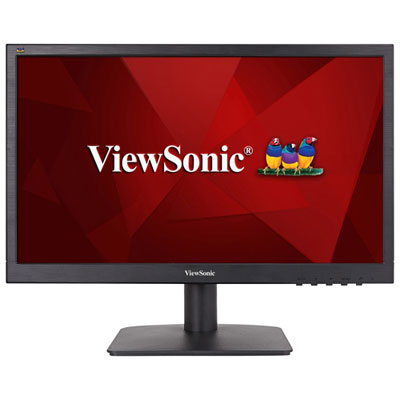
Viewsonic VA 18.5" 1366x768 TN LED Gaming Monitor (VA1903H)
About this product
A black widescreen monitor featuring HDMI input, 60Hz refresh rate, and 5ms response time for smooth visuals.
(5)$122.99 Your price for this item is $122.99 -
2
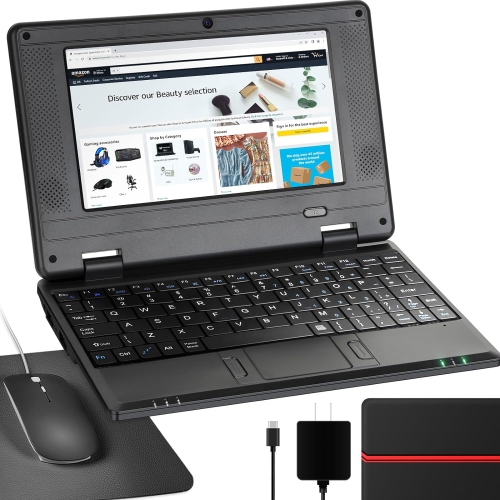
NBD 7" Android 12 Netbook - Quad Core - 2GB Ram - 32GB Storage - Wifi/bluetooth/webcam - - Bag, Mouse & Mouse Pad Included In Black
About this product
A lightweight 7-inch IPS screen netbook with Android 12.0, ideal for kids' learning and entertainment.
(1)$159.99Your price for this item is $159.99SAVE $30 -
3
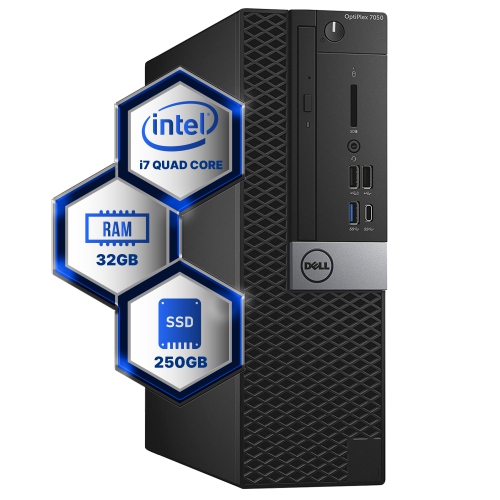
DELL Refurbished (Good) - Optiplex 7050 Desktop Computer | Quad Core Intel I7 (3.4) | 32GB Ddr4 Ram | 250GB SSD Solid State | Windows 10
About this product
A refurbished desktop featuring a quad-core Intel i7, 32GB DDR4 RAM, 250GB SSD, and Windows 10.
(1)$469.61Your price for this item is $469.61SAVE $29 -
4
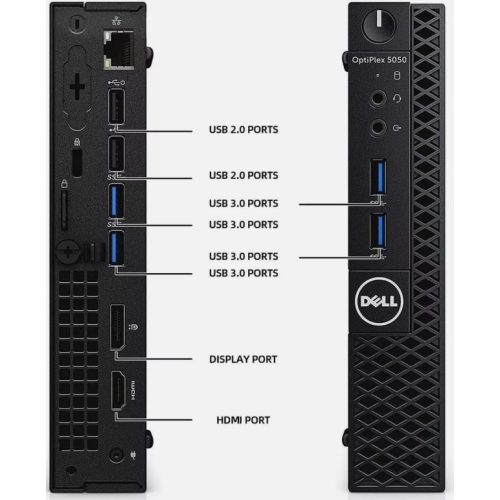
DELL Refurbished (Excellent) - Optiplex 5050 Micro Desktop - Intel Core I5-7600T, 16GB Memory, 512GB SSD, Win 10 Pro + Wi-Fi, Bluetooth, Keyboard &
About this product
An efficient micro PC with Intel i5, 16GB RAM, 512GB SSD, Windows 10 Pro, and accessories.
(1)$380.00Your price for this item is $380SAVE $70 -
5
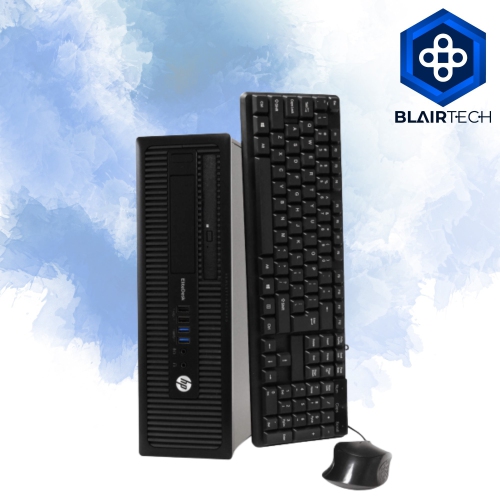
HP Refurbished (Good) - Elitedesk 800 G1 Small Form Factor Desktop - 8GB Memory, Win 10 + Wi-Fi
About this product
A reliable refurbished desktop PC with built-in Wi-Fi, tested for full functionality and minimal wear.
(1)$529.99Your price for this item is $529.99SAVE $50 -
6
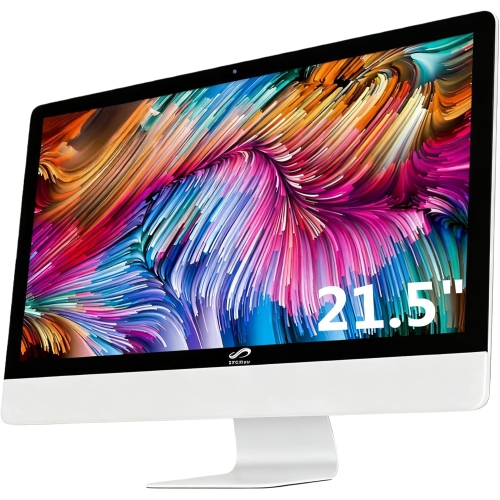
STGSIVIR All-In-One Desktop, 22" Fhd Display, Intel Quad-Core I7 3.1 Up to 3.9Ghz, 16G Memory, 512G SSD, Wifi 5, Bluetooth, RGB Keyboard & Mouse &
About this product
An all-in-one desktop featuring a 22" FHD display, Intel i7 processor, 16GB memory, and 512GB SSD.
(1)$545.99Your price for this item is $545.99SAVE $1500 -
7
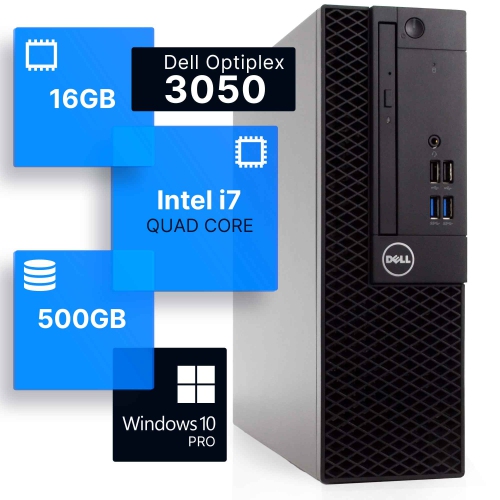
DELL Refurbished (Good) - Optiplex 3050 Desktop - Intel Core I7 (7Th Gen), 16GB Memory, 500GB SSD, Win 10 Pro + Wi-Fi
About this product
A refurbished desktop featuring a quad-core Intel i7, 16GB DDR4 RAM, 500GB SSD, and Windows 10 Pro.
(1)$419.99Your price for this item is $419.99SAVE $60 -
8
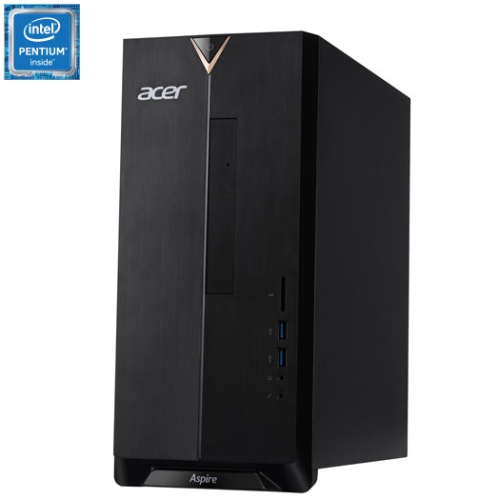
ACER - Aspire Xc Tower Desktop - Intel Pentium J5040, 8GB Memory, 1Tb HDD, Win 10 In Silver
About this product
A compact silver desktop featuring Intel Pentium J5040, 8GB RAM, and 1TB HDD for everyday tasks.
(1)$699.99 Your price for this item is $699.99 -
9
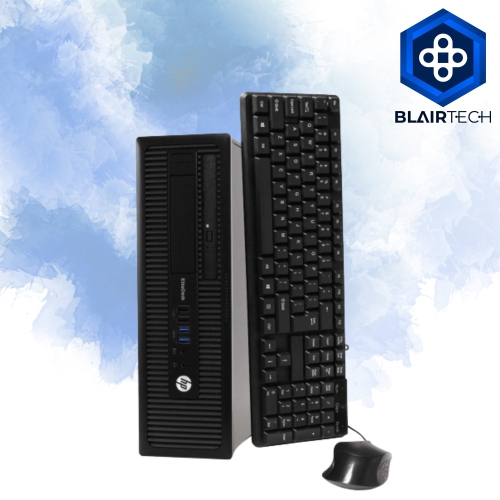
HP Refurbished (Good) - Elitedesk 800 G1 Desktop - Intel Core I5, 4GB Memory, 500GB HDD, Win 10 Home + Wi-Fi
About this product
A refurbished desktop featuring an Intel i5 processor, 4GB RAM, 500GB HDD, and Windows 10 Home.
(1)$199.99Your price for this item is $199.99SAVE $160 -
10

MICROSOFT Refurbished (Good) - Surface Pro 6 12.3" 128GB Windows 10 Tablet With 8Th Gen Intel Core I5 -Platinum
About this product
A refurbished platinum tablet featuring an 8th Gen Intel Core i5, 128GB storage, and Windows 10.
What customers like
(1,268)$699.00 Your price for this item is $699
FAQ
Laptops, desktops, all-in-one computers and Chromebooks can all be used for web browsing. For a browsing-focused computer, look for support for your preferred browser, Wi-Fi or Ethernet connectivity, and a keyboard and pointing device you enjoy using.
A Chromebook runs ChromeOS and centres much of its experience on the Chrome browser and web apps. A Windows computer supports a broader range of installed desktop software alongside web browsers. Your choice depends on whether you mainly use websites or also need particular desktop applications.
A laptop combines the display, keyboard, touchpad and battery in one device, making it convenient to browse in different places. A desktop suits a dedicated workspace with a separate keyboard and mouse. All-in-one computers offer another option by combining the computer and display.
Browser options depend on the operating system. Windows supports browsers such as Microsoft Edge, Google Chrome and Mozilla Firefox, while macOS also includes Safari. Chromebooks use Chrome as their primary browser. Check that the browser you prefer supports the computer’s operating system.
A mouse can be useful for navigating websites, while a separate keyboard gives you another typing option. Headphones or speakers let you listen to online audio, and a webcam and microphone support browser-based video chats. Check which features are already built into the computer before choosing accessories.
Top selling and popular products
Discover more categories related to Best Computers for Surfing the Web

Some products may be subject to Environmental Handling Fees (EHF) depending on your province. Learn more about EHFs.