Study Laptops Under $1000
Laptops are a great tool for students. They allow you to take your schoolwork with you, wherever you go. Whether you're studying at home or traveling for class, a laptop can help you stay organized and on schedule. Here are some of the best laptops for students under $10,000.
Sort

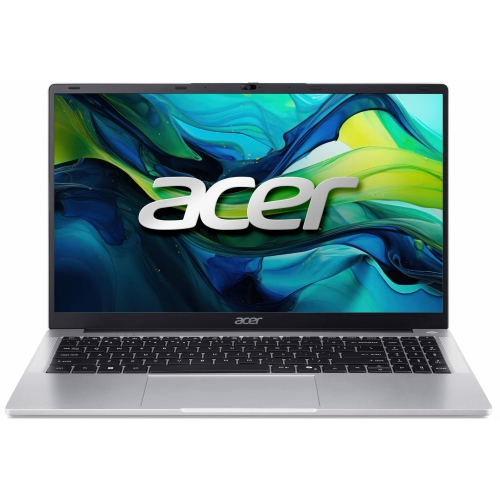
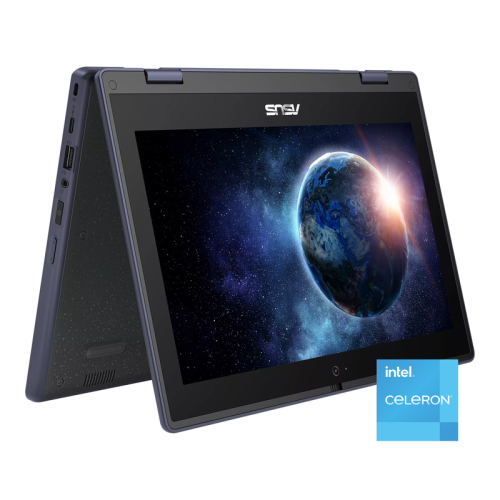
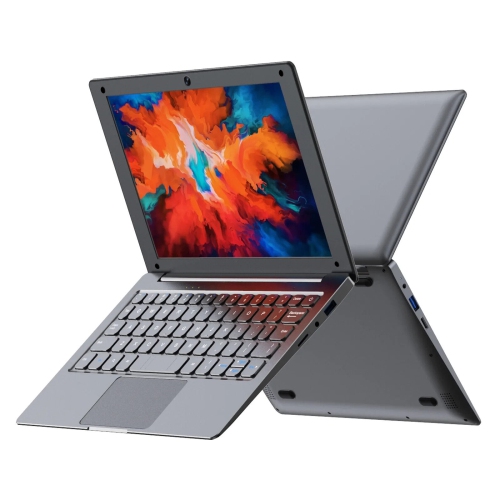
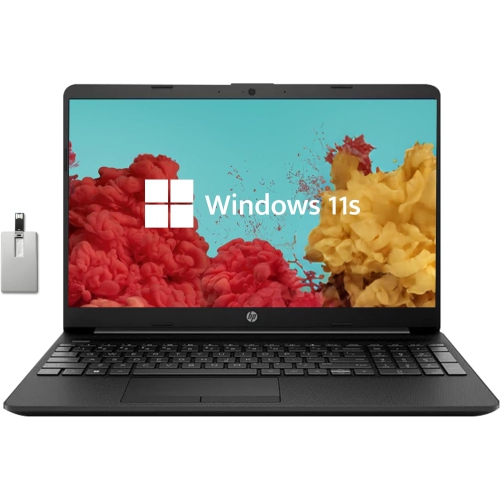
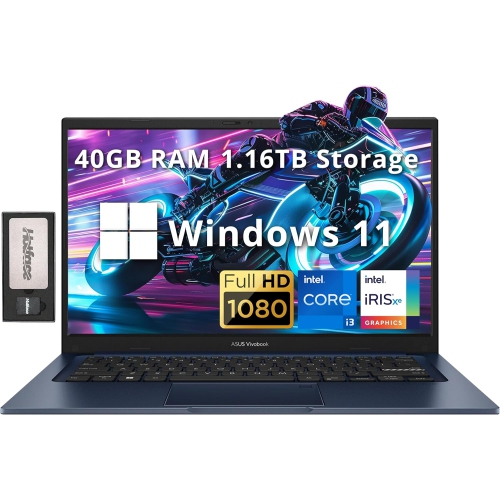
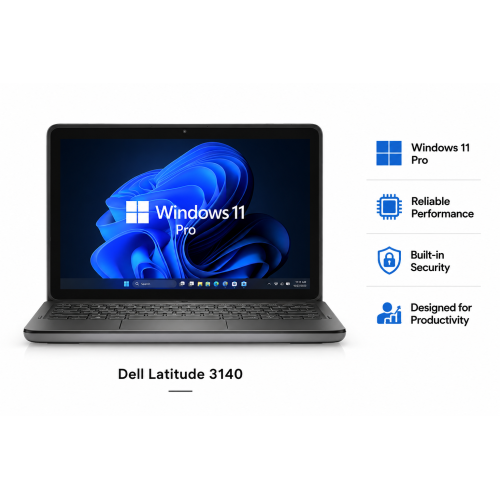
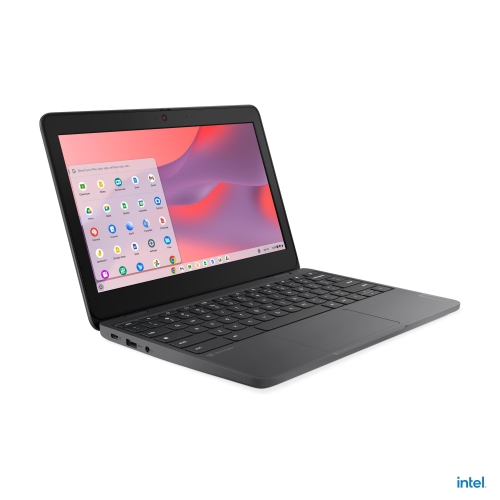
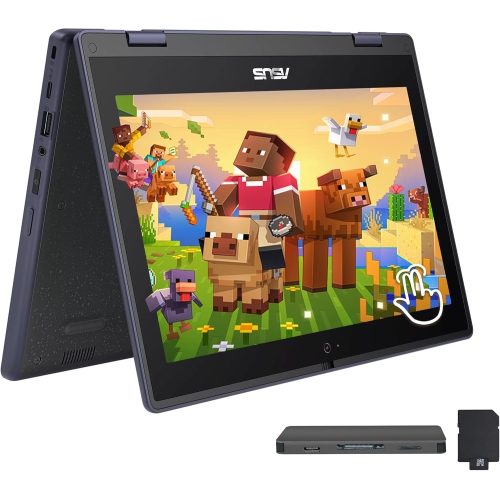
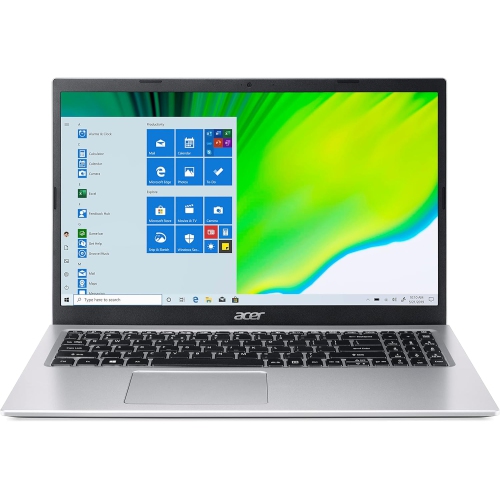
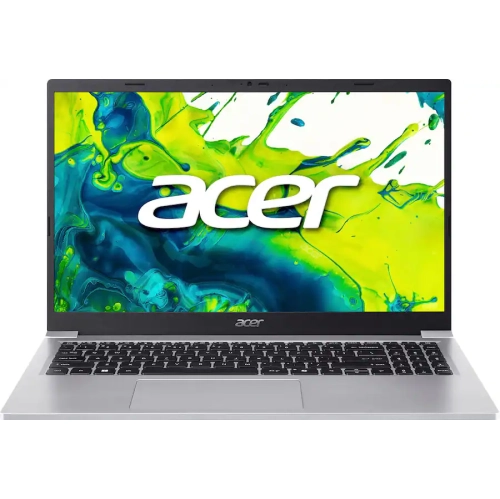
What your coursework really needs from a laptop
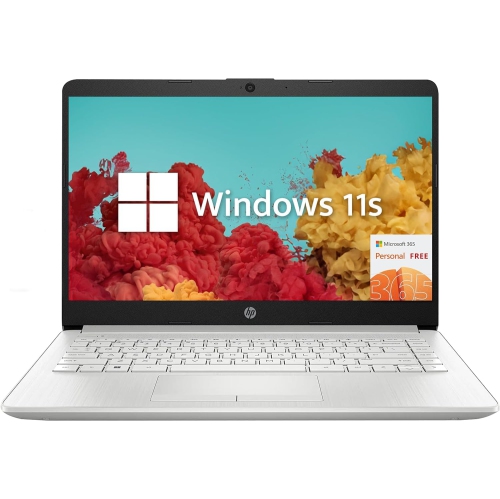
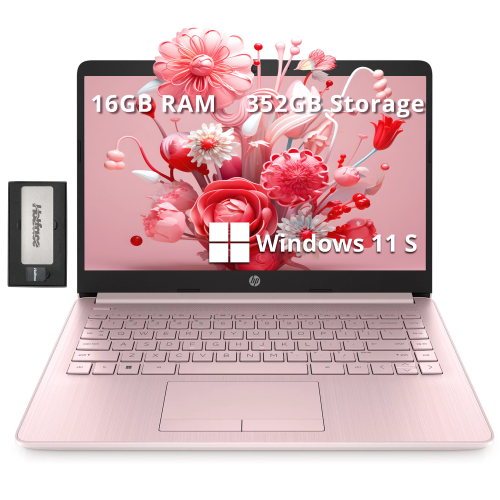
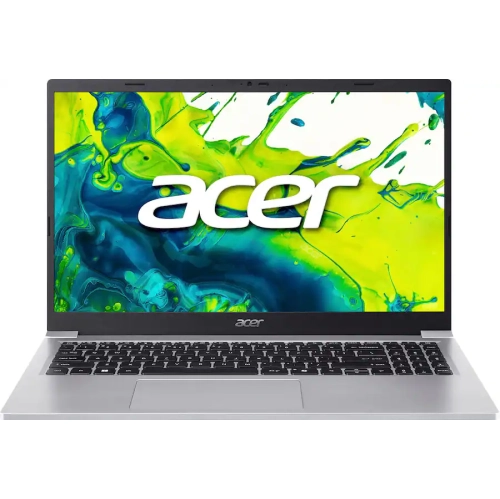
Study laptops bring everyday coursework into one portable workspace, from lecture notes and online readings to research papers, spreadsheets, and group presentations. For secondary school students, college and university students, and adults returning to education, the most useful laptop is one that suits the actual demands of a course. Writing essays, joining video calls, and working in browser-based learning platforms generally require less processing power than editing video, building complex models, or running technical software. A balanced study laptop combines responsive performance, comfortable typing, a clear display, and battery life that supports time away from a power outlet. Processor capability, memory, and storage work together to shape that experience: the processor handles calculations and software tasks, memory keeps active applications running, and storage holds documents, programs, and downloaded materials. For many students, 8 GB of memory can support lighter schoolwork, while 16 GB provides more room for switching between research tabs, a document editor, and a live class. A solid-state drive helps applications open promptly and makes saving and retrieving files feel responsive. Storage needs depend on the work being saved; text documents take up relatively little space, while recorded lectures, large datasets, photos, and video projects can accumulate quickly. Students using specialist applications also need to account for their program’s operating system, graphics, and hardware requirements. A laptop that handles note-taking comfortably may not meet the requirements for engineering design or advanced media production. School-provided software and online assessment tools can introduce compatibility requirements of their own, making course specifications a useful reference before choosing a computer. Related options can also be explored through Affordable Student Laptops Under $1000. Across everyday study tasks, the goal is dependable performance that keeps attention on the assignment rather than on slow application changes or limited space for files. That balance matters during both short classroom sessions and longer stretches of independent work.
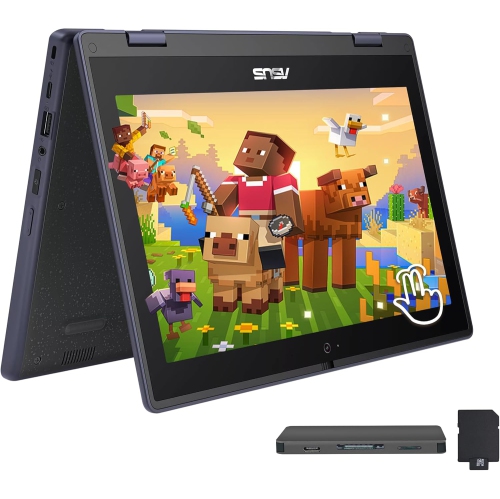
Physical design makes a noticeable difference when a laptop travels between a desk, a lecture hall, and a library table. A compact 13-inch or 14-inch screen can leave more room in a backpack and fit more comfortably on a small classroom desk, while a 15-inch or 16-inch display offers a larger working area for spreadsheets and side-by-side documents. Screen size alone does not determine portability; overall dimensions, weight, and the size of the charging adapter all contribute to what a student carries. Display resolution affects how clearly text and diagrams appear, and an anti-glare surface can help reduce distracting reflections from overhead lighting. Enough brightness for the intended study space is valuable, although higher brightness settings can shorten battery runtime. For reading-heavy subjects, a screen that keeps small text legible can be more useful than features aimed primarily at entertainment. Keyboard feel is equally personal. Well-spaced keys, a clear layout, and a steady typing surface support long writing sessions, while a responsive touchpad makes navigation easier when there is no room for a mouse. A backlit keyboard can make key labels easier to see in dim rooms, and a dedicated number pad may appeal to students who enter figures frequently. Traditional clamshell laptops provide a straightforward setup for typing and research. Convertible designs add flexible hinges and touch input, which can be useful for annotating readings, sketching diagrams, or reviewing slides. Pen support varies, and a touchscreen does not automatically mean that every digital pen will work. Materials also influence everyday handling. Plastic housings can keep weight manageable, while metal panels may provide a firmer feel, though neither material alone guarantees durability. Hinge construction, chassis rigidity, and careful handling matter too. For a laptop given as a graduation gift or to mark the start of further education, matching the recipient’s course needs, carrying habits, and preferred screen size is more useful than choosing by appearance alone. Those practical details often shape comfort throughout a full term of assignments.
Connectivity and care help a study laptop remain useful beyond its first setup. Reliable Wi-Fi supports access to course portals, shared files, and virtual classes, but connection quality also depends on the network being used. A built-in webcam and microphone make remote participation simpler, while headphones can help with listening in shared spaces. Port selection affects how easily a laptop connects to the rest of a study setup. USB connections may be needed for accessories or external storage, and a compatible display connection can support a larger monitor for comparing articles or organizing a presentation. USB-C capabilities differ between laptops: a port may support data transfer without supporting charging or video output, so those functions need to be confirmed in the specifications. Battery claims also need context. Video meetings, demanding applications, and a bright screen typically use more power than basic writing, and actual runtime varies with settings and workload. A manageable charger and convenient access to power remain helpful for longer study days. At a permanent desk, a laptop stand paired with a separate keyboard and mouse can place the display at a more comfortable viewing height. During transport, a padded sleeve or a well-fitting laptop compartment helps protect against scratches and minor knocks; the fit should account for the computer’s dimensions rather than screen size alone. Keeping drinks away from the keyboard, leaving ventilation openings clear, and using the laptop on a firm surface can help prevent avoidable damage and heat buildup. Cleaning is best done according to the manufacturer’s directions, with the device powered off and liquids never sprayed directly onto it. Regular software updates, a secure sign-in method, and a separate backup of important assignments support dependable day-to-day use. Syncing coursework across devices can be convenient, but offline copies are valuable when internet access is interrupted. With suitable hardware, comfortable design, and consistent care, a study laptop can serve as a practical base for learning, collaboration, and the ordinary work of getting an assignment finished.
Physical design makes a noticeable difference when a laptop travels between a desk, a lecture hall, and a library table. A compact 13-inch or 14-inch screen can leave more room in a backpack and fit more comfortably on a small classroom desk, while a 15-inch or 16-inch display offers a larger working area for spreadsheets and side-by-side documents. Screen size alone does not determine portability; overall dimensions, weight, and the size of the charging adapter all contribute to what a student carries. Display resolution affects how clearly text and diagrams appear, and an anti-glare surface can help reduce distracting reflections from overhead lighting. Enough brightness for the intended study space is valuable, although higher brightness settings can shorten battery runtime. For reading-heavy subjects, a screen that keeps small text legible can be more useful than features aimed primarily at entertainment. Keyboard feel is equally personal. Well-spaced keys, a clear layout, and a steady typing surface support long writing sessions, while a responsive touchpad makes navigation easier when there is no room for a mouse. A backlit keyboard can make key labels easier to see in dim rooms, and a dedicated number pad may appeal to students who enter figures frequently. Traditional clamshell laptops provide a straightforward setup for typing and research. Convertible designs add flexible hinges and touch input, which can be useful for annotating readings, sketching diagrams, or reviewing slides. Pen support varies, and a touchscreen does not automatically mean that every digital pen will work. Materials also influence everyday handling. Plastic housings can keep weight manageable, while metal panels may provide a firmer feel, though neither material alone guarantees durability. Hinge construction, chassis rigidity, and careful handling matter too. For a laptop given as a graduation gift or to mark the start of further education, matching the recipient’s course needs, carrying habits, and preferred screen size is more useful than choosing by appearance alone. Those practical details often shape comfort throughout a full term of assignments.
Connectivity and care help a study laptop remain useful beyond its first setup. Reliable Wi-Fi supports access to course portals, shared files, and virtual classes, but connection quality also depends on the network being used. A built-in webcam and microphone make remote participation simpler, while headphones can help with listening in shared spaces. Port selection affects how easily a laptop connects to the rest of a study setup. USB connections may be needed for accessories or external storage, and a compatible display connection can support a larger monitor for comparing articles or organizing a presentation. USB-C capabilities differ between laptops: a port may support data transfer without supporting charging or video output, so those functions need to be confirmed in the specifications. Battery claims also need context. Video meetings, demanding applications, and a bright screen typically use more power than basic writing, and actual runtime varies with settings and workload. A manageable charger and convenient access to power remain helpful for longer study days. At a permanent desk, a laptop stand paired with a separate keyboard and mouse can place the display at a more comfortable viewing height. During transport, a padded sleeve or a well-fitting laptop compartment helps protect against scratches and minor knocks; the fit should account for the computer’s dimensions rather than screen size alone. Keeping drinks away from the keyboard, leaving ventilation openings clear, and using the laptop on a firm surface can help prevent avoidable damage and heat buildup. Cleaning is best done according to the manufacturer’s directions, with the device powered off and liquids never sprayed directly onto it. Regular software updates, a secure sign-in method, and a separate backup of important assignments support dependable day-to-day use. Syncing coursework across devices can be convenient, but offline copies are valuable when internet access is interrupted. With suitable hardware, comfortable design, and consistent care, a study laptop can serve as a practical base for learning, collaboration, and the ordinary work of getting an assignment finished.
Top selling and popular products
-
 Your price for this item is $449
 -
 Your price for this item is $3099
 -
 Your price for this item is $299.95
 -
 Your price for this item is $664.05
 -
 Your price for this item is $599.68
 -
 Your price for this item is $869.99
 -
 Your price for this item is $259
 -
 Your price for this item is $418.98
Discover more categories related to Study Laptops Under $1000
Top Collections:
Pokemon Centers, Kindle Devices, Best Budget Office Chairs, Apple iPhones 16, Best Laptops for Writers, iPhone 15 Apple, Canon G7X Cameras, Refurbished Apple Laptops, Alarm Clock, Motorola Razr Phones
Some products may be subject to Environmental Handling Fees
(EHF) depending on your province.
Learn more about EHFs.