Laptops for Students Under $1000
Laptops for students under $1000 offer a balance of performance and affordability, making it easier to stay productive in class, at home, or on the go. Designed to handle schoolwork, research, and everyday tasks, these options provide reliable tools for studying and connecting with classmates. Explore a wide selection of laptops for students under $1000 to find the right fit for your academic needs and budget.
Sort
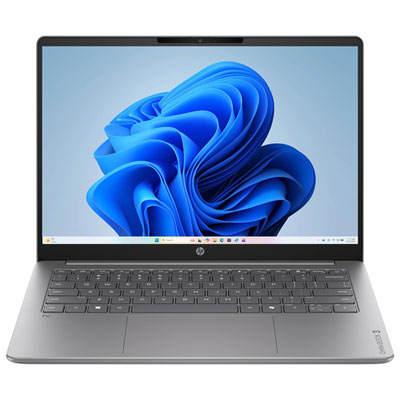
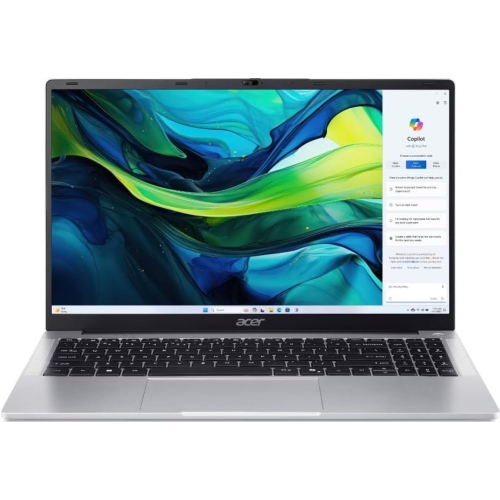
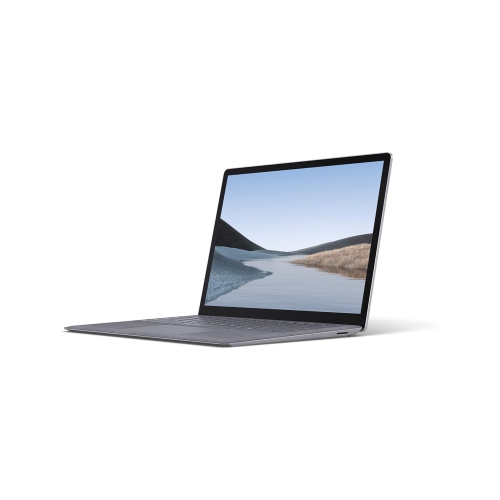
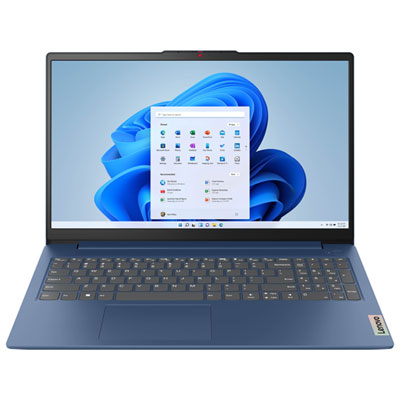


What your coursework really needs from a laptop
A good student laptop combines dependable performance for coursework, battery life that suits a class schedule, and a portable build that is easy to carry. For high school, college and university students, that often means a computer that can keep a document, research tabs and a video lecture open without turning a straightforward assignment into a waiting game. The right balance depends on the program: writing papers and preparing presentations place different demands on a laptop than editing video, developing software or working with large design files. Course requirements are a useful starting point because some applications need a particular operating system, processor, amount of memory or type of graphics hardware. Browser-based tools can simplify everyday work, but they do not replace every installed application, especially in technical programs. For general assignments and web research, 8GB of memory can support lighter use, while 16GB provides more room for multitasking with several programs open. Memory that can be upgraded later adds flexibility, although some thin laptops have memory built into the system and cannot be expanded. A solid-state drive helps the computer start up and open files quickly; storage needs grow with downloaded lectures, photos, project folders and applications. A 256GB drive may suit students who keep most documents online, while 512GB offers more space for local files. Cloud storage can make assignments accessible across devices, but offline copies remain useful when a connection is unreliable. Integrated graphics generally suit documents, streaming lessons and routine presentations, whereas certain engineering, media and design applications may call for dedicated graphics. These requirements deserve particular attention when choosing a laptop for a specialized program. Processor generation, cooling and software compatibility matter alongside the headline specifications. A balanced configuration is usually more useful for everyday schoolwork than one standout feature paired with too little memory or storage.
Portability becomes especially noticeable when a laptop shares a backpack with textbooks, a lunch container and a charger. A 13-inch or 14-inch screen can make a computer easier to fit on a small lecture desk, while a 15-inch or 16-inch display gives spreadsheets, research documents and side-by-side windows more breathing room. Overall dimensions matter as much as screen size when matching a laptop with a bag or protective sleeve. A snug compartment should support the computer without pressing tightly against its corners or hinges. Aluminium and plastic chassis can both suit student use; construction quality, hinge stability and how securely the computer closes are more informative than the material alone. A rigid keyboard deck can feel steadier during long writing sessions, and a responsive touchpad is useful when there is no space for a separate mouse. Students who work with numbers may appreciate a dedicated number pad, although it usually requires a wider keyboard layout. Screen resolution, readable text and comfortable brightness also make a difference during lengthy research sessions. A matte finish can help reduce distracting reflections, while colour accuracy may matter more for visual coursework. Touchscreens and convertible hinges can be useful for handwritten notes or marking up readings, provided the required pen support and software are compatible. Battery life should be considered in the context of actual use: video calls, high screen brightness and demanding applications can shorten the time between charges compared with lighter document work. The charger’s size and weight count towards the daily carrying load, too. Wi-Fi supports online coursework, while the right physical connections make it easier to use classroom displays, external storage and wired accessories. USB-C ports do not all offer the same features, so charging and external display support need to be confirmed separately. A clear webcam, usable microphones and a headphone connection can also make group projects and remote presentations easier to manage.
A student laptop often moves between several roles in a single day: taking notes in class, joining a group call at the kitchen table, then handling reading and revision at a desk. Small usability details can make those transitions smoother. A backlit keyboard helps make keys visible in dim spaces, and accessible controls for microphone muting or camera privacy are handy during online discussions. For longer assignments, placing the laptop on a stable work surface and using a separate keyboard and mouse can make it easier to position the screen comfortably. A stand can raise the display, but ventilation openings still need clear space; soft bedding and crowded bags can block airflow when the computer is running. Everyday care is straightforward: close the lid before carrying the laptop, keep drinks away from the keyboard and avoid lifting it by the screen. A padded sleeve helps protect the finish from loose stationery and other contents in a backpack. For cleaning, follow the manufacturer’s directions, use a soft cloth and avoid spraying liquid directly onto the screen or keyboard. Regular software updates, a strong sign-in password and automatic backups help protect coursework from common disruptions. Keeping a second copy of important assignments is particularly useful before a deadline, since file synchronization alone may also copy accidental changes or deletions. Students who share a household computer may appreciate separate user accounts to keep documents and settings organized. For a parent, relative or other gift giver, knowing the student’s course requirements and preferred screen size is more helpful than choosing by appearance alone. The keyboard layout, charger, required software and any included accessories also deserve attention before the laptop becomes part of a daily routine. For another selection focused on schoolwork, browse Laptops for Students Under $800. Whether the main task is drafting essays, organizing research or collaborating on presentations, a well-matched student laptop should make those familiar tasks feel manageable.
Portability becomes especially noticeable when a laptop shares a backpack with textbooks, a lunch container and a charger. A 13-inch or 14-inch screen can make a computer easier to fit on a small lecture desk, while a 15-inch or 16-inch display gives spreadsheets, research documents and side-by-side windows more breathing room. Overall dimensions matter as much as screen size when matching a laptop with a bag or protective sleeve. A snug compartment should support the computer without pressing tightly against its corners or hinges. Aluminium and plastic chassis can both suit student use; construction quality, hinge stability and how securely the computer closes are more informative than the material alone. A rigid keyboard deck can feel steadier during long writing sessions, and a responsive touchpad is useful when there is no space for a separate mouse. Students who work with numbers may appreciate a dedicated number pad, although it usually requires a wider keyboard layout. Screen resolution, readable text and comfortable brightness also make a difference during lengthy research sessions. A matte finish can help reduce distracting reflections, while colour accuracy may matter more for visual coursework. Touchscreens and convertible hinges can be useful for handwritten notes or marking up readings, provided the required pen support and software are compatible. Battery life should be considered in the context of actual use: video calls, high screen brightness and demanding applications can shorten the time between charges compared with lighter document work. The charger’s size and weight count towards the daily carrying load, too. Wi-Fi supports online coursework, while the right physical connections make it easier to use classroom displays, external storage and wired accessories. USB-C ports do not all offer the same features, so charging and external display support need to be confirmed separately. A clear webcam, usable microphones and a headphone connection can also make group projects and remote presentations easier to manage.
A student laptop often moves between several roles in a single day: taking notes in class, joining a group call at the kitchen table, then handling reading and revision at a desk. Small usability details can make those transitions smoother. A backlit keyboard helps make keys visible in dim spaces, and accessible controls for microphone muting or camera privacy are handy during online discussions. For longer assignments, placing the laptop on a stable work surface and using a separate keyboard and mouse can make it easier to position the screen comfortably. A stand can raise the display, but ventilation openings still need clear space; soft bedding and crowded bags can block airflow when the computer is running. Everyday care is straightforward: close the lid before carrying the laptop, keep drinks away from the keyboard and avoid lifting it by the screen. A padded sleeve helps protect the finish from loose stationery and other contents in a backpack. For cleaning, follow the manufacturer’s directions, use a soft cloth and avoid spraying liquid directly onto the screen or keyboard. Regular software updates, a strong sign-in password and automatic backups help protect coursework from common disruptions. Keeping a second copy of important assignments is particularly useful before a deadline, since file synchronization alone may also copy accidental changes or deletions. Students who share a household computer may appreciate separate user accounts to keep documents and settings organized. For a parent, relative or other gift giver, knowing the student’s course requirements and preferred screen size is more helpful than choosing by appearance alone. The keyboard layout, charger, required software and any included accessories also deserve attention before the laptop becomes part of a daily routine. For another selection focused on schoolwork, browse Laptops for Students Under $800. Whether the main task is drafting essays, organizing research or collaborating on presentations, a well-matched student laptop should make those familiar tasks feel manageable.
Top selling and popular products
-
 Your price for this item is $449
-
 Your price for this item is $3099
-
 Your price for this item is $449.99
-
 Your price for this item is $664.05
-
 Your price for this item is $869.99
-
 Your price for this item is $2960.48
-
 Your price for this item is $489.7
-
 Your price for this item is $829
Discover more categories related to Laptops for Students Under $1000
Top Collections:
Pokemon Centers, Best Black Friday Deals This Year, Best Black Friday Deals On Electronics, Kindle Devices, Best Budget Office Chairs, Best Black Friday Deals On Apple Products, Best Cameras for Sports Photography, Pokémon 30th Celebration Cards, Dyson Airwrap, Canon G7X Cameras
Some products may be subject to Environmental Handling Fees
(EHF) depending on your province.
Learn more about EHFs.