HP Small Office Printers
If you have a small office or home office, you need a printer that's reliable. You also want something that will fit in your space and be easy to use. We've rounded up some of the best HP printers for small offices.
Sort
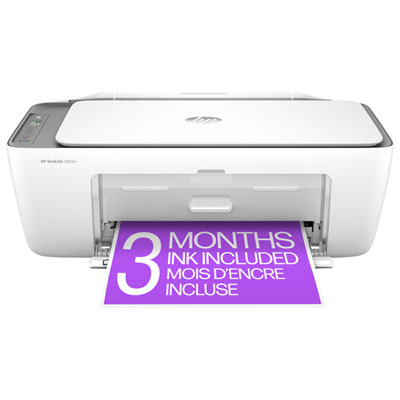


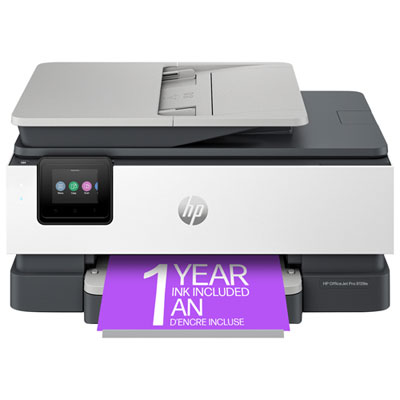
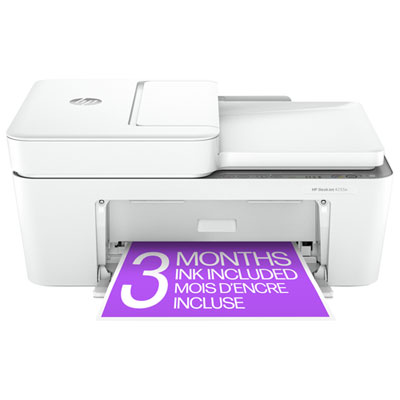
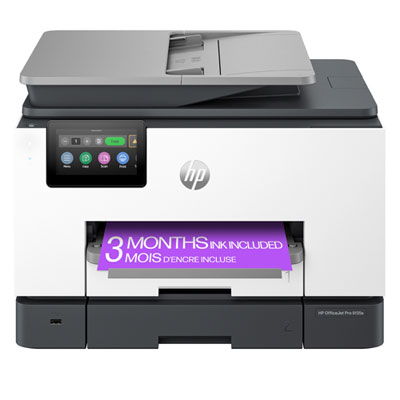
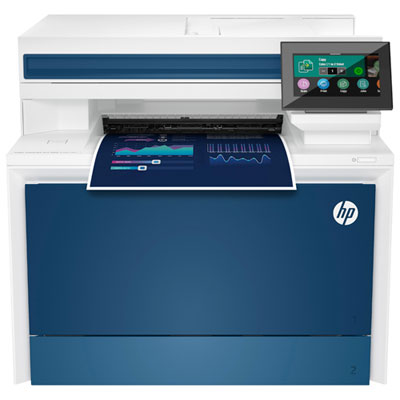
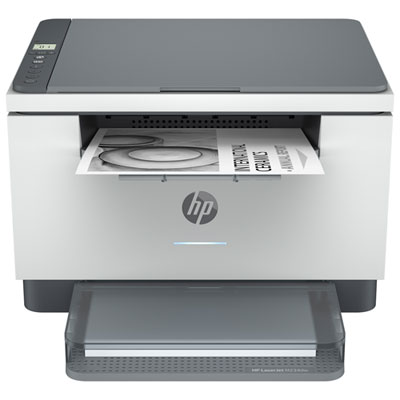
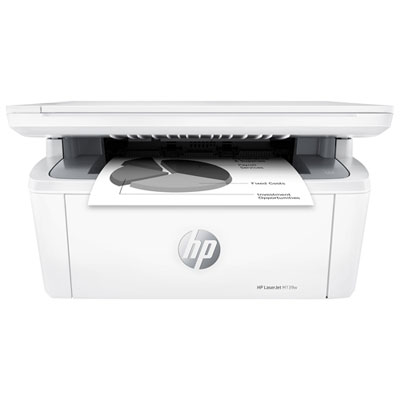
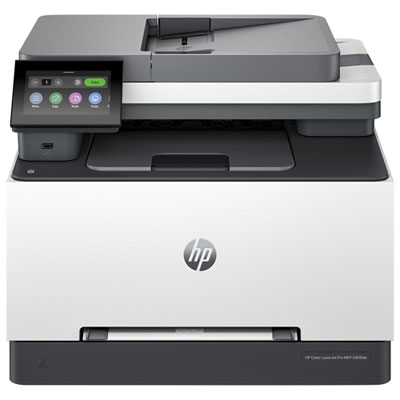
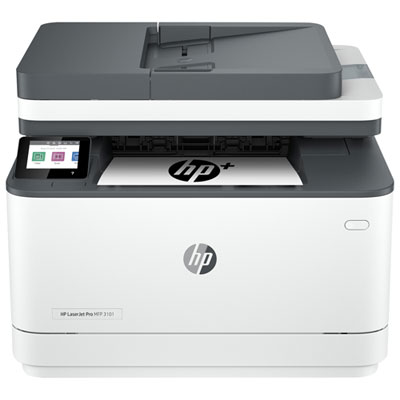
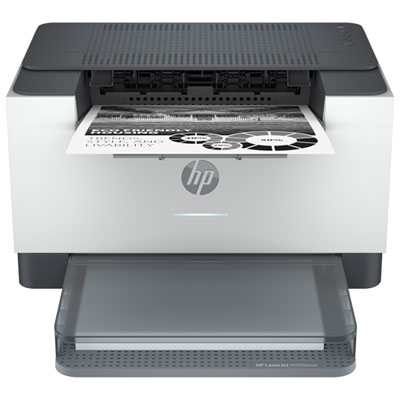
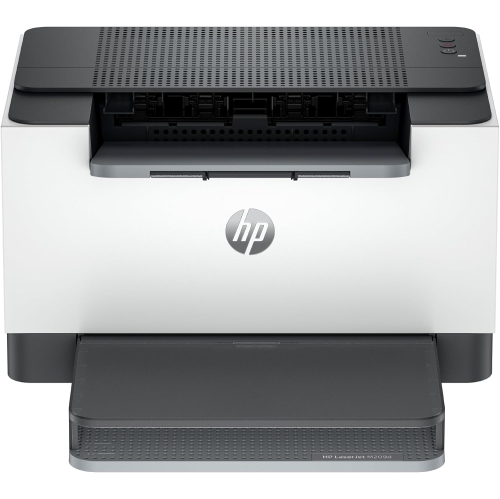
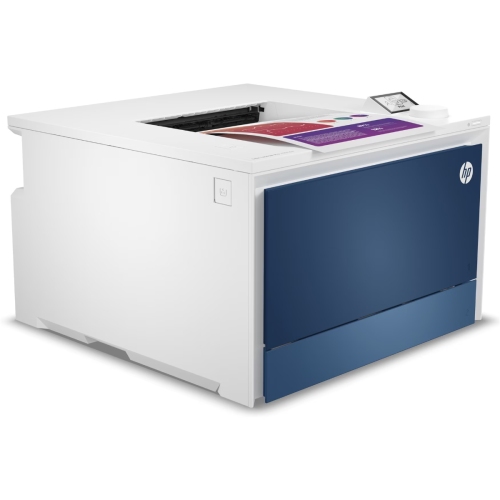
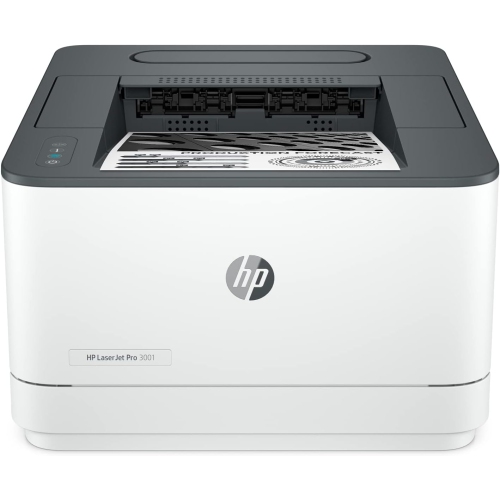
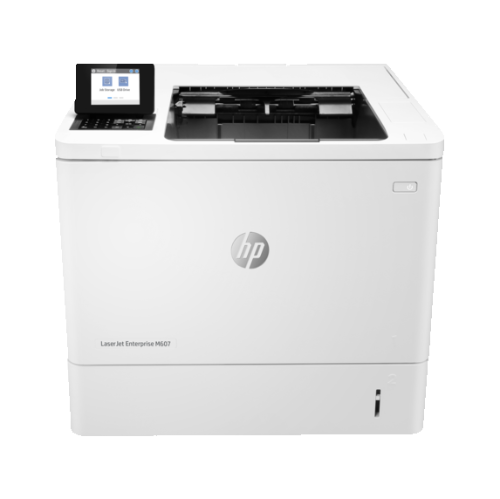
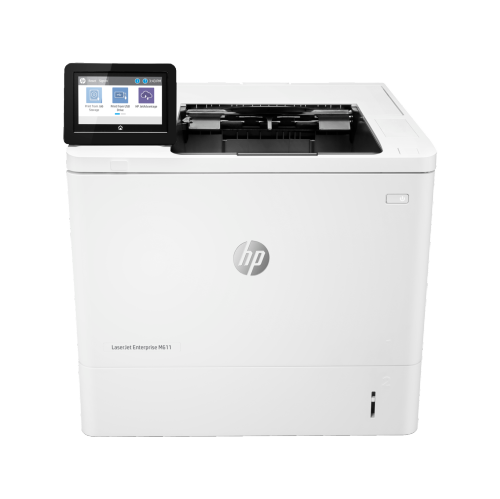
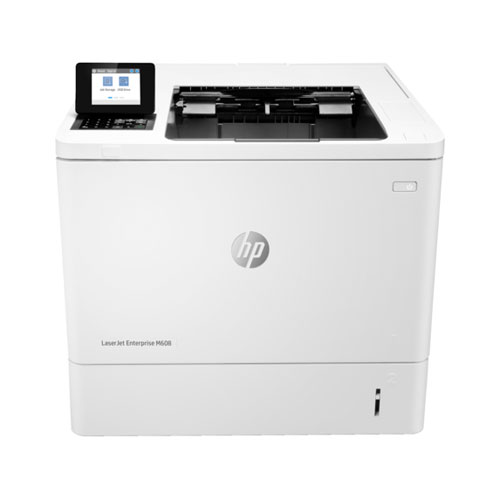
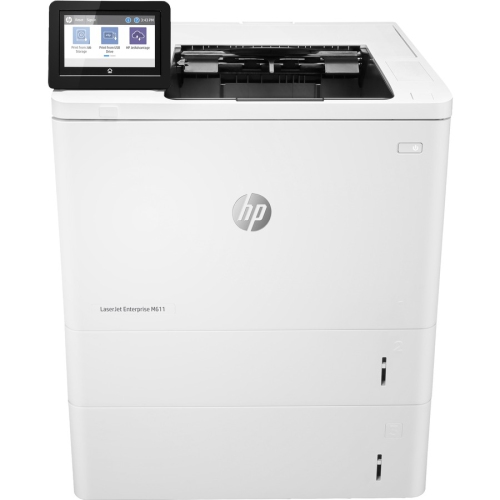
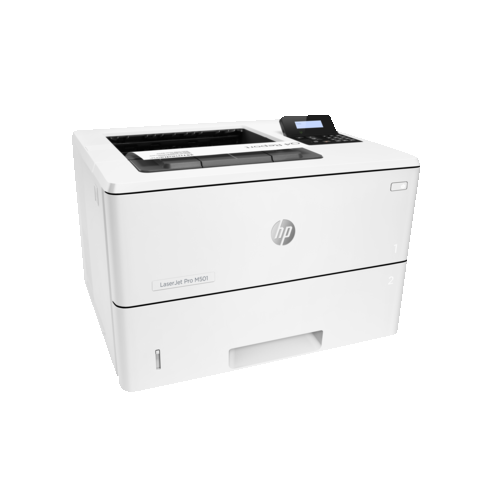
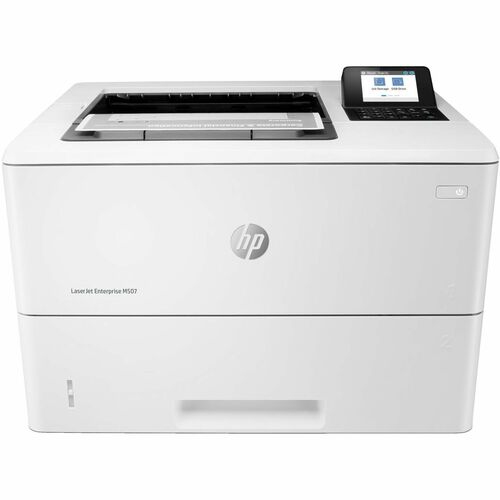
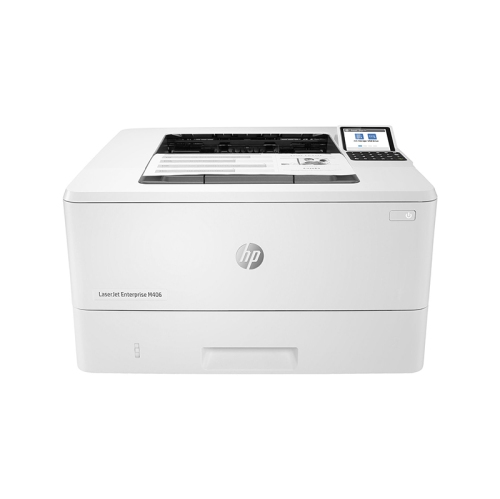
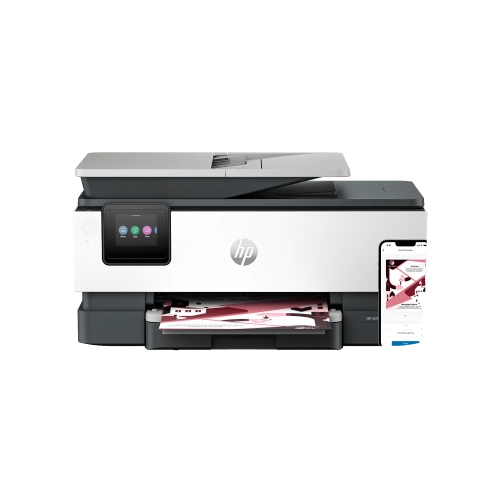
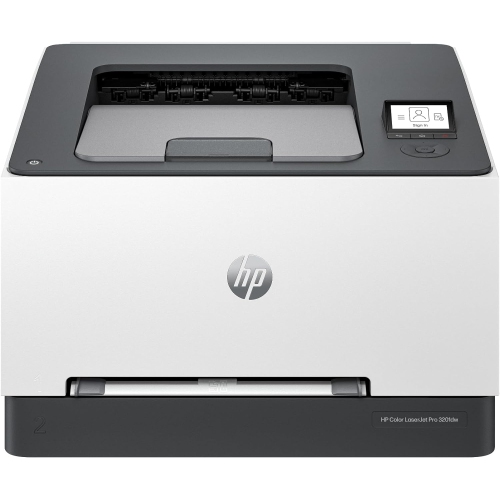
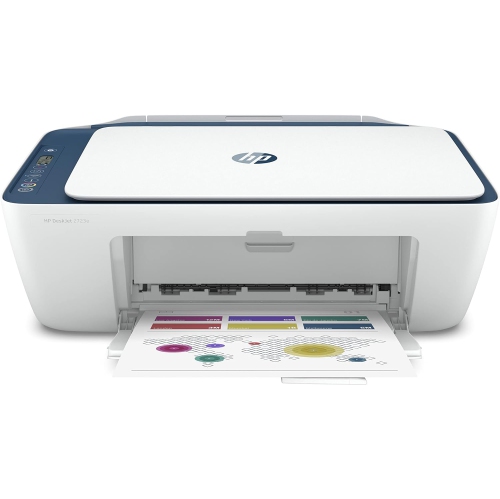
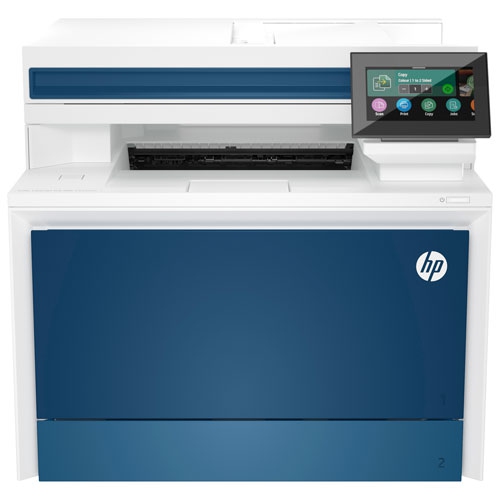
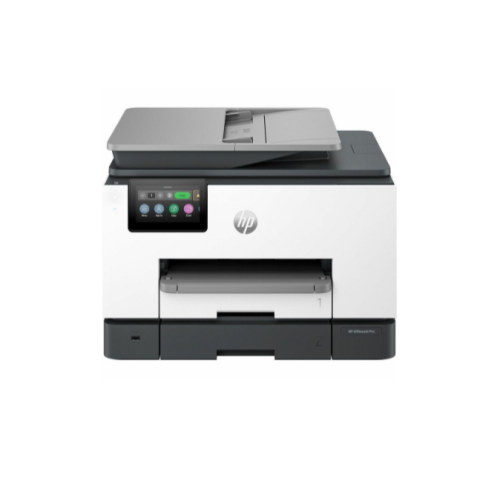

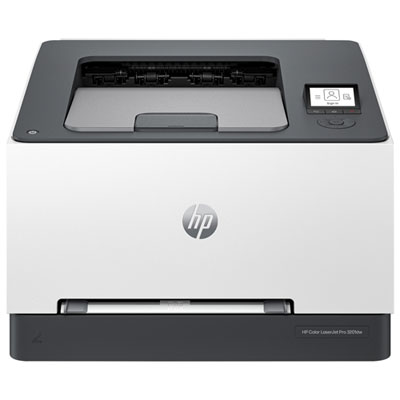
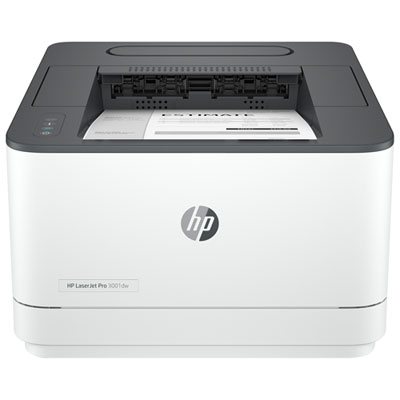
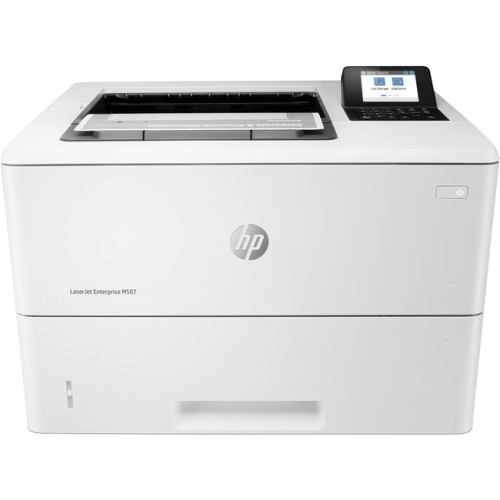
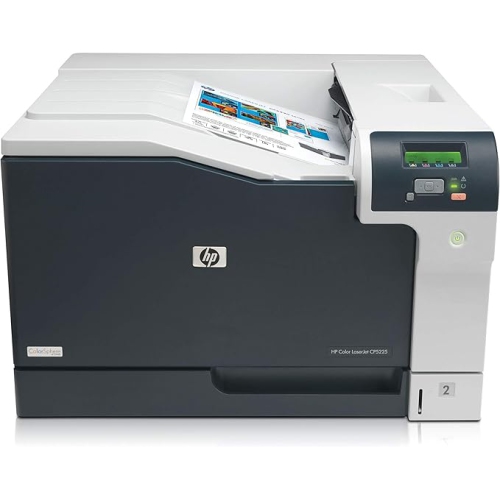
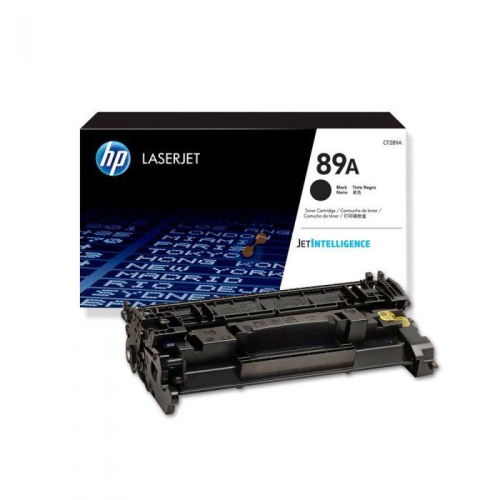
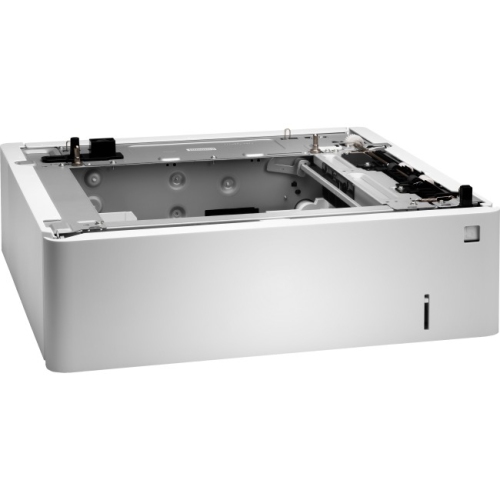
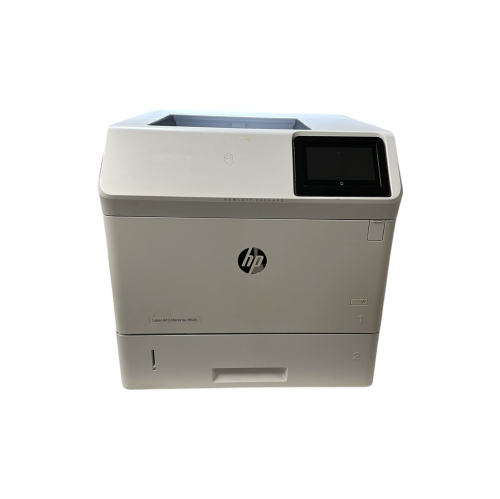
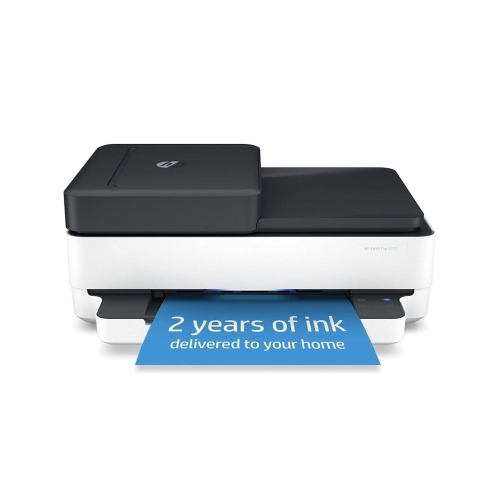
Printing performance suited to compact offices and changing workloads
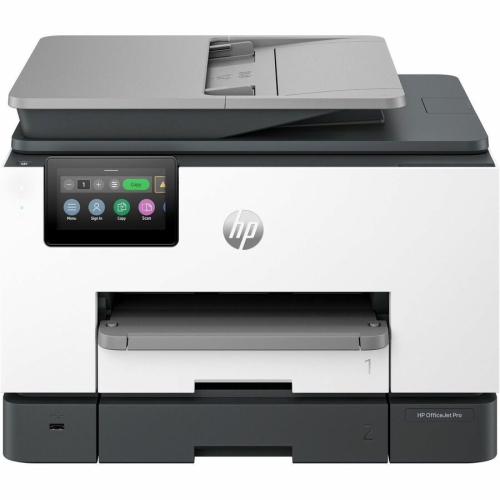
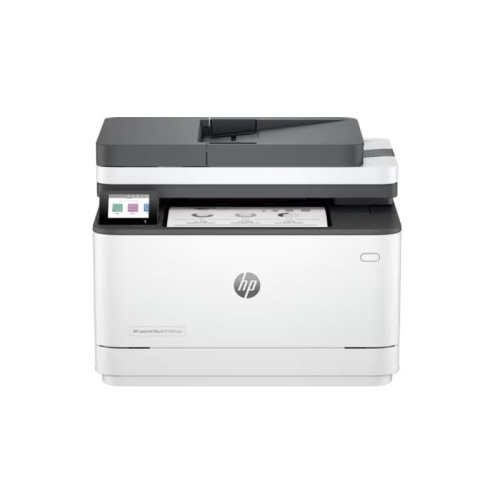
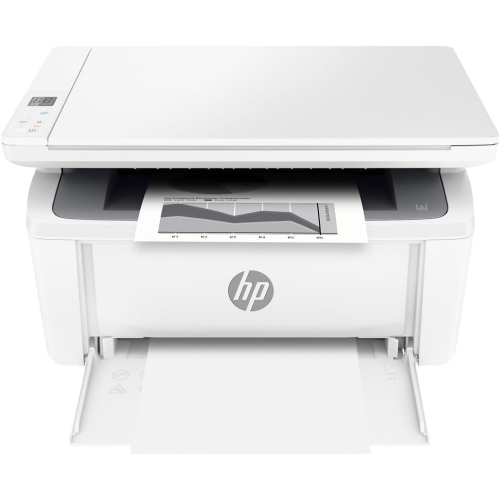
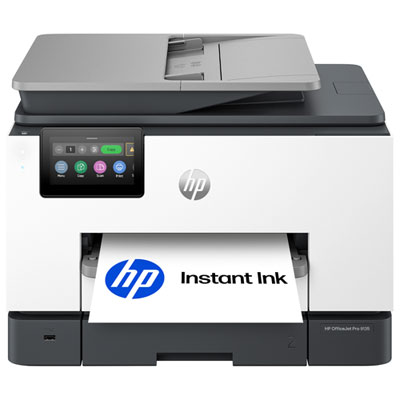
Small office printers are designed for the practical realities of compact workspaces: limited desk room, shared equipment, changing workloads, and a steady stream of documents that need to be printed, scanned, copied, or signed. They can suit a home office, a small business, a consulting practice, a rental property office, or a work area shared by a few people. A compact design can sit on a desk, shelf, filing cabinet, or sturdy side table without taking over the room, while wireless connectivity helps keep the workspace clear of unnecessary cables. For a closer look at compact options, browse HP Small Printers. When comparing models, start by considering what you print most often. A monochrome laser printer is well suited to invoices, forms, contracts, shipping labels, reports, and other text-heavy documents, with crisp lettering and fast output for everyday office work. A colour inkjet printer can be a better fit for presentations, charts, promotional materials, school resources, and documents that benefit from colour accents. All-in-one printers add scanning and copying in the same footprint, which is especially useful when your office regularly handles signed forms, receipts, identification documents, or paperwork that needs to be shared digitally. A printer with an automatic document feeder can make a noticeable difference when working through a multi-page contract or stack of invoices, since pages can be processed without placing each sheet on the scanner glass by hand.
Print speed and capacity are also worth matching to the way your office operates. Pages-per-minute ratings provide a useful comparison, but the ideal choice depends on whether you print a few pages at a time or several documents in one sitting. A small team may appreciate a printer that can handle multiple users without frequent pauses, while a home-based professional might place greater value on quiet operation, a compact footprint, and easy setup. Look at the paper tray capacity as well as the supported paper sizes. A tray that holds a reasonable stack of standard letter paper can reduce interruptions during a busy afternoon, while manual-feed or specialty-paper support can help with envelopes, labels, card stock, and other occasional tasks. Automatic two-sided printing is another convenient feature for reports, reference documents, and internal paperwork, particularly when you want to keep a document easy to handle without manually turning every sheet. Check the recommended monthly volume and duty cycle to ensure the printer is suited to your expected workload, rather than relying only on its maximum speed. Small offices often experience uneven demand: a quiet week may be followed by a rush of year-end forms, client packages, classroom materials, or event documents. A dependable printer with suitable capacity can keep those busy periods moving smoothly without requiring a large dedicated print room.
Connectivity can shape the everyday experience just as much as print quality. Wi-Fi printing allows computers, laptops, tablets, and compatible mobile devices to send jobs from different parts of the office, which is useful when the printer is placed on a central shelf or in a nearby room. USB connectivity can provide a straightforward wired option for a primary computer, while Ethernet may be helpful for a small office that prefers a stable network connection. Look for a clear control panel or companion app that makes it simple to check supplies, adjust settings, scan pages, and resolve common errors. Security features can be important when several people share a printer or when documents contain client, financial, or personal information; options such as password-protected access, secure wireless connections, and private printing can help support responsible document handling. Before choosing, measure the available space and remember to account for room to open the paper tray, lift the scanner lid, replace supplies, and remove printed pages. It is also wise to consider the total cost of ownership, including replacement toner or ink, page yields, specialty paper, and any optional service coverage. For a home office or small team, these printers can be practical additions to a new workspace and useful gifts for someone starting a business, managing household administration, or setting up a study area. During the cooler months, when more work and planning may happen indoors, a compact printer can make it easier to print schedules, shipping documents, lesson materials, recipes, checklists, and forms without making a separate trip elsewhere. The best choice balances the type of documents you create, the number of people who will use it, the features that save time, and the space available in your office.
Print speed and capacity are also worth matching to the way your office operates. Pages-per-minute ratings provide a useful comparison, but the ideal choice depends on whether you print a few pages at a time or several documents in one sitting. A small team may appreciate a printer that can handle multiple users without frequent pauses, while a home-based professional might place greater value on quiet operation, a compact footprint, and easy setup. Look at the paper tray capacity as well as the supported paper sizes. A tray that holds a reasonable stack of standard letter paper can reduce interruptions during a busy afternoon, while manual-feed or specialty-paper support can help with envelopes, labels, card stock, and other occasional tasks. Automatic two-sided printing is another convenient feature for reports, reference documents, and internal paperwork, particularly when you want to keep a document easy to handle without manually turning every sheet. Check the recommended monthly volume and duty cycle to ensure the printer is suited to your expected workload, rather than relying only on its maximum speed. Small offices often experience uneven demand: a quiet week may be followed by a rush of year-end forms, client packages, classroom materials, or event documents. A dependable printer with suitable capacity can keep those busy periods moving smoothly without requiring a large dedicated print room.
Connectivity can shape the everyday experience just as much as print quality. Wi-Fi printing allows computers, laptops, tablets, and compatible mobile devices to send jobs from different parts of the office, which is useful when the printer is placed on a central shelf or in a nearby room. USB connectivity can provide a straightforward wired option for a primary computer, while Ethernet may be helpful for a small office that prefers a stable network connection. Look for a clear control panel or companion app that makes it simple to check supplies, adjust settings, scan pages, and resolve common errors. Security features can be important when several people share a printer or when documents contain client, financial, or personal information; options such as password-protected access, secure wireless connections, and private printing can help support responsible document handling. Before choosing, measure the available space and remember to account for room to open the paper tray, lift the scanner lid, replace supplies, and remove printed pages. It is also wise to consider the total cost of ownership, including replacement toner or ink, page yields, specialty paper, and any optional service coverage. For a home office or small team, these printers can be practical additions to a new workspace and useful gifts for someone starting a business, managing household administration, or setting up a study area. During the cooler months, when more work and planning may happen indoors, a compact printer can make it easier to print schedules, shipping documents, lesson materials, recipes, checklists, and forms without making a separate trip elsewhere. The best choice balances the type of documents you create, the number of people who will use it, the features that save time, and the space available in your office.
Top selling and popular products
-
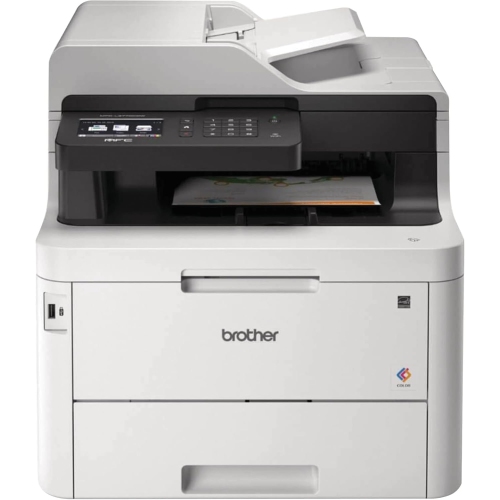 Your price for this item is $799
 -
 Your price for this item is $929.89
 -
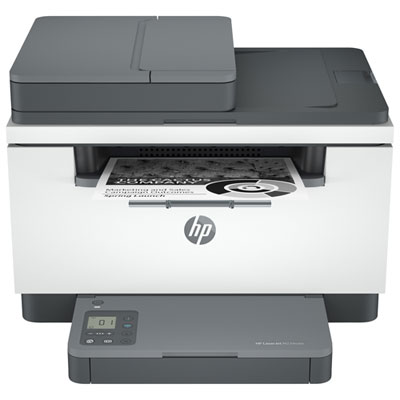 Your price for this item is $199.99
 -
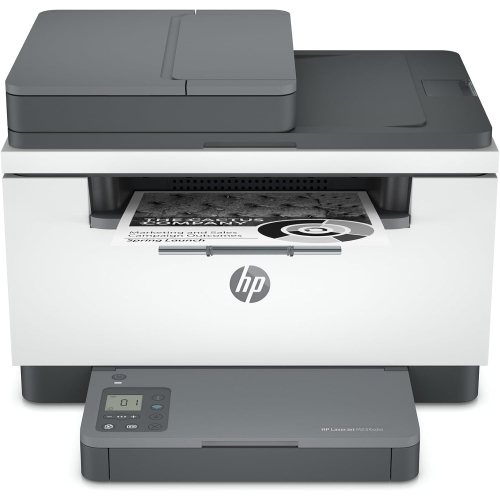 Your price for this item is $371.83
 -
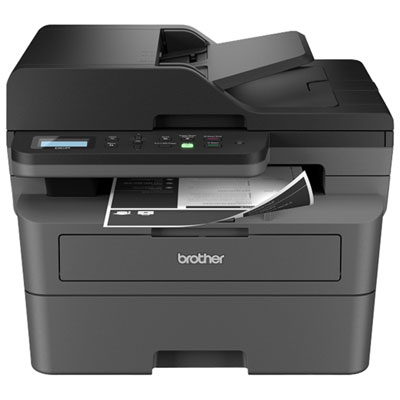 Your price for this item is $319.99
 -
 Your price for this item is $477.68
 -
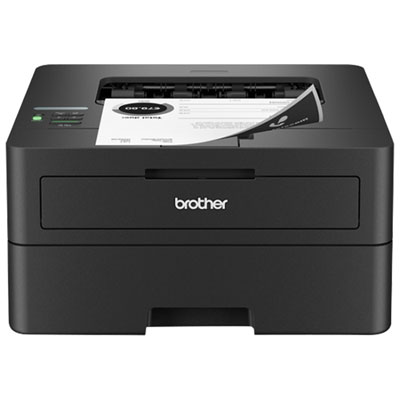 Your price for this item is $249.99
 -
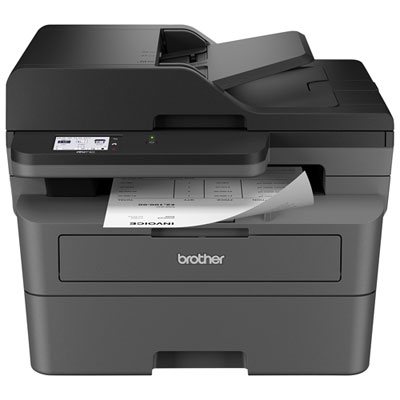 Your price for this item is $299.99
Discover more categories related to HP Small Office Printers
Top Collections:
Pokemon Centers, Kindle Devices, Best Budget Office Chairs, Apple iPhones 16, Best Laptops for Writers, iPhone 15 Apple, Canon G7X Cameras, Refurbished Apple Laptops, Alarm Clock, Motorola Razr Phones
Some products may be subject to Environmental Handling Fees
(EHF) depending on your province.
Learn more about EHFs.