HP OfficeJet Printers
HP OfficeJet printers are a reliable and cost-effective choice for your home or office printing needs. These printers are designed to provide high-quality prints with a range of features that make them ideal for both personal and professional use. Here are some of the great options available on the market today.
Sort
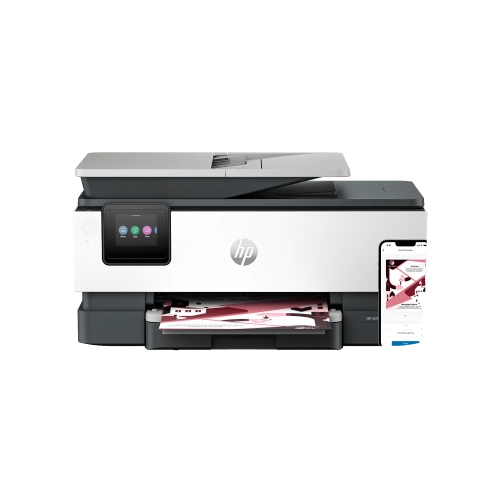
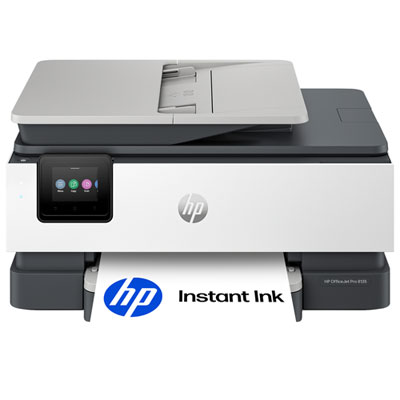

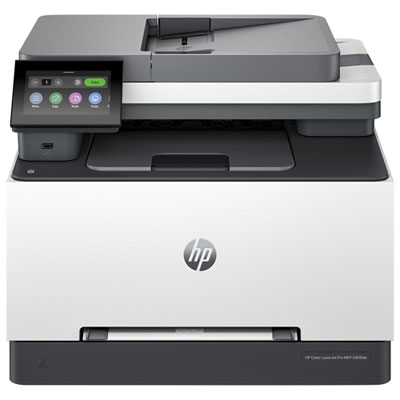
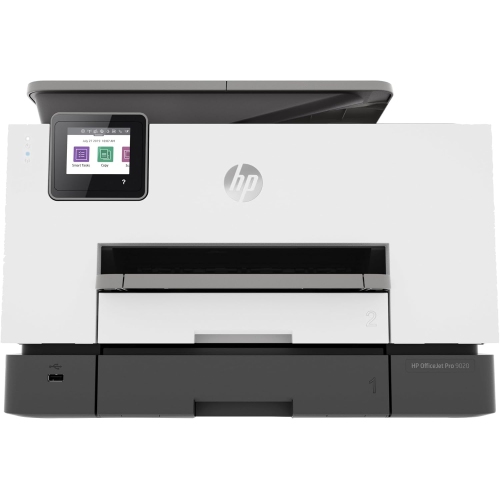

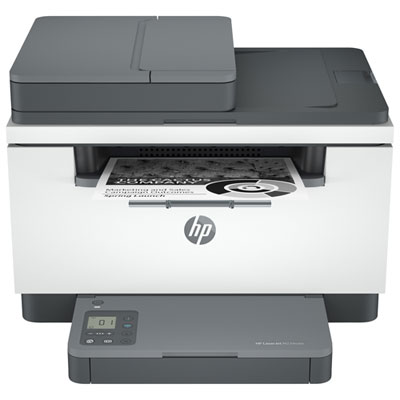
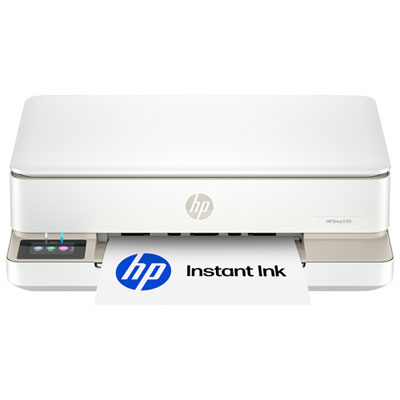
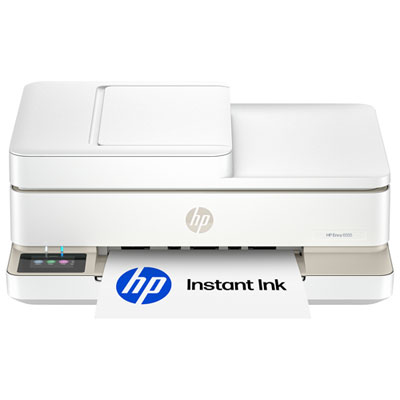
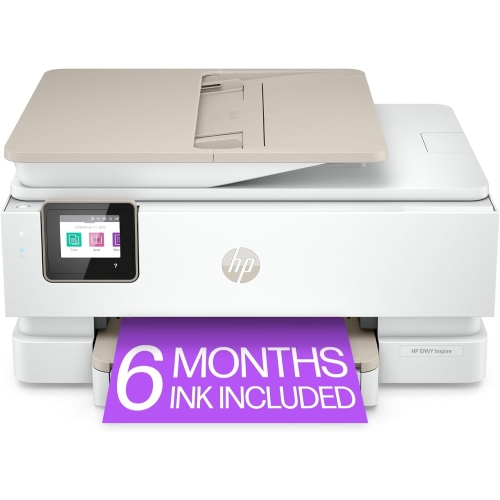
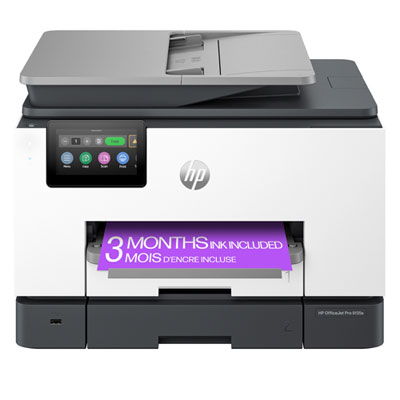
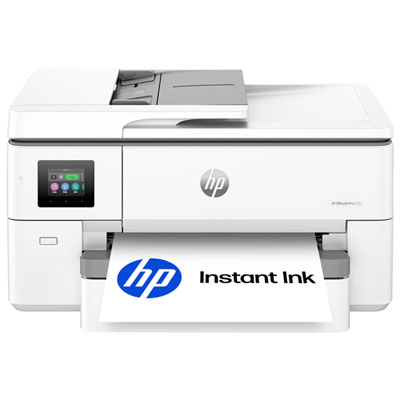
Versatile printing for busy homes and small offices
HP OfficeJet printers are versatile all-in-one inkjet machines designed to handle the everyday mix of printing, scanning, copying, and faxing that keeps a home office or small business moving. They are well suited to people who need more than occasional document printing but do not want a large, complicated office machine taking over a room. A typical workday might include printing a signed form, scanning a receipt, copying an identification document, preparing a colour presentation, and sending a multi-page contract by fax, all from one compact unit. This flexibility also makes HP OfficeJet printers a practical choice for households where several people share the printer for different reasons, from school assignments and recipe cards to travel documents, invoices, return labels, and family photographs. When comparing models, consider how often you print and the types of pages you produce most often. Black-and-white text is usually the priority for business paperwork, while colour quality matters for charts, classroom projects, invitations, graphics, and other pages where clear shading and lively detail help information stand out. Advertised print speeds can reach the low twenties in black-and-white pages per minute on suitable models, though actual results vary with page complexity, settings, and connection type. If work tends to arrive as a stack rather than a single sheet, an automatic document feeder can save considerable time by allowing several pages to be scanned, copied, or faxed in sequence. Automatic two-sided printing is another useful feature, especially for longer reports, meeting packages, and school projects, because it can reduce the number of manual page turns and create a more polished finished document. For a home office tucked beside a kitchen table or a small business with limited counter space, a printer with an appropriately sized footprint, accessible paper trays, and an easy-to-read display can make daily tasks feel much less cumbersome.
Wireless connectivity is an important consideration when a printer will be shared among laptops, desktop computers, tablets, and phones. With Wi-Fi support, the printer can often be placed where it is most convenient rather than directly beside one computer, helping keep a workspace tidy and making it easier for everyone in the household or office to send jobs. Mobile printing can be especially helpful when a document arrives by email while you are away from your desk, or when you need to print a boarding pass, permission form, shopping list, or last-minute presentation from a phone. Before choosing, check that the printer supports the operating systems and devices used by the people who will rely on it, and look for straightforward setup instructions, clear status notifications, and simple access to common functions. A touchscreen or well-organized control panel can be useful when scanning, copying, or adjusting colour and paper settings without opening a computer. Security deserves attention in a connected workplace as well. Features such as secure wireless communication, password protection, firmware updates, and built-in network safeguards can help protect documents and reduce the risk of unauthorized access. Small businesses may also want controls that help separate personal and work printing, while families may appreciate the ability to manage who can use the printer and when. Paper handling is another detail that becomes noticeable quickly: a larger input tray means fewer interruptions during a busy afternoon, while a dedicated photo or specialty-paper path can make it easier to switch between ordinary letter-size sheets and other supported media. Consider the output tray, too, particularly if you regularly print long documents or several copies at once. The best fit is not necessarily the machine with the most features; it is the one whose capacity and controls match the rhythm of your household, classroom, or workplace. Browsing the selection of HP Officejet Pro printers can help shoppers compare options intended for lighter home-office duties with choices designed for more demanding shared workspaces.
Ink costs and maintenance should be part of the purchase decision from the beginning. Look at the expected page yield of replacement cartridges, the balance between black and colour usage, and whether the printer can use high-capacity cartridge options. Someone printing mostly invoices and forms may go through black ink much faster than colour, while a teacher, designer, or student may use colour regularly for diagrams and presentation materials. Automated ink replenishment services may be available for compatible printers, offering a convenient way to receive replacement supplies based on usage, but it is wise to review the plan terms, cartridge compatibility, and cancellation details before enrolling. Keeping a small supply of the correct paper and replacement ink nearby can prevent an important print job from coming to a halt. For people who print only occasionally, check how the printer handles infrequent use and follow the manufacturer’s maintenance guidance to help keep print quality consistent. For busy offices, monthly duty cycle information provides useful context, although it should be treated as a maximum capability rather than a target. A printer that regularly runs close to its limit may need a higher-capacity design, faster paper handling, or a second unit to avoid bottlenecks. HP OfficeJet printers can also make thoughtful gifts for students moving into a residence, remote workers creating a dedicated workspace, new homeowners organizing household records, or relatives who prefer having a dependable printer at home. During the warmer months and into the cooler months, a home printer can support everything from trip itineraries and event signs to school forms, project notes, and seasonal recipes without requiring a separate trip to a print shop. Measure the available space, confirm the power and network arrangements, review the included functions, and think about the busiest realistic printing day rather than an average quiet one. That practical approach makes it easier to choose an HP OfficeJet printer that feels straightforward on the first setup and remains useful long after the excitement of opening the box has passed.
Wireless connectivity is an important consideration when a printer will be shared among laptops, desktop computers, tablets, and phones. With Wi-Fi support, the printer can often be placed where it is most convenient rather than directly beside one computer, helping keep a workspace tidy and making it easier for everyone in the household or office to send jobs. Mobile printing can be especially helpful when a document arrives by email while you are away from your desk, or when you need to print a boarding pass, permission form, shopping list, or last-minute presentation from a phone. Before choosing, check that the printer supports the operating systems and devices used by the people who will rely on it, and look for straightforward setup instructions, clear status notifications, and simple access to common functions. A touchscreen or well-organized control panel can be useful when scanning, copying, or adjusting colour and paper settings without opening a computer. Security deserves attention in a connected workplace as well. Features such as secure wireless communication, password protection, firmware updates, and built-in network safeguards can help protect documents and reduce the risk of unauthorized access. Small businesses may also want controls that help separate personal and work printing, while families may appreciate the ability to manage who can use the printer and when. Paper handling is another detail that becomes noticeable quickly: a larger input tray means fewer interruptions during a busy afternoon, while a dedicated photo or specialty-paper path can make it easier to switch between ordinary letter-size sheets and other supported media. Consider the output tray, too, particularly if you regularly print long documents or several copies at once. The best fit is not necessarily the machine with the most features; it is the one whose capacity and controls match the rhythm of your household, classroom, or workplace. Browsing the selection of HP Officejet Pro printers can help shoppers compare options intended for lighter home-office duties with choices designed for more demanding shared workspaces.
Ink costs and maintenance should be part of the purchase decision from the beginning. Look at the expected page yield of replacement cartridges, the balance between black and colour usage, and whether the printer can use high-capacity cartridge options. Someone printing mostly invoices and forms may go through black ink much faster than colour, while a teacher, designer, or student may use colour regularly for diagrams and presentation materials. Automated ink replenishment services may be available for compatible printers, offering a convenient way to receive replacement supplies based on usage, but it is wise to review the plan terms, cartridge compatibility, and cancellation details before enrolling. Keeping a small supply of the correct paper and replacement ink nearby can prevent an important print job from coming to a halt. For people who print only occasionally, check how the printer handles infrequent use and follow the manufacturer’s maintenance guidance to help keep print quality consistent. For busy offices, monthly duty cycle information provides useful context, although it should be treated as a maximum capability rather than a target. A printer that regularly runs close to its limit may need a higher-capacity design, faster paper handling, or a second unit to avoid bottlenecks. HP OfficeJet printers can also make thoughtful gifts for students moving into a residence, remote workers creating a dedicated workspace, new homeowners organizing household records, or relatives who prefer having a dependable printer at home. During the warmer months and into the cooler months, a home printer can support everything from trip itineraries and event signs to school forms, project notes, and seasonal recipes without requiring a separate trip to a print shop. Measure the available space, confirm the power and network arrangements, review the included functions, and think about the busiest realistic printing day rather than an average quiet one. That practical approach makes it easier to choose an HP OfficeJet printer that feels straightforward on the first setup and remains useful long after the excitement of opening the box has passed.
Top selling and popular products
-
 Your price for this item is $249.99
 -
 Your price for this item is $173.68
 -
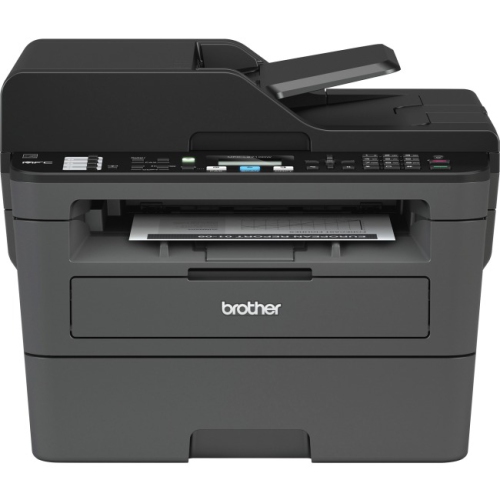 Your price for this item is $309.47
 -
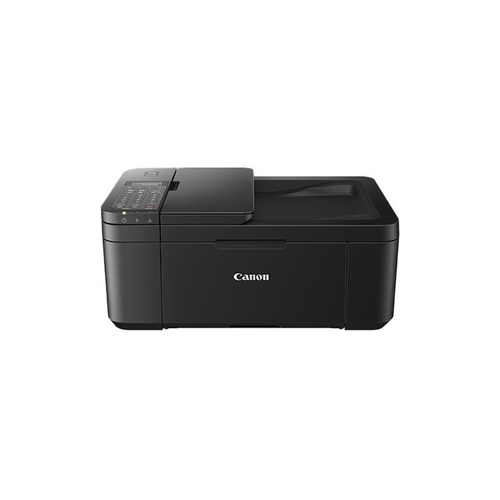 Your price for this item is $247.92
 -
 Your price for this item is $79.99
 -
 Your price for this item is $214.99
 -
 Your price for this item is $199.99
 -
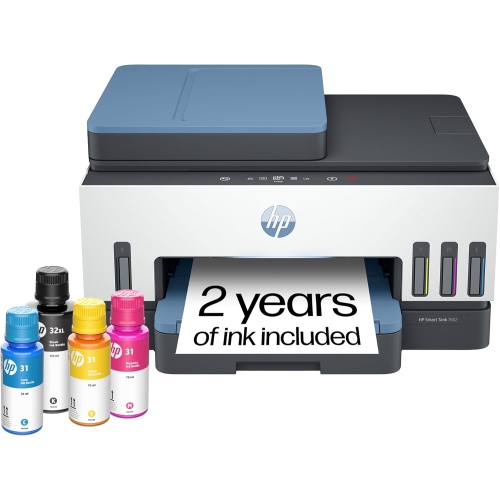 Your price for this item is $569.89
Discover more categories related to HP OfficeJet Printers
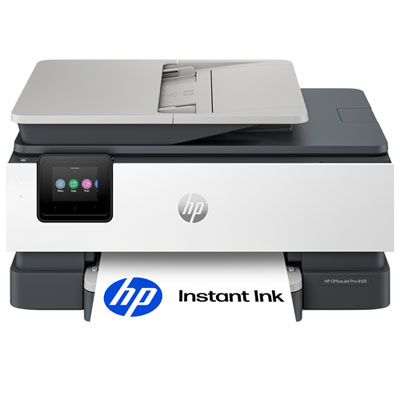
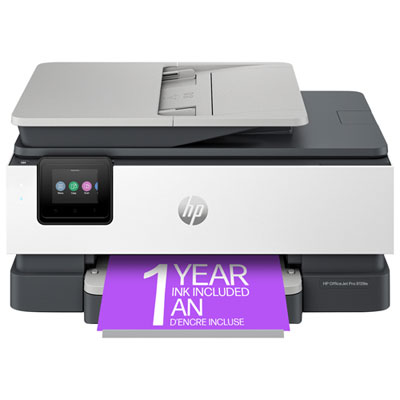

Top Collections:
Pokemon Centers, Kindle Devices, Best Budget Office Chairs, Apple iPhones 16, Best Laptops for Writers, iPhone 15 Apple, Canon G7X Cameras, Refurbished Apple Laptops, Alarm Clock, Motorola Razr Phones
Some products may be subject to Environmental Handling Fees
(EHF) depending on your province.
Learn more about EHFs.