Lexmark Toner
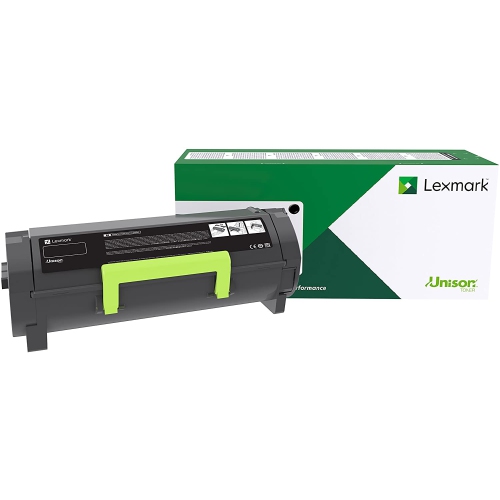
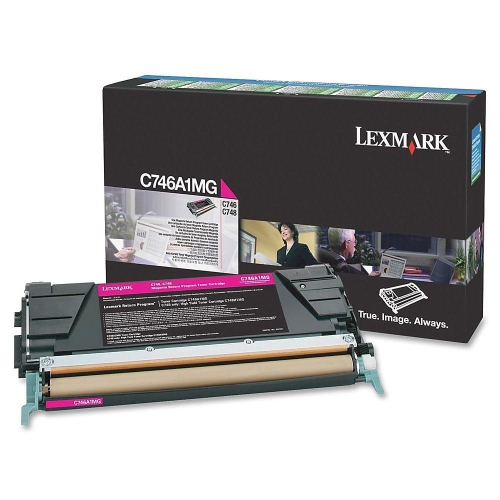
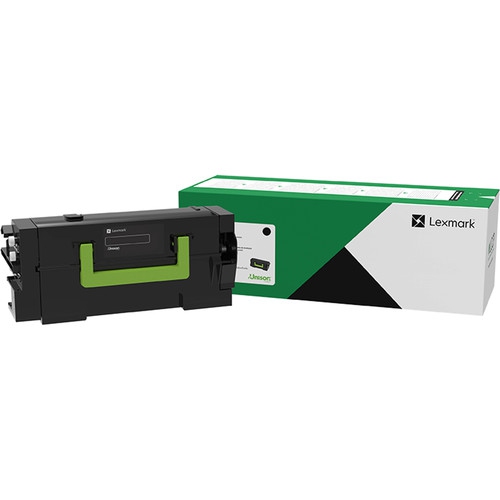
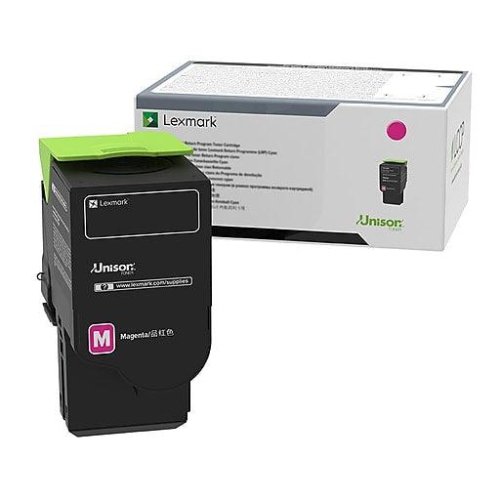
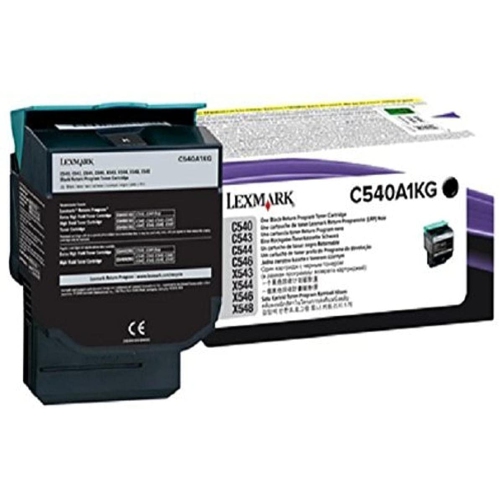
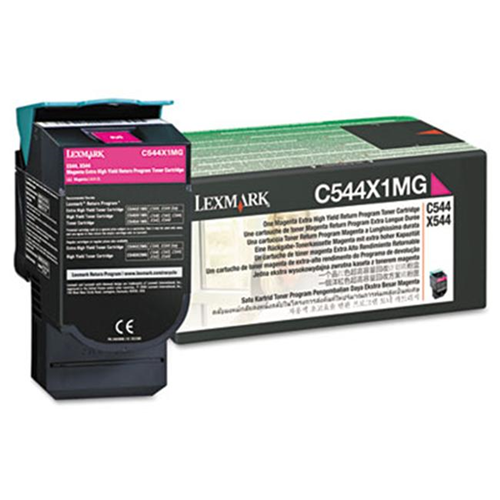
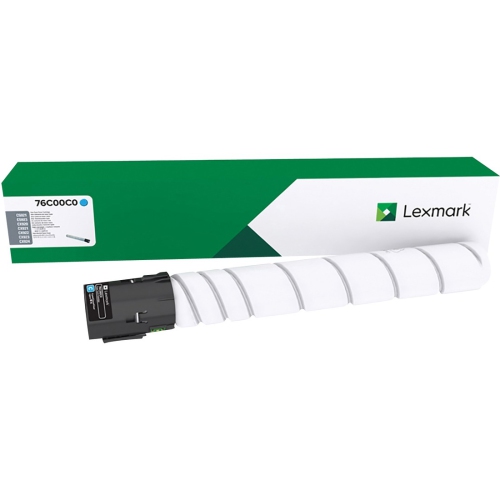
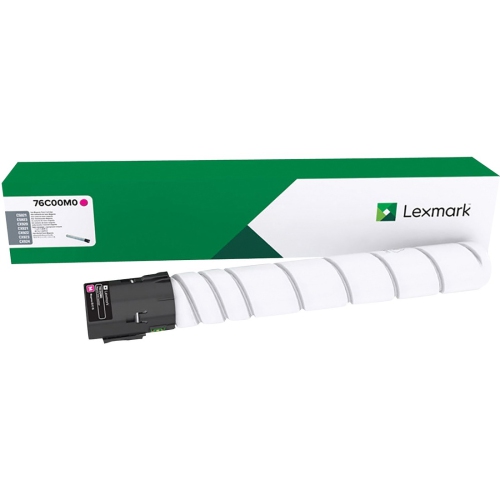
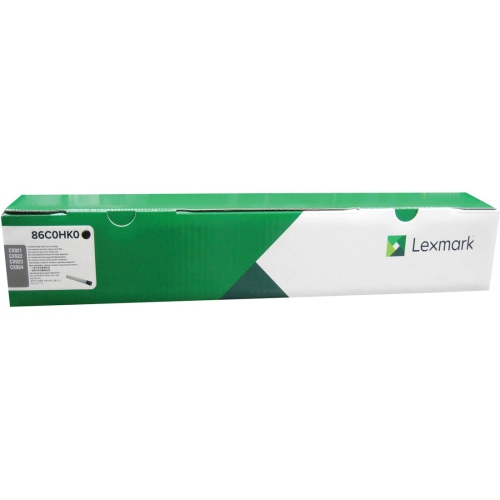
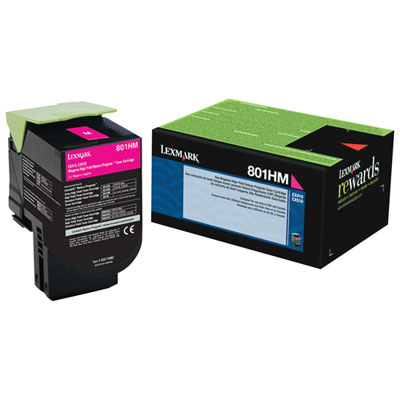
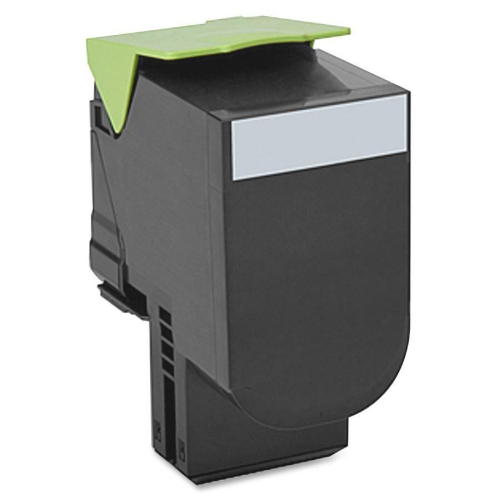
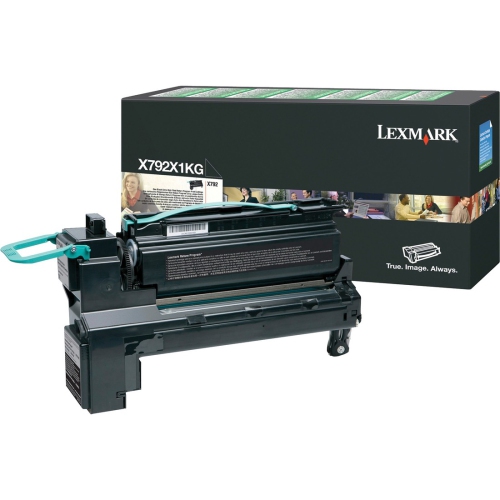
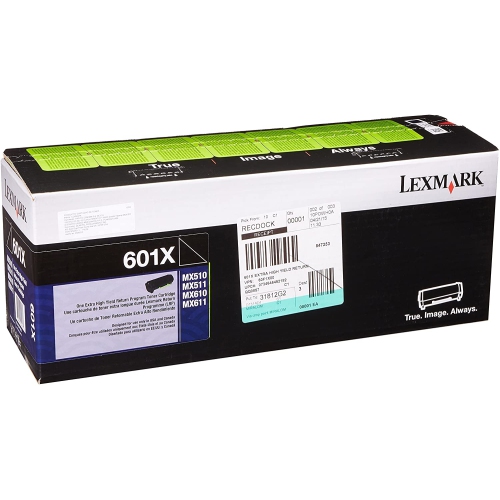
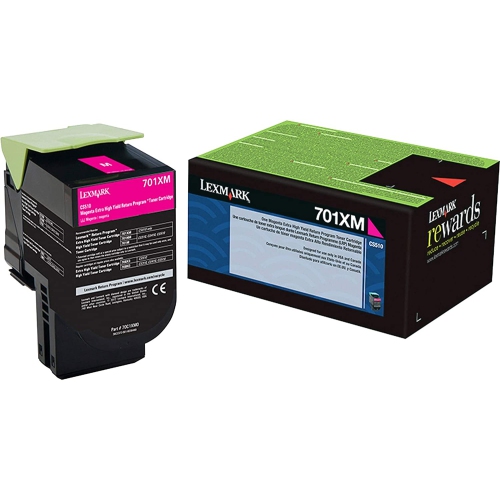
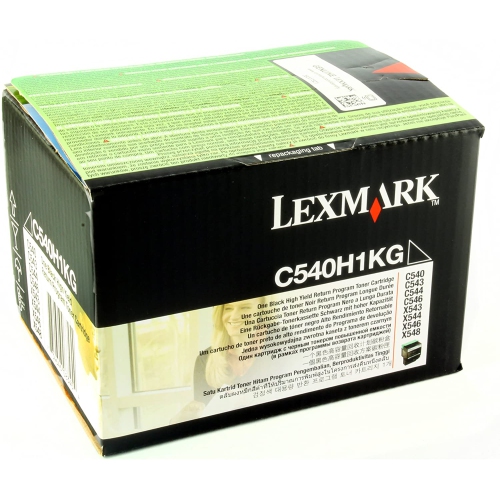
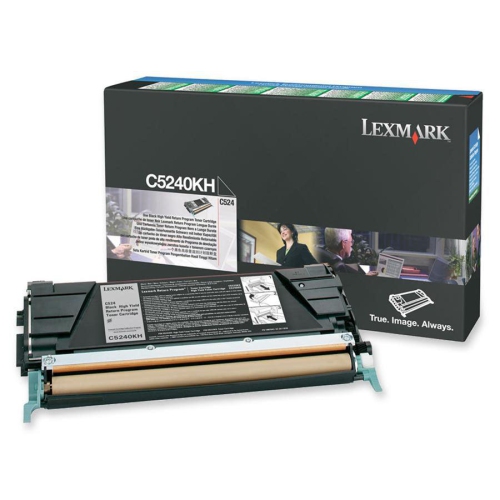
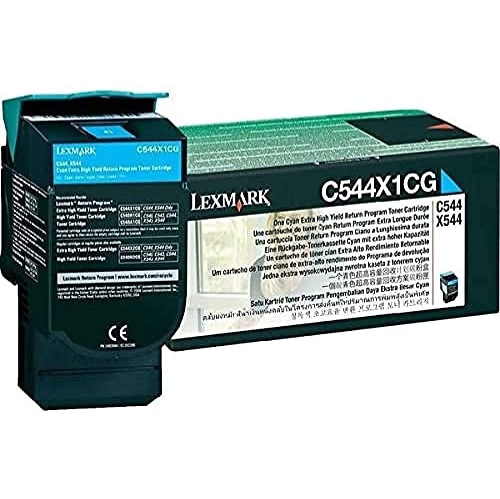
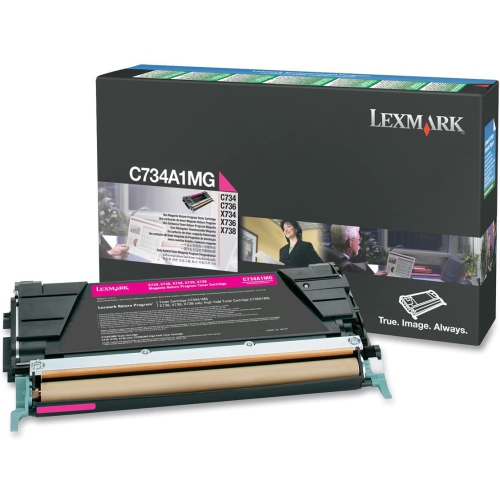
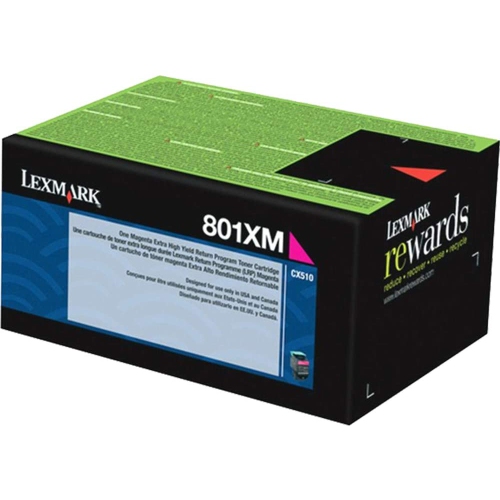
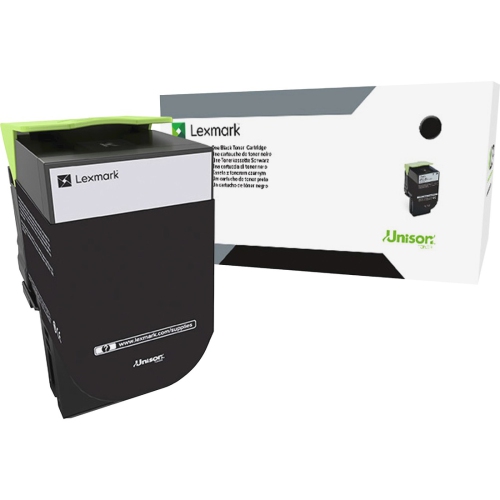
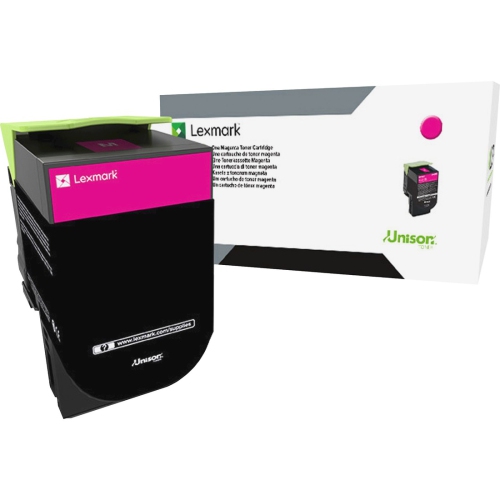
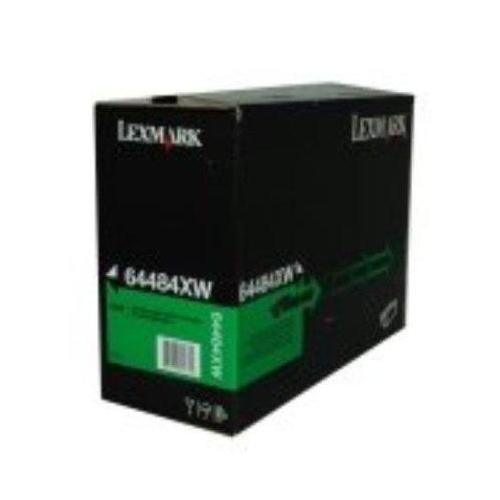
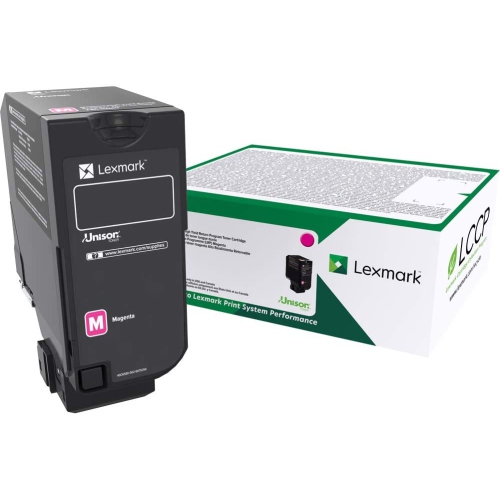
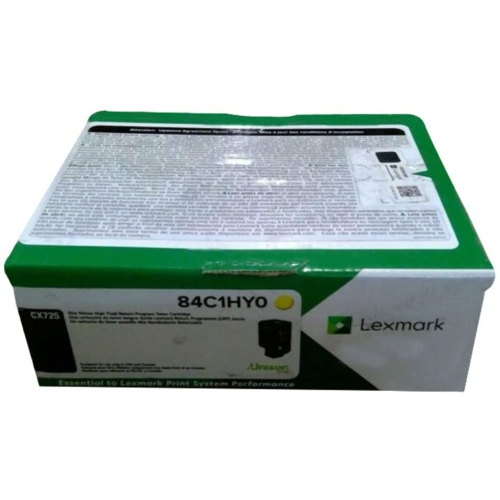
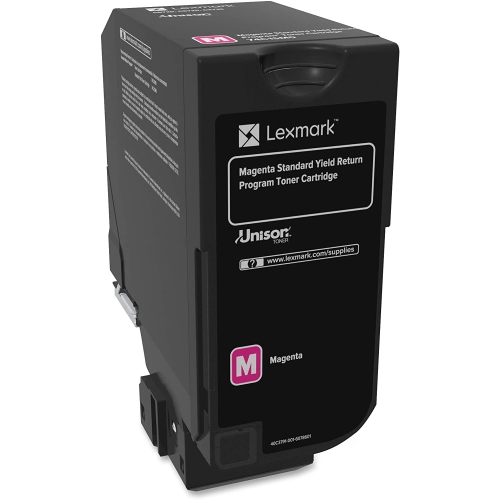
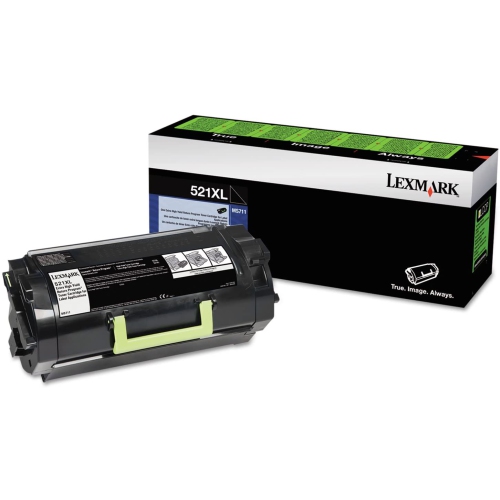
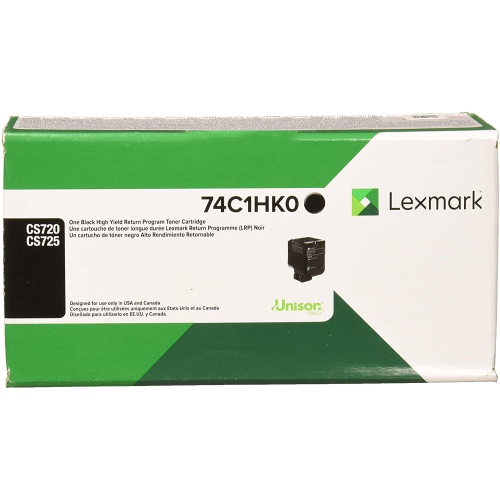
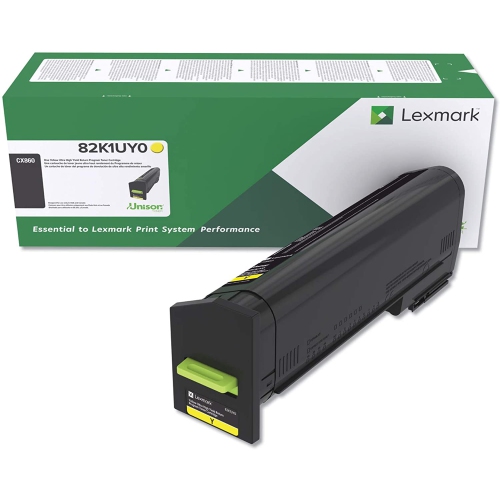
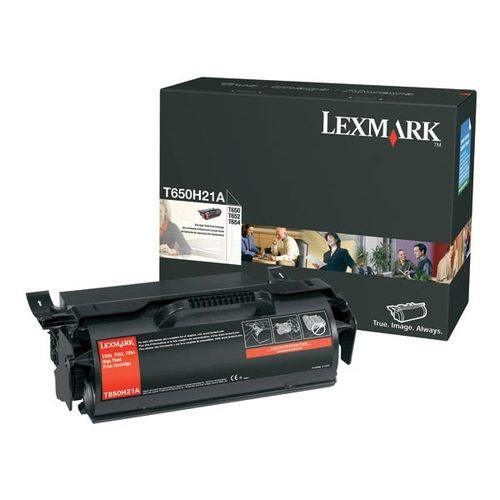
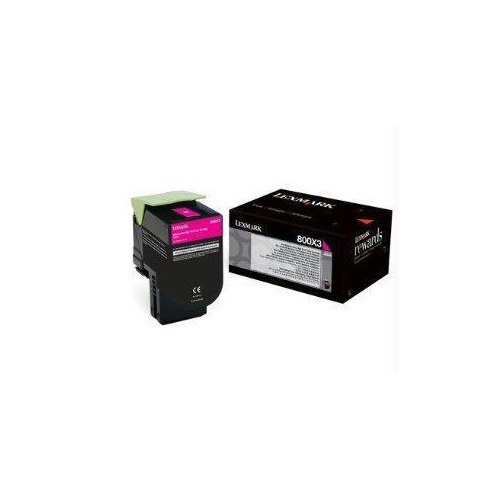
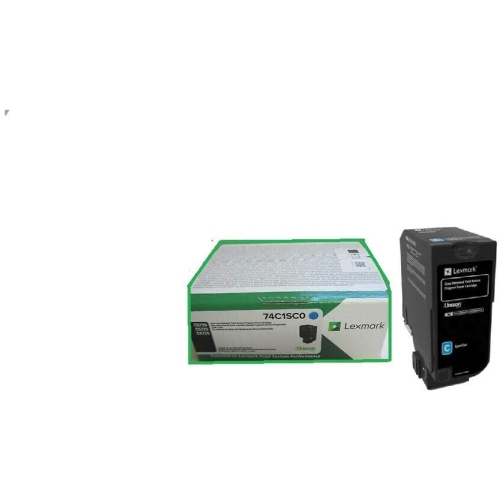
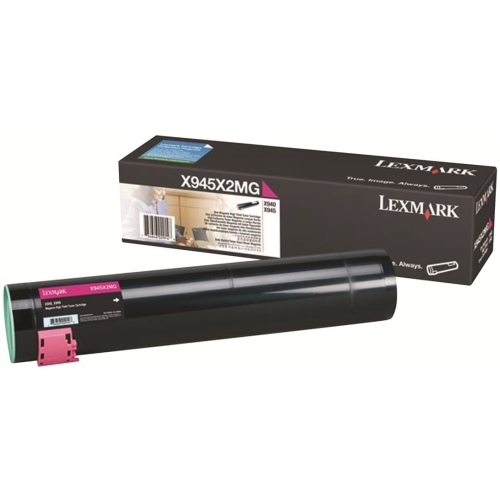
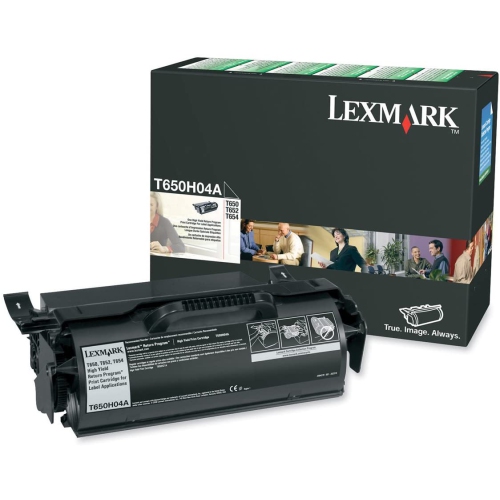
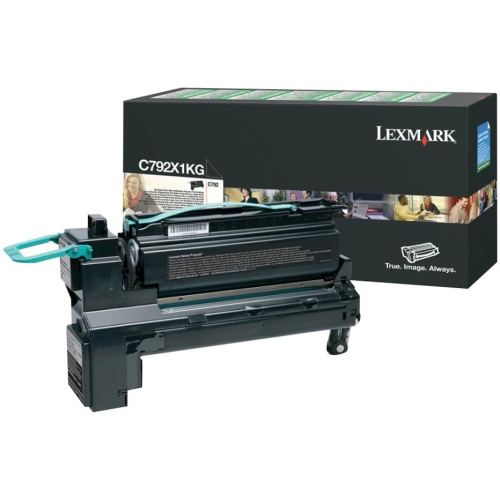
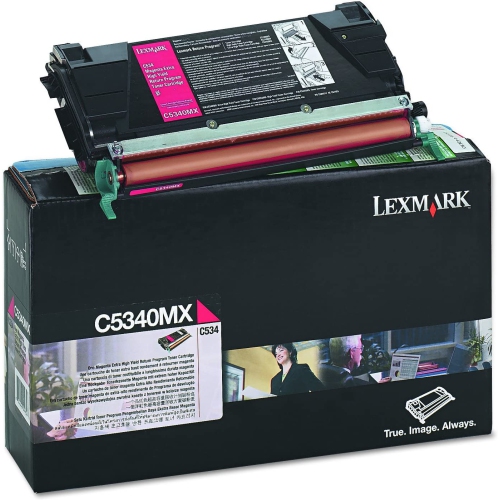
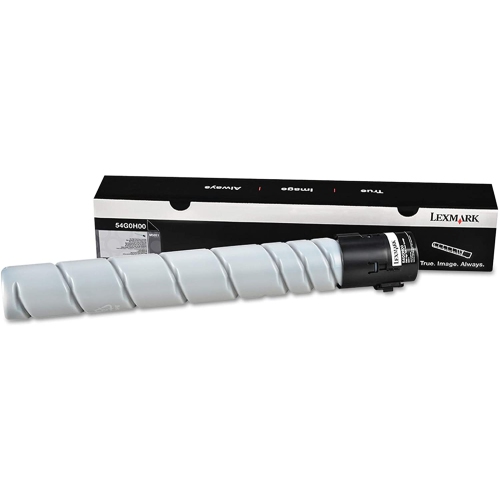
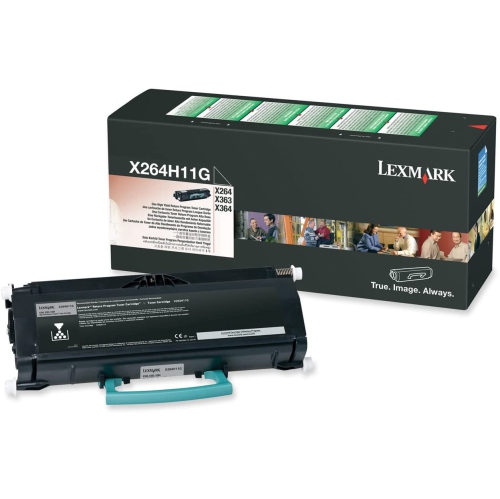
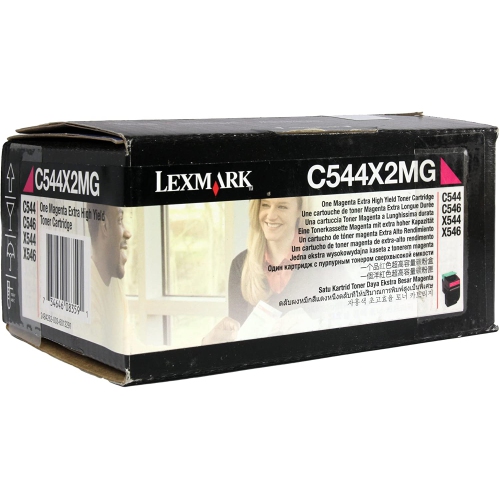
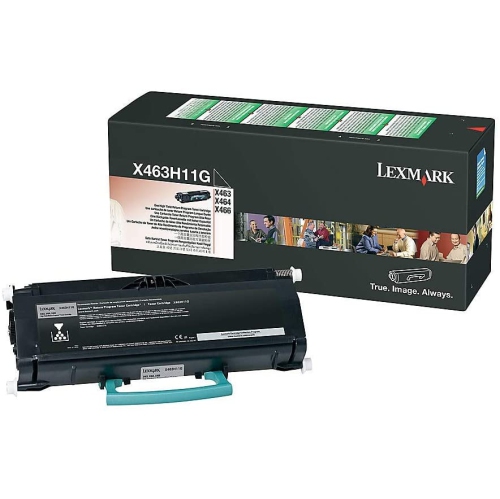
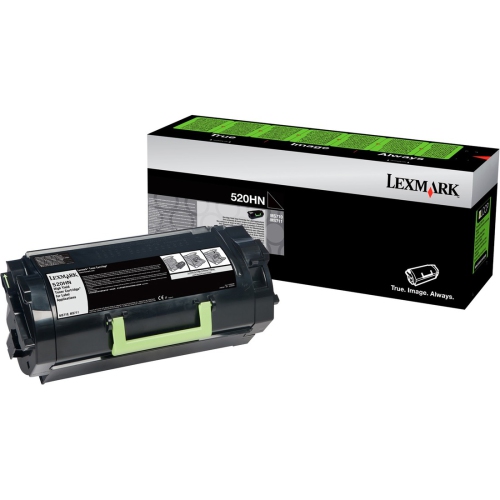
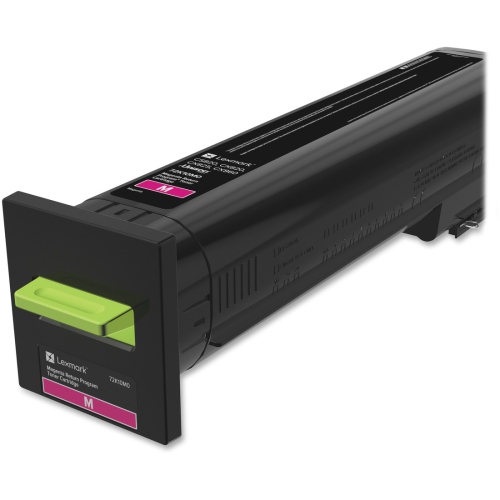
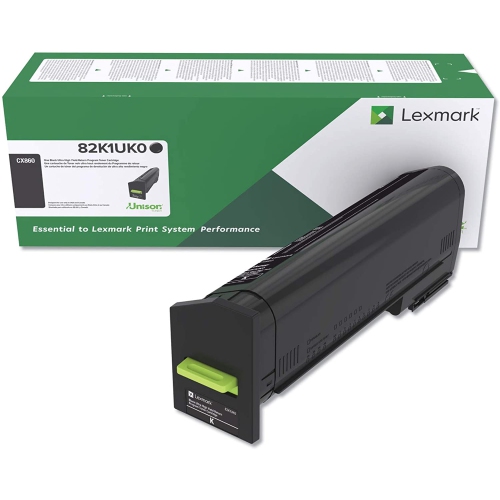
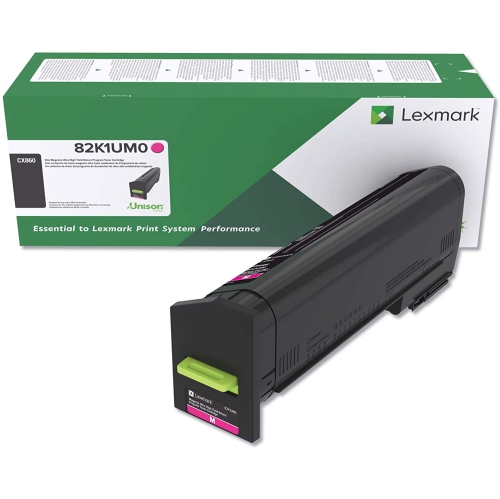
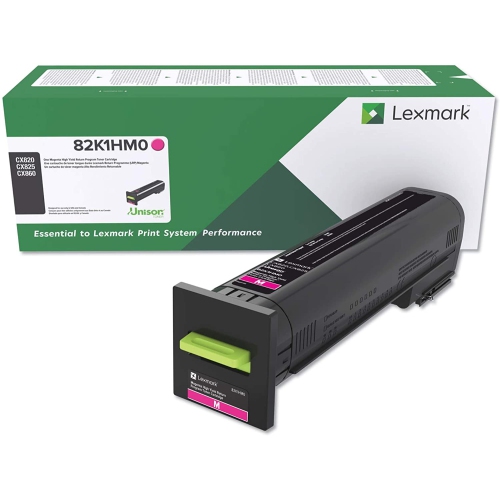
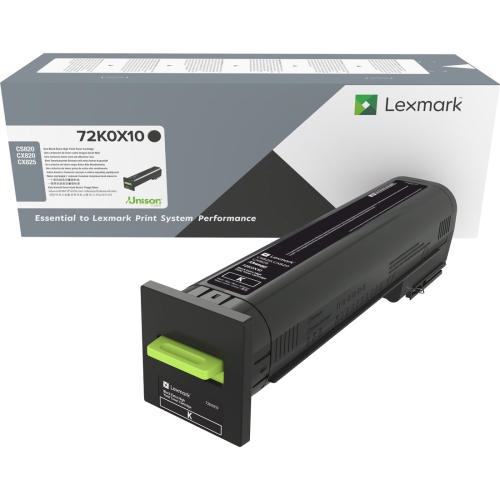
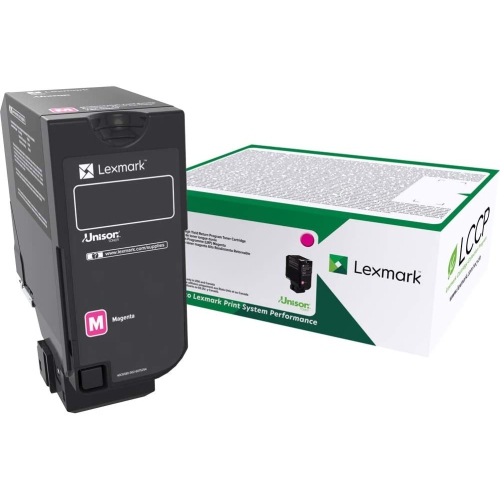
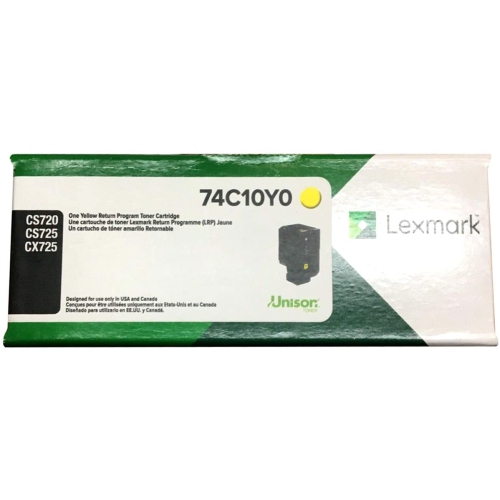
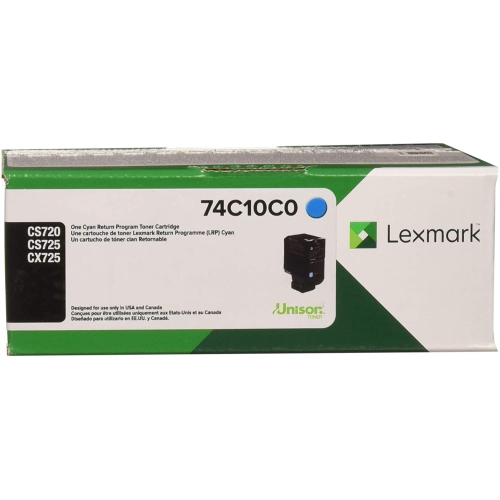
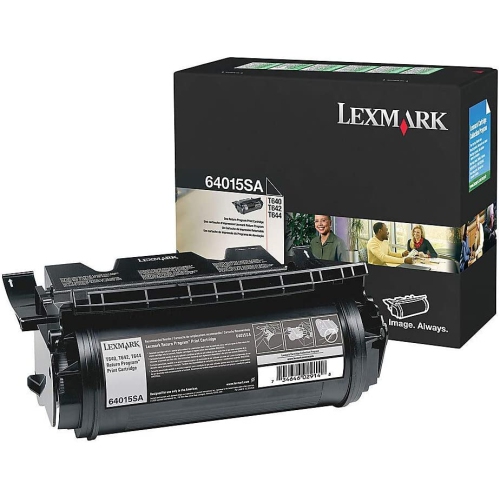
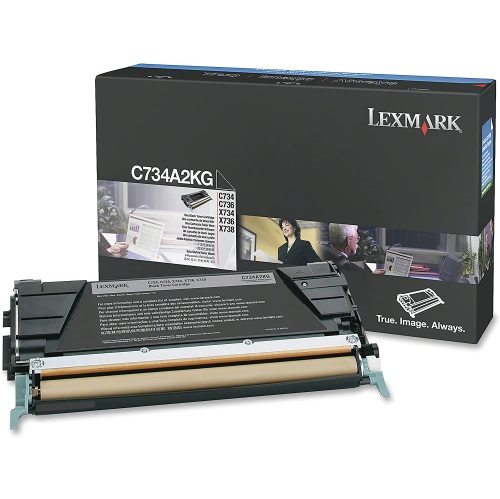
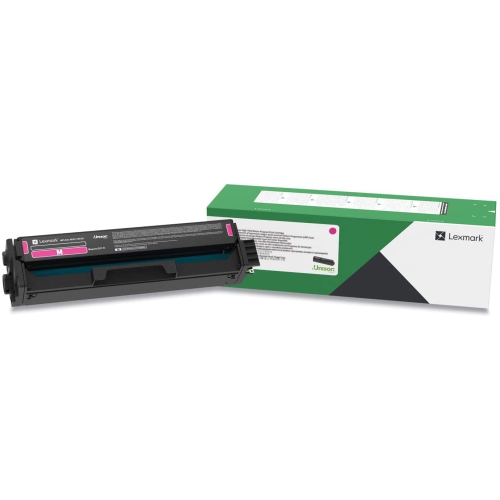
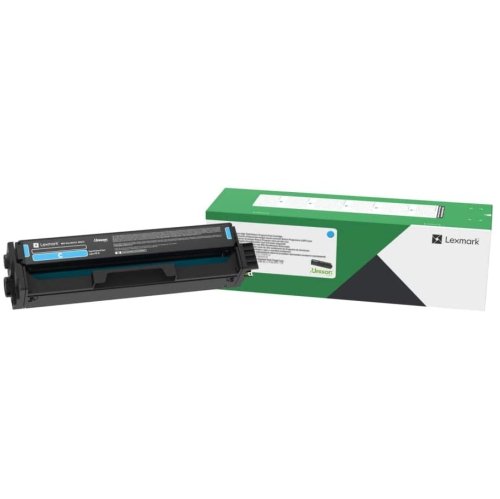
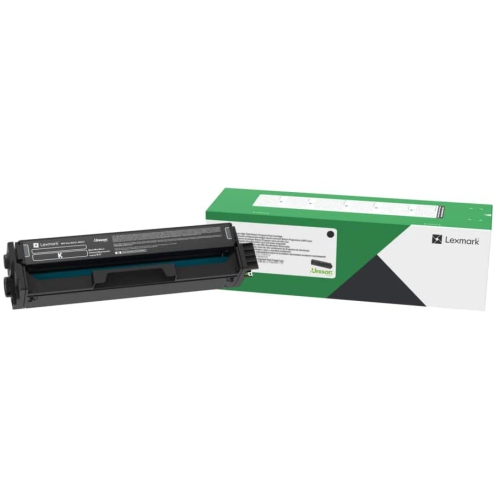
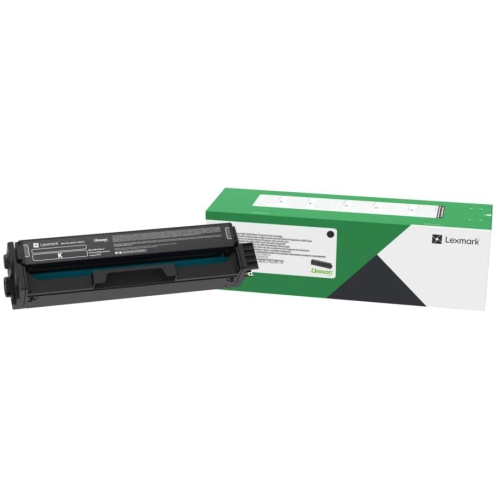
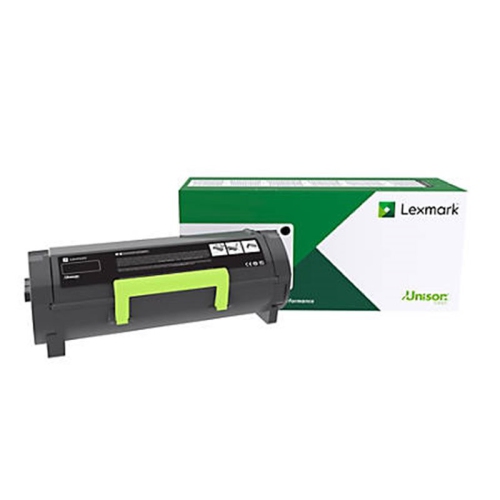
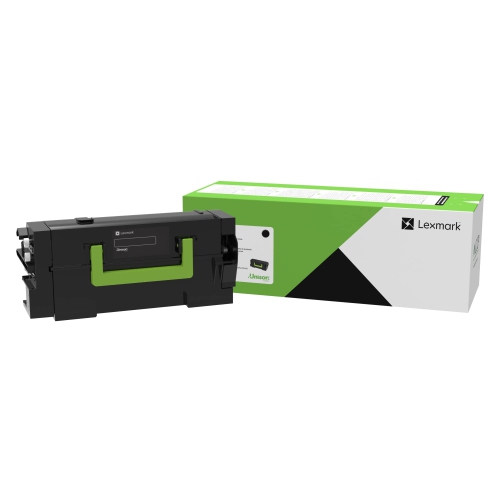
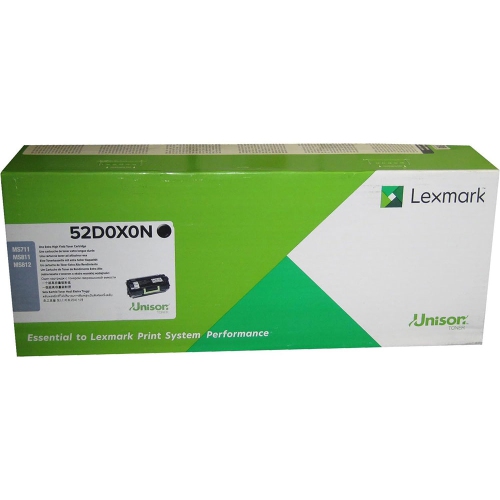
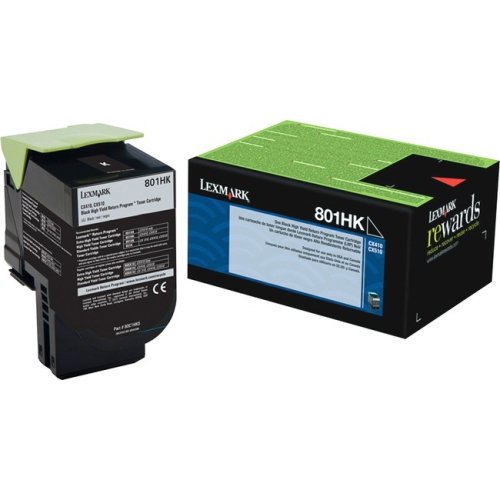
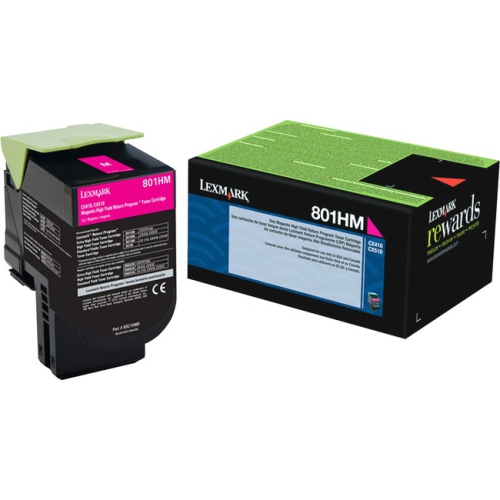
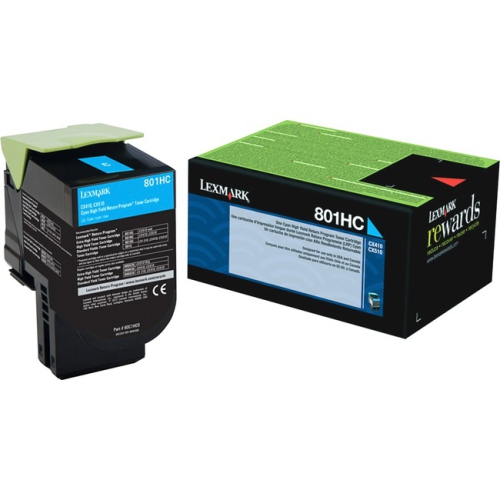
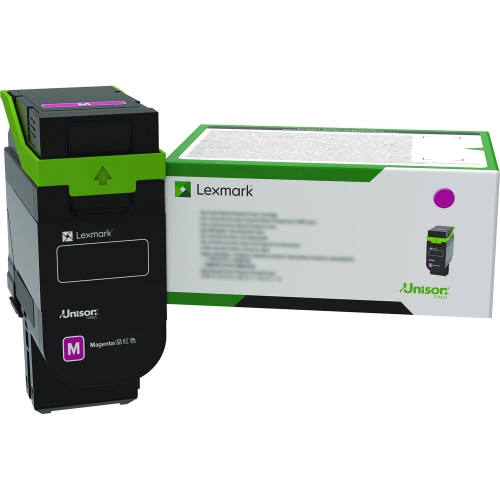
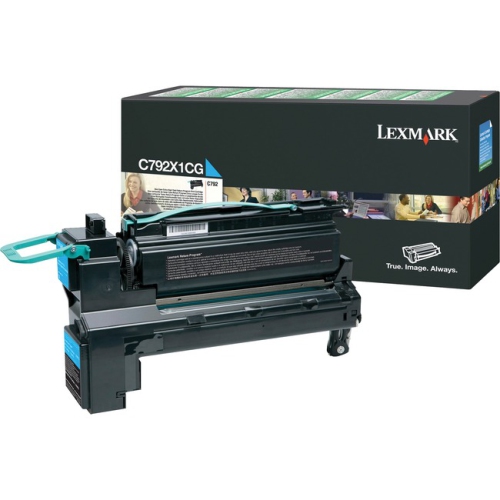
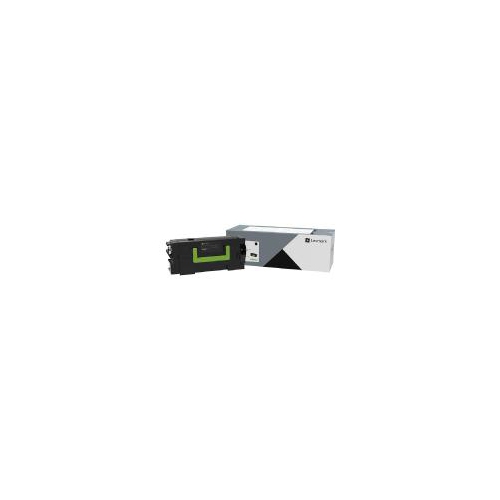
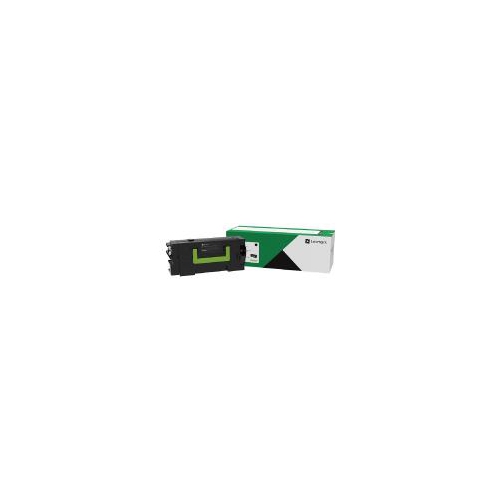
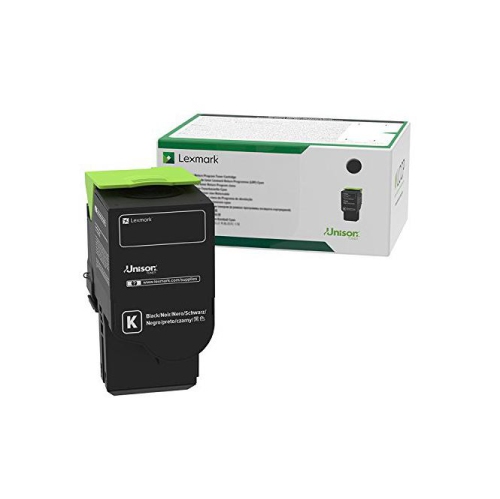
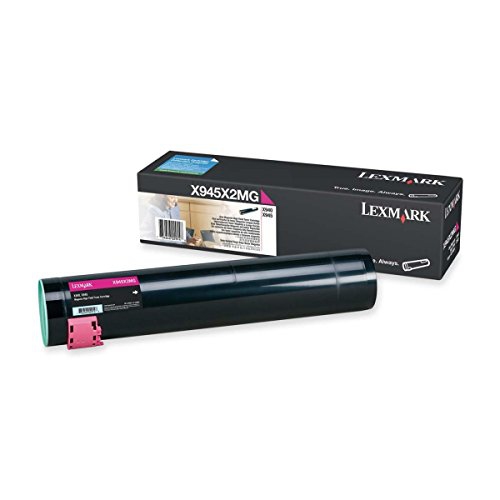
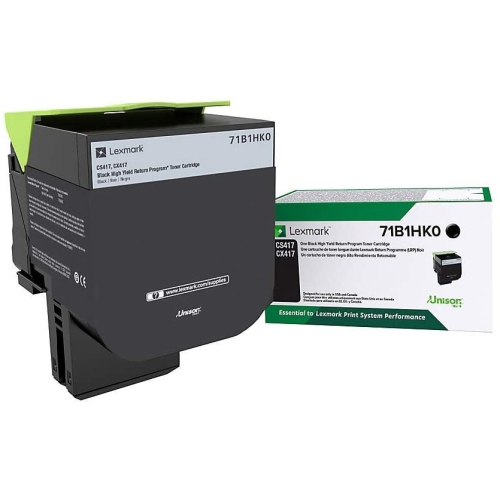
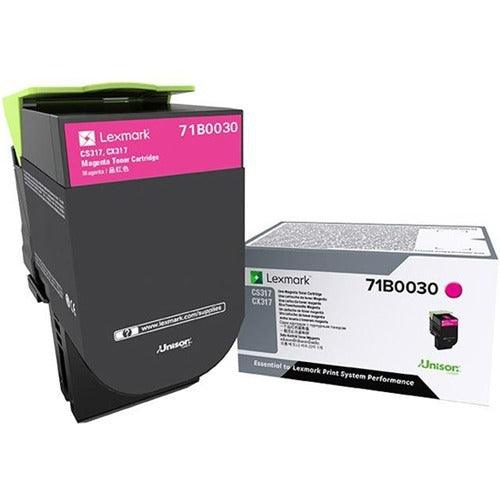
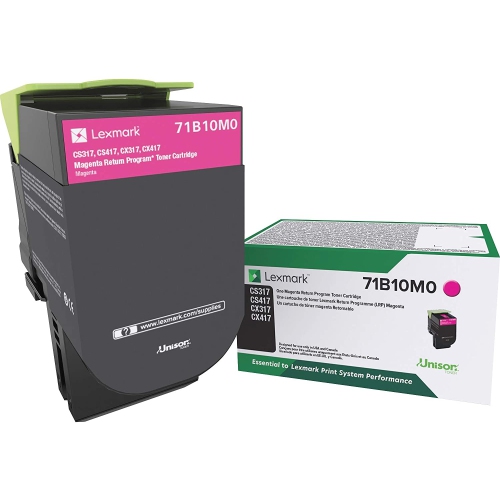
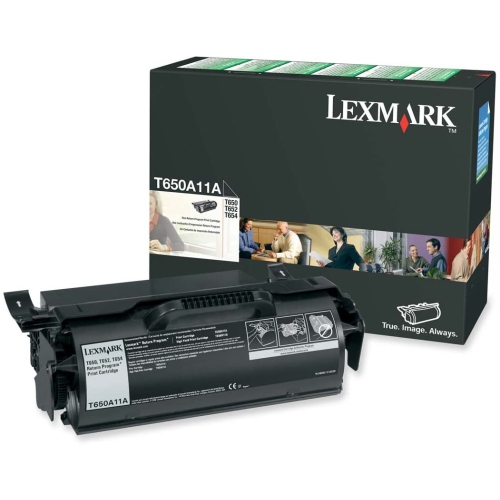
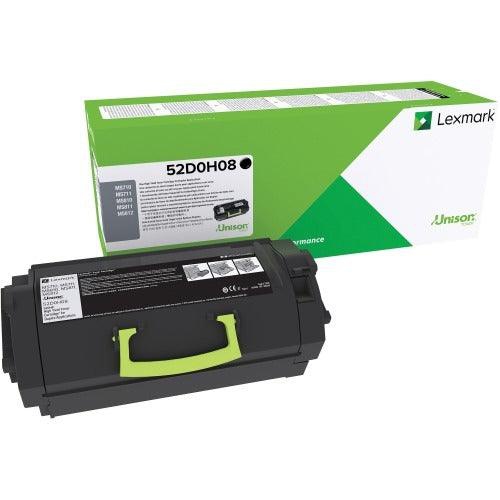
Find Lexmark toner for your printer by matching your model number with the cartridge’s compatibility details. Compare toner cartridges by cartridge number, colour, and page yield to choose a replacement that fits your printer and printing needs.
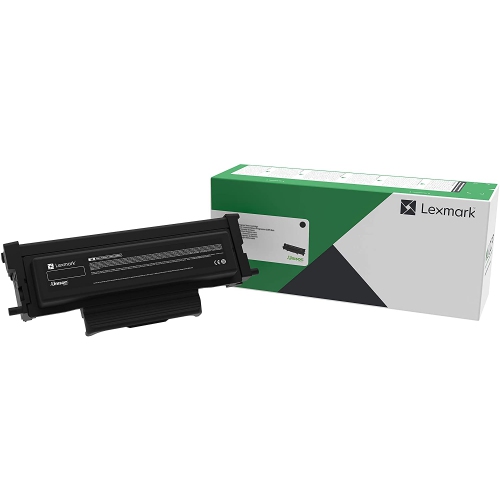
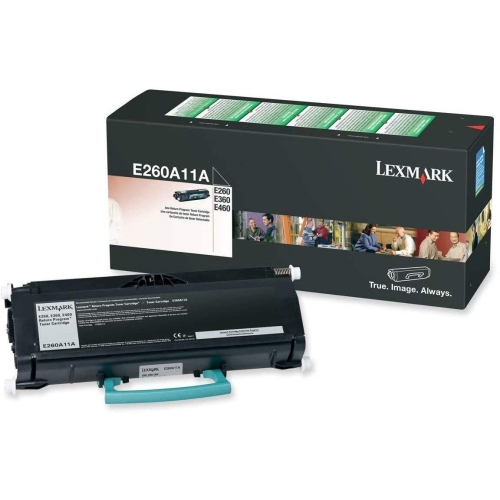
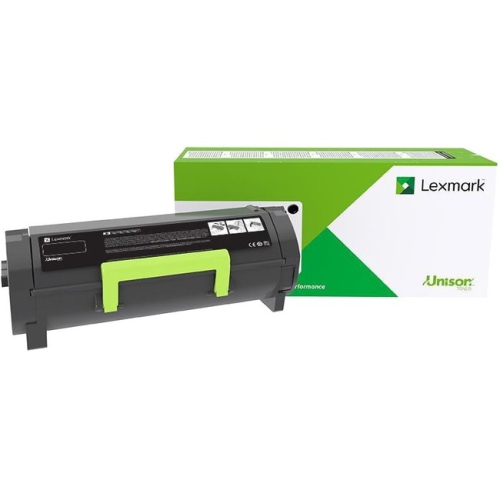

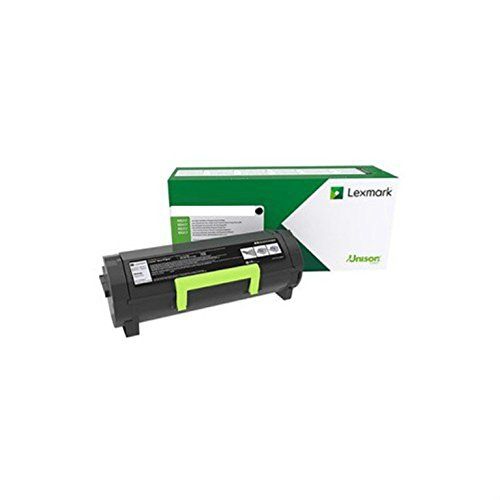
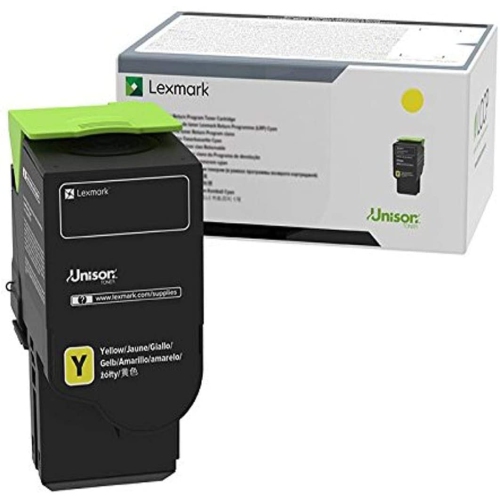
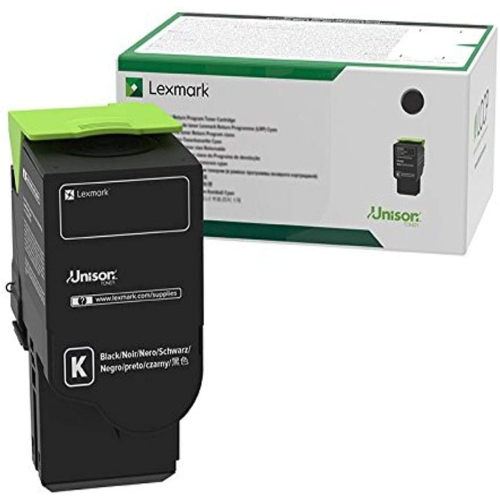


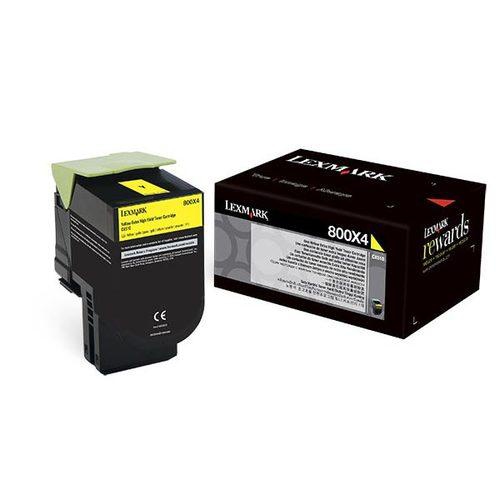
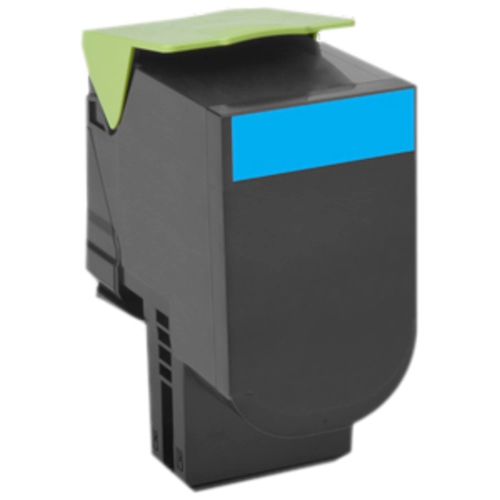
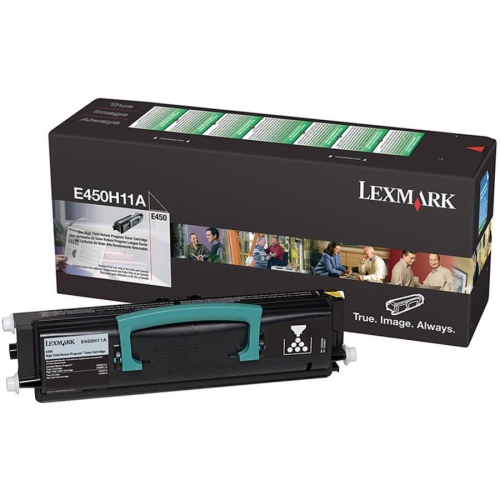
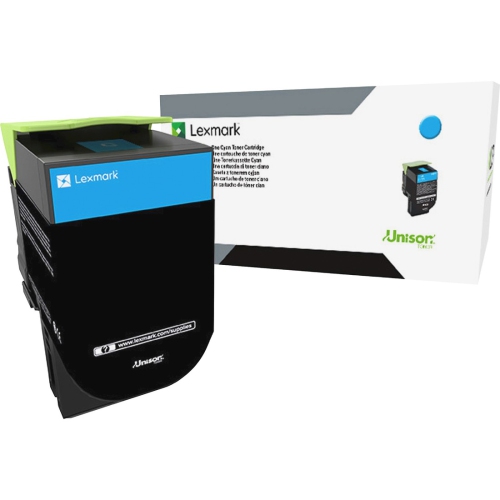
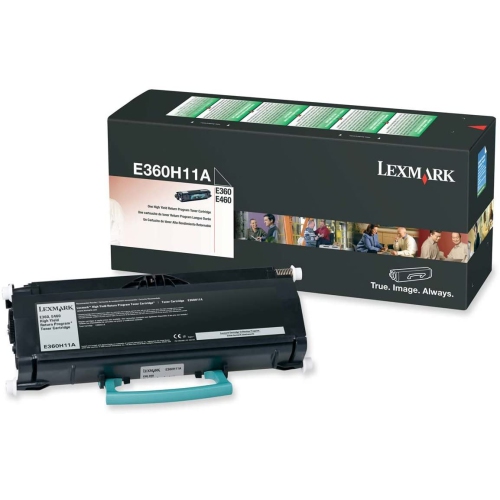
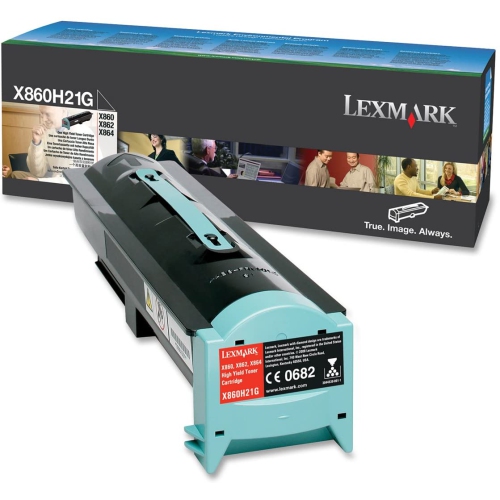
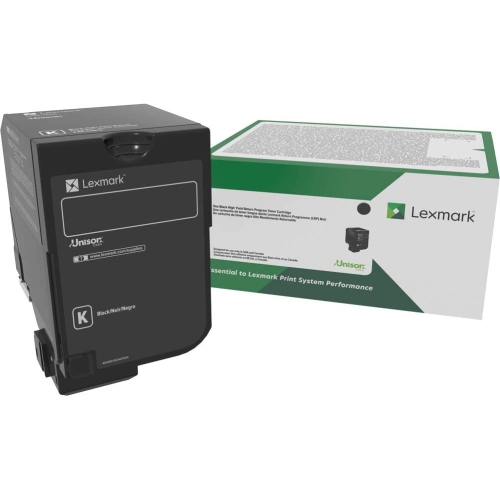
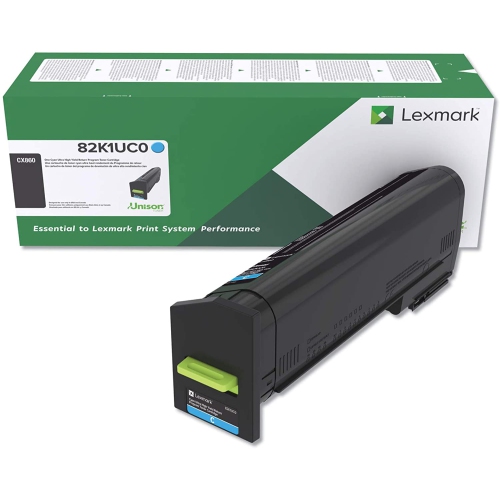


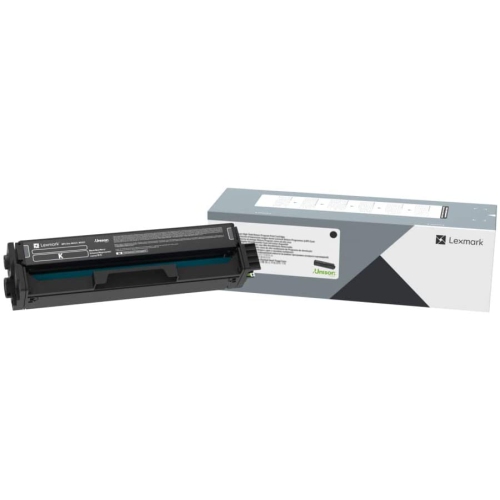
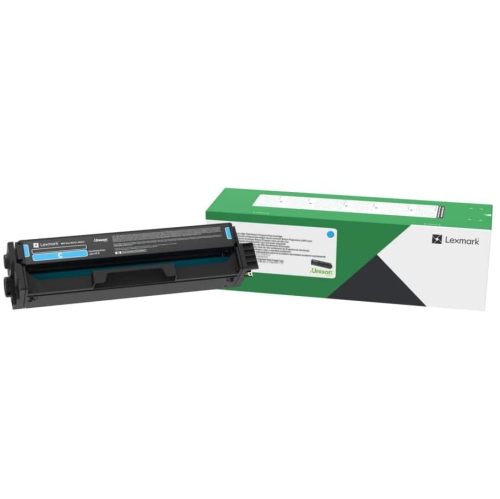
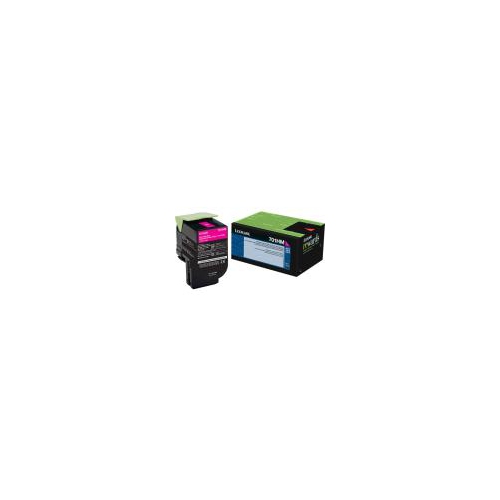
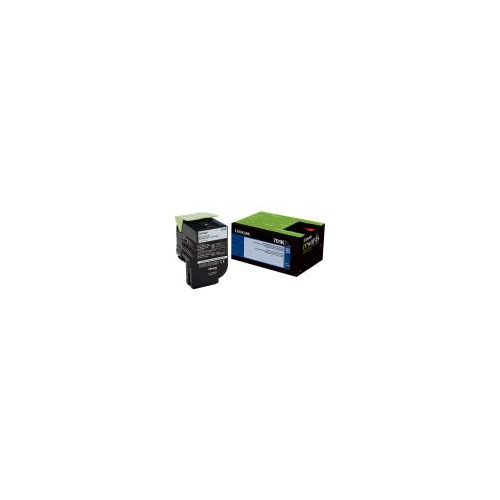
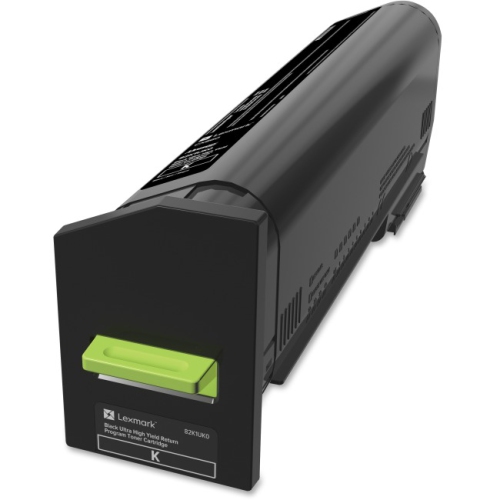

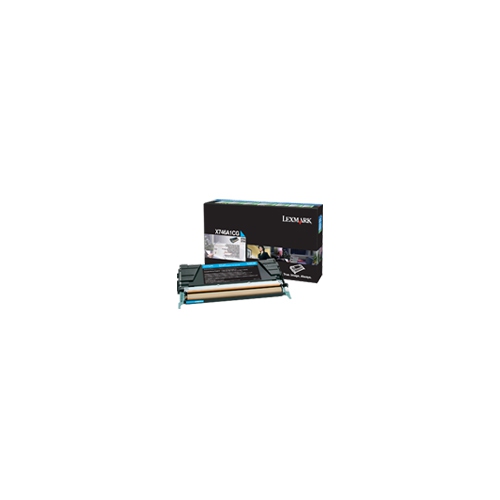
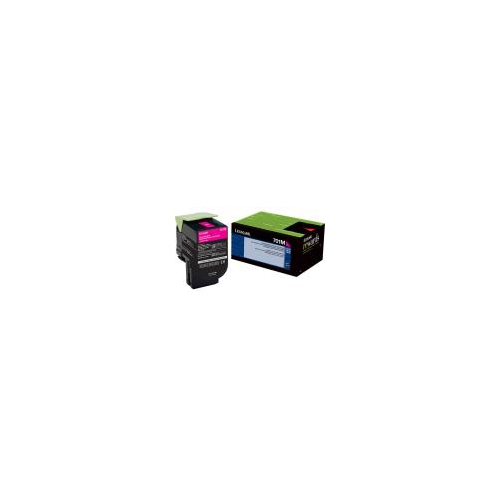
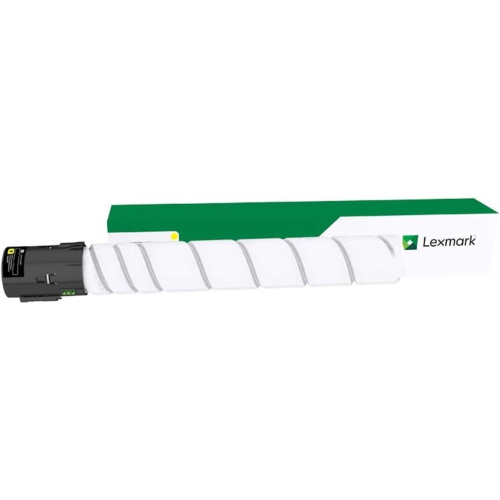
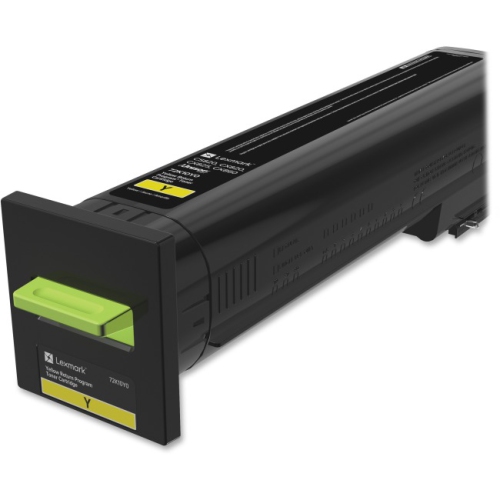
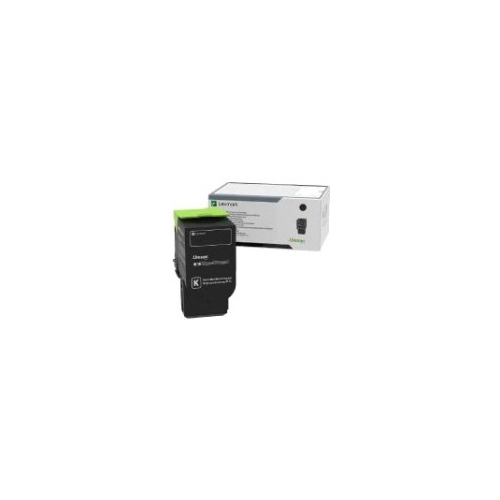
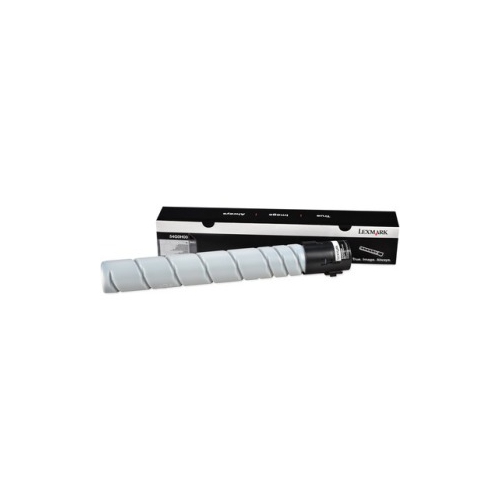
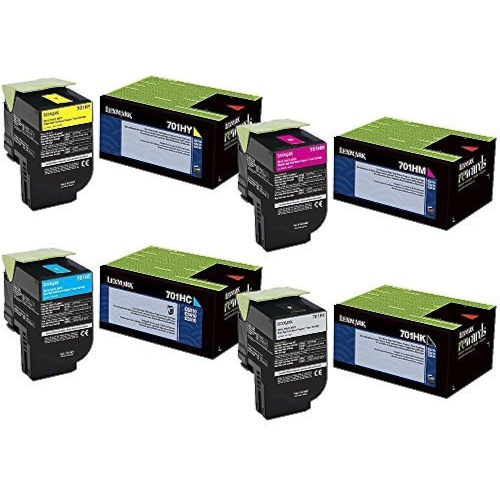
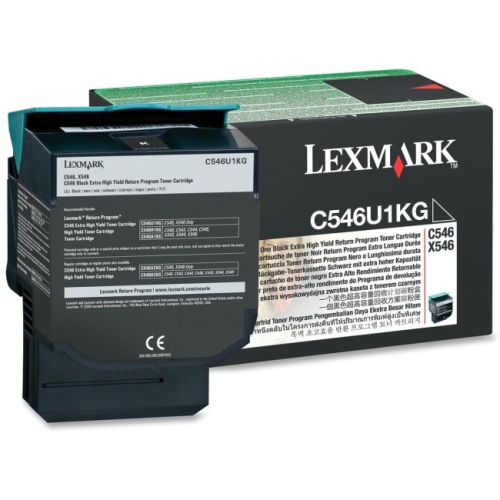

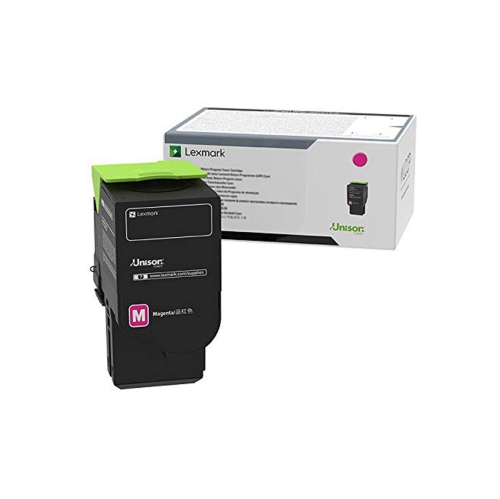
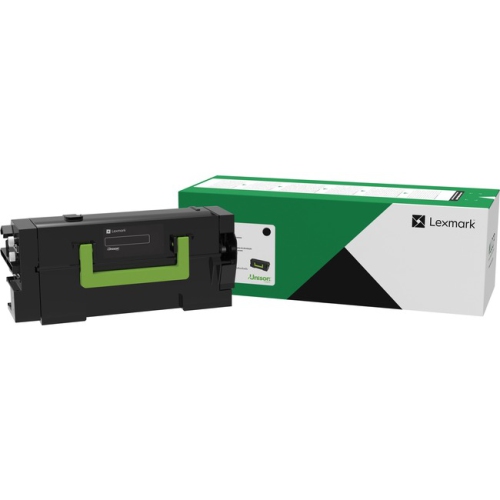
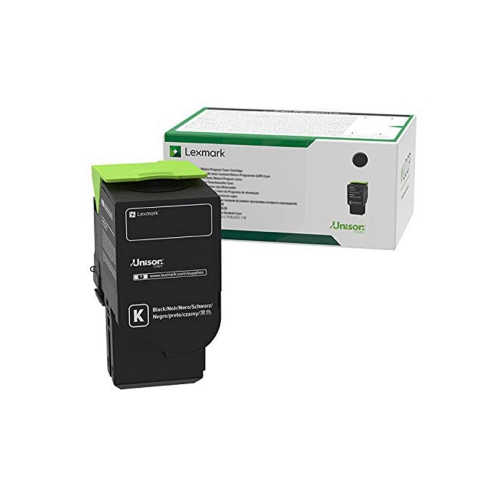
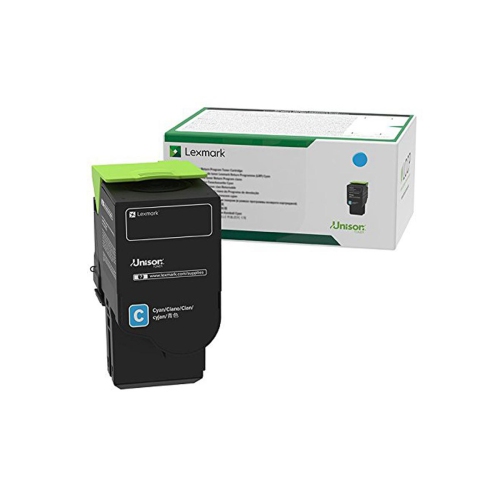
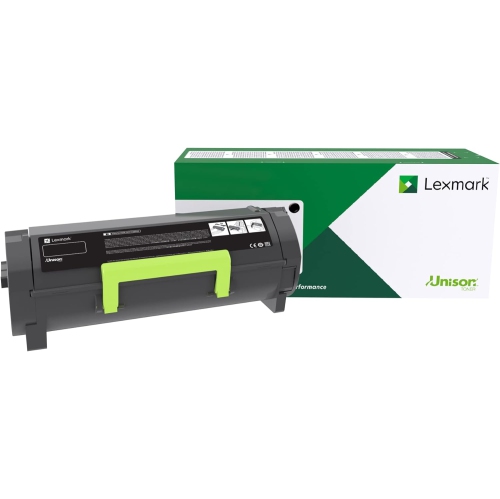
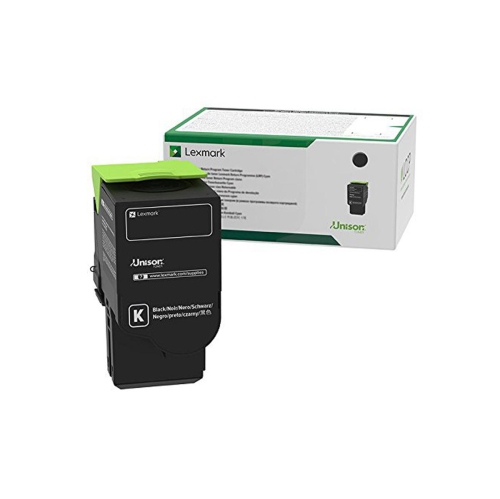
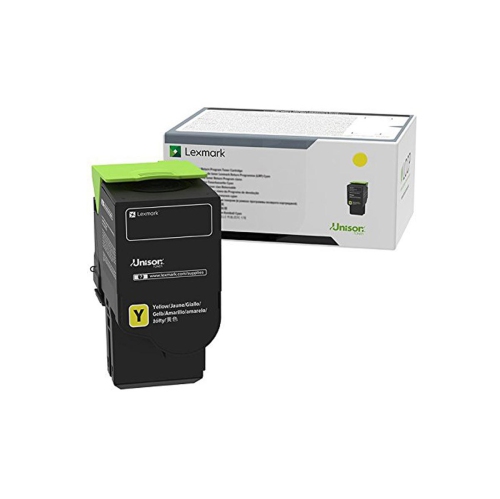
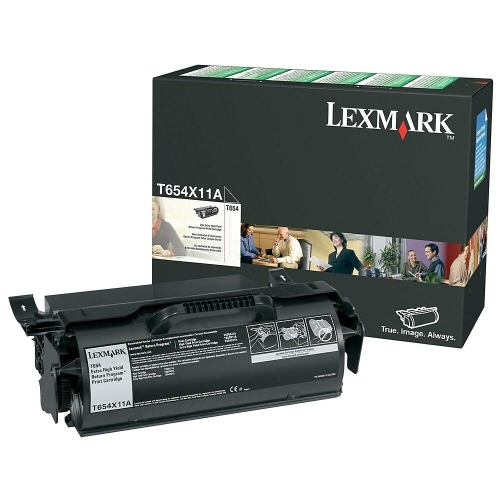
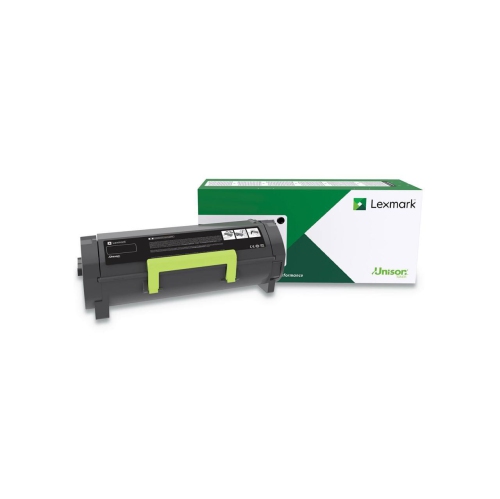
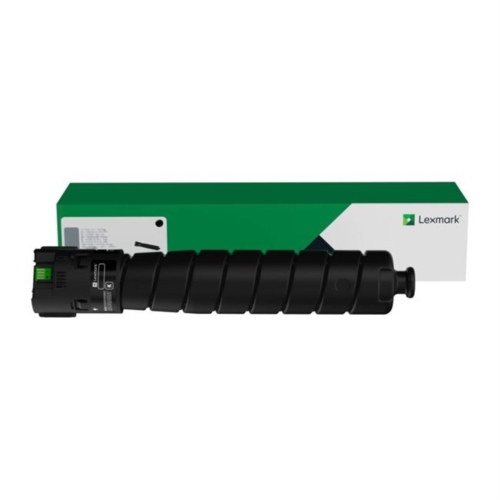
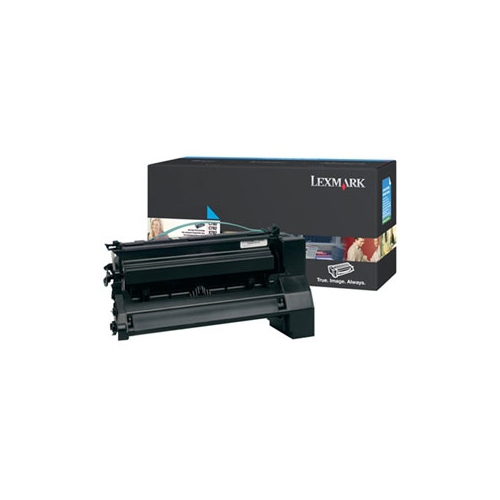
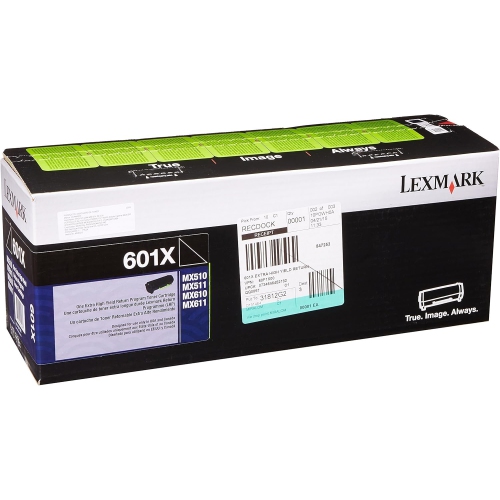
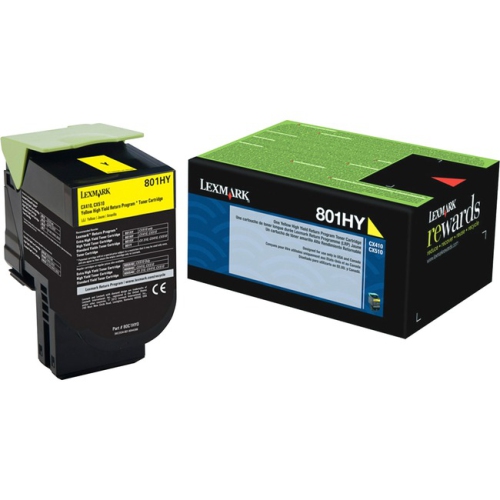
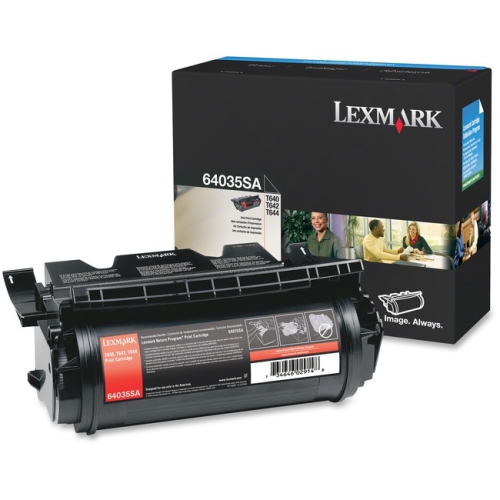
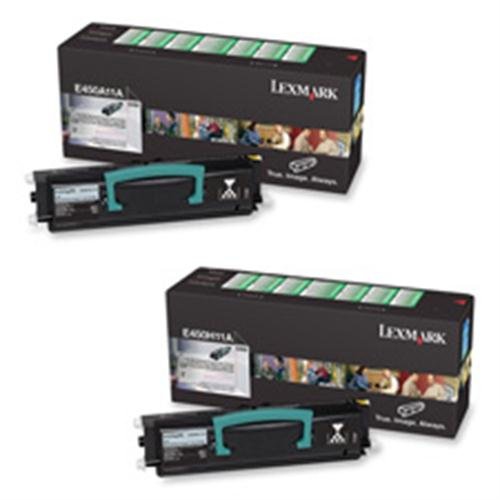
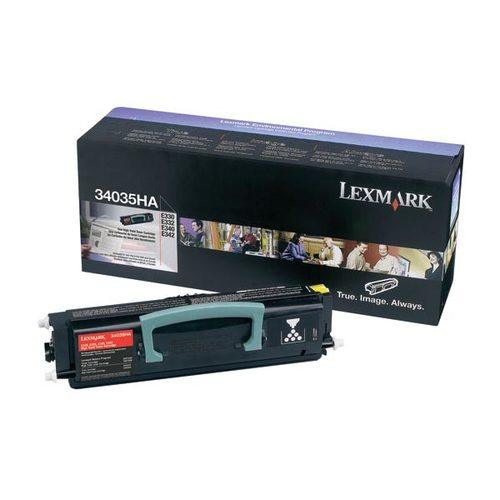
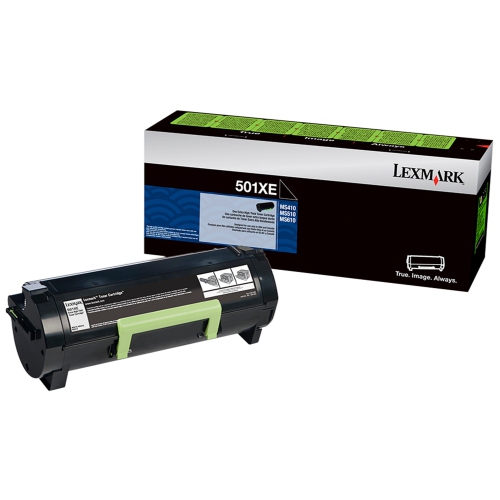
![LEXMARK Original 24035Sa 2500 Yield Toner Cartridge - Retail [Electronics] In Black](https://multimedia.bbycastatic.ca/multimedia/products/500x500/151/15109/15109982.jpg)
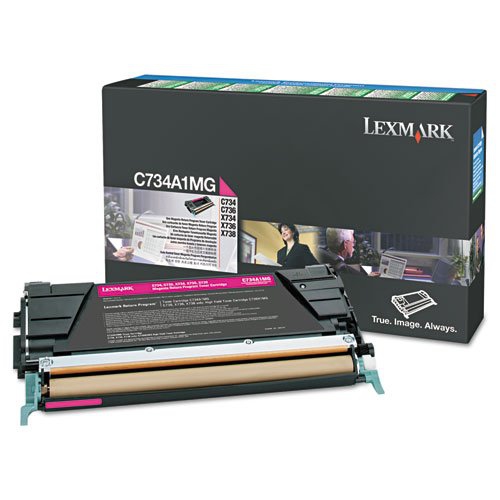
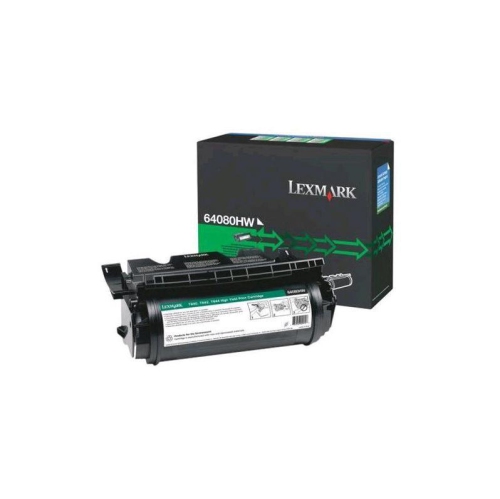
![LEXMARK Oem Toner X860H21G (1 Cartridge) (X860H21G) - [Electronics]](https://multimedia.bbycastatic.ca/multimedia/products/500x500/151/15113/15113042.jpg)
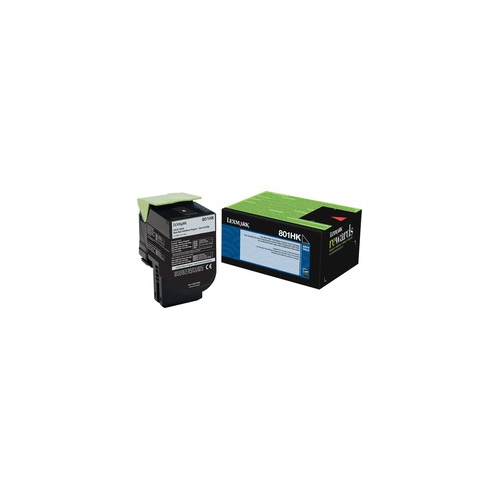
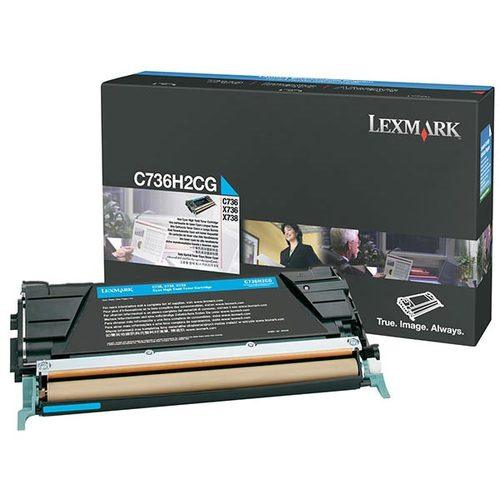
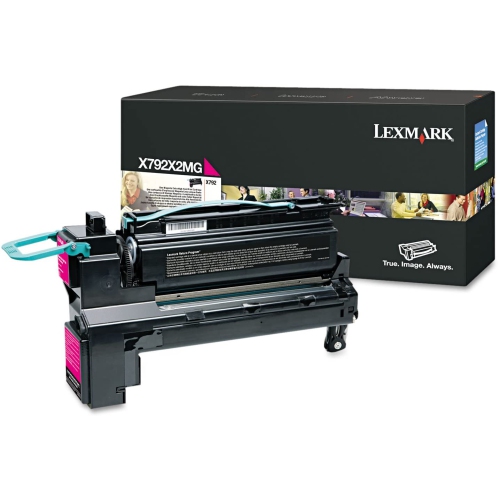
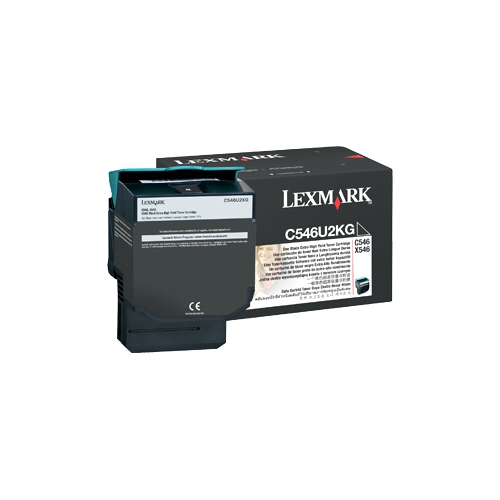
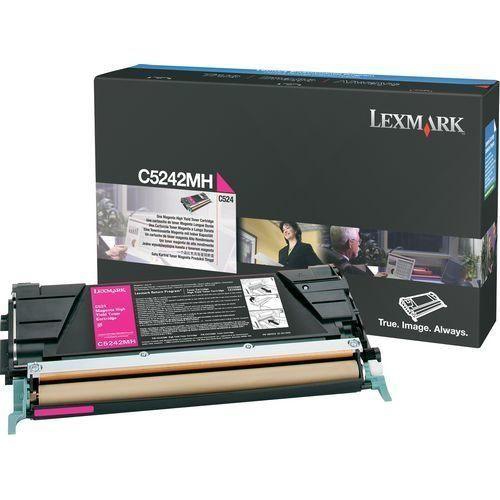
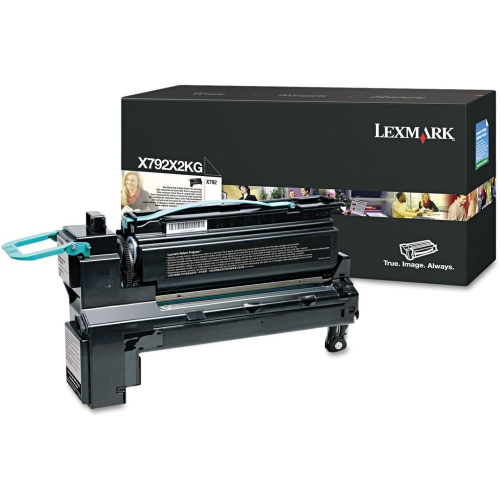
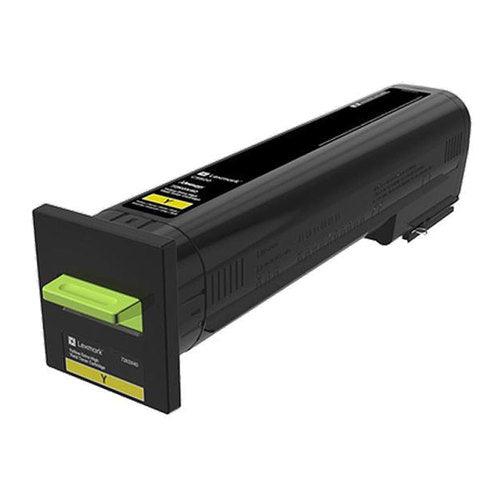
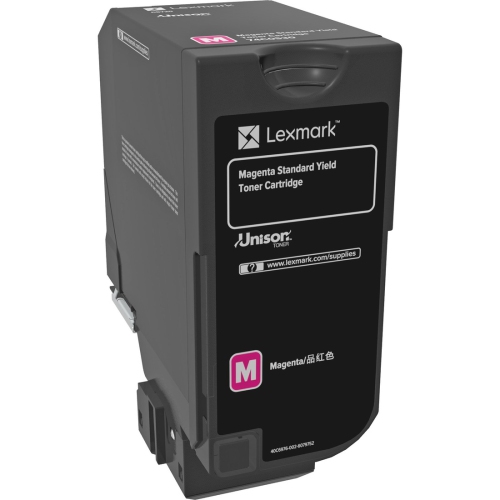
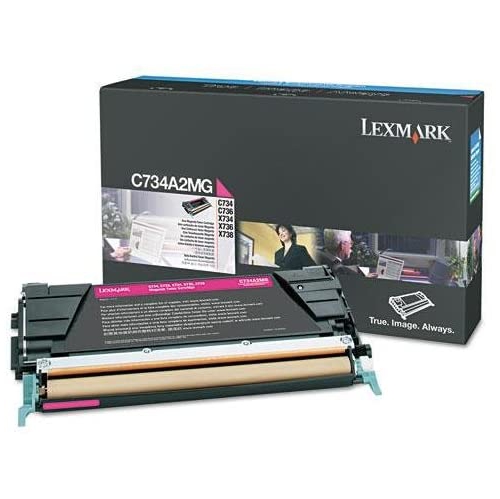
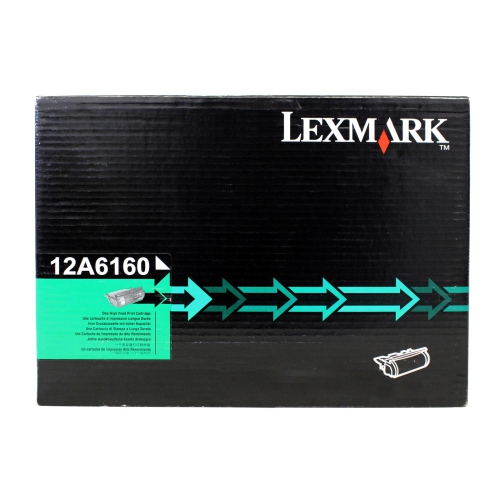
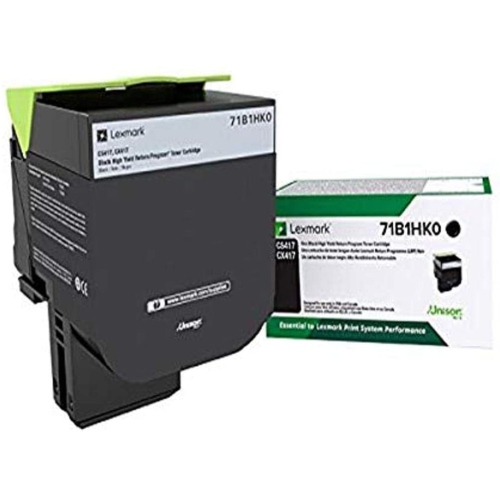
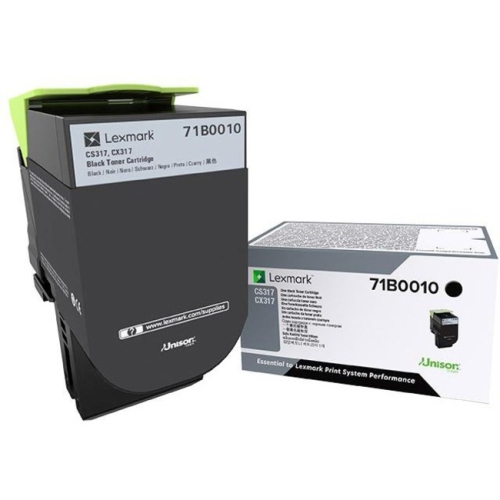
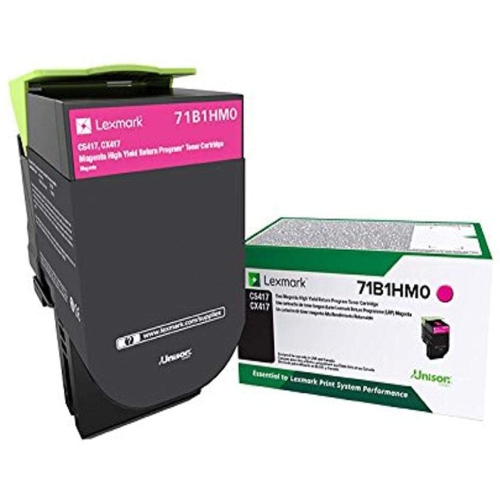
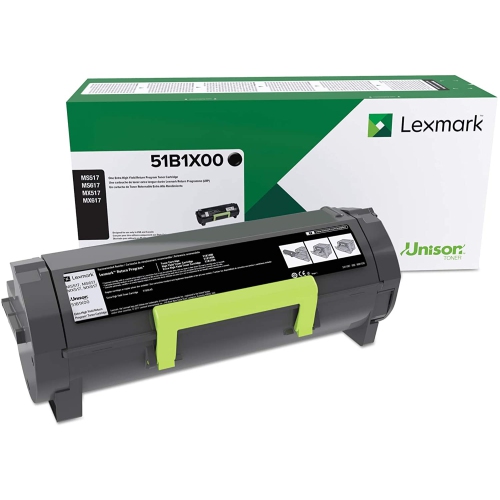
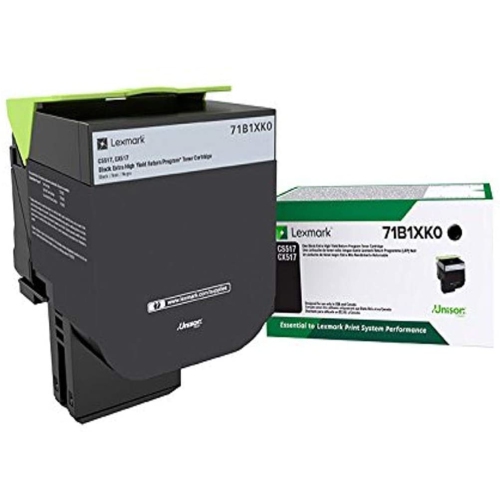
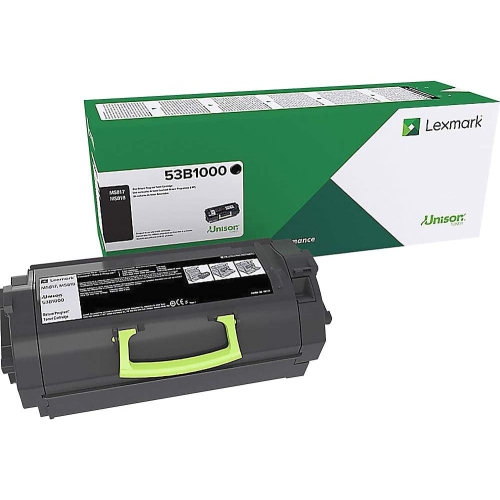
FAQ
Toner is a fine powder used in laser printers, while ink is a liquid used in inkjet printers. Lexmark laser printers use toner cartridges, not ink cartridges. Your printer’s manual identifies the type of cartridge it requires.
Find your printer’s full model number on its label or in its settings, then check it against the cartridge’s compatible printer list. You can also consult your printer’s manual for supported cartridge part numbers. Cartridges are not interchangeable across all Lexmark printers.
Monochrome Lexmark laser printers use black toner. Colour models typically use separate black, cyan, magenta, and yellow cartridges, allowing each colour to be replaced individually. Check your printer’s documentation for its cartridge configuration.
No. A toner cartridge holds the toner powder, while an imaging unit contains the drum used to form the printed image. Some Lexmark printers have separate toner cartridges and imaging units. Your printer’s manual explains which components your model uses.
Follow the replacement instructions for your printer model. The process generally involves opening the toner access door, removing the used cartridge, unpacking the new cartridge and removing any specified packaging, then inserting it and closing the door. Cartridge preparation and access steps vary by model.
Top selling and popular products
Discover more categories related to Lexmark Toner
Some products may be subject to Environmental Handling Fees (EHF) depending on your province. Learn more about EHFs.