LG Surround Sound
Explore LG surround sound options to find an audio setup that suits your TV, room size, and listening preferences. Compare speaker configurations, connection options, and compatibility with your existing equipment to help choose the right fit for movies, music, and gaming.







FAQ
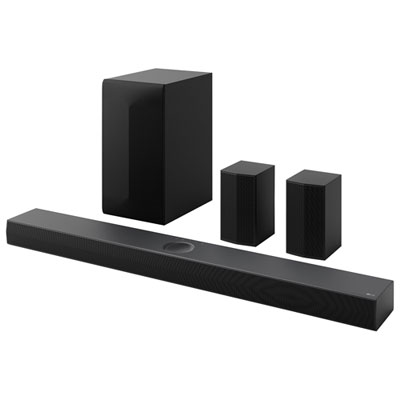
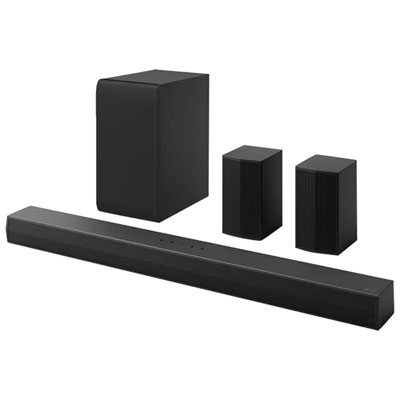
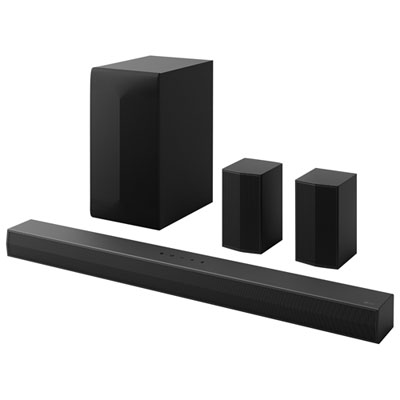
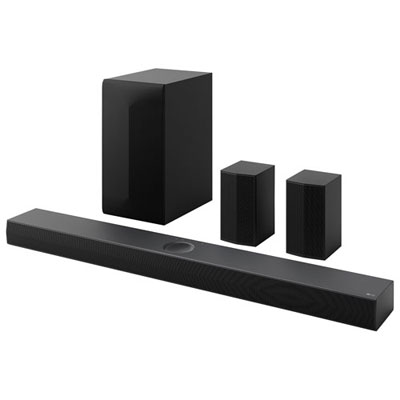
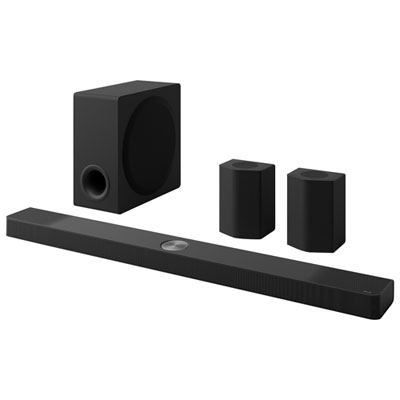
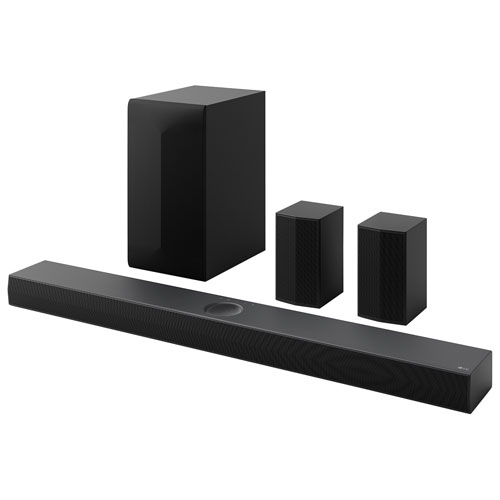
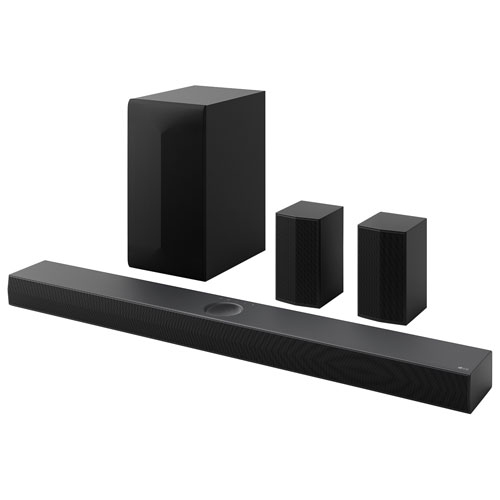
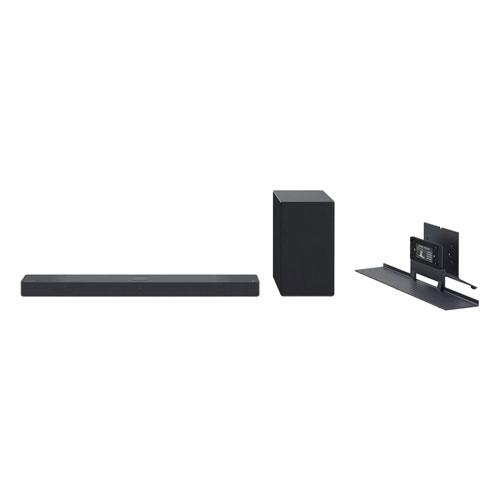
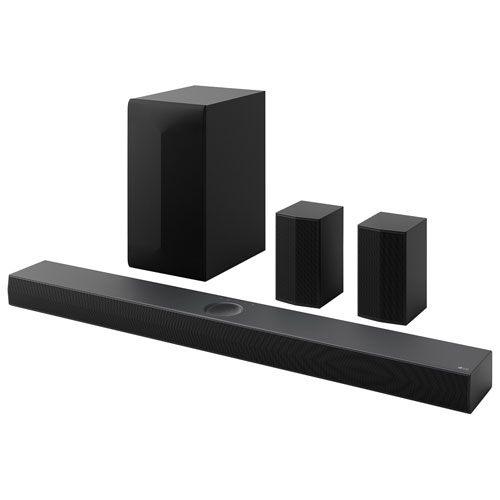
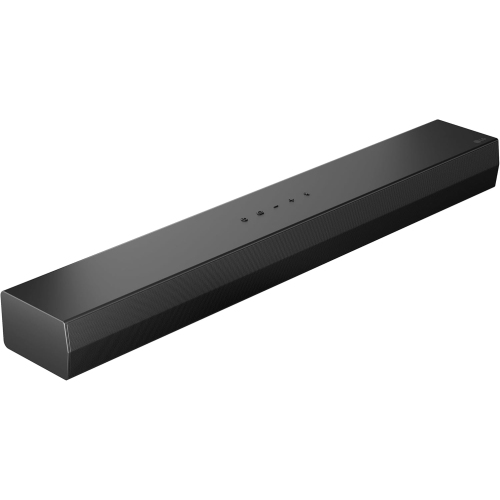
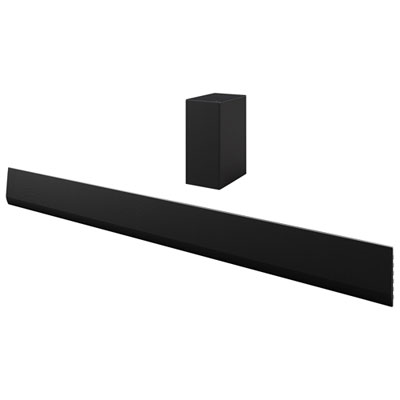
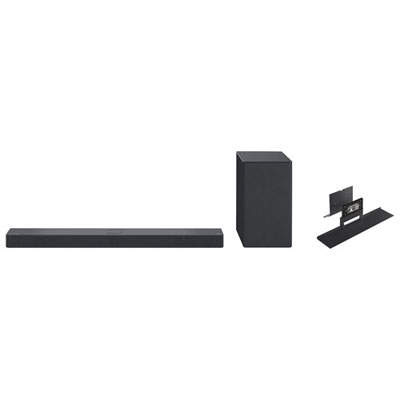
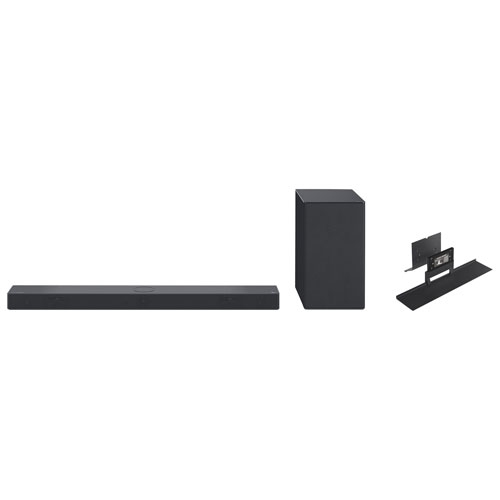
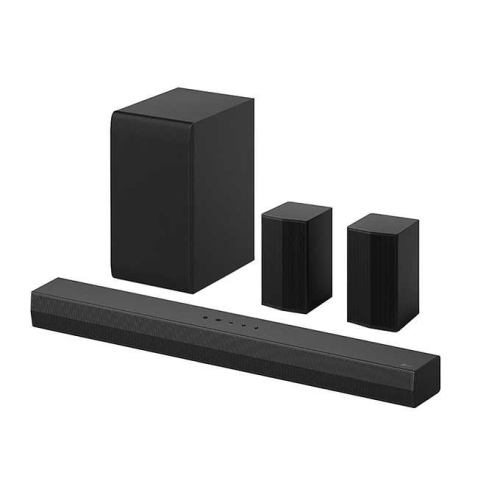
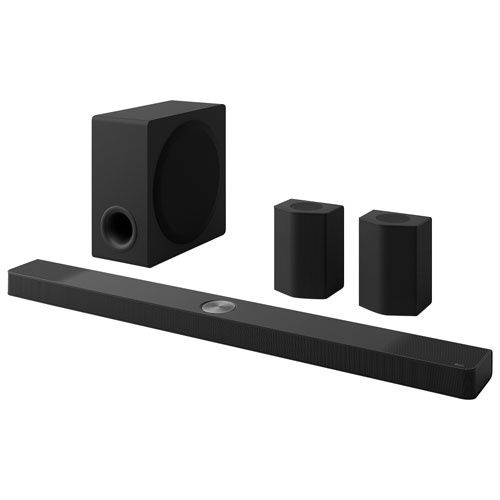
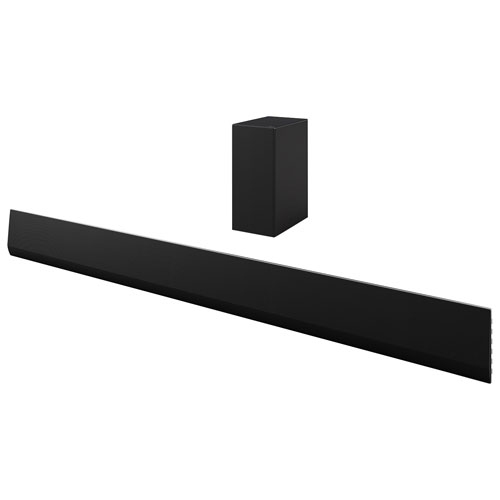
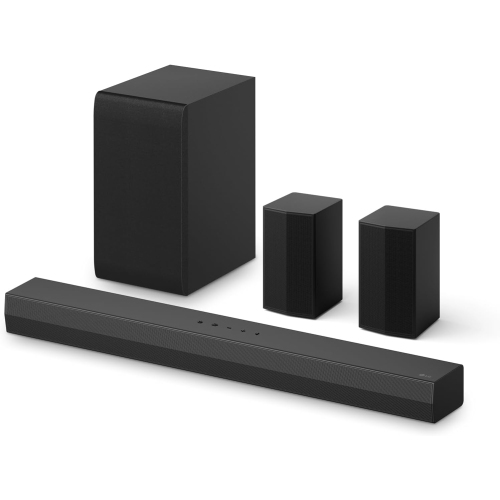
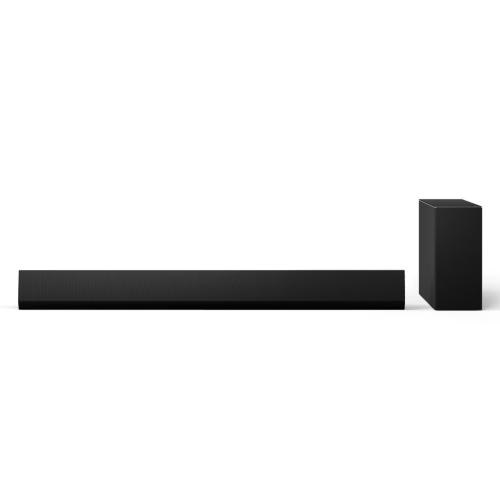
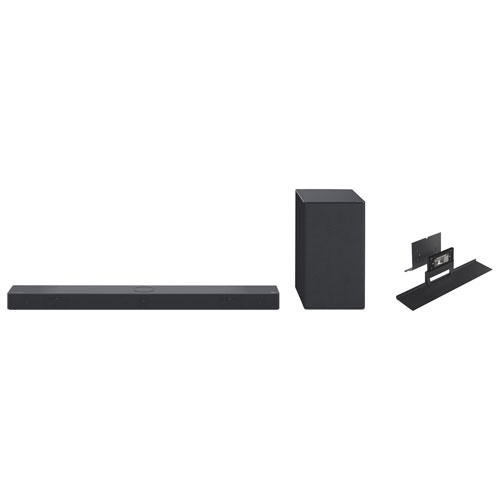
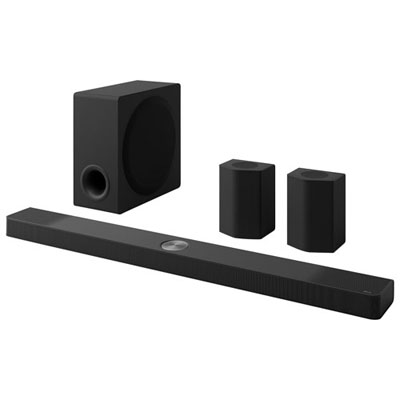
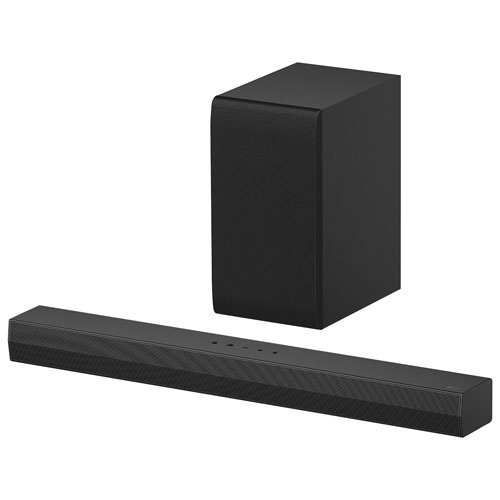
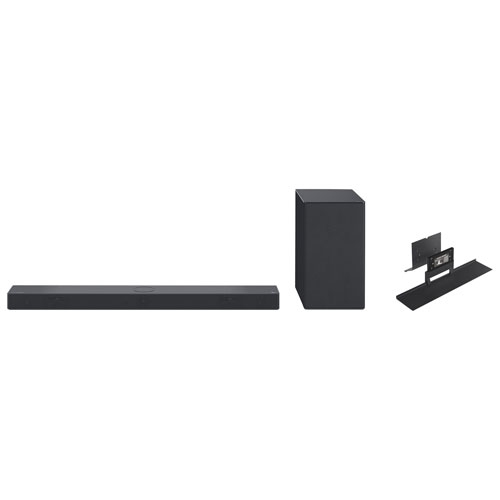
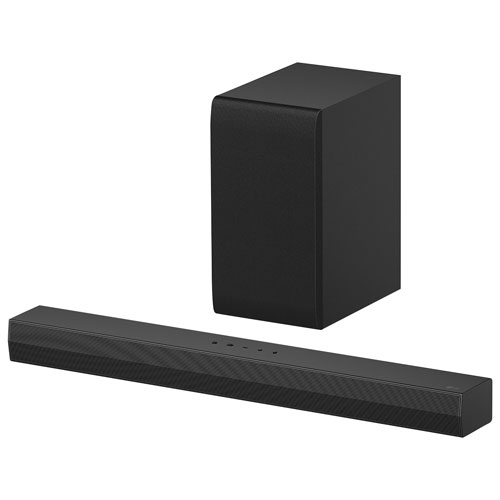
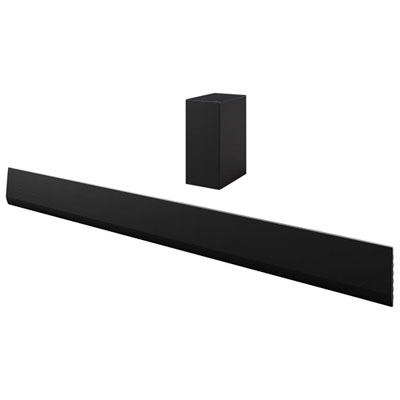
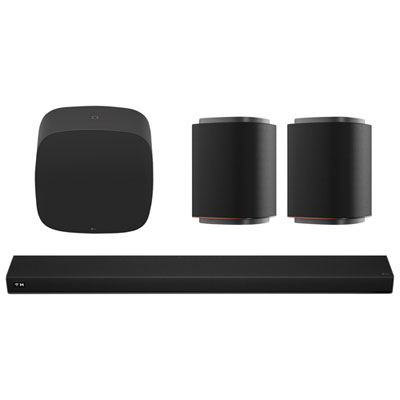
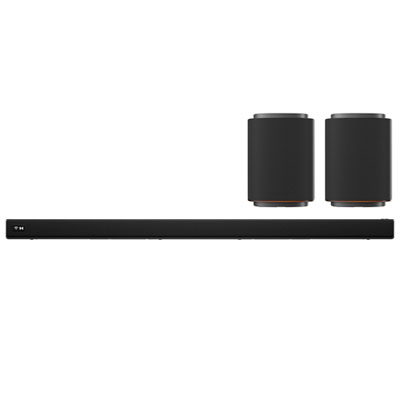
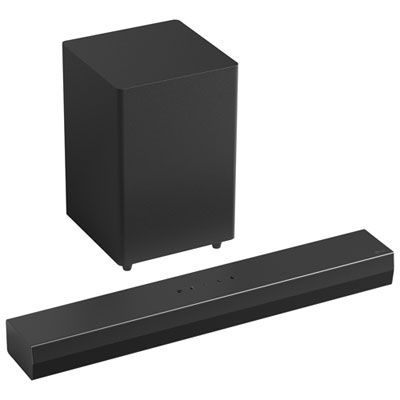
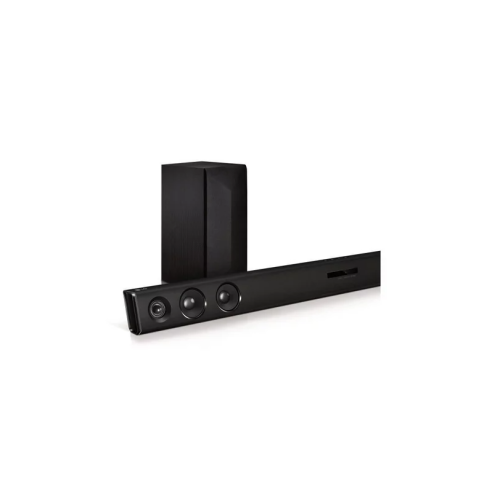
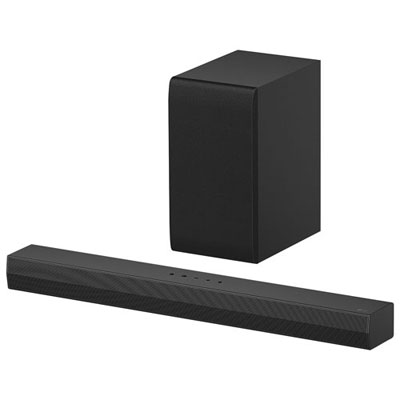
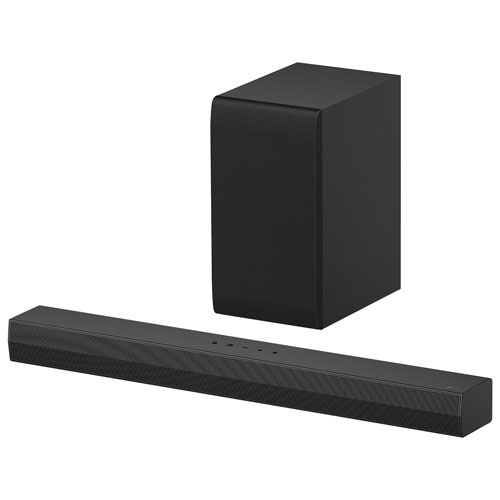
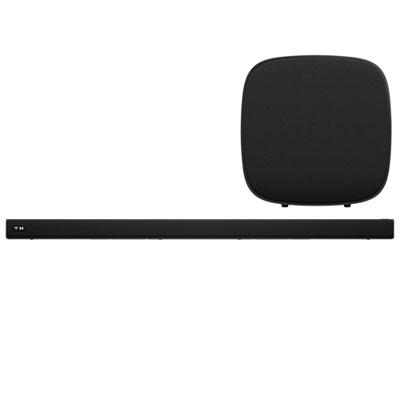
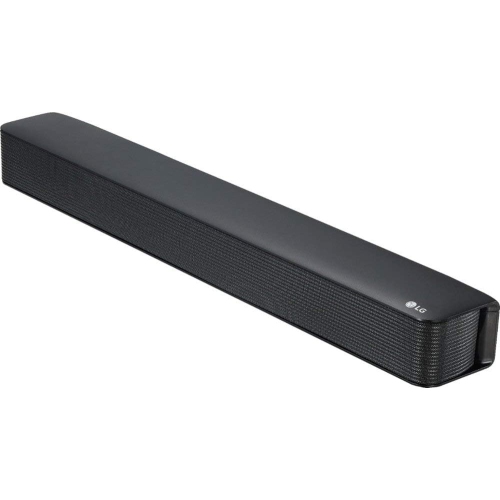
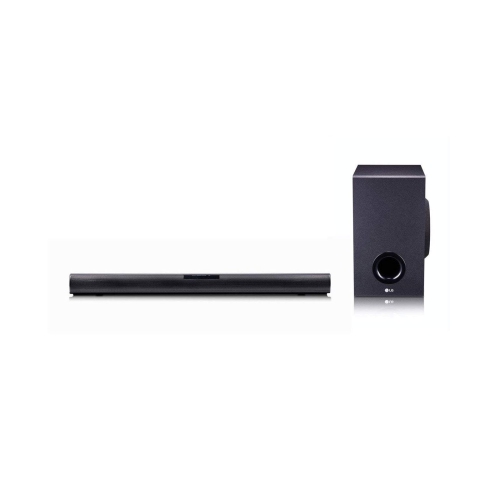
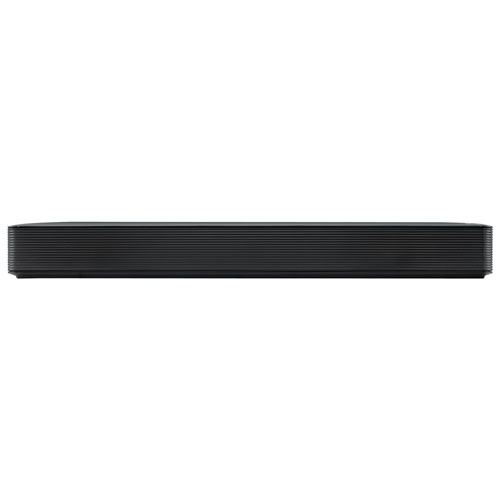
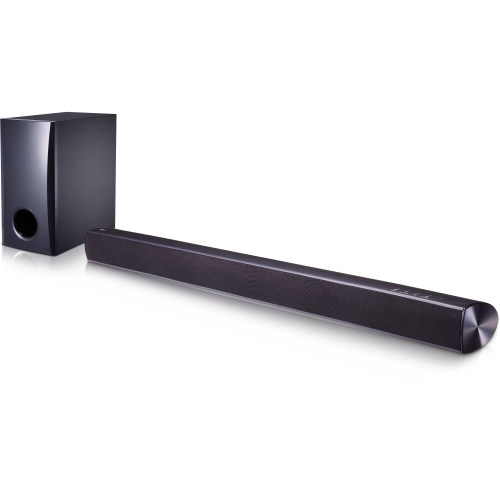
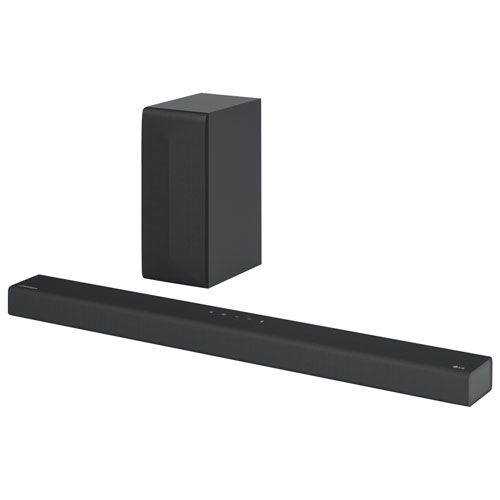
An LG surround sound setup may include a sound bar or main speaker unit, a subwoofer, and rear speakers. Some systems include separate rear speakers, while others support compatible rear speakers as optional additions. The components and connections vary by model.
Channel numbers describe the audio configuration. In a 5.1 system, the first number represents the main audio channels and the second represents the subwoofer channel. A third number, as in 5.1.2, indicates height channels. Check the specifications to distinguish between dedicated speaker channels and virtual surround processing.
Common connection options include HDMI ARC, HDMI eARC, and optical audio, depending on the system and TV. HDMI ARC and eARC carry audio from a compatible TV to the sound system through an HDMI connection. The supported audio formats depend on both devices and the connection used.
An LG surround sound system can connect to TVs from other brands when both devices have compatible audio connections. Certain integrated controls or brand-specific features may require a compatible LG TV, so check compatibility if those features matter to your setup.
Wireless can refer to different connections, such as Bluetooth for streaming music, Wi-Fi for supported network features, or a wireless audio link to a subwoofer or rear speaker receiver. Wireless speakers may still require power cords, and some rear speaker setups use speaker wires connected to a wireless receiver.
Top selling and popular products
Discover more categories related to LG Surround Sound
Some products may be subject to Environmental Handling Fees (EHF) depending on your province. Learn more about EHFs.