LG Surround Sound Setup
Find an LG surround sound setup for your home theatre by comparing TV compatibility, speaker configurations, and connection options. Check what each setup includes, where the speakers will fit, and how it connects to your existing equipment to choose a system that suits your room and listening needs.






FAQ
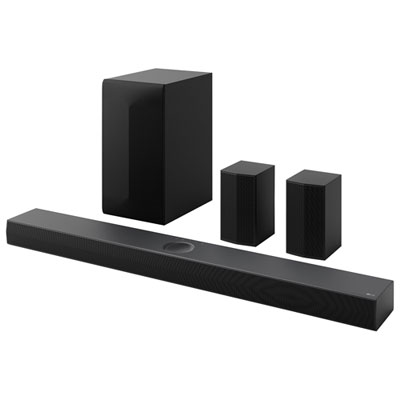
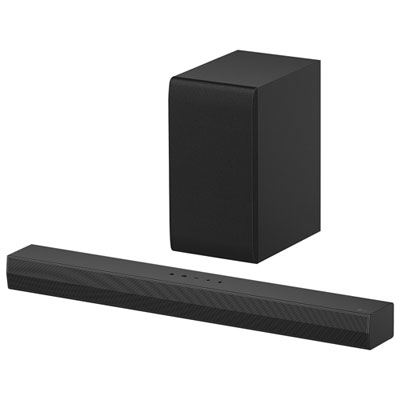
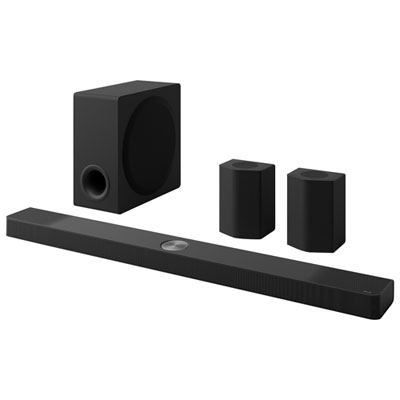
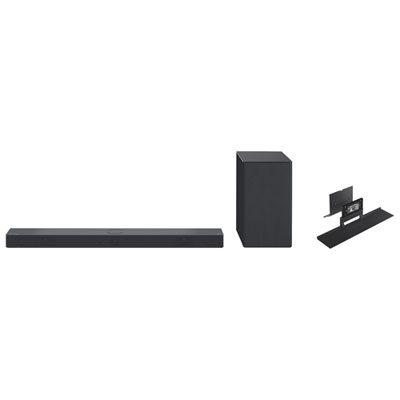
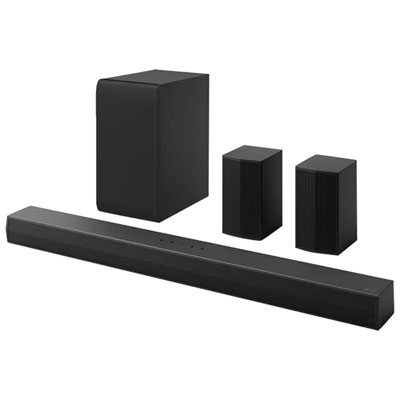
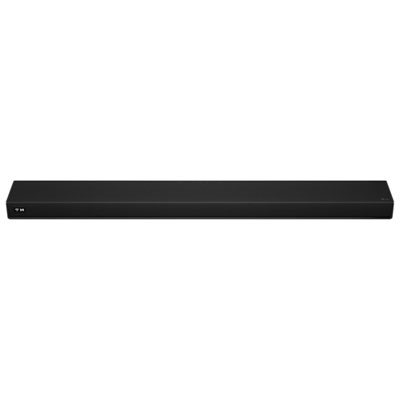
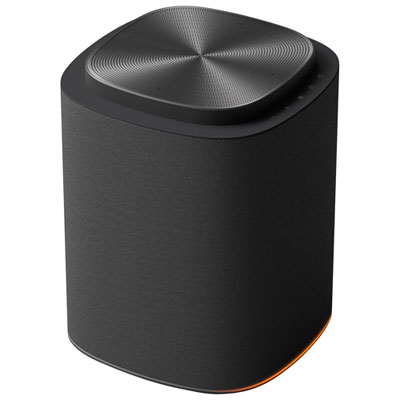
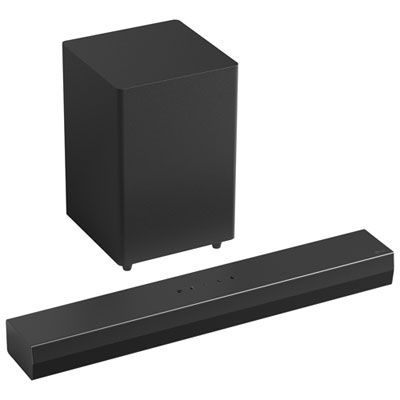
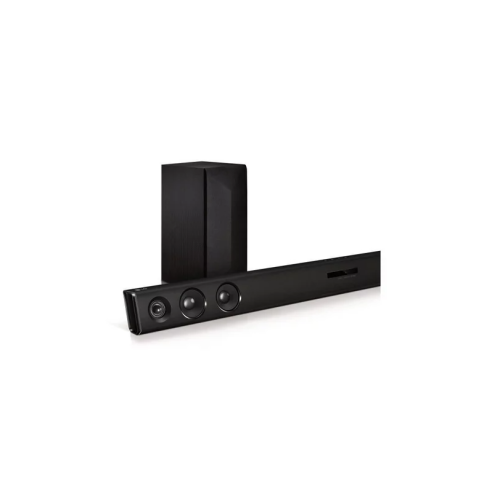
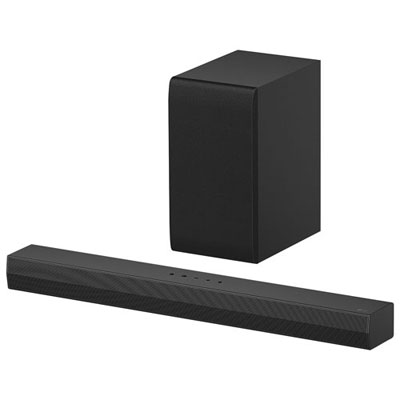
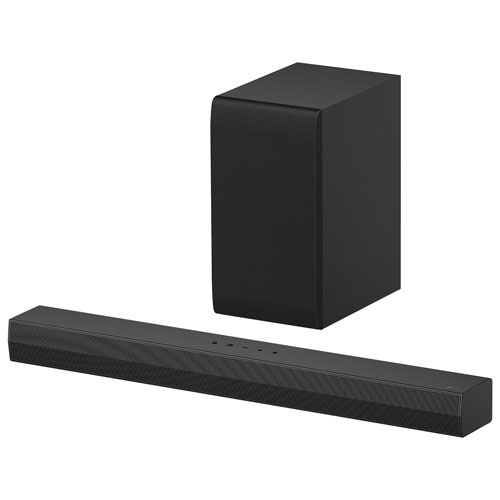
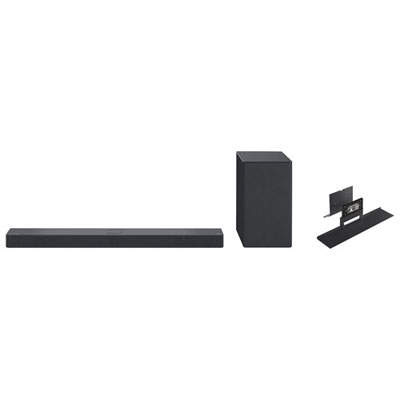
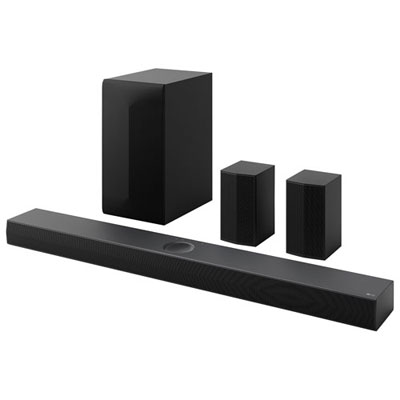
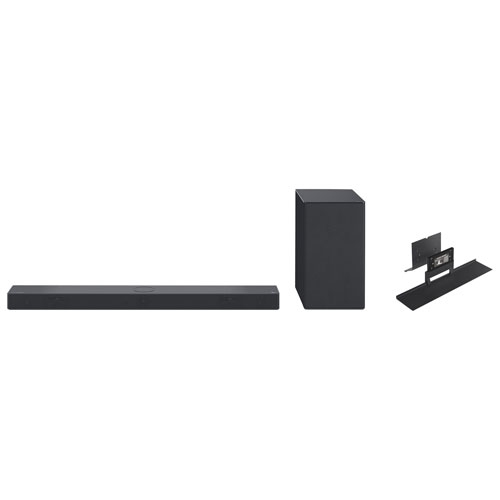
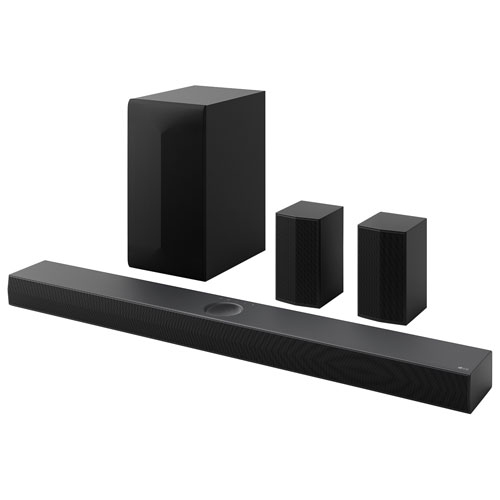
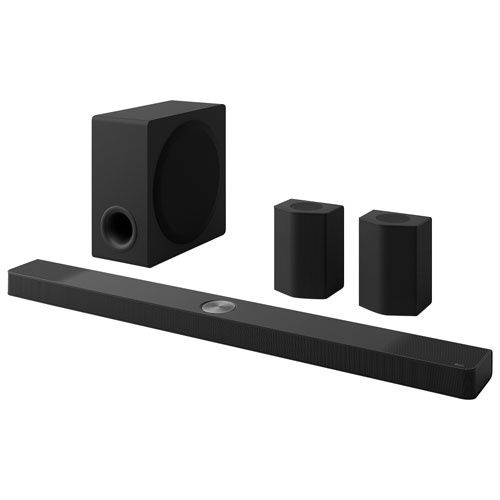
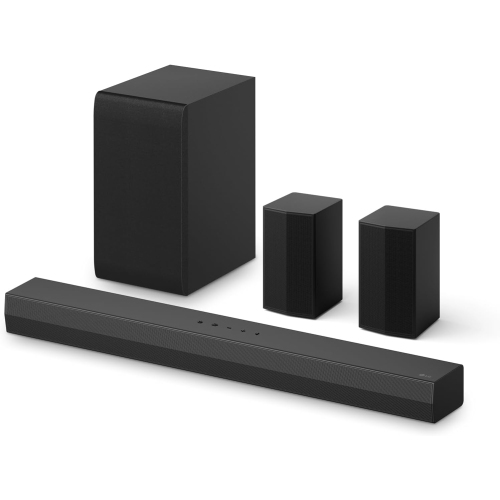
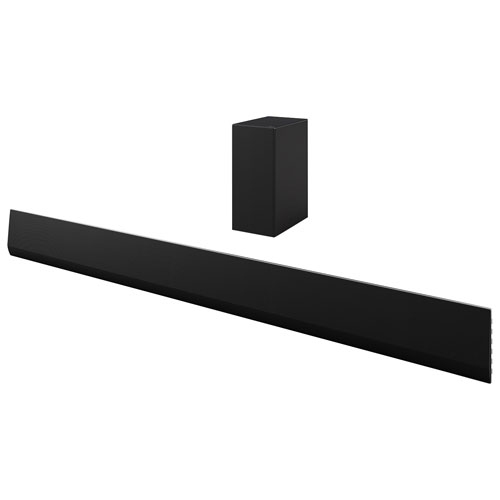
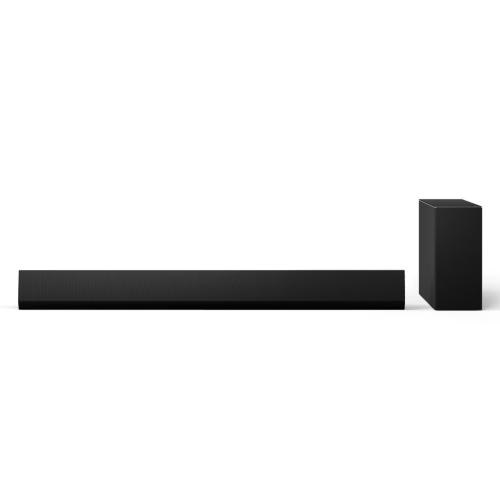
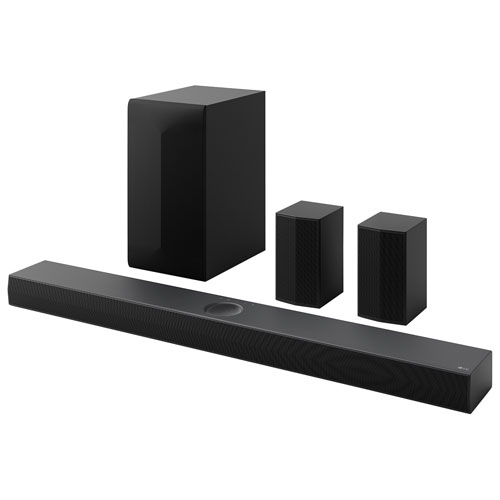
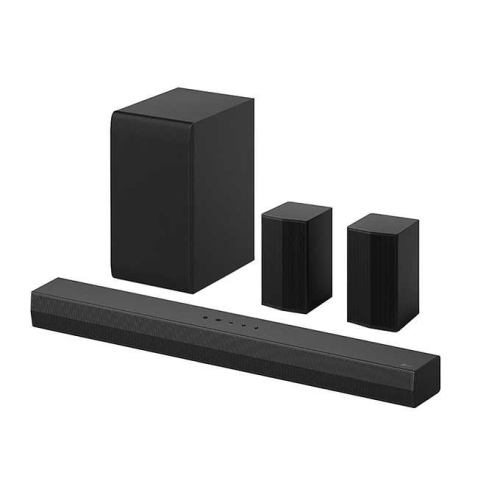
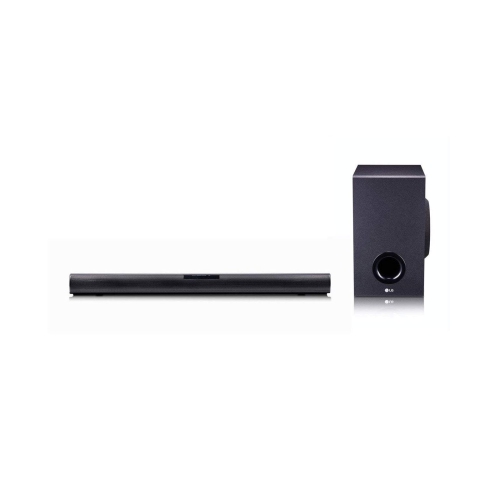
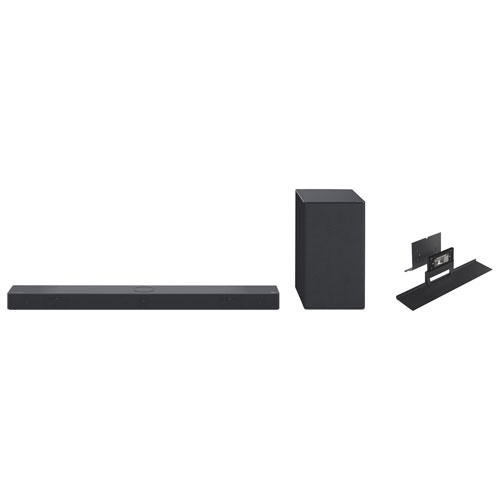
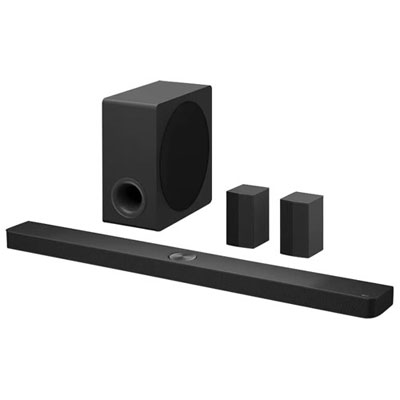
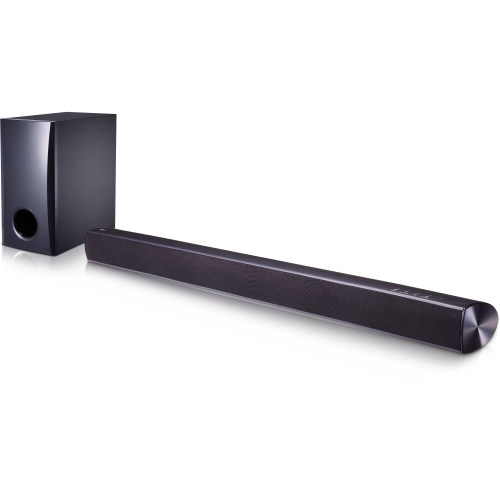
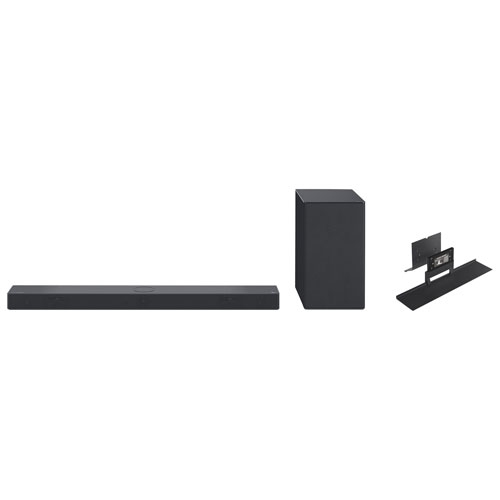
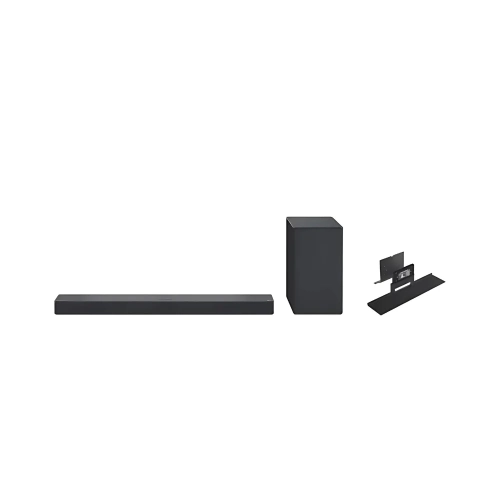
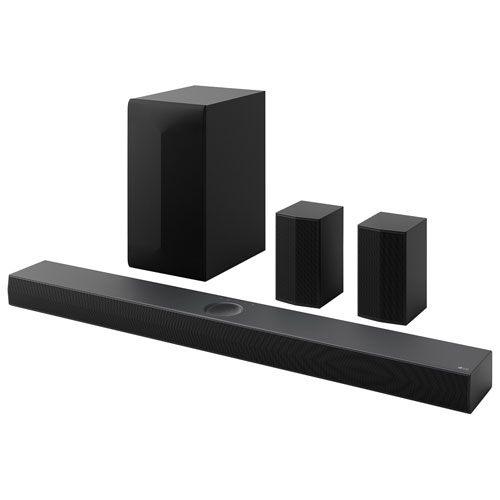
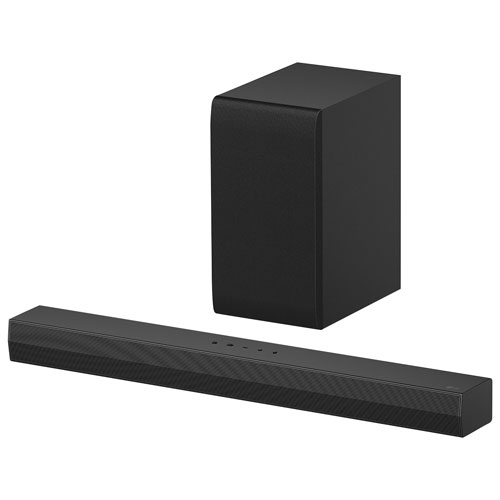
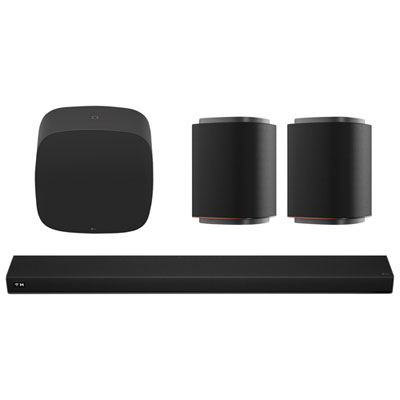
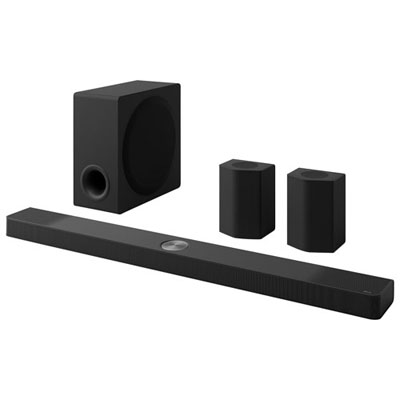
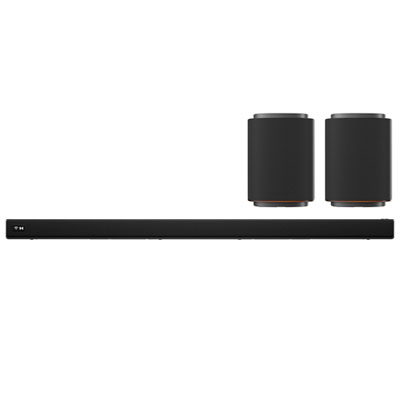
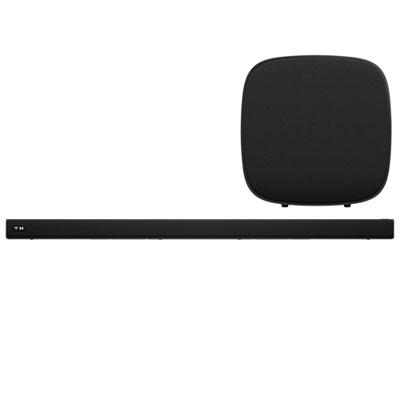
An LG surround sound setup may include a soundbar, a subwoofer and compatible rear speakers. Some systems include rear speakers, while others support an optional rear speaker kit. Check the system’s specifications to confirm which components are included and which accessories are compatible.
If both devices support HDMI ARC or eARC, connect their labelled ARC or eARC ports with a compatible HDMI cable, then select the external audio system in your TV’s sound settings. An optical connection may also be available, although it supports fewer audio formats than HDMI eARC.
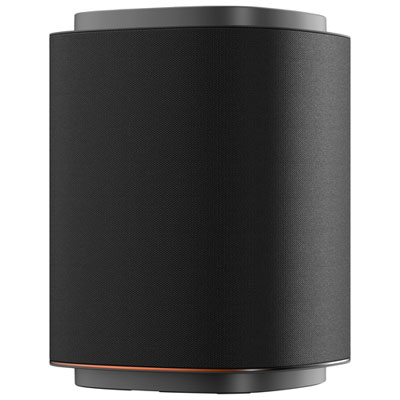
Wireless rear speakers can receive audio without a cable running from the soundbar, but they still need power. Depending on the system, the speakers may plug into power outlets individually or connect by speaker wire to a shared wireless receiver. Rear speaker kits must be compatible with the soundbar.
Check whether your system supports the formats used by your content, such as Dolby Digital, Dolby Atmos or DTS. Format availability depends on the audio system, source device, connection and content. If audio passes through your TV, its supported passthrough formats also matter.
Many HDMI-connected systems support basic volume and power controls through HDMI-CEC, called SIMPLINK on LG TVs. Enable the relevant control settings on both devices. Available functions vary by TV and audio system, and advanced settings may require the system’s own remote or a compatible app.
Top selling and popular products
Discover more categories related to LG Surround Sound Setup

Some products may be subject to Environmental Handling Fees (EHF) depending on your province. Learn more about EHFs.