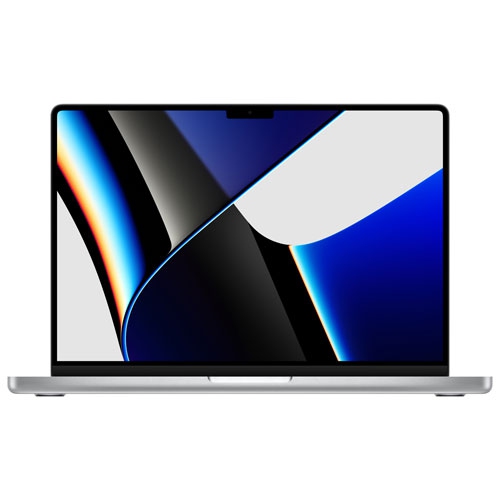
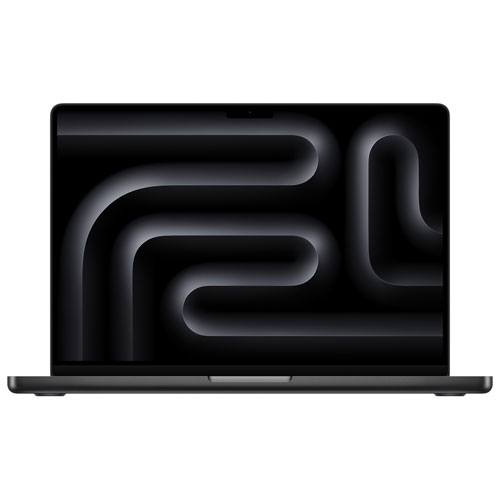
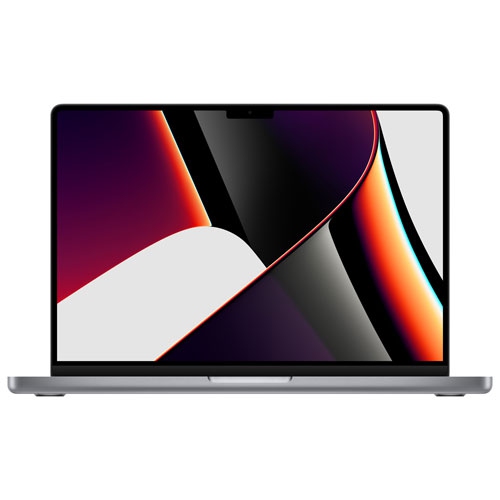
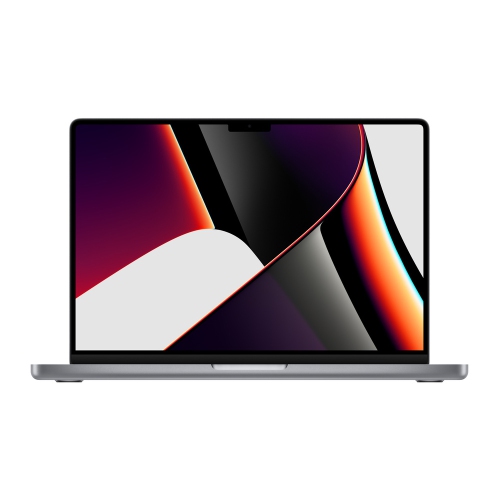
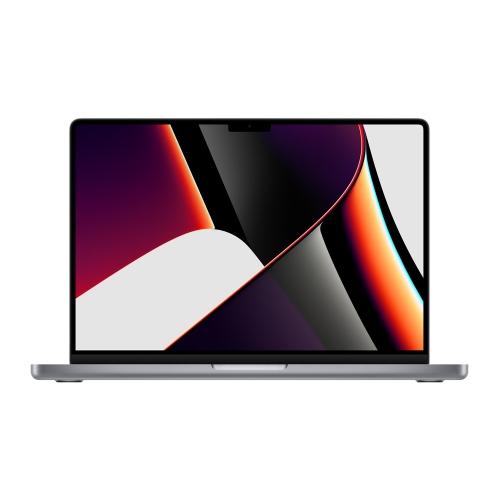
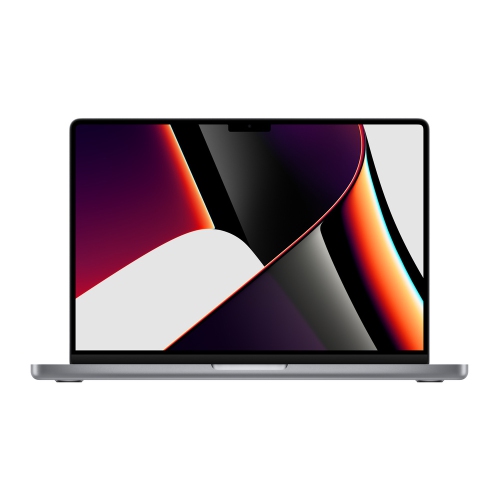
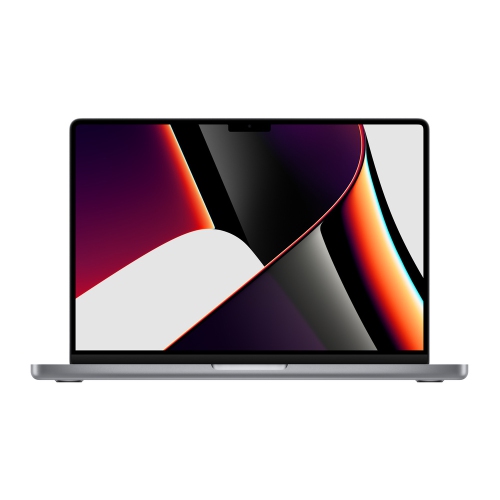
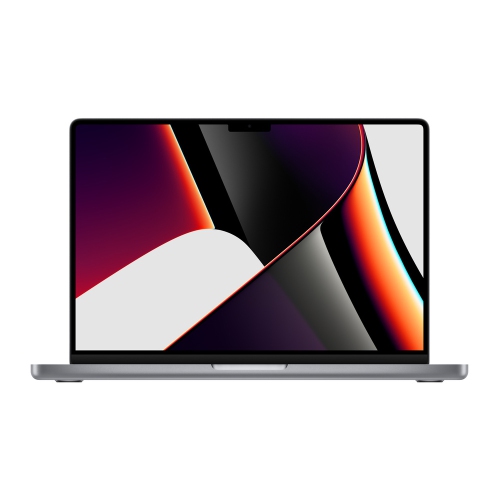
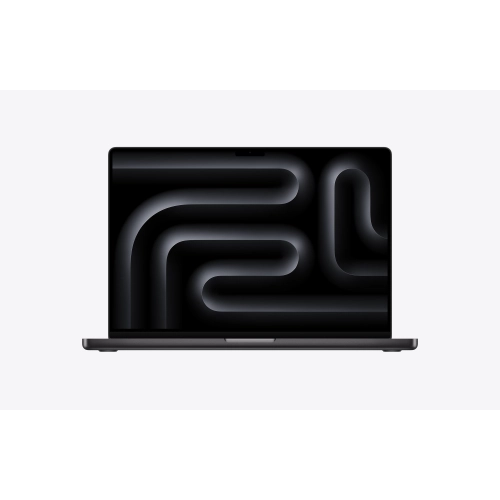
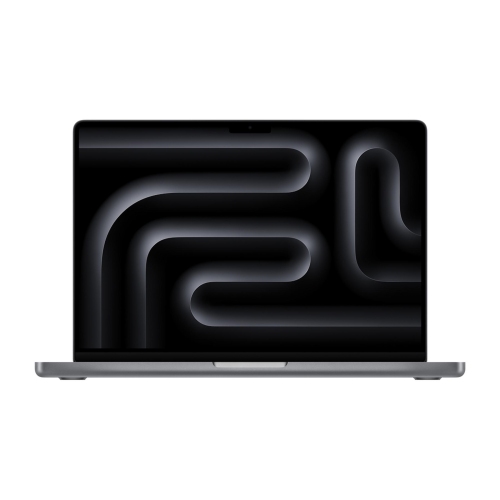
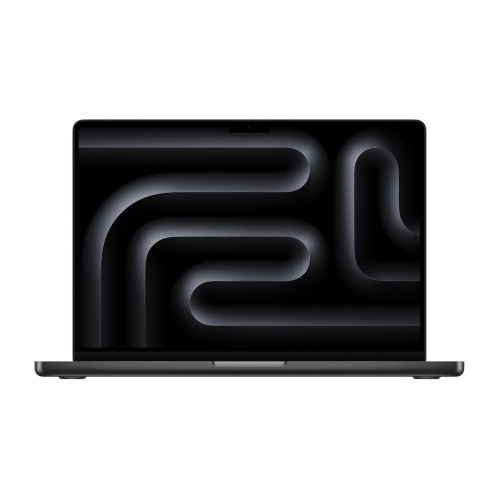
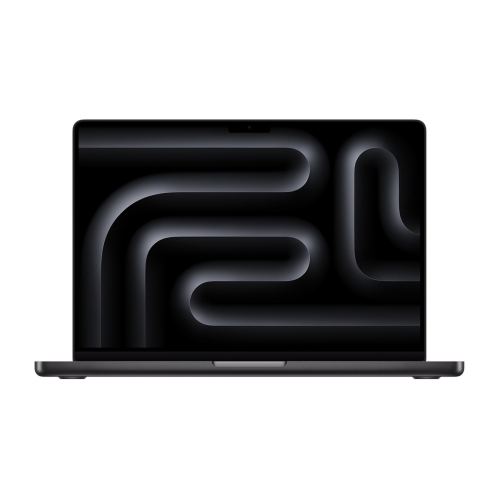
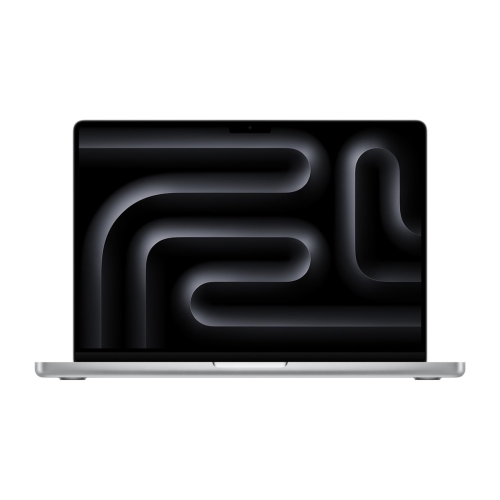
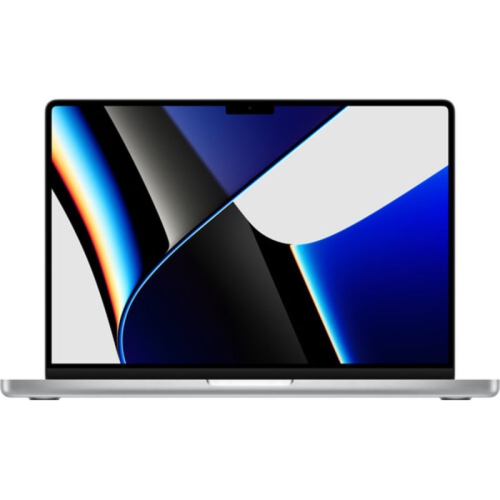
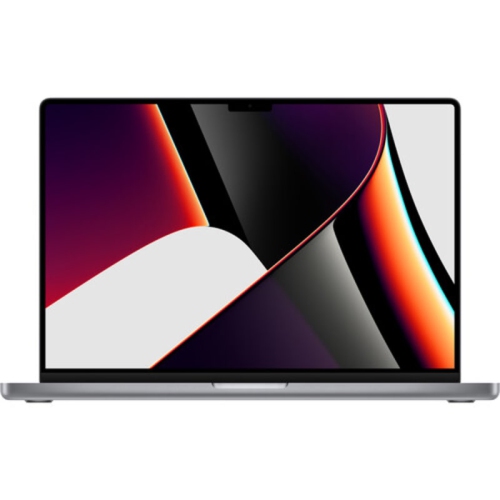
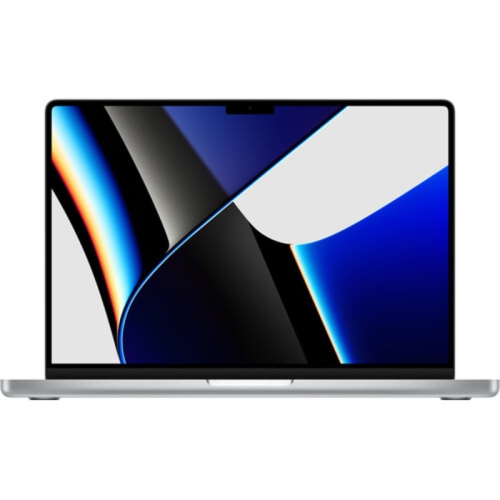
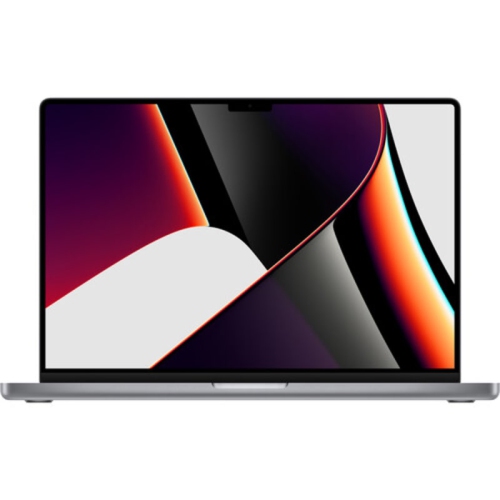
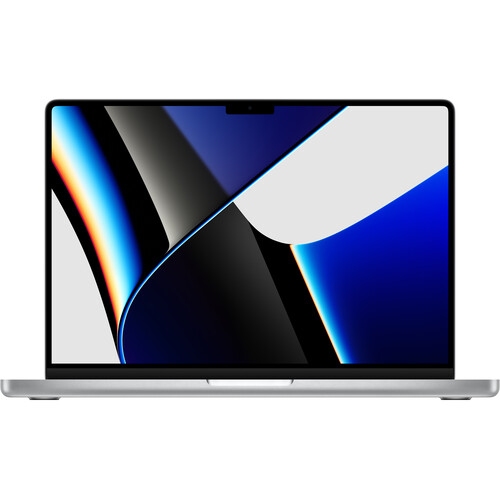
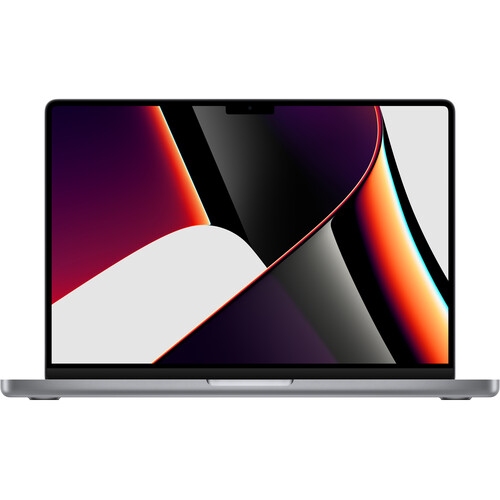
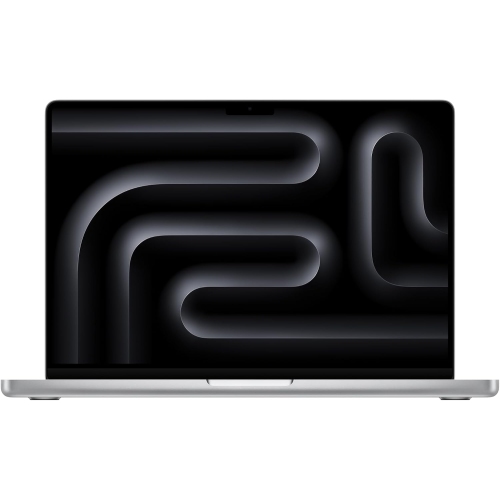
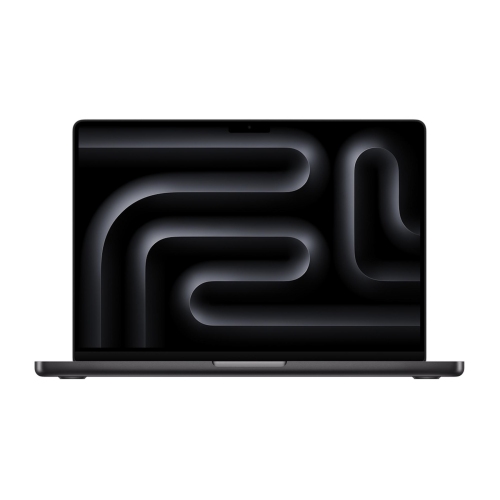
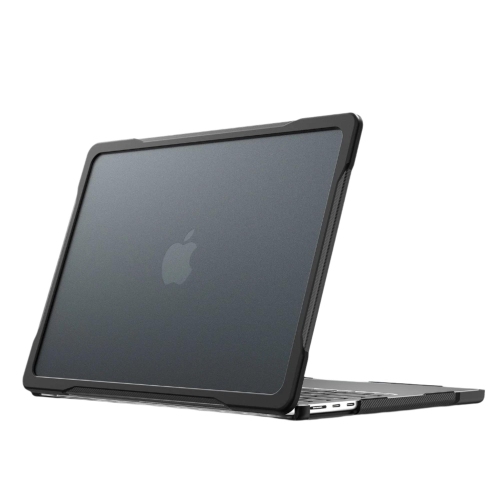
MacBook Pro 14 Inch

Shop 14-inch MacBook Pro laptops and compare configurations to find the right fit for your work, study, or creative projects. Check the processor, memory, and storage in each listing to choose a MacBook that suits the apps you use and the files you need to keep on hand.
Sort

Power for demanding work without the extra bulk

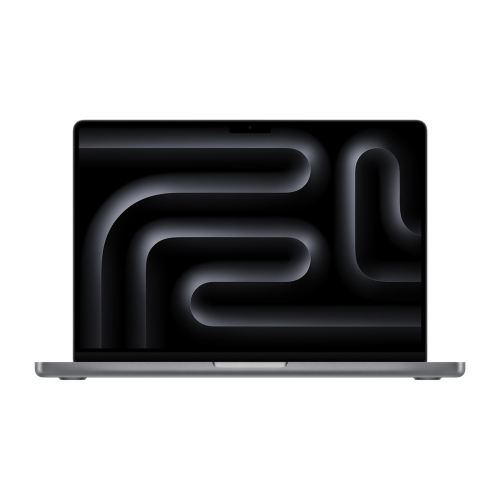
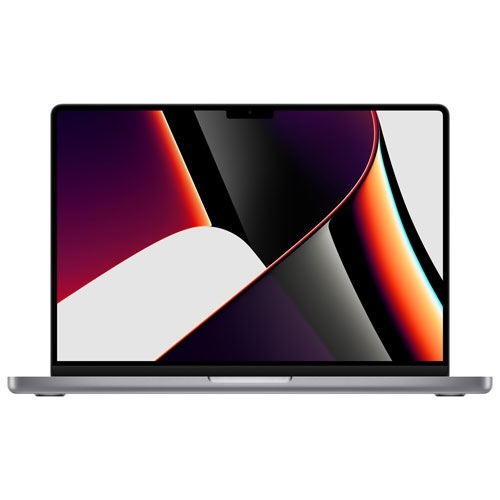
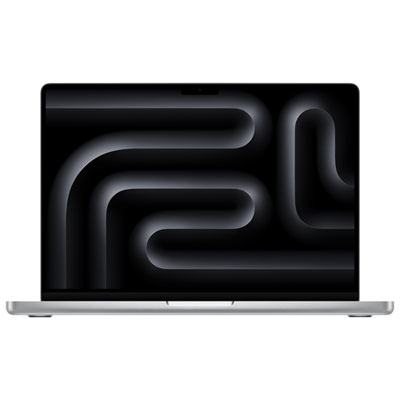
A 14-inch professional laptop brings a detailed screen, a full-size keyboard, and substantial computing power into a format that fits comfortably into many everyday work bags. It suits people whose work moves between a desk, a meeting room, a classroom, and a kitchen table, without requiring a large notebook for every journey. For a photographer, that can mean reviewing images after a shoot; for a developer, it can mean keeping a code editor and a preview window open side by side. Students working with design software, researchers managing large documents, and professionals preparing presentations can also benefit from this balance of screen space and portability. The nominal screen size is only part of the fit: actual display measurements, chassis dimensions, and weight can differ between generations and configurations. A high-resolution display makes small text and fine image details easier to distinguish, while wide colour support and strong contrast are useful for visual work. Brightness and refresh rate also affect the experience, particularly when scrolling through long documents or moving around a detailed editing timeline. For colour-critical projects, display settings and calibration still matter; a vivid screen alone does not guarantee that a finished image will match a printed page. Aluminium construction gives many notebooks in this category a solid feel, although a metal enclosure is not a substitute for protection from drops or pressure inside a crowded bag. A padded compartment helps separate the laptop from chargers, keys, and other hard objects. At a desk, the compact footprint leaves room for a notebook, mouse, or drawing tablet. When more workspace is needed, an external monitor can provide a larger view while the laptop remains easy to carry between locations. That flexibility is a central appeal of the 14-inch format: enough room for focused work, with fewer compromises when the day includes time away from a permanent workstation. Keyboard spacing, palm-rest depth, and the position of the trackpad also influence comfort during longer writing or editing sessions.

Performance differences within the same screen size can be substantial, so processor, graphics, memory, and storage specifications are more informative than appearance alone. Writing reports, joining video calls, and working across browser tabs place different demands on a laptop than editing high-resolution footage, compiling a large software project, or rendering a complex scene. A processor with more capable graphics can help with supported creative applications, but the benefit depends on the software and the task rather than the specification in isolation. Unified memory, where the processor and graphics hardware share a common memory pool, supports this closely integrated approach. Memory capacity matters when several demanding applications remain open together, especially alongside large image files, virtual machines, or detailed project assets. Solid-state storage serves a different purpose: it holds applications and files, including the source material that can quickly accumulate during media work. A video project may need room for original footage, working files, temporary files, and finished exports, not just the final video. Internal memory and storage in this laptop category are generally not user-upgradeable, making the original configuration important for longer-term use. External drives can add file storage, although their speed, connection type, and portability affect how comfortably they fit into a workflow. Connections may include Thunderbolt-capable USB-C ports, HDMI, an SDXC card slot, a headphone jack, and a separate magnetic charging connector, with details depending on the generation and configuration. These connections can simplify tasks such as importing camera files, attaching a presentation display, or using wired headphones without adding an adapter for every accessory. External display support also varies, including the number of screens and the resolutions supported. Battery performance depends on the workload, screen brightness, wireless activity, and connected accessories; light document work is not equivalent to continuous video export. Active cooling helps manage heat during sustained work, but fan noise and warmth can change with the task. Keeping ventilation openings clear and using a firm, flat surface supports normal airflow during longer sessions.
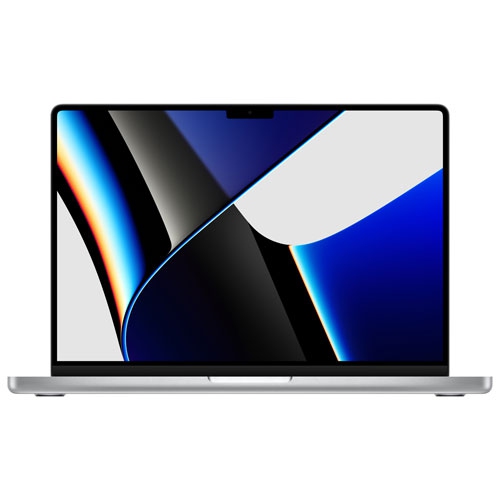
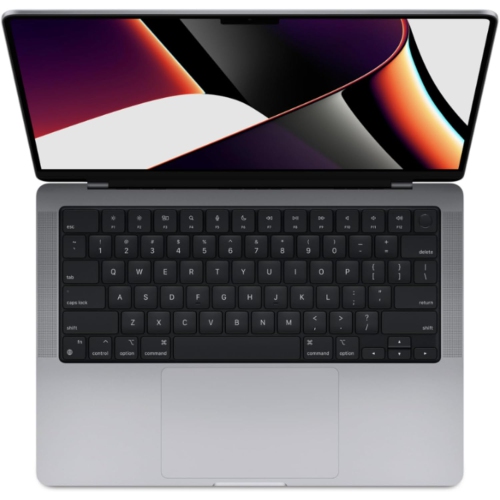
Everyday usability deserves as much attention as computing performance. A comfortable keyboard, a responsive trackpad, clear speakers, and a capable camera can make a meaningful difference across hours of writing, calls, and review work. Someone who spends the morning in a spreadsheet and the afternoon discussing revisions may value these details as much as faster export times. Wi-Fi capabilities, router compatibility, and the quality of the connection all influence wireless use, while a wired network connection may require an appropriate adapter or dock. Software compatibility is equally important for courses, workplaces, and specialist applications. Some tools require a particular operating system, plug-in, licence, or peripheral driver, and a powerful processor does not remove those requirements. For travel between locations, a fitted sleeve should match the laptop’s actual dimensions rather than relying only on the advertised screen size. Clip-on covers and screen accessories also need to match the exact generation so that hinges, ports, cameras, and ventilation remain unobstructed. Routine care is straightforward: shut the laptop down before cleaning, use a soft lint-free cloth, and keep liquid away from openings. Drinks belong far enough from the keyboard that an accidental knock is less likely to become a repair. A secure backup routine is another practical part of ownership, particularly for coursework, client files, and personal photographs that cannot simply be downloaded again. The MacBook 13 Inch category offers a nearby size comparison, although actual dimensions, weight, and capabilities remain more useful than screen size alone. As a gift for a student, creative professional, or family member starting a demanding project, a professional notebook is most useful when its software compatibility and configuration match the recipient’s needs. The strongest fit combines enough capacity for regular tasks, comfortable daily handling, and connections that suit the equipment already in use.
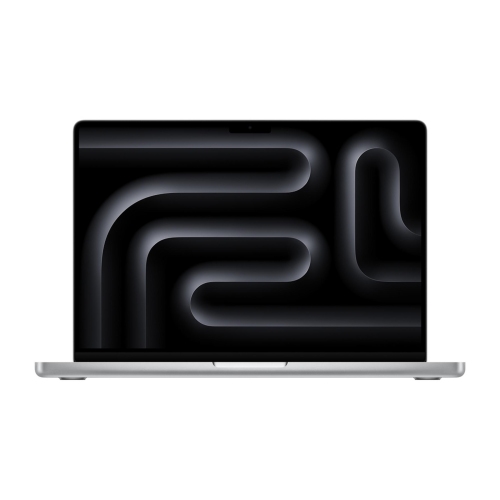
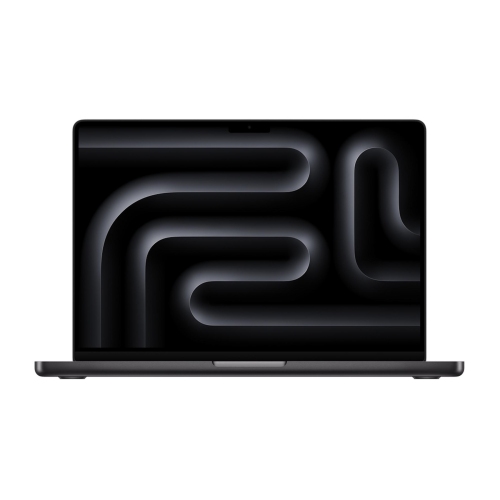
FAQ

Some products may be subject to Environmental Handling Fees (EHF) depending on your province. Learn more about EHFs.