Best Memory Cards for Dash Cam
Capture every drive with confidence using the best memory cards for dash cams, ranked by user review ratings. Whether you’re recording your daily commute or a cross-country road trip, look for high endurance, write speeds suited to your camera’s video resolution, and enough storage for your recording needs. Check your dash cam’s supported card type and capacity to find a compatible option.
What to look for in memory cards for dash cams
1. Recording Endurance
2. Capacity and Compatibility
3. Sustained Write Speed
4. Temperature Tolerance
-
1
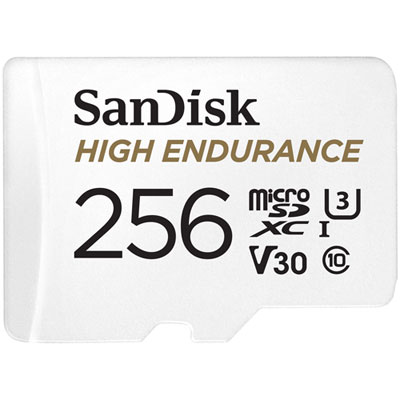
SanDisk High Endurance 256GB 100MB/s microSDXC Memory Card
About this product
A durable white microSDXC card offering 256GB storage, 100MB/s read speed, and reliable Full HD recording.
What customers like
(115)$119.99 Your price for this item is $119.99 -
2
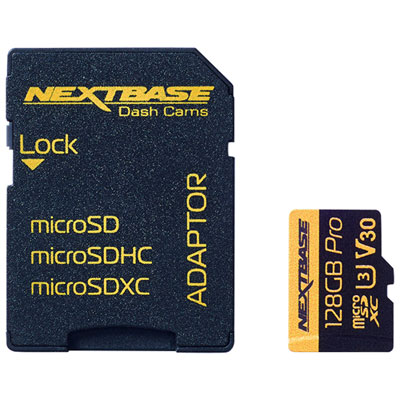
Nextbase 128GB 70MB/s microSD Memory Card
About this product
A high-speed 128GB microSD card designed for reliable dash cam video storage and quick data transfer.
What customers like
(79)$99.99 Your price for this item is $99.99 -
3
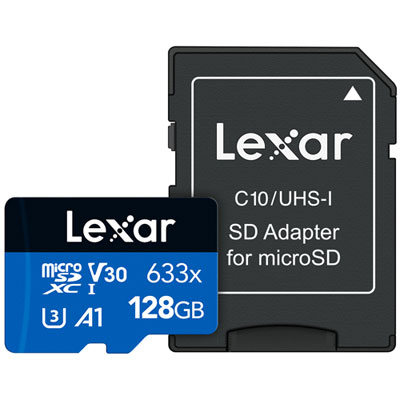
Lexar 633x 128GB 100MB/s microSDXC Class 10 Memory Card
About this product
A high-speed microSDXC card in black and blue, ideal for capturing HD, 3D, and 4K videos.
What customers like
(50)$63.99 Your price for this item is $63.99 -
4
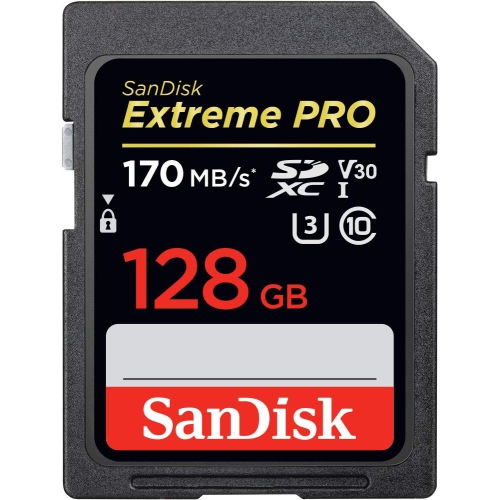
SANDISK Extreme Pro 128GB Sd Card Sdsdxxy-128G
About this product
A durable SD card offering 128GB storage, 4K UHD video support, and fast 170MB/s transfer speeds.
(1)$59.99Your price for this item is $59.99SAVE $20 -
5
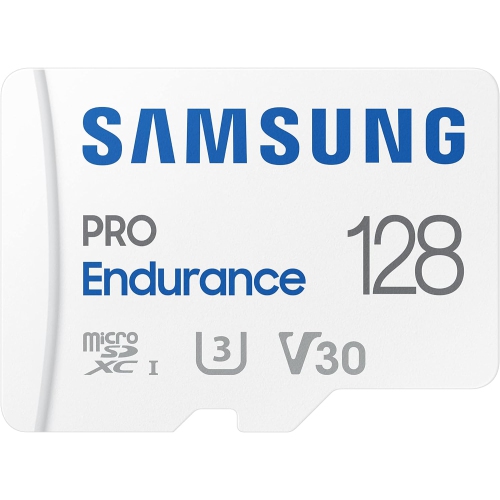
SAMSUNG Pro Endurance 128GB Microsdxc Card (Mb-Mj128Ka/am)
About this product
A high-performance memory card designed for monitoring devices, offering extreme endurance and long-lasting performance.
What customers like
(671)$107.90Your price for this item is $107.90SAVE $74 -
6
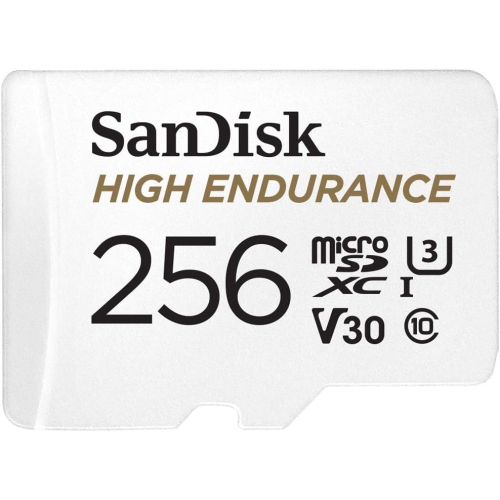
SANDISK 256GB High Endurance Video Microsdxc Card w Adapter for Dash Cam And Home Monitoring Systems - C10, U3, V30, 4K Uhd, Micro Sd Card
About this product
A high-endurance 256GB microSDXC card with adapter, ideal for 4K UHD dash cams and security systems.
(9)$102.99Your price for this item is $102.99SAVE $69 -
7
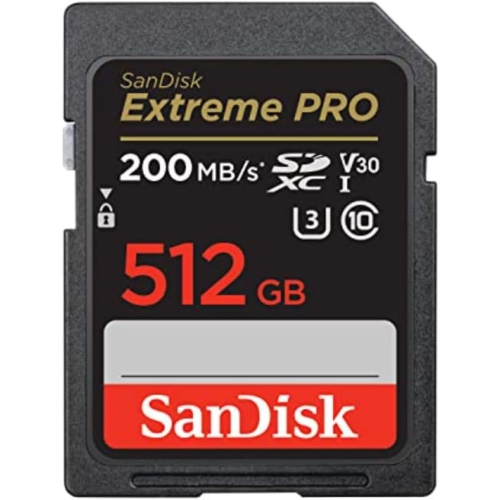
SANDISK 512GB Extreme Pro Sdxc Uhs-I Memory Card - C10, U3, V30, 4K Uhd, Sd Card - Sdsdxxd-512G-Gn4In
About this product
A high-performance SD card offering 512GB storage, UHS-I speed, and 4K UHD video support.
(2)$208.67Your price for this item is $208.67SAVE $148 -
8
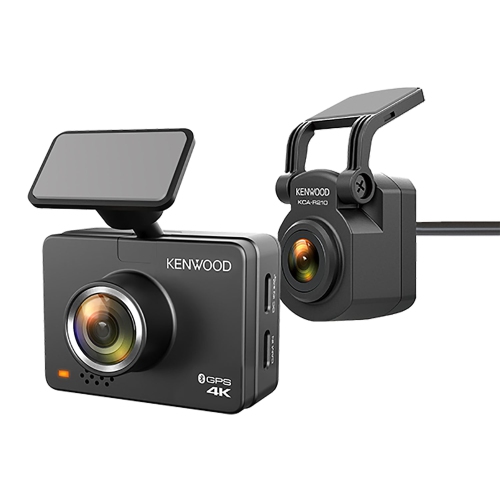
KENWOOD Drv-A610Wdp 2-Channel Compact 4K HD Dash Camera With 2" Display, Wi-Fi, And Gps — Includes Rear-View Cam
About this product
A compact 4K dash camera with rear-view cam, 2" display, Wi-Fi, GPS, and 64GB microSD card.
What customers like
(69)$448.00Your price for this item is $448SAVE $51 -
9
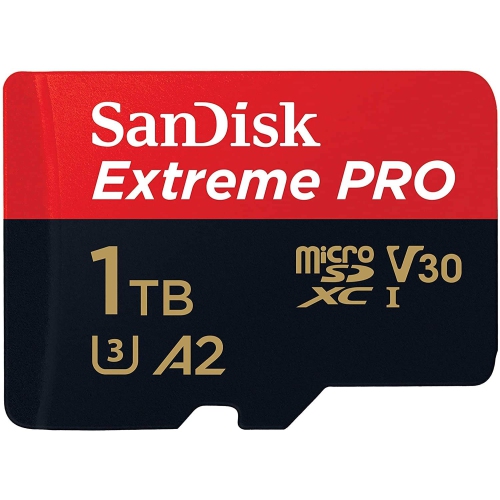
SANDISK Extreme Pro 1Tb Microsdxc Uhs-I Micro Sd Card With Adapter Sdsqxcz-1T00
About this product
An ultra-fast microSDXC card with 1TB capacity, ideal for 4K UHD video and rapid file transfers.
(8)$379.15Your price for this item is $379.15SAVE $252 -
10
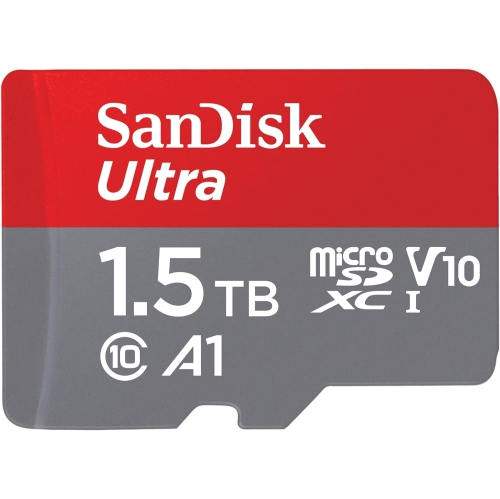
SANDISK 1.5Tb Ultra Microsdxc Uhs-I Memory Card With Adapter - Up to 150Mb/s, C10, U1, Full HD, A1, Microsd Card - Sdsquac-1T50-Gn6Ma
About this product
A high-capacity microSDXC card with 1.5TB storage, 150MB/s speed, and adapter for versatile compatibility.
(5)$367.45Your price for this item is $367.45SAVE $257
FAQ
Check your dash cam’s manual for supported memory card standards, speed ratings and formatting requirements. Look for cards explicitly labelled for dash cam use, but confirm compatibility with your camera rather than relying on the label alone.
Markings such as Class 10, U1, U3 and V30 indicate minimum sequential write speeds under defined conditions. Class 10 and U1 indicate 10 MB/s, while U3 and V30 indicate 30 MB/s. Match the required rating in your dash cam’s manual.
Use the dash cam’s built-in formatting option if the manufacturer provides one. This lets the camera prepare the card with its intended file system and folder structure. Copy any files you want to keep before formatting, as formatting erases existing footage.
Loop recording saves footage as a series of short clips and typically overwrites the oldest unprotected clips when the card is full. Manually locked or event-triggered clips may be stored separately or excluded from overwriting, depending on the dash cam.
Turn off the dash cam and follow its instructions for removing the card, then connect it to your computer using a compatible card reader. You can usually copy clips through your computer’s file browser. Some dash cams also support USB transfers or wireless downloads through a companion app.
Top selling and popular products
Discover more categories related to Best Memory Cards for Dash Cam
Some products may be subject to Environmental Handling Fees (EHF) depending on your province. Learn more about EHFs.