Memory Cards For Dash Cam Recording
Find the right Memory Card For Dash Cam Recording to help store and manage your footage with ease. Explore a range of options designed to support reliable dash cam performance, whether you’re capturing daily drives or long road trips. With various storage capacities and formats available, it’s easy to find a memory card that fits your needs for recording and saving important moments on the road.
Sort



Why loop recording demands more than storage space
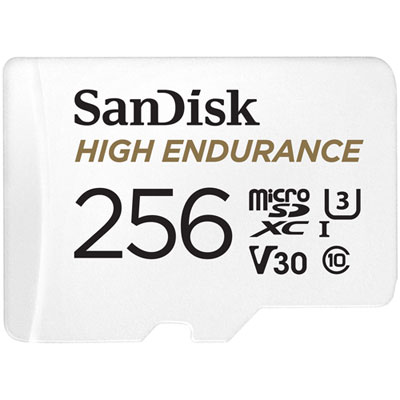
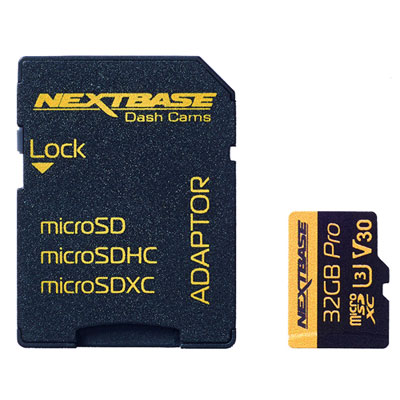
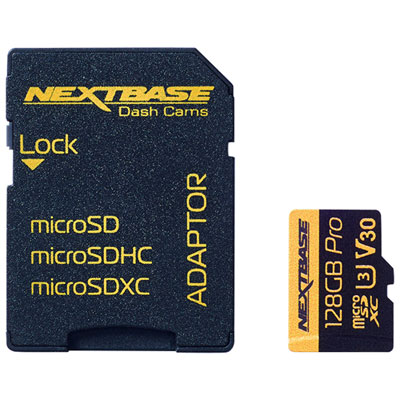
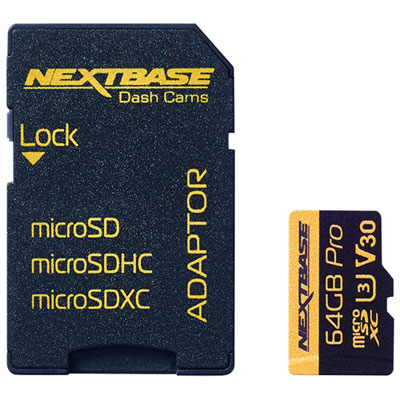
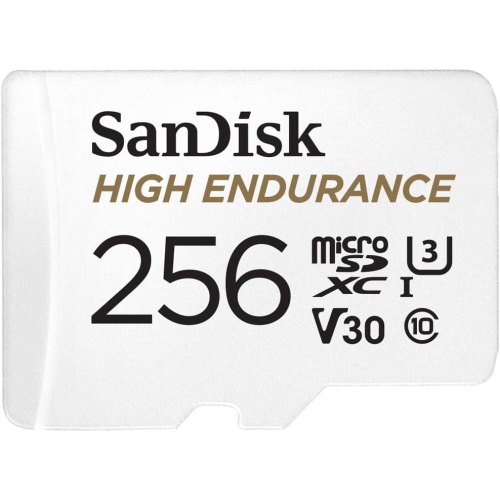
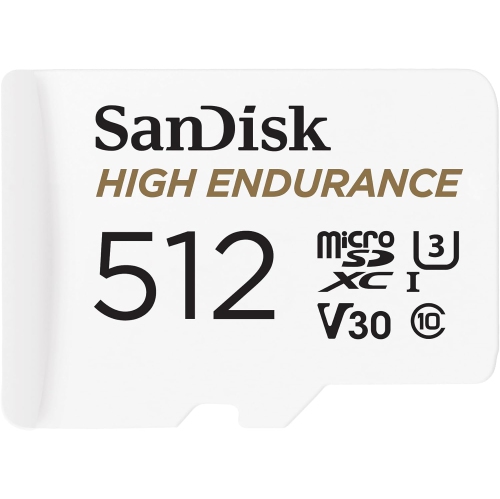
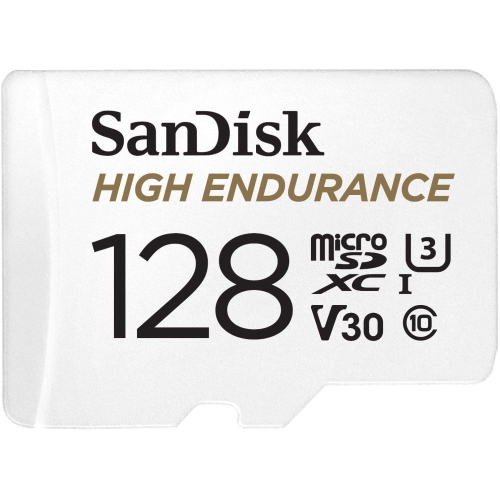
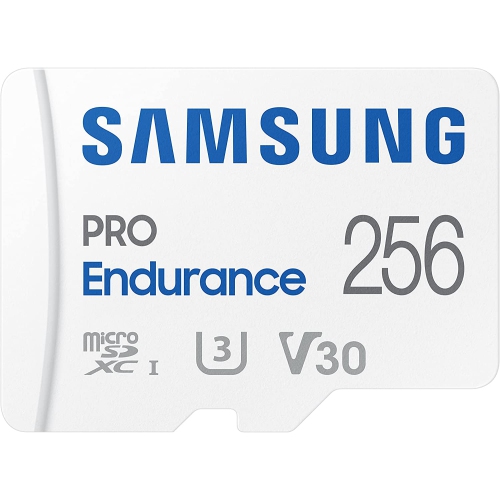
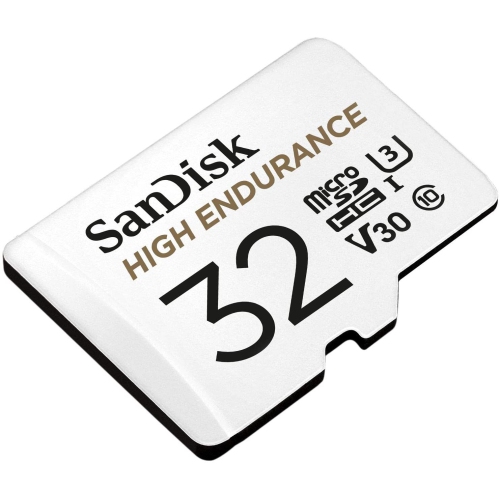
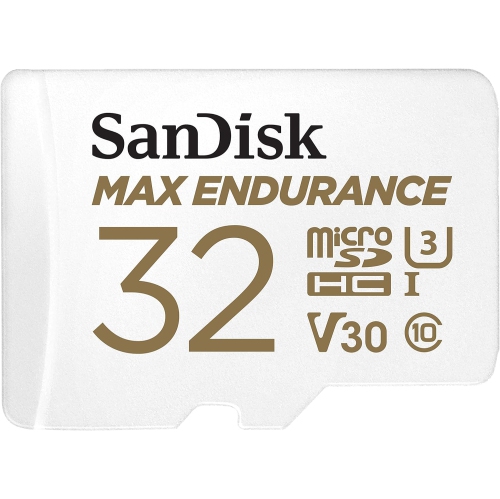
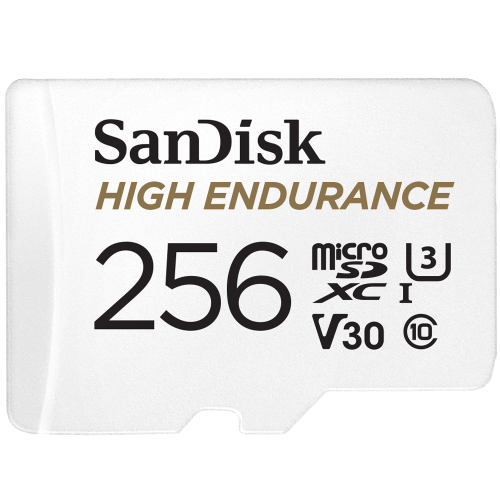
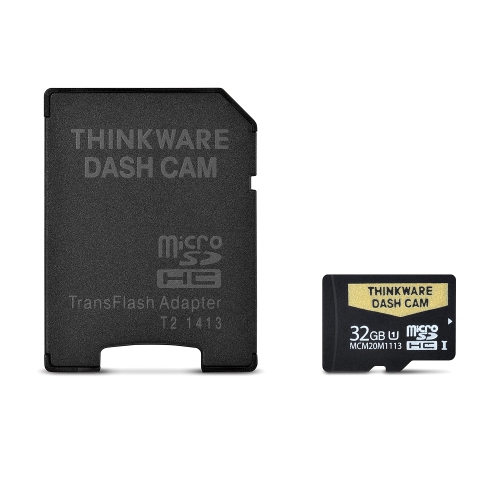
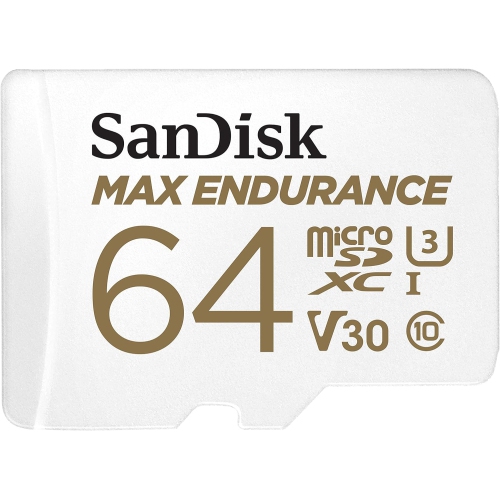
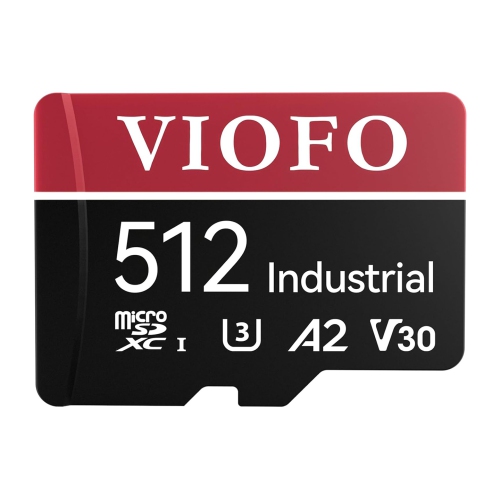
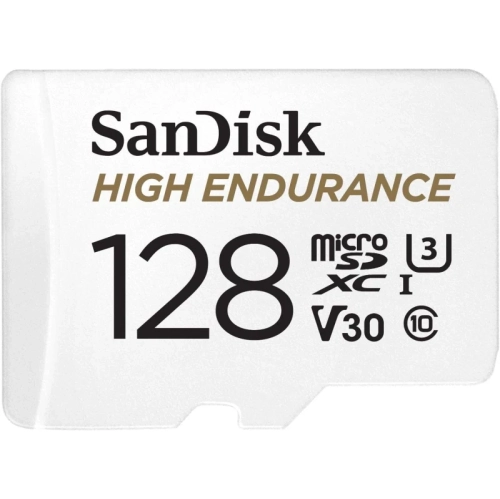
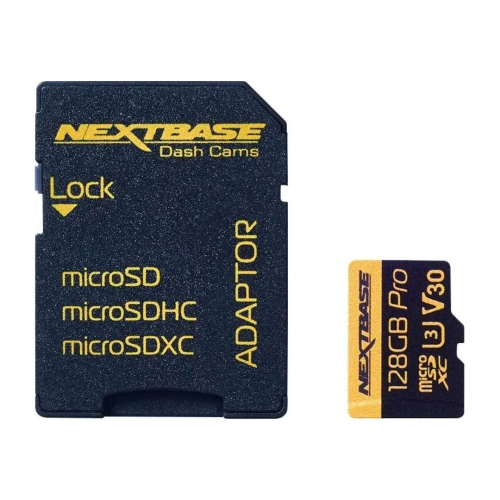
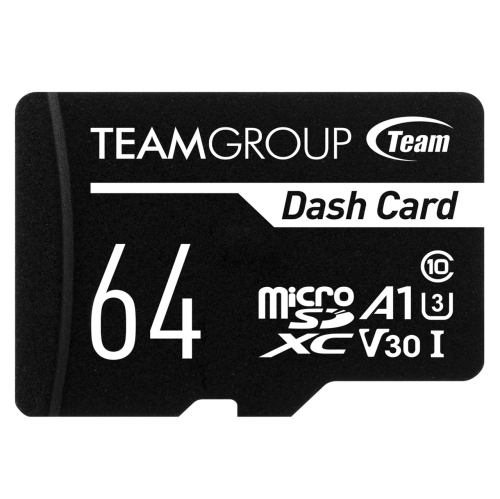
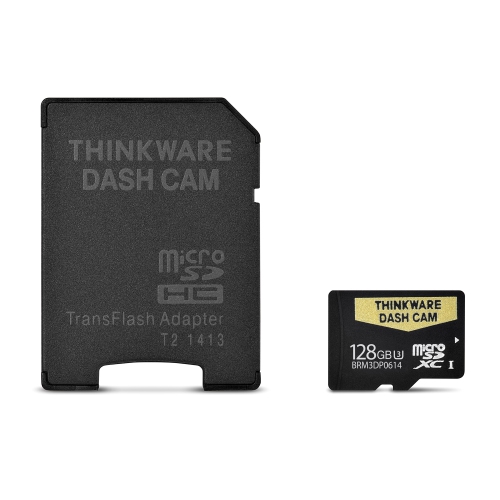
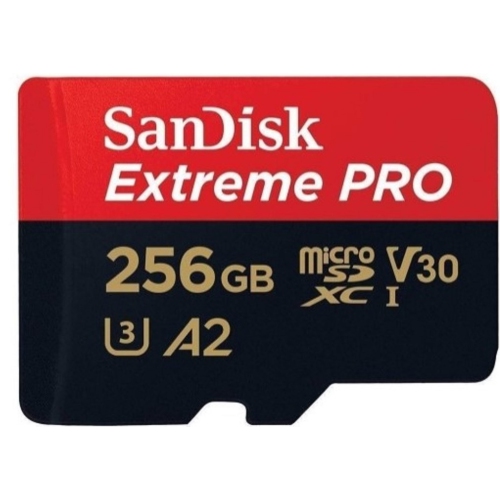
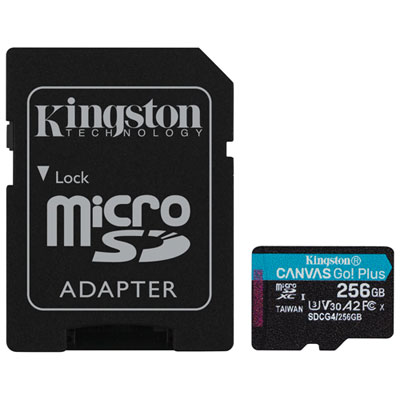
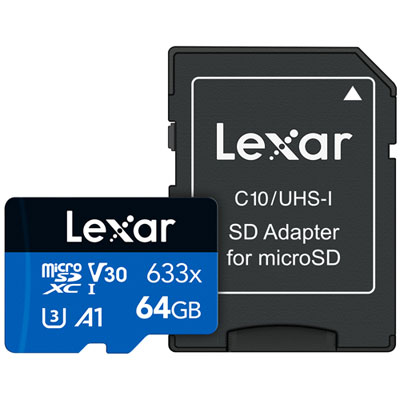
Memory cards for dash cam recording provide the storage that turns a camera’s view of the road into footage that can be reviewed later. High-endurance microSD cards are designed for repeated video recording and overwriting, making them well suited to the constant writing involved in dash cam use. Unlike a card used mainly to hold photos, a dash cam card may be writing throughout a commute, a delivery route or a long drive. When loop recording is enabled, the camera typically replaces the oldest unprotected recordings as space fills, so the card’s ability to handle repeated write cycles matters alongside its capacity. Compatibility begins with the camera’s specifications: the supported card format, maximum capacity and required speed rating all affect which memory cards are suitable. Most dash cams use microSD cards, but the slot and supported microSDHC or microSDXC format should match the camera’s requirements. A full-size SD adapter can make a microSD card fit a compatible computer reader; it does not change the card’s capacity, performance or compatibility with the camera. Storage options such as 64 GB, 128 GB and 256 GB offer different amounts of recording space, provided the dash cam supports them. Larger capacities generally allow more footage to remain on the card before older files are overwritten, but recording time also depends on resolution, video bitrate, compression and the number of cameras recording at once. A front-and-rear system usually needs more storage than a single camera using similar settings, while an additional interior camera increases the amount of footage further. For drivers who spend hours on the road, that extra space can mean a longer window for finding a particular clip. For shorter daily journeys, a smaller supported card may provide enough recording history. Capacity is therefore most useful when considered against the camera’s actual recording settings rather than a fixed promise of how many hours any card will hold. Even two cameras recording at the same resolution can produce different file sizes because their bitrate and compression settings differ.
Speed ratings help distinguish memory cards that can keep pace with continuous video from those better suited to less demanding storage tasks. Class 10 indicates a minimum sequential write speed of 10 MB/s under the applicable standard, while U3 and V30 each indicate a minimum of 30 MB/s under their respective standards. A high-endurance microSD card carrying Class 10, U3 and V30 markings can be a suitable option for compatible dash cams, including many higher-resolution systems, but the camera manufacturer’s stated requirements remain the deciding factor. Not every dash cam requires U3 or V30, and a 4K label alone does not establish the exact card specification needed. The large transfer-speed number printed on packaging may describe maximum read speed, which is useful when copying footage but does not by itself establish sustained recording performance. Speed and endurance also describe different qualities: a fast card is not automatically built for extensive loop recording. Endurance claims may be expressed as recording hours or another workload measure, and those figures depend on the capacity, recording conditions and test method used. They are best treated as rated capabilities rather than a guarantee of a particular service life in every camera. This distinction matters for commuters, rideshare drivers and delivery drivers whose cameras may run for extended periods. Parking recording can add further write activity when the camera supports it and has an appropriate power source. Whether parking footage is continuous, time-lapse or triggered by an event depends on the dash cam, not the memory card. Likewise, a card cannot add buffered recording, impact detection or extra camera channels to a system that lacks those features. Some cameras reserve separate space for parking footage or protected events, which can reduce the capacity left for ordinary loop recordings. A card matched to both the camera and its intended workload supports more dependable recording without relying on headline capacity or transfer speed alone. It also leaves the camera better equipped to save a routine journey alongside an unexpected moment worth reviewing.
Everyday handling and file management help keep dash cam storage useful beyond the moment footage is captured. The Best Memory Cards for Dash Cam page offers another way to explore memory cards for this recording use, with camera compatibility remaining central to the choice. These small cards are easy to move between a camera and a reader, but their exposed contacts and compact size make careful handling worthwhile. A protective case helps prevent loose cards from being misplaced or damaged in a glove compartment or bag, and avoiding unnecessary contact with the metal contacts helps keep them clean. The camera should finish recording and shut down before the card is removed, since interrupting a write can leave an incomplete or unreadable file. Formatting through the dash cam’s own menu, when directed by its manufacturer, helps establish the file system and folder structure the camera expects. Formatting also erases stored recordings, so important clips need to be copied elsewhere first. Footage from a close call, a collision or damage discovered after parking should be saved promptly rather than left on a card that continues to record. An event-lock feature may protect certain files from normal loop overwriting, but its behaviour varies by camera, and protected space can eventually fill. A memory card is working storage rather than a permanent archive. Depending on the dash cam, recordings may be transferred through a card reader, a cable connection or a supported Wi-Fi app; the card itself does not provide wireless transfer. Occasional playback checks can reveal missing segments, unreadable files or recording interruptions before an important journey. Repeated card warnings or failed recordings warrant attention, although formatting, camera settings or firmware can also be involved. For a shared vehicle or a memory card given with a dash cam as a gift, matching the exact camera requirements avoids the frustration of a card that fits physically but cannot record reliably. The most useful choice combines supported capacity, adequate sustained write speed and endurance suited to the time the camera spends recording.
Top selling and popular products
-
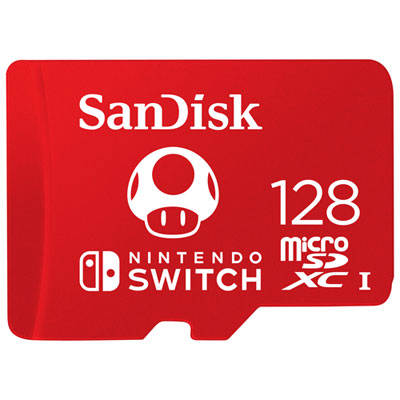 Your price for this item is $50.95
-
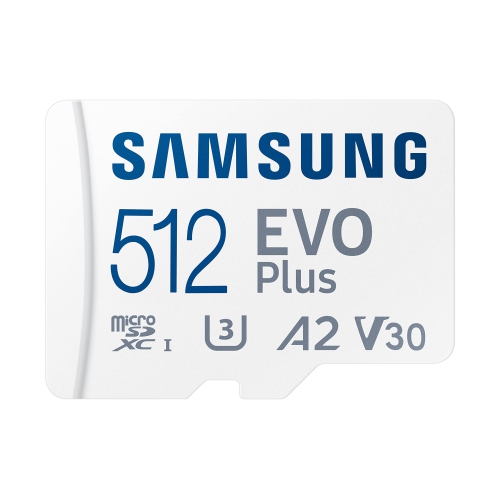 Your price for this item is $159.99
-
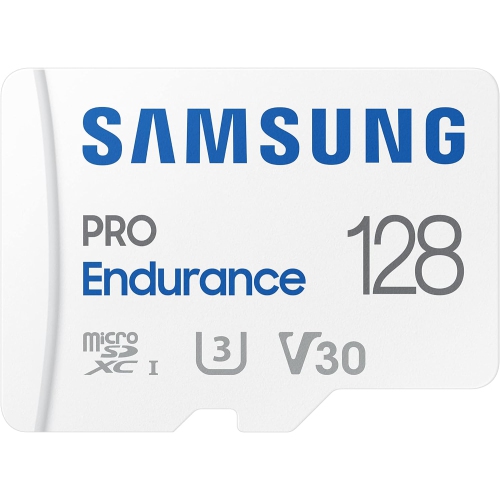 Your price for this item is $120.22
-
 Your price for this item is $113.99
-
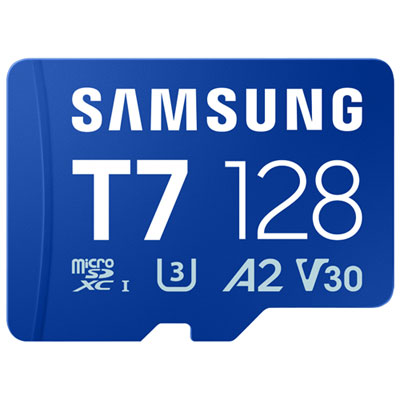 Your price for this item is $69.99
-
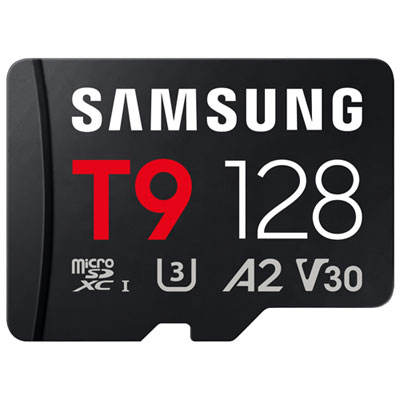 Your price for this item is $84.99
-
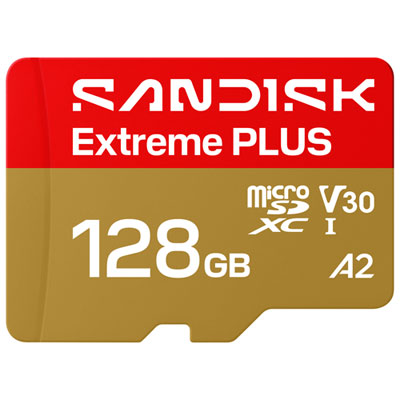 Your price for this item is $77.99
-
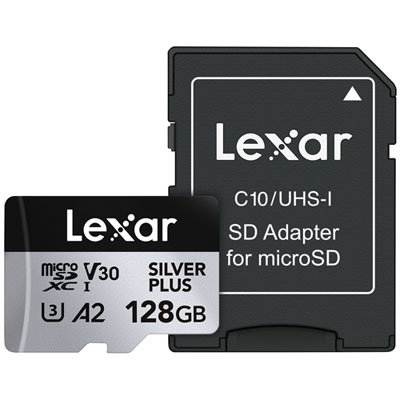 Your price for this item is $89.99
Discover more categories related to Memory Cards For Dash Cam Recording
Top Collections:
Best Black Friday Deals This Year, Best Black Friday Deals On Electronics, Kindle Devices, Pokemon Centers, Best Black Friday Deals On Apple Products, Best Cameras for Sports Photography, Dyson Airwrap, Pokémon 30th Celebration Cards, Apple iPhone 17 Pro, Canon G7X Cameras
Some products may be subject to Environmental Handling Fees
(EHF) depending on your province.
Learn more about EHFs.