Nintendo Switch Memory Cards
Nintendo Switch is a home console/portable device that lets you play games, watch movies, and use apps on the go. To do that, it needs some storage. Fortunately, there are plenty of memory cards for the Nintendo Switch. Here are some of the best options.
Sort

![SANDISK Nintendo Switch 64 GB Micro Sd Memory Card (Yoshi) []](https://multimedia.bbycastatic.ca/multimedia/products/500x500/176/17664/17664888.jpeg)
More room for your growing digital game library
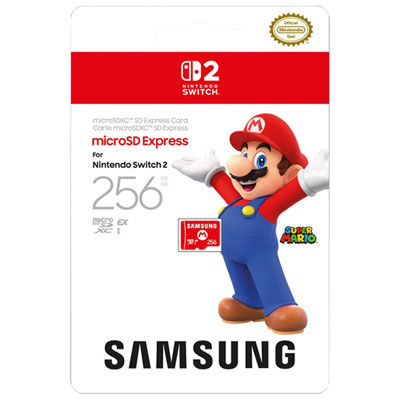
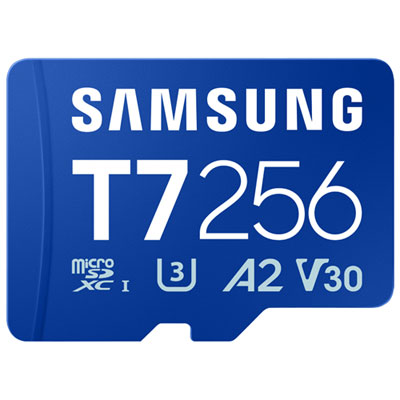
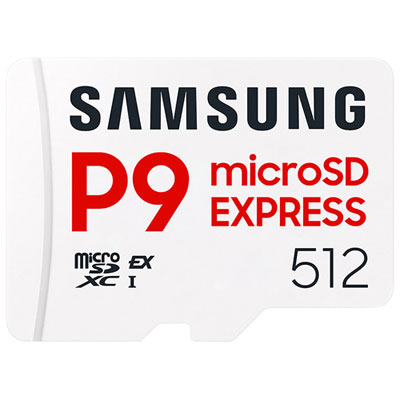
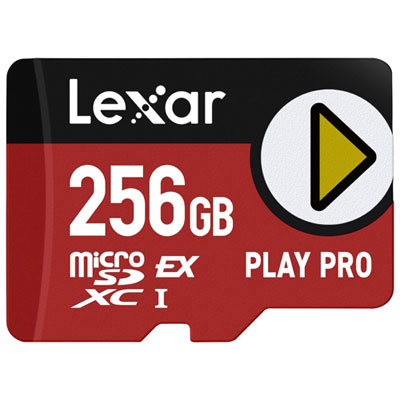
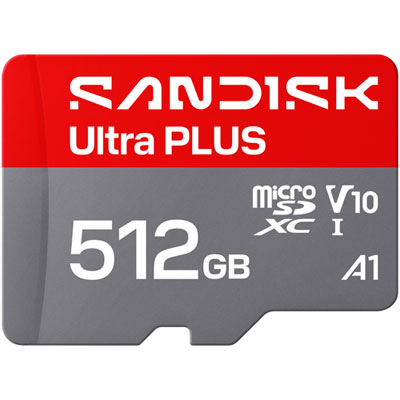
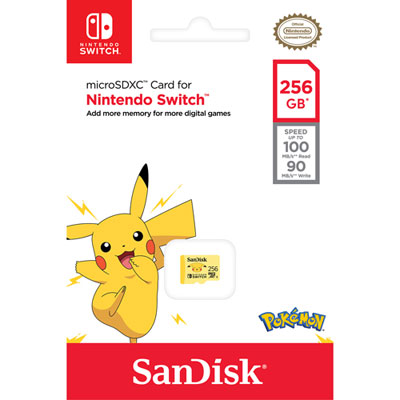
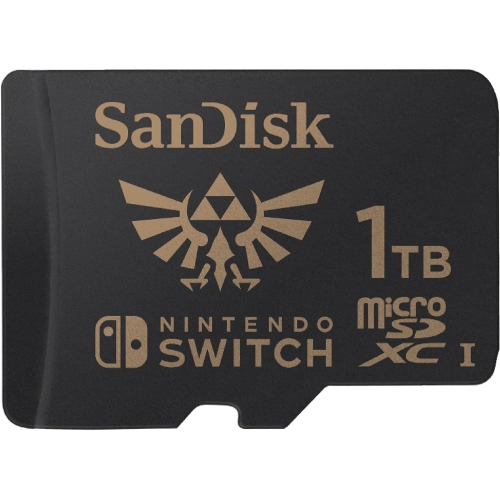
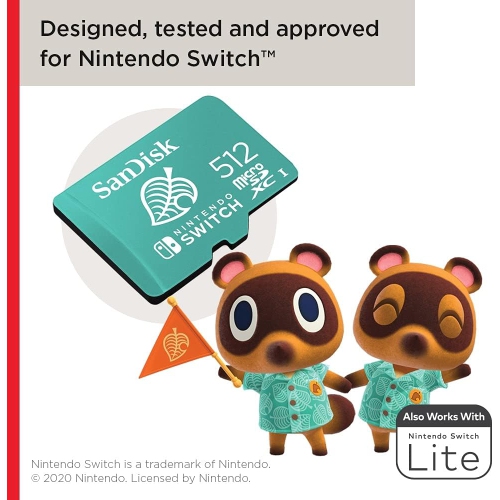
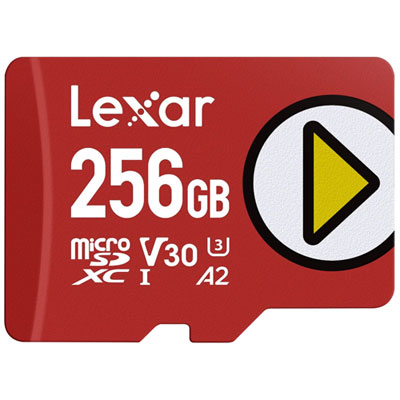
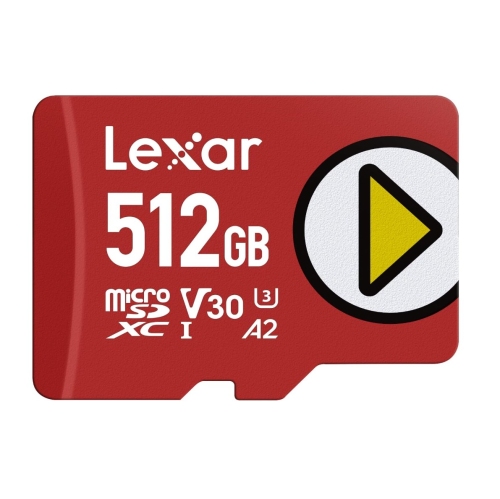
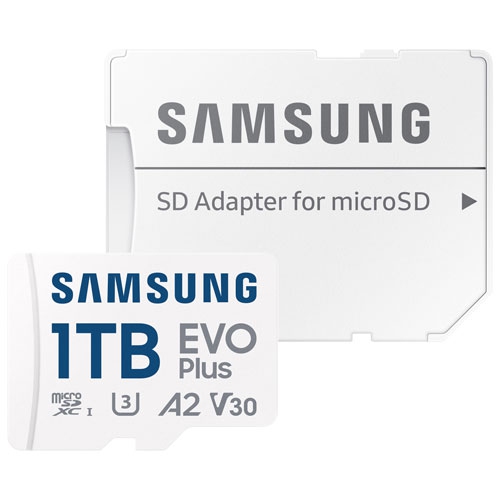
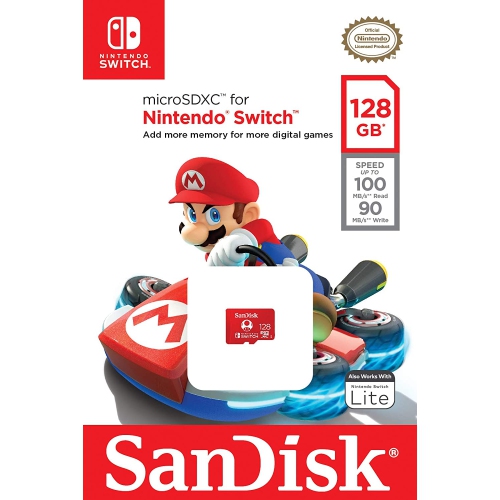
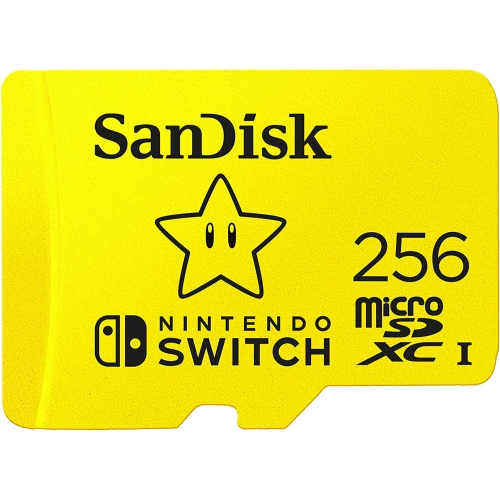
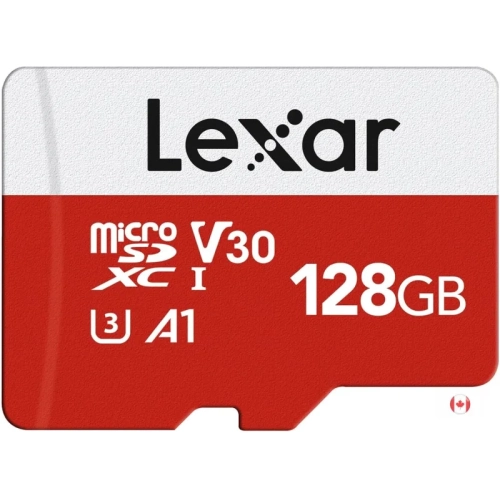
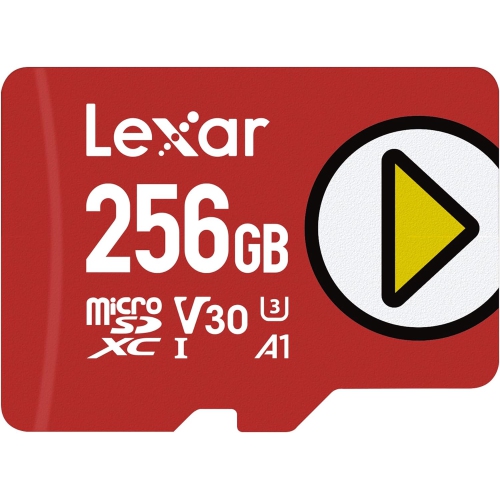
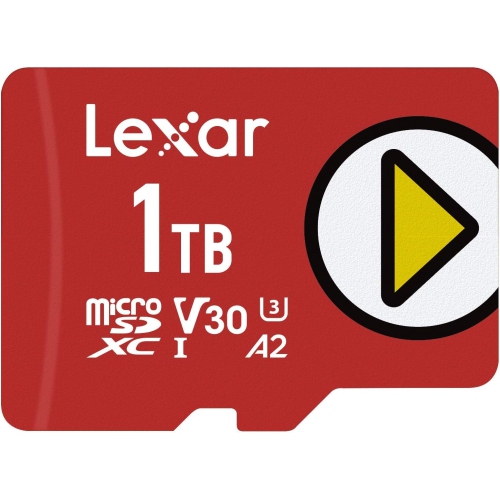
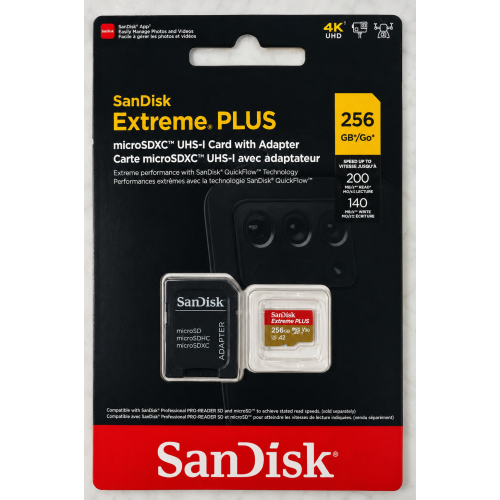
Nintendo Switch memory cards add space for downloaded games, software updates, downloadable content, screenshots, and supported video captures without changing the console’s compact design. They are especially useful for players who prefer a digital library, households with several people using the same system, and anyone who likes keeping a few favourite games installed alongside a larger adventure. Even a collection built around physical game cards can need extra storage, since updates, additional content, and some software downloads take up space on the console or its memory card. Game saves are stored in the console’s internal system memory, not on the microSD card, so expanded storage is mainly about making room for software and captures rather than increasing space for saved progress. Capacity is an important distinction between cards: a player who rotates through a small collection has different needs from someone who keeps many large downloads ready to launch. Options such as 128 GB, 256 GB, and 512 GB provide different amounts of room, while higher capacities can suit more extensive libraries. The number of games that fit cannot be predicted from capacity alone, because download sizes vary widely and can grow as updates and extra content are added. A handful of large games may occupy more space than dozens of smaller titles. Usable capacity can also be lower than the number printed on the packaging because of how storage is measured and formatted. Looking at the sizes of games already installed, together with the downloads planned next, gives a more realistic sense of the space needed. For a shared console, allowing room for several players’ preferences can reduce the need to repeatedly archive one game to install another. For someone who enjoys saving memorable scenes or short gameplay clips, those captures are another part of the storage picture, particularly when they accumulate over a long period.
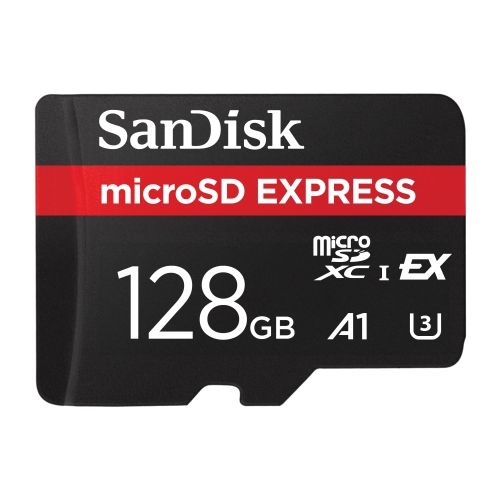
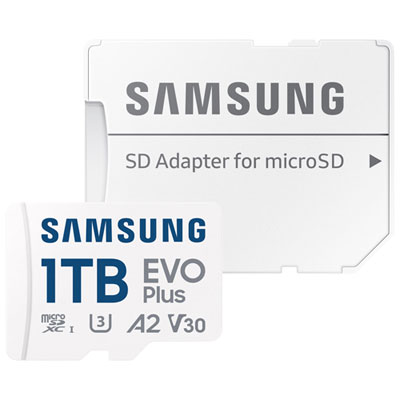
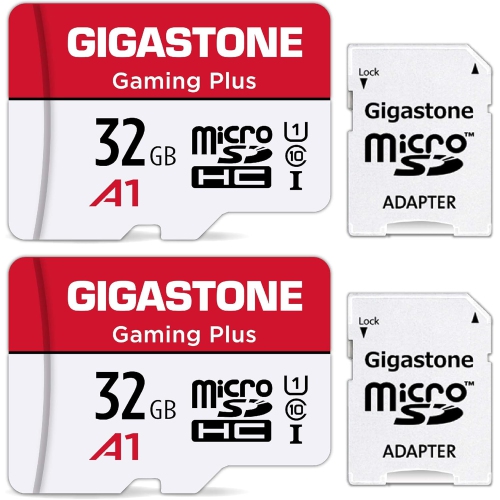
The right fit starts with the card format and the console’s compatibility requirements. Nintendo Switch systems that support standard microSD storage use the small microSD form factor rather than a full-size SD card. A full-size SD adapter, sometimes supplied with a microSD card, can be useful with a compatible computer card reader, but the adapter itself does not fit the console’s microSD slot. Standard microSD-compatible Nintendo Switch systems support microSD, microSDHC, and microSDXC cards, with microSDXC covering larger capacities; a system update may be required before a microSDXC card can be used. Compatibility should still be checked against the exact console, particularly across generations, since a system that requires microSD Express needs that format rather than a conventional microSD card. Comparing SD Cards for Nintendo Switch by format, capacity, and read speed helps connect the specifications to everyday play. For standard microSD-compatible Nintendo Switch systems, UHS-I cards with read speeds around 60 to 100 MB/s are a suitable point of comparison. Read speed relates to how quickly stored data can be accessed, while write speed affects tasks such as saving files to the card or transferring data onto it. The maximum speed printed on packaging is not a guarantee that the console will reach that figure in every task; the device, card reader, file sizes, and transfer method all influence actual results. Speed-class markings describe particular performance standards, but they should not be mistaken for a promise of higher frame rates or better graphics. A faster card does not increase the console’s processing power, and choosing a card with specifications far beyond the system’s capabilities may offer little practical benefit during play. Capacity and dependable compatibility often make a more noticeable difference to the experience: there is room to keep the multiplayer game ready for a visit, retain a lengthy single-player download, and add another title without constantly rearranging the library. For downloads over Wi-Fi, connection speed can also limit installation time, regardless of the card’s advertised performance.
Although a microSD card is small enough to rest on a fingertip, it is a working storage component that benefits from careful handling. Its moulded plastic body protects the internal electronics, while exposed metal contacts provide the connection to the console. The compact shape is designed to sit securely inside a compatible slot, but the card can still be damaged by bending, forced insertion, liquid exposure, or pressure from being carried loose among other objects. Holding it by the edges, keeping the contacts clean, and storing a spare in a fitted case help protect it from scratches and loss. Claims about resistance to water or other hazards vary between cards and should be checked in the stated specifications rather than assumed from appearance. A card change requires the console to be fully powered off, not simply left in sleep mode. Slot placement varies with the console design; on systems with a rear kickstand covering the slot, the stand lifts to expose it. The inserted card releases with a gentle inward press, and the replacement should be aligned with the slot’s markings and seated without force. Downloaded software on the previous card does not automatically move to the replacement, so it needs to be downloaded again or transferred using a supported method. Screenshots and videos also need attention before an old card is formatted or set aside. Formatting erases the card’s contents, while saved game progress remains in the console’s internal memory. A memory card does not transfer game ownership, user profiles, or account access between systems, and it is not a substitute for a supported save-data backup. For gifting, a compatible card can be a practical addition for someone who downloads games regularly, shares a console with family, or wants more room for captures. Confirming the recipient’s console requirements and existing storage capacity helps make the gift useful, whether it supports a first digital collection or gives a well-used system more breathing room.
The right fit starts with the card format and the console’s compatibility requirements. Nintendo Switch systems that support standard microSD storage use the small microSD form factor rather than a full-size SD card. A full-size SD adapter, sometimes supplied with a microSD card, can be useful with a compatible computer card reader, but the adapter itself does not fit the console’s microSD slot. Standard microSD-compatible Nintendo Switch systems support microSD, microSDHC, and microSDXC cards, with microSDXC covering larger capacities; a system update may be required before a microSDXC card can be used. Compatibility should still be checked against the exact console, particularly across generations, since a system that requires microSD Express needs that format rather than a conventional microSD card. Comparing SD Cards for Nintendo Switch by format, capacity, and read speed helps connect the specifications to everyday play. For standard microSD-compatible Nintendo Switch systems, UHS-I cards with read speeds around 60 to 100 MB/s are a suitable point of comparison. Read speed relates to how quickly stored data can be accessed, while write speed affects tasks such as saving files to the card or transferring data onto it. The maximum speed printed on packaging is not a guarantee that the console will reach that figure in every task; the device, card reader, file sizes, and transfer method all influence actual results. Speed-class markings describe particular performance standards, but they should not be mistaken for a promise of higher frame rates or better graphics. A faster card does not increase the console’s processing power, and choosing a card with specifications far beyond the system’s capabilities may offer little practical benefit during play. Capacity and dependable compatibility often make a more noticeable difference to the experience: there is room to keep the multiplayer game ready for a visit, retain a lengthy single-player download, and add another title without constantly rearranging the library. For downloads over Wi-Fi, connection speed can also limit installation time, regardless of the card’s advertised performance.
Although a microSD card is small enough to rest on a fingertip, it is a working storage component that benefits from careful handling. Its moulded plastic body protects the internal electronics, while exposed metal contacts provide the connection to the console. The compact shape is designed to sit securely inside a compatible slot, but the card can still be damaged by bending, forced insertion, liquid exposure, or pressure from being carried loose among other objects. Holding it by the edges, keeping the contacts clean, and storing a spare in a fitted case help protect it from scratches and loss. Claims about resistance to water or other hazards vary between cards and should be checked in the stated specifications rather than assumed from appearance. A card change requires the console to be fully powered off, not simply left in sleep mode. Slot placement varies with the console design; on systems with a rear kickstand covering the slot, the stand lifts to expose it. The inserted card releases with a gentle inward press, and the replacement should be aligned with the slot’s markings and seated without force. Downloaded software on the previous card does not automatically move to the replacement, so it needs to be downloaded again or transferred using a supported method. Screenshots and videos also need attention before an old card is formatted or set aside. Formatting erases the card’s contents, while saved game progress remains in the console’s internal memory. A memory card does not transfer game ownership, user profiles, or account access between systems, and it is not a substitute for a supported save-data backup. For gifting, a compatible card can be a practical addition for someone who downloads games regularly, shares a console with family, or wants more room for captures. Confirming the recipient’s console requirements and existing storage capacity helps make the gift useful, whether it supports a first digital collection or gives a well-used system more breathing room.
Top selling and popular products
-
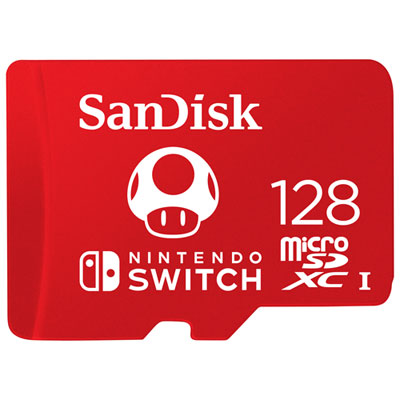 Your price for this item is $69.99
 -
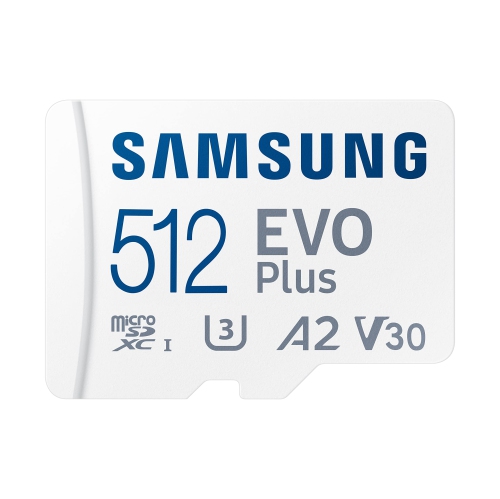 Your price for this item is $159.5
 -
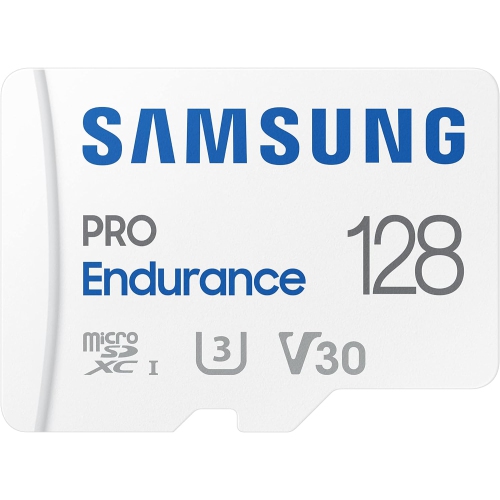 Your price for this item is $120.22
 -
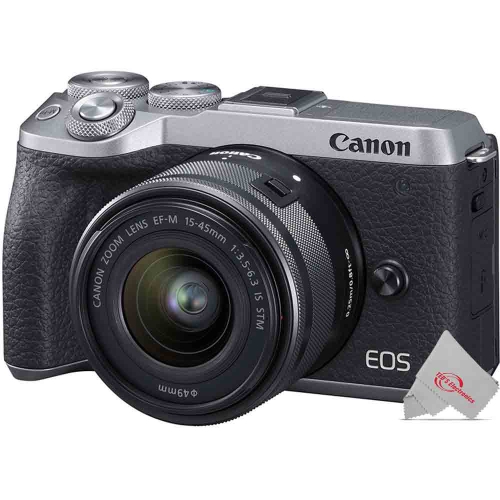 Your price for this item is $130.95
 -
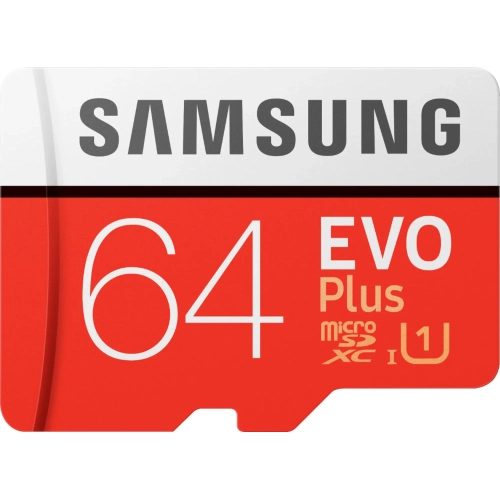 Your price for this item is $53.99
 -
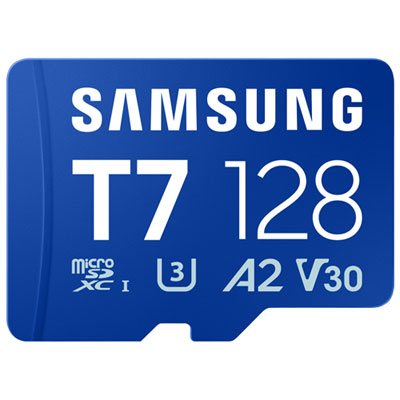 Your price for this item is $63.98
 -
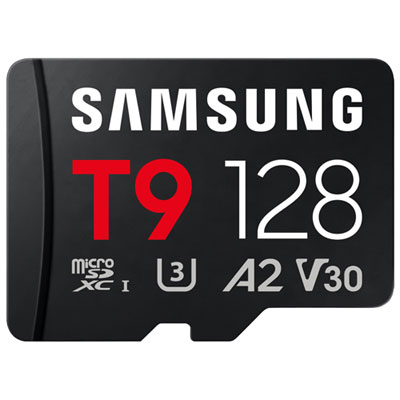 Your price for this item is $84.99
 -
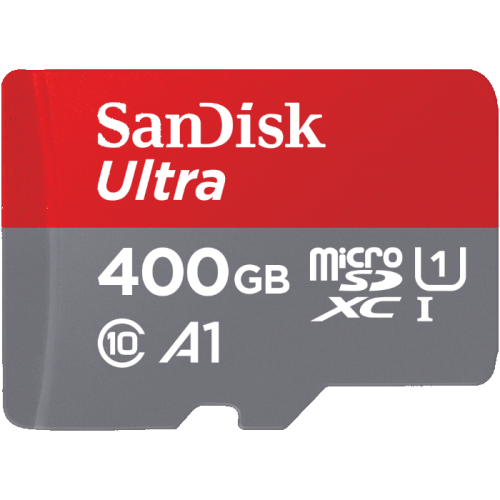 Your price for this item is $113.99
Discover more categories related to Nintendo Switch Memory Cards
Top Collections:
Pokemon Centers, Best Budget Office Chairs, Kindle Devices, Best Cameras for Sports Photography, Pokémon 30th Celebration Cards, Best Laptops for Writers, Apple iPhones 16, Laptops for Business Work, Canon G7X Cameras, iPhone 15 Apple
Some products may be subject to Environmental Handling Fees
(EHF) depending on your province.
Learn more about EHFs.