Best Wired Mice Under $50
Find the best wired mice under $50 for work, study, or gaming, ranked by customer review ratings. A wired mouse offers a reliable connection without batteries to replace or charge. Explore budget-friendly options and compare feedback from other shoppers to find the right fit for your setup.
What to look for in wired mice under $50
1. Comfort and Fit
2. Sensor and Tracking
3. Connection and Cable
4. Buttons and Customization
-
1

EGALAXY Crack Pattern USB Wired Gaming Mouse
About this product
A wired gaming mouse featuring a unique crack pattern design and reliable USB connectivity.
$32.00Your price for this item is $32SAVE $20 -
2

EGALAXY X1 USB Wired Gaming Mouse
About this product
A high-precision wired gaming mouse designed for responsive performance during intense gaming sessions.
$35.00Your price for this item is $35SAVE $20 -
3

LENOVO 300 Wired USB Mouse (Gx30M39704)
About this product
A reliable wired USB mouse featuring a scroll wheel for smooth navigation and precise control.
$12.99Your price for this item is $12.99SAVE $18 -
4
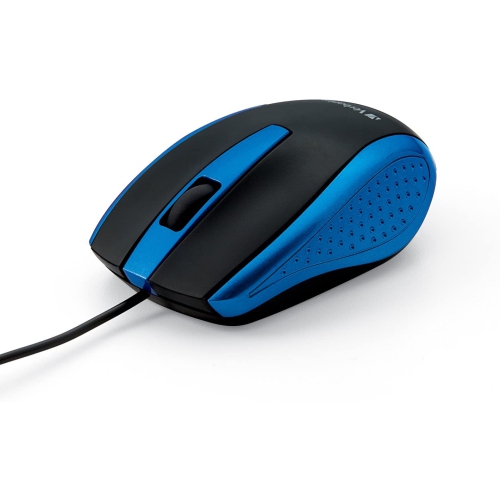
GENERIC Mouse - Wired With USB Accessibility - Mac & PC Compatible - In Blue
About this product
A wired USB mouse in blue, compatible with both Mac and PC systems.
$15.71 Your price for this item is $15.71 -
5
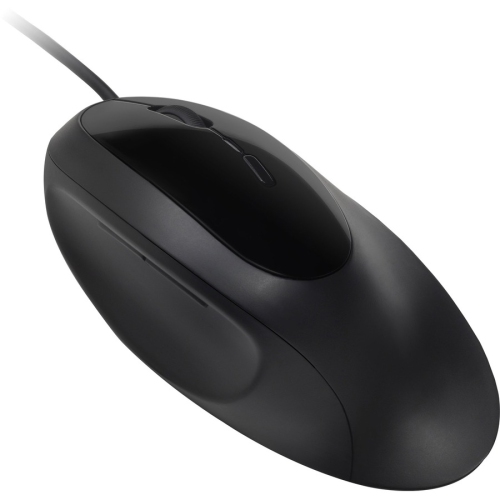
KENSINGTON Pro Fit Ergo Wired Mouse
About this product
A wired ergonomic mouse designed for comfortable, precise control during extended computer use.
$41.99 Your price for this item is $41.99 -
6
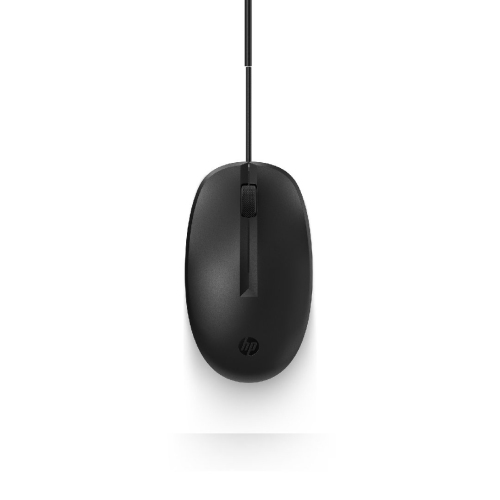
HP Refurbished (Good) Wired Mouse
About this product
A reliable wired mouse offering smooth navigation, ideal for everyday computer use.
$9.99Your price for this item is $9.99SAVE $5 -
7
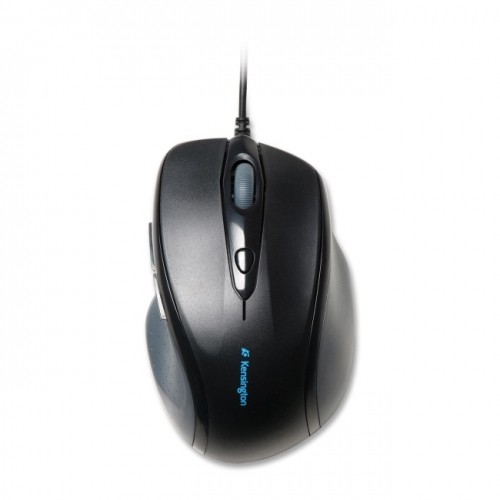
KENSINGTON Pro Fit Wired Full-Size Mouse
About this product
A black wired optical mouse with 1000 dpi precision, USB and PS/2 connectivity, for right-handed users.
$28.99 Your price for this item is $28.99 -
8
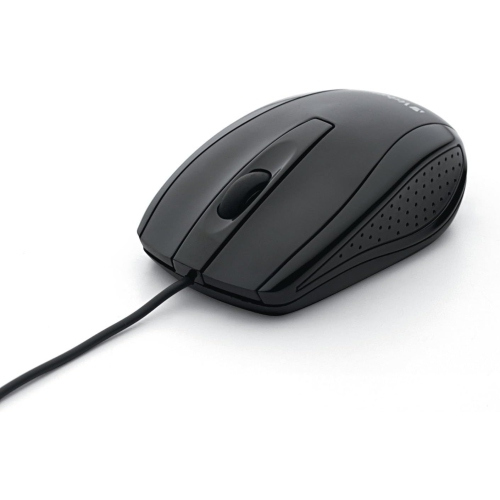
VERBATIM Wired Optical Mouse - - (98106) In Black
About this product
A sleek black wired optical mouse with a glossy finish and precise high-resolution tracking.
$19.99 Your price for this item is $19.99 -
9
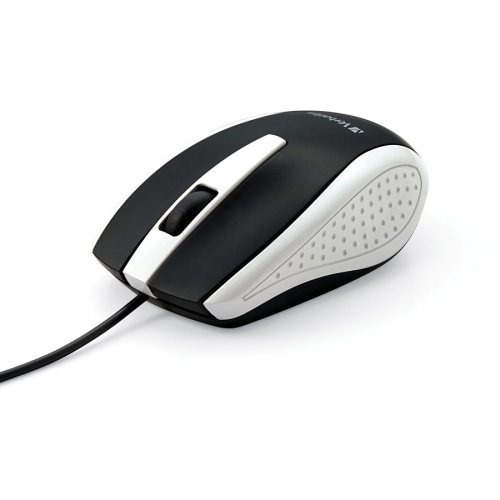
VERBATIM Wired Optical Mouse - (99740) In White
About this product
A stylish, ergonomically designed wired optical mouse in white for comfortable desktop or notebook use.
$19.99 Your price for this item is $19.99 -
10

LENOVO Wired USB Mouse - In Black
About this product
A wired USB mouse in sleek black, offering reliable performance for everyday computer use.
$35.00Your price for this item is $35SAVE $20
FAQ
Wired mice typically connect through USB-A, though some use USB-C. Check your computer’s available ports and the mouse’s connector type to determine whether you need an adapter.
Optical mice use an LED to illuminate the surface beneath the sensor, while laser mice use a laser light source. Both track movement, but their surface compatibility can differ. Check the manufacturer’s specifications for supported surfaces.
DPI stands for dots per inch and describes tracking sensitivity. A higher DPI setting moves the pointer farther for the same physical mouse movement. Some wired mice include a button or software controls for adjusting DPI.
Programmable buttons can be assigned to actions such as navigating back and forward, copying and pasting, or entering keyboard shortcuts. Available assignments depend on the mouse and its customization software.
Many wired mice support basic pointer movement, clicking, and scrolling without additional software on compatible operating systems. Features such as button assignments, lighting controls, and saved profiles may require the manufacturer’s software. Check compatibility with your operating system if you plan to use these features.
Top selling and popular products
Discover more categories related to Best Wired Mice Under $50
Some products may be subject to Environmental Handling Fees (EHF) depending on your province. Learn more about EHFs.