Best Gaming Mice Under $50

Find the best gaming mice under $50 to upgrade your setup without stretching your budget. Ranked by user review ratings, this selection makes it easy to compare affordable options and find a mouse that suits your grip, play style, and favourite games.

Read More

What to look for in gaming mice under $50

1. Sensor Performance

Look for reliable tracking and adjustable DPI settings so you can fine-tune cursor sensitivity. A high maximum DPI alone does not guarantee accuracy; consistent tracking matters more during fast movements.

2. Shape and Weight

Choose a mouse that fits your hand size and preferred palm, claw, or fingertip grip. Lighter mice can make quick movements easier, while a contoured shape may feel more comfortable during longer sessions.

3. Connection Type

Wired mice offer a straightforward connection without batteries to charge or replace. If you prefer wireless, look for a gaming-focused model with a USB receiver and check its battery life, charging options, and compatibility with your device.

4. Buttons and Customization

Programmable buttons can put frequently used game commands within easy reach. Check whether button remapping and sensitivity adjustments require software, and confirm that the software supports your operating system.
Citrus catapult arrow
  1. 1

    Logitech G203 LIGHTSYNC 8000 DPI Optical Gaming Mouse - Black

    About this product

    A black optical gaming mouse featuring 8,000 DPI sensitivity, customizable RGB lighting, and six programmable buttons.

    What customers like

    • Comfortable design
    • Programmable buttons and settings
    • Customizable RGB lighting
    • Great value for the price
    • Accurate and responsive performance
    (1,867)
    $39.99 Your price for this item is $39.99
  2. 2

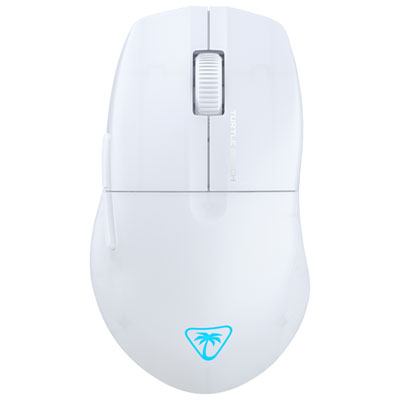
    Turtle Beach Pure SEL 8000 DPI Gaming Mouse - White - Only at Best Buy

    About this product

    A white gaming mouse with 8,000 DPI sensor, ergonomic shape, semi-translucent shell, and RGB lighting.

    What customers like

    • Comfortable for long sessions
    • Smooth and accurate tracking
    • Attractive design with subtle RGB lighting
    • Lightweight and easy to manoeuvre
    • Durable and reliable build
    (25)
    $37.98
    SAVE $12
    Your price for this item is $37.98
  3. 3

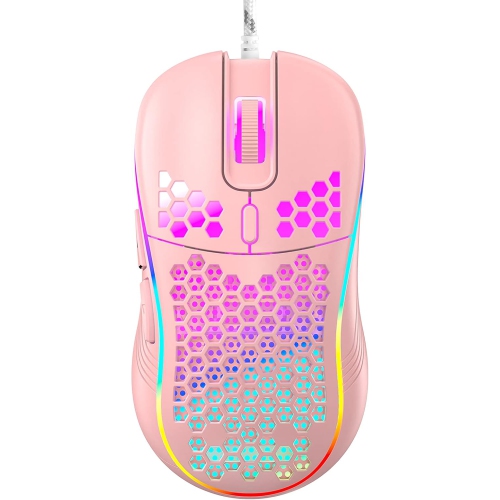
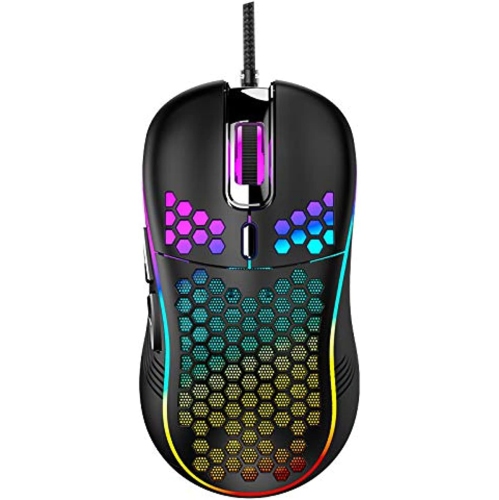
    RISOKEYS Risophy Honeycomb Wired Gaming Mouse, RGB Backlight And 7200 Adjustable Dpi, Ergonomic And Lightweight USB Computer Mouse w High Precision

    About this product

    An ergonomic, lightweight wired gaming mouse with RGB backlight, 7200 adjustable DPI, and high-precision sensor.

    $42.99
    SAVE $34
    Your price for this item is $42.99
  4. 4

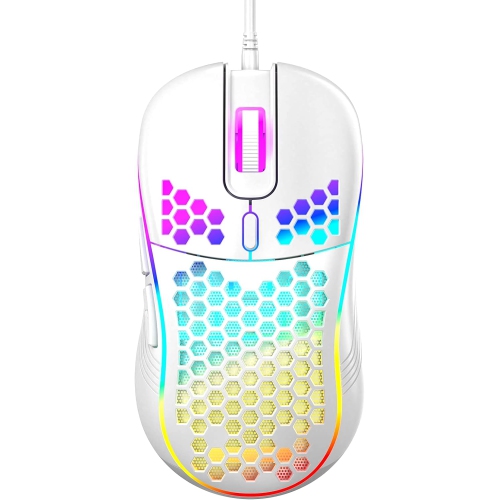
    RISOKEYS Risophy Honeycomb Wired Gaming Mouse, RGB Backlight And 7200 Adjustable Dpi, Ergonomic And Lightweight USB Computer Mouse w High Precision

    About this product

    An ergonomic, lightweight wired gaming mouse featuring RGB backlight, 7200 adjustable DPI, and high-precision sensor.

    $32.99
    SAVE $44
    Your price for this item is $32.99
  5. 5

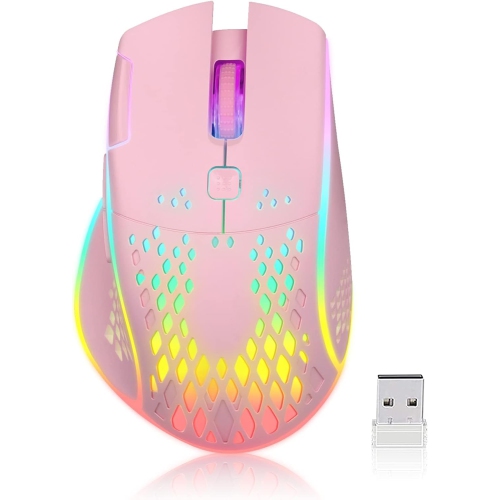
    RISOKEYS Wireless Lightweight Gaming Mouse Honeycomb w 7 Button Multi RGB Backlit Perforated Ergonomic Shell Optical Sensor Adjustable Dpi

    About this product

    A black wireless gaming mouse featuring a lightweight perforated shell, 7 buttons, RGB backlighting, and adjustable DPI.

    $48.99
    SAVE $39
    Your price for this item is $48.99
  6. 6

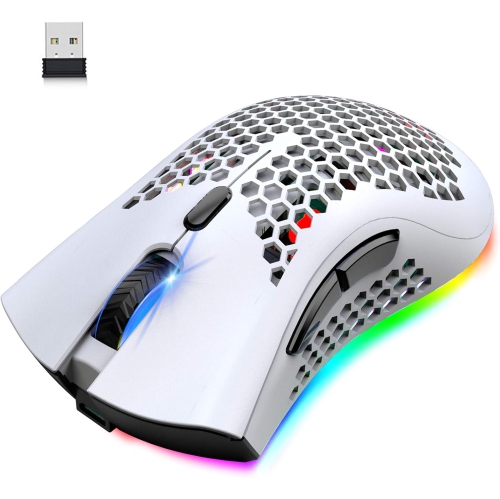
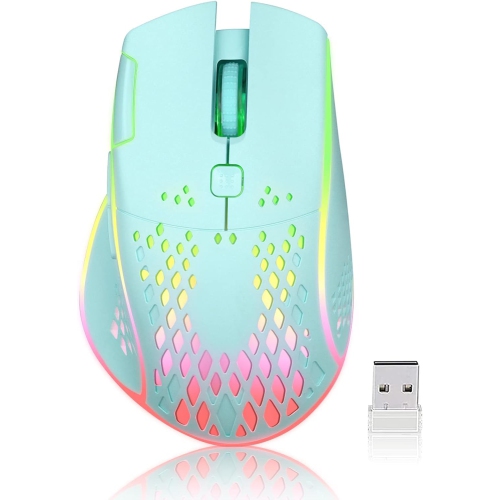
    RISOKEYS Risophy Wireless Lightweight Gaming Mouse Honeycomb w 7 Button Multi RGB Backlit Perforated Ergonomic Shell Optical Sensor Adjustable Dpi

    About this product

    A white wireless gaming mouse featuring a perforated ergonomic shell, 7 buttons, RGB backlighting, and adjustable DPI.

    $48.99
    SAVE $39
    Your price for this item is $48.99
  7. 7

    RISOKEYS Risophy Wireless Gaming Mouse, C30 Silent Click Wireless Rechargeable Gaming Mouse w Double-Click Key And Colorful Led Lights, 3 Level

    About this product

    A silent, rechargeable wireless gaming mouse featuring a double-click key, colorful LED lights, and adjustable sensitivity.

    $29.99
    SAVE $59
    Your price for this item is $29.99
  8. 8

    RISOKEYS Risophy Wireless Gaming Mouse, C30 Silent Click Wireless Rechargeable Gaming Mouse w Double-Click Key And Colorful Led Lights, 3 Level

    About this product

    A silent, rechargeable wireless gaming mouse featuring a double-click key and adjustable colorful LED lights.

    $43.99
    SAVE $45
    Your price for this item is $43.99
  9. 9

    RISOKEYS Risophy Wired Gaming Mouse, RGB Backlight And 7200 Adjustable Dpi, Ergonomic And Lightweight USB Computer Mouse w High Precision Sensor For

    About this product

    An ergonomic wired gaming mouse featuring RGB backlight, 7200 adjustable DPI, and a high-precision sensor.

    $47.99
    SAVE $37
    Your price for this item is $47.99
  10. 10

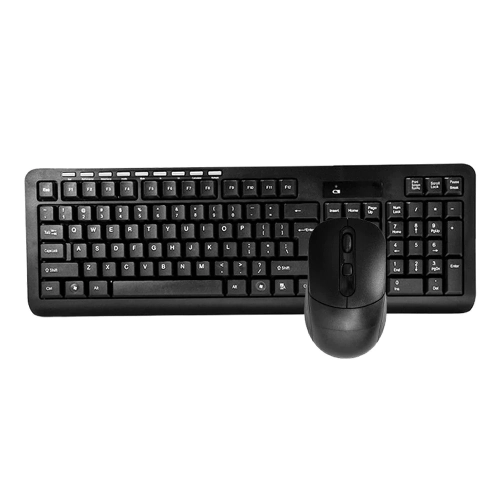
    PROSONIC CANADA INC. Hk6800 Wireless Gaming Keyboard And Mouse

    About this product

    A wireless gaming keyboard and mouse combo designed for responsive performance and seamless connectivity.

    $24.98
    SAVE $15
    Your price for this item is $24.98

Why higher DPI doesn’t always mean better aim

Gaming mice bring together responsive tracking, comfortable shapes, and controls that keep useful actions close at hand. The best gaming mice for a particular player are not necessarily the ones with the highest sensitivity figures or the most buttons; they are the ones that suit the player’s hand, favourite games, and desk setup. For fast-paced shooters, predictable sensor tracking and a shape that feels easy to lift and reposition can matter more than elaborate lighting. Strategy games and role-playing games may benefit from extra thumb buttons that put frequently used commands within reach. An optical sensor tracks movement across a suitable surface, while sensitivity, commonly expressed as DPI, determines how far the pointer moves in response to physical movement. Higher DPI is not automatically more accurate. A moderate setting can make small aiming adjustments easier, while higher sensitivity may suit someone working across a large display with limited space for mouse movement. Adjustable settings let players find a comfortable balance, particularly when a mouse serves both gaming and everyday computer tasks. Polling rate describes how frequently the mouse reports to the computer; a supported rate of 1,000 Hz corresponds to a reporting interval of one millisecond, although that figure does not represent total input delay. Consistent tracking, reliable clicks, and suitable sensitivity settings all contribute to the experience. Weight also changes how a mouse feels in motion. A lighter body can be easier to move through broad, repeated sweeps, while some players prefer the more planted feel of a heavier design. Neither preference is universal. On a desk with a large mouse pad, there may be room for low-sensitivity arm movements; beside a laptop on a narrow surface, shorter wrist movements may be more practical. These differences help explain why shape, weight, tracking, and button placement deserve attention together rather than as isolated specifications. A mouse that feels controlled during a careful aiming adjustment should also feel comfortable when opening menus, scrolling through a document, or moving between browser tabs.

Fit is especially noticeable during longer sessions, when small details such as a high rear hump, a narrow waist, or a sharply positioned thumb button can affect comfort. Palm-grip players typically rest much of the hand on the mouse and may appreciate a fuller body that supports that contact. A claw grip arches the fingers while keeping some palm contact, whereas a fingertip grip relies mainly on the fingers to guide movement. These are useful descriptions rather than fixed rules, and many people shift their grip depending on the task. Hand length, hand width, and the position of the side buttons can be more informative than a simple small, medium, or large label. A compact mouse may feel nimble for one person but cramped for another. Right-handed contours often provide a thumb recess and an angled body, while symmetrical shapes can offer a different feel. A symmetrical shell does not necessarily mean fully ambidextrous controls, since side buttons may still sit only on the left. For left-handed players, both the body shape and button access matter. Most gaming mouse shells use moulded plastic, with finishes ranging from smooth coatings to lightly textured surfaces. Texture and rubberized side panels can improve grip, though their feel varies with hand moisture and personal preference. Perforated shells reduce material in the body and may lower weight, but their openings can also collect dust more easily. The feet underneath the mouse affect glide; many designs use low-friction materials such as PTFE to move smoothly over a compatible pad. Button feel is another everyday detail that specifications cannot fully describe. Main clicks can feel light or firm, and a scroll wheel may have pronounced steps or a softer action. Distinct wheel steps can help with deliberate weapon changes or scrolling, while well-spaced thumb buttons reduce the chance of pressing the wrong command. Programmable controls, where supported, can assign shortcuts for games or productivity tasks. Configuration software may be required, and onboard memory is a separate feature that determines whether supported settings stay with the mouse when it moves to another computer.

Wired and wireless gaming mice suit different habits, and both can provide responsive control when their connection and implementation are well matched to the task. A wired mouse draws power through its cable, eliminating battery changes and charging interruptions. Cable flexibility, length, and routing influence how freely it moves: a stiff cable caught behind a monitor can create noticeable resistance during a wide sweep. For setups where a direct USB connection is the preference, wired mice also suit a mix of gaming, study, and everyday desktop use. Wireless designs remove cable drag, but require attention to charging or replaceable batteries and a safe place for the receiver. A dedicated 2.4 GHz USB receiver is commonly used for gaming, while Bluetooth can be convenient for general computer use; actual responsiveness depends on the mouse and connection, so the two modes should not be assumed to perform identically. Battery weight can change the balance of a wireless mouse, and lighting settings may affect how long it operates between charges or battery changes. Compatibility extends beyond whether a pointer appears on screen. Basic functions may work across operating systems while button assignments, lighting controls, or firmware tools require particular software. Console support also depends on the console and individual game. For a shared family computer, a student’s desk, or a gaming gift, a comfortable shape and straightforward controls can be more useful than a long feature list. A gift recipient’s handedness, preferred connection, and usual games offer helpful clues without requiring an exact match to every specification. Regular care helps preserve the feel of the mouse: disconnect or switch it off before cleaning, follow the manufacturer’s directions, and avoid spraying liquid directly onto the shell. Keeping the mouse pad free of crumbs and dust helps maintain smooth movement and limits buildup around the feet. Gentle cable handling and protected transport reduce strain on connectors and buttons. Over time, dependable tracking, accessible controls, and a finish that remains comfortable in the hand are the qualities that make a gaming mouse useful well beyond a single game.
Read More

FAQ

Some products may be subject to Environmental Handling Fees (EHF) depending on your province. Learn more about EHFs.