Microsoft Surface 3
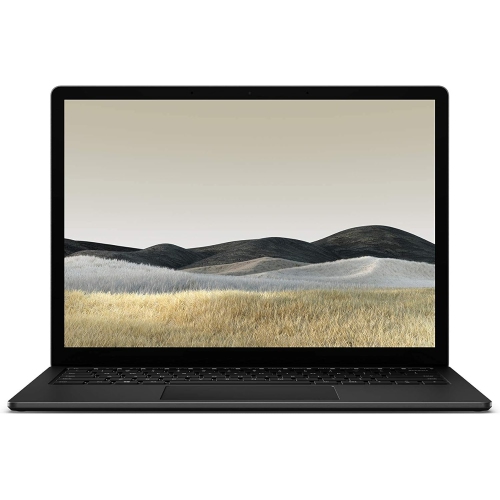
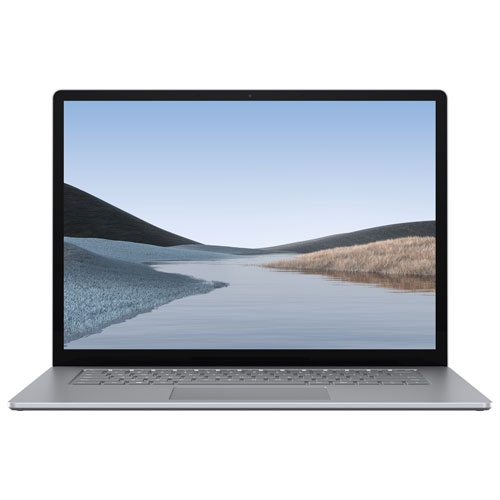
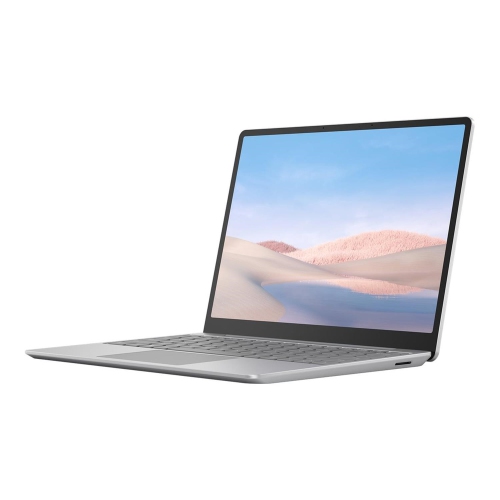
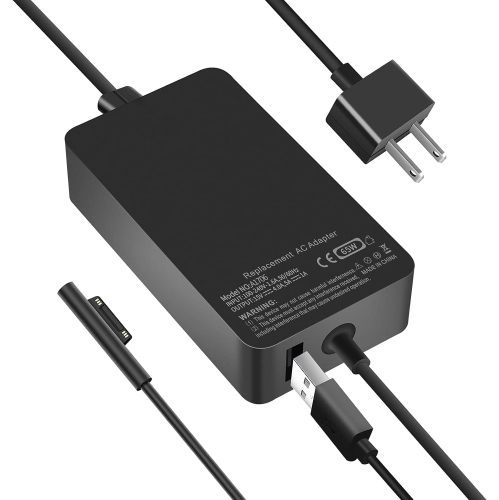
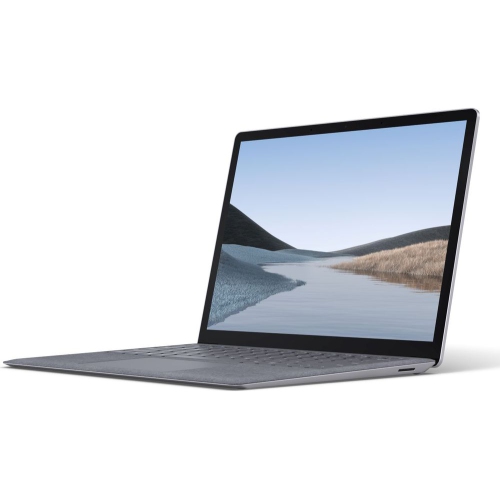
Browse Microsoft Surface 3 tablets and compare the specifications, condition, and included accessories shown in each listing. Check storage capacity, software compatibility, and whether a keyboard or charger is included to choose an option that fits your needs.



FAQ
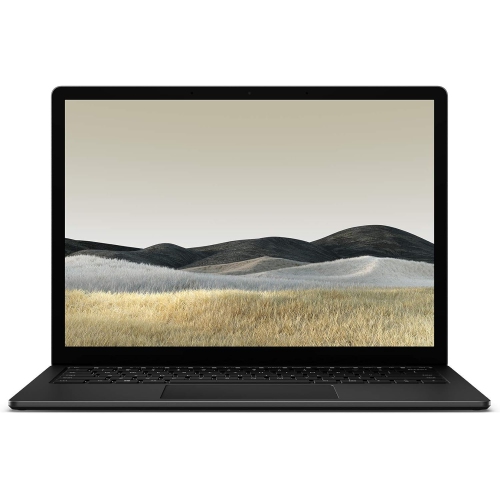
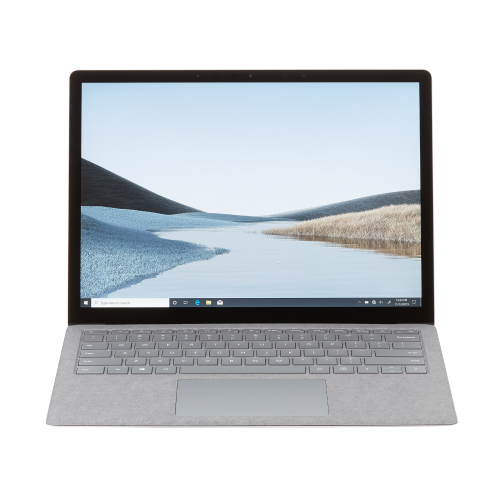
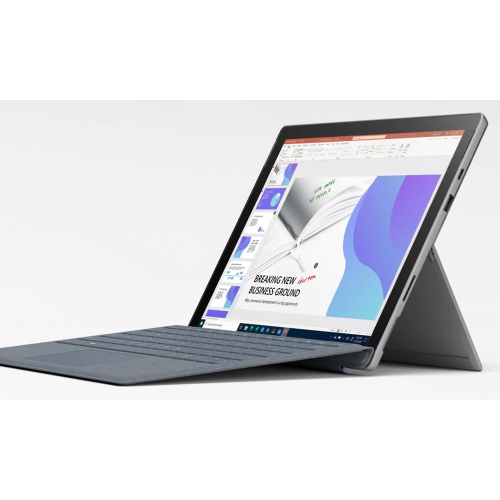
A Microsoft Surface 2-in-1 combines a touchscreen tablet with laptop-style features. Compatible models can pair with a detachable keyboard for typing, while a built-in kickstand supports hands-free viewing.
Surface tablets that run a full version of Windows can support compatible desktop apps. App compatibility depends on the device’s processor, installed Windows version and hardware requirements, particularly with older generations.
Depending on the model, Surface tablets may support a compatible Type Cover, a Bluetooth keyboard or a USB keyboard. Keyboard connectors and Type Cover compatibility vary by generation, so accessories are not interchangeable across all Surface devices.
Many Surface tablets support a compatible digital pen for handwritten notes, drawing and annotating documents. Pen compatibility and features, such as pressure sensitivity and button functions, depend on the tablet, pen generation and app.
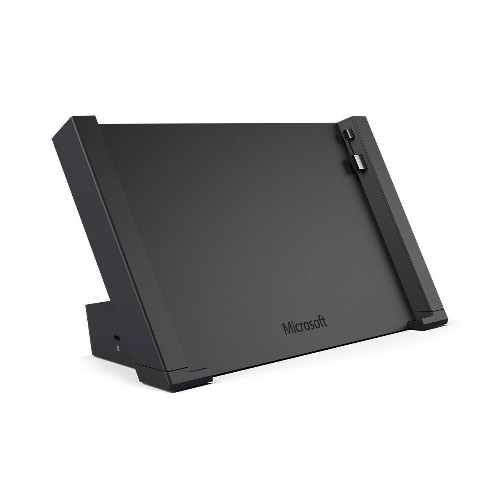
Depending on its ports and capabilities, a Surface tablet may connect through a display cable, a compatible adapter or a docking station. Some models also support wireless display connections. Connection options vary by generation and by the inputs available on the monitor or TV.
Top selling and popular products
Discover more categories related to Microsoft Surface 3

Some products may be subject to Environmental Handling Fees (EHF) depending on your province. Learn more about EHFs.