Microsoft Surface Books 3
Discover the versatility and performance of the Microsoft Surface Book 3, a device designed to elevate your productivity and creativity. Whether you're working, studying, or enjoying entertainment, the Microsoft Surface Book 3 adapts seamlessly to your needs. Explore a range of options that combine innovative design with powerful capabilities to help you stay ahead in any environment. Find the perfect fit for your lifestyle and experience what the Microsoft Surface Book 3 has to offer.
Sort


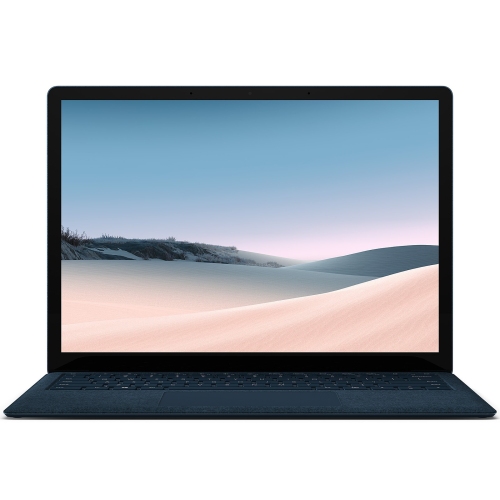
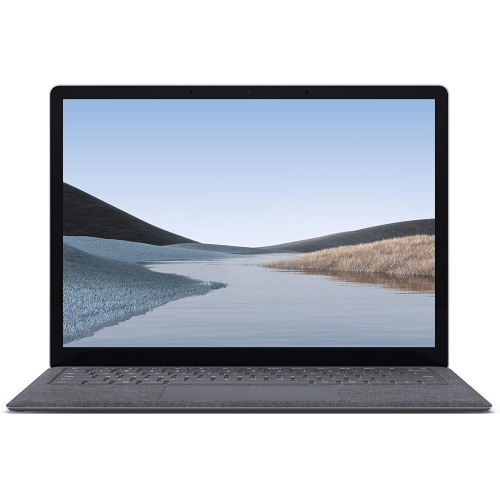
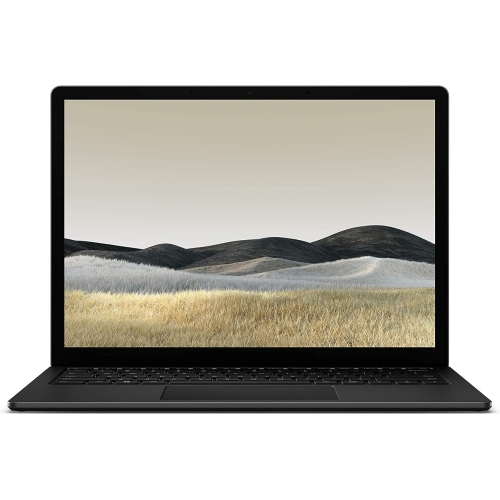
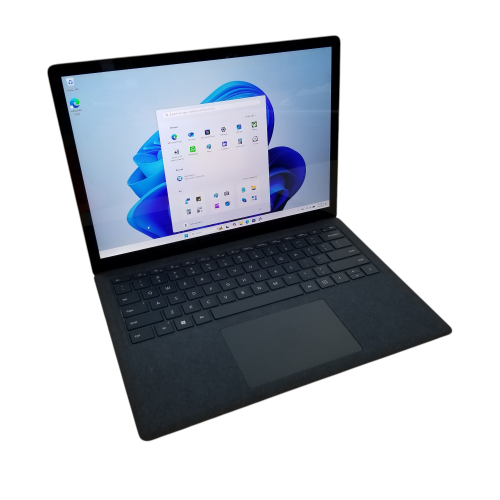


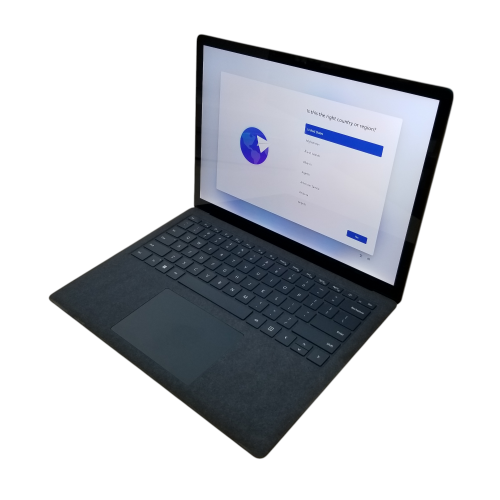
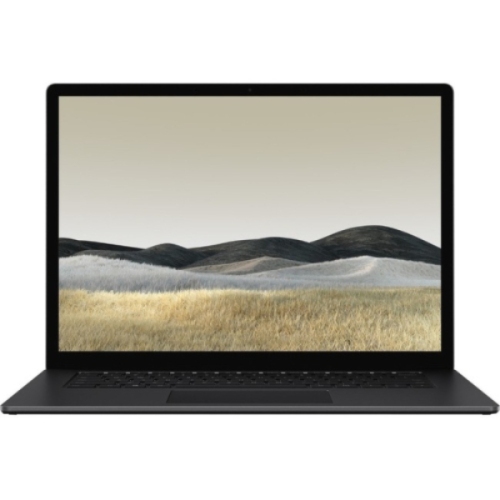
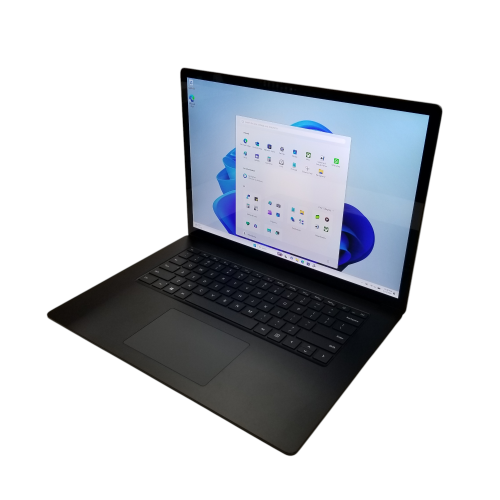
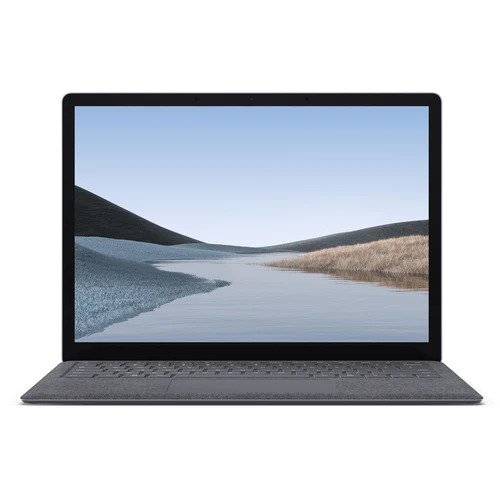

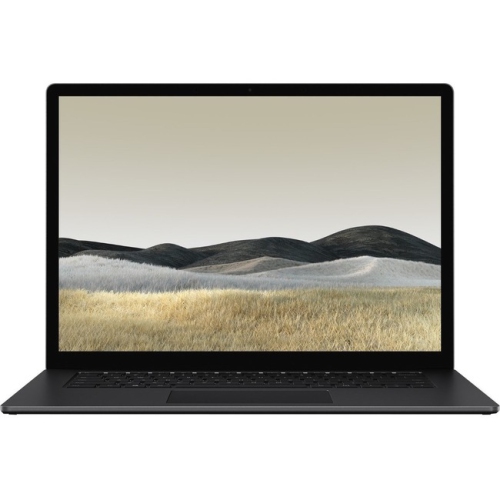

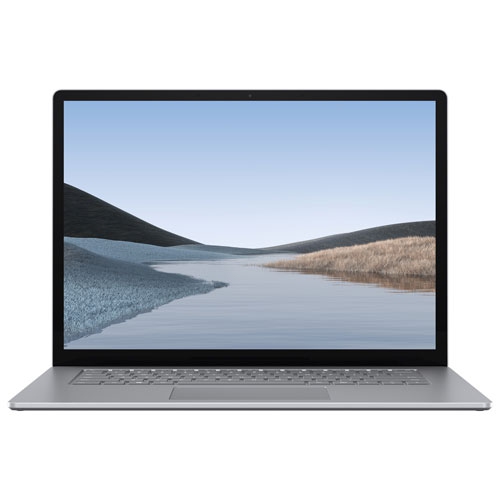
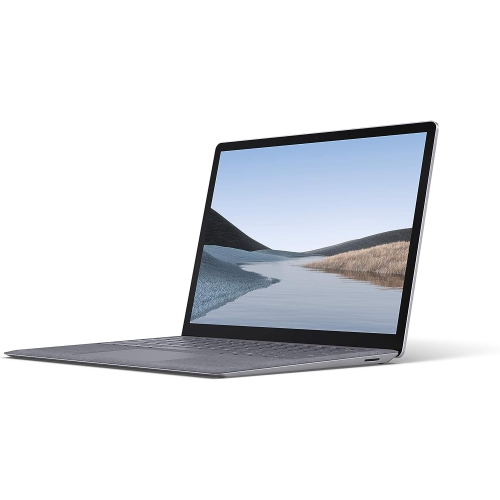
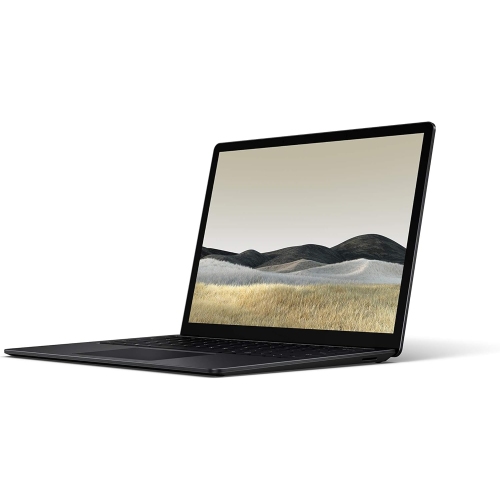
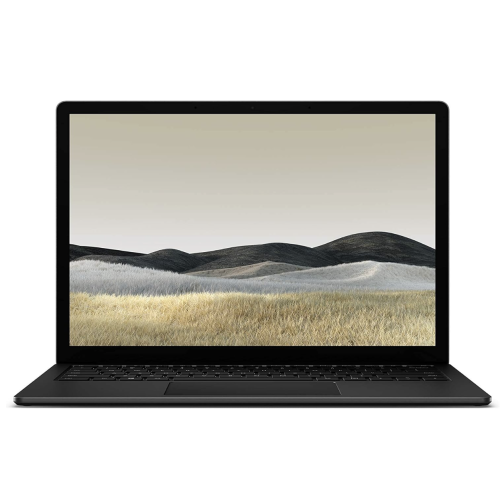

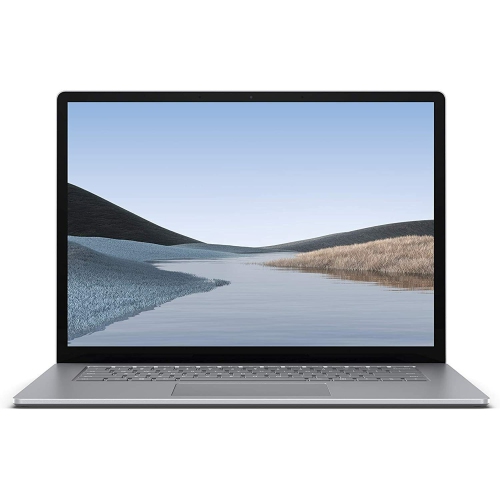
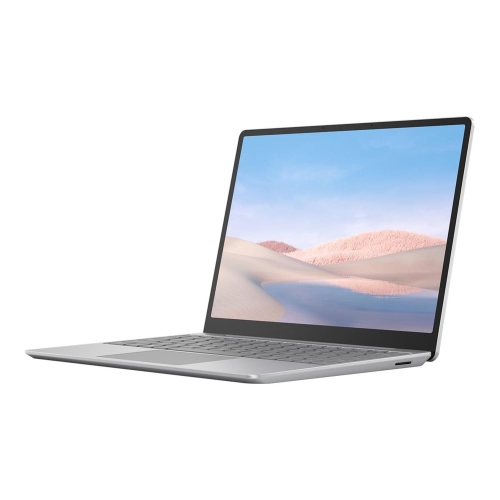
Laptop stability with the freedom of a detachable screen
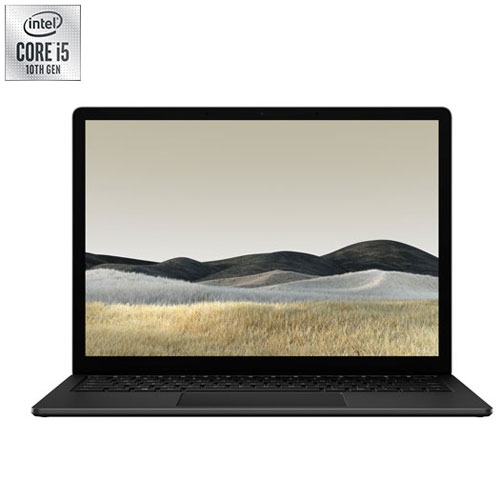
Detachable 2-in-1 laptops combine the familiar working layout of a notebook with a touchscreen that can be removed and used independently. In a laptop-first design, the keyboard base provides a stable platform for typing, a trackpad for precise navigation, and additional connections for everyday accessories. The detached screen remains a computer rather than simply becoming a wireless display, making this format useful for moving between a written assignment, an annotated document, and a presentation shared across a table. High-resolution touchscreens with a 3:2 aspect ratio offer more vertical space than typical widescreen displays, which helps when reading lengthy reports, reviewing spreadsheets, or keeping reference material beside a draft. Screen sizes such as 13.5 inches and 15 inches balance different priorities: the smaller format is easier to carry between appointments, while the larger format gives photographs, drawings, and multiple windows more room. Resolutions such as 3000 x 2000 and 3240 x 2160 can render fine text and detailed images clearly, although comfortable viewing also depends on display scaling and personal preference. Touch input suits quick navigation, while compatible pen support can make handwritten notes, diagrams, and image annotations feel more direct. Pen compatibility and included accessories vary by configuration, so those details matter for anyone planning to draw or take handwritten notes regularly. Some detachable designs also allow the display to be reattached facing away from the keyboard, creating a supported surface for viewing or pen work. That flexibility is especially useful for students moving from typed lecture notes to equations, professionals marking up a document during a meeting, and hobbyists sketching from a reference image. The distinction between laptop-first and tablet-first construction matters: a substantial keyboard base generally suits extended typing sessions, while the detached display offers a lighter way to read, browse, or show work to someone nearby.
Performance in this category depends on the processor, memory, storage, and graphics configuration, not simply on the detachable design. Older 10th-generation quad-core processors can handle many everyday tasks, including word processing, browser research, video calls, and moderate photo editing, but demanding applications deserve closer attention to their hardware requirements. Memory configurations of 8GB, 16GB, or 32GB serve different workloads. Basic document work is less demanding than keeping numerous browser tabs open alongside large spreadsheets, image-editing software, and a live meeting. Memory in thin detachable computers is often not user-upgradeable, making the original configuration important for long-term use. Solid-state storage helps applications open promptly and provides space for documents, photographs, and project files; capacities extending to 2TB can be useful for larger media libraries. Integrated graphics suit general computing, while configurations with dedicated graphics can offer additional capability for compatible creative applications and some games. In certain laptop-first designs, the dedicated graphics hardware sits in the keyboard base, so removing the display changes the graphics resources accessible to the computer. Applications using that hardware may need to be closed before detachment. A detachable computer is therefore not automatically a substitute for a workstation or a dedicated gaming laptop, particularly for sustained rendering, complex three-dimensional projects, or newer games with demanding requirements. Connectivity also shapes everyday convenience. Two USB-A ports, a USB-C port, and a full-size SD card reader are useful examples of connections found in this category, supporting peripherals, compatible displays, and camera file transfers. A USB-C connector alone does not establish every accessory capability; supported data speeds, video output, and charging behaviour require confirmation. Wi-Fi supports network access without a wired connection, while a front-facing camera capable of 1080p video can support clear conversations when lighting and connection quality are suitable. Facial recognition, where supported, adds a convenient sign-in option. Designs with batteries in both the display and keyboard base can provide different runtimes when attached or separated, with brightness, wireless activity, application load, and battery condition all affecting practical use.
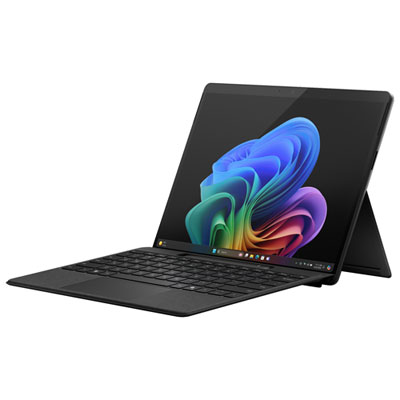
Materials, handling, and physical fit deserve as much attention as specifications in a computer intended to move between desks, bags, and handheld use. Magnesium chassis construction can provide a rigid body without the weight of a heavier enclosure, but a metal exterior does not make a touchscreen or hinge immune to damage. A padded sleeve sized for the complete laptop helps protect it from scratches and pressure inside a backpack, and the depth of the hinge should be considered alongside screen size when checking fit. Keeping pens, keys, and charging adapters away from the display reduces the risk of marks or concentrated pressure. Detachable mechanisms work best when their release process is followed and the screen is supported with both hands; forcing the display away from a locked base can damage the connection. A clean, dry microfibre cloth is suitable for routine screen care, while liquids should never be sprayed directly onto the computer. Clear vents and an unobstructed hard surface also help the cooling system during longer tasks. For a previously owned or refurbished detachable laptop, condition involves more than cosmetic appearance: battery health in both sections, reliable attachment, touchscreen response, keyboard function, charging connections, and display quality all influence daily usability. A student carrying a computer between classes may value manageable weight and dependable note-taking, while someone working mainly at a desk may place greater emphasis on a larger screen, external-monitor support, and comfortable typing. Creative users benefit most when pen input, application compatibility, and graphics capability match the actual projects they expect to complete. As a gift, this type of computer is most practical when the recipient’s software needs, preferred screen size, and accessory requirements are already understood. For those who prefer a more tablet-centred format, Microsoft Surface Pro offers another approach to detachable computing. The strongest fit comes from matching the design to a familiar routine, whether that means drafting reports at a desk, reviewing coursework on a sofa, or moving from keyboard work to handwritten annotations without switching computers.
Performance in this category depends on the processor, memory, storage, and graphics configuration, not simply on the detachable design. Older 10th-generation quad-core processors can handle many everyday tasks, including word processing, browser research, video calls, and moderate photo editing, but demanding applications deserve closer attention to their hardware requirements. Memory configurations of 8GB, 16GB, or 32GB serve different workloads. Basic document work is less demanding than keeping numerous browser tabs open alongside large spreadsheets, image-editing software, and a live meeting. Memory in thin detachable computers is often not user-upgradeable, making the original configuration important for long-term use. Solid-state storage helps applications open promptly and provides space for documents, photographs, and project files; capacities extending to 2TB can be useful for larger media libraries. Integrated graphics suit general computing, while configurations with dedicated graphics can offer additional capability for compatible creative applications and some games. In certain laptop-first designs, the dedicated graphics hardware sits in the keyboard base, so removing the display changes the graphics resources accessible to the computer. Applications using that hardware may need to be closed before detachment. A detachable computer is therefore not automatically a substitute for a workstation or a dedicated gaming laptop, particularly for sustained rendering, complex three-dimensional projects, or newer games with demanding requirements. Connectivity also shapes everyday convenience. Two USB-A ports, a USB-C port, and a full-size SD card reader are useful examples of connections found in this category, supporting peripherals, compatible displays, and camera file transfers. A USB-C connector alone does not establish every accessory capability; supported data speeds, video output, and charging behaviour require confirmation. Wi-Fi supports network access without a wired connection, while a front-facing camera capable of 1080p video can support clear conversations when lighting and connection quality are suitable. Facial recognition, where supported, adds a convenient sign-in option. Designs with batteries in both the display and keyboard base can provide different runtimes when attached or separated, with brightness, wireless activity, application load, and battery condition all affecting practical use.
Materials, handling, and physical fit deserve as much attention as specifications in a computer intended to move between desks, bags, and handheld use. Magnesium chassis construction can provide a rigid body without the weight of a heavier enclosure, but a metal exterior does not make a touchscreen or hinge immune to damage. A padded sleeve sized for the complete laptop helps protect it from scratches and pressure inside a backpack, and the depth of the hinge should be considered alongside screen size when checking fit. Keeping pens, keys, and charging adapters away from the display reduces the risk of marks or concentrated pressure. Detachable mechanisms work best when their release process is followed and the screen is supported with both hands; forcing the display away from a locked base can damage the connection. A clean, dry microfibre cloth is suitable for routine screen care, while liquids should never be sprayed directly onto the computer. Clear vents and an unobstructed hard surface also help the cooling system during longer tasks. For a previously owned or refurbished detachable laptop, condition involves more than cosmetic appearance: battery health in both sections, reliable attachment, touchscreen response, keyboard function, charging connections, and display quality all influence daily usability. A student carrying a computer between classes may value manageable weight and dependable note-taking, while someone working mainly at a desk may place greater emphasis on a larger screen, external-monitor support, and comfortable typing. Creative users benefit most when pen input, application compatibility, and graphics capability match the actual projects they expect to complete. As a gift, this type of computer is most practical when the recipient’s software needs, preferred screen size, and accessory requirements are already understood. For those who prefer a more tablet-centred format, Microsoft Surface Pro offers another approach to detachable computing. The strongest fit comes from matching the design to a familiar routine, whether that means drafting reports at a desk, reviewing coursework on a sofa, or moving from keyboard work to handwritten annotations without switching computers.
Top selling and popular products
-
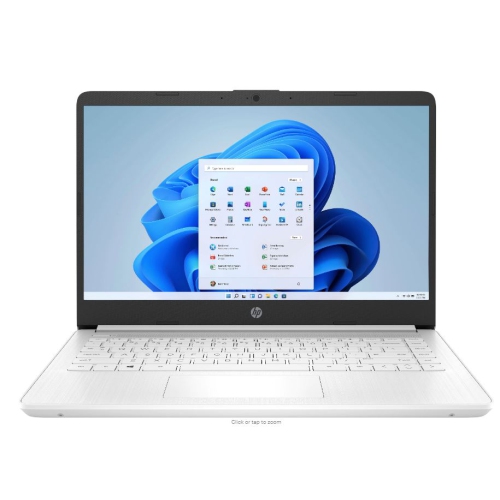 Your price for this item is $449
-
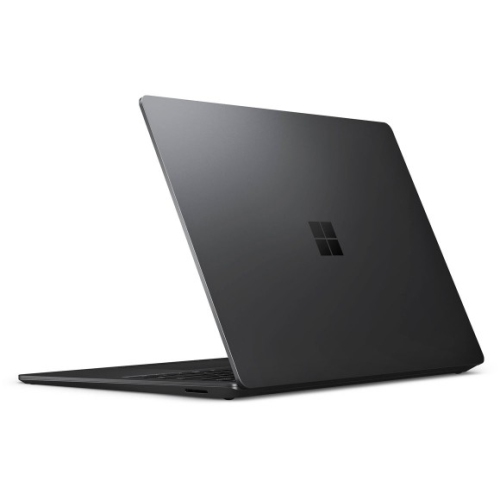 Your price for this item is $3099
-
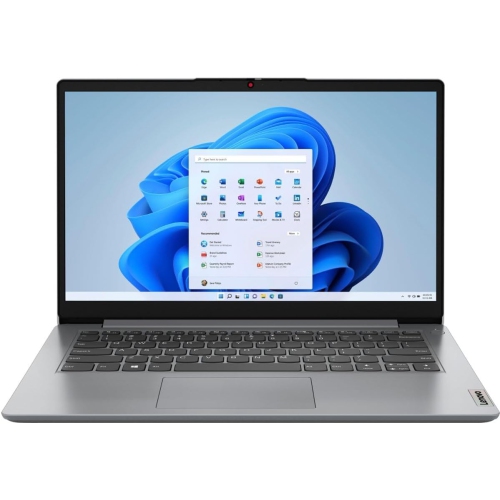 Your price for this item is $664.05
-
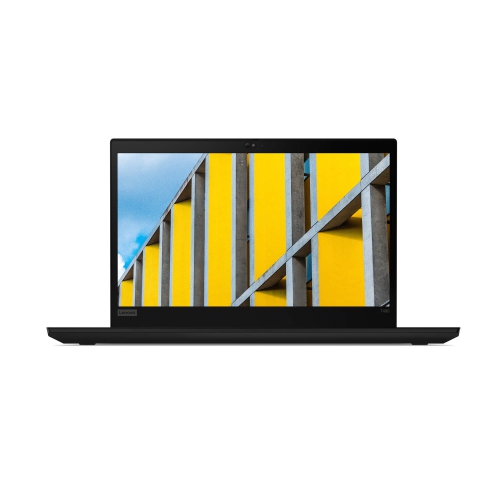 Your price for this item is $599.68
-
 Your price for this item is $499.99
-
 Your price for this item is $418.98
-
 Your price for this item is $829
-
 Your price for this item is $999.95
Discover more categories related to Microsoft Surface Books 3

Top Collections:
Pokemon Centers, Kindle Devices, Best Cameras for Sports Photography, Pokémon 30th Celebration Cards, Apple iPhones 16, Canon G7X Cameras, iPhone 15 Apple, Flip Phones, Samsung Galaxy Phones, Alarm Clock
Some products may be subject to Environmental Handling Fees
(EHF) depending on your province.
Learn more about EHFs.