Microsoft Surface Pro and Keyboards
Discover the versatility and convenience of Microsoft Surface Pro and Keyboard options, designed to enhance productivity at home, in the office, or on the go. Whether you're tackling daily tasks, creative projects, or streaming your favorite content, these devices offer flexible solutions to suit a variety of needs. Explore a wide selection of Microsoft Surface Pro and Keyboard combinations to find the perfect fit for your lifestyle and workflow.
Sort
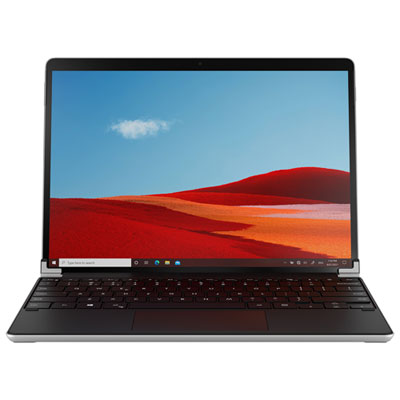
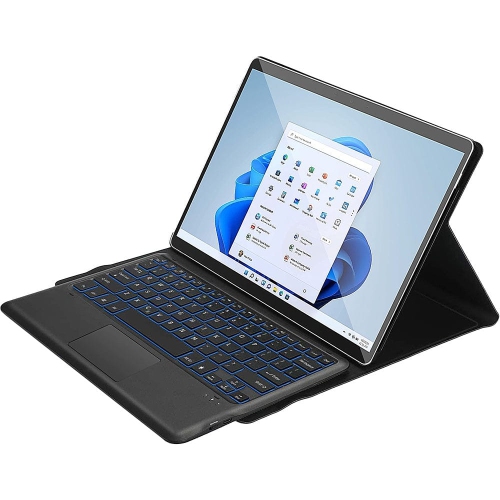
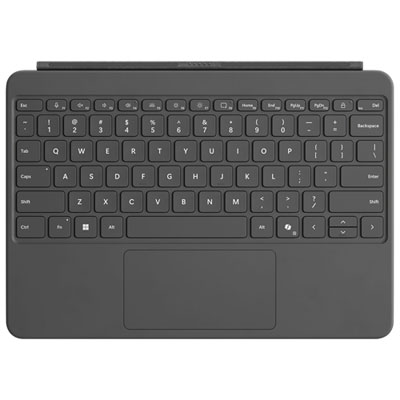
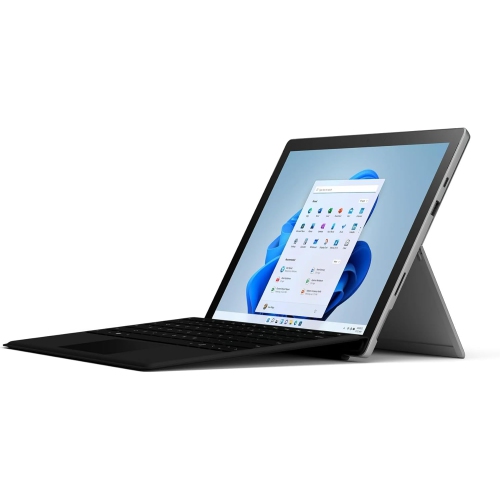
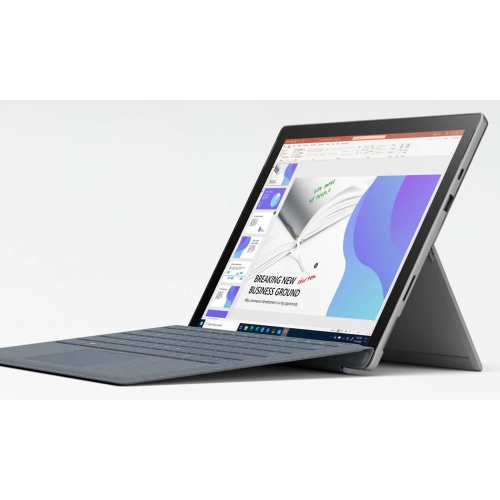
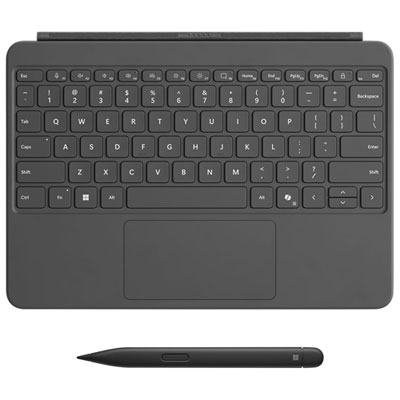
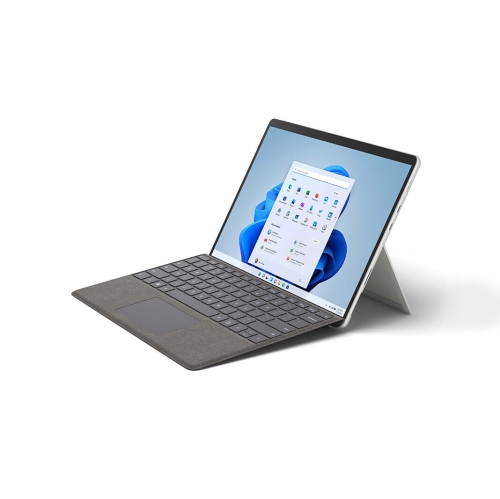
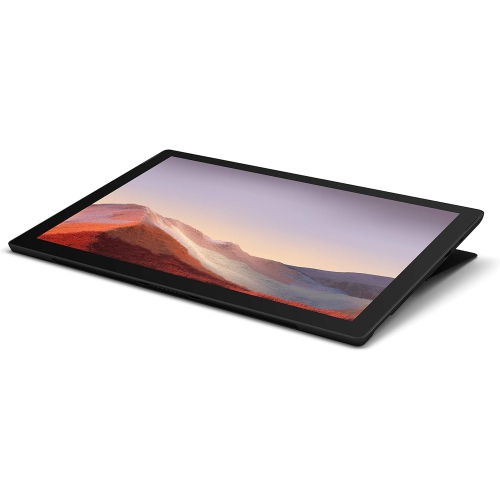
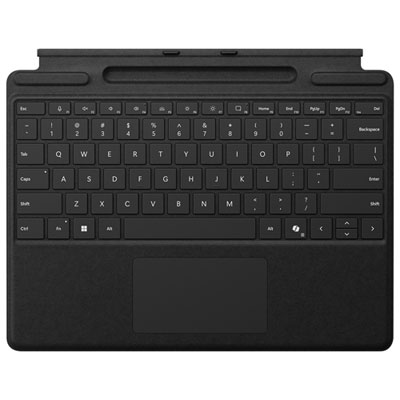
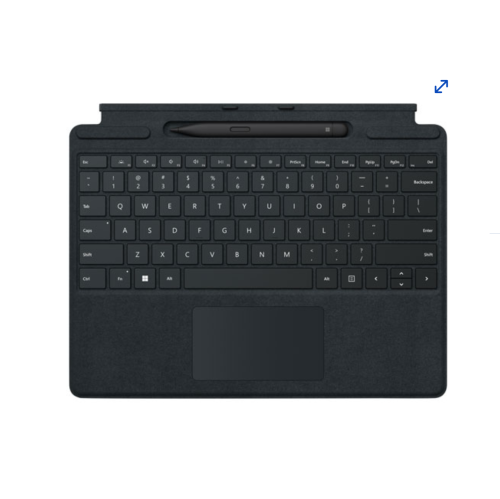
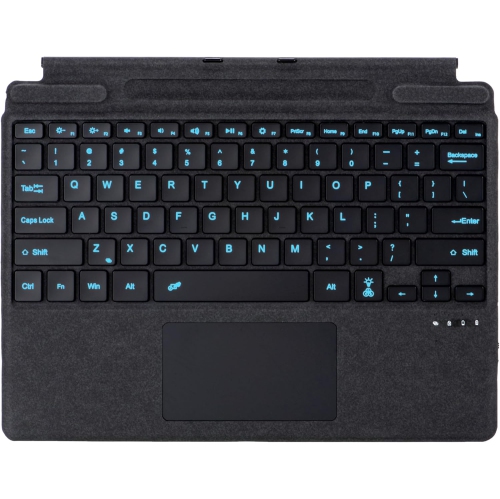
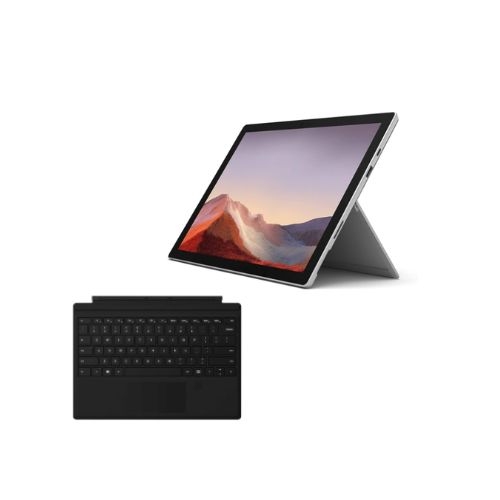
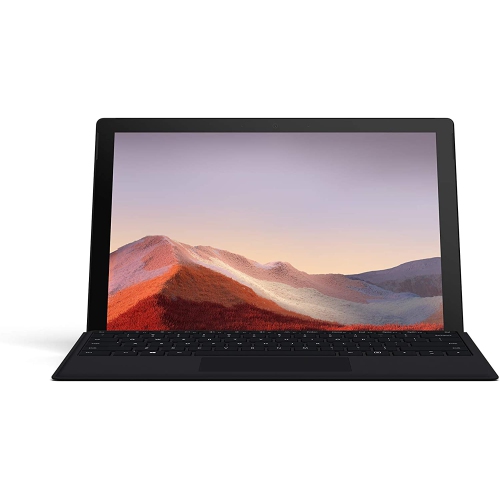
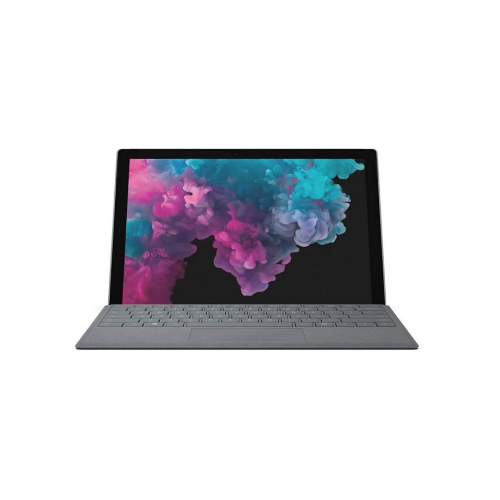
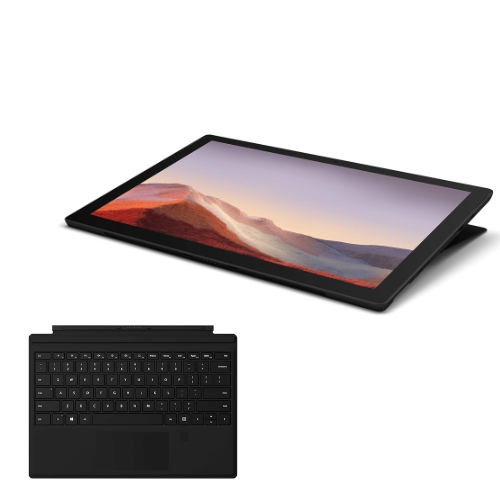
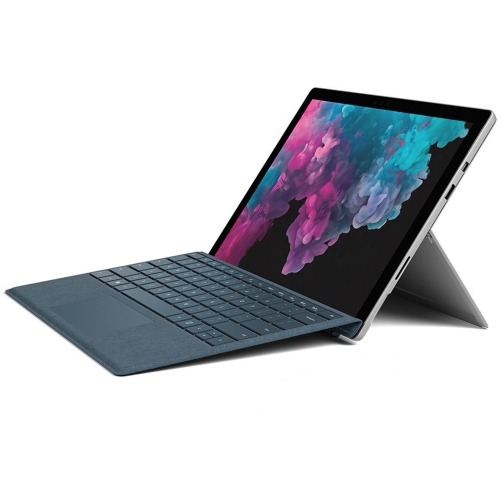
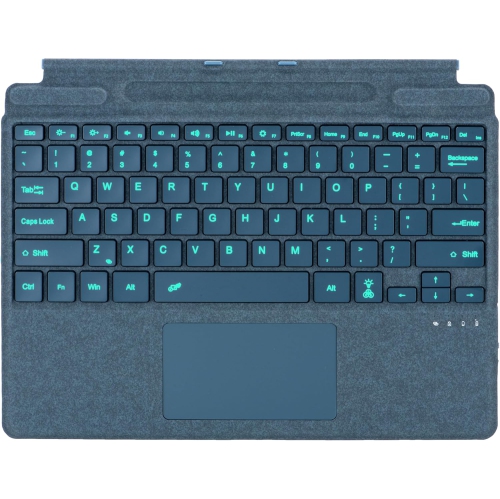
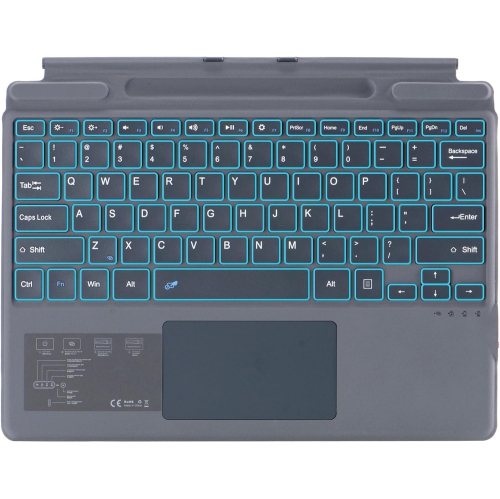
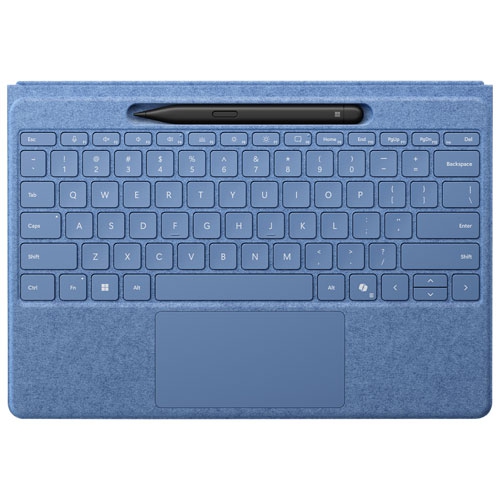
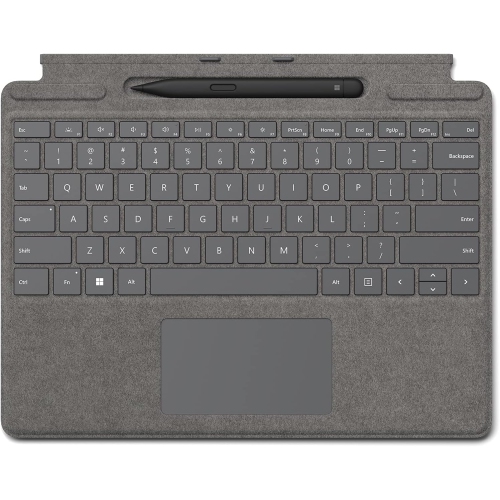
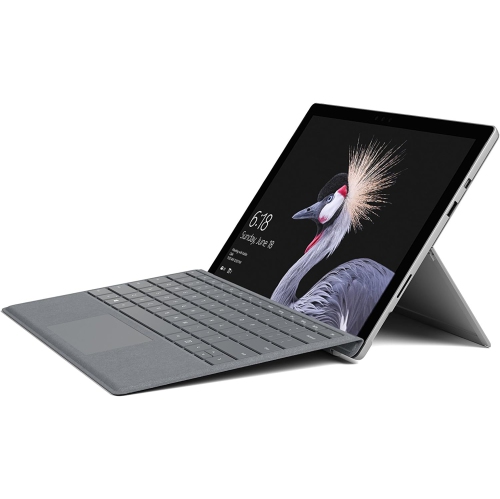
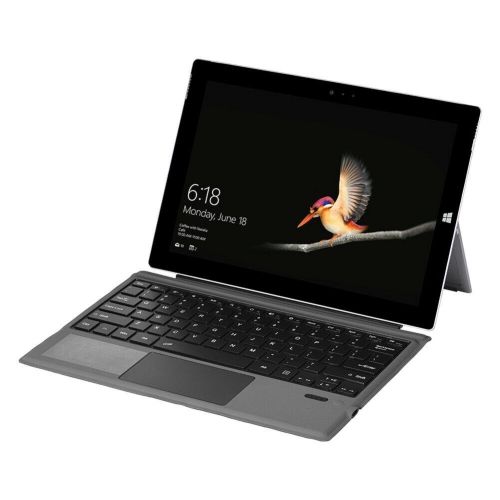
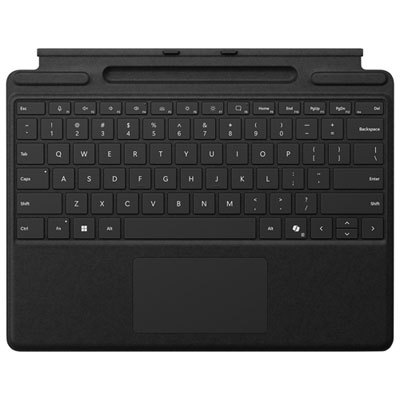
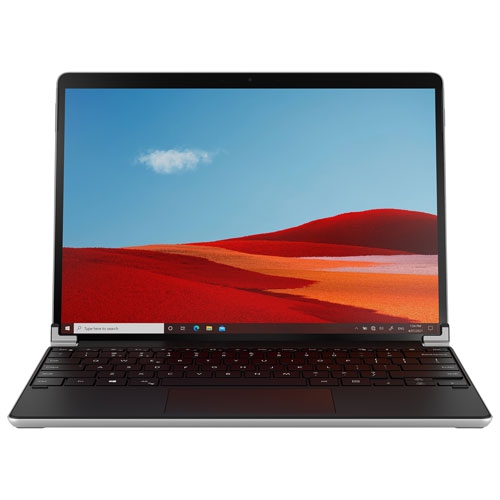
Tablet keyboards support comfortable typing beyond the desk
A tablet keyboard can change the way a lightweight touchscreen device fits into everyday life. With the right keyboard attached, a tablet becomes more comfortable for writing emails, preparing documents, responding to messages, updating spreadsheets and keeping up with school or work while away from a desk. Detach the keyboard when you want the freedom of a tablet for reading, sketching, browsing recipes or watching content, then reconnect it when it is time to type. This flexible setup is useful for students moving between lectures, study spaces and home; professionals who work from a kitchen table, shared office or client site; and families who want one portable device that can support several routines. It can also make a thoughtful gift for someone starting a new course, setting up a home office or replacing a heavier laptop with a more adaptable option. Backlit keys are particularly helpful when working in a dim room, on a train during the evening or at a bedside table, while a responsive touchpad can make navigation feel more natural when there is no separate mouse nearby. Some keyboards include a dedicated key for quick access to built-in digital assistance, and certain versions offer larger, higher-contrast lettering for easier viewing. A keyboard that folds back securely can help protect the keys while the tablet is being used in tablet mode, and adjustable viewing angles make it easier to find a comfortable position for typing, video calls or reading.
Compatibility is the most important detail to confirm before choosing a keyboard. These accessories are made for particular tablet generations and screen sizes, so a 12-inch keyboard is intended for a matching 12-inch device, while a 13-inch keyboard is designed for compatible 13-inch models. The sizes are not interchangeable, and a close visual resemblance does not guarantee a proper fit. Check the device size and model generation listed in your tablet’s settings, original packaging or purchase information before placing an order. It is also worth considering how you expect to use the keyboard. If you usually type at a desk or in a café, an attached keyboard with a firm hinge and a comfortable palm rest may be the most convenient choice. If you prefer to position the tablet on a stand, keep the keyboard in your lap or move farther away during a presentation, look for a design that supports wireless use when detached. A large touchpad can reduce the need for extra accessories, while a built-in storage area for a compatible digital pen helps keep writing tools close at hand. Some designs use a soft-touch palm rest for a warmer, more comfortable feel during longer sessions, and a smooth matte surface can help reduce glare from overhead lighting. When comparing options, consider key travel, spacing, backlighting, touchpad responsiveness, hinge stability and whether the keyboard adds useful protection without making the setup feel bulky. For help browsing compatible options, explore Microsoft Surface Pro Tablet Keyboards.
A well-matched keyboard can make a portable tablet feel ready for a broad range of tasks without taking away the simplicity that makes a tablet appealing. A student might use it to draft an assignment in a quiet library, fold it behind the screen to review notes, then switch to touch controls for a break between classes. Someone working from home may use the keyboard for video meetings and invoices during the day, detach it for reading in the evening and pack the entire setup into a small bag when visiting family. Travellers can appreciate having a familiar typing surface for itineraries, messages and downloaded documents, while creative users may prefer the uncluttered tablet form for handwritten notes, diagrams or markups. During the cooler months, a compact setup can move easily from a home office to a living-room chair without requiring a full workstation. Before buying, think about the places where the device will be used, the amount of typing involved and whether a pen, mouse or charging accessory will be part of the setup. Confirm that the keyboard’s connector, wireless features and charging requirements suit the tablet, and check whether a pen is included or sold separately if handwritten input matters. Paying attention to those details helps create a comfortable, dependable combination that is easy to carry, quick to set up and suited to the way the recipient actually works, studies and relaxes.
Compatibility is the most important detail to confirm before choosing a keyboard. These accessories are made for particular tablet generations and screen sizes, so a 12-inch keyboard is intended for a matching 12-inch device, while a 13-inch keyboard is designed for compatible 13-inch models. The sizes are not interchangeable, and a close visual resemblance does not guarantee a proper fit. Check the device size and model generation listed in your tablet’s settings, original packaging or purchase information before placing an order. It is also worth considering how you expect to use the keyboard. If you usually type at a desk or in a café, an attached keyboard with a firm hinge and a comfortable palm rest may be the most convenient choice. If you prefer to position the tablet on a stand, keep the keyboard in your lap or move farther away during a presentation, look for a design that supports wireless use when detached. A large touchpad can reduce the need for extra accessories, while a built-in storage area for a compatible digital pen helps keep writing tools close at hand. Some designs use a soft-touch palm rest for a warmer, more comfortable feel during longer sessions, and a smooth matte surface can help reduce glare from overhead lighting. When comparing options, consider key travel, spacing, backlighting, touchpad responsiveness, hinge stability and whether the keyboard adds useful protection without making the setup feel bulky. For help browsing compatible options, explore Microsoft Surface Pro Tablet Keyboards.
A well-matched keyboard can make a portable tablet feel ready for a broad range of tasks without taking away the simplicity that makes a tablet appealing. A student might use it to draft an assignment in a quiet library, fold it behind the screen to review notes, then switch to touch controls for a break between classes. Someone working from home may use the keyboard for video meetings and invoices during the day, detach it for reading in the evening and pack the entire setup into a small bag when visiting family. Travellers can appreciate having a familiar typing surface for itineraries, messages and downloaded documents, while creative users may prefer the uncluttered tablet form for handwritten notes, diagrams or markups. During the cooler months, a compact setup can move easily from a home office to a living-room chair without requiring a full workstation. Before buying, think about the places where the device will be used, the amount of typing involved and whether a pen, mouse or charging accessory will be part of the setup. Confirm that the keyboard’s connector, wireless features and charging requirements suit the tablet, and check whether a pen is included or sold separately if handwritten input matters. Paying attention to those details helps create a comfortable, dependable combination that is easy to carry, quick to set up and suited to the way the recipient actually works, studies and relaxes.
Top selling and popular products
-
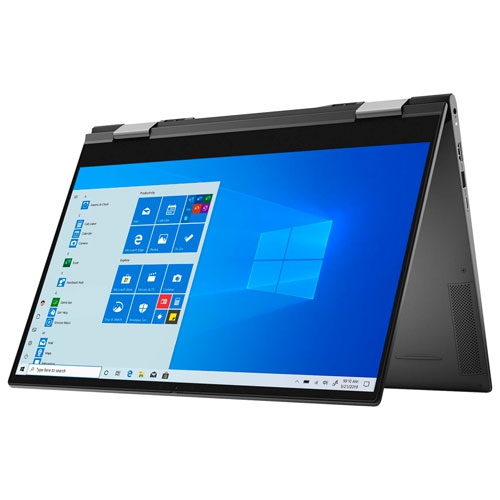 Your price for this item is $1434.97
 -
 Your price for this item is $699
 -
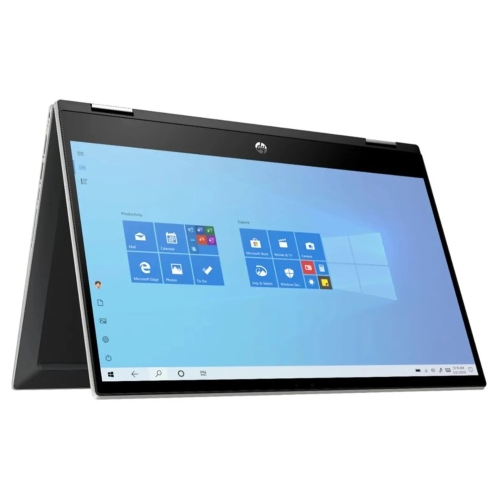 Your price for this item is $349.95
 -
 Your price for this item is $789
 -
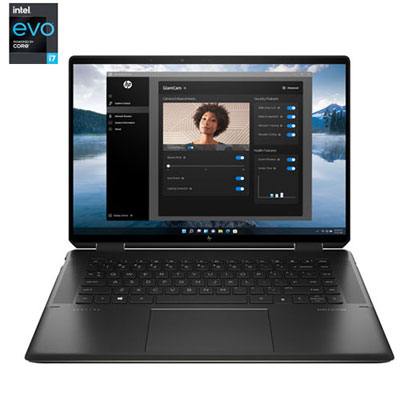 Your price for this item is $2099.99
 -
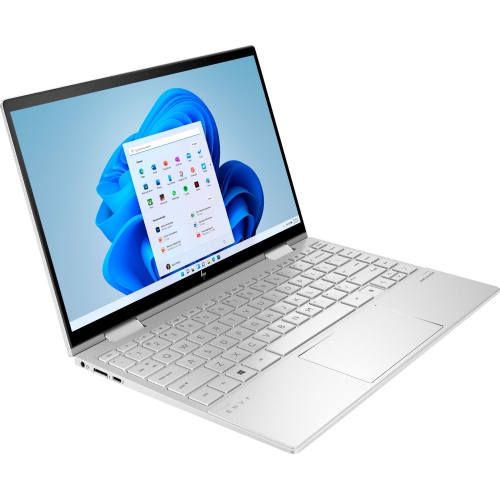 Your price for this item is $1499.99
 -
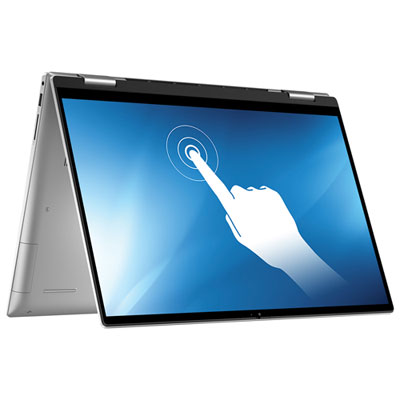 Your price for this item is $1199.97
 -
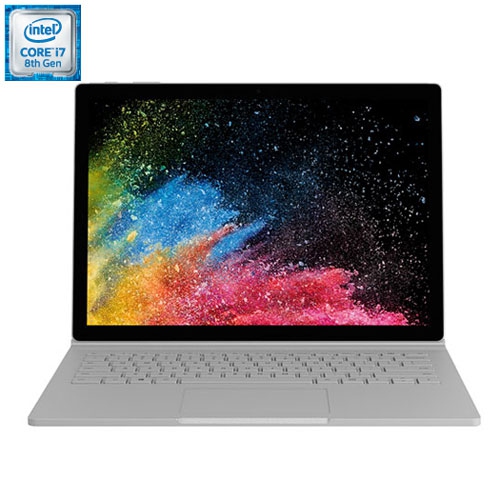 Your price for this item is $899
Discover more categories related to Microsoft Surface Pro and Keyboards
Top Collections:
Pokemon Centers, Kindle Devices, Best Budget Office Chairs, Apple iPhones 16, Best Laptops for Writers, iPhone 15 Apple, Canon G7X Cameras, Refurbished Apple Laptops, Alarm Clock, Motorola Razr Phones
Some products may be subject to Environmental Handling Fees
(EHF) depending on your province.
Learn more about EHFs.