Android Phones for Business Use
Android phones for business use offer the flexibility and reliability professionals need to stay connected and productive throughout the workday. With a wide range of options designed to support various workplace demands, these smartphones make it easy to manage tasks, communicate efficiently, and access essential business apps on the go. Discover a selection of android phones for business use that cater to every professional’s needs, whether you’re working remotely, in the office, or on the move.
Sort
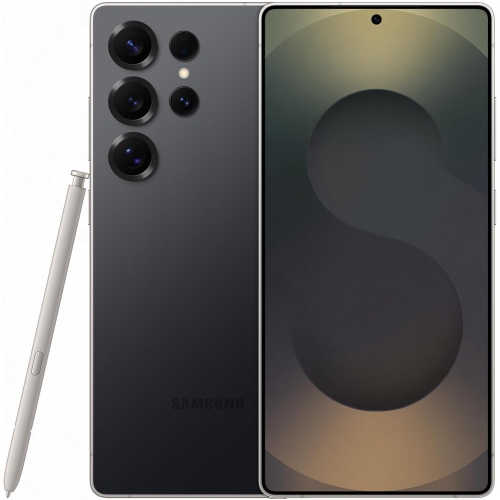
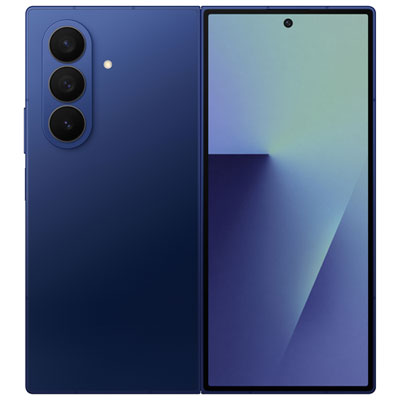
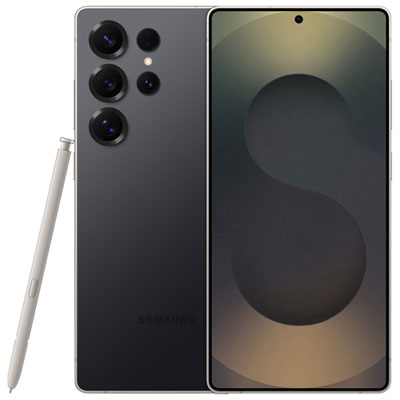
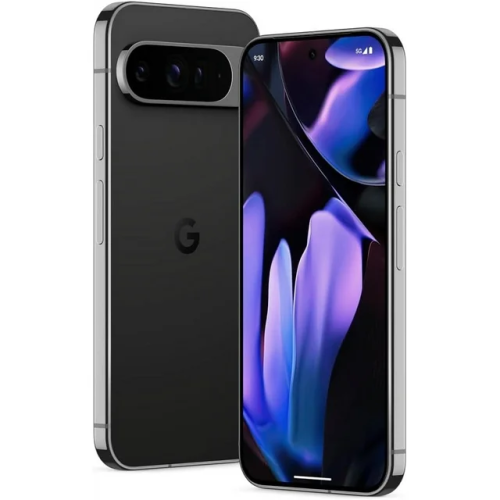


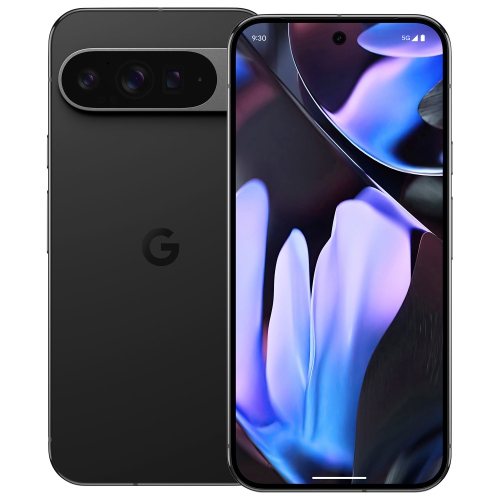
What to consider for productive, secure mobile work
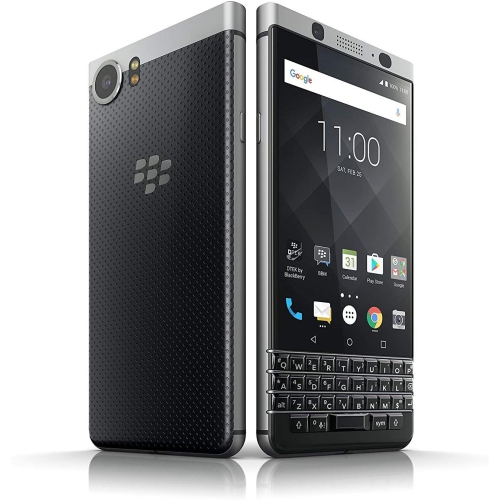
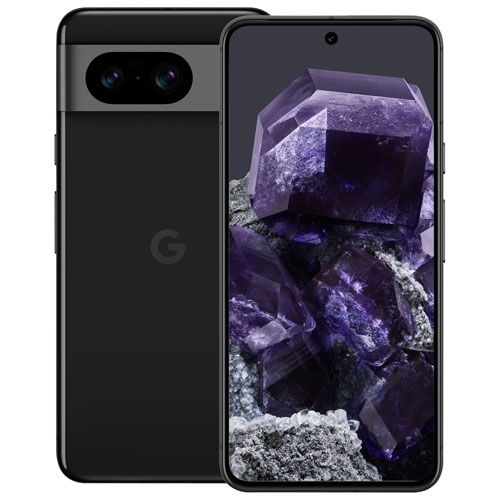
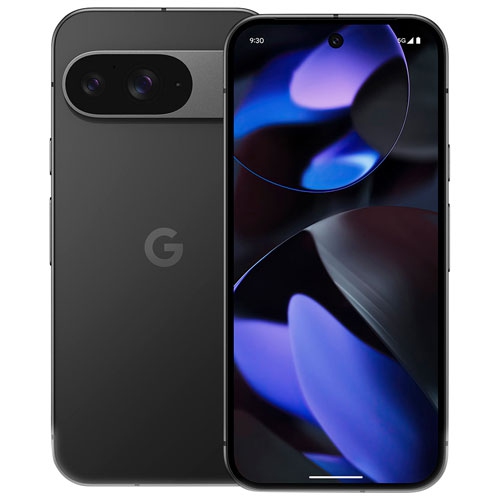
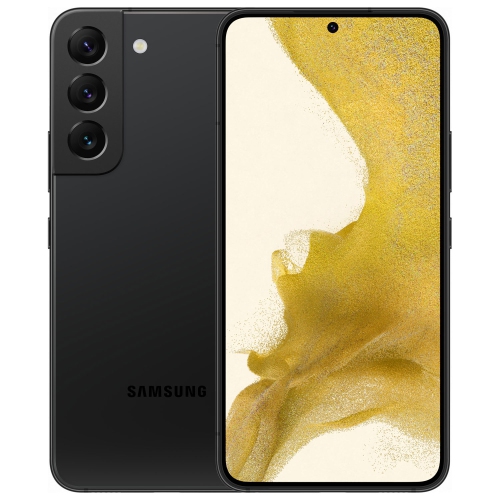
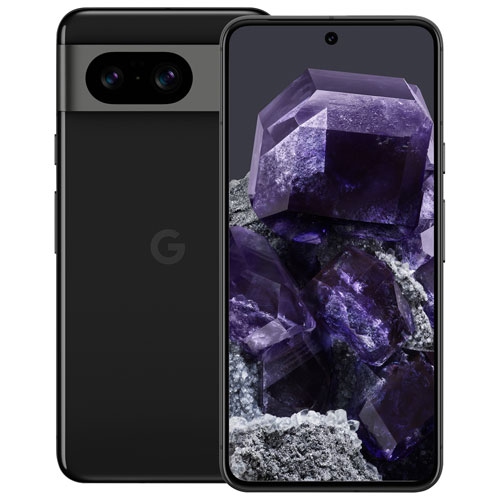
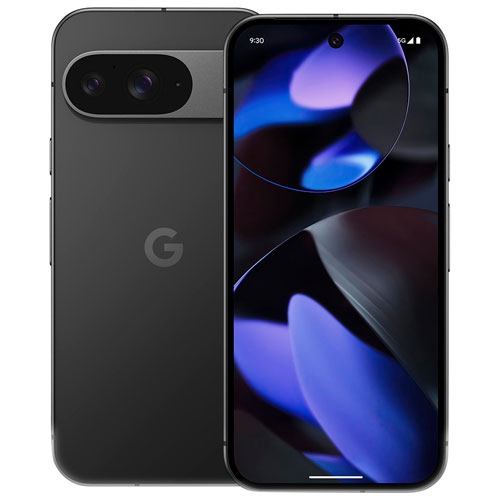
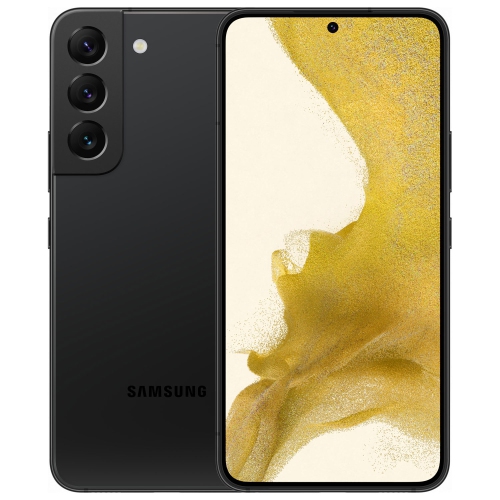
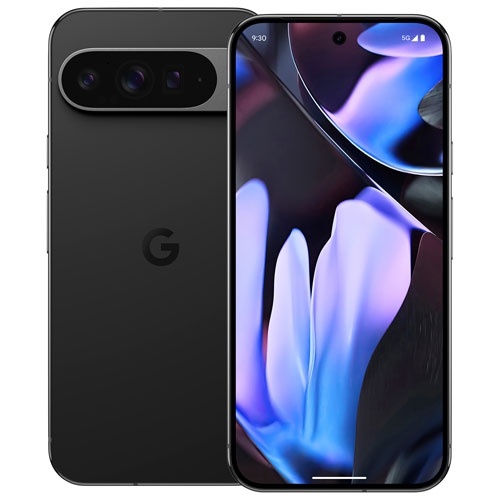
Android phones for business use can help employees stay productive, connected and secure whether they work at a desk, travel between appointments or spend most of the day in the field. The right phone should support the way your organization actually works, from checking email and joining video meetings to reviewing documents, updating schedules, processing payments and responding to customers while away from a computer. A bright, generously sized display can make spreadsheets, presentations and shared documents easier to read, while a compact design may be more comfortable for people who carry a phone in a pocket throughout a long shift. Fast, capable processors and sufficient memory are important for switching between business apps, messaging platforms, navigation, cloud storage and video calls without distracting delays. Battery capacity also deserves close attention. A phone that can comfortably handle a full day of calls, notifications, maps and screen time is particularly useful for sales representatives, delivery teams, contractors, healthcare workers and other mobile employees who may not have convenient access to a charger. Features such as fast charging, wireless charging, dual SIM or eSIM support can add flexibility for employees who manage separate work and personal numbers, travel between regions or need a backup connection. Reliable 5G and Wi-Fi connectivity can help keep communication moving in busy offices, warehouses, hotels and client locations, although actual performance will depend on the network, coverage and workplace setup. Camera quality can matter for more than taking photographs: staff may use a phone to scan receipts, capture equipment readings, document job-site progress, share product images or send clear photos to a customer or supervisor. A precise camera, useful document-scanning tools and clear microphones can turn an Android phone into a practical mobile workstation rather than simply another way to make calls.
Security and long-term support are central when choosing Android phones for business use because a lost or compromised device can expose email, contacts, files and other sensitive information. Look for phones with biometric unlocking, strong screen-lock options, hardware-backed security features and the ability to encrypt stored data. A work profile can help separate business applications and information from personal content, which is useful for employees who use one device for both responsibilities. Businesses may also want compatibility with enterprise mobility management platforms that allow administrators to apply password requirements, approve applications, configure Wi-Fi and VPN settings, enforce security policies, locate devices or erase business data remotely when a phone is lost or an employee leaves the organization. Before purchasing, confirm that the devices will work with the company’s existing management system and authentication methods, including single sign-on, multi-factor authentication and mobile access to cloud services. Software support is another important part of the ownership picture. Longer update commitments can help keep devices protected and reduce the need for frequent replacement, while clear update policies make it easier for an organization to plan deployments and budgets. Consider how many employees need phones, whether devices will be issued all at once or in stages, and how the selected models will fit into your company’s replacement cycle. A uniform fleet may simplify setup, training and troubleshooting, while a varied fleet can let different teams choose features suited to their work. Office staff may value a large, high-resolution display and a comfortable keyboard experience for reviewing documents and composing detailed messages. Field employees may benefit more from a grippy finish, water resistance, reinforced construction and a battery that can withstand long periods away from a workstation. For demanding environments, look for durability ratings and protective accessories appropriate to the job, and remember that no rating eliminates the need for sensible care. A protective case, screen protector, vehicle mount and spare charging cable can be worthwhile additions for teams that work on the move.
Android phones for business use can also support more focused, accessible and responsive collaboration. Large screens and adjustable text can make schedules, forms and shared files easier to navigate, while a compatible stylus may help with marking up documents, signing forms or making quick notes during a meeting. Clear speakers and noise-reducing microphones are helpful in video conferences, customer calls and hybrid workplaces, especially when the surrounding environment is less than quiet. Built-in translation, voice-to-text and call-transcription features may assist teams that communicate across languages or need a written record of discussions, but organizations should review privacy settings and internal policies before enabling any feature that processes voice or business information. Accessories can expand a phone’s usefulness as well: a desktop stand can create a more comfortable video-call setup, a portable battery can support long travel days, and a Bluetooth keyboard can make extended writing more practical. These phones can be purchased for employees, supplied to contractors, assigned to customer-service teams or given to a new team member as part of an onboarding package. They may also be a thoughtful gift for a small-business owner, freelancer or family member who works from a home office and needs dependable access to clients, calendars and files. During the cooler months, a phone with dependable battery life and a bright screen can be especially convenient for commuters moving between indoor and outdoor spaces, while durable construction can provide extra confidence during busy travel and delivery periods. Compare storage capacity, camera performance, screen size, battery specifications, connectivity, accessibility features and software support alongside the purchase price. It is also wise to check carrier compatibility, warranty coverage and the availability of cases or charging accessories before committing to a larger business order. If your workplace uses a different mobile platform, reviewing iPhones for Business can help you compare options across your organization. With the right balance of performance, protection, manageability and everyday comfort, an Android phone can give employees a dependable tool for communication and productivity throughout the working day.
Security and long-term support are central when choosing Android phones for business use because a lost or compromised device can expose email, contacts, files and other sensitive information. Look for phones with biometric unlocking, strong screen-lock options, hardware-backed security features and the ability to encrypt stored data. A work profile can help separate business applications and information from personal content, which is useful for employees who use one device for both responsibilities. Businesses may also want compatibility with enterprise mobility management platforms that allow administrators to apply password requirements, approve applications, configure Wi-Fi and VPN settings, enforce security policies, locate devices or erase business data remotely when a phone is lost or an employee leaves the organization. Before purchasing, confirm that the devices will work with the company’s existing management system and authentication methods, including single sign-on, multi-factor authentication and mobile access to cloud services. Software support is another important part of the ownership picture. Longer update commitments can help keep devices protected and reduce the need for frequent replacement, while clear update policies make it easier for an organization to plan deployments and budgets. Consider how many employees need phones, whether devices will be issued all at once or in stages, and how the selected models will fit into your company’s replacement cycle. A uniform fleet may simplify setup, training and troubleshooting, while a varied fleet can let different teams choose features suited to their work. Office staff may value a large, high-resolution display and a comfortable keyboard experience for reviewing documents and composing detailed messages. Field employees may benefit more from a grippy finish, water resistance, reinforced construction and a battery that can withstand long periods away from a workstation. For demanding environments, look for durability ratings and protective accessories appropriate to the job, and remember that no rating eliminates the need for sensible care. A protective case, screen protector, vehicle mount and spare charging cable can be worthwhile additions for teams that work on the move.
Android phones for business use can also support more focused, accessible and responsive collaboration. Large screens and adjustable text can make schedules, forms and shared files easier to navigate, while a compatible stylus may help with marking up documents, signing forms or making quick notes during a meeting. Clear speakers and noise-reducing microphones are helpful in video conferences, customer calls and hybrid workplaces, especially when the surrounding environment is less than quiet. Built-in translation, voice-to-text and call-transcription features may assist teams that communicate across languages or need a written record of discussions, but organizations should review privacy settings and internal policies before enabling any feature that processes voice or business information. Accessories can expand a phone’s usefulness as well: a desktop stand can create a more comfortable video-call setup, a portable battery can support long travel days, and a Bluetooth keyboard can make extended writing more practical. These phones can be purchased for employees, supplied to contractors, assigned to customer-service teams or given to a new team member as part of an onboarding package. They may also be a thoughtful gift for a small-business owner, freelancer or family member who works from a home office and needs dependable access to clients, calendars and files. During the cooler months, a phone with dependable battery life and a bright screen can be especially convenient for commuters moving between indoor and outdoor spaces, while durable construction can provide extra confidence during busy travel and delivery periods. Compare storage capacity, camera performance, screen size, battery specifications, connectivity, accessibility features and software support alongside the purchase price. It is also wise to check carrier compatibility, warranty coverage and the availability of cases or charging accessories before committing to a larger business order. If your workplace uses a different mobile platform, reviewing iPhones for Business can help you compare options across your organization. With the right balance of performance, protection, manageability and everyday comfort, an Android phone can give employees a dependable tool for communication and productivity throughout the working day.
Top selling and popular products
-
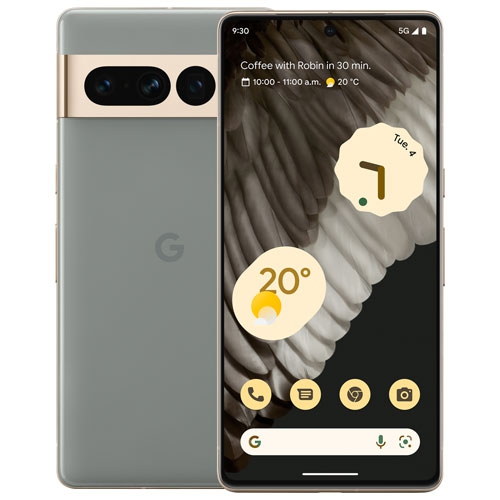 Your price for this item is $589.99
 -
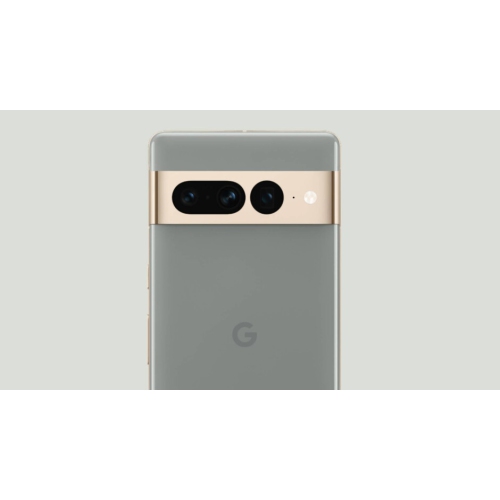 Your price for this item is $699
 -
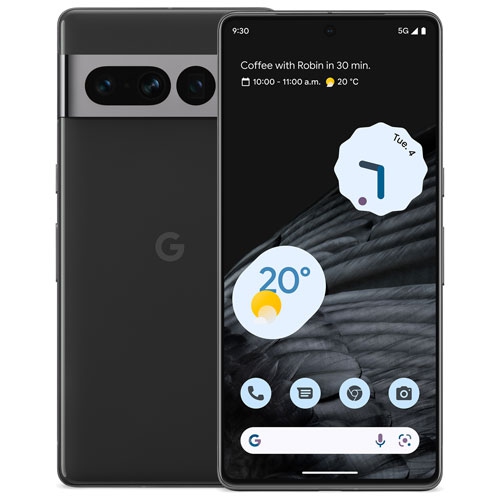 Your price for this item is $500
 -
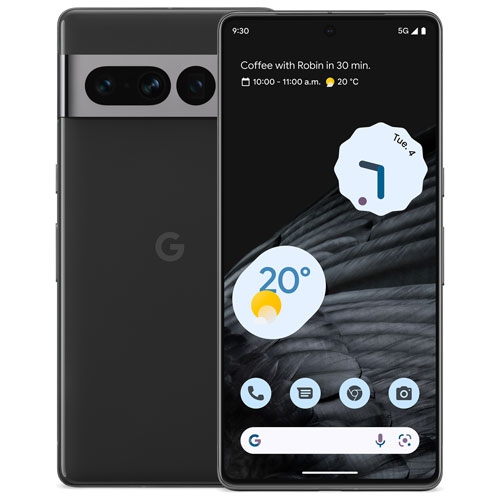 Your price for this item is $484.99
 -
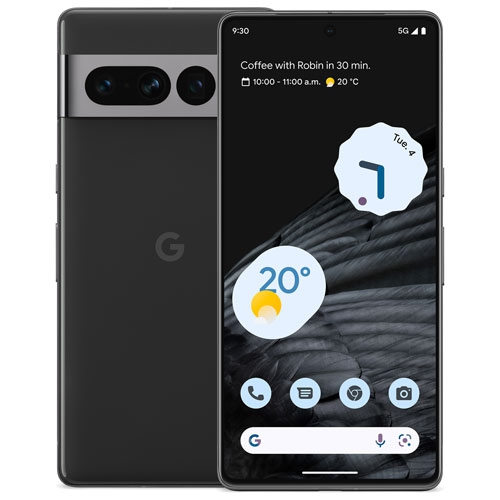 Your price for this item is $519.99
 -
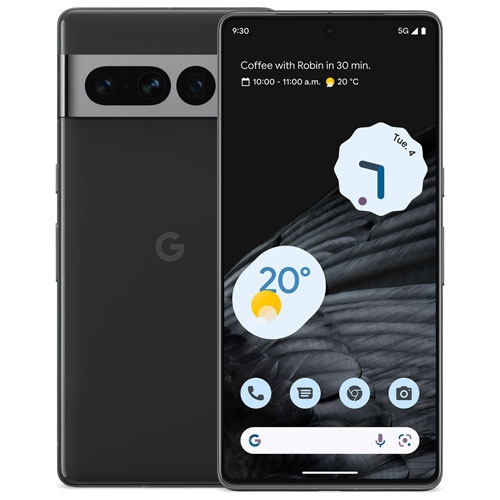 Your price for this item is $383
 -
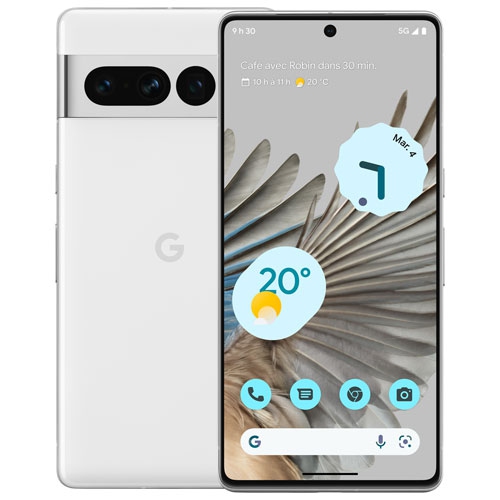 Your price for this item is $294.99
 -
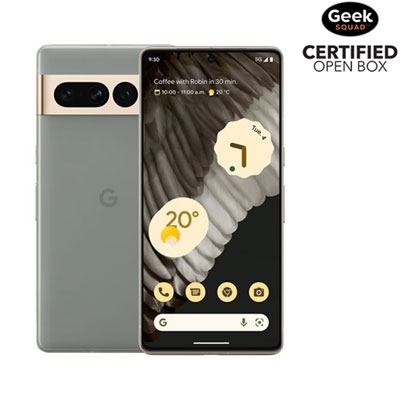 Your price for this item is $1139.99
Discover more categories related to Android Phones for Business Use
Top Collections:
Pokemon Centers, Budget 4K TVs, Best Budget Office Chairs, Kindle Devices, Canon G7X Cameras, Apple iPhones 16, iPhone 15 Apple, Laptops for Business Work, Xiaomi Phones, Flip Phones
Some products may be subject to Environmental Handling Fees
(EHF) depending on your province.
Learn more about EHFs.