Phones for Business Use
Phones for Business Use are essential tools for staying connected, productive, and organized in today’s fast-paced work environment. Whether outfitting a small startup or a large enterprise, finding the right devices can streamline communication and support daily operations. Explore a wide selection of phones designed to meet the unique demands of business professionals, helping you keep your team connected and your workflow efficient.
Sort








Where you work shapes the phone you need
Phones for business use include smartphones for mobile work, desk phones for fixed workstations, and cordless handsets for moving between a counter, office, and storage area. Each format supports a different working routine. A smartphone keeps calls, messages, calendars, and business apps close at hand when a contractor travels between appointments or a sales representative visits clients. A desk phone gives a receptionist or office administrator a dedicated place to answer calls, transfer enquiries, and reach colleagues. Cordless office phones can suit smaller workplaces where someone needs to check a shelf or retrieve paperwork without leaving a conversation behind. The right fit depends less on a job title than on where conversations happen and what needs to happen alongside them. Someone reviewing documents during a call benefits from clear speakerphone audio or headset support, while a mobile worker may place more importance on battery life, screen readability, and reliable cellular connectivity. For smartphones, display size affects both comfort and productivity: a larger screen provides more room for spreadsheets, appointment details, and video meetings, while a smaller handset can be easier to carry and operate with one hand. Storage capacity matters when work involves downloaded files, photos, or several business applications, although cloud storage and workplace policies also influence how much stays on the device. Camera quality can have practical value beyond video calls, helping capture legible receipts, document a completed repair, or share a clear image of a delivery. A phone used throughout the working day should also feel manageable in ordinary situations, whether that means fitting into a jacket pocket, resting securely on a desk, or remaining comfortable during a lengthy conversation. These everyday details help distinguish a useful work phone from a device whose capabilities look impressive but do not match the way its owner works.
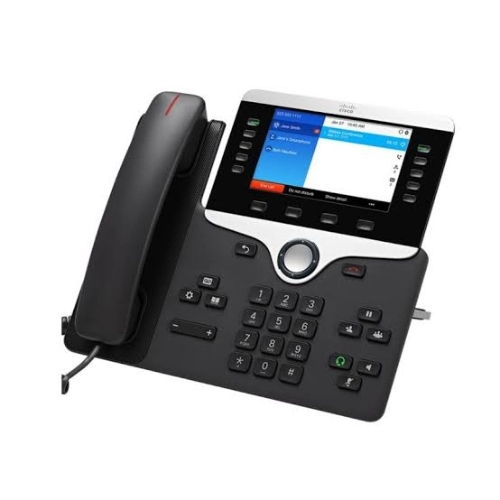
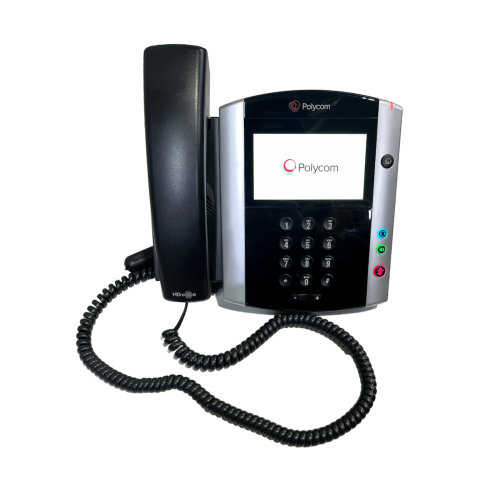
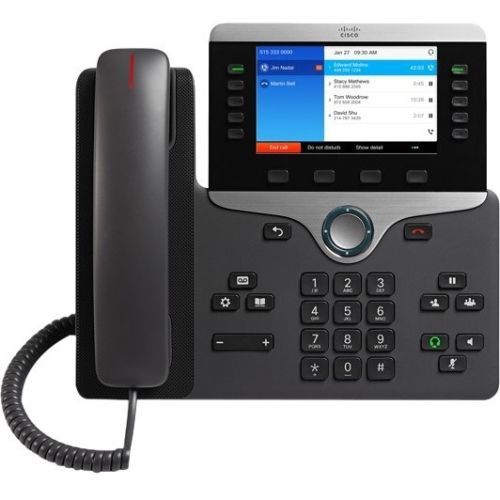
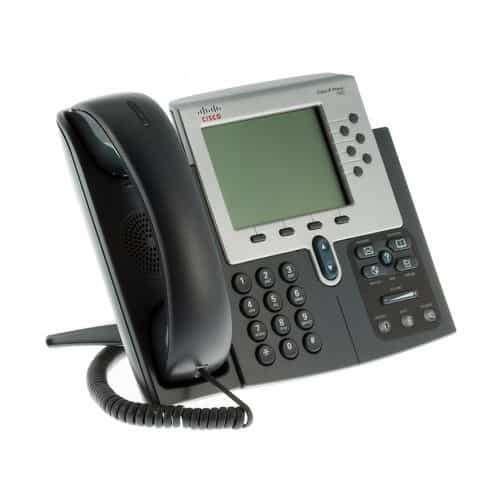
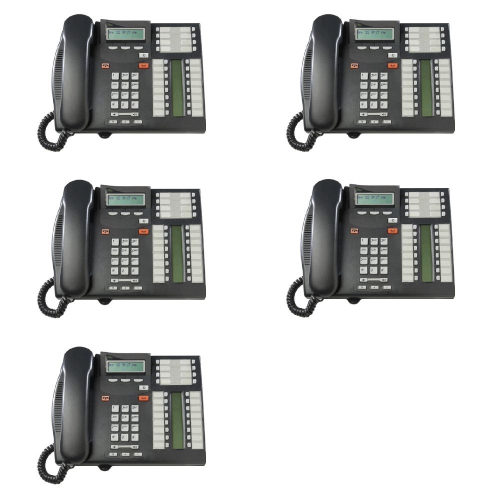
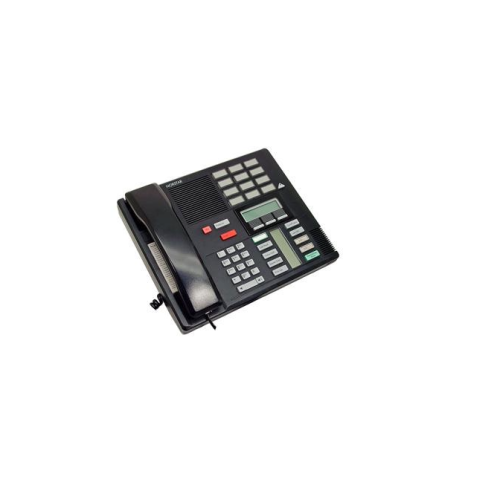
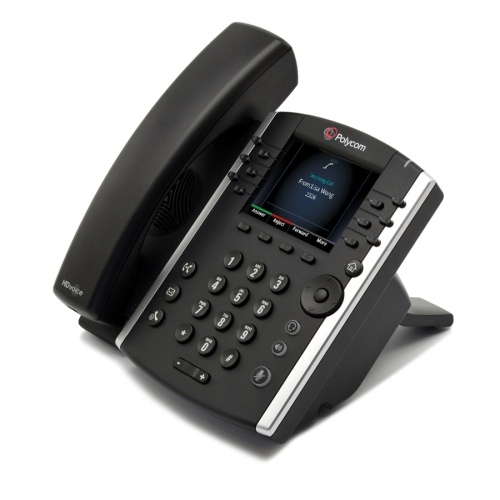
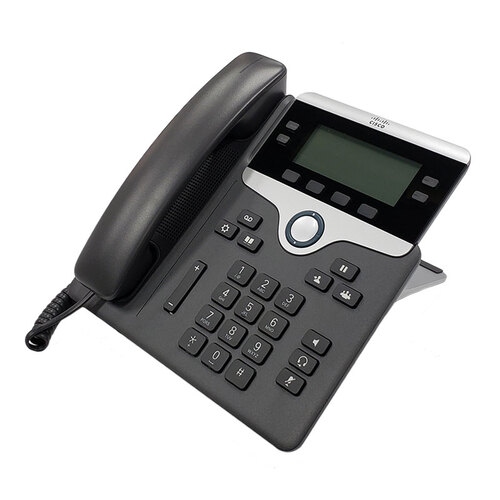
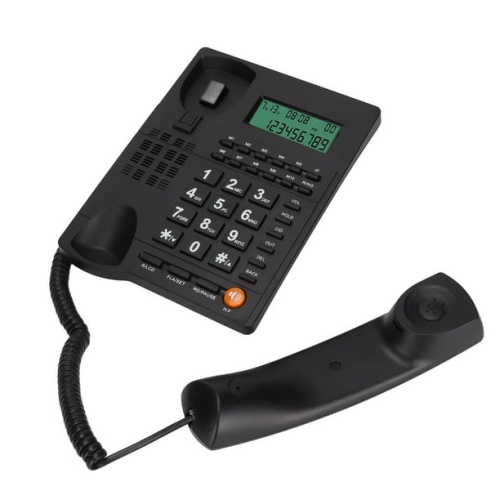
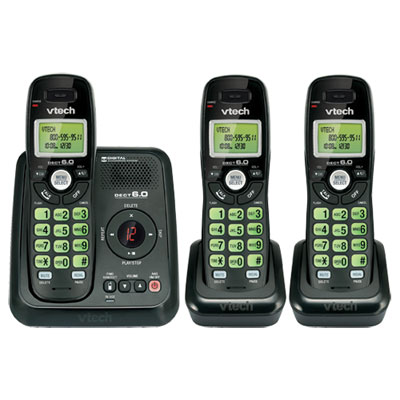
For office-based communication, business desk phones bring frequently used calling functions within easy reach. Depending on the model and connected phone system, features may include hold, call transfer, conferencing, voicemail access, programmable keys, and support for multiple lines or extensions. Clearly labelled buttons and a readable display can make a noticeable difference at a busy reception desk, where several calls may need attention while a visitor waits at the counter. A physical dial pad also offers a familiar way to enter numbers without navigating through an app. Audio features deserve equal attention. A comfortable handset, adjustable volume, and a well-positioned microphone help support longer conversations, while a full-duplex speakerphone allows both sides to speak and be heard at the same time. Headset compatibility can free up hands for typing notes or checking order details, but connector types and wireless support vary between phones. Bluetooth support alone does not establish compatibility with every headset or calling setup. Connection requirements also differ across desk phone categories. Analogue phones use a compatible telephone connection, while IP desk phones carry calls over a network and generally need support from the workplace’s internet-based phone service or phone system. Some IP models support Power over Ethernet, which can provide power and network connectivity through one cable when suitable network equipment is in place; others use a separate power adapter. A network port does not necessarily mean that a phone supports Wi-Fi, so the physical layout of a workspace remains important. Cordless systems introduce another consideration: handset coverage depends on the building layout, construction materials, and placement of the base station. Internet-based calling also relies on working network equipment and power, making backup arrangements and emergency-calling configuration important parts of a business setup. These details help keep the phone, its connection, and the workplace calling system working together as intended.
For mobile business phones, durability, care, and device management shape the experience long after the first call. Common smartphone materials include glass, metal, and plastic, with differences in grip, weight, and resistance to everyday wear. A glass back may feel smooth in the hand but benefit from a protective case, while textured surfaces can be easier to hold when moving between tasks. Water- and dust-resistance ratings describe tested conditions rather than unlimited protection, and resistance can diminish with wear or damage. A well-fitting case and compatible screen protector can add practical protection without blocking microphones, buttons, or charging connections. Charging arrangements matter too: cable type, supported charging standards, and access to power influence how easily a phone fits into a full working day. Battery life varies with signal strength, screen use, navigation, video calls, and other demanding tasks, so a stated battery figure is not a promise of identical results in every workplace. Routine care is straightforward but important. Cleaning should follow the manufacturer’s directions, with liquids kept out of openings and abrasive materials avoided on screens and camera lenses. For shared desk phones, attention to the handset, keypad, and headset contact points helps maintain a clean, comfortable workspace. Business suitability also extends to the information stored on a device. Supported security updates, screen locks, biometric access, and compatibility with an organization’s device-management tools can help protect work accounts and files. Where supported and configured, separate work profiles or managed apps can create clearer boundaries between business and personal activity. For organizations standardizing their mobile devices, iPhones for Business provides a focused collection to explore. Across mobile and office phones, lasting usefulness comes from a combination of dependable calling, comfortable handling, appropriate software support, and compatibility with the tools a team already uses. A phone that makes those daily tasks easier can become a dependable part of work, from confirming the first appointment to returning the final client call.
For office-based communication, business desk phones bring frequently used calling functions within easy reach. Depending on the model and connected phone system, features may include hold, call transfer, conferencing, voicemail access, programmable keys, and support for multiple lines or extensions. Clearly labelled buttons and a readable display can make a noticeable difference at a busy reception desk, where several calls may need attention while a visitor waits at the counter. A physical dial pad also offers a familiar way to enter numbers without navigating through an app. Audio features deserve equal attention. A comfortable handset, adjustable volume, and a well-positioned microphone help support longer conversations, while a full-duplex speakerphone allows both sides to speak and be heard at the same time. Headset compatibility can free up hands for typing notes or checking order details, but connector types and wireless support vary between phones. Bluetooth support alone does not establish compatibility with every headset or calling setup. Connection requirements also differ across desk phone categories. Analogue phones use a compatible telephone connection, while IP desk phones carry calls over a network and generally need support from the workplace’s internet-based phone service or phone system. Some IP models support Power over Ethernet, which can provide power and network connectivity through one cable when suitable network equipment is in place; others use a separate power adapter. A network port does not necessarily mean that a phone supports Wi-Fi, so the physical layout of a workspace remains important. Cordless systems introduce another consideration: handset coverage depends on the building layout, construction materials, and placement of the base station. Internet-based calling also relies on working network equipment and power, making backup arrangements and emergency-calling configuration important parts of a business setup. These details help keep the phone, its connection, and the workplace calling system working together as intended.
For mobile business phones, durability, care, and device management shape the experience long after the first call. Common smartphone materials include glass, metal, and plastic, with differences in grip, weight, and resistance to everyday wear. A glass back may feel smooth in the hand but benefit from a protective case, while textured surfaces can be easier to hold when moving between tasks. Water- and dust-resistance ratings describe tested conditions rather than unlimited protection, and resistance can diminish with wear or damage. A well-fitting case and compatible screen protector can add practical protection without blocking microphones, buttons, or charging connections. Charging arrangements matter too: cable type, supported charging standards, and access to power influence how easily a phone fits into a full working day. Battery life varies with signal strength, screen use, navigation, video calls, and other demanding tasks, so a stated battery figure is not a promise of identical results in every workplace. Routine care is straightforward but important. Cleaning should follow the manufacturer’s directions, with liquids kept out of openings and abrasive materials avoided on screens and camera lenses. For shared desk phones, attention to the handset, keypad, and headset contact points helps maintain a clean, comfortable workspace. Business suitability also extends to the information stored on a device. Supported security updates, screen locks, biometric access, and compatibility with an organization’s device-management tools can help protect work accounts and files. Where supported and configured, separate work profiles or managed apps can create clearer boundaries between business and personal activity. For organizations standardizing their mobile devices, iPhones for Business provides a focused collection to explore. Across mobile and office phones, lasting usefulness comes from a combination of dependable calling, comfortable handling, appropriate software support, and compatibility with the tools a team already uses. A phone that makes those daily tasks easier can become a dependable part of work, from confirming the first appointment to returning the final client call.
Top selling and popular products
-
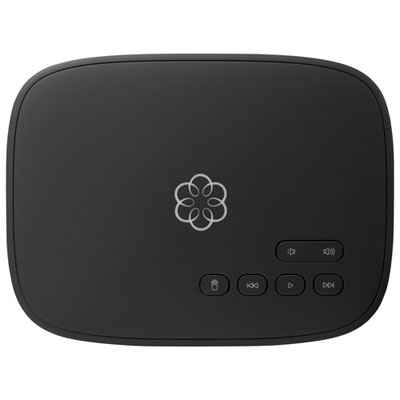 Your price for this item is $129.99
-
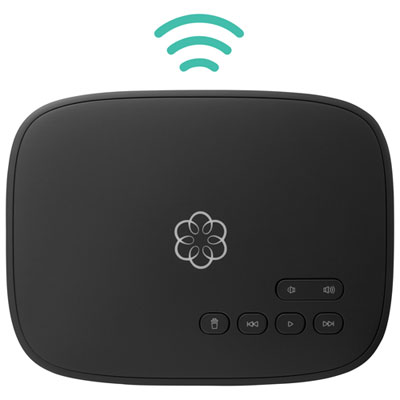 Your price for this item is $109.99
-
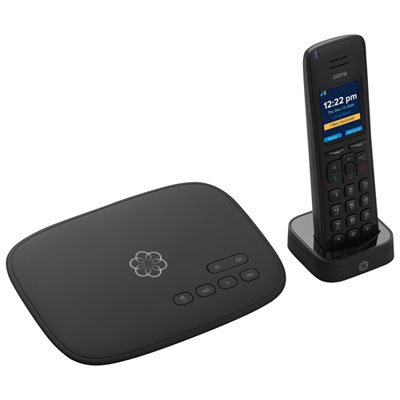 Your price for this item is $139.99
-
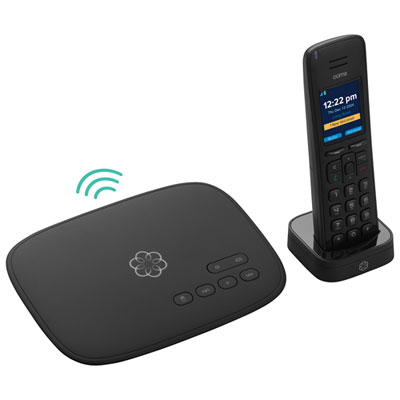 Your price for this item is $159.99
-
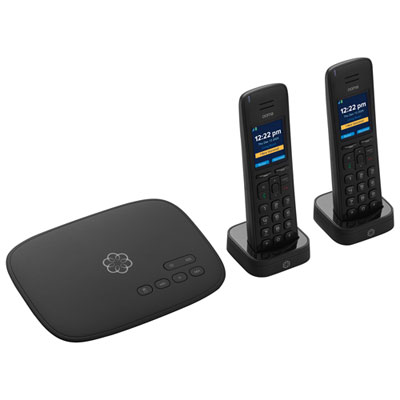 Your price for this item is $159.99
-
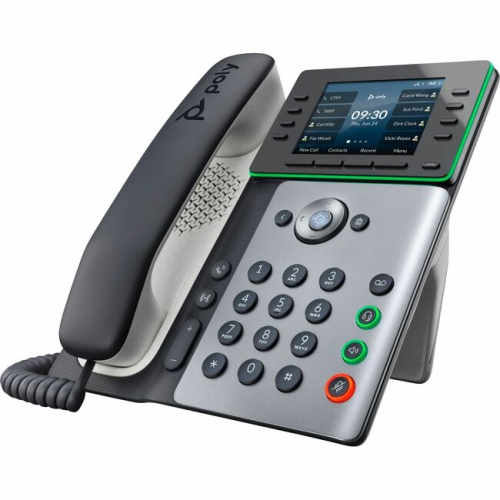 Your price for this item is $318.83
-
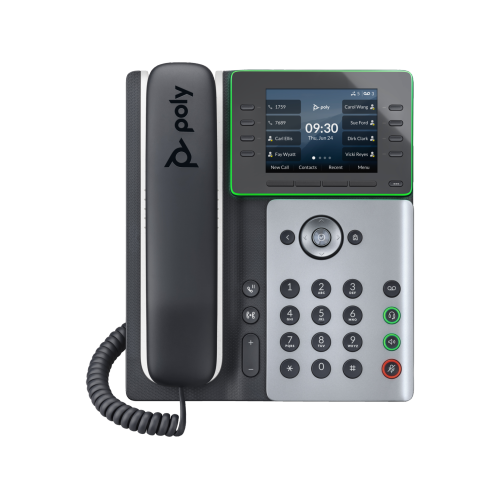 Your price for this item is $238.99
-
 Your price for this item is $59.99
Discover more categories related to Phones for Business Use
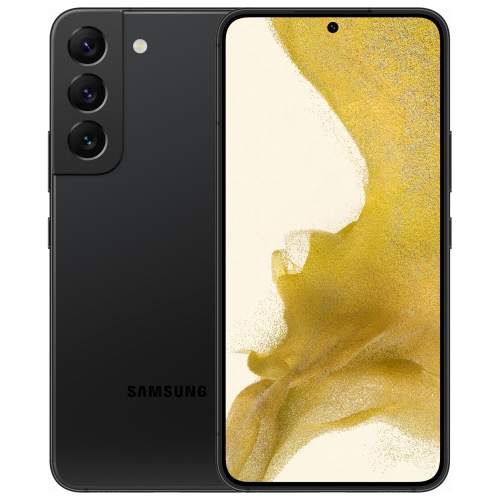

Top Collections:
Pokemon Centers, Pokémon 30th Celebration Cards, Best Budget Office Chairs, Kindle Devices, Best Cameras for Sports Photography, Canon G7X Cameras, Best Black Friday Deals On Electronics, Best Laptops for Writers, iPhone 15 Apple, Jackery Power Stations
Some products may be subject to Environmental Handling Fees
(EHF) depending on your province.
Learn more about EHFs.