Back To School Power Banks For Charging On Campus
Keep your devices charged between classes with back-to-school power banks for charging on campus. Browse portable chargers and compare battery capacity, size, and charging ports to find an option that fits your backpack and works with your phone, tablet, or other compatible devices.



FAQ
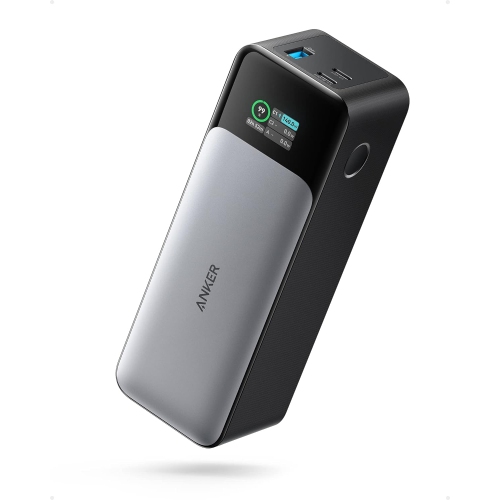
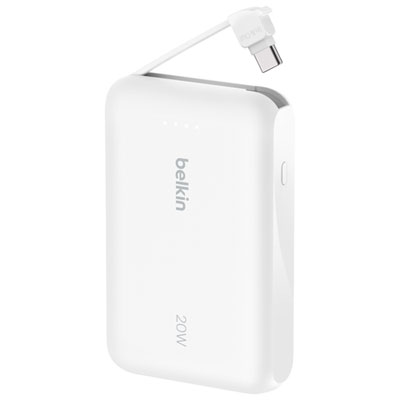
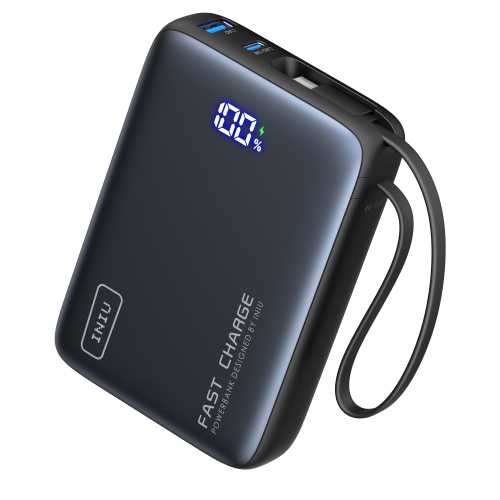
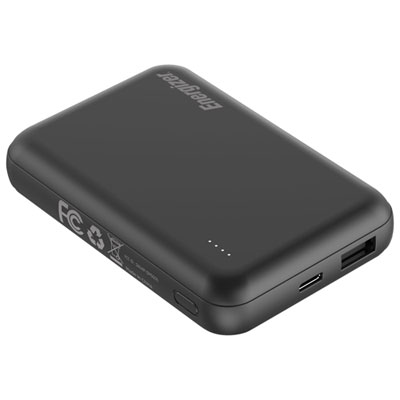
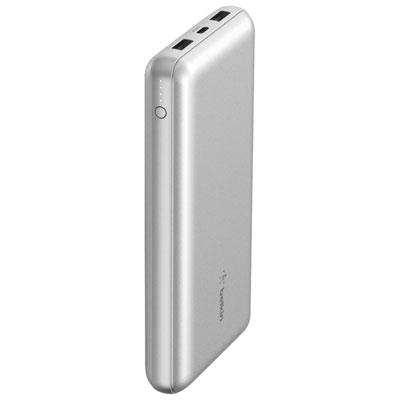
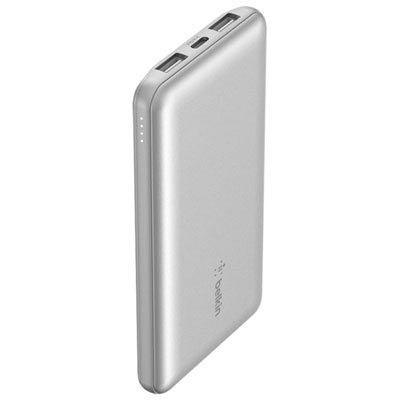
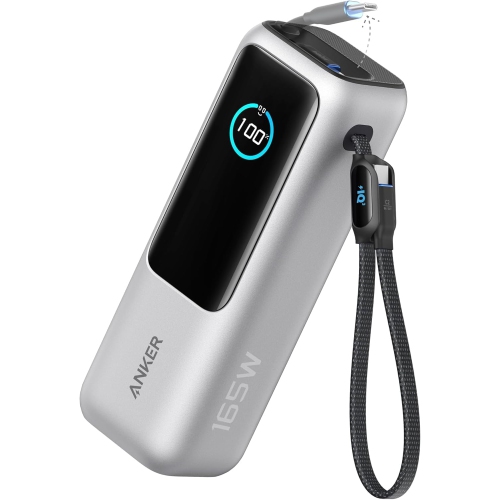
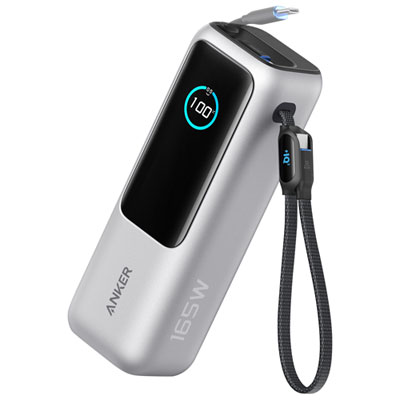
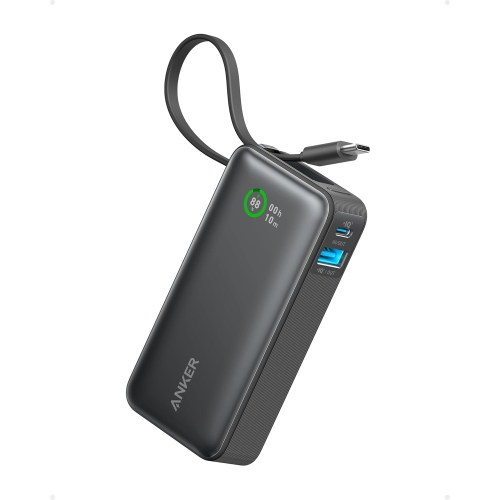
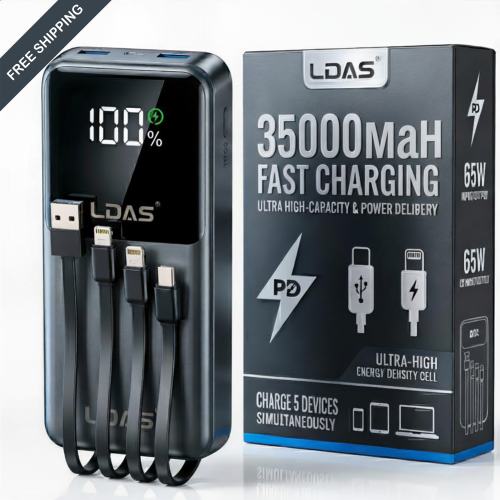
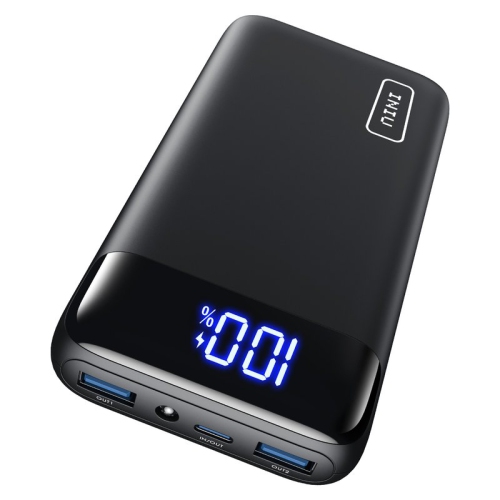
Consider the charging ports your devices use, whether you want built-in cables, and how you prefer to check the remaining charge. Multiple output ports can be useful if you carry a phone, wireless earbuds, or other USB-powered accessories between classes.
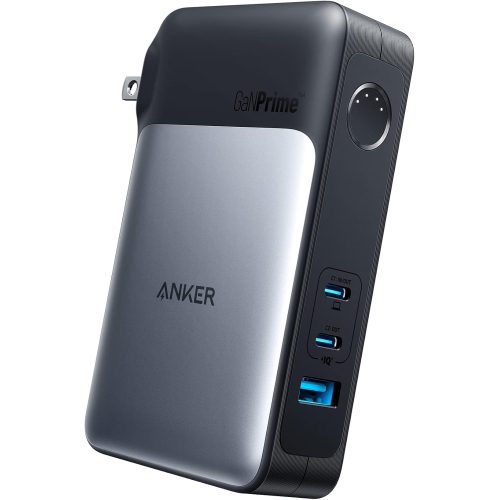
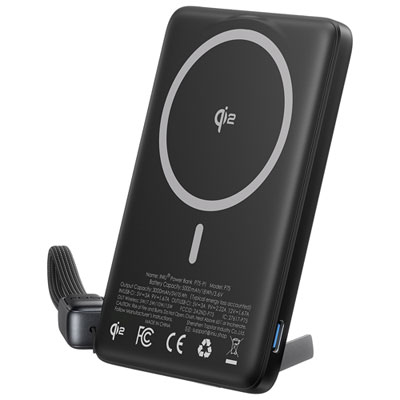
USB-A ports accept the familiar rectangular USB connector and typically provide power to connected devices. USB-C ports use a reversible connector and may support input, output, or both. Check the port labels or specifications to understand each port’s role.
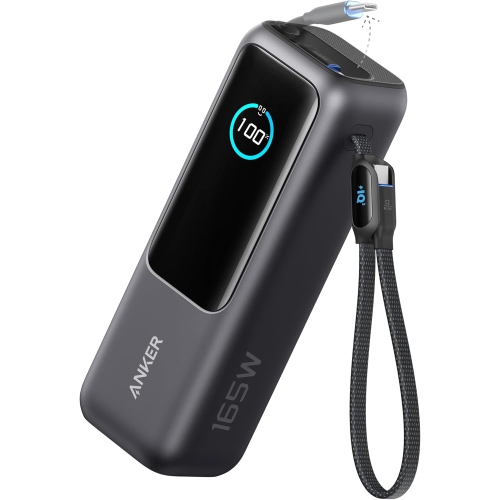
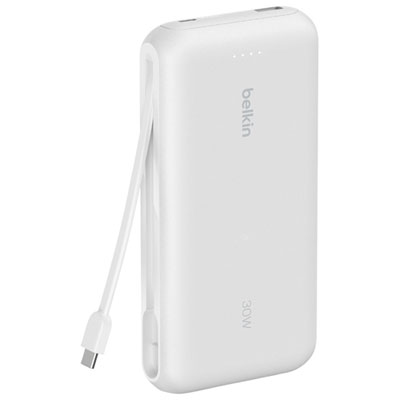
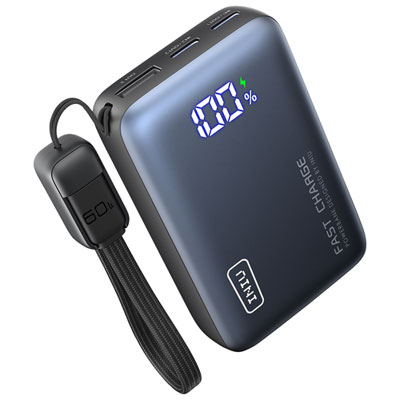
Some power banks have built-in cables, while others require a separate cable. The cable must match both the power bank’s output port and your device’s charging connection. Check the package contents, as an included cable may be intended for recharging the power bank rather than connecting your device.
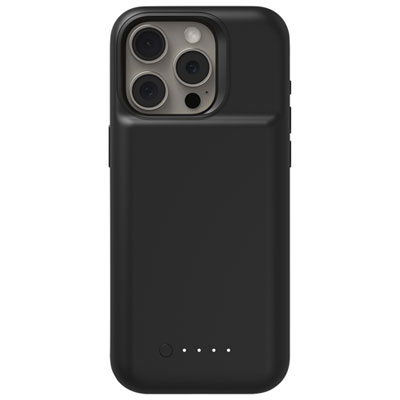
Many power banks use a row of LED lights to show an approximate charge level. Others have a digital display that shows a percentage. Some also include indicators for the active port or charging mode; the product manual explains what each symbol means.
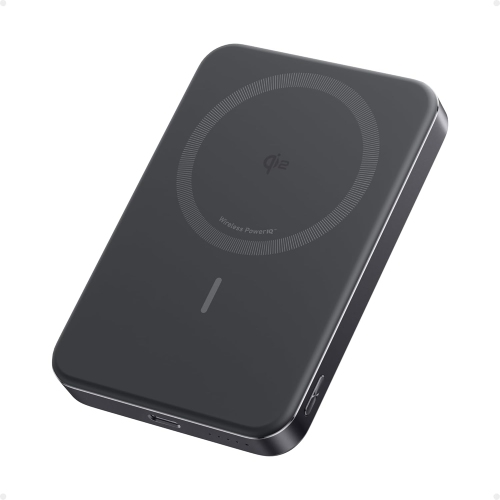
Connect the power bank’s input port to a compatible USB power adapter using the appropriate cable. Many models use USB-C for input, although connections vary. Check whether a power adapter is included or needs to be supplied separately.
Top selling and popular products
Discover more categories related to Back To School Power Banks For Charging On Campus

Some products may be subject to Environmental Handling Fees (EHF) depending on your province. Learn more about EHFs.