Black Lightning-To-USB Cables
Upgrade your device connectivity with a Black Lightning-To-USB Cable, designed to help you easily sync and charge your compatible electronics. Whether you're at home, in the office, or on the go, these cables offer a reliable solution for connecting your devices to computers, wall adapters, or power banks. Explore a range of Black Lightning-To-USB Cables that fit various needs and preferences, making it simple to keep your devices powered up and ready for use. Find the right cable for seamless compatibility and dependable performance every time you connect.
Sort
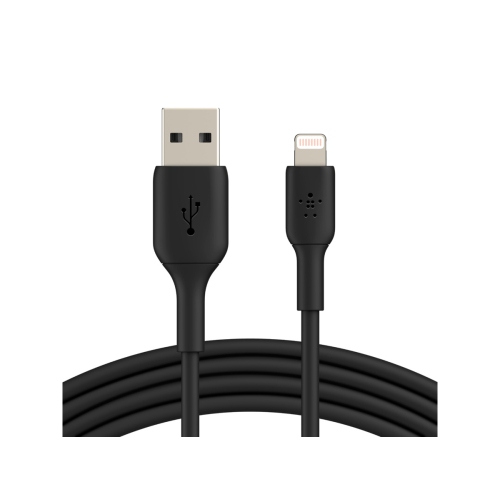
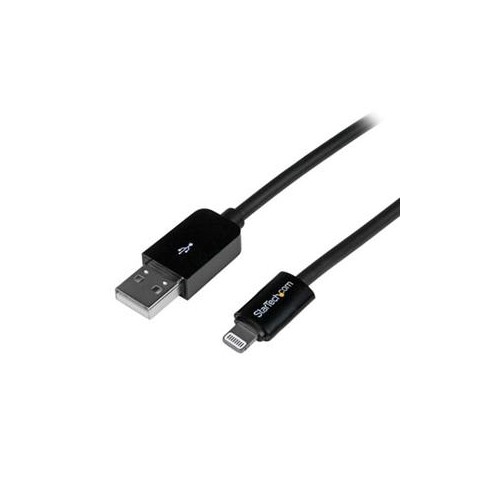
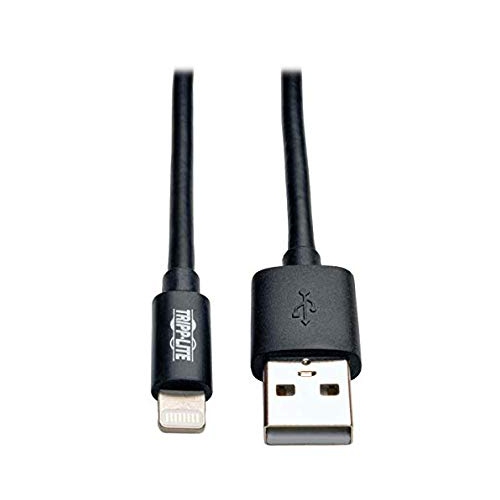
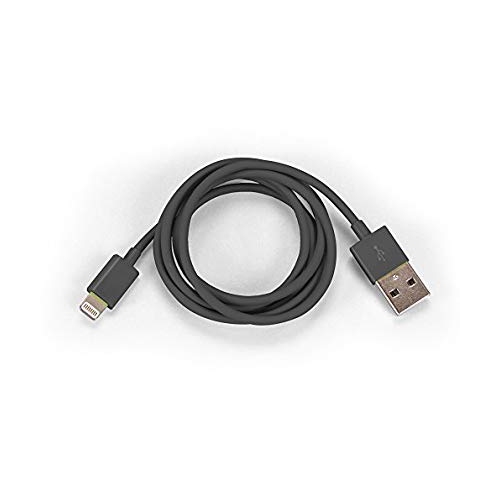


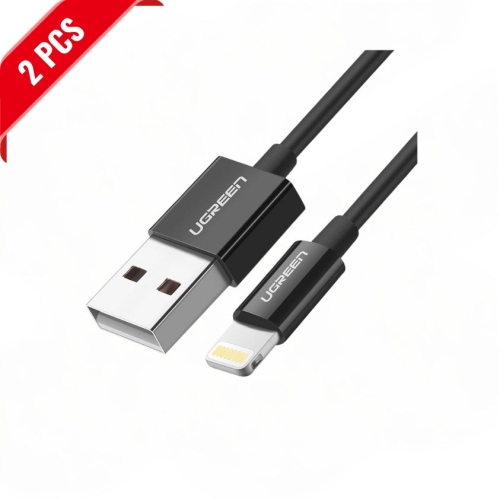
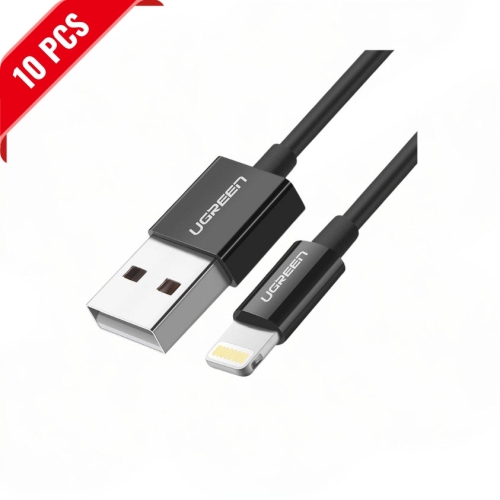
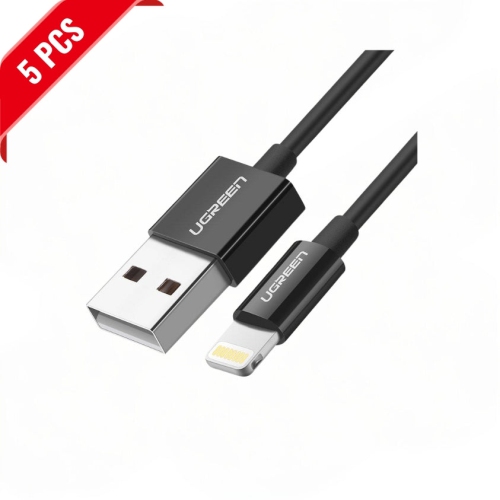
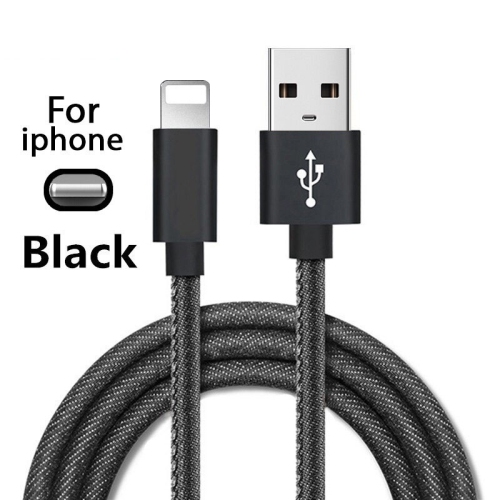
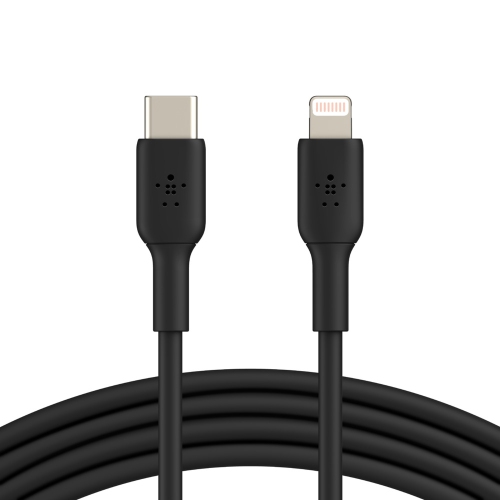
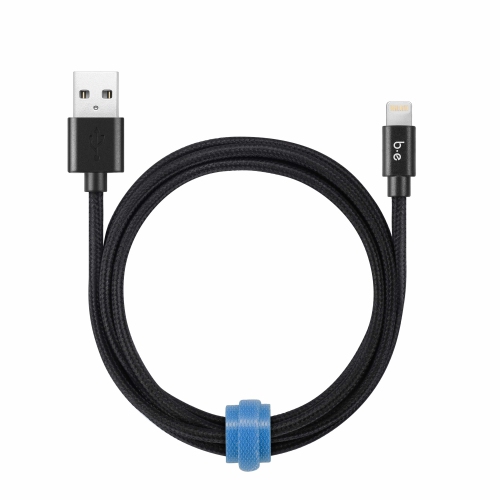


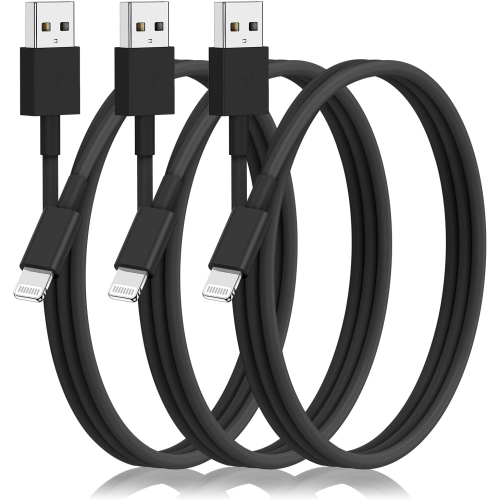
The right connection matters more than the colour
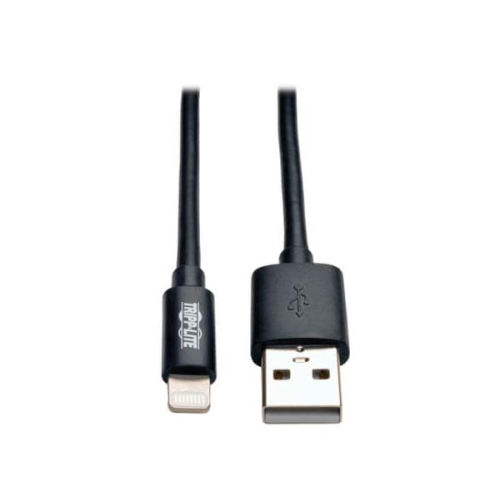
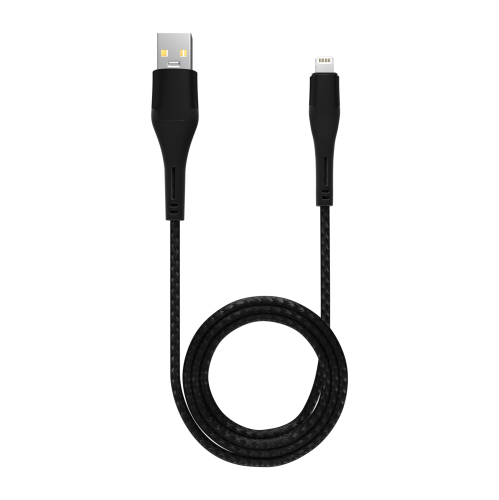
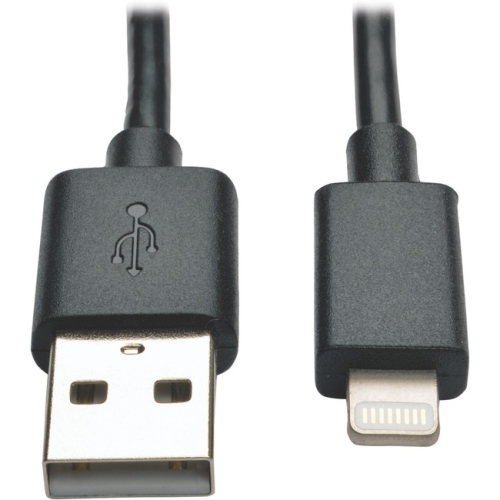
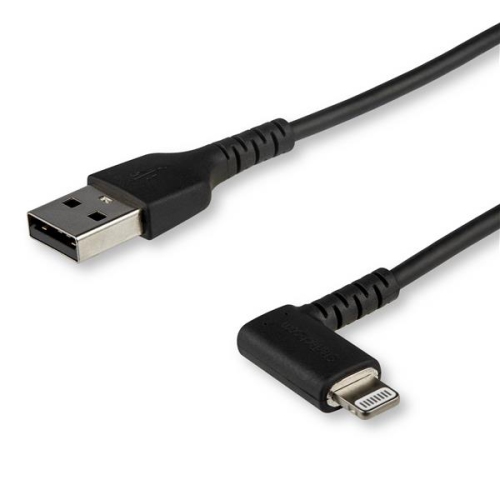
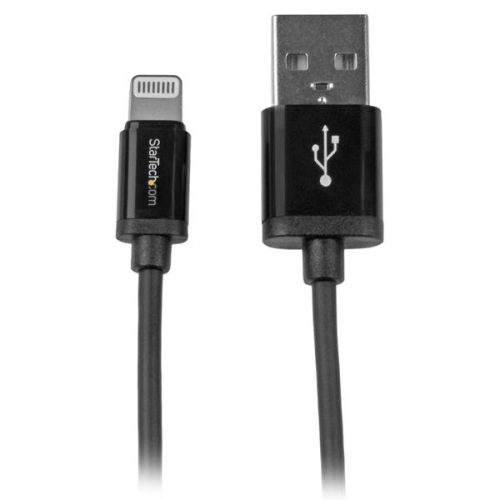
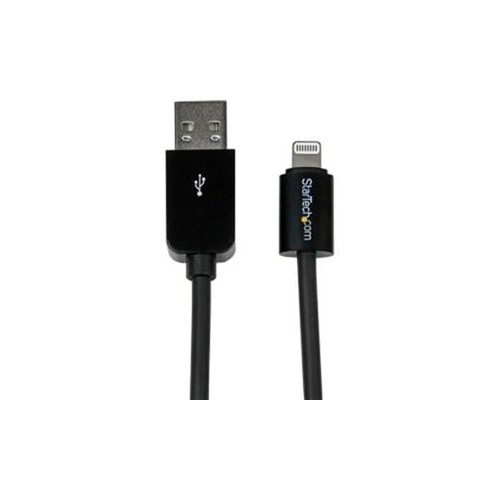
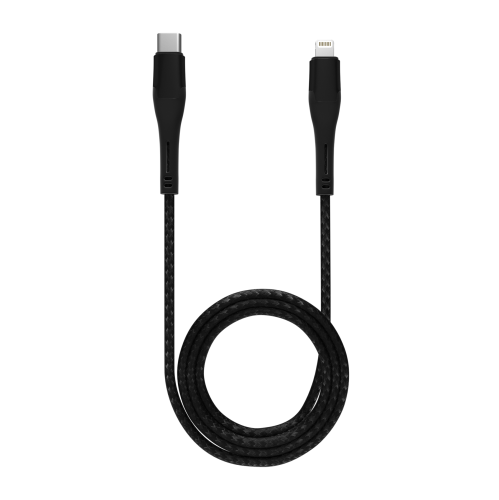
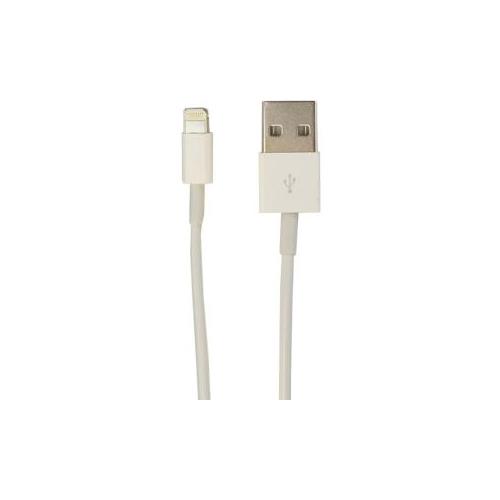
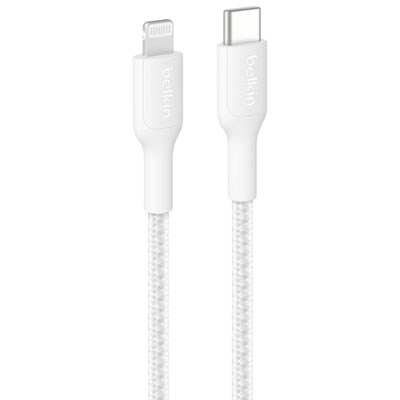
Black Lightning-to-USB cables connect compatible phones, tablets and accessories with a Lightning port to a USB power source or a supported computer. Their black finish suits dark desktop setups, vehicle interiors and travel accessories, making them a practical choice for charging spaces where a bright cable would stand out. The connection at each end matters more than the colour: a Lightning-to-USB-A cable fits a rectangular USB-A port, while a Lightning-to-USB-C cable fits the smaller, rounded USB-C port found on many chargers and computers. These connections are not interchangeable, so the cable needs to match both the device being charged and the equipment supplying power. A phone or tablet with a USB-C charging port requires a different cable, even if it looks similar in size to a Lightning-equipped device. The Lightning connector is reversible, allowing it to connect without needing to turn it to a particular side. Charging performance depends on the complete setup, including the cable, power adapter and connected device. A compatible Lightning-to-USB-C cable used with an appropriate USB Power Delivery adapter can support fast charging on devices designed for it; a USB-C connector alone does not guarantee a particular charging speed. For everyday use, that distinction can mean choosing a cable for an overnight bedside connection rather than a brief charge before leaving home. Data support is another useful consideration. Cables designed for both charging and data transfer can connect compatible devices to a computer for tasks such as syncing files or making a local backup through supported software. Transfer speeds depend on the cable specification, device and connection, rather than the black finish or thickness of the outer jacket. For vehicle use, a cable may also support a wired connection to a compatible infotainment system, provided the cable carries data and the vehicle’s USB port supports that function. A charging-only connection will not necessarily provide the same features, even when power reaches the device.
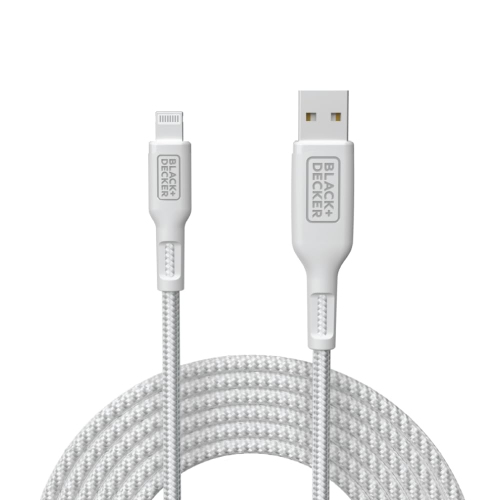
Cable length and construction shape how comfortably a black Lightning-to-USB cable fits into daily routines. A shorter cable can keep a portable power bank and connected device together in a small bag without leaving a long loop to catch on keys or a zipper. At a desktop, enough length to reach from the computer or charger to the usual resting place of the device helps prevent tension on the connector. Longer cables can be useful beside a sofa or bed, especially when the wall outlet sits behind furniture, but excess length needs a clear route that does not cross a walkway or become trapped beneath a chair wheel. Measurements are worth checking against the actual path from the USB port to the device, allowing some slack rather than measuring only the straight-line distance. Outer materials also affect handling. A smooth polymer jacket can slide easily into a pouch and wipe clean, while a braided outer layer can provide a textured grip and added resistance to everyday abrasion. Silicone jackets often feel softer and more flexible, although the exact feel and durability vary with construction. Braiding, cable thickness and reinforced-looking connectors are not, by themselves, proof of a particular charging capability or service life. The transition between the connector housing and the cable is especially important because it bends repeatedly when a device is picked up, packed away or used while connected. Flexible strain relief can help manage that movement, but no cable benefits from being sharply folded at the plug. Connector housing size deserves attention as well: a bulky housing may not fit through the charging-port opening of a close-fitting protective case. A cable that seats fully without pressing against the case is better suited to regular use than one that must be held at an angle. Lightning compatibility certification and clearly stated charging and data specifications provide more useful information than appearance alone when assessing suitability.
A black cable can make a charging setup feel visually consistent without drawing attention away from the device or surrounding space. On a dark desk, it can follow the edge of a monitor stand or cable tray; in a travel pouch, it pairs neatly with dark adapters, headphones and portable power banks. The colour does not change charging performance, but it can affect how easily the cable is spotted against a surface or distinguished from someone else’s belongings. In a household where several people use similar connections, a small cable label or a dedicated storage spot can be more reliable than colour alone. For a lighter visual match with pale chargers and accessories, White Lightning Cables offer another option, with connector type, length and specifications remaining the important functional checks. Black Lightning-to-USB cables can be useful for students carrying a compatible device between classes, commuters keeping a connection in a work bag, or anyone maintaining separate charging spaces at home and at a desk. They can also make a practical gift when the recipient’s device port and charger connection are known; matching those details matters more than choosing a colour that looks right. Everyday care helps preserve both the cable and the connected equipment. Disconnecting by holding the plug housing, rather than pulling on the cord, reduces unnecessary stress near the connector. Loose coils are easier on the cable than tight folds, and a simple cable tie can keep it contained without pinching the jacket. When cleaning is needed, follow the maker’s care directions, disconnect both ends and keep moisture away from the contacts. Cables should not be squeezed under furniture, stretched tightly across a room or left where a rolling chair repeatedly passes over them. Fraying, exposed wiring, bent connectors or unusual heat are reasons to stop using a cable rather than continue bending it into a working position. With the right connection, a comfortable length and sensible handling, a black Lightning-to-USB cable serves as an everyday link between compatible devices and the places they are charged or synced.
Top selling and popular products
-
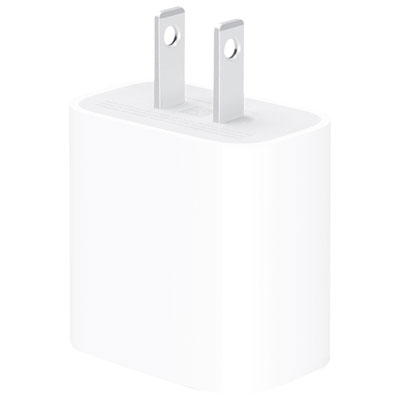 Your price for this item is $24.99
-
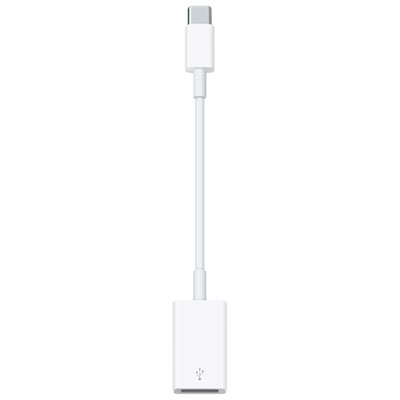 Your price for this item is $25
-
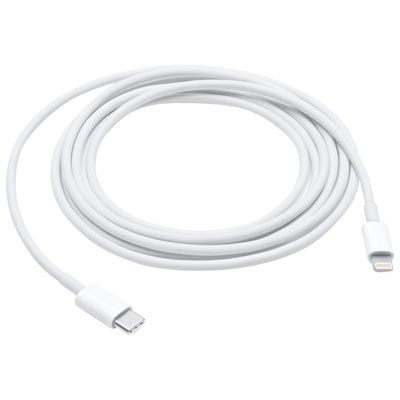 Your price for this item is $38.99
-
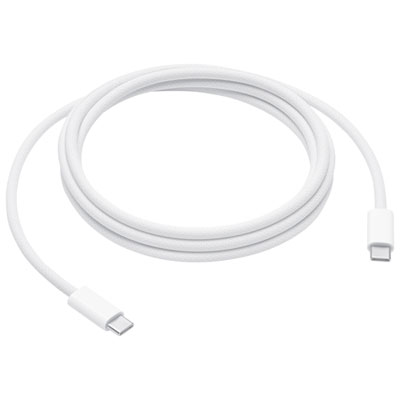 Your price for this item is $39.99
-
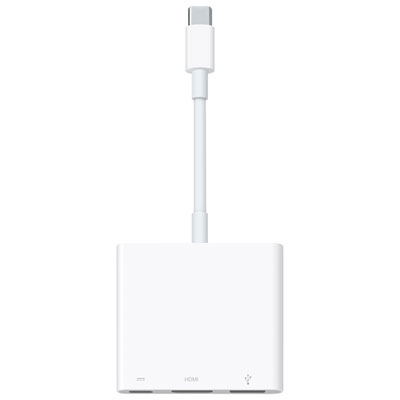 Your price for this item is $85
-
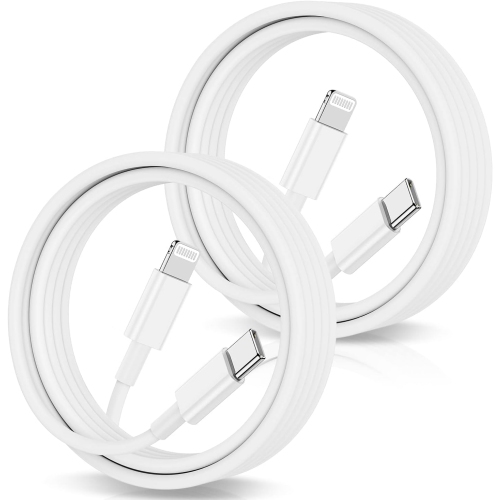 Your price for this item is $24.99
-
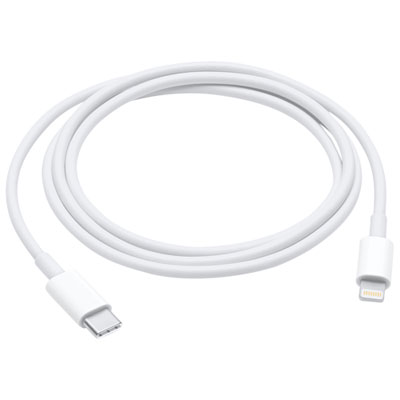 Your price for this item is $24.99
-
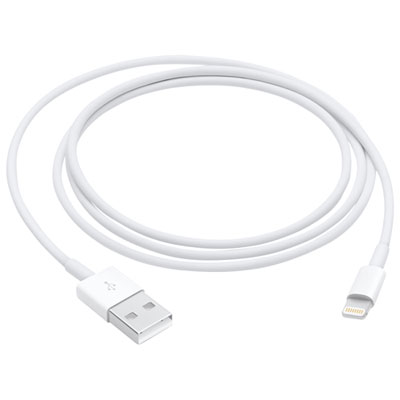 Your price for this item is $24.99
Discover more categories related to Black Lightning-To-USB Cables
Top Collections:
Best Black Friday Deals This Year, Best Black Friday Deals On Electronics, Kindle Devices, Pokemon Centers, Best Black Friday Deals On Apple Products, Best Cameras for Sports Photography, Dyson Airwrap, Pokémon 30th Celebration Cards, Apple iPhone 17 Pro, Canon G7X Cameras
Some products may be subject to Environmental Handling Fees
(EHF) depending on your province.
Learn more about EHFs.