Bluetooth Headsets for Elderly
Bluetooth headsets for elderly offer a convenient and comfortable way to stay connected with family and friends. Designed to make everyday communication easier, these headsets provide a hands-free experience for phone calls, video chats, and more. Whether at home or on the go, bluetooth headsets for elderly help simplify conversations and enhance daily activities. Explore options that can support clear connections and ease of use for seniors looking to enjoy seamless wireless communication.
Sort
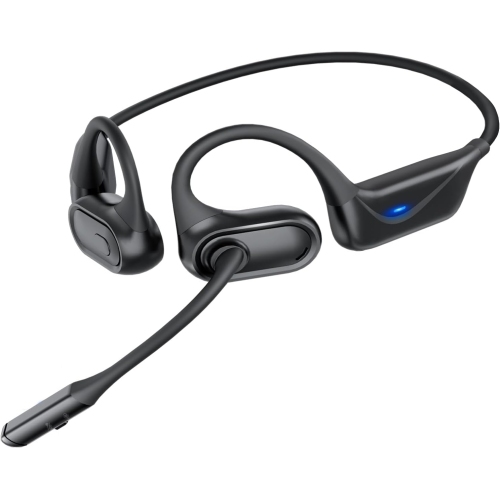
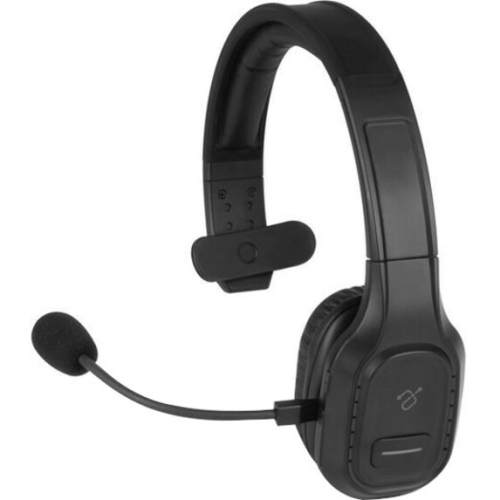
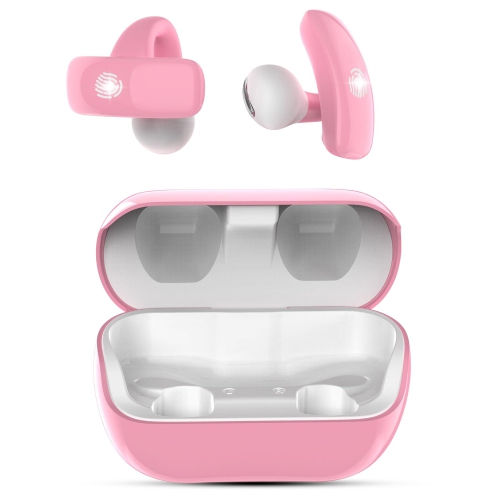
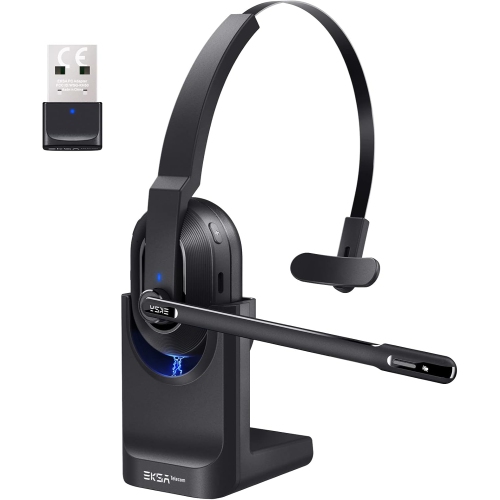
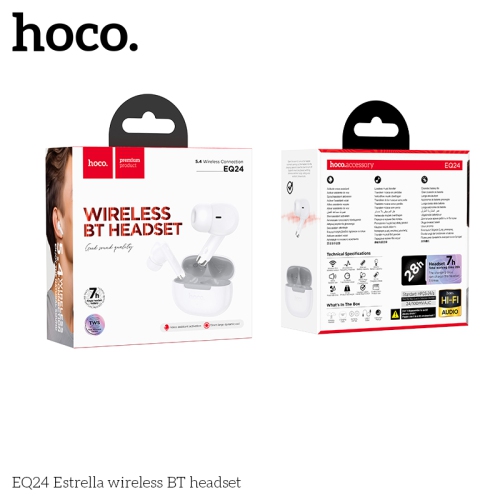
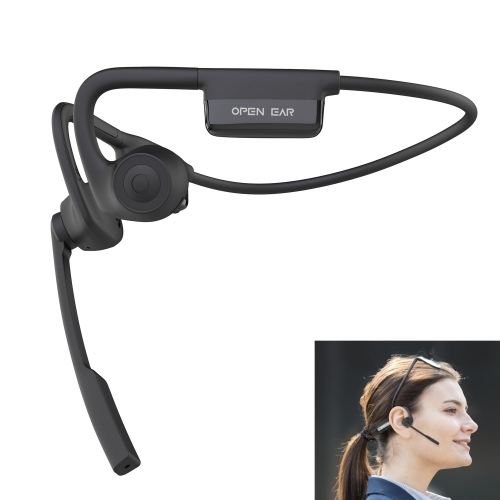
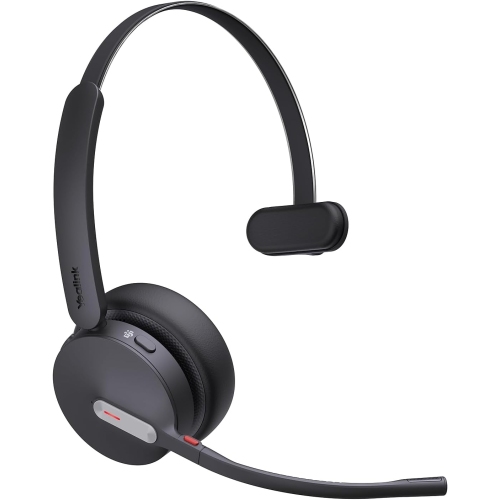
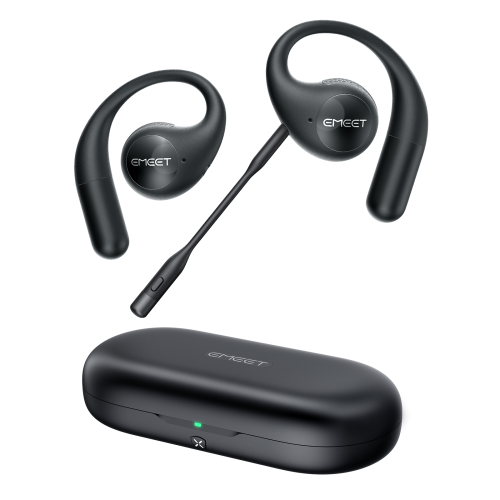


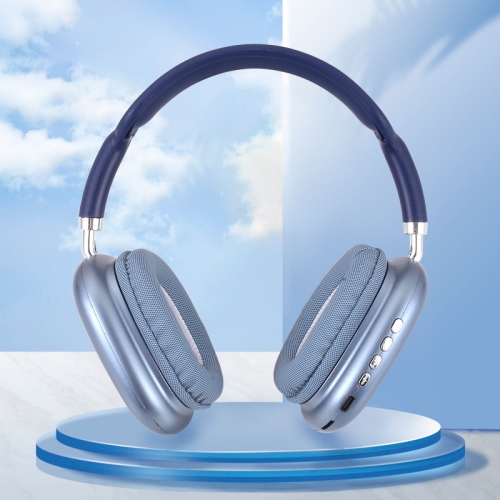

Why comfort and controls matter for everyday calls
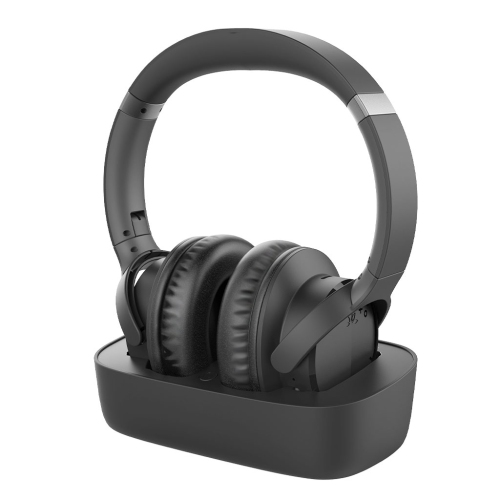
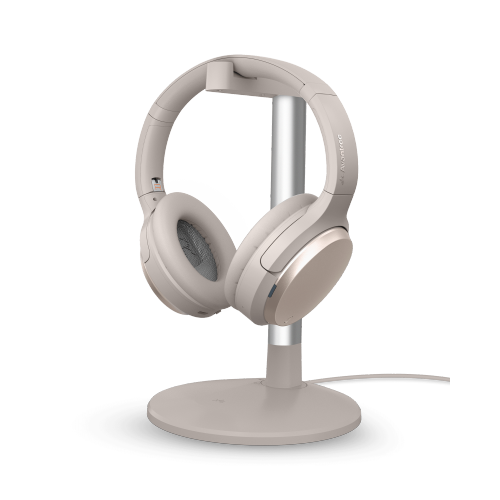
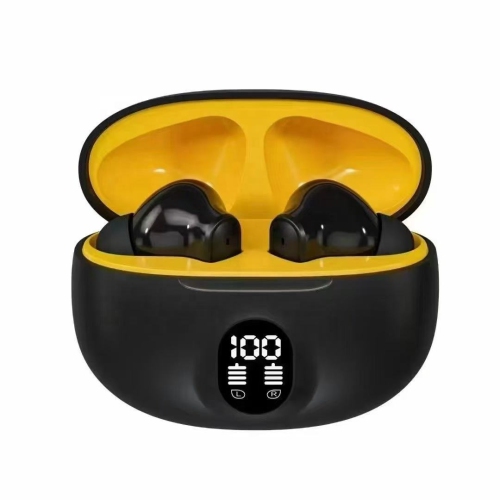
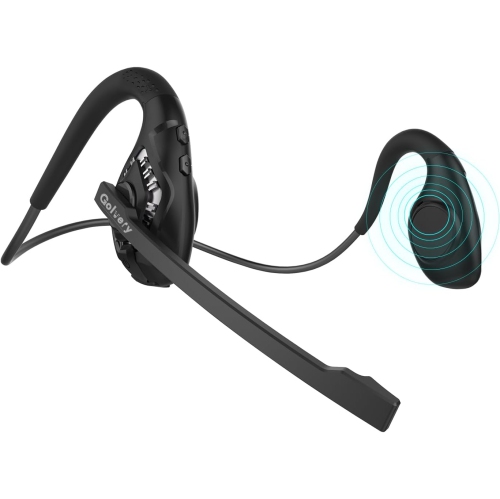
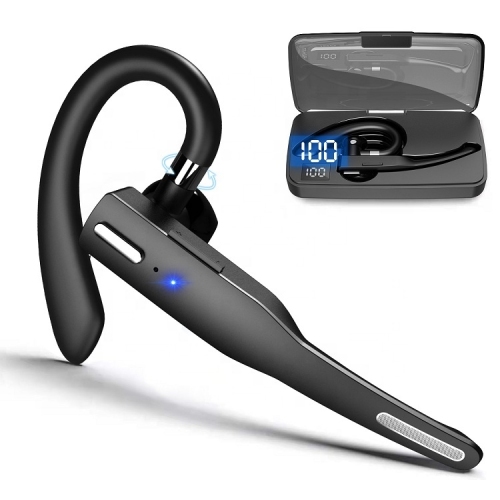
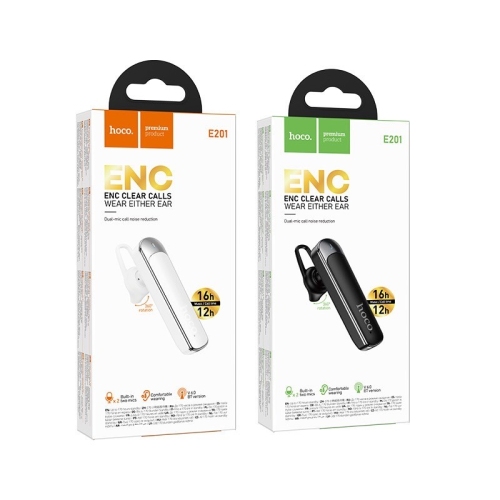
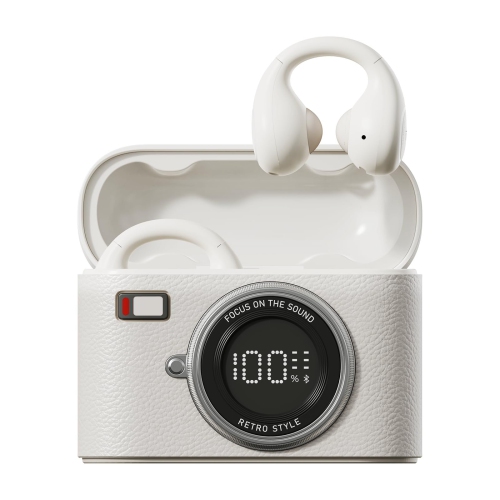
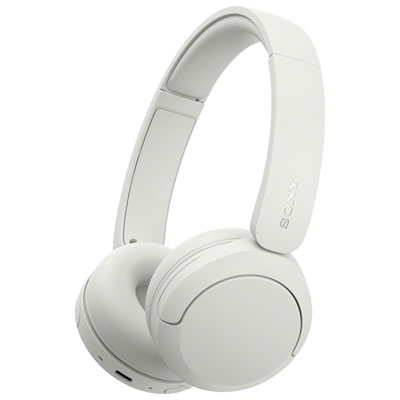
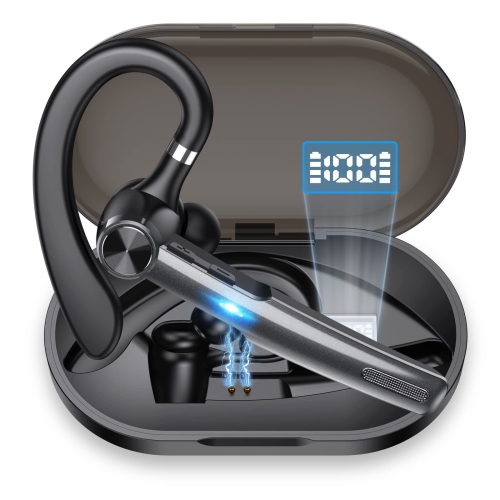
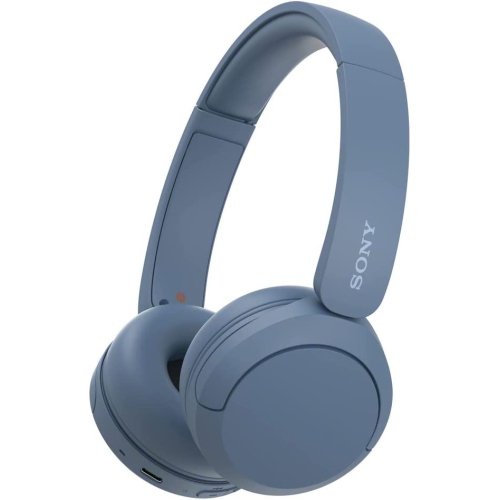
Bluetooth headsets for older adults offer a convenient way to take phone calls, join video conversations, and listen to compatible devices without holding a phone to the ear. Their usefulness depends less on age than on everyday habits, comfort, hearing preferences, and confidence with controls. A lightweight, single-ear headset can suit someone who spends time chatting with family while sitting at a desk or moving around the home. Stereo headsets provide sound to both ears for longer conversations, spoken-word audio, and entertainment, while over-ear designs surround the ears rather than resting inside them. For someone who finds small earpieces fiddly, a padded headband and larger earcups may feel more manageable. Others prefer an unobtrusive earpiece that leaves one ear uncovered, although that design does not guarantee awareness of nearby sounds. Clear speech, an accessible microphone, and volume adjustments that are easy to locate can be more useful than a long list of unfamiliar features. Microphone noise reduction helps limit background sound transmitted to the person on the other end of a call; it is different from active noise cancellation, which reduces certain sounds heard by the wearer. Neither feature should be assumed to improve every conversation or address hearing loss. Bluetooth headsets are not hearing aids, and ordinary wireless audio features do not necessarily amplify nearby, face-to-face speech. Someone who needs support understanding conversations beyond phone calls may benefit from discussing hearing needs with a qualified hearing care professional. For television listening, the connection deserves particular attention: a TV must support compatible Bluetooth audio output or work with a suitable transmitter connected to an appropriate audio port. A television’s Bluetooth support for a remote control does not automatically mean it can send sound to a headset. Audio delay also varies by the television, transmitter, and headset combination, so Bluetooth alone does not promise perfectly synchronized voices and pictures. Call handling is another distinction, since not every wireless listening device includes a microphone or supports phone conversations.
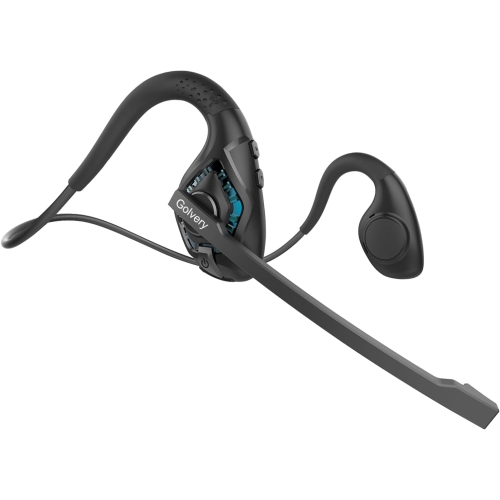
Comfort becomes especially noticeable during a long family catch-up or an afternoon appointment by phone. Headset weight, clamping pressure, ear cushion depth, and the position of a microphone boom all influence how natural a headset feels after more than a few minutes. Soft silicone ear tips can provide a secure fit inside the ear, while foam or fabric-covered cushions offer a different feel against the skin. Smooth, leather-like coverings are often easy to wipe, though warmth, breathability, and cleaning requirements vary with the material. Adjustable headbands and rotating earcups can help distribute pressure, and a choice of ear tip sizes gives in-ear designs more flexibility. Glasses, earrings, and hearing aids may affect the fit: an earcup can press spectacle arms against the head, and a hearing aid may interact differently with an in-ear or over-ear design. Compatibility and comfort are individual rather than guaranteed by a particular shape. Physical controls are another important part of the experience. Raised buttons, distinct shapes, and enough space between volume and call controls can make operation easier by touch. A clearly marked power switch may be simpler to interpret than a button that performs several actions depending on how long it is held. Touch controls offer a different approach, but accidental taps can be frustrating when adjusting an earcup. For someone with reduced dexterity, a secure grip, accessible charging connection, and controls that do not require precise finger movements can matter as much as sound quality. Everyday durability comes from practical details such as sturdy adjustment points, a well-supported microphone arm, and a protective place to rest the headset between calls. Care requirements depend on the materials and any stated resistance rating. A soft cloth and cleaning methods permitted by the manufacturer help keep cushions and contact surfaces clean without damaging them. Openings, charging contacts, and microphone grilles need gentle treatment, and a headset should not be submerged unless its instructions expressly allow it. Replaceable cushions or ear tips, where supported, can help maintain a comfortable fit as contact surfaces wear.
Simple charging and predictable connections help a Bluetooth headset become part of a familiar routine. A charging stand or cradle, when included, can give the headset a consistent home beside a favourite chair or on a desktop, rather than leaving it among loose cables. The ease of seating it correctly matters, as does a charging indicator that is visible and straightforward to understand. Spoken battery alerts can be useful, although their language, volume, and level of detail vary. Battery life should be understood in terms of the intended activity: talk time, music playback time, and standby time are different measurements, and features such as noise cancellation can affect how long a charge lasts. A headset used for several short check-ins has different demands from one worn through lengthy calls or a film. Initial pairing and everyday reconnection are separate considerations, too. Some headsets reconnect to a previously paired device when switched on and within range, but behaviour depends on both devices and their settings. Multipoint connectivity, where supported, can maintain connections with more than one device, such as a phone and a computer; it does not necessarily play audio from both at once. Walls, distance, and nearby wireless activity can also affect connection reliability around the home. For call-focused use, Bluetooth Headsets for Hands Free Communication offers a related category centred on conversations without holding a handset. A microphone positioned near the mouth, an accessible mute control, and familiar call buttons can be particularly useful during appointments or group chats. As a gift for a parent, grandparent, partner, or friend, a headset is most personal when it suits the recipient’s preferences rather than assumptions about age. Comfort, phone compatibility, and willingness to use wireless audio all matter. Help with the first pairing, a clearly written reminder of essential controls, and a designated charging spot can make a thoughtful gift easier to enjoy independently.
Top selling and popular products
-
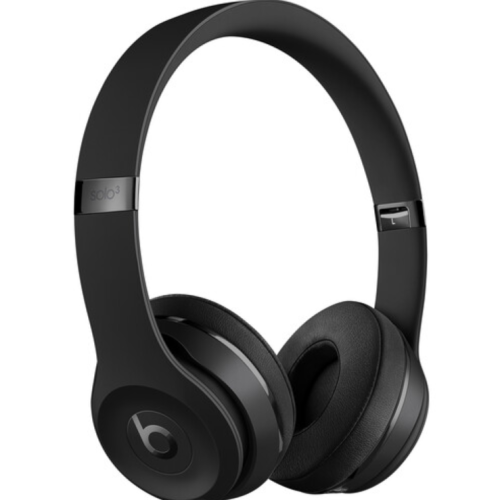 Your price for this item is $183
-
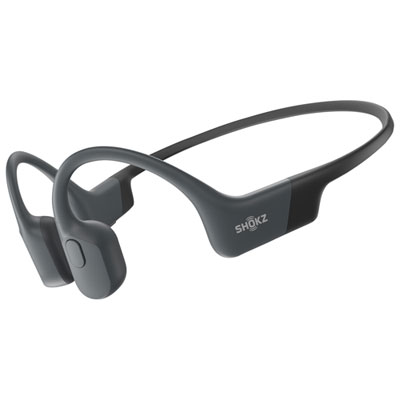 Your price for this item is $169.99
-
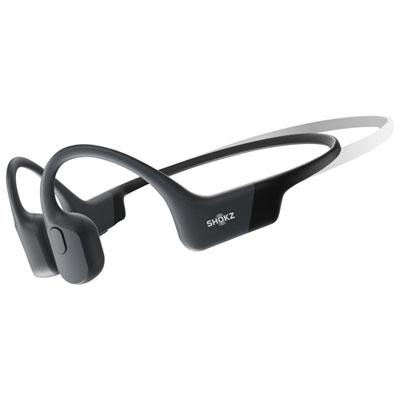 Your price for this item is $169.99
-
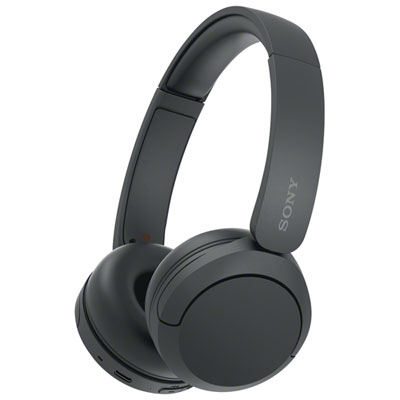 Your price for this item is $99.99
-
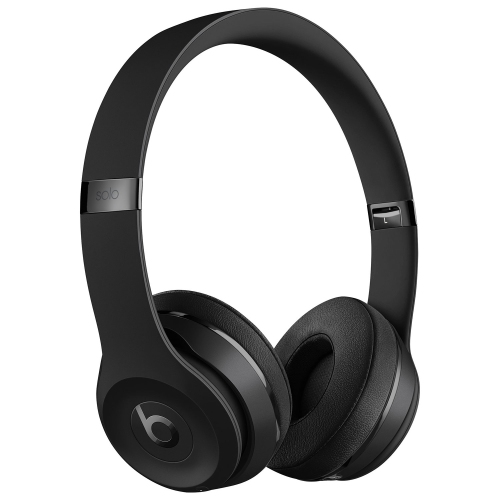 Your price for this item is $89.98
-
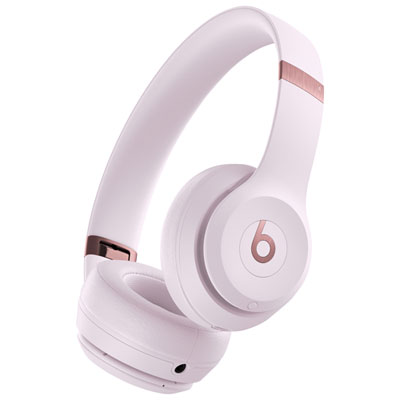 Your price for this item is $279.99
-
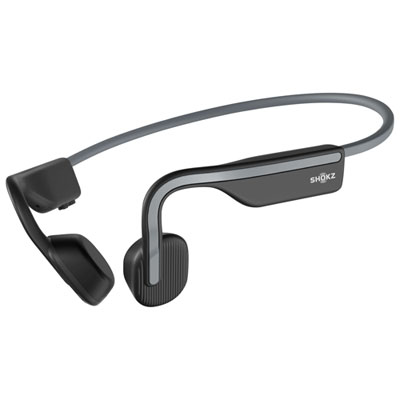 Your price for this item is $69.99
-
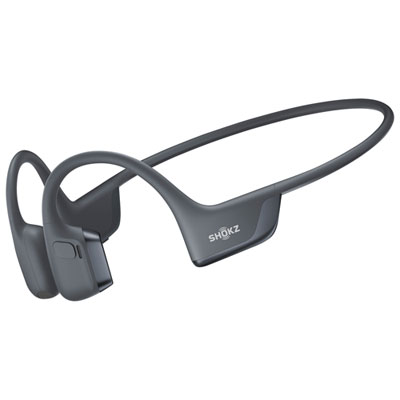 Your price for this item is $249.99
Discover more categories related to Bluetooth Headsets for Elderly
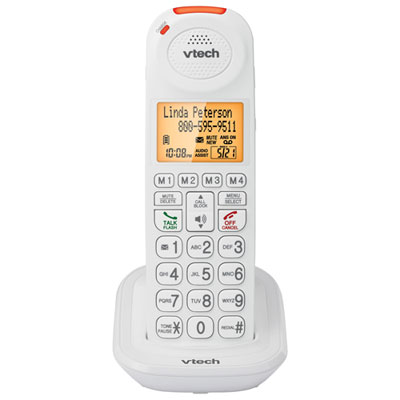
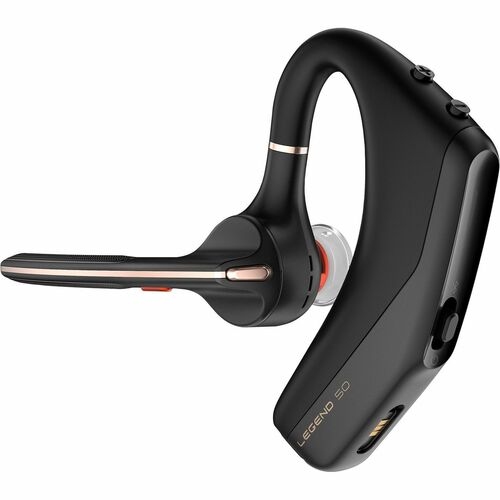
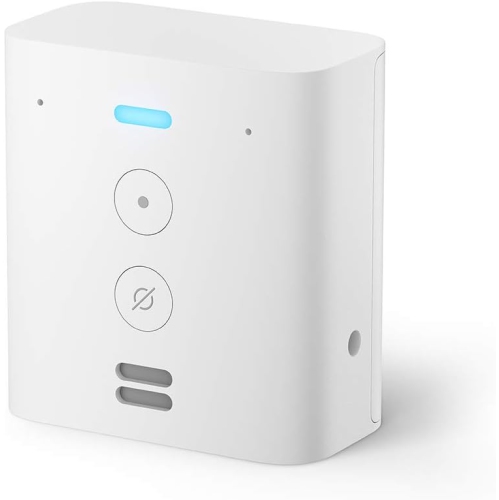

Top Collections:
Best Black Friday Deals This Year, Best Black Friday Deals On Electronics, Kindle Devices, Pokemon Centers, Best Black Friday Deals On Apple Products, Best Cameras for Sports Photography, Dyson Airwrap, Pokémon 30th Celebration Cards, Apple iPhone 17 Pro, Canon G7X Cameras
Some products may be subject to Environmental Handling Fees
(EHF) depending on your province.
Learn more about EHFs.