High Capacity Laptop Power Banks
High Capacity Laptop Power Banks provide a reliable solution for keeping your devices charged during long work sessions, travel, or outdoor adventures. With ample power reserves, these portable chargers help ensure your laptop and other electronics stay powered up when you need them most. Explore a wide selection of High Capacity Laptop Power Banks designed to support productivity and convenience wherever life takes you. Find the perfect option to match your charging needs and enjoy uninterrupted performance on the go.
Sort
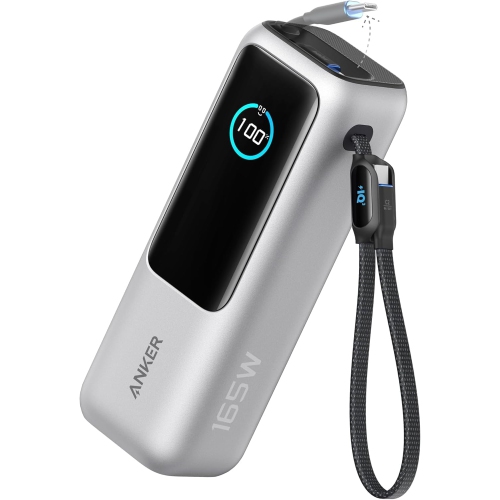
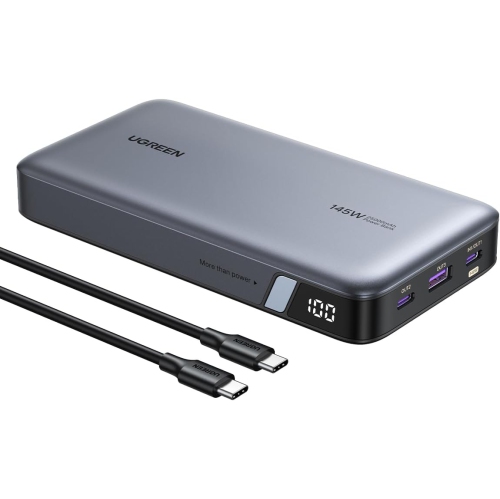
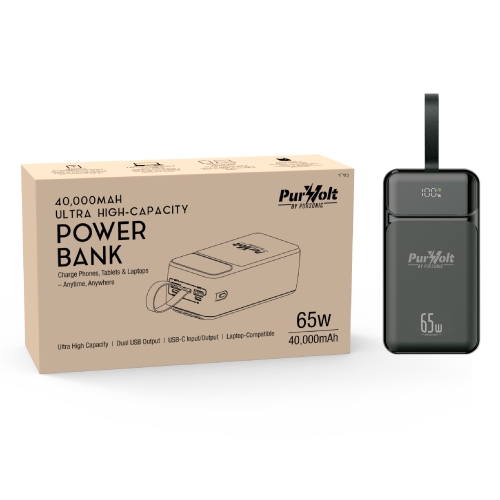
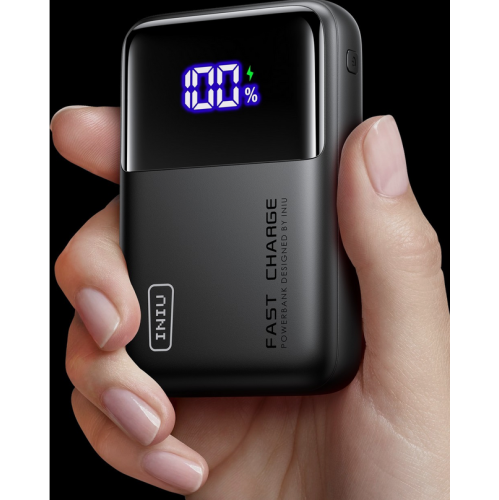

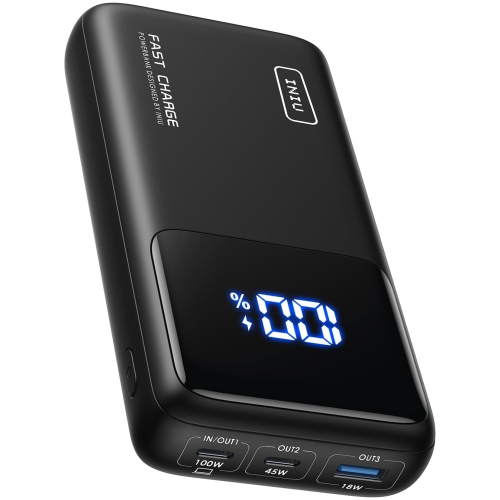
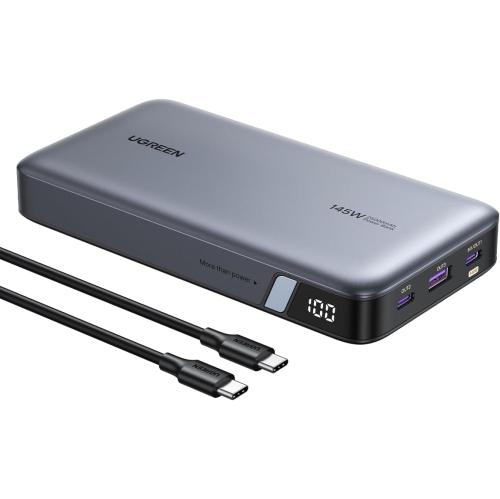
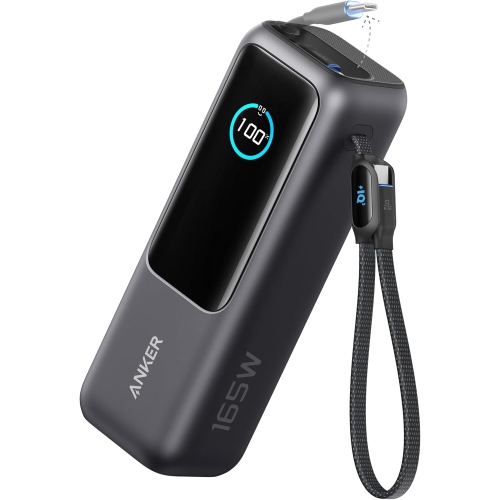
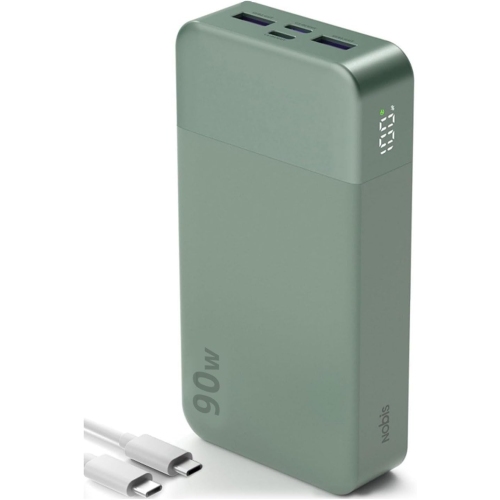
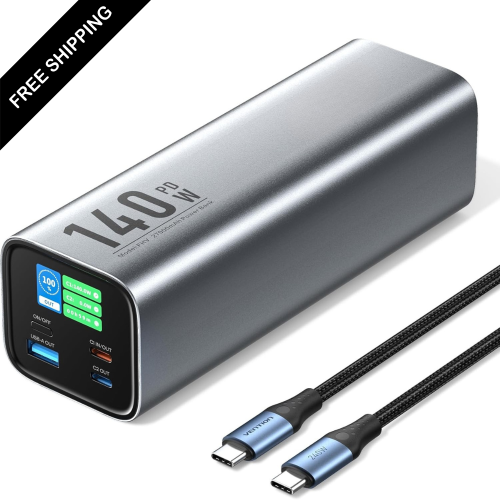
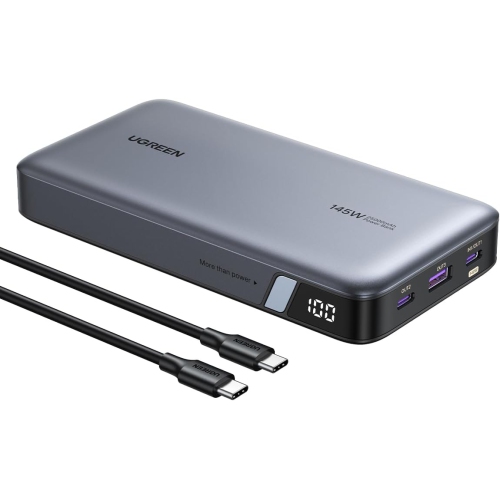
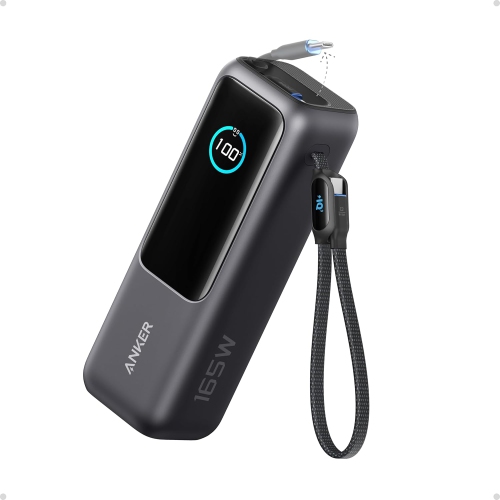
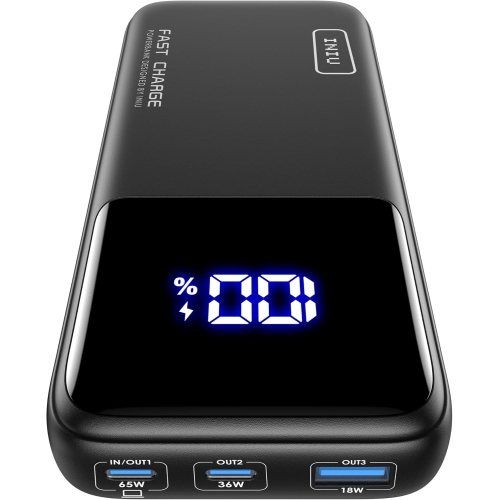


How much backup power your laptop can actually use
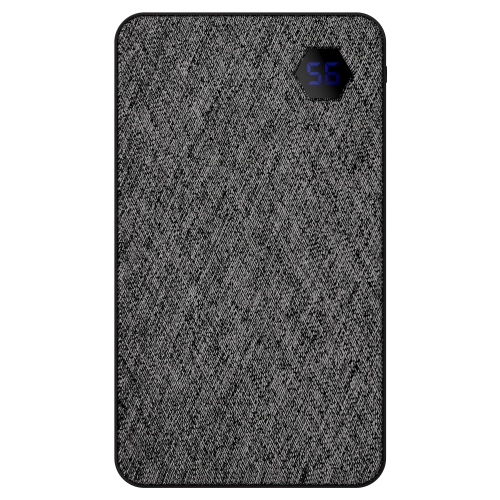
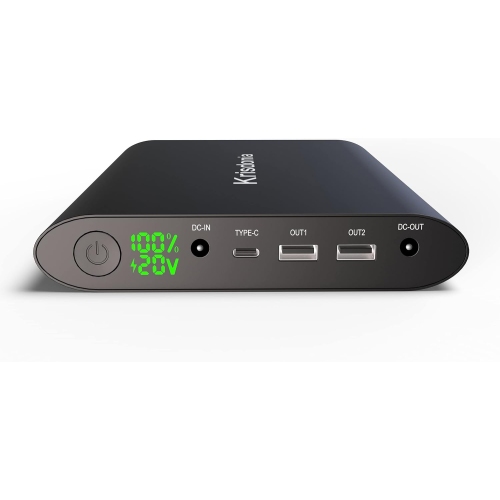
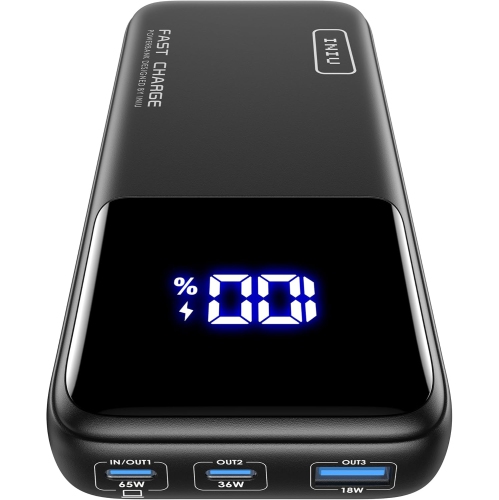
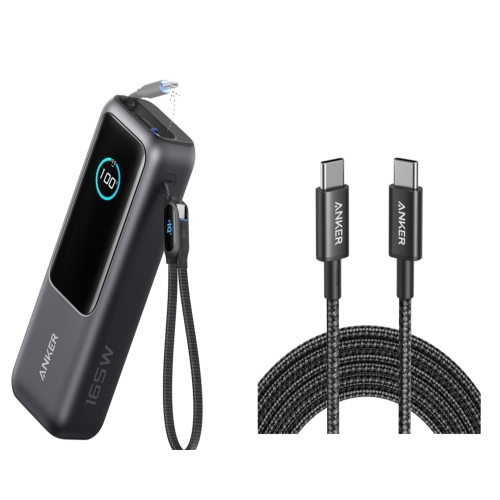
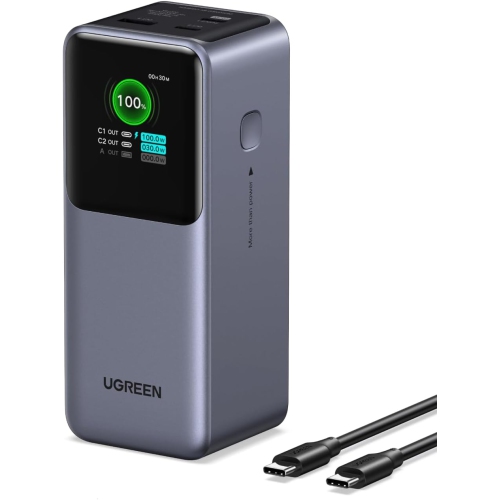
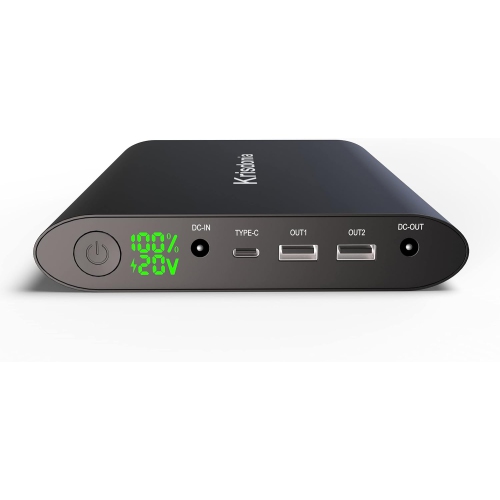
High-capacity laptop power banks are built to keep a computer running when there’s no outlet within reach, whether that means finishing a presentation on the train, working through a long day of classes or reviewing photos between client appointments. Many portable models hold about 20,000 to 26,250 mAh, which often works out to roughly 72 to 100 Wh, depending on the battery’s nominal voltage. The watt-hour (Wh) figure on the label is the better number for comparing how much energy different power banks store. For example, a 25,000 mAh battery rated at 3.6 volts stores 90 Wh, but another battery with the same mAh rating can store a different amount of energy if its voltage differs. That 90 Wh figure also doesn’t mean the full amount will reach the laptop: some energy is lost as the power bank converts its battery voltage to the voltage the computer needs. If the laptop is running while it charges, some of the power goes straight to the screen, processor and other components instead of refilling its battery. A power bank rated at 90 Wh can be a useful match for a laptop with a 60 Wh battery, but the numbers alone don’t promise a full recharge during use. Writing in a document with the screen dimmed leaves more of that reserve for later than exporting video or running a game at full brightness. For someone who usually plugs in between meetings, enough power to bridge a couple of hours away from an outlet may matter more than the ability to refill a battery from empty. For someone working through a long stretch without a plug, the larger reserve can be worth the extra weight. A display that shows the remaining charge as a percentage makes it easier to tell how much is left after a work session than a few indicator lights alone.
Capacity determines how much energy the power bank carries; output wattage helps determine whether it can keep up with the laptop. For a computer that charges over USB-C, the key specifications are USB-C Power Delivery (PD) support and the wattage available from one port. The rating on the laptop’s original charger is a useful starting point. A laptop designed for a 65 W USB-C charger is generally better paired with a port that can deliver 65 W than one capped at 30 W. Depending on the computer, a lower-powered connection may charge slowly, work only while the laptop is asleep or allow the battery to drain even while plugged in. Some larger laptops can take 100 W or 140 W over USB-C, while others need their original adapter for full performance or don’t accept USB-C charging at all. A 140 W connection requires a laptop and power bank that support that level of USB-C PD 3.1 output, along with a compatible cable rated for 240 W. Even a 65 W connection needs a cable rated for more than the 60 W limit of many standard USB-C cables. On multi-port power banks, a prominent 200 W or 300 W rating can describe the combined output rather than what any one device receives. Adding a phone or tablet can change how that power is divided, so the port ratings for simultaneous use matter as much as the headline number when several devices share one battery. The input rating is separate, too: a bank that supplies 100 W to a laptop doesn’t necessarily recharge at 100 W itself. A bank with a higher input rating and a compatible wall charger can be more practical on days when there’s only a short stop to top everything up.
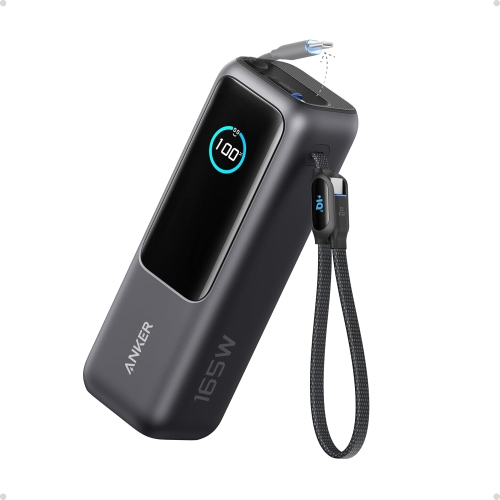
The shape and finish make a difference once a power bank goes into a bag every day. A flat case can sit beside a laptop sleeve without taking up much depth, while a shorter, thicker design may fit better in an accessory pocket. A textured plastic shell can be easy to grip when reaching into a crowded backpack, and a rigid aluminum case offers a firm feel but may benefit from a separate sleeve to keep it from rubbing against the laptop. Port placement matters on a narrow tray table or a shared work surface: a cable that reaches comfortably without pulling sideways on either connector is preferable to one stretched tight across the keyboard. A built-in cable is handy when packing light, while a detachable one can be replaced if it wears out or swapped for a longer one when the bank needs to sit farther away. Unplugging and stowing the cable before packing helps reduce strain, and a separate pocket keeps keys and loose hardware away from the ports. A power bank with a swollen or cracked case should no longer be used. For air travel, check the airline’s rules before packing: power banks belong in carry-on baggage rather than checked luggage, and 100 Wh is a common upper limit. Keep the capacity marking readable and remove the bank if a carry-on bag has to be checked at the gate. Some airlines also restrict how many power banks passengers can bring or whether they can be used on board. As a gift for a student, commuter or frequent business traveller, a laptop power bank is most useful when its output matches the recipient’s computer and its size suits the bag they already carry. The High Capacity Power Banks for Laptop Charging collection brings together options for keeping a laptop powered away from a wall outlet, whether it’s the only device plugged in or one of several that need a charge.
Top selling and popular products
-
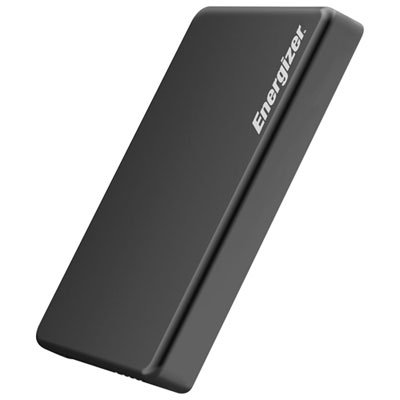 Your price for this item is $44.99
-
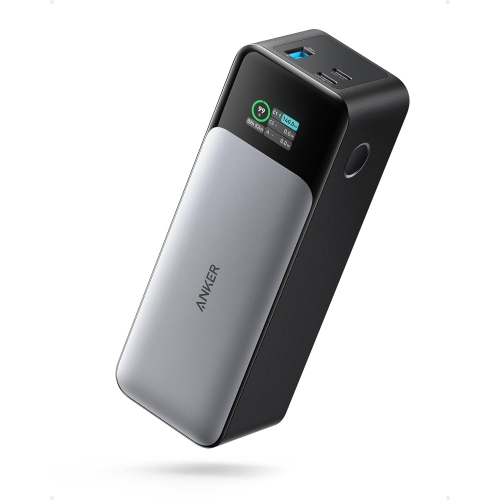 Your price for this item is $234
-
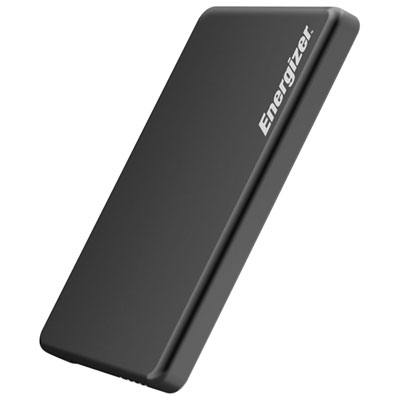 Your price for this item is $29.99
-
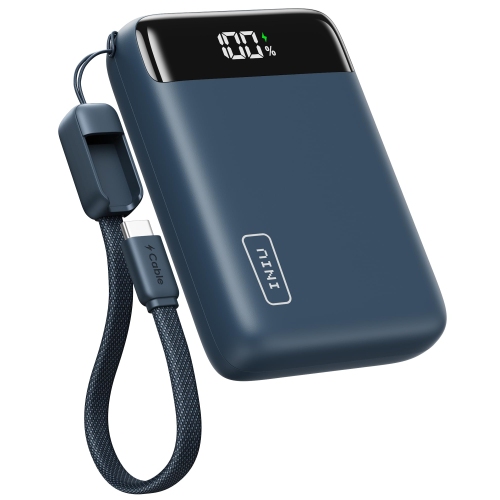 Your price for this item is $96.99
-
 Your price for this item is $85.99
-
 Your price for this item is $96.99
-
 Your price for this item is $19.99
-
 Your price for this item is $24.99
Discover more categories related to High Capacity Laptop Power Banks
Top Collections:
Best Black Friday Deals This Year, Best Black Friday Deals On Electronics, Kindle Devices, Dyson Airwrap, Best Cameras for Sports Photography, Best Budget Office Chairs, Canon G7X Cameras, PS5 Pro Consoles, Best Black Friday Deals On Apple Products, XBOX One S Consoles
Some products may be subject to Environmental Handling Fees
(EHF) depending on your province.
Learn more about EHFs.