Huawei Mate 20
Discover the impressive range of Huawei Mate 20 options designed to elevate your mobile experience. Whether you're looking for seamless performance, stylish design, or advanced technology, the Huawei Mate 20 delivers versatility to suit your lifestyle. Explore a selection that caters to both productivity and entertainment needs, making it easy to find the perfect match for your daily routine. Find the Huawei Mate 20 that fits your preferences and enjoy a blend of innovation and convenience.
Sort
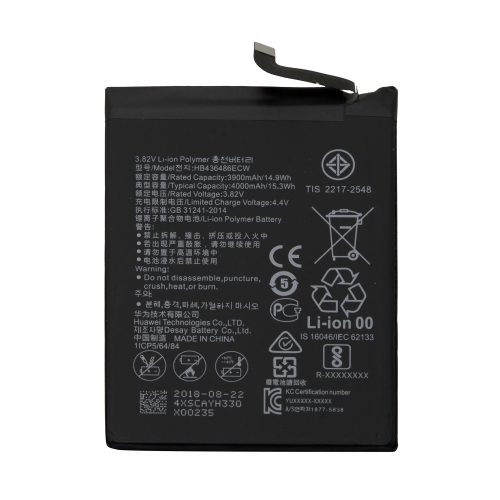
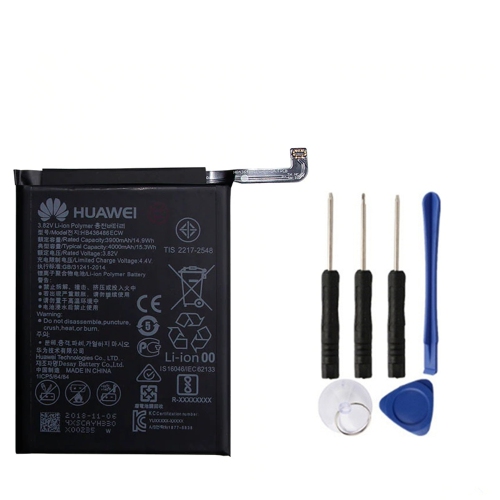
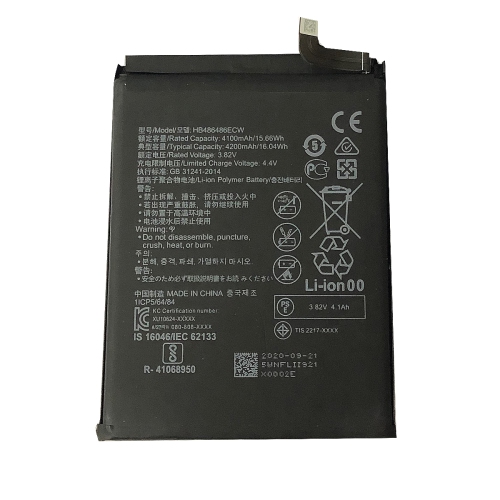
![PROMOBILE Replacement Battery Hb436486Ecw for Huawei P20 Pro Mate 20 Mate 10 [Pro-Mobile]](https://multimedia.bbycastatic.ca/multimedia/products/500x500/161/16179/16179478.jpeg)
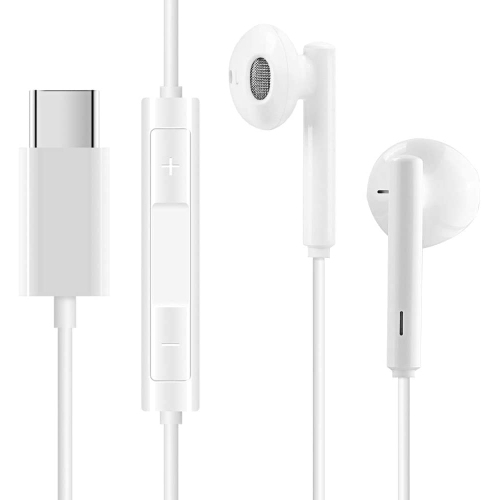
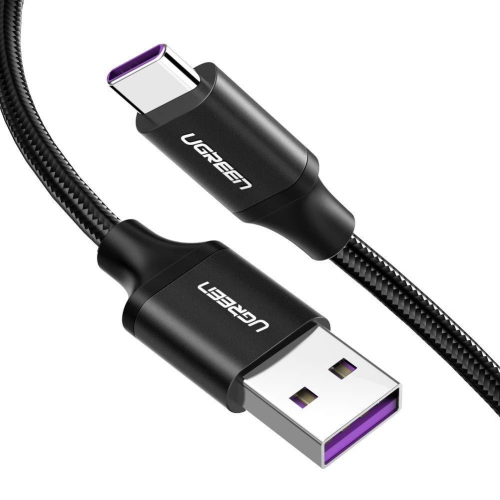
![GOOSPERY Topsave [Final Sale] Bluemoon Card Holder With Magnetic Clip Leather Folio Wallet Flip Case for Huawei Mate 20 Pro In Black](https://multimedia.bbycastatic.ca/multimedia/products/500x500/137/13793/13793189.jpg)
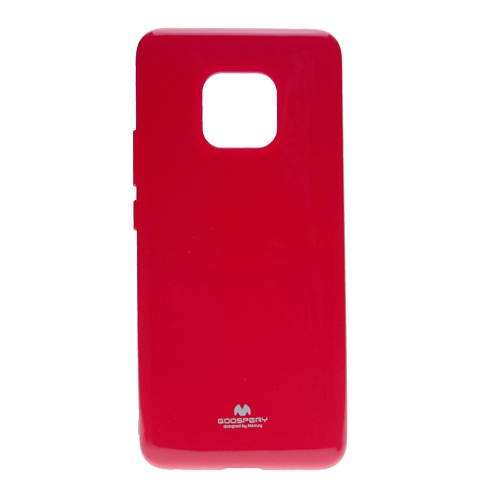
![GOOSPERY Topsave [Final Sale] Bluemoon Card Holder With Magnetic Clip Leather Folio Wallet Flip Case for Huawei Mate 20 Pro In Navy Blue](https://multimedia.bbycastatic.ca/multimedia/products/500x500/137/13793/13793200.jpg)

Large-screen comfort depends on more than display size
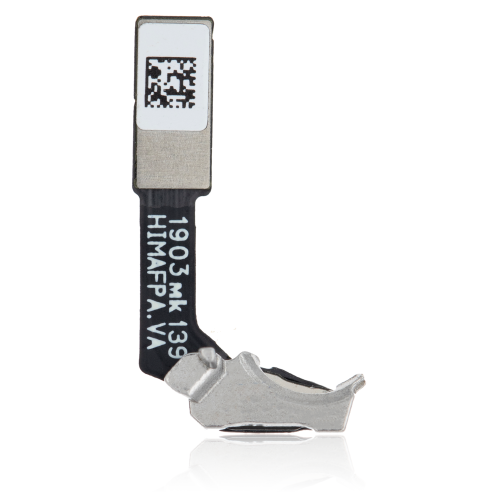
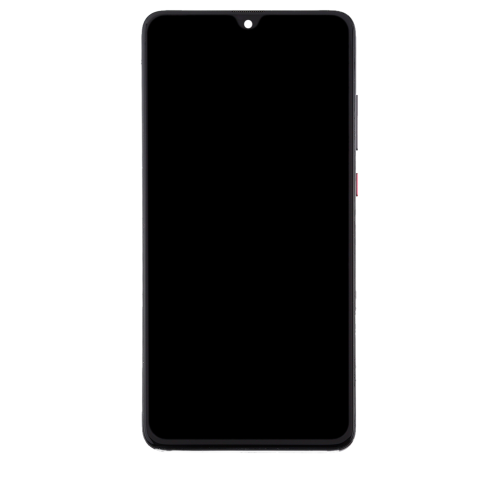
Large-screen smartphones bring messages, maps, photos, and entertainment together on a display that is comfortable to read without carrying a separate device. A screen around 6.5 inches gives navigation directions room to breathe, makes group conversations easier to follow, and provides a useful viewfinder for framing photos. Screen size is only part of the experience, though: resolution, brightness, viewing angles, and text settings all affect how clearly information appears. An LCD display can provide a detailed picture for everyday browsing and video, while a small front-camera cutout leaves more space for content near the top edge. For commuters, students, and anyone who regularly checks documents away from a desk, the combination of a generous screen and a manageable body can be especially useful. Glass fronts and backs paired with metal frames give many phones a smooth, solid feel, but that finish can be slippery when lifted from a table or held in one hand. Overall width, weight, and the position of the buttons matter just as much as the diagonal screen measurement. A rear-mounted fingerprint reader may sit naturally beneath an index finger, although unlocking that way generally means lifting the phone rather than leaving it flat on a desk. Camera placement also affects how the back rests against a surface and where a protective case needs extra clearance. These details become noticeable during ordinary routines: checking a transit connection while carrying a bag, reading a recipe beside a mixing bowl, or taking a quick photo before a child moves out of frame. A phone used mainly for calls and messages may need fewer performance features than one used for frequent photography, gaming, or switching between work applications. For a gift recipient, familiar controls, readable text, and compatibility with their existing mobile service often matter more than a long list of specifications. The best fit is a handset whose size, controls, and everyday functions suit the person carrying it.
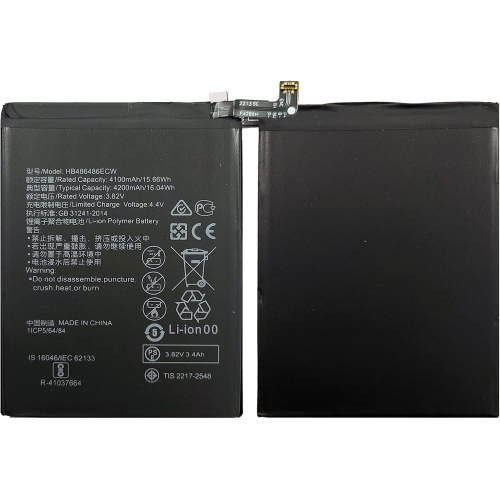
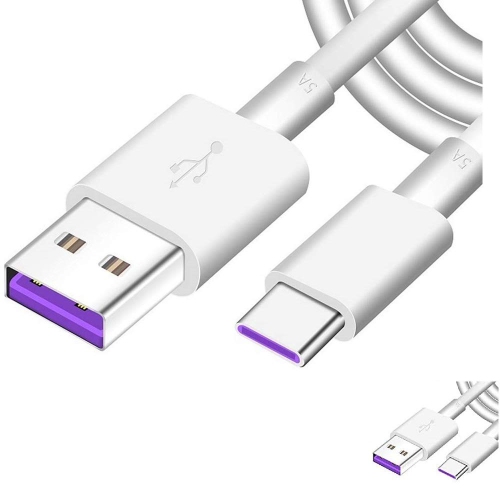
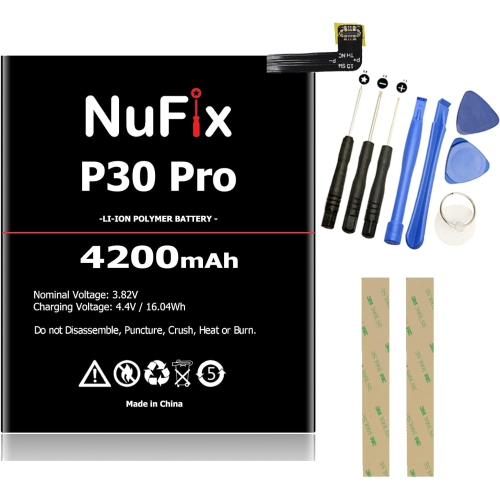
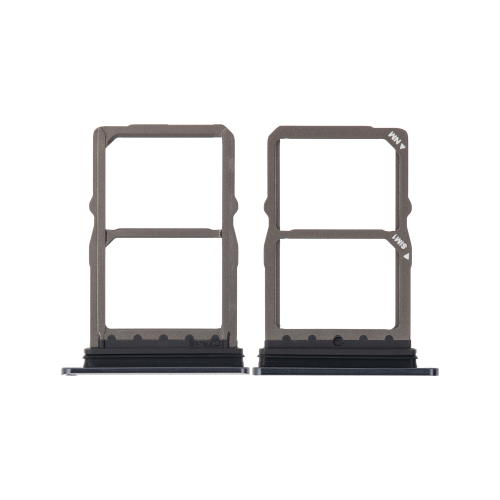
Camera versatility is another useful distinction among smartphones with multiple rear lenses. A main camera handles everyday scenes, an ultra-wide camera fits more of a room or landscape into the frame, and a telephoto camera brings distant details closer without relying entirely on digital enlargement. Those differences are practical rather than merely technical: an ultra-wide view can fit everyone around a dining table into a photograph, while a telephoto view can make a tighter portrait possible without stepping directly into someone’s space. Lens choice, focus, available light, and image processing all influence the result, so a higher megapixel count alone does not guarantee a better photograph. Keeping the lens glass clean also helps prevent fingerprints from turning bright lights into hazy streaks. For front-facing calls, the camera’s position, microphone clarity, and a stable connection contribute to a more natural conversation. Behind the screen, the processor and memory affect how smoothly the phone opens applications, switches tasks, and handles demanding games or video. Storage serves a different purpose, holding applications, downloaded music, photos, and recordings. Anyone who keeps lengthy videos or offline maps should leave room for those files as well as software updates. Expandable storage requires particular attention because some handsets use a less common memory-card format rather than a standard microSD card; the slot specification needs to match the card exactly. Battery capacity is worth considering alongside battery condition, screen brightness, signal strength, and daily use. A battery in an older handset may hold less charge than it did when new, even when its original capacity sounds generous. Fast charging also depends on a compatible combination of phone, power adapter, and cable, not simply a connector that fits. For a day filled with navigation, messaging, photography, and audio playback, dependable charging and enough usable storage can make a greater difference than a feature that rarely gets used.
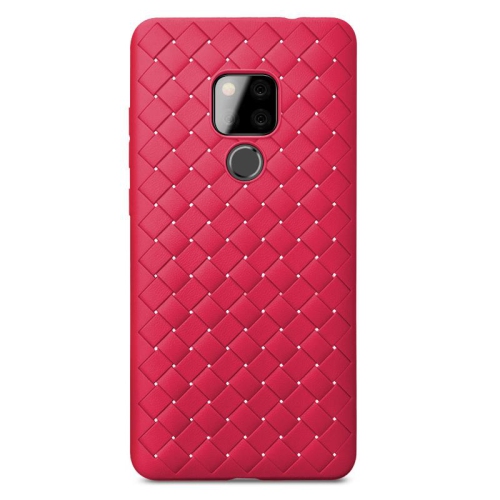
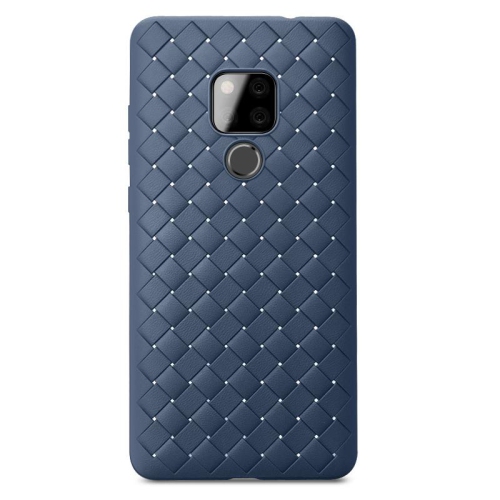
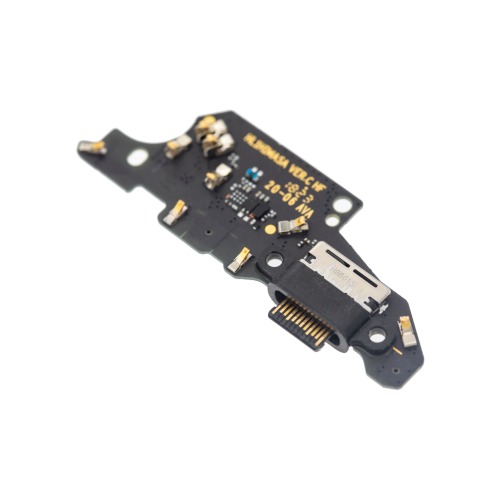
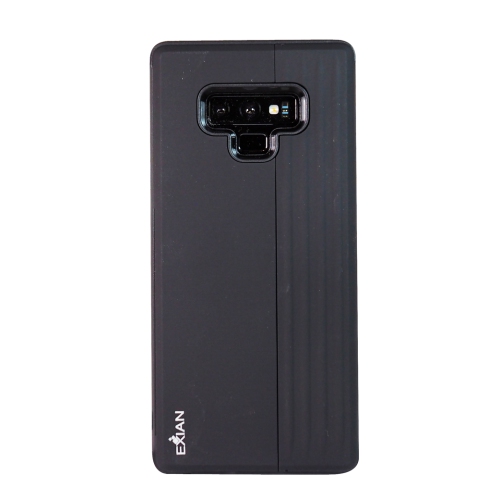
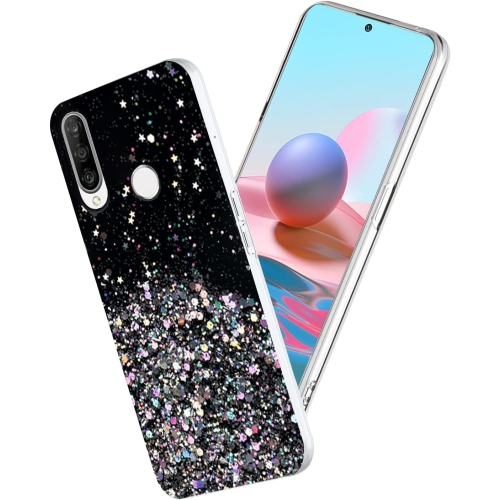
Accessories should fit the exact handset variant, since closely related phones can have different dimensions, camera layouts, fingerprint-reader positions, and screen shapes. A well-fitting case leaves the microphones and charging port clear, allows the buttons to move freely, and provides enough grip for a secure hold. Flexible materials can make a case easier to remove, while firmer shells add structure; raised edges may help keep the screen and camera glass away from a flat surface, though no case makes a phone damage-proof. Screen protectors need accurate alignment around the front camera and earpiece, with edges that do not lift against the case. For cleaning, a soft, lint-free cloth is generally suitable for fingerprints, while the manufacturer’s care directions should govern any cleaning solution. Avoid spraying liquid directly into openings or assuming that a glass-and-metal body is waterproof. Water-resistance claims vary by model, and wear or previous repairs can affect the protection a handset offers. Connections deserve the same attention as physical fit. A headphone socket supports compatible wired listening without occupying the charging port, while wireless audio depends on supported connectivity features. Home browsing and video calls benefit from reliable Wi-Fi, but mobile calling and data require compatibility with the carrier’s network and supported calling features. An unlocked phone is not automatically compatible with every Canadian carrier service, particularly when it was originally intended for another market. With an older handset, confirm the installed software version, application requirements, and security-update support rather than relying only on its launch specifications. Banking applications, workplace accounts, and other sensitive uses may have requirements that an older device cannot meet. Anyone passing a phone to another person should back up personal files, remove linked accounts, and follow the proper reset process before handing it over. The Huawei P30 Lite collection offers a related place to explore mobile-phone options, with the same need to check model-specific fit and compatibility. Careful matching helps keep the handset, protective accessories, charging equipment, and everyday connections working together as intended.
Camera versatility is another useful distinction among smartphones with multiple rear lenses. A main camera handles everyday scenes, an ultra-wide camera fits more of a room or landscape into the frame, and a telephoto camera brings distant details closer without relying entirely on digital enlargement. Those differences are practical rather than merely technical: an ultra-wide view can fit everyone around a dining table into a photograph, while a telephoto view can make a tighter portrait possible without stepping directly into someone’s space. Lens choice, focus, available light, and image processing all influence the result, so a higher megapixel count alone does not guarantee a better photograph. Keeping the lens glass clean also helps prevent fingerprints from turning bright lights into hazy streaks. For front-facing calls, the camera’s position, microphone clarity, and a stable connection contribute to a more natural conversation. Behind the screen, the processor and memory affect how smoothly the phone opens applications, switches tasks, and handles demanding games or video. Storage serves a different purpose, holding applications, downloaded music, photos, and recordings. Anyone who keeps lengthy videos or offline maps should leave room for those files as well as software updates. Expandable storage requires particular attention because some handsets use a less common memory-card format rather than a standard microSD card; the slot specification needs to match the card exactly. Battery capacity is worth considering alongside battery condition, screen brightness, signal strength, and daily use. A battery in an older handset may hold less charge than it did when new, even when its original capacity sounds generous. Fast charging also depends on a compatible combination of phone, power adapter, and cable, not simply a connector that fits. For a day filled with navigation, messaging, photography, and audio playback, dependable charging and enough usable storage can make a greater difference than a feature that rarely gets used.
Accessories should fit the exact handset variant, since closely related phones can have different dimensions, camera layouts, fingerprint-reader positions, and screen shapes. A well-fitting case leaves the microphones and charging port clear, allows the buttons to move freely, and provides enough grip for a secure hold. Flexible materials can make a case easier to remove, while firmer shells add structure; raised edges may help keep the screen and camera glass away from a flat surface, though no case makes a phone damage-proof. Screen protectors need accurate alignment around the front camera and earpiece, with edges that do not lift against the case. For cleaning, a soft, lint-free cloth is generally suitable for fingerprints, while the manufacturer’s care directions should govern any cleaning solution. Avoid spraying liquid directly into openings or assuming that a glass-and-metal body is waterproof. Water-resistance claims vary by model, and wear or previous repairs can affect the protection a handset offers. Connections deserve the same attention as physical fit. A headphone socket supports compatible wired listening without occupying the charging port, while wireless audio depends on supported connectivity features. Home browsing and video calls benefit from reliable Wi-Fi, but mobile calling and data require compatibility with the carrier’s network and supported calling features. An unlocked phone is not automatically compatible with every Canadian carrier service, particularly when it was originally intended for another market. With an older handset, confirm the installed software version, application requirements, and security-update support rather than relying only on its launch specifications. Banking applications, workplace accounts, and other sensitive uses may have requirements that an older device cannot meet. Anyone passing a phone to another person should back up personal files, remove linked accounts, and follow the proper reset process before handing it over. The Huawei P30 Lite collection offers a related place to explore mobile-phone options, with the same need to check model-specific fit and compatibility. Careful matching helps keep the handset, protective accessories, charging equipment, and everyday connections working together as intended.
Top selling and popular products
-
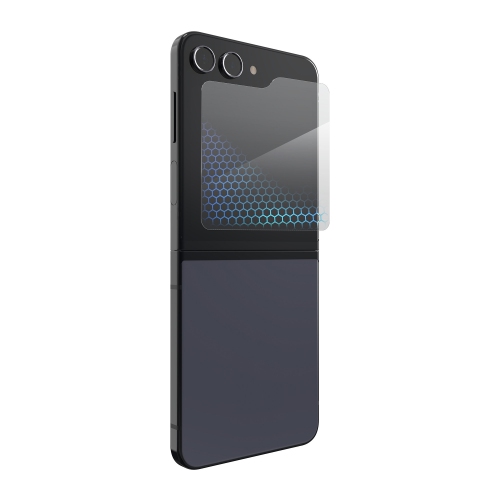 Your price for this item is $59.99
 -
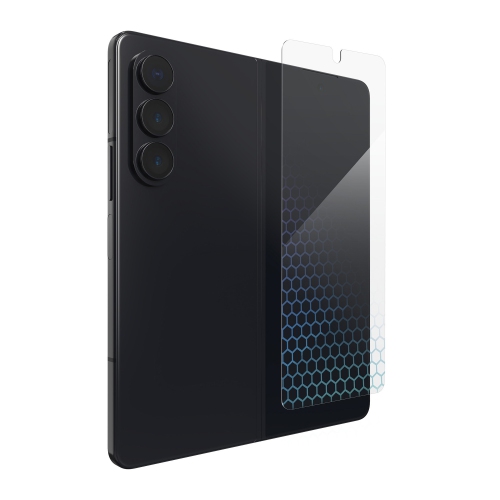 Your price for this item is $59.99
 -
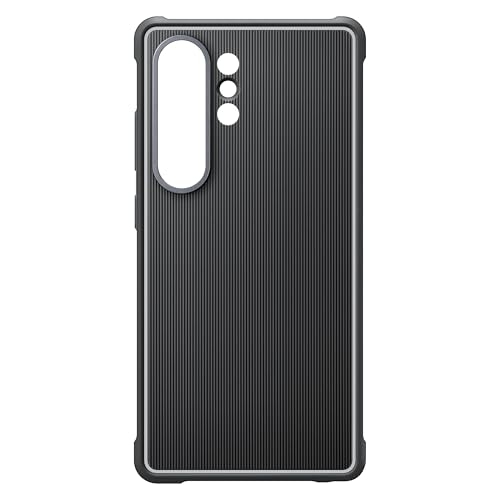 Your price for this item is $89.99
 -
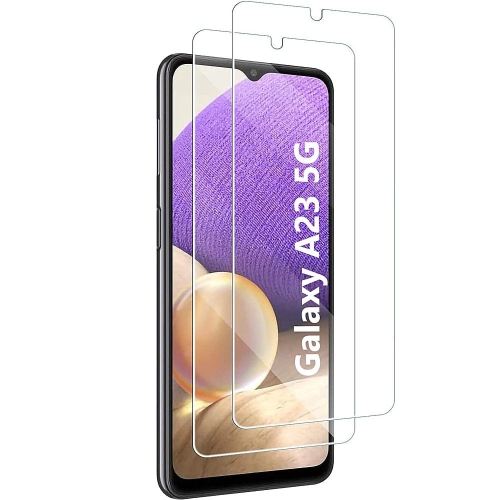 Your price for this item is $52
 -
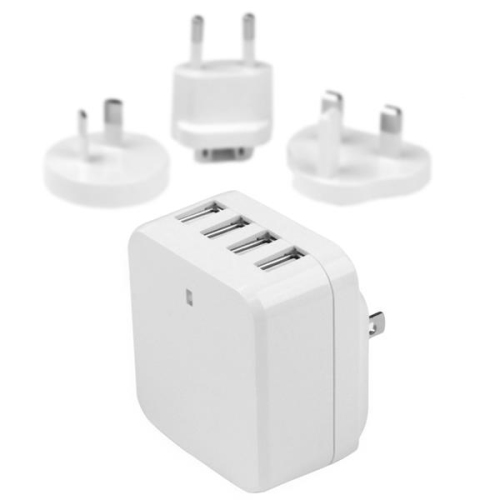 Your price for this item is $49.99
 -
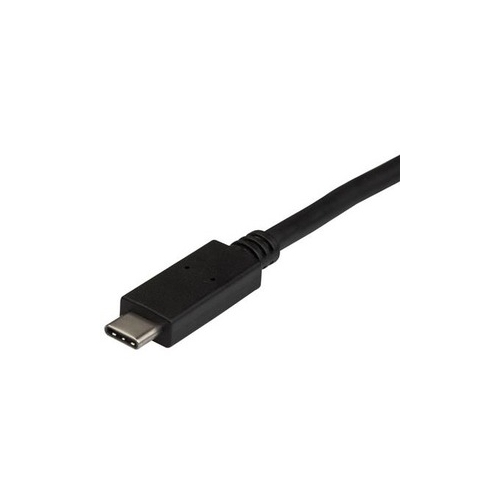 Your price for this item is $14.68
 -
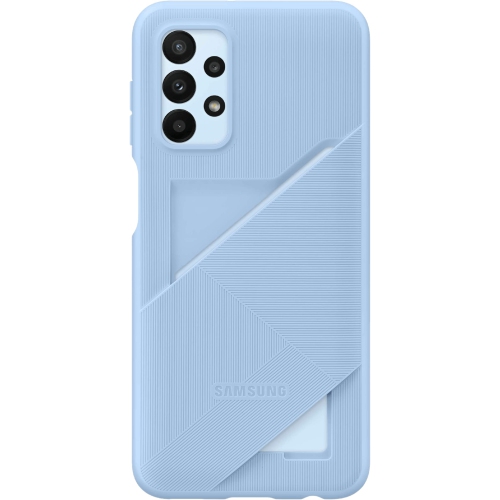 Your price for this item is $52.49
 -
 Your price for this item is $16.79
Discover more categories related to Huawei Mate 20
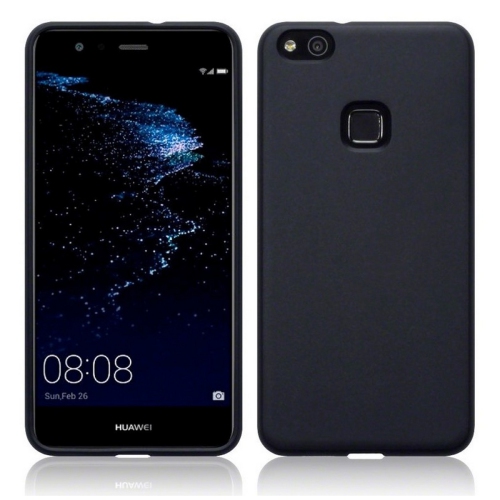
Top Collections:
Pokemon Centers, Kindle Devices, Best Budget Office Chairs, Apple iPhones 16, Best Laptops for Writers, iPhone 15 Apple, Canon G7X Cameras, Refurbished Apple Laptops, Alarm Clock, Motorola Razr Phones
Some products may be subject to Environmental Handling Fees
(EHF) depending on your province.
Learn more about EHFs.