Huawei MateBook
Discover the versatility and performance of the Huawei MateBook, designed to support your productivity and entertainment needs. Whether you're working on important projects, streaming your favorite content, or staying connected on the go, the Huawei MateBook offers a seamless experience for both personal and professional use. Explore a range of options to find the ideal match for your lifestyle and elevate your everyday computing with innovative design and reliable functionality.
Sort

Everyday laptop comfort goes beyond a slim profile
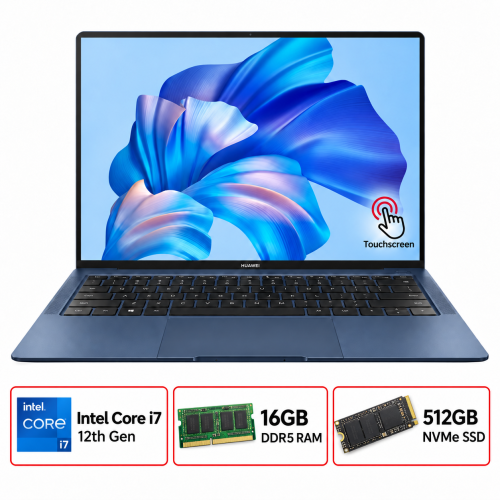
Thin-and-light laptops combine the familiarity of a built-in keyboard with the flexibility to work, study, and unwind in different places. Their appeal lies in everyday details: a screen that makes documents comfortable to read, a chassis that slips into a backpack, and enough performance to move between a video call, a spreadsheet, and a browser full of research. For students, that can mean taking notes in a lecture and finishing an assignment at the library without changing devices. For someone working between home and an office, it can mean carrying presentations, project files, and meeting tools in one compact computer. Screen size shapes that experience as much as processing power. A 14-inch display generally suits a smaller workspace and frequent travel, while a larger screen gives documents, timelines, and side-by-side windows more room. The display’s proportions also matter: a taller screen can show more lines of text, while a wider layout works well for video. Resolution influences text sharpness, and brightness and surface finish affect visibility under overhead lighting or beside a window. OLED and LCD displays have different characteristics, so colour quality, reflections, and battery demands deserve attention alongside the headline screen specifications. Touch input is another configuration-dependent feature rather than something to assume across an entire laptop family. An aluminium body can provide a firm, refined feel, although metal surfaces can still pick up scratches or dents during daily use. Build quality also shows up in the hinge, the steadiness of the screen while typing, and the way the keyboard deck supports the hands. A comfortable keyboard, clearly marked keys, and a responsive touchpad make a noticeable difference during longer writing sessions. Those details often matter more to everyday satisfaction than a slim profile alone, especially when the laptop is the main computer for coursework, household administration, or a full working day.
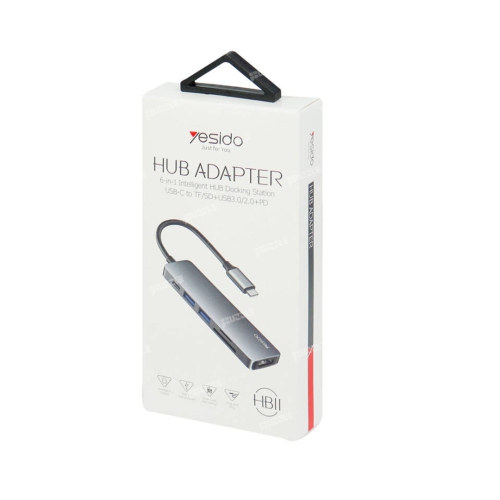
Performance depends on how the processor, memory, storage, and graphics work together, not simply on a single specification. Everyday tasks such as email, document editing, video streaming, and online meetings have different demands from editing high-resolution photographs, compiling software, or working with complex design files. More capable processors can help with demanding workloads, but the laptop’s cooling system and power settings also influence how consistently that performance is delivered. Memory provides working space for open applications, making it especially relevant when a presentation, several reference documents, and numerous browser tabs need to stay open together. Whether memory can be expanded later varies by design; in slim laptops, it may be fixed, which makes the original configuration important for longer-term use. Solid-state storage helps applications launch promptly and keeps the computer responsive when opening files. Capacity matters separately from speed: a collection of large videos, creative projects, or downloaded course materials takes up considerably more room than mostly cloud-based documents. Integrated graphics can suit everyday visual tasks and lighter creative work, while demanding games, advanced 3D projects, and some professional applications may require different graphics capabilities. Software compatibility deserves equal attention, particularly for specialized course requirements, workplace applications, printers, and other connected equipment. The operating system and supported applications should match the tasks the laptop needs to perform. Wireless features and physical connections complete that picture. Wi-Fi capability works together with the router and internet service, while a reliable webcam and microphone help make remote conversations clearer. USB-C ports can look identical yet support different combinations of charging, data transfer, and external displays, so their functions matter as much as their number. Connecting a monitor, wired mouse, storage drive, or projector may require a compatible adapter or hub. Phone-to-computer sharing features can also depend on supported hardware and software rather than working with every device. These distinctions help separate a laptop that handles a basic daily routine from one that comfortably fits a more involved workspace.
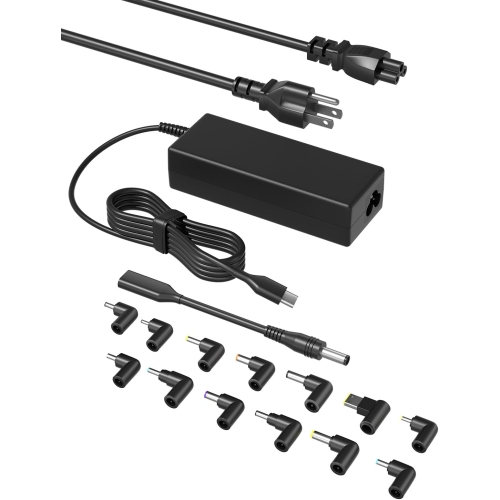
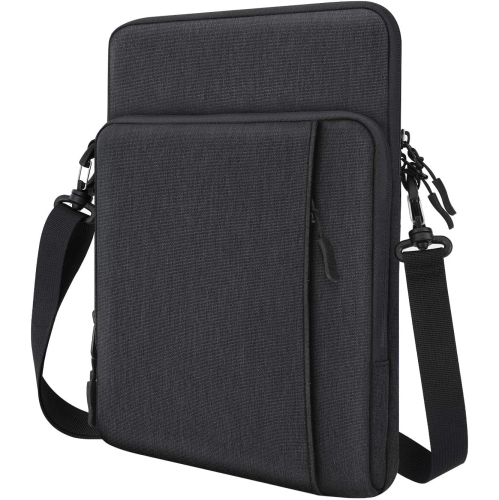
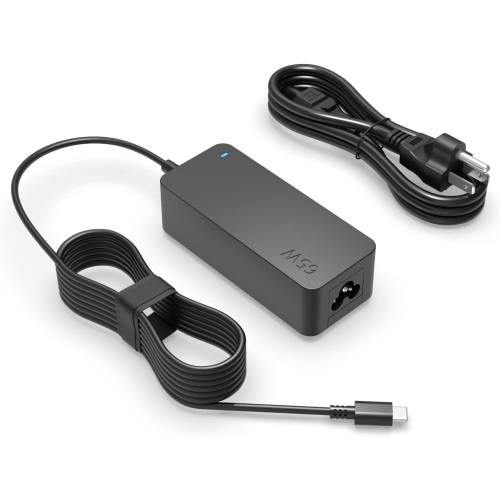
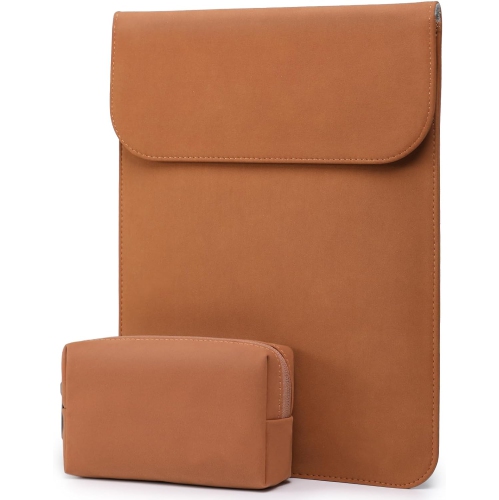
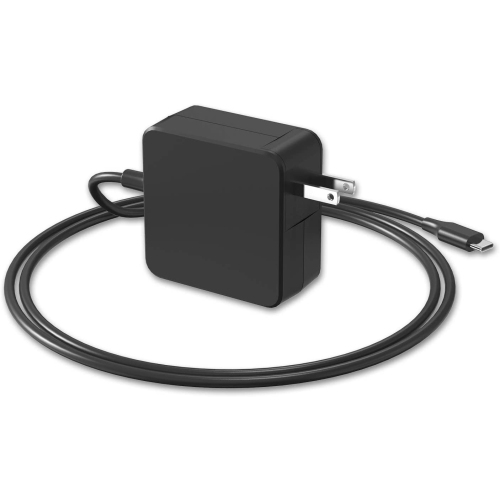
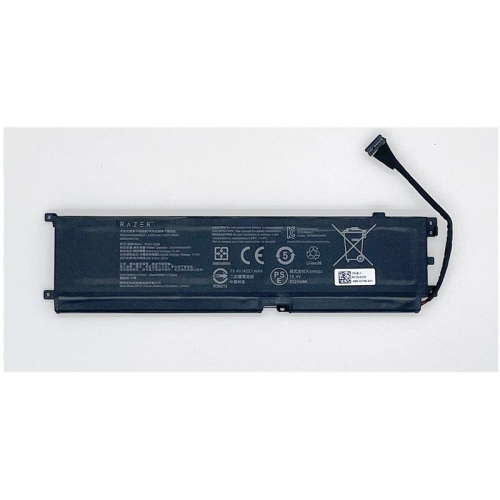
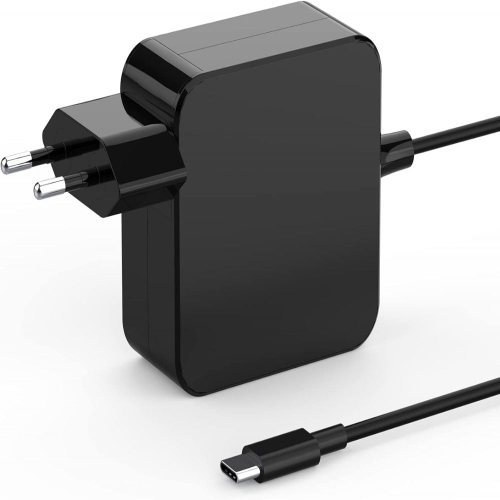
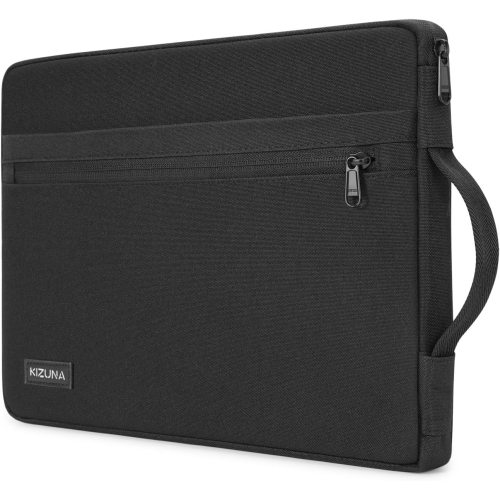
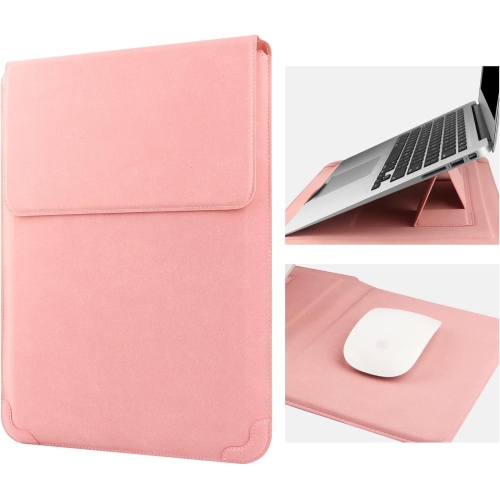
Portability is about the complete setup, including the charger, protective sleeve, and any adapters carried alongside the computer. A lightweight body is convenient between classes or meetings, but battery life determines how often that setup needs a nearby outlet. Published battery figures usually reflect particular test conditions; video calls, higher screen brightness, demanding applications, and background activity can shorten practical running time. Charging speed likewise depends on the laptop, charger, cable, and workload, so USB-C charging support does not mean every charger delivers the same result. For use at a desk, an external keyboard and a raised screen can create a more comfortable position for longer sessions, while the built-in keyboard remains useful when space is limited. Everyday care helps preserve both appearance and usability. A padded compartment protects the lid from contact with keys and other hard objects, and keeping heavy books from pressing against the screen reduces unnecessary strain. A soft, lint-free cloth suits routine surface cleaning; liquid should not be sprayed directly onto the display or keyboard. Clear ventilation openings and a firm working surface help the cooling system function as intended, whereas bedding and cushions can obstruct airflow. File backups and software updates are another part of ownership, protecting ongoing work and maintaining compatibility over time. For a student, a recent graduate, or a family member receiving a laptop as a gift, the most useful fit comes from matching the computer to familiar habits: long essays, regular video calls, creative projects, or straightforward browsing. A tablet format, represented by the related Huawei MediaPad T5 page, offers a different approach to touch-based use, while a laptop’s attached keyboard and desktop-style workspace suit longer typing sessions and file-based tasks. The distinction is less about one format replacing another than about having the right tool for the activities that fill an ordinary day. A well-matched laptop balances screen comfort, practical performance, connections, and manageable carrying weight without making daily routines unnecessarily complicated.
Top selling and popular products
-
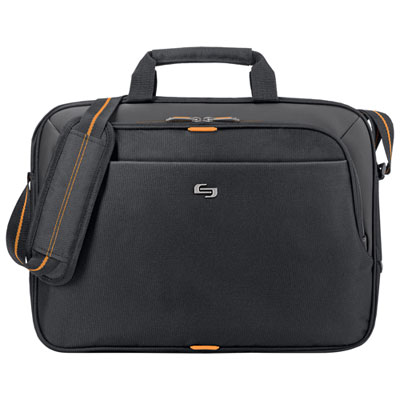 Your price for this item is $54.99
-
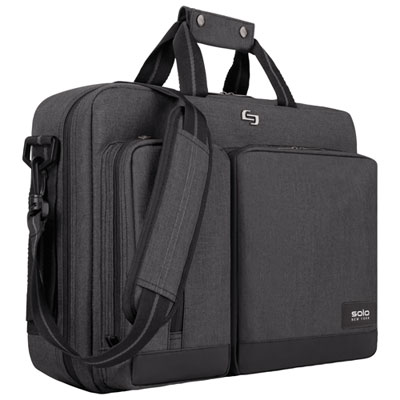 Your price for this item is $99.99
-
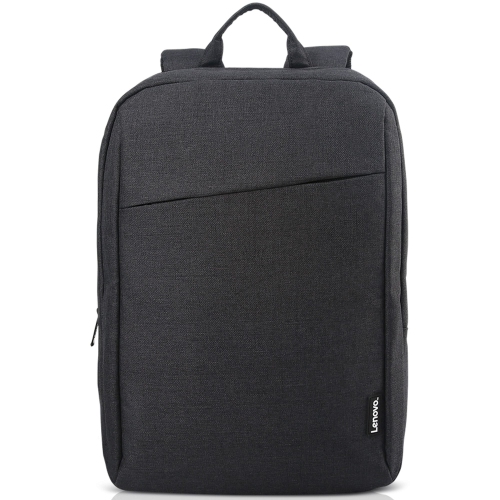 Your price for this item is $34.68
-
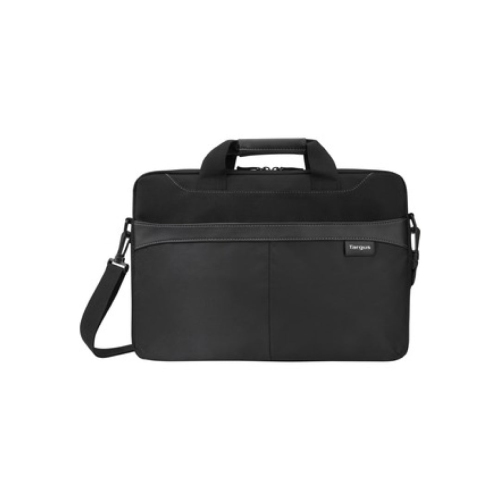 Your price for this item is $42.99
-
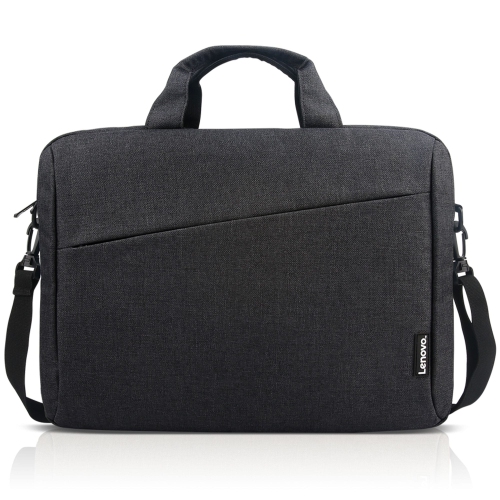 Your price for this item is $28.99
-
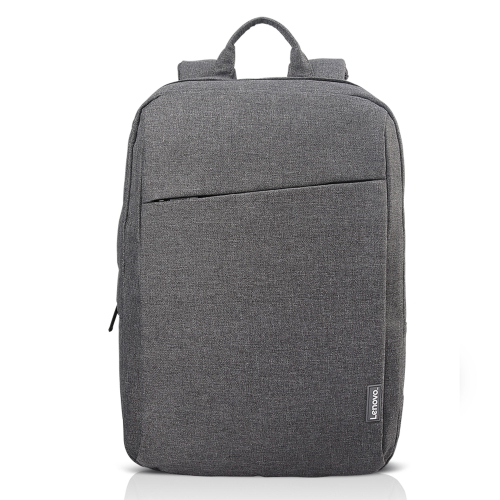 Your price for this item is $32.99
-
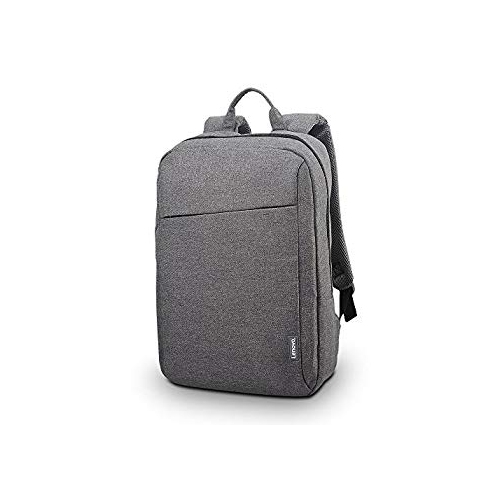 Your price for this item is $68.93
-
 Your price for this item is $83.99
Discover more categories related to Huawei MateBook

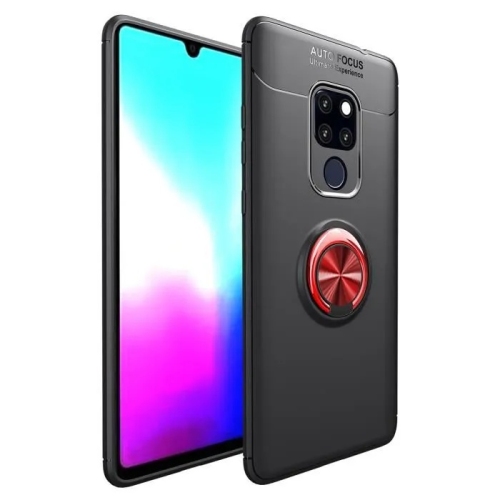
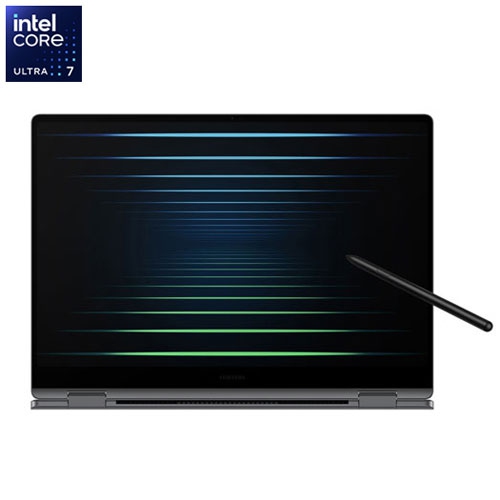
Top Collections:
Best Black Friday Deals This Year, Best Black Friday Deals On Electronics, Kindle Devices, Best Black Friday Deals On Apple Products, Best Budget Office Chairs, Best Cameras for Sports Photography, Dyson Airwrap, Canon G7X Cameras, Best Laptops for Writers, Samsung Galaxy Phones
Some products may be subject to Environmental Handling Fees
(EHF) depending on your province.
Learn more about EHFs.