iPhone 16E On Sale
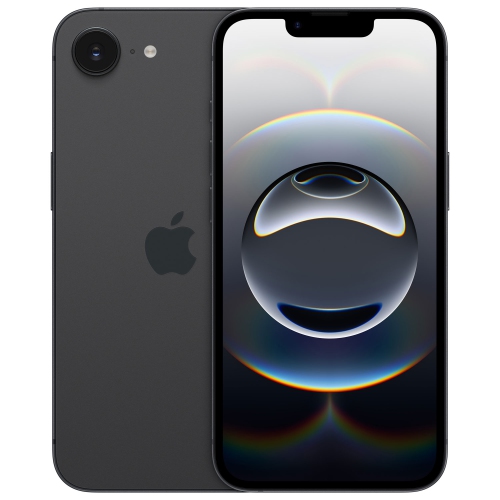
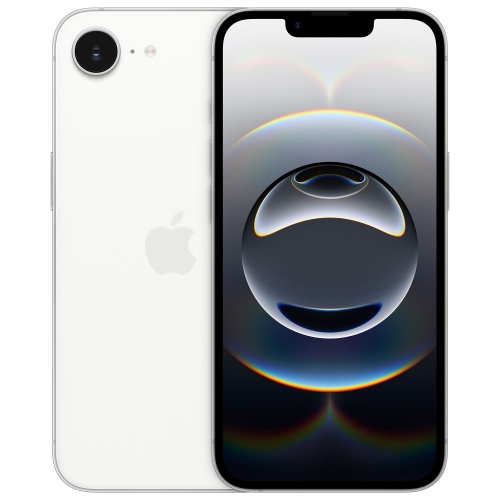
Discover incredible savings with the iPhone 16e On Sale. Take advantage of exclusive offers and explore a wide selection designed to fit your needs. Whether you’re shopping for the latest technology or looking to upgrade, the iPhone 16e On Sale is your opportunity to find exceptional value. Shop now and enjoy seamless online ordering with convenient delivery or in-store pickup options.
Sort
Why storage and SIM setup matter when switching phones
A smartphone brings calls, messages, photographs, navigation, and everyday apps into one device, but the details of its configuration shape how comfortably it fits into daily life. For someone replacing a familiar phone, the most useful differences may be storage capacity, battery performance, or the ease of transferring contacts and photos. For a first-time smartphone user, a clear display, straightforward controls, and dependable calling may matter more than advanced camera settings. Unlocked smartphones are not restricted to a single carrier, although compatibility with a Canadian mobile network still depends on the device’s hardware and the carrier’s requirements. An unlocked device does not include mobile service simply because it can accept a compatible plan. SIM configuration also deserves attention: some phones use a removable SIM card, while others support an eSIM, a digital SIM activated through a participating carrier. The exact configuration can vary by model and region, so it matters when moving an existing number or setting up a phone for someone else. Refurbished smartphones are previously owned devices that have undergone an assessment and preparation process for further use. Their cosmetic condition, testing standards, battery requirements, included accessories, and warranty terms can differ between sellers. A condition description may address visible marks on the frame or screen without promising a new battery, so those details should be considered separately. Storage is another practical distinction. A 128GB configuration may suit someone who mainly streams music, uses messaging apps, and keeps a modest photo library, while 256GB provides more room for downloaded media, larger apps, and videos kept on the device. Some capacity is used by system software, and actual space requirements depend on file sizes and habits. Cloud storage can help organize photographs and documents, but it relies on an account and connectivity and does not replace local storage for every task. These differences become especially noticeable when moving several years of photos, conversations, and app data onto a replacement phone.
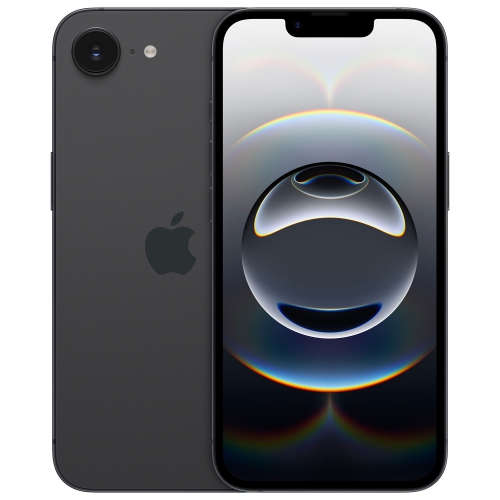
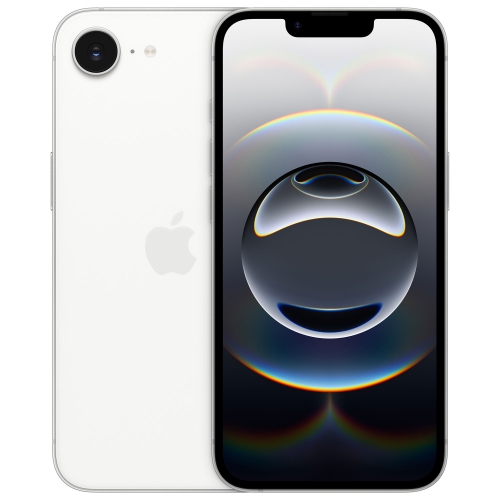
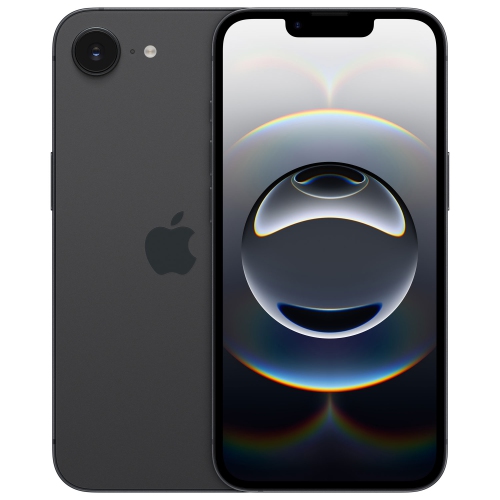
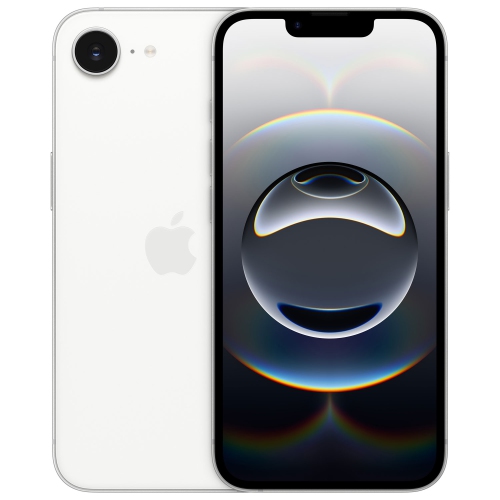
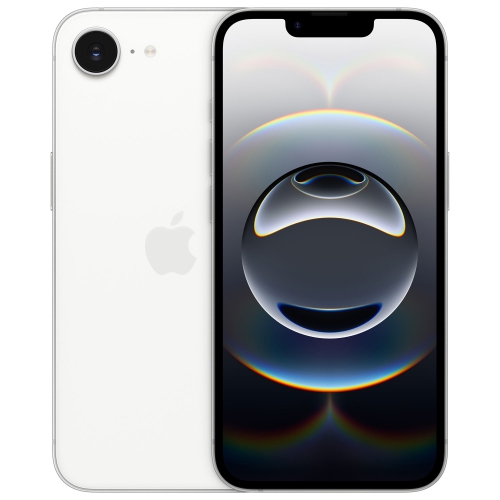
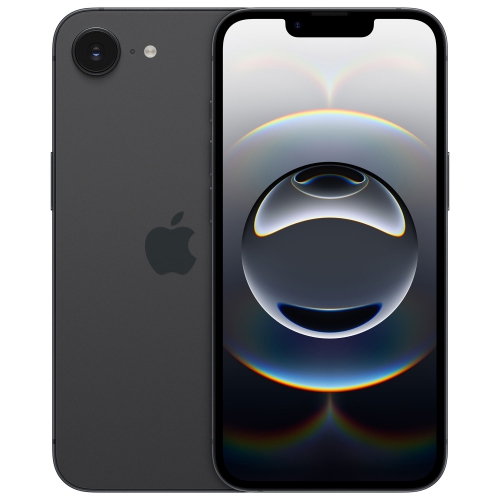
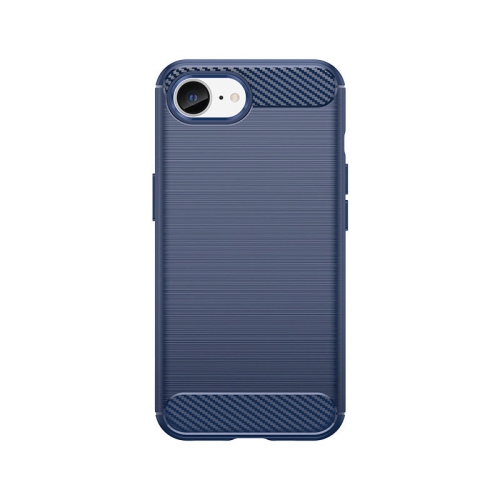
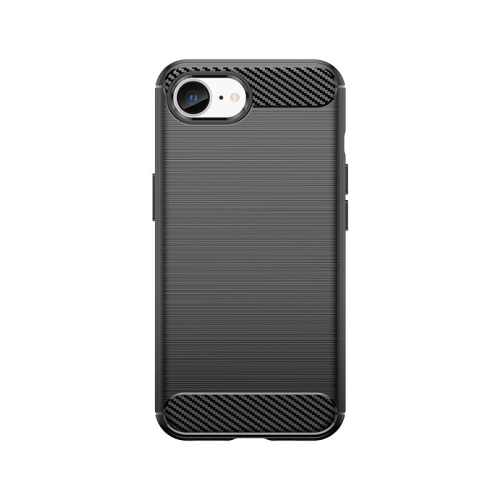
The physical design of a smartphone affects everything from reading a message on public transit to carrying it in a jacket pocket. Glass surfaces and metal frames are common, with finishes that can feel smooth, textured, or slightly slippery in the hand. A comfortable fit depends on more than screen size: width, weight, edge shape, and the extra bulk of a protective case all influence one-handed use. Someone who types long messages or reads documents may appreciate more viewing space, while a person who carries a phone during walks or errands may prefer a device that slips easily into a small bag. Display clarity, brightness adjustment, and text-size controls contribute to comfortable reading, particularly for maps, appointment details, and video calls. Camera usefulness is similarly tied to ordinary situations. Photographing a child who will not sit still, capturing a receipt, or recording a family gathering places different demands on focus, low-light performance, and video stabilization. Megapixel counts describe only part of that experience. Battery life also varies with use: navigation, gaming, video recording, and frequent calls can draw more power than occasional messaging. Wi-Fi connections, screen brightness, background activity, and battery condition can affect the time between charges. Charging compatibility should be checked separately, including the connector, supported power requirements, and whether a suitable cable or adapter is included. Wireless charging support and magnetic accessory compatibility are distinct features rather than interchangeable terms. For protection, a case needs to match the phone’s exact dimensions, buttons, ports, and camera layout; a similar-looking case may obstruct a lens or fail to grip securely. A fitted screen protector can add a layer against everyday scratches, but neither accessory makes a phone immune to damage. Routine care is simple: use a soft, lint-free cloth, follow the manufacturer’s cleaning directions, and avoid abrasive cleaners. Water resistance, where specified, has defined limits and should not be treated as permission to submerge a device.
Smartphones serve a wide range of people, including students managing coursework, commuters following transit updates, parents coordinating family schedules, and people whose work involves calls and documents away from a desk. The right match often comes down to small routines rather than a long feature list. A student downloading lectures needs enough space for files used without a connection; someone who photographs projects for work benefits from reliable image capture and an orderly way to share files; a frequent caller may place greater importance on audio clarity and comfortable handling. Accessibility options can make an equally meaningful difference, including larger text, spoken screen content, captions, and adjustable touch controls, where supported. For a gift recipient, familiarity with the operating system, compatibility with an existing carrier, and the effort required to move personal data all deserve consideration. A replacement phone is easier to settle into when contacts, calendars, photographs, and essential apps can be transferred through a supported process. Banking apps, authentication tools, and mobile service may need separate activation, even after other content has moved successfully. Backing up the old device before starting helps protect important information, and erasing it should wait until the transfer has been checked. Security remains part of everyday ownership: a strong passcode, supported software updates, device-location features, and careful control of app permissions help protect personal information. For someone considering related smartphone choices, the iPhone 16 Pro Sale page provides another point of comparison for camera features, display characteristics, and handling. Whatever the intended use, a phone should work comfortably with the accessories and services that matter to its owner. That may mean compatible headphones for calls, a car connection for navigation, or a charger that fits an existing routine. Attention to condition, connectivity, storage, and physical fit helps make a smartphone a dependable companion for daily tasks, communication, and the moments worth keeping.
The physical design of a smartphone affects everything from reading a message on public transit to carrying it in a jacket pocket. Glass surfaces and metal frames are common, with finishes that can feel smooth, textured, or slightly slippery in the hand. A comfortable fit depends on more than screen size: width, weight, edge shape, and the extra bulk of a protective case all influence one-handed use. Someone who types long messages or reads documents may appreciate more viewing space, while a person who carries a phone during walks or errands may prefer a device that slips easily into a small bag. Display clarity, brightness adjustment, and text-size controls contribute to comfortable reading, particularly for maps, appointment details, and video calls. Camera usefulness is similarly tied to ordinary situations. Photographing a child who will not sit still, capturing a receipt, or recording a family gathering places different demands on focus, low-light performance, and video stabilization. Megapixel counts describe only part of that experience. Battery life also varies with use: navigation, gaming, video recording, and frequent calls can draw more power than occasional messaging. Wi-Fi connections, screen brightness, background activity, and battery condition can affect the time between charges. Charging compatibility should be checked separately, including the connector, supported power requirements, and whether a suitable cable or adapter is included. Wireless charging support and magnetic accessory compatibility are distinct features rather than interchangeable terms. For protection, a case needs to match the phone’s exact dimensions, buttons, ports, and camera layout; a similar-looking case may obstruct a lens or fail to grip securely. A fitted screen protector can add a layer against everyday scratches, but neither accessory makes a phone immune to damage. Routine care is simple: use a soft, lint-free cloth, follow the manufacturer’s cleaning directions, and avoid abrasive cleaners. Water resistance, where specified, has defined limits and should not be treated as permission to submerge a device.
Smartphones serve a wide range of people, including students managing coursework, commuters following transit updates, parents coordinating family schedules, and people whose work involves calls and documents away from a desk. The right match often comes down to small routines rather than a long feature list. A student downloading lectures needs enough space for files used without a connection; someone who photographs projects for work benefits from reliable image capture and an orderly way to share files; a frequent caller may place greater importance on audio clarity and comfortable handling. Accessibility options can make an equally meaningful difference, including larger text, spoken screen content, captions, and adjustable touch controls, where supported. For a gift recipient, familiarity with the operating system, compatibility with an existing carrier, and the effort required to move personal data all deserve consideration. A replacement phone is easier to settle into when contacts, calendars, photographs, and essential apps can be transferred through a supported process. Banking apps, authentication tools, and mobile service may need separate activation, even after other content has moved successfully. Backing up the old device before starting helps protect important information, and erasing it should wait until the transfer has been checked. Security remains part of everyday ownership: a strong passcode, supported software updates, device-location features, and careful control of app permissions help protect personal information. For someone considering related smartphone choices, the iPhone 16 Pro Sale page provides another point of comparison for camera features, display characteristics, and handling. Whatever the intended use, a phone should work comfortably with the accessories and services that matter to its owner. That may mean compatible headphones for calls, a car connection for navigation, or a charger that fits an existing routine. Attention to condition, connectivity, storage, and physical fit helps make a smartphone a dependable companion for daily tasks, communication, and the moments worth keeping.
Top selling and popular products
-
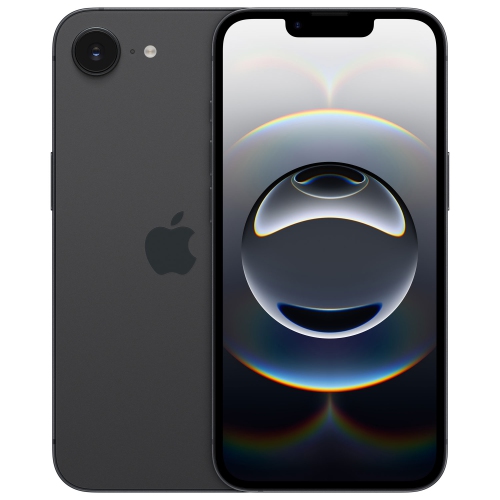 Your price for this item is $679.99
 -
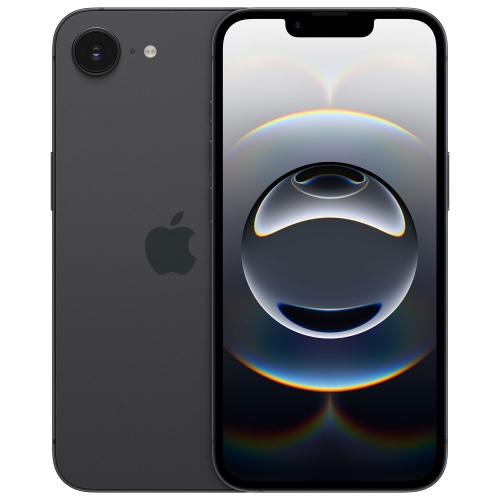 Your price for this item is $499.99
 -
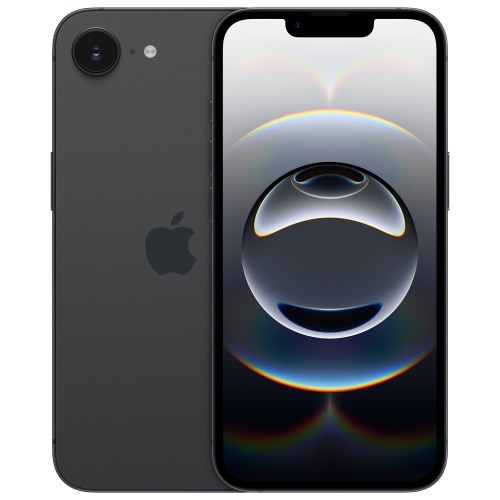 Your price for this item is $659.95
 -
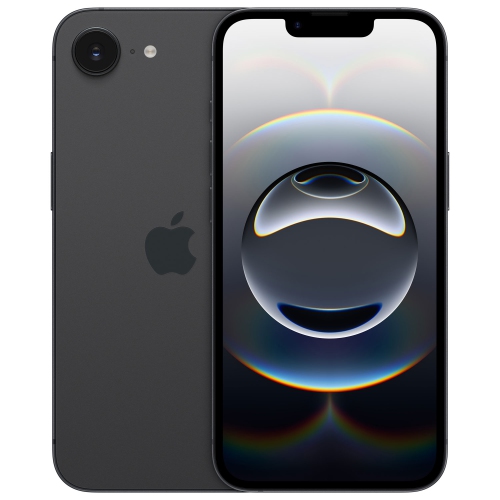 Your price for this item is $647.97
 -
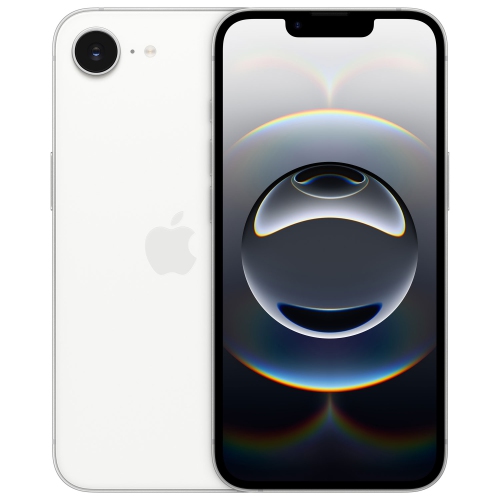 Your price for this item is $799.99
 -
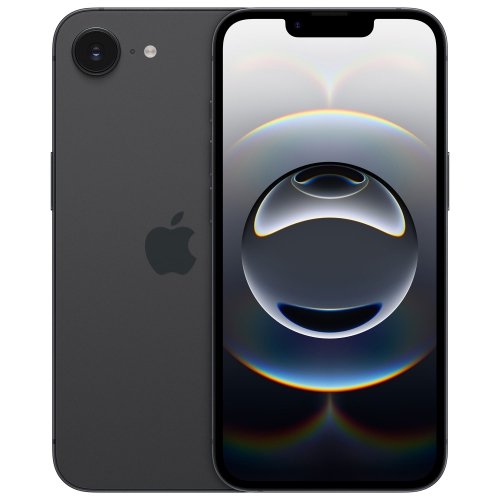 Your price for this item is $989.99
 -
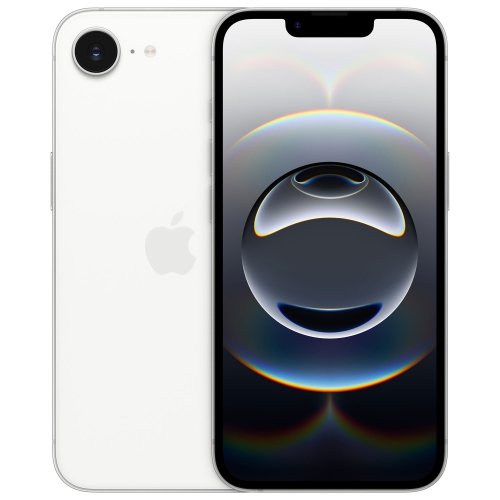 Your price for this item is $719.99
 -
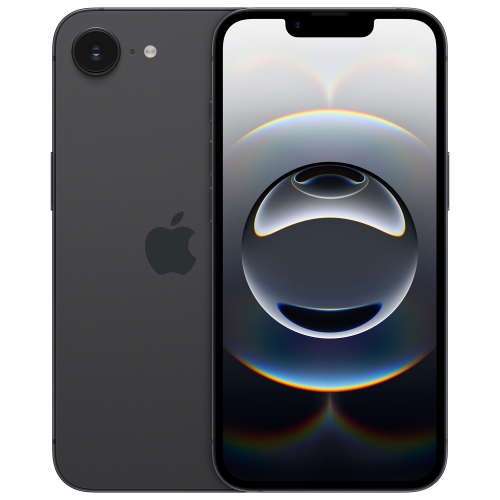 Your price for this item is $578.73
Discover more categories related to iPhone 16E On Sale
Top Collections:
Pokemon Centers, Best Cameras for Sports Photography, Kindle Devices, Samsung Galaxy Phones, Canon G7X Cameras, Pokémon 30th Celebration Cards, Refurbished Apple Laptops, iPhone 15 Apple, Laptops for Students, Budget Smartphones
Some products may be subject to Environmental Handling Fees
(EHF) depending on your province.
Learn more about EHFs.