Lightning To Aux
Lightning To Aux adapters make it easy to connect your favorite devices and enjoy your music, podcasts, and calls with ease. Whether you're looking to pair your smartphone with wired headphones or connect to speakers, these adapters provide a simple solution for seamless audio connectivity. Explore a wide range of Lightning To Aux options designed to fit your needs and enhance your listening experience wherever you go.
Sort
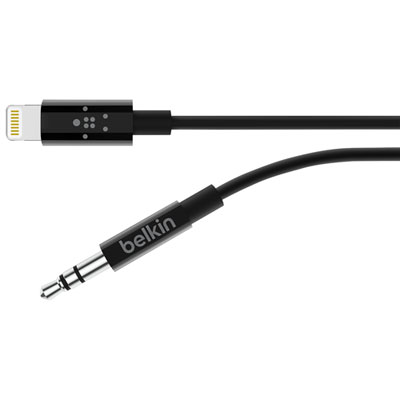
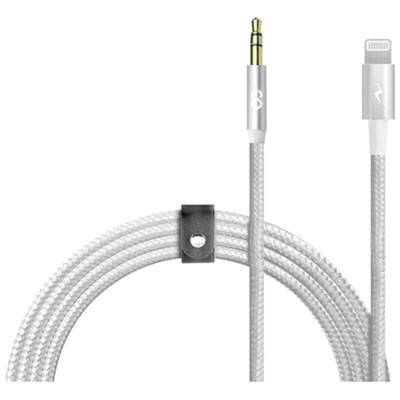
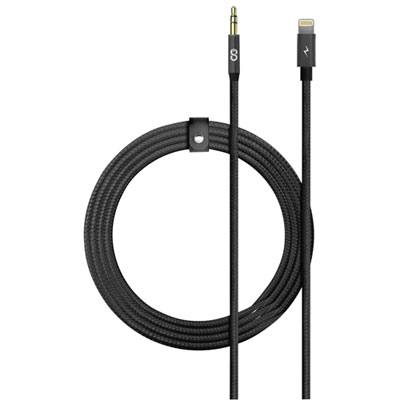
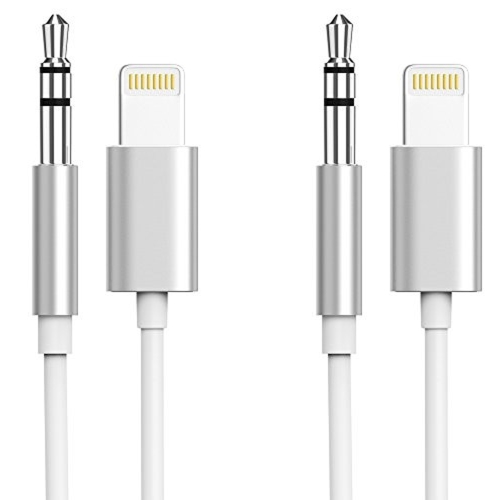
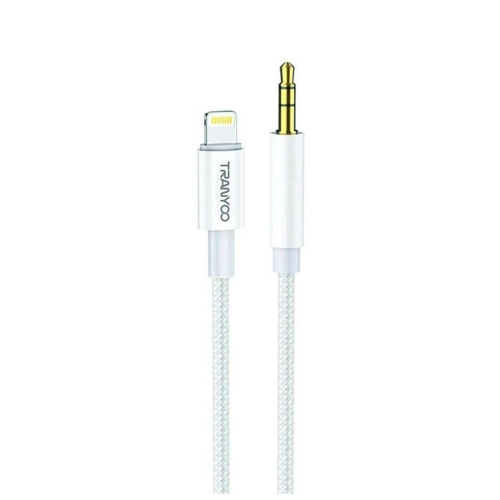
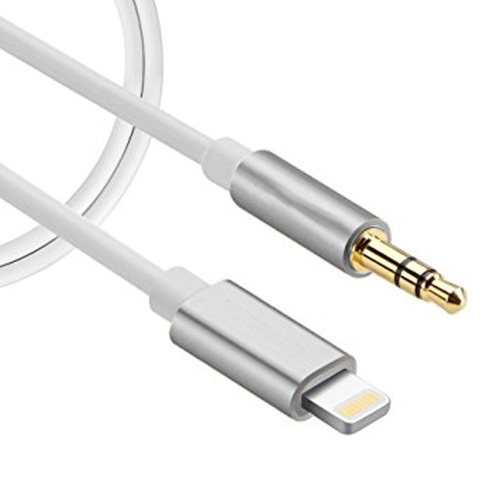
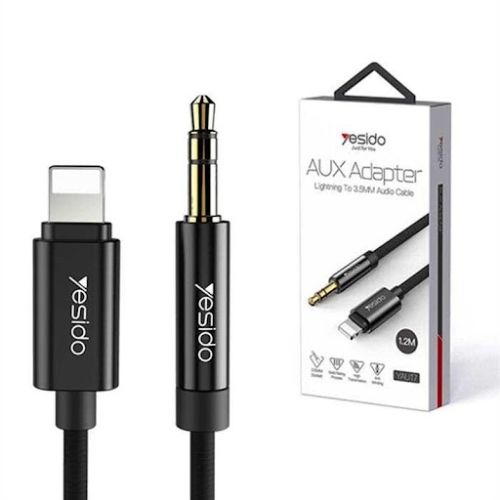
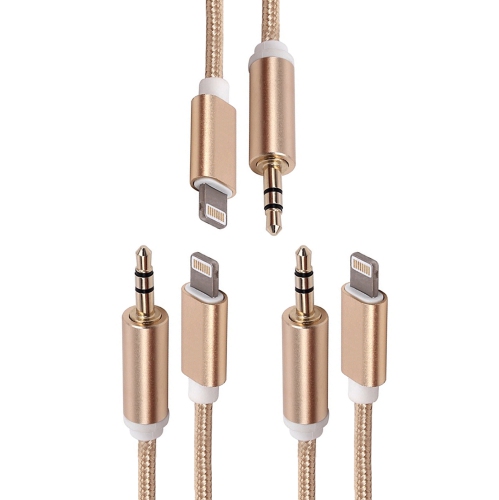
![CSMART [Cs] 3.3Ft / 1M Lightning to Male Aux 3.5MM Audio Conversion Adapter Nylon Braid Cable Cord Compatible for Iphone](https://multimedia.bbycastatic.ca/multimedia/products/500x500/160/16006/16006963.jpeg)
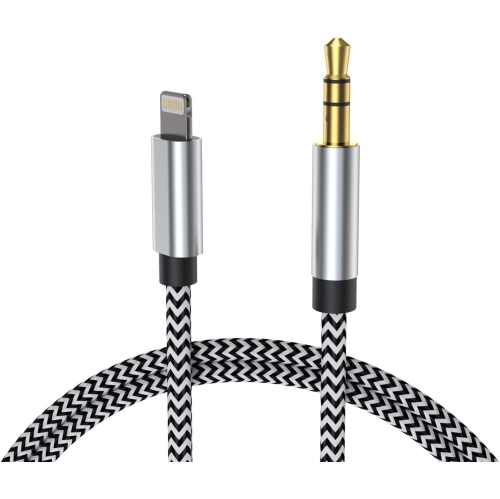
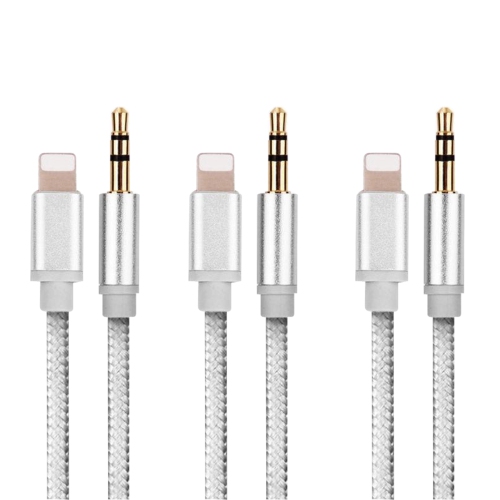
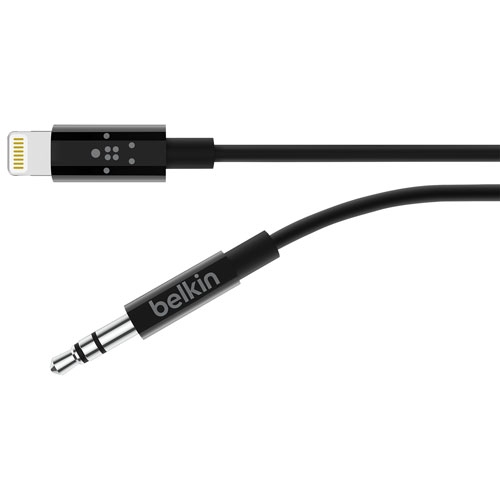
![SUPERSHIELD Iphone Aux Cord for Car Stereo, [Apple Mfi Certified] Lightning to 3.5MM Audio Cable Compatible w Iphone 13 12 11 Xs Xr X Se2 8 7 to Car](https://multimedia.bbycastatic.ca/multimedia/products/500x500/170/17020/17020807.jpeg)

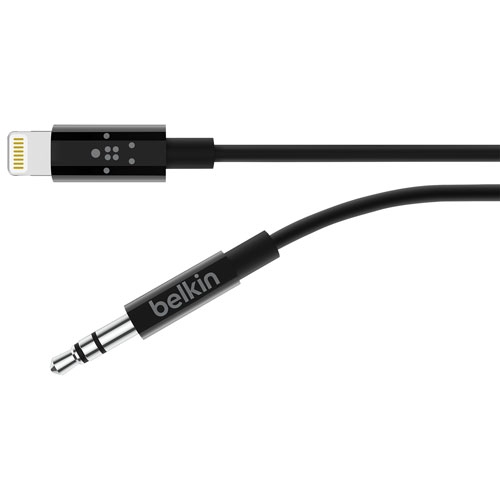
![SUPERSHIELD Iphone Aux Cord for Car Stereo, [Apple Mfi Certified] Lightning to 3.5MM Audio Cable Compatible w Iphone 13 12 11 Xs Xr X Se2 8 7 to Car](https://multimedia.bbycastatic.ca/multimedia/products/500x500/170/17020/17020808.jpeg)

Wired audio compatibility goes beyond matching the plugs
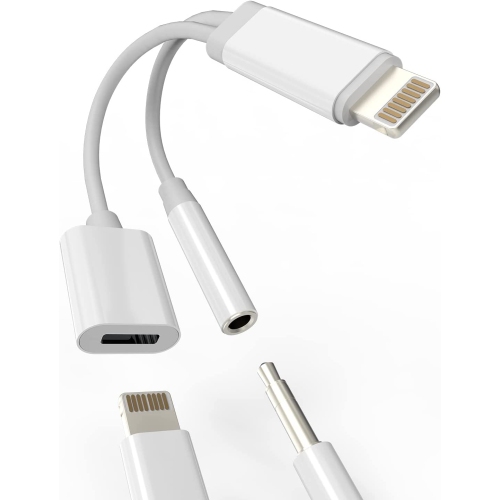
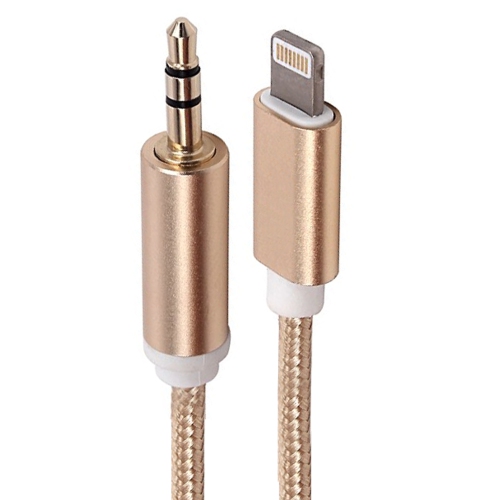
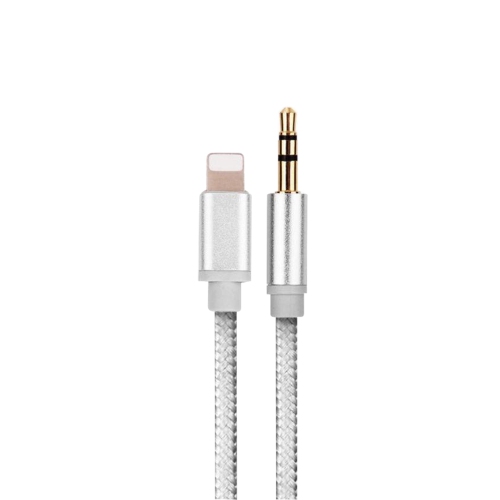
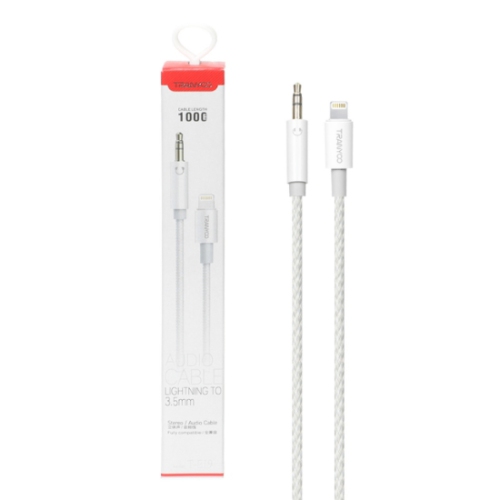
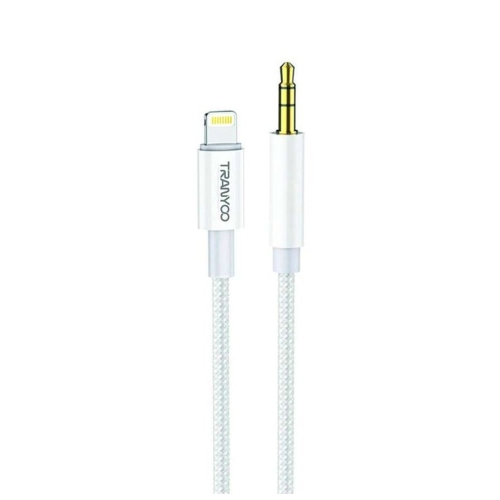
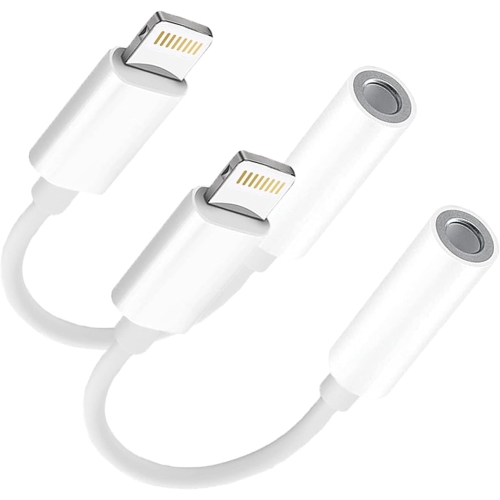
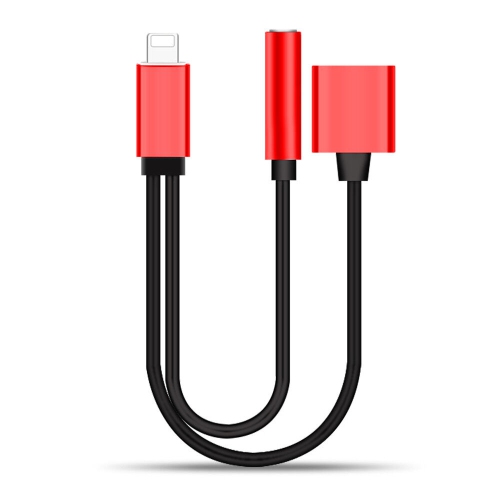
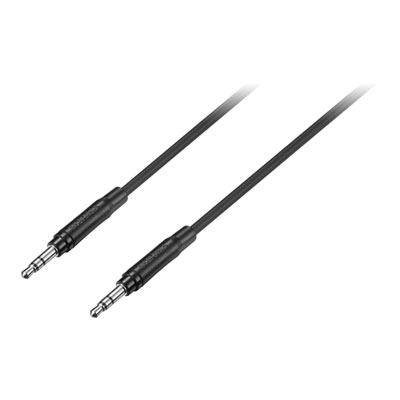
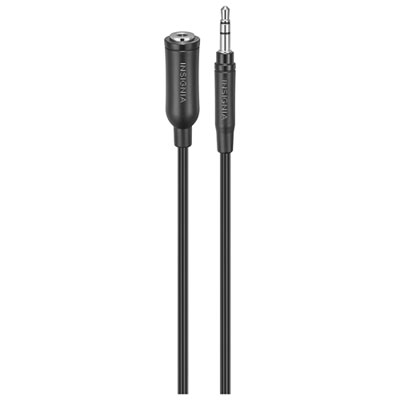
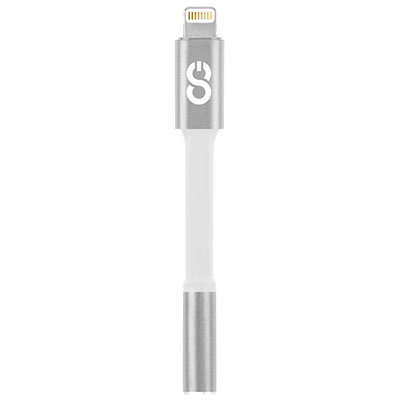
A Lightning to aux adapter or cable connects a compatible phone or tablet with a Lightning port to wired headphones, powered speakers, or a car stereo with a 3.5mm auxiliary input. It provides a wired audio path for music, podcasts, audiobooks, and other playback when the source device does not have a built-in headphone socket. For this connection to work, digital audio from the Lightning port must be converted into the analogue signal used by a conventional aux input. That makes audio compatibility more important than simply finding plugs that look right. A charging cable alone does not provide the same function, and a Lightning connector will not fit a USB-C port. Two common layouts suit different setups. A compact adapter with a female 3.5mm socket accepts the existing plug on wired headphones or a separate aux cable. A cable with a Lightning plug at one end and a male 3.5mm plug at the other connects directly to an auxiliary input, without a separate audio lead between them. The first layout is useful when headphones already have an attached cable; the second can keep a phone-to-stereo connection simpler. In a vehicle, the receiving socket needs to be an audio input, often labelled AUX, rather than a headphone output or a charging port. At home, the connection generally belongs in an auxiliary or line input on powered speakers or an audio receiver, not directly in the terminals of passive speakers. Connector direction also matters: an accessory intended to send sound from a Lightning device to a stereo is not automatically suitable for bringing sound from an external source into that device. Checking the stated source device support, plug arrangement, and intended audio direction helps distinguish a suitable listening accessory from a cable made for another purpose.
Cable length, connector shape, and construction have a noticeable effect on everyday comfort. A short adapter can sit neatly between a phone and headphone cable, while a longer lead may be needed to reach a car’s centre console or speakers on a desk. Extra length is not always helpful: a loose coil can catch on a chair arm, crowd a storage compartment, or pull against the phone when picked up. A useful fit allows a little slack without leaving cable stretched across a walkway or draped over vehicle controls. Straight plugs are straightforward where there is open space around a socket, while right-angle plugs can reduce protrusion in some layouts. Their orientation still needs to suit the location of the port and any surrounding trim. Phone cases deserve attention, too, because a thick case or narrow port opening may prevent a bulky connector housing from seating fully. Forcing a plug through an obstructed opening can strain both the accessory and the device. Flexible cable jackets, reinforced strain relief near each connector, and securely assembled housings are practical details for accessories that move between a bag, desk, and vehicle. Braided coverings can help resist surface abrasion, while smooth jackets may slide more easily into a small pouch and wipe clean with less effort; neither construction makes a cable immune to damage. Pulling from the connector housing rather than the cord, avoiding tight bends at the plug, and storing the cable in loose loops can help limit wear. Keep connectors free of pocket lint and moisture, and disconnect the accessory before wiping its exterior with a soft, dry cloth. A lightweight adapter should not be left supporting the weight of a dangling phone or a heavy bundle of cables. These details are especially relevant for commuters, students, and anyone who connects and disconnects wired audio several times a day.
Audio features can vary even when the connectors appear identical. Some Lightning to aux accessories are intended for stereo playback only, while others also support a compatible headset microphone or certain inline controls. A 3.5mm socket by itself does not confirm support for calls, volume buttons, or microphone input, so those functions need to be stated in the accessory’s specifications. Headset plug wiring also matters, particularly when a microphone shares the same connector as the headphones. A car’s auxiliary input generally receives sound rather than providing a return path for speech, so hearing a caller through the speakers does not mean a microphone connection has been established through the aux cable. Likewise, a basic audio adapter should not be assumed to charge the connected phone. Simultaneous charging and listening require an accessory designed for both functions, with explicit support for the device and charging arrangement. For playback, conversion circuitry is only one part of the result: the recording, headphones, speakers, and receiving equipment also influence what is heard. A wired connection does not guarantee higher volume or eliminate every source of noise. If a vehicle setup produces a hum while the phone is charging, the charging arrangement may be contributing interference rather than the audio cable being the only cause. Secure connections and sensible volume settings are useful starting points, with adjustments made while safely parked rather than while driving. The Lightning Cable To 3.5mm category is another way to explore this connection format when matching a Lightning device to a traditional audio socket. For someone who enjoys familiar wired headphones, listens through an older stereo, or shares audio through compact powered speakers, the right connection can keep that setup useful without changing the listening routine. As a practical gift, compatibility matters more than appearance: knowing the recipient’s device port, existing cable ends, and usual listening setup makes the accessory more likely to fit comfortably into daily use.
Cable length, connector shape, and construction have a noticeable effect on everyday comfort. A short adapter can sit neatly between a phone and headphone cable, while a longer lead may be needed to reach a car’s centre console or speakers on a desk. Extra length is not always helpful: a loose coil can catch on a chair arm, crowd a storage compartment, or pull against the phone when picked up. A useful fit allows a little slack without leaving cable stretched across a walkway or draped over vehicle controls. Straight plugs are straightforward where there is open space around a socket, while right-angle plugs can reduce protrusion in some layouts. Their orientation still needs to suit the location of the port and any surrounding trim. Phone cases deserve attention, too, because a thick case or narrow port opening may prevent a bulky connector housing from seating fully. Forcing a plug through an obstructed opening can strain both the accessory and the device. Flexible cable jackets, reinforced strain relief near each connector, and securely assembled housings are practical details for accessories that move between a bag, desk, and vehicle. Braided coverings can help resist surface abrasion, while smooth jackets may slide more easily into a small pouch and wipe clean with less effort; neither construction makes a cable immune to damage. Pulling from the connector housing rather than the cord, avoiding tight bends at the plug, and storing the cable in loose loops can help limit wear. Keep connectors free of pocket lint and moisture, and disconnect the accessory before wiping its exterior with a soft, dry cloth. A lightweight adapter should not be left supporting the weight of a dangling phone or a heavy bundle of cables. These details are especially relevant for commuters, students, and anyone who connects and disconnects wired audio several times a day.
Audio features can vary even when the connectors appear identical. Some Lightning to aux accessories are intended for stereo playback only, while others also support a compatible headset microphone or certain inline controls. A 3.5mm socket by itself does not confirm support for calls, volume buttons, or microphone input, so those functions need to be stated in the accessory’s specifications. Headset plug wiring also matters, particularly when a microphone shares the same connector as the headphones. A car’s auxiliary input generally receives sound rather than providing a return path for speech, so hearing a caller through the speakers does not mean a microphone connection has been established through the aux cable. Likewise, a basic audio adapter should not be assumed to charge the connected phone. Simultaneous charging and listening require an accessory designed for both functions, with explicit support for the device and charging arrangement. For playback, conversion circuitry is only one part of the result: the recording, headphones, speakers, and receiving equipment also influence what is heard. A wired connection does not guarantee higher volume or eliminate every source of noise. If a vehicle setup produces a hum while the phone is charging, the charging arrangement may be contributing interference rather than the audio cable being the only cause. Secure connections and sensible volume settings are useful starting points, with adjustments made while safely parked rather than while driving. The Lightning Cable To 3.5mm category is another way to explore this connection format when matching a Lightning device to a traditional audio socket. For someone who enjoys familiar wired headphones, listens through an older stereo, or shares audio through compact powered speakers, the right connection can keep that setup useful without changing the listening routine. As a practical gift, compatibility matters more than appearance: knowing the recipient’s device port, existing cable ends, and usual listening setup makes the accessory more likely to fit comfortably into daily use.
Top selling and popular products
-
 Your price for this item is $19.99
 -
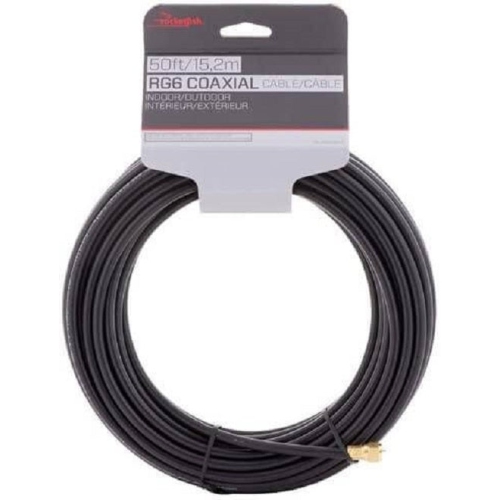 Your price for this item is $26.99
 -
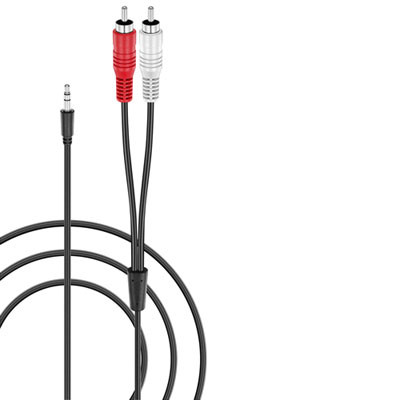 Your price for this item is $14.99
 -
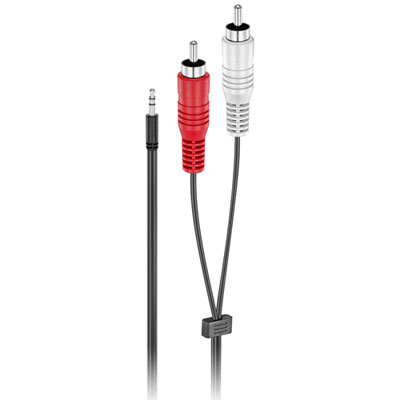 Your price for this item is $14.99
 -
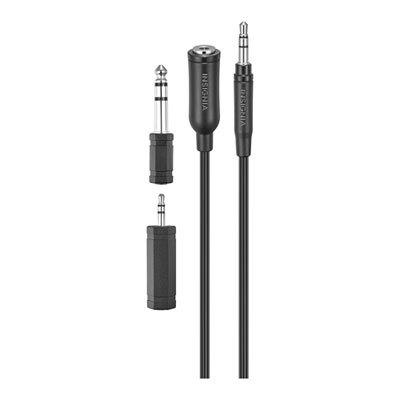 Your price for this item is $19.99
 -
 Your price for this item is $19.99
 -
 Your price for this item is $9.99
 -
 Your price for this item is $17.5
Discover more categories related to Lightning To Aux
Top Collections:
Pokemon Centers, Best Cameras for Sports Photography, Kindle Devices, Samsung Galaxy Phones, Canon G7X Cameras, Pokémon 30th Celebration Cards, Refurbished Apple Laptops, iPhone 15 Apple, Laptops for Students, Budget Smartphones
Some products may be subject to Environmental Handling Fees
(EHF) depending on your province.
Learn more about EHFs.