Moto G6 Play
Discover the Moto G6 Play, a smartphone designed to keep up with your busy lifestyle. Whether you’re staying connected with friends, capturing memories on the go, or enjoying your favorite apps, the Moto G6 Play offers a seamless mobile experience. Explore a range of options and find the perfect fit for your needs, all while enjoying reliable performance and user-friendly design. Shop Moto G6 Play models and accessories to enhance your everyday communication and entertainment.
Sort
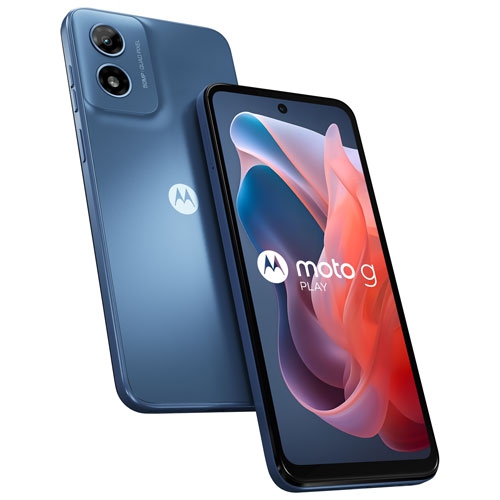
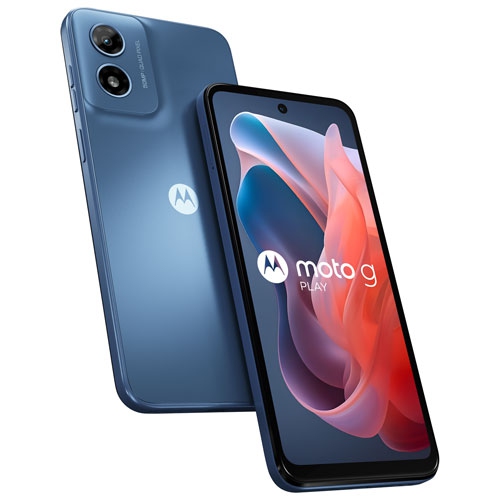



Small details that shape an older phone’s everyday usefulness
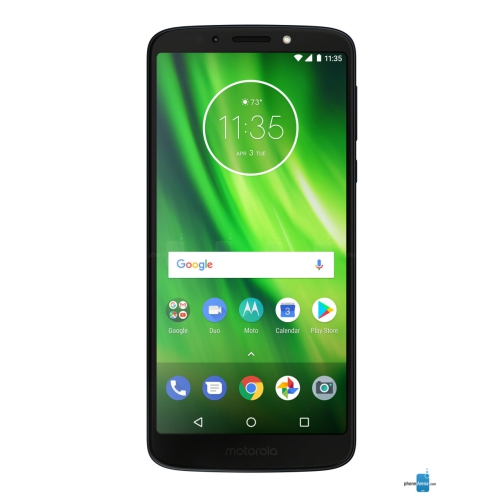
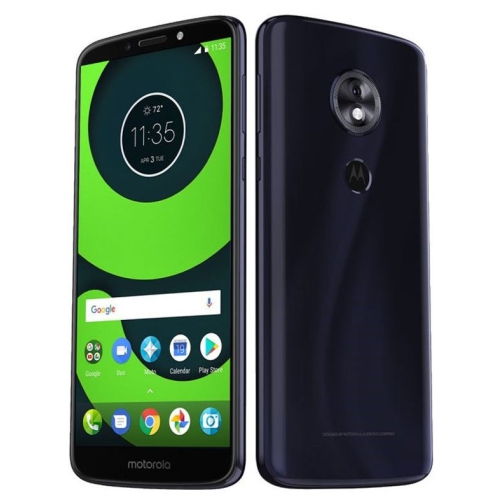
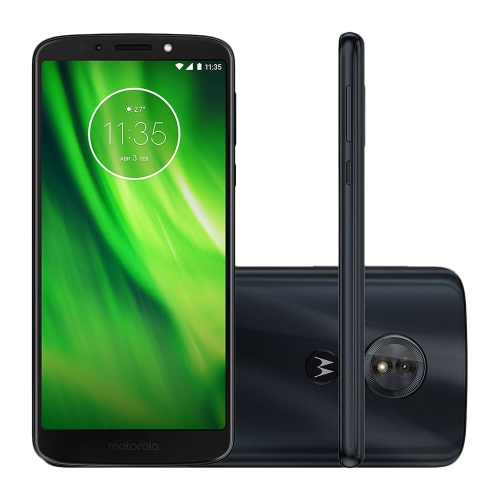
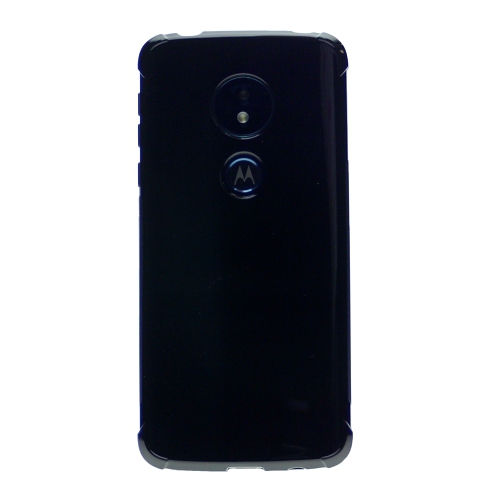
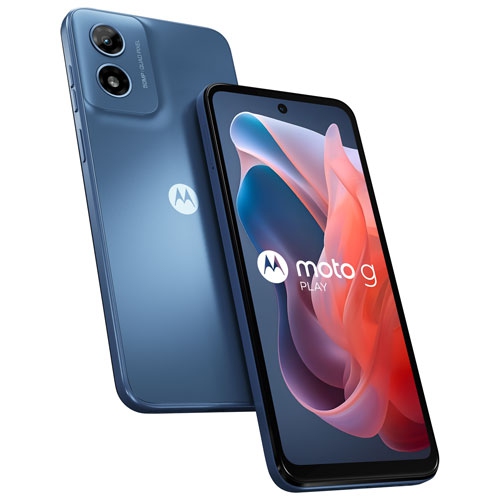
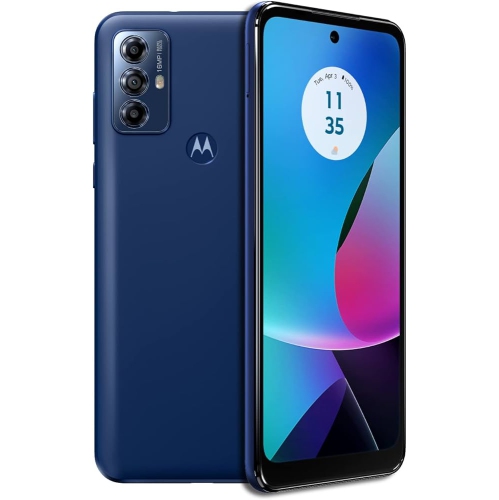
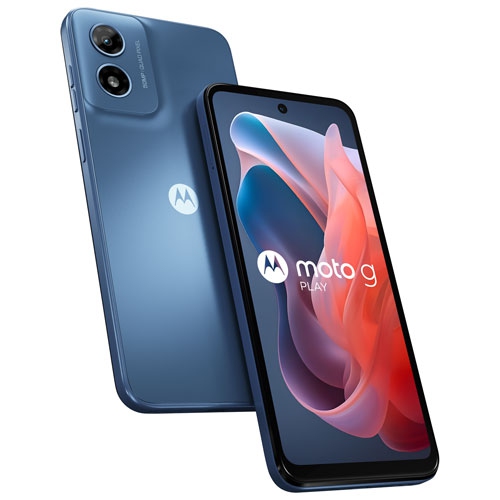
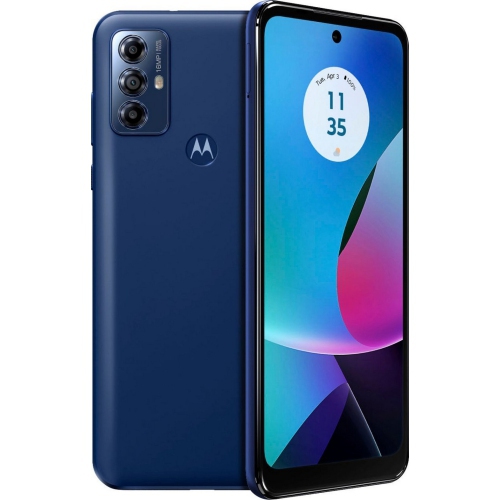
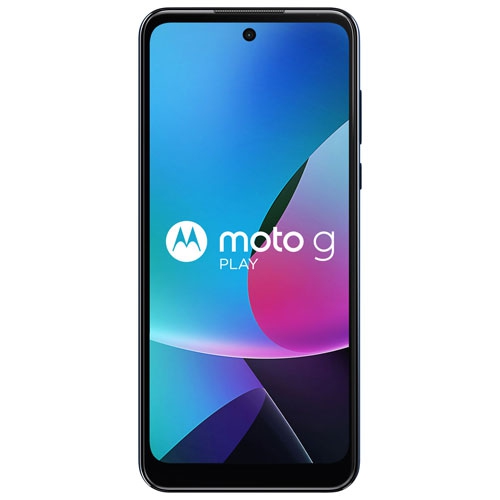
Everyday smartphones bring calls, messages, photos, navigation, and entertainment together in a device that slips into a pocket or small bag. For someone who mainly checks transit routes, keeps in touch with family, and listens to music on the commute, a straightforward handset can be a comfortable fit without an extensive set of advanced features. The most meaningful differences often show up in ordinary moments: whether text is easy to read, whether the phone feels secure in one hand, and whether there is enough storage for photos and essential apps. A taller screen shape can provide more room for conversations and articles while keeping the body relatively narrow, although reaching the upper corners may still require a second hand. Screen resolution affects the sharpness of small lettering and images, while brightness and viewing angles influence how easily the display can be shared with another person. A lightweight plastic body can make a phone comfortable to carry, and curved edges may sit naturally against the palm. Glossy finishes tend to show fingerprints and benefit from a case with a little texture, particularly when the phone is frequently lifted from a desk or pulled from a bag. Physical features also shape daily use. A rear fingerprint reader may be convenient when holding the device, while a headphone jack allows a compatible wired headset to connect without an adapter. Button placement matters for anyone using a close-fitting case or relying on tactile controls to adjust call volume. These practical details can make an older smartphone suitable as a secondary handset, a first phone with appropriate parental settings, or a familiar option for someone who prefers a simpler routine. Suitability depends on the individual device’s condition, software, and network compatibility rather than appearance alone. A phone intended for occasional calls has different demands from one expected to run workplace tools, banking apps, and turn-by-turn directions throughout the day.
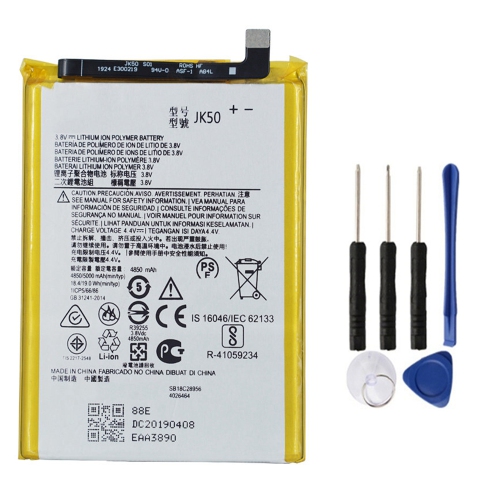
Battery capacity is an important part of that experience, but the number on a specification sheet does not tell the whole story. Actual time between charges depends on battery age, screen brightness, signal strength, background activity, and the apps in use. A handset kept mostly for calls and messages may behave quite differently from the same device used for video streaming or navigation. With an older phone, battery condition deserves particular attention because charging capacity can decline over time, even when the exterior remains tidy. Charging connections also differ between generations, so a cable needs the correct plug at both ends and a charger suited to the device. Support for faster charging depends on the phone, charger, and cable working together; a connector that fits does not by itself establish charging speed. Storage and memory have similarly distinct roles. Internal storage holds the operating system, apps, downloaded files, and photos, whereas memory helps the phone manage active tasks. Limited memory can become noticeable when switching between a map, a messaging conversation, and a browser, particularly with demanding apps. Where supported, a memory card can provide additional room for photos, music, and other files, but it does not necessarily expand the space usable by every app or improve processing speed. Camera usefulness also extends beyond megapixel counts. Focus accuracy, available light, lens cleanliness, and processing all affect a quick snapshot of a pet or the readability of a photographed document. Older camera systems may be adequate for casual sharing while offering less detail in dim indoor settings or with moving subjects. For everyday listening, speaker clarity and headset compatibility can matter more than advanced audio features. Shoppers comparing related phone families can also explore Moto G7 Powers, keeping battery condition, software support, and intended use in view alongside the headline specifications. A familiar-looking design does not establish that two handsets share the same charging accessories, case dimensions, or internal hardware.
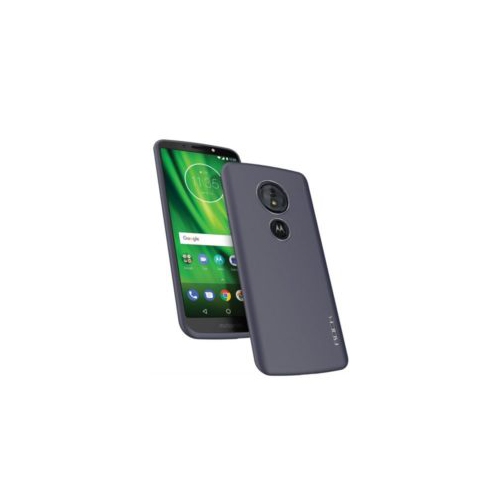
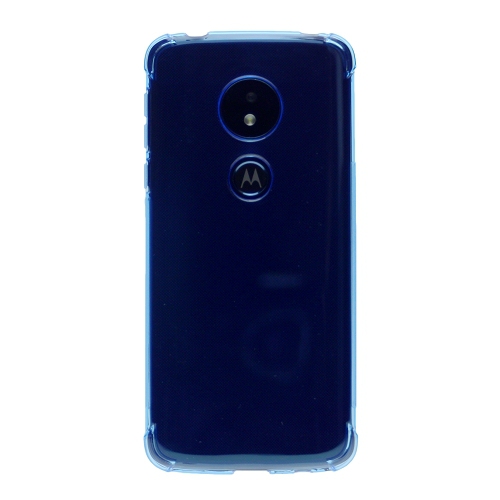
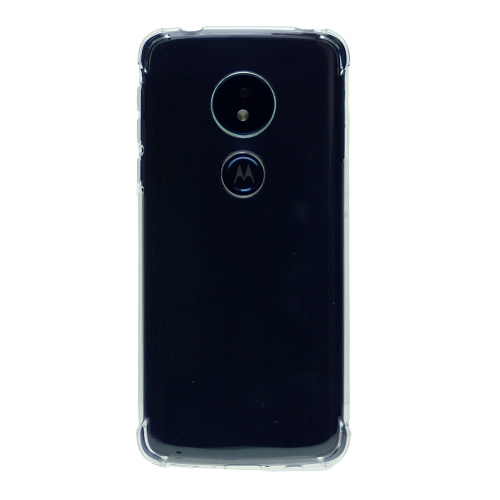
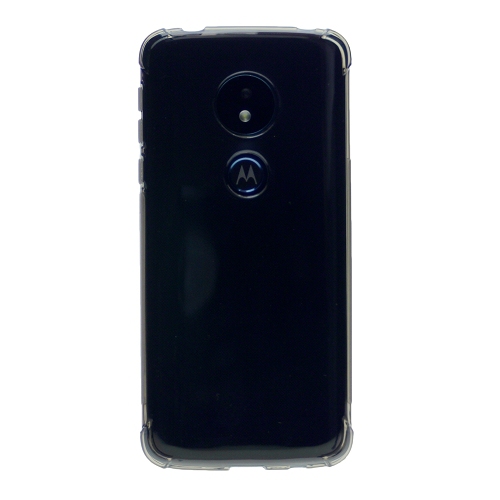
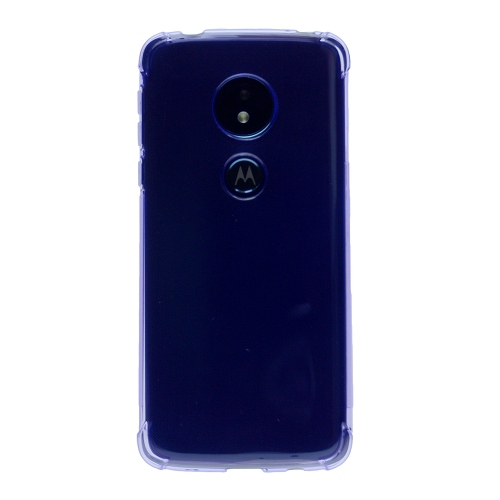
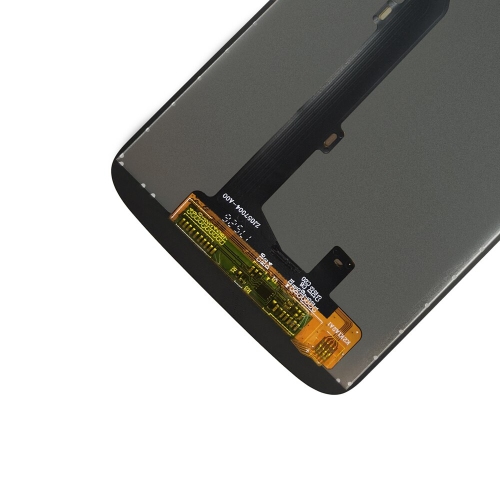
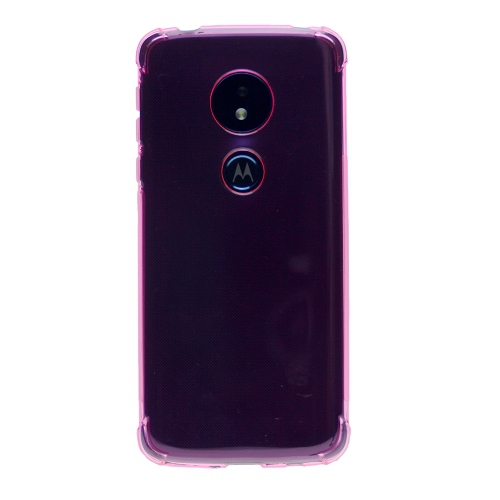
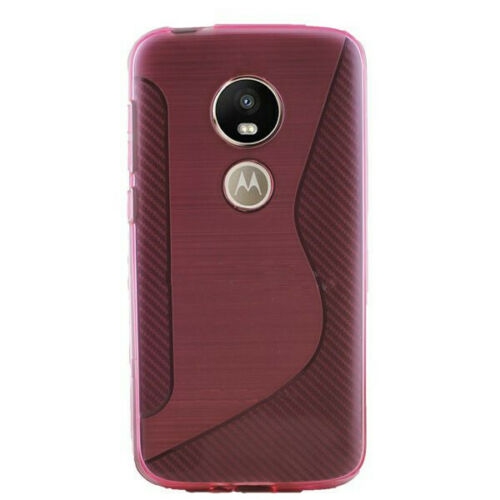
Cases, screen protectors, cables, and headsets help tailor a phone to its owner, provided the fit and connections match the exact handset variant. Closely related phones can have different camera openings, fingerprint reader positions, and button layouts, making model-specific fit essential for protective accessories. Flexible cases can add grip and soften everyday knocks, while firmer shells offer a more structured feel. Designs combining a flexible inner layer with a rigid outer section may provide added cushioning, though protection depends on construction and does not make a phone damage-proof. Raised edges can help keep the screen and camera area away from a flat surface, and a well-shaped opening leaves the charging plug room to seat fully. Screen protectors should align with the display, front camera, and sensors; poor alignment can interfere with visibility or operation. Routine care is simple but worthwhile: a soft, lint-free cloth removes fingerprints, and loose grit should be lifted away rather than rubbed across the screen. Cleaning liquid should never be sprayed directly into ports or speaker openings, and water resistance should not be assumed. For a previously owned handset, relevant condition details include screen wear, charging-port fit, speaker and microphone function, and whether earlier account locks have been removed. A factory reset clears personal information when completed correctly, but it does not restore battery health or extend software support. Older operating systems may no longer receive security updates, and some apps may require a newer version to install or function. That matters especially for sensitive accounts and work-related information. Canadian carrier compatibility also involves more than inserting a SIM card: the exact variant, supported network bands, and carrier requirements for voice calling all matter. Wi-Fi can support many online activities at home, but it is not a substitute for compatible cellular service away from a connection. As a gift, a phone is most useful when its screen, controls, charging setup, and app support suit the recipient’s habits. A comfortable case and a compatible headset can complete that everyday setup without adding unnecessary complexity.
Battery capacity is an important part of that experience, but the number on a specification sheet does not tell the whole story. Actual time between charges depends on battery age, screen brightness, signal strength, background activity, and the apps in use. A handset kept mostly for calls and messages may behave quite differently from the same device used for video streaming or navigation. With an older phone, battery condition deserves particular attention because charging capacity can decline over time, even when the exterior remains tidy. Charging connections also differ between generations, so a cable needs the correct plug at both ends and a charger suited to the device. Support for faster charging depends on the phone, charger, and cable working together; a connector that fits does not by itself establish charging speed. Storage and memory have similarly distinct roles. Internal storage holds the operating system, apps, downloaded files, and photos, whereas memory helps the phone manage active tasks. Limited memory can become noticeable when switching between a map, a messaging conversation, and a browser, particularly with demanding apps. Where supported, a memory card can provide additional room for photos, music, and other files, but it does not necessarily expand the space usable by every app or improve processing speed. Camera usefulness also extends beyond megapixel counts. Focus accuracy, available light, lens cleanliness, and processing all affect a quick snapshot of a pet or the readability of a photographed document. Older camera systems may be adequate for casual sharing while offering less detail in dim indoor settings or with moving subjects. For everyday listening, speaker clarity and headset compatibility can matter more than advanced audio features. Shoppers comparing related phone families can also explore Moto G7 Powers, keeping battery condition, software support, and intended use in view alongside the headline specifications. A familiar-looking design does not establish that two handsets share the same charging accessories, case dimensions, or internal hardware.
Cases, screen protectors, cables, and headsets help tailor a phone to its owner, provided the fit and connections match the exact handset variant. Closely related phones can have different camera openings, fingerprint reader positions, and button layouts, making model-specific fit essential for protective accessories. Flexible cases can add grip and soften everyday knocks, while firmer shells offer a more structured feel. Designs combining a flexible inner layer with a rigid outer section may provide added cushioning, though protection depends on construction and does not make a phone damage-proof. Raised edges can help keep the screen and camera area away from a flat surface, and a well-shaped opening leaves the charging plug room to seat fully. Screen protectors should align with the display, front camera, and sensors; poor alignment can interfere with visibility or operation. Routine care is simple but worthwhile: a soft, lint-free cloth removes fingerprints, and loose grit should be lifted away rather than rubbed across the screen. Cleaning liquid should never be sprayed directly into ports or speaker openings, and water resistance should not be assumed. For a previously owned handset, relevant condition details include screen wear, charging-port fit, speaker and microphone function, and whether earlier account locks have been removed. A factory reset clears personal information when completed correctly, but it does not restore battery health or extend software support. Older operating systems may no longer receive security updates, and some apps may require a newer version to install or function. That matters especially for sensitive accounts and work-related information. Canadian carrier compatibility also involves more than inserting a SIM card: the exact variant, supported network bands, and carrier requirements for voice calling all matter. Wi-Fi can support many online activities at home, but it is not a substitute for compatible cellular service away from a connection. As a gift, a phone is most useful when its screen, controls, charging setup, and app support suit the recipient’s habits. A comfortable case and a compatible headset can complete that everyday setup without adding unnecessary complexity.
Top selling and popular products
-
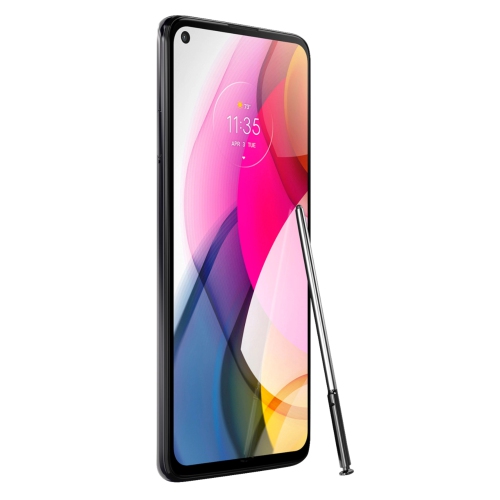 Your price for this item is $139
 -
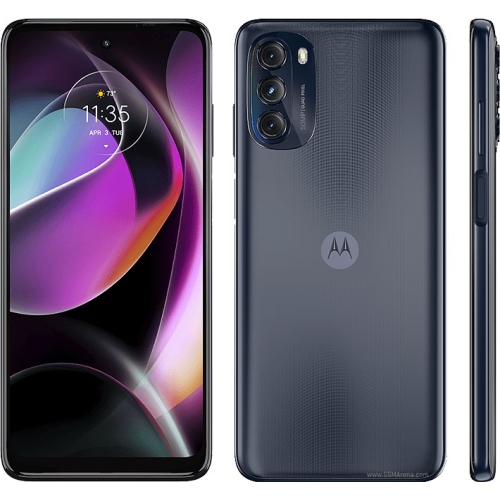 Your price for this item is $249
 -
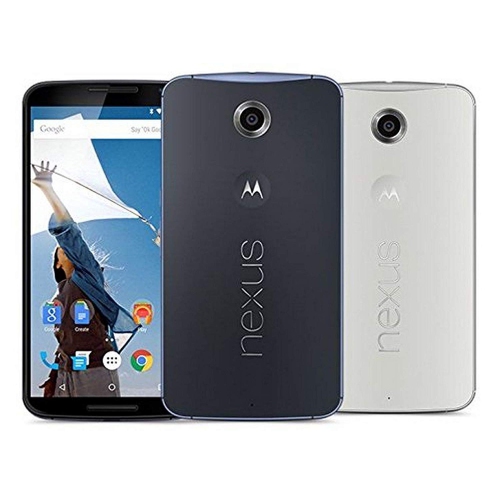 Your price for this item is $120
 -
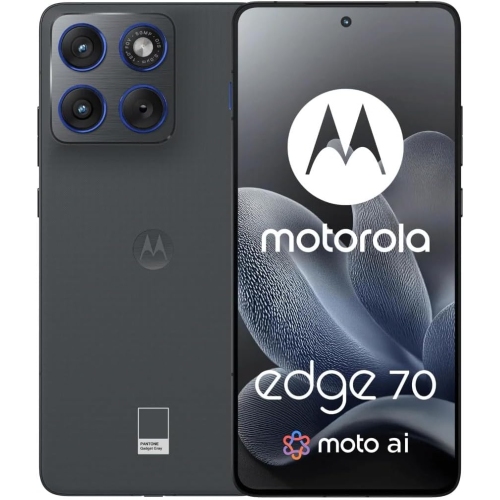 Your price for this item is $664.99
 -
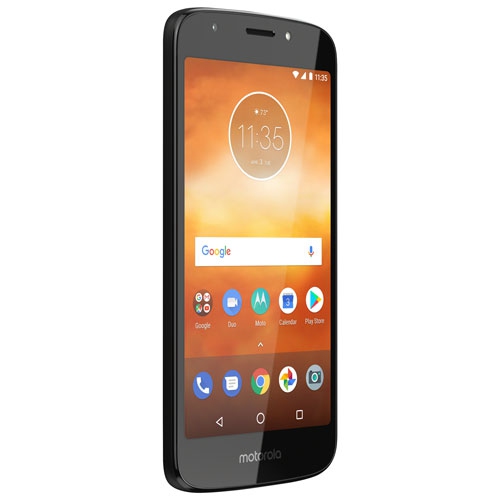 Your price for this item is $189.99
 -
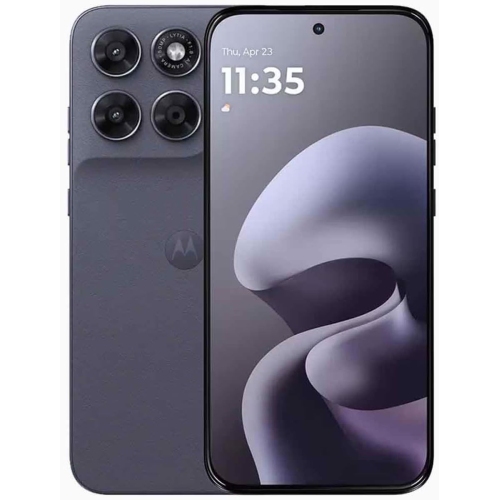 Your price for this item is $279.99
 -
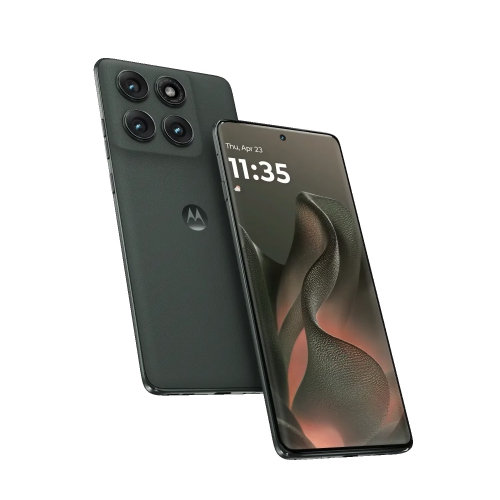 Your price for this item is $549.99
 -
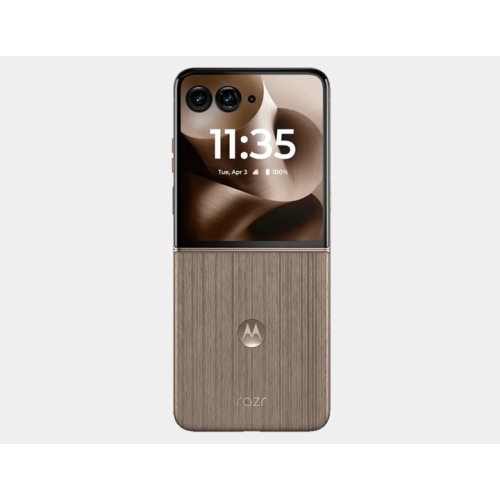 Your price for this item is $2651.99
Discover more categories related to Moto G6 Play
Top Collections:
Pokemon Centers, Best Cameras for Sports Photography, Kindle Devices, Samsung Galaxy Phones, Canon G7X Cameras, Pokémon 30th Celebration Cards, Refurbished Apple Laptops, iPhone 15 Apple, Laptops for Students, Budget Smartphones
Some products may be subject to Environmental Handling Fees
(EHF) depending on your province.
Learn more about EHFs.