Samsung Galaxy S20 Phones
Discover the impressive selection of Samsung Galaxy S20 Phones, designed to keep you connected and productive throughout your day. Whether you're looking for a device with advanced camera capabilities or seamless performance for work and play, these smartphones offer a range of options to suit your needs. Explore different models, colors, and storage capacities to find the perfect fit for your lifestyle. With Samsung Galaxy S20 Phones, staying in touch and on top of your tasks has never been easier.
Sort


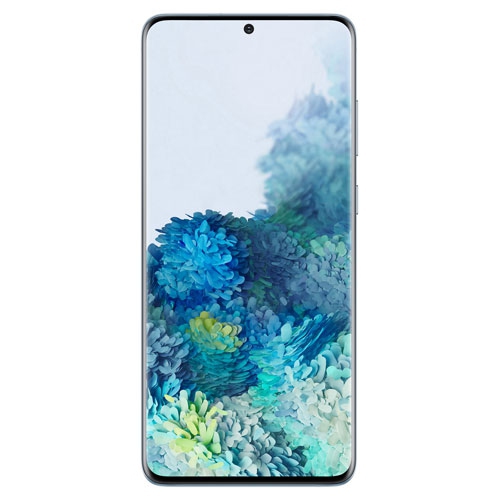
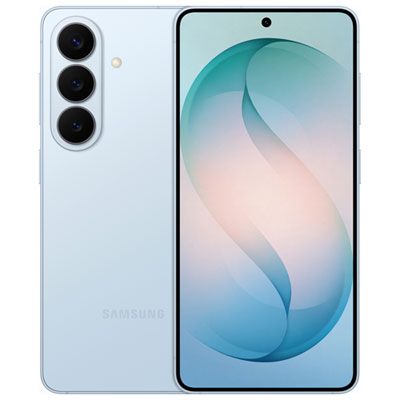
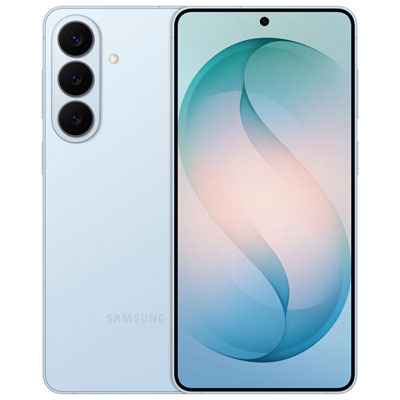
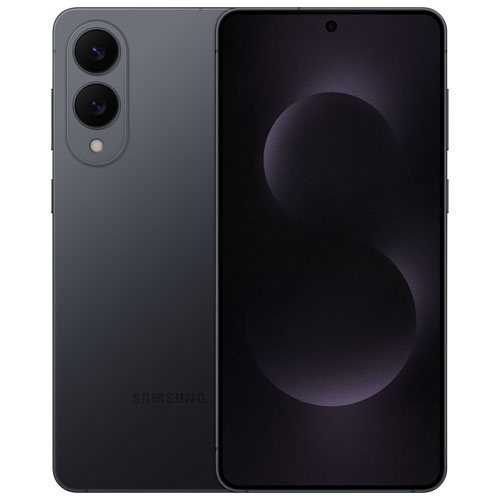
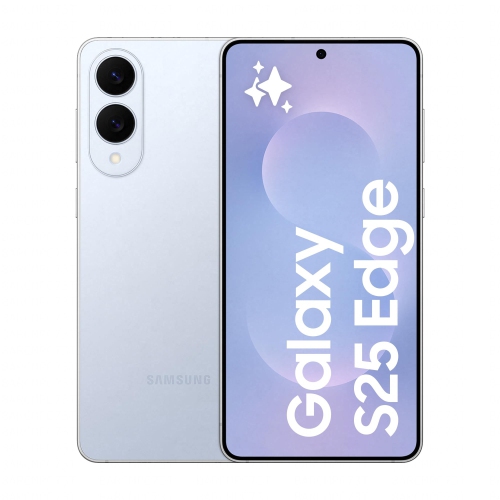

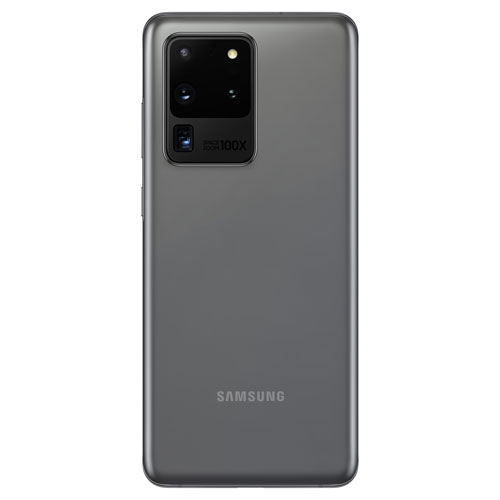


A compact flagship’s strengths and trade-offs years later
A 2020-era flagship smartphone can pair a pocket-friendly design with an AMOLED display, versatile rear cameras and 5G connectivity, depending on the version. That combination suits everyday uses such as messaging, navigation, video calls and streaming, while offering more creative flexibility than a basic handset. A screen around 6.2 inches provides room for reading conversations, framing photos and following directions without taking up as much space as a larger phone. Screen size alone does not determine comfort, though: the width of the body, rounded edges and the added thickness of a case all affect how securely a phone sits in the hand. AMOLED displays are known for deep blacks and strong contrast, which can make subtitles, photographs and small text easier to distinguish. Refresh rates up to 120Hz can also make scrolling and compatible games look smoother, although the available settings may depend on screen resolution and can affect battery life. For photography, multiple rear cameras offer different perspectives rather than simply duplicating the same view. A wide camera handles everyday scenes, an ultra-wide camera fits more of a room or landscape into the frame, and a telephoto option can help bring a distant subject closer. Camera arrangements and zoom performance vary by version, so the number of lenses is only part of the picture. Autofocus, stabilization, lighting and image processing all influence the final result. Selected devices from this generation also support video recording at resolutions up to 8K, creating large files that need ample storage and compatible playback equipment. For sharing a short clip of a pet or recording a family celebration, lower recording resolutions may be more practical. Clear speech, steady framing and enough free storage often matter more than choosing the highest resolution, particularly when capturing longer videos that cannot easily be repeated.
Connectivity and software compatibility are especially important when considering an older smartphone. A 5G-capable device needs support for the appropriate network bands, a compatible mobile plan and local carrier coverage; the presence of a 5G label does not guarantee the same experience on every Canadian network. LTE compatibility remains relevant for calls and data, while carrier support for features such as voice calling over LTE and Wi-Fi calling can vary. An unlocked phone offers flexibility, but its exact model number and regional version still matter, particularly for a device originally intended for another market. Physical SIM and eSIM support also differ between versions, and carrier acceptance should not be assumed. At home, Wi-Fi handles activities such as streaming and app downloads, while Bluetooth connects compatible headphones, speakers and vehicle audio systems. NFC can support contactless payments where the phone, payment service and bank are compatible. Software deserves equal attention because an older flagship’s original performance capabilities do not necessarily reflect its present-day suitability. Security updates and operating-system upgrades may have ended, and individual apps can change their minimum requirements over time. Banking, workplace access and accounts containing sensitive information make ongoing security support an important consideration. Accessibility features also shape everyday usability: adjustable text, screen magnification, captions and voice controls can make a device more comfortable, but their operation depends on the installed software. Storage capacity is another practical distinction. Photos, downloaded music, messaging attachments and offline maps can gradually fill a phone, and expandable storage is supported only on certain models. Comparing screen sizes, software support and connectivity across Samsung Galaxy Phones can help put the characteristics of an older generation into context. A comfortable screen and familiar controls are useful advantages, but they work best alongside reliable network compatibility, suitable app support and enough storage for the intended user’s routine.
Materials, condition and battery health have a direct effect on how an older phone feels in daily use. Glass surfaces and metal frames can give a handset a solid, refined feel, but glass remains vulnerable to cracking when dropped onto a hard floor. A fitted case adds grip and helps protect exposed edges, while a compatible screen protector can reduce surface wear. Accessories need to match the exact device dimensions and camera layout; phones with similar names or screen sizes do not necessarily share the same fit. Curved display edges can also affect how a protector sits and how easily a thumb reaches controls near the side of the screen. For a previously owned or refurbished phone, useful condition details include visible marks, display quality, charging-port function and whether the cameras focus properly. Persistent image shadows on an AMOLED screen can be particularly noticeable against pale backgrounds. Battery capacity declines with use and age, so original battery specifications cannot establish how long an individual device will run between charges. Someone who spends hours using navigation or recording video may have different expectations from someone who mainly makes calls and checks messages. USB-C charging is common in this generation, and wireless charging may also be supported, but compatible charging equipment and the condition of the charging port remain important. Original water-resistance ratings should not be treated as a guarantee for an older handset, especially after wear or repairs. Routine care is straightforward: use a soft, lint-free cloth, keep moisture out of openings and follow the device maker’s cleaning directions. A gifted phone also needs to suit the recipient’s habits, from readable text and comfortable handling to compatibility with existing headphones or a car’s audio system. For previously owned devices, completed account removal and a proper reset are essential so the next user can activate the phone without another person’s credentials. The most useful match is one whose physical condition, battery performance, software support and everyday features fit the person who will carry it.
Top selling and popular products
-
 Your price for this item is $288
-
 Your price for this item is $287
-
 Your price for this item is $399
-
 Your price for this item is $487.99
-
 Your price for this item is $399
-
 Your price for this item is $269
-
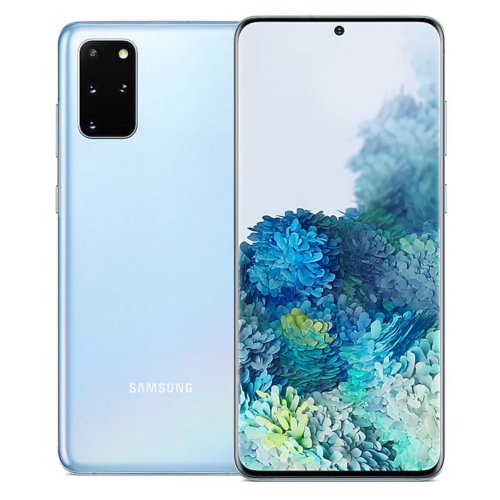 Your price for this item is $299
-
 Your price for this item is $468.99
Discover more categories related to Samsung Galaxy S20 Phones

Top Collections:
Best Black Friday Deals This Year, Best Black Friday Deals On Electronics, Kindle Devices, Pokemon Centers, Best Black Friday Deals On Apple Products, Best Cameras for Sports Photography, Dyson Airwrap, Pokémon 30th Celebration Cards, Apple iPhone 17 Pro, Canon G7X Cameras
Some products may be subject to Environmental Handling Fees
(EHF) depending on your province.
Learn more about EHFs.