SIM Cards for Laptop
Stay connected wherever you go with a SIM Card for Laptop, offering seamless access to mobile data on the move. Perfect for students, professionals, and travelers alike, these SIM cards make it easy to browse the web, check emails, and stream content without relying on Wi-Fi hotspots. Whether you're working remotely or enjoying entertainment on your laptop, a SIM Card for Laptop helps you stay productive and entertained with reliable connectivity. Explore options designed to fit a variety of laptops and data needs, making it simple to find the right solution for your lifestyle.
Sort
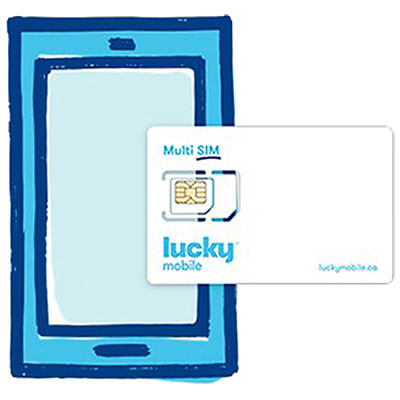
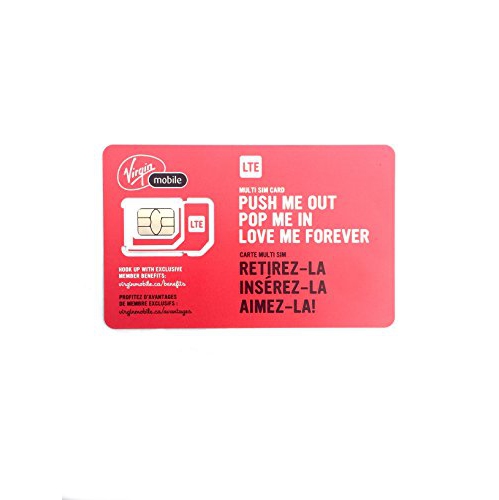
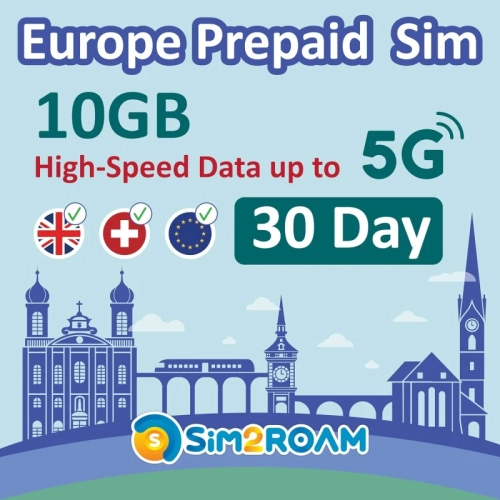
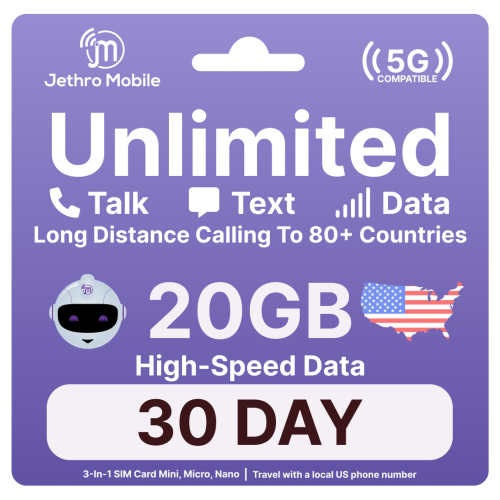
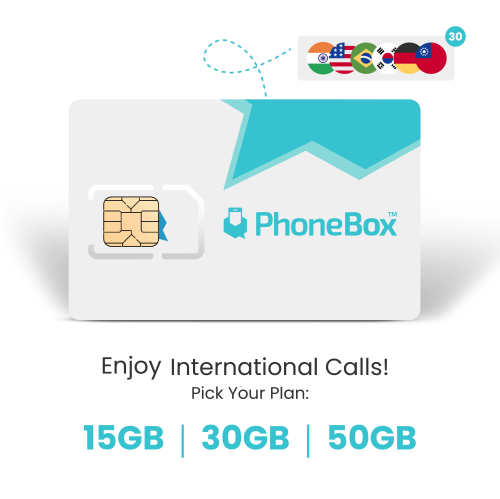
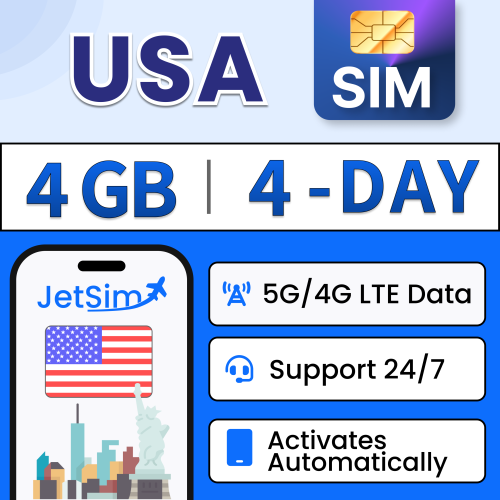
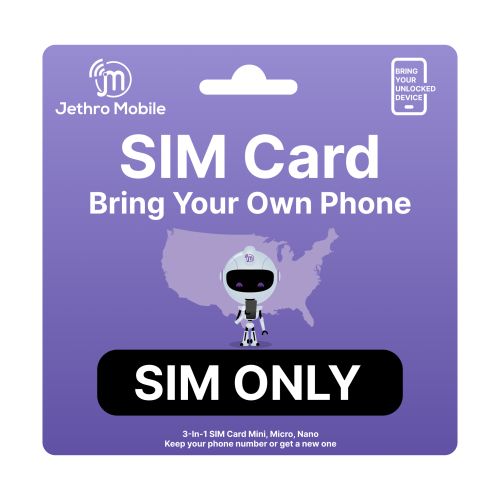
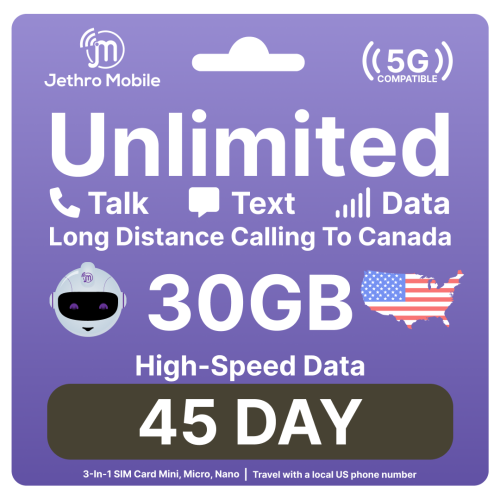
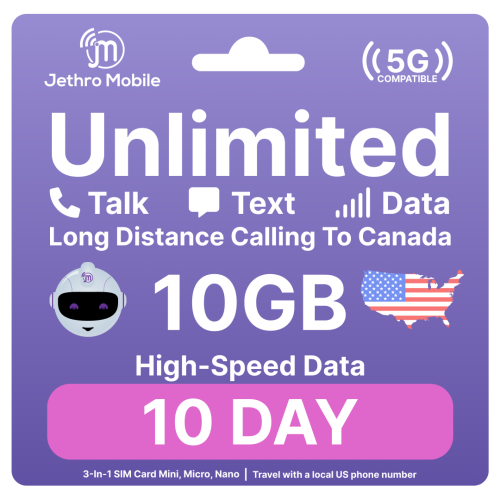
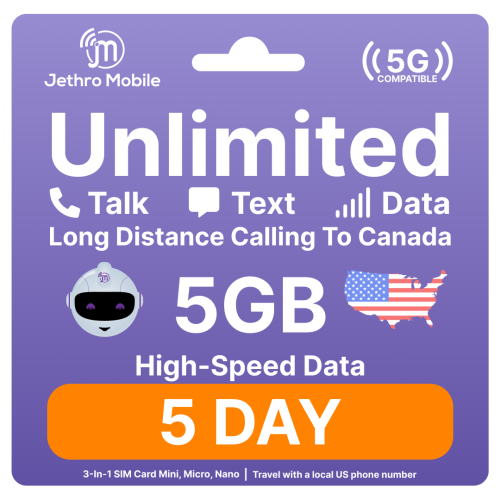
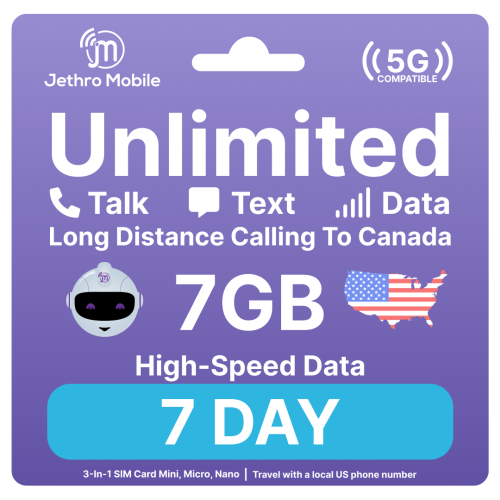
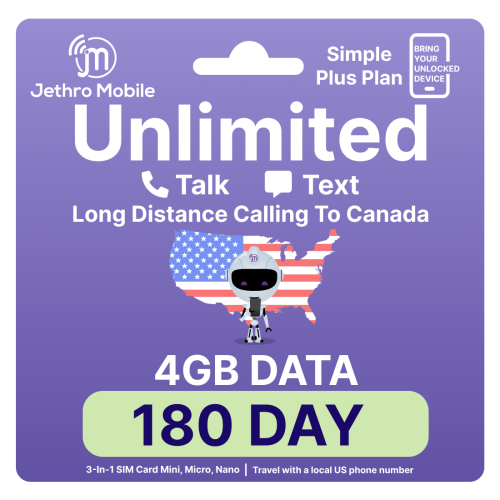
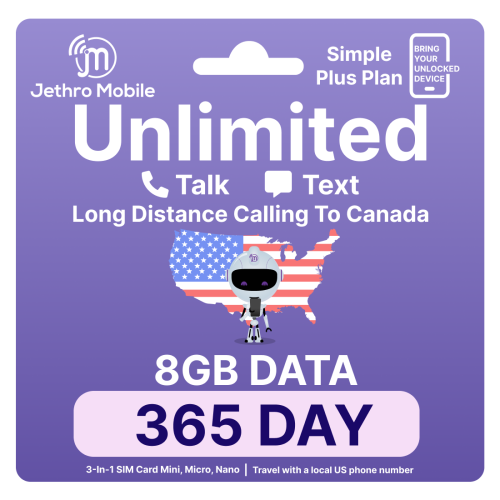
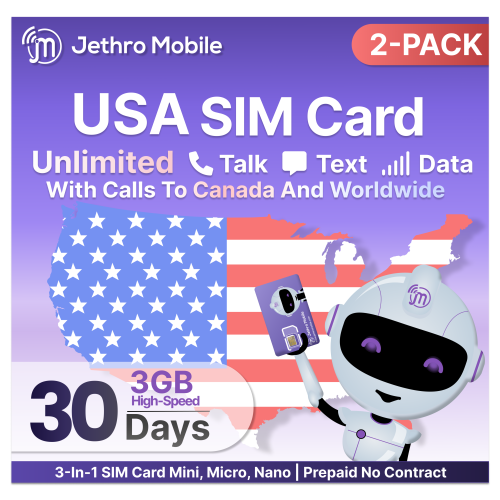
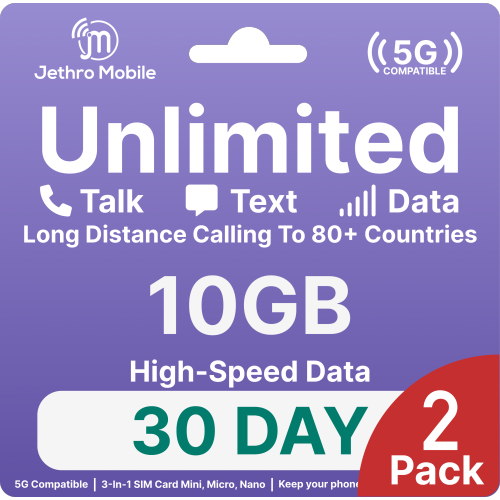
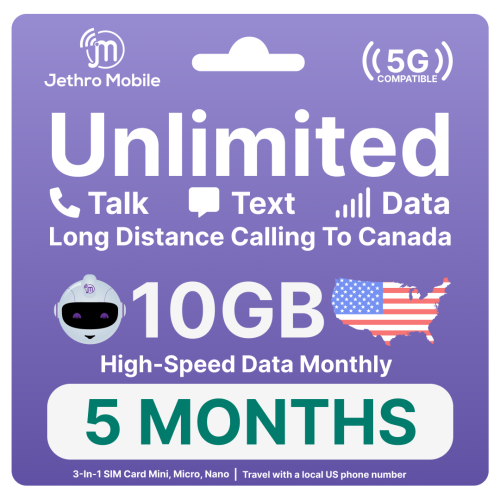
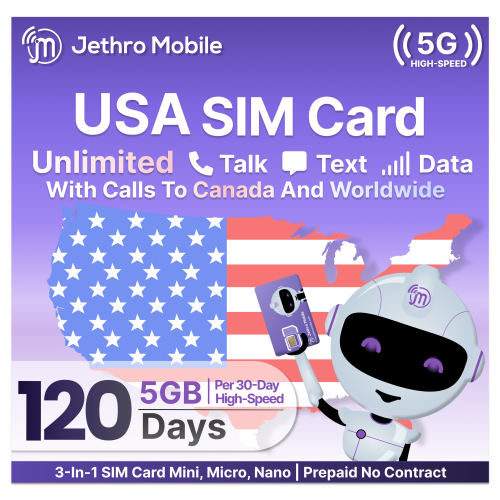
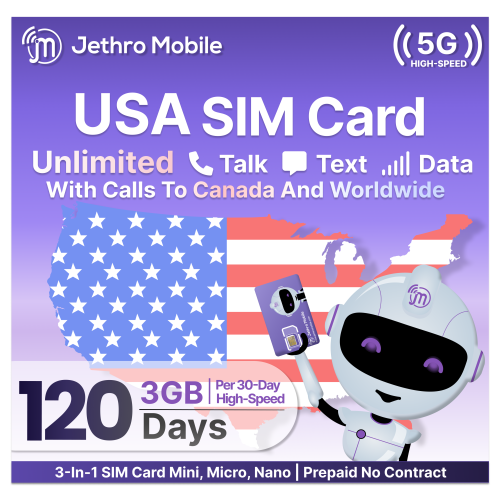
Stay connected with cellular data wherever you work
Staying connected on the go has never been more important, and for many, a sim card for laptop is the key to seamless, reliable internet access wherever life takes you. Whether you’re a frequent business traveller, a student attending classes from campus lawns, or a remote worker seeking productivity in local cafés, having a dedicated SIM card for your laptop means you’re no longer dependent on public Wi-Fi or the hassle of tethering from your phone. These SIM cards are designed specifically for data use, allowing your laptop to access 4G or 5G networks directly. The convenience of popping a tiny card into a compatible laptop and instantly connecting to high-speed networks makes it an ideal solution for those who value flexibility and mobility. It’s not just professionals who benefit—families embarking on summer road trips, students studying outdoors as the weather warms, or anyone who wants to stream, video chat, or work from parks and patios will find that a sim card for laptop can transform their digital experience.
When choosing a SIM card for your laptop, it’s important to verify that your device is equipped to support cellular connectivity. Many modern laptops come with a dedicated SIM tray, often located discreetly on the side or near the battery compartment. If your laptop is labelled as “Wireless WAN” capable, you’re likely set to use a nano or micro SIM card. Installation is straightforward: use a SIM ejector tool to open the tray, align the notched corner correctly, and insert the card. Most laptops running Windows will automatically recognize the new SIM under the network settings, making setup quick and intuitive. For laptops without a built-in SIM slot, alternatives like USB 4G modems or portable mobile hotspots offer similar connectivity benefits. It’s wise to opt for a data-only plan to ensure smooth and consistent internet access, as voice-enabled plans can sometimes complicate configuration. Avoid using SIM card adapters, as these may damage the delicate internal slot. Activation with your chosen network provider is usually required before your laptop can access mobile data, so be sure to follow the carrier’s instructions for a hassle-free start.
A sim card for laptop is also a thoughtful gift for students heading off to university, digital nomads, or anyone who values the freedom to work, learn, or play online from almost anywhere. As the days grow longer and outdoor gatherings become more frequent, the ability to stay connected—whether for streaming music at a picnic, joining a video call from a lakeside cabin, or researching on the fly—adds a layer of convenience and enjoyment to everyday life. For those exploring connectivity solutions beyond laptops, you can browse options on the SIM Card For Mobile Internet Access page to find the right fit for a range of devices. With the right SIM card for laptop, you can enjoy the freedom of mobile internet access all season long, making it easier to stay productive, entertained, and in touch wherever your adventures take you.
When choosing a SIM card for your laptop, it’s important to verify that your device is equipped to support cellular connectivity. Many modern laptops come with a dedicated SIM tray, often located discreetly on the side or near the battery compartment. If your laptop is labelled as “Wireless WAN” capable, you’re likely set to use a nano or micro SIM card. Installation is straightforward: use a SIM ejector tool to open the tray, align the notched corner correctly, and insert the card. Most laptops running Windows will automatically recognize the new SIM under the network settings, making setup quick and intuitive. For laptops without a built-in SIM slot, alternatives like USB 4G modems or portable mobile hotspots offer similar connectivity benefits. It’s wise to opt for a data-only plan to ensure smooth and consistent internet access, as voice-enabled plans can sometimes complicate configuration. Avoid using SIM card adapters, as these may damage the delicate internal slot. Activation with your chosen network provider is usually required before your laptop can access mobile data, so be sure to follow the carrier’s instructions for a hassle-free start.
A sim card for laptop is also a thoughtful gift for students heading off to university, digital nomads, or anyone who values the freedom to work, learn, or play online from almost anywhere. As the days grow longer and outdoor gatherings become more frequent, the ability to stay connected—whether for streaming music at a picnic, joining a video call from a lakeside cabin, or researching on the fly—adds a layer of convenience and enjoyment to everyday life. For those exploring connectivity solutions beyond laptops, you can browse options on the SIM Card For Mobile Internet Access page to find the right fit for a range of devices. With the right SIM card for laptop, you can enjoy the freedom of mobile internet access all season long, making it easier to stay productive, entertained, and in touch wherever your adventures take you.
Top selling and popular products
-
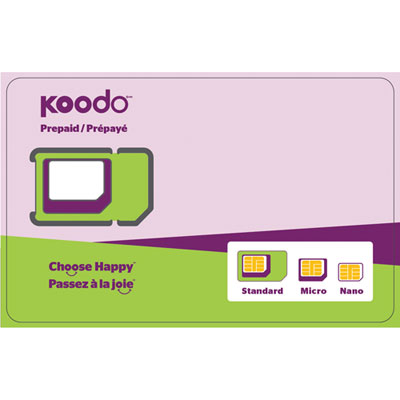 Your price for this item is $9.99
 -
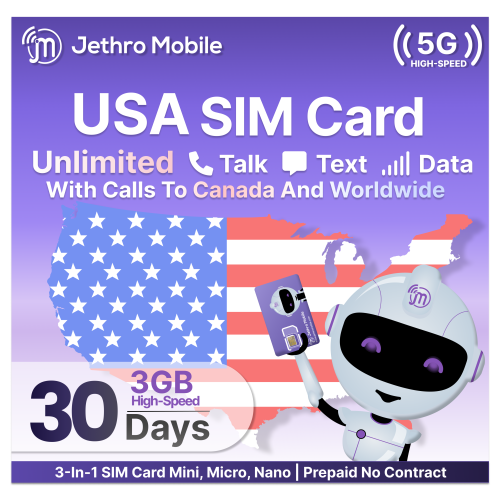 Your price for this item is $26.6
 -
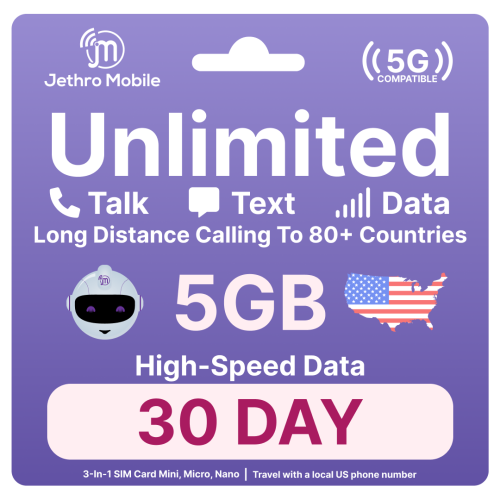 Your price for this item is $32.3
 -
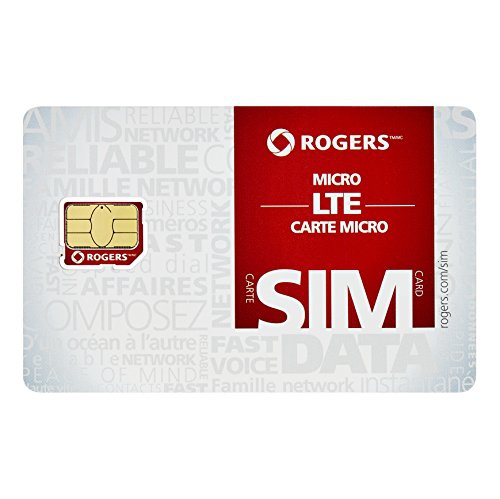 Your price for this item is $11.99
 -
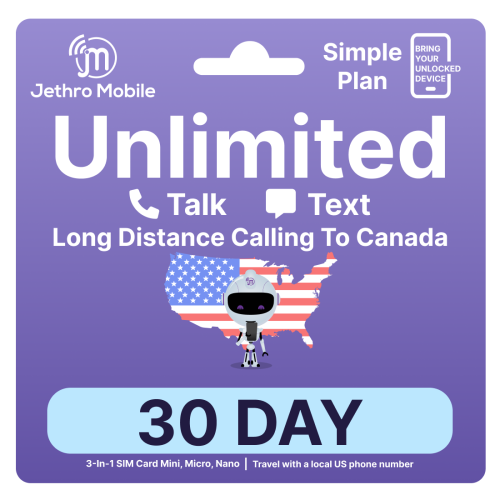 Your price for this item is $14
 -
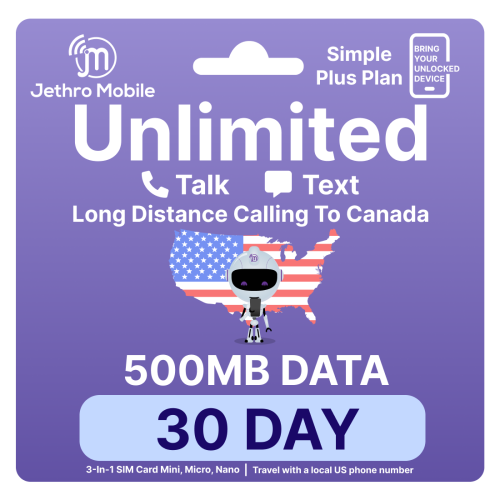 Your price for this item is $20
 -
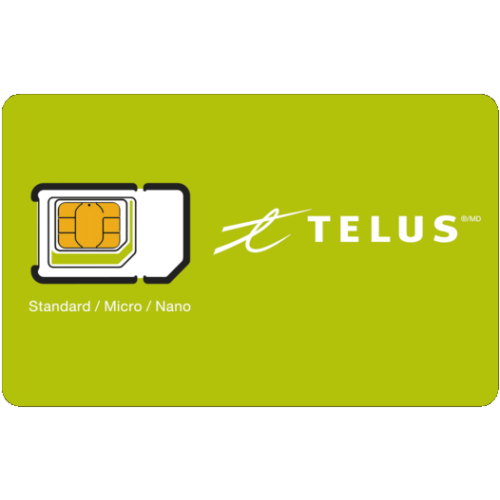 Your price for this item is $9.99
 -
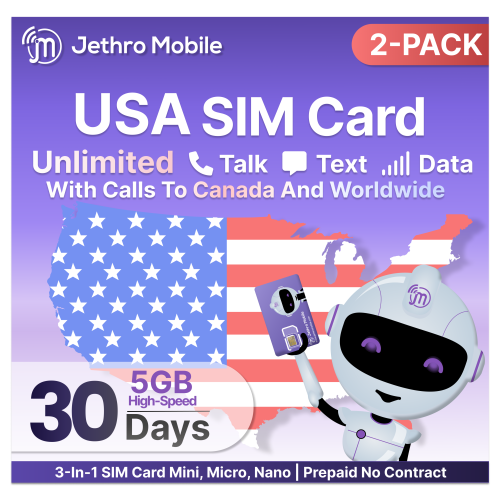 Your price for this item is $64.6
Discover more categories related to SIM Cards for Laptop
Top Collections:
Pokemon Centers, Kindle Devices, Best Budget Office Chairs, Apple iPhones 16, Best Laptops for Writers, iPhone 15 Apple, Canon G7X Cameras, Refurbished Apple Laptops, Alarm Clock, Motorola Razr Phones
Some products may be subject to Environmental Handling Fees
(EHF) depending on your province.
Learn more about EHFs.