Mobile Wi-Fi for Laptop
Stay connected on the go with mobile WiFi for your laptop. Whether you're a student, a professional, or a frequent traveler, having reliable internet access is essential in today's fast-paced world. With mobile WiFi, you can create your own personal hotspot and enjoy high-speed internet wherever you are. Say goodbye to searching for public WiFi or relying on slow and unreliable connections. Browse, stream, and work seamlessly with the convenience of mobile WiFi for your laptop.
Sort
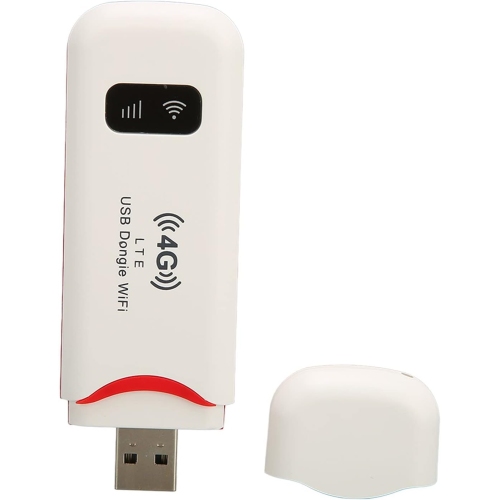
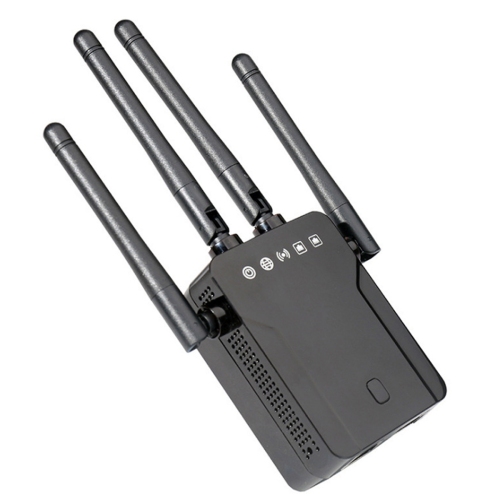
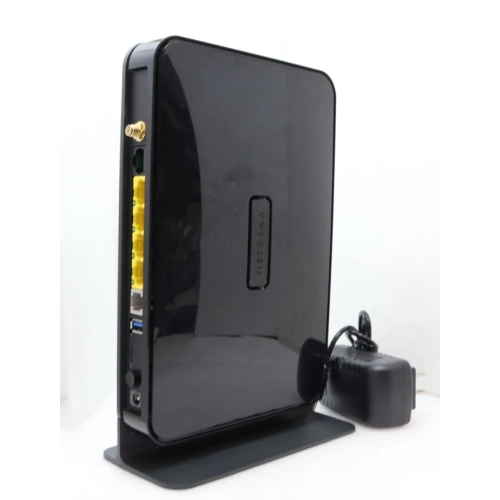
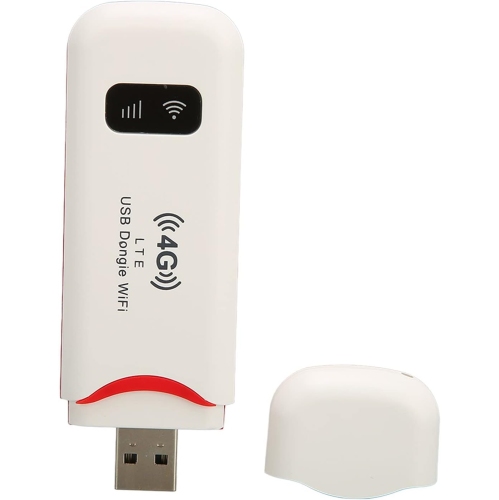


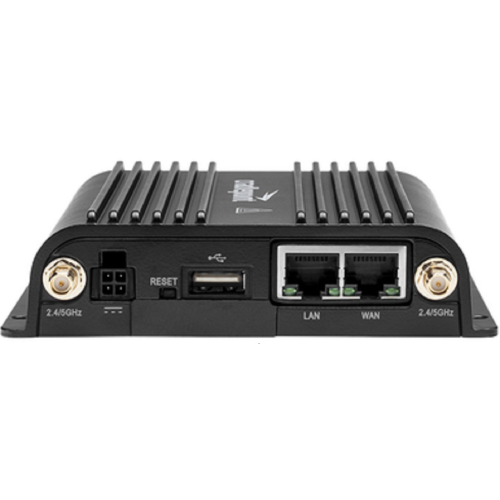
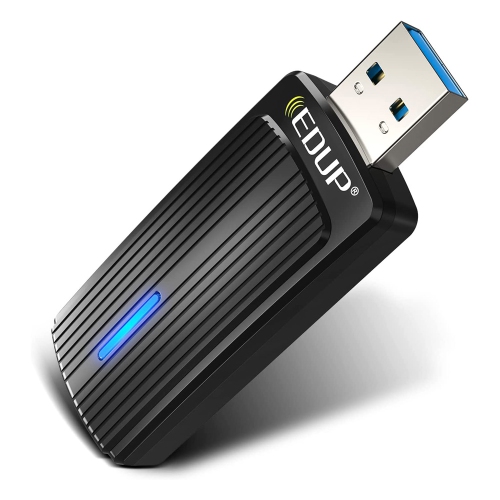
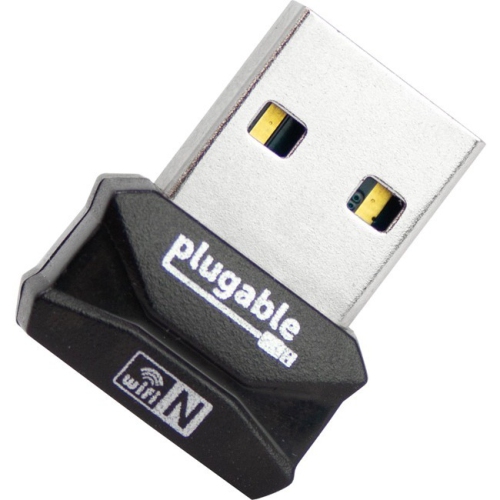
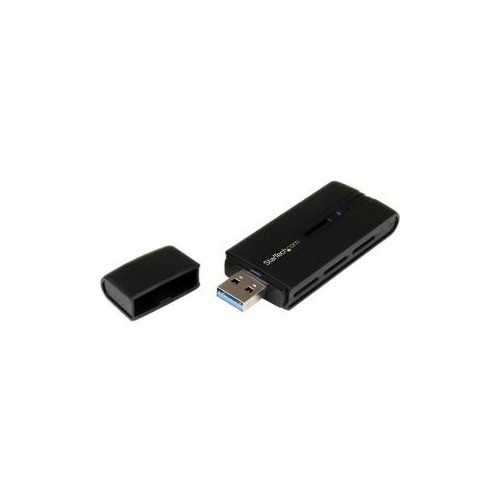
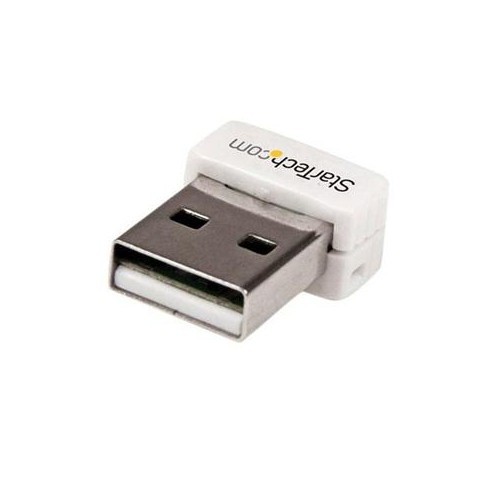

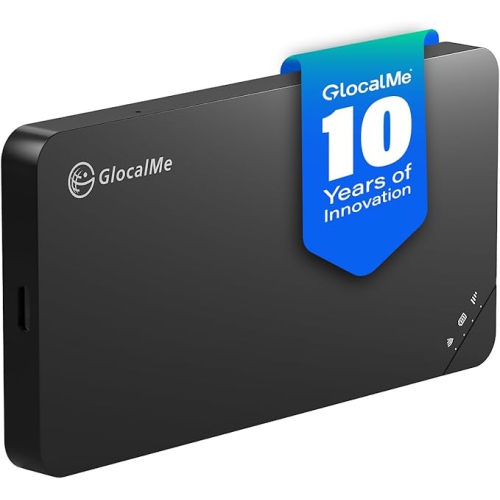
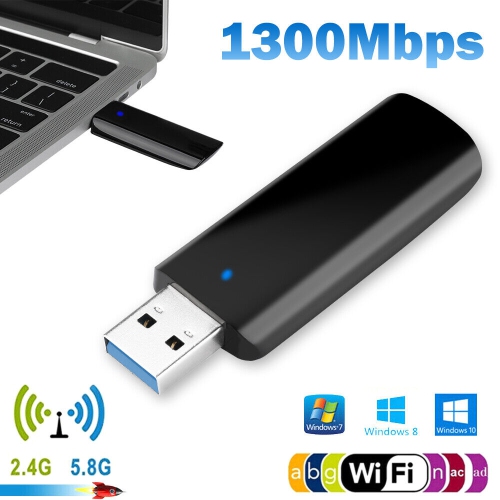
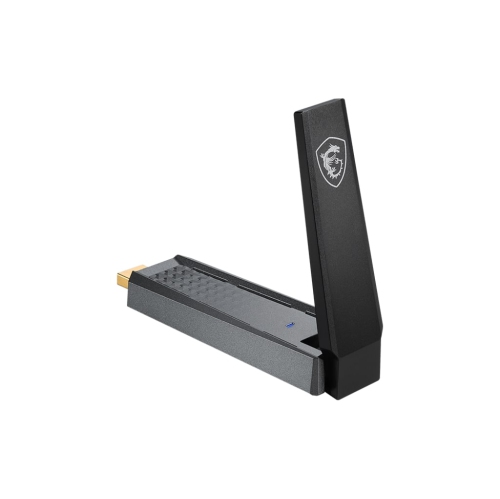
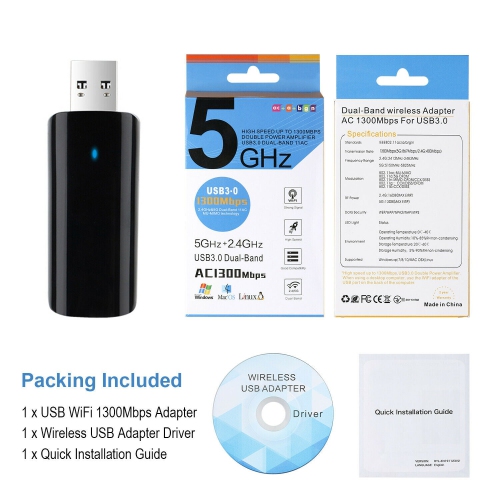
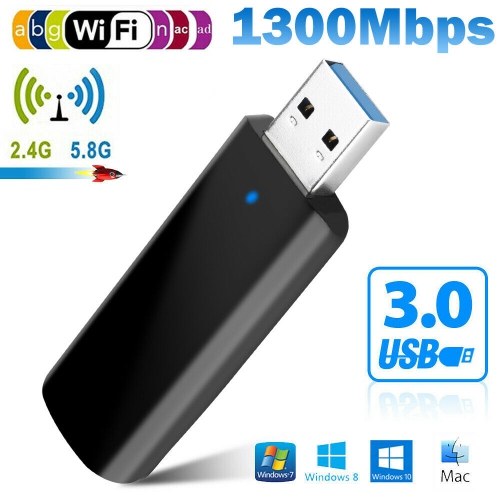
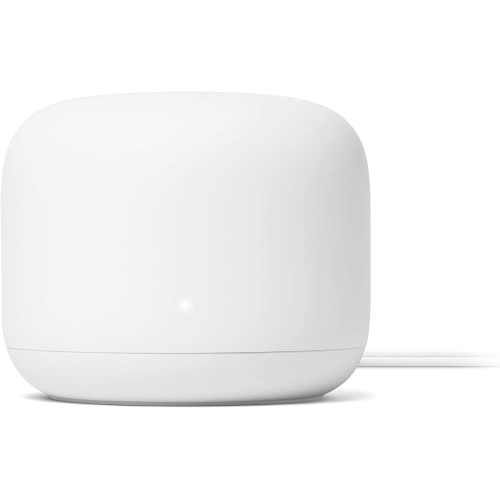
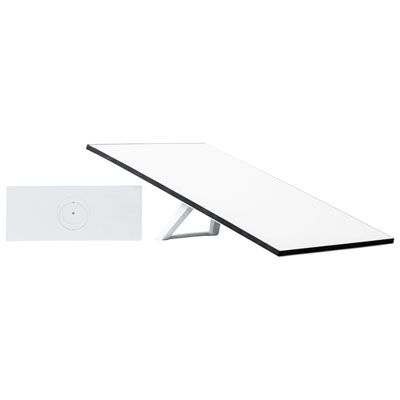
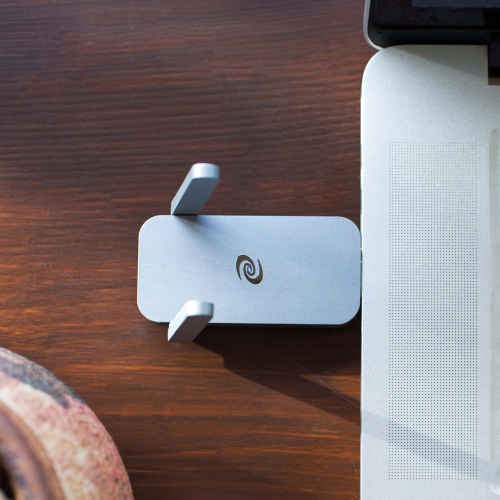
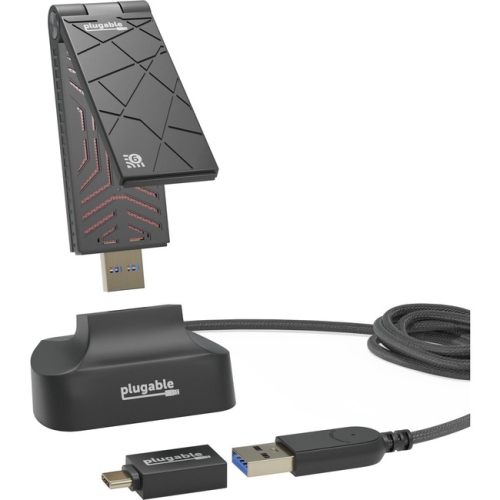
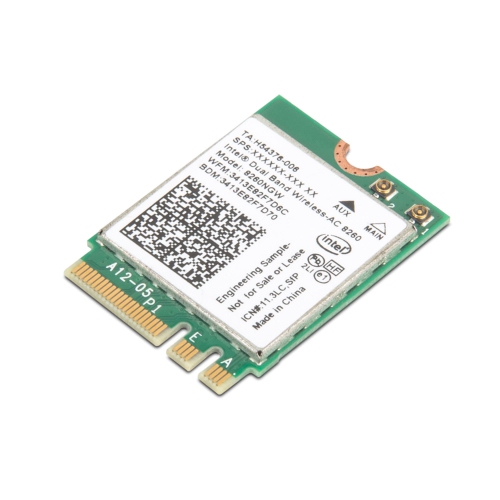
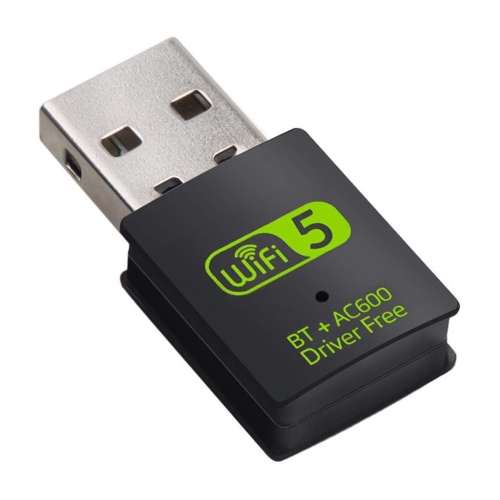
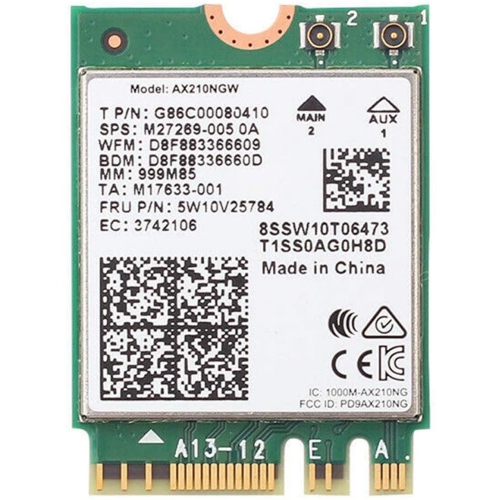
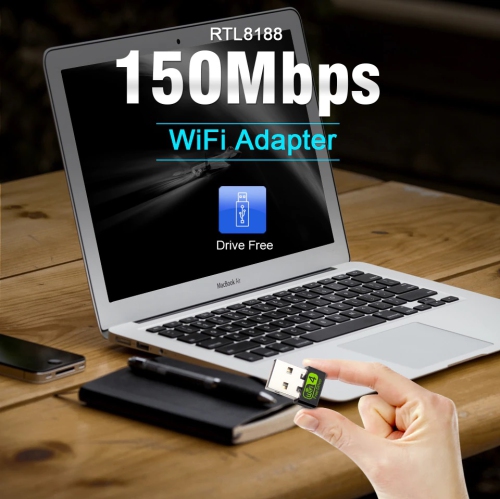
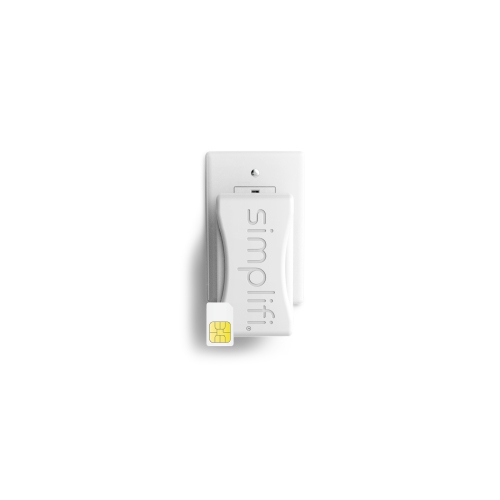
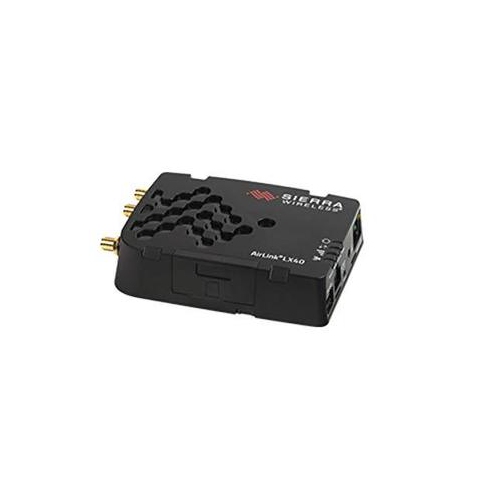

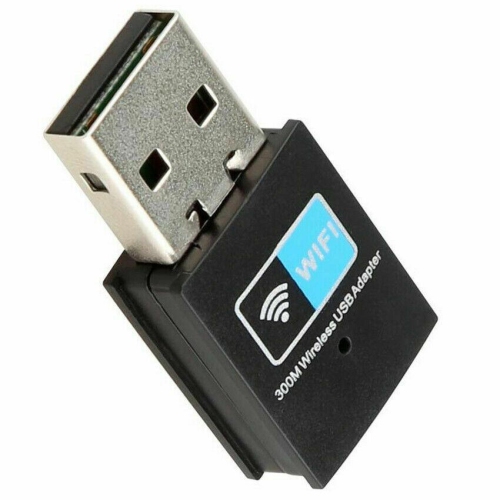
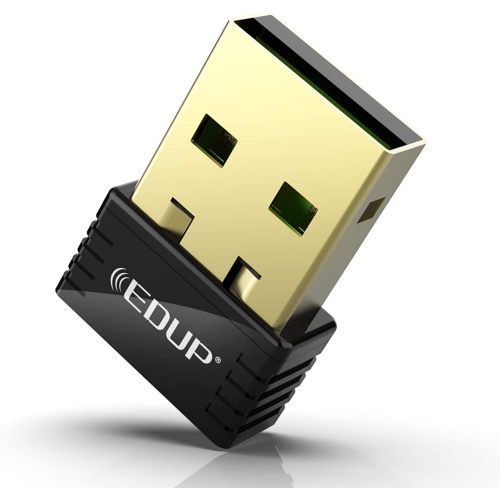
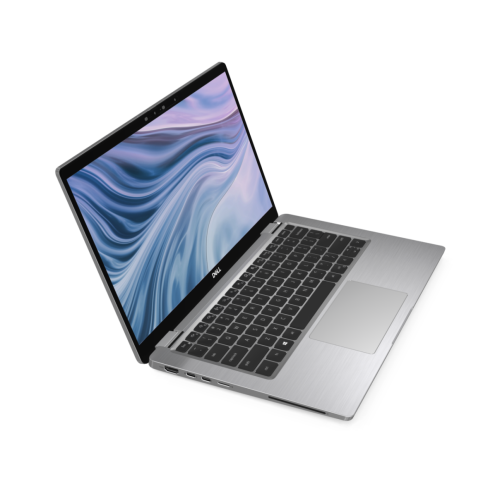
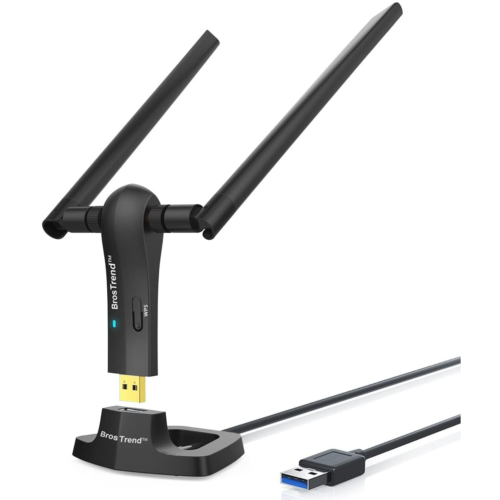
Reliable laptop connections wherever work, study, or travel takes you
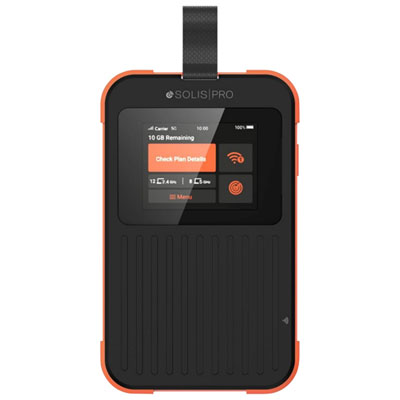
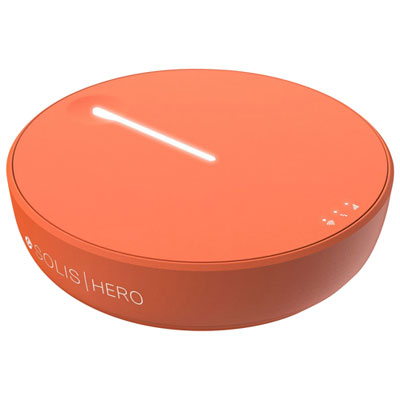
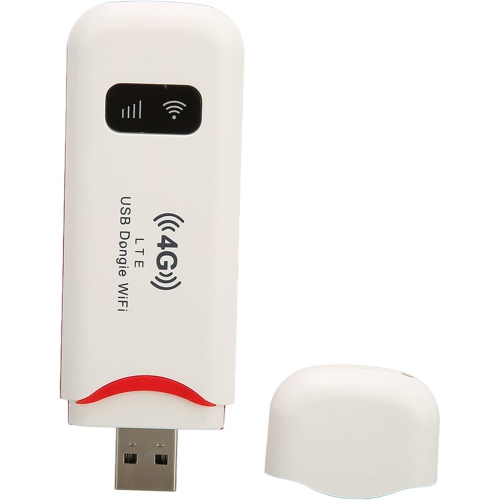
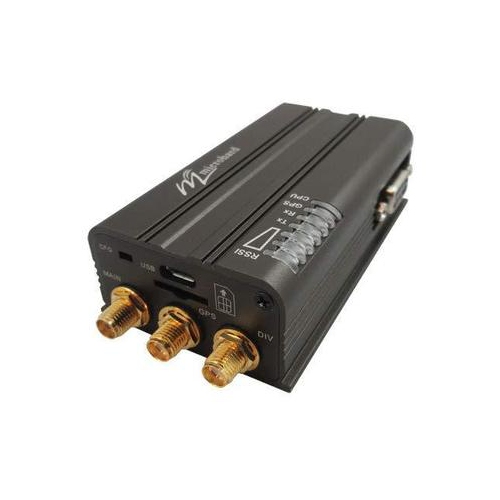
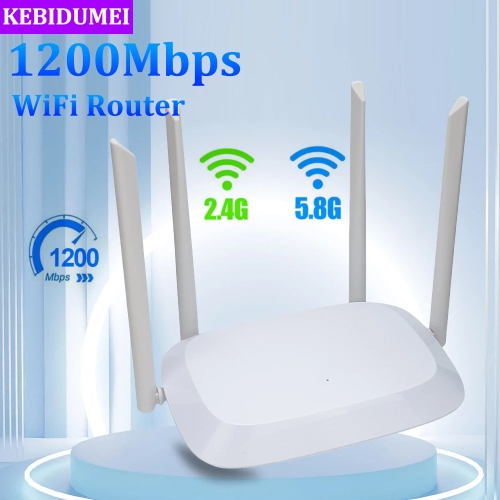
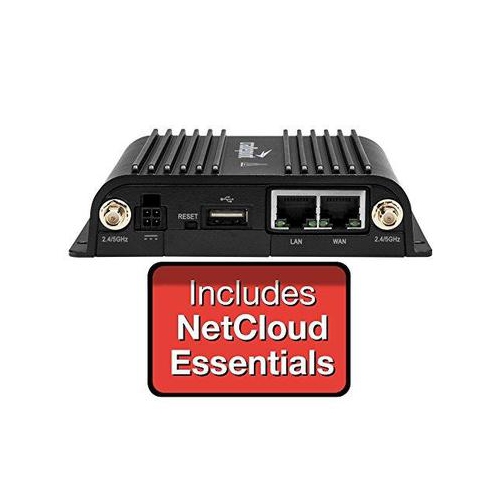
Mobile Wi-Fi for a laptop gives you a practical way to get online when a home network, office connection, or public hotspot is out of reach. A dedicated mobile hotspot is a compact device that connects to a 4G LTE or 5G cellular network and creates a private Wi-Fi signal for your laptop and other compatible devices. It generally requires an active SIM card or eSIM, along with a wireless data plan from a Canadian provider. Once set up, you can place the hotspot beside your laptop on a café table, in a vehicle during a road trip, or on a desk in a temporary workspace and connect without relying on the venue’s network. This can be especially useful for remote workers who move between locations, students who need a dependable connection away from campus, and families travelling in areas where hotel or cottage Wi-Fi may be inconsistent. A mobile hotspot can also provide a useful backup when a home internet connection is interrupted, helping you send an important file, join a video meeting, or access cloud documents without waiting for service to return. When browsing Portable Mobile WiFi Routers, consider how many devices you expect to connect, how much battery life you need, and whether your typical locations have strong cellular coverage. A larger battery may be helpful for a full day of work or travel, while a smaller, lighter design can disappear into a laptop bag or coat pocket. Some devices can support multiple users at once, making them convenient for a group sharing a connection in a car or holiday rental. Others include features such as USB-C charging, an information display, guest access, or network management tools that make it easier to monitor connected devices and data use. Speeds depend on the cellular network, signal strength, network congestion, the device’s supported standards, and the plan attached to it, so checking coverage in the places you visit most often is an important part of choosing the right option.
For occasional access, a smartphone’s mobile hotspot function may be enough. Turning on Personal Hotspot or Mobile Hotspot allows a laptop to connect to the phone’s cellular data, often making it a convenient solution for a quick task, a short train ride, or an unexpected internet outage. It avoids carrying another device and can be useful when you only need to answer messages, submit an assignment, download a document, or complete a few minutes of online banking. There are trade-offs, particularly during longer sessions. Hotspot sharing can drain the phone’s battery, make the phone warmer, use a significant amount of mobile data, and compete with calls or other phone activity. Your wireless plan may also limit tethering or apply separate data rules, so reviewing the plan details before relying on it for regular laptop use is wise. A dedicated hotspot separates the connection from your everyday phone, which can leave your phone available for navigation, calls, and messages while your laptop stays online. It may also be easier to position near a window or in another spot with a stronger cellular signal. For households, a portable hotspot can be a thoughtful gift for someone starting a remote job, heading to college, travelling between work sites, or spending time at a seasonal property. It is the kind of practical technology that can quietly become part of a daily routine: opening a laptop at a kitchen table during a visit with family, checking a work dashboard from a quiet park, or streaming a lesson while waiting between appointments. Before buying, think about whether the recipient already has a compatible data plan, whether the device is unlocked or tied to a provider, and how much data their activities are likely to use. Email and web browsing need far less data than high-resolution video calls, large downloads, online gaming, or streaming entertainment.
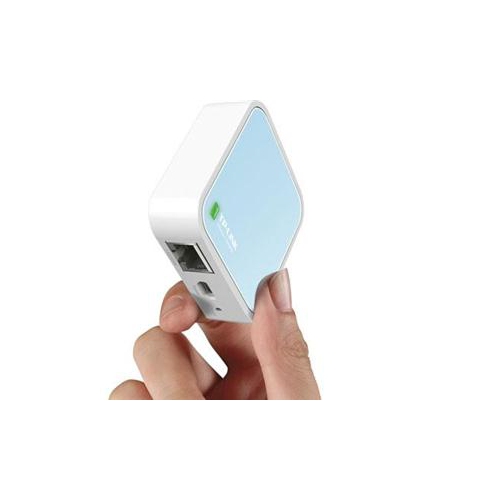
A travel router is another option, but it serves a different purpose from a cellular mobile hotspot. A travel router does not normally connect directly to a mobile network or provide cellular data on its own. Instead, it connects to an existing public or wired internet source, such as hotel Wi-Fi, an airport network, or an Ethernet connection, and then creates a separate, password-protected network for your laptop and other devices. This can simplify travel by allowing several devices to connect through one familiar network name rather than signing each one in separately. It can also add a layer of privacy and control, depending on the router’s security features, configuration options, and VPN support. Frequent travellers may appreciate this arrangement when working from hotel rooms, guest accommodations, conference venues, or shared offices, especially when carrying a laptop, tablet, phone, and streaming device. Look for compact dimensions, straightforward setup, current Wi-Fi standards, reliable security options, and enough ports for the way you travel. If you need internet where no public or wired connection is available, choose a cellular hotspot instead; if you need to organize and protect connections that already exist, a travel router may be the better fit. Some people use both: a cellular hotspot for dependable access on the road and a travel router for managing hotel or public Wi-Fi. Across all three approaches—dedicated hotspot, smartphone tethering, and travel router—the best choice depends on where you work, how often you travel, how many devices you connect, and how much data you use. With the right setup, your laptop can stay ready for work, study, communication, and entertainment from a wide range of locations throughout the cooler months and beyond.
For occasional access, a smartphone’s mobile hotspot function may be enough. Turning on Personal Hotspot or Mobile Hotspot allows a laptop to connect to the phone’s cellular data, often making it a convenient solution for a quick task, a short train ride, or an unexpected internet outage. It avoids carrying another device and can be useful when you only need to answer messages, submit an assignment, download a document, or complete a few minutes of online banking. There are trade-offs, particularly during longer sessions. Hotspot sharing can drain the phone’s battery, make the phone warmer, use a significant amount of mobile data, and compete with calls or other phone activity. Your wireless plan may also limit tethering or apply separate data rules, so reviewing the plan details before relying on it for regular laptop use is wise. A dedicated hotspot separates the connection from your everyday phone, which can leave your phone available for navigation, calls, and messages while your laptop stays online. It may also be easier to position near a window or in another spot with a stronger cellular signal. For households, a portable hotspot can be a thoughtful gift for someone starting a remote job, heading to college, travelling between work sites, or spending time at a seasonal property. It is the kind of practical technology that can quietly become part of a daily routine: opening a laptop at a kitchen table during a visit with family, checking a work dashboard from a quiet park, or streaming a lesson while waiting between appointments. Before buying, think about whether the recipient already has a compatible data plan, whether the device is unlocked or tied to a provider, and how much data their activities are likely to use. Email and web browsing need far less data than high-resolution video calls, large downloads, online gaming, or streaming entertainment.
A travel router is another option, but it serves a different purpose from a cellular mobile hotspot. A travel router does not normally connect directly to a mobile network or provide cellular data on its own. Instead, it connects to an existing public or wired internet source, such as hotel Wi-Fi, an airport network, or an Ethernet connection, and then creates a separate, password-protected network for your laptop and other devices. This can simplify travel by allowing several devices to connect through one familiar network name rather than signing each one in separately. It can also add a layer of privacy and control, depending on the router’s security features, configuration options, and VPN support. Frequent travellers may appreciate this arrangement when working from hotel rooms, guest accommodations, conference venues, or shared offices, especially when carrying a laptop, tablet, phone, and streaming device. Look for compact dimensions, straightforward setup, current Wi-Fi standards, reliable security options, and enough ports for the way you travel. If you need internet where no public or wired connection is available, choose a cellular hotspot instead; if you need to organize and protect connections that already exist, a travel router may be the better fit. Some people use both: a cellular hotspot for dependable access on the road and a travel router for managing hotel or public Wi-Fi. Across all three approaches—dedicated hotspot, smartphone tethering, and travel router—the best choice depends on where you work, how often you travel, how many devices you connect, and how much data you use. With the right setup, your laptop can stay ready for work, study, communication, and entertainment from a wide range of locations throughout the cooler months and beyond.
Top selling and popular products
-
 Your price for this item is $138.68
 -
 Your price for this item is $29.99
 -
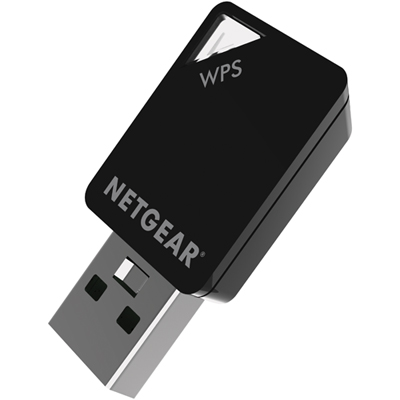 Your price for this item is $54.99
 -
 Your price for this item is $68.68
 -
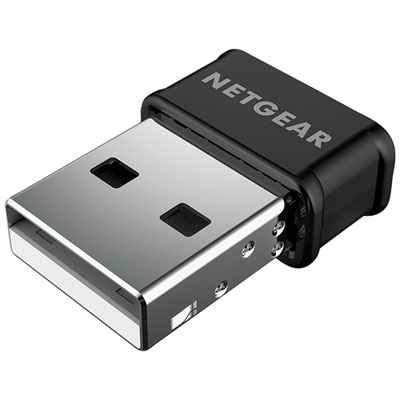 Your price for this item is $39.99
 -
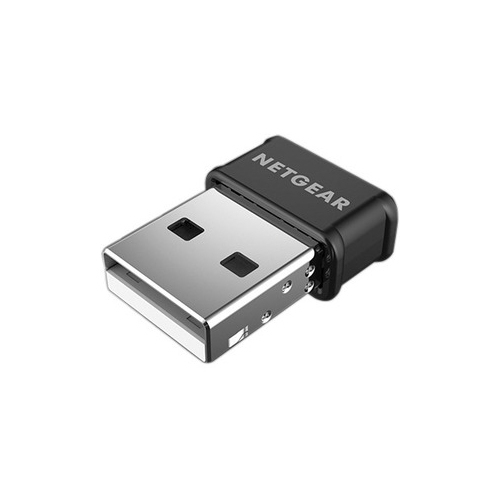 Your price for this item is $42.68
 -
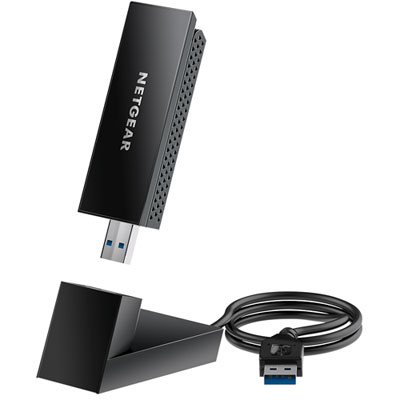 Your price for this item is $99.99
 -
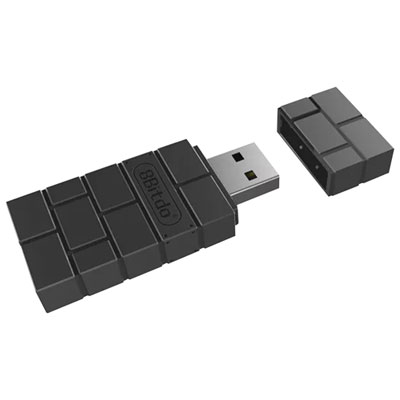 Your price for this item is $21.99
Discover more categories related to Mobile Wi-Fi for Laptop

Top Collections:
Pokemon Centers, Kindle Devices, Best Budget Office Chairs, Apple iPhones 16, Best Laptops for Writers, iPhone 15 Apple, Canon G7X Cameras, Refurbished Apple Laptops, Alarm Clock, Motorola Razr Phones
Some products may be subject to Environmental Handling Fees
(EHF) depending on your province.
Learn more about EHFs.