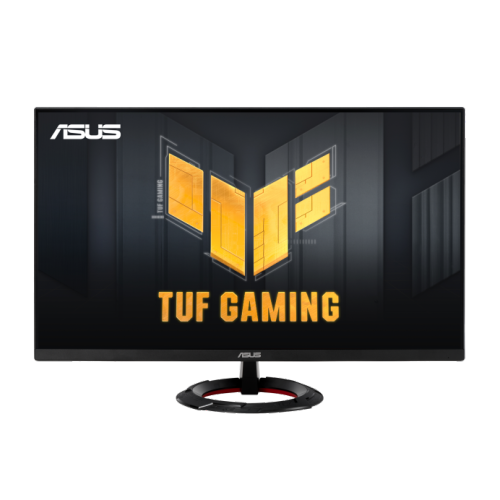
Monitors For Console Gaming Setup
Enhance your gaming experience with Monitors For Console Gaming Setup, designed to deliver smooth visuals and immersive gameplay. Whether you’re building a new entertainment space or upgrading your current setup, these monitors offer a range of sizes and specifications to fit your needs. Find the ideal display to complement your console and enjoy crisp graphics, vibrant colors, and responsive performance for every session. Explore options that suit various room layouts and gaming preferences, making it easy to create the ultimate console gaming area.


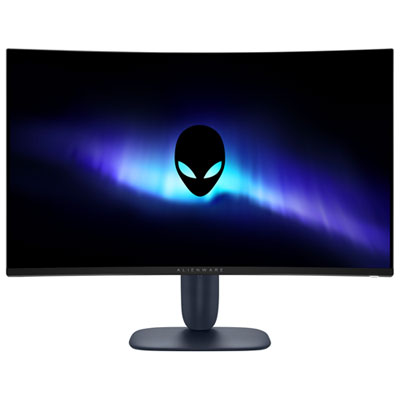

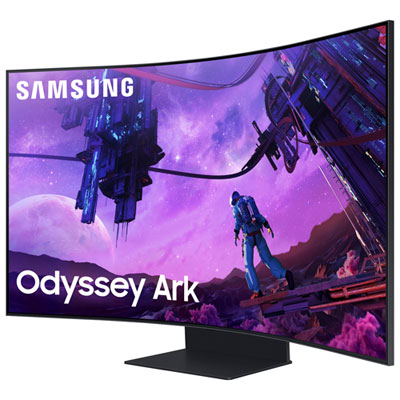
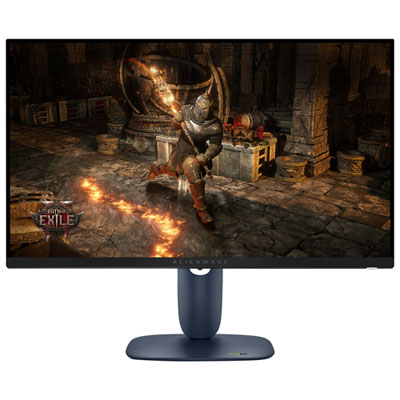

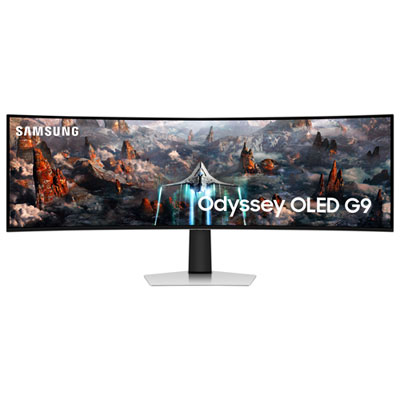
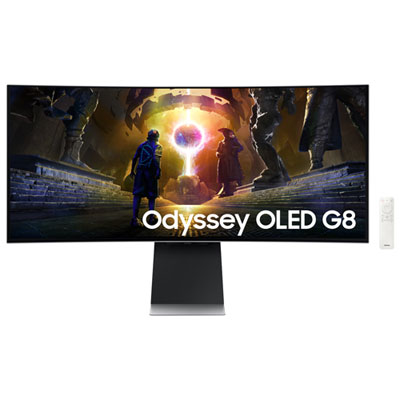
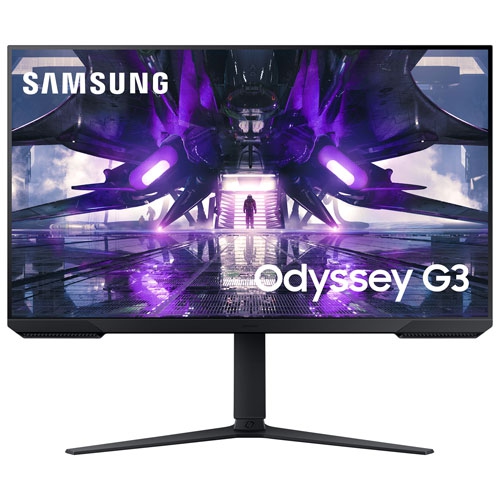
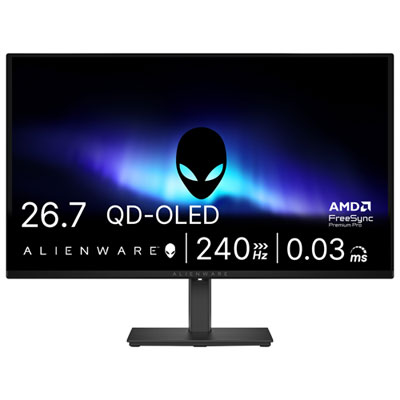
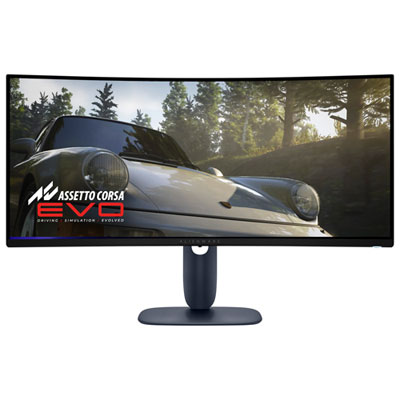
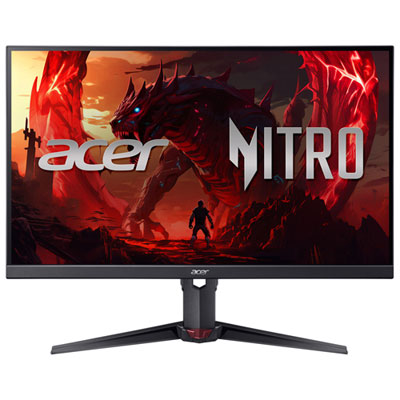
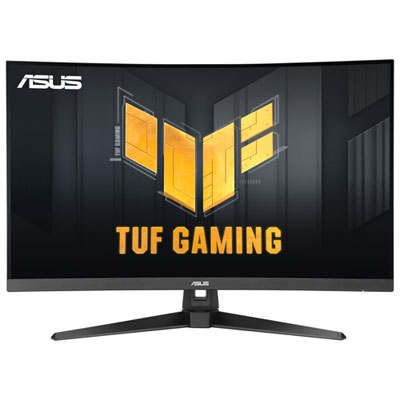
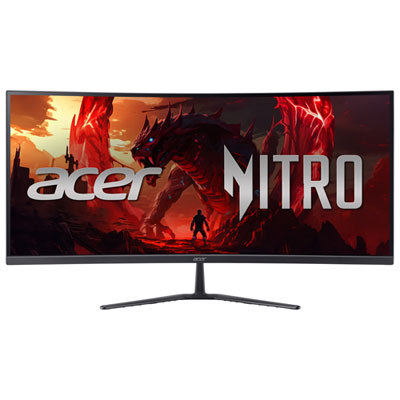
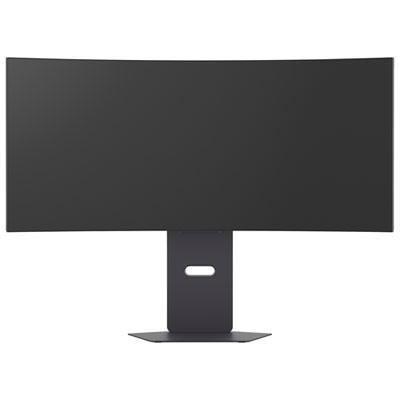
The features that elevate every console gaming session
Selecting a monitor for console gaming involves several important considerations. Screen size and resolution are often top priorities, as a larger display with crisp detail can draw you deeper into your games. Many gamers prefer 27 inch or 32 inch monitors, striking a balance between immersive visuals and comfortable viewing distances, especially in shared spaces. Refresh rate and response time are also key for those who play fast-paced shooters or sports games, where every millisecond counts. Features like HDMI 2.1 support, low input lag, and adaptive sync technology help ensure compatibility with the latest gaming consoles and deliver fluid, tear-free gameplay. Some monitors even include built-in speakers, customizable lighting, or ergonomic stands, making them versatile for a variety of setups and preferences. Whether you’re a competitive player chasing every frame or a casual gamer enjoying story-driven adventures, there’s a monitor tailored to your needs. For those seeking expert recommendations, exploring the Best Console Gaming Monitors page is a great way to discover top picks and find the best buy monitor gaming options for any home.
A well-chosen gaming monitor doesn’t just elevate visuals—it enhances every aspect of the gaming experience, from the thrill of victory in multiplayer matches to the cinematic beauty of single-player worlds. As gaming continues to bring people together—whether it’s siblings sharing a console, friends hosting a weekend tournament, or parents joining in on the action—a high-quality monitor becomes the centrepiece of any setup. Many find that upgrading their display inspires them to revisit favourite games, try out new releases, or even stream content for an audience. The versatility of a gaming monitor means it can double as a display for movies, streaming, or creative projects, making it a smart investment for any household. With so many features and options to consider, finding the right monitor for your console gaming setup ensures you’re ready for every season of play, from laid-back summer afternoons to action-packed evenings indoors.
FAQ
What features should I look for in a monitor for console gaming?
When choosing a monitor for console gaming, look for features like low input lag, high refresh rates (such as 120Hz or higher), HDMI 2.1 compatibility for next-gen consoles, and support for variable refresh rate technologies like FreeSync or G-Sync.
Is a 4K monitor necessary for console gaming?
A 4K monitor is not strictly necessary, but it can enhance your gaming experience if your console supports 4K output. Many gamers also enjoy excellent visuals on Full HD or QHD monitors, especially if they prioritize refresh rate and response time.
Do I need a monitor with built-in speakers for my console setup?
Built-in speakers can be convenient, but many gamers prefer using external speakers or gaming headsets for better audio quality and immersion. Monitors without speakers can still be a great choice if you have an alternative audio solution.
How important is response time in a gaming monitor for consoles?
Response time is important because it affects how quickly pixels change color, reducing motion blur and ghosting during fast-paced games. Look for monitors with low response times (such as 1ms to 5ms) to ensure smooth gameplay.
Can I use a PC gaming monitor with my console?
Yes, most PC gaming monitors are compatible with consoles as long as they have the appropriate HDMI inputs. Just make sure the monitor supports the resolution and refresh rate capabilities of your specific console model.
Top selling and popular products
-
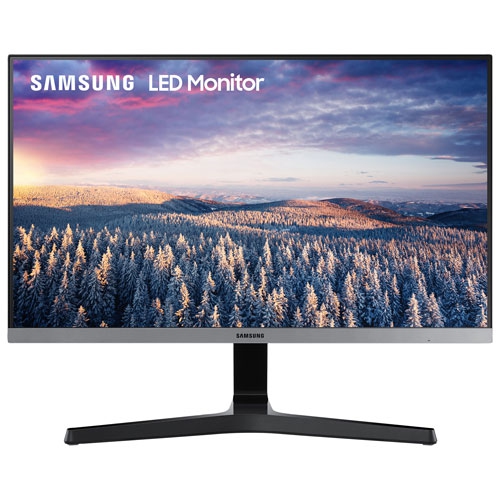 Your price for this item is $279.97
 -
 Your price for this item is $275
 -
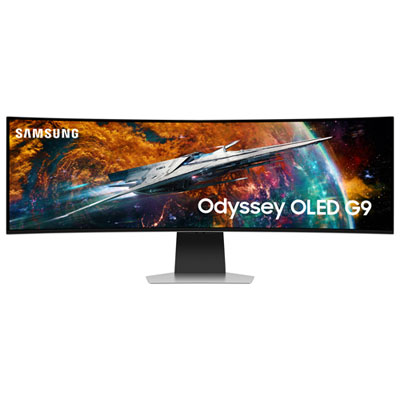 Your price for this item is $1499.97
 -
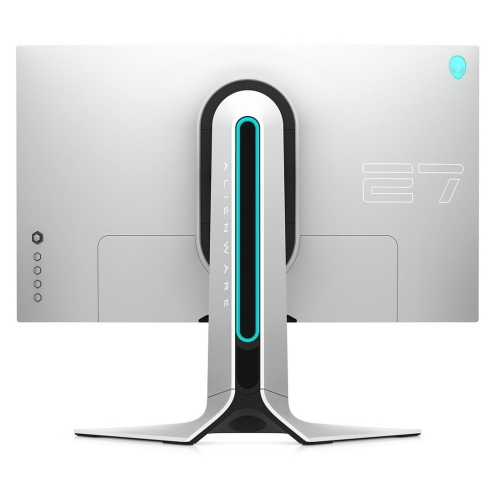 Your price for this item is $299
 -
 Your price for this item is $479.68
 -
 Your price for this item is $209.99
 -
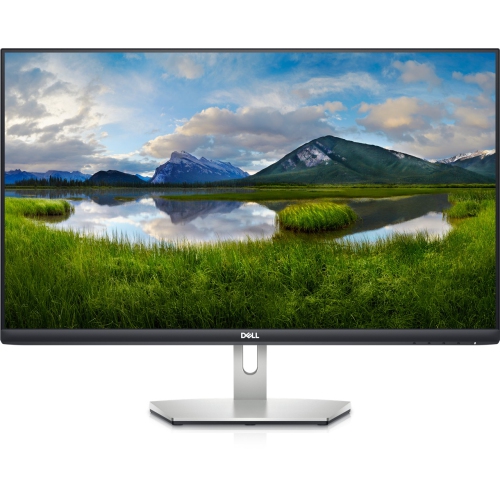 Your price for this item is $239.99
 -
 Your price for this item is $3299.99