Benq Professional Monitors
If you're a video editor or a photographer who needs to see your images onscreen in the best possible quality, you'll want to consider adding a BenQ monitor to your setup. These monitors are designed for professional use and come with all the features you need to get the job done.
Sort
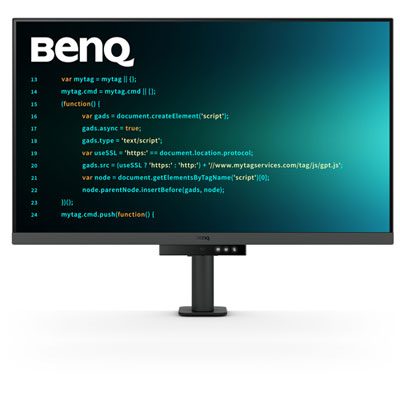
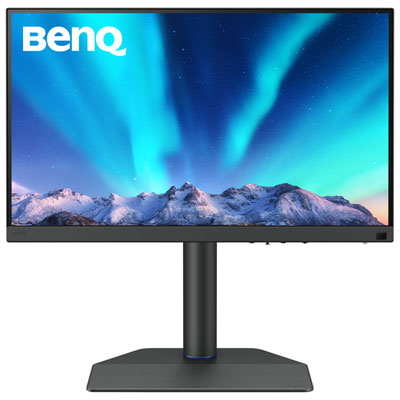
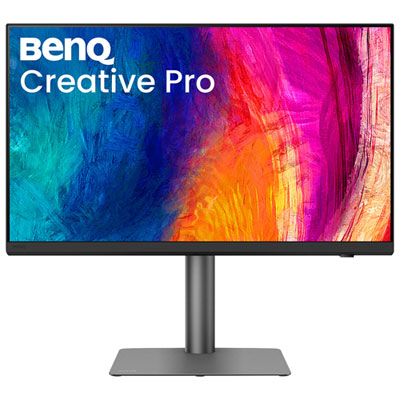
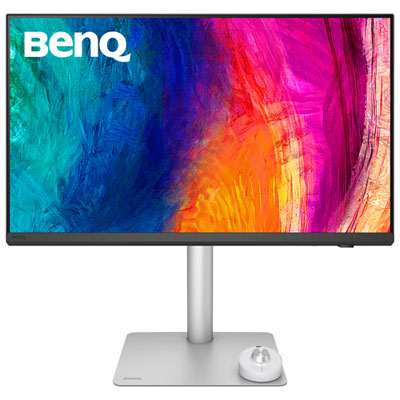


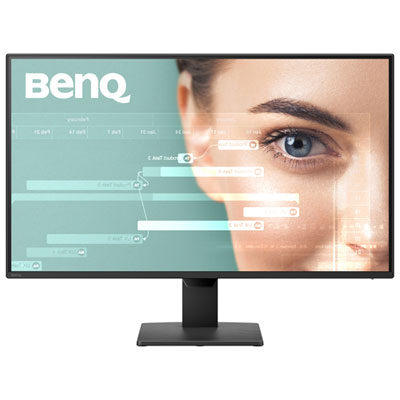

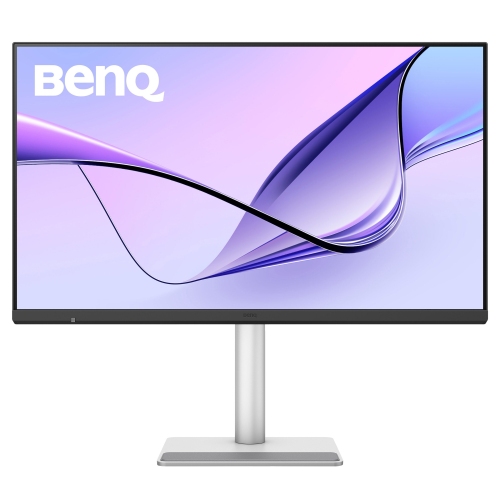
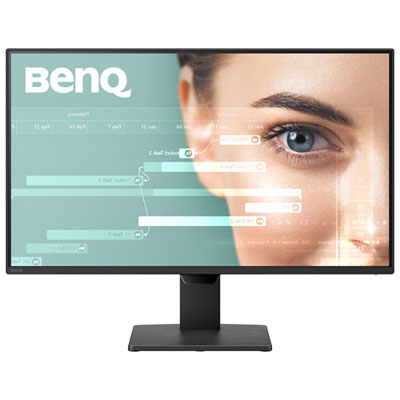
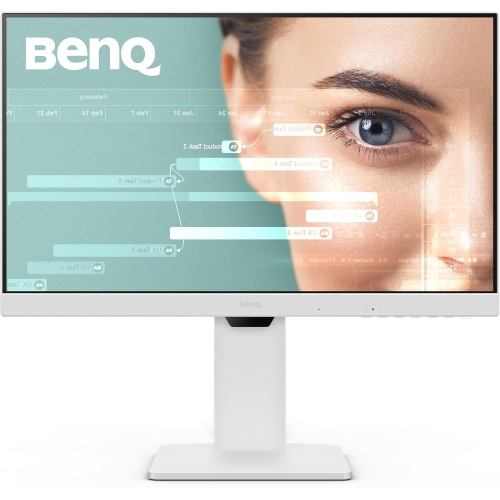
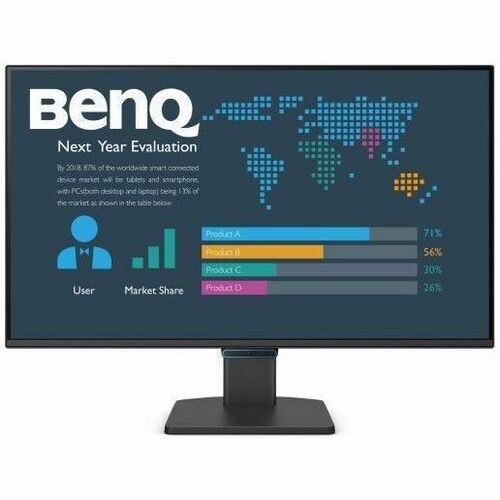

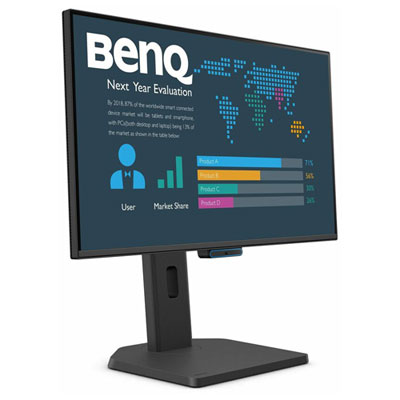
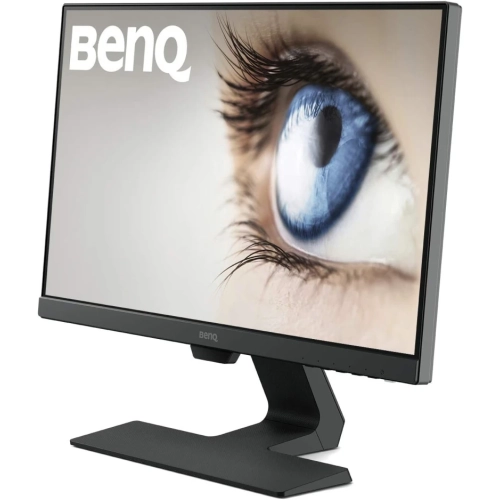

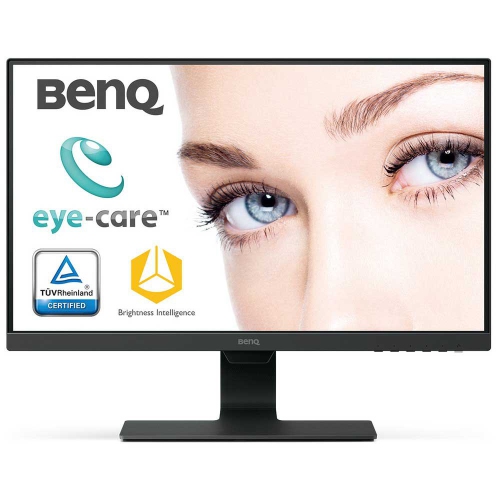
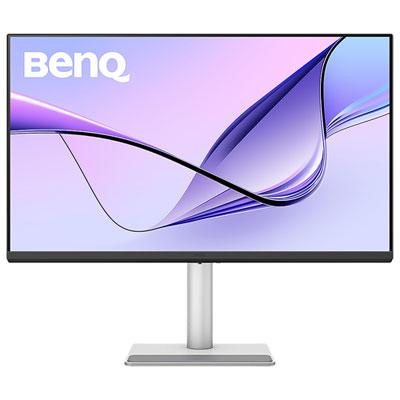

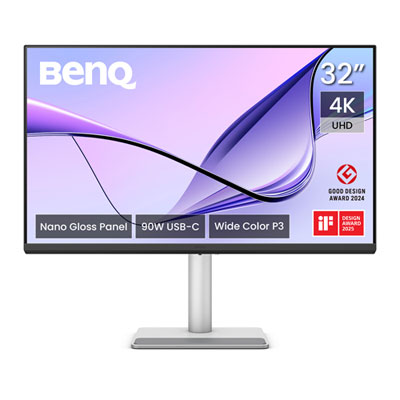
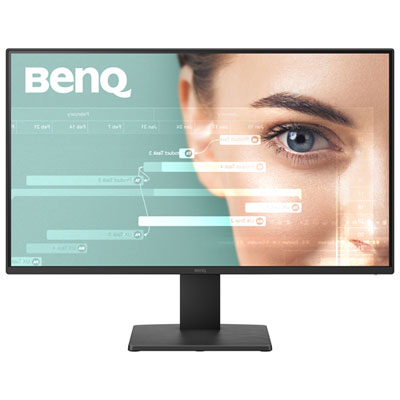
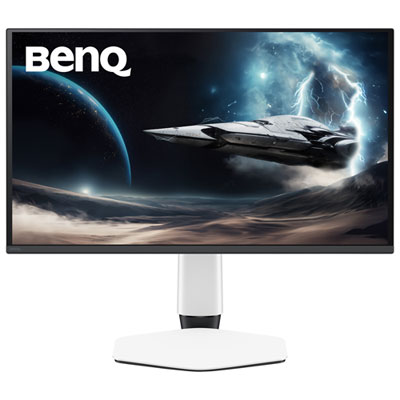
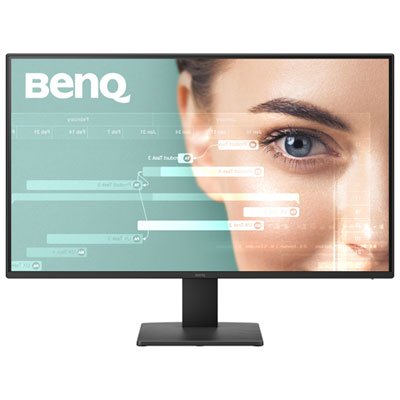
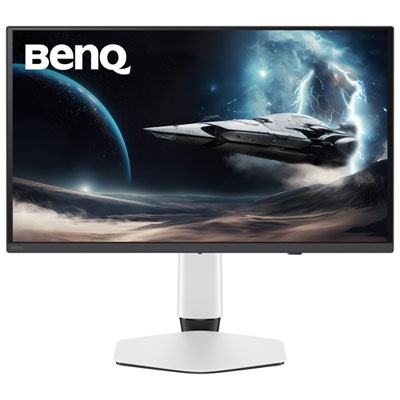
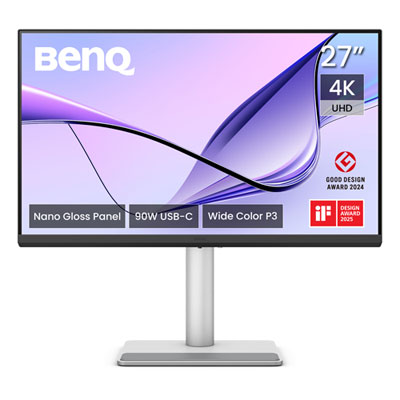
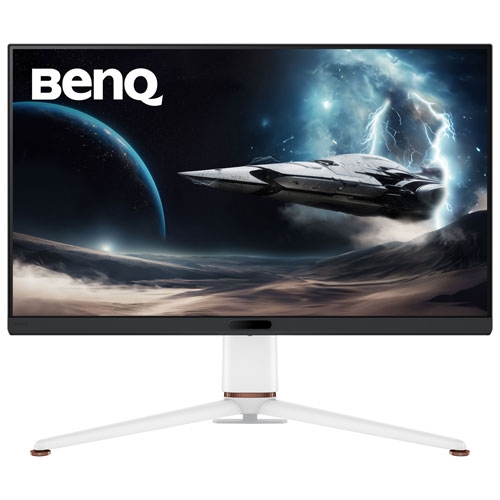
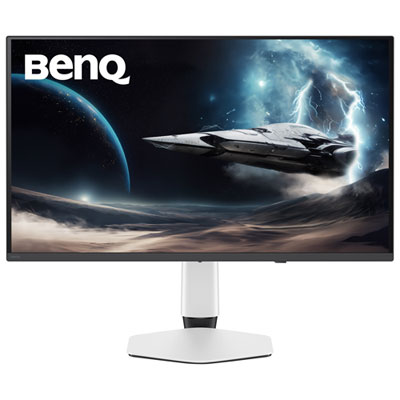
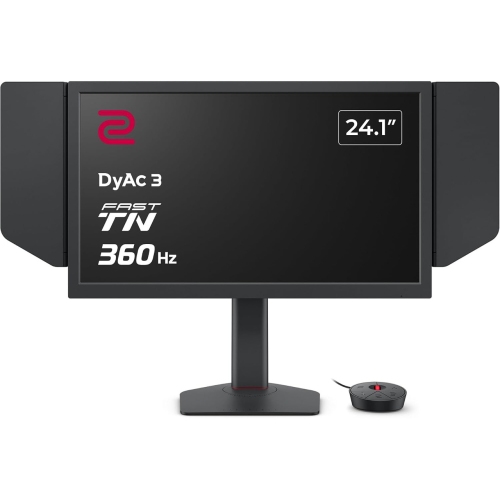
Colour accuracy is only part of the picture
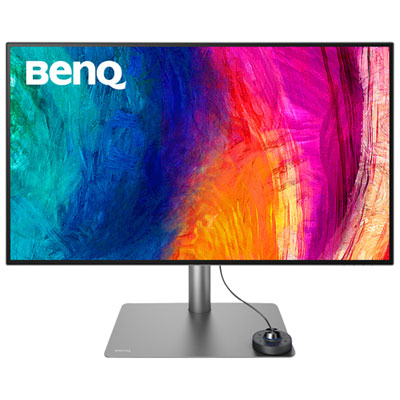
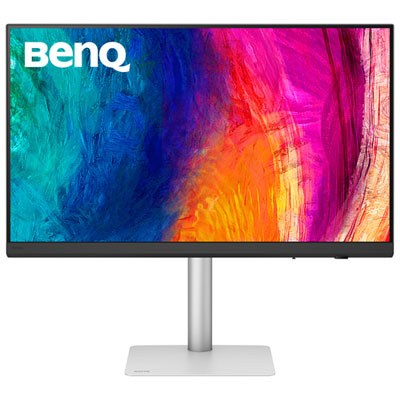
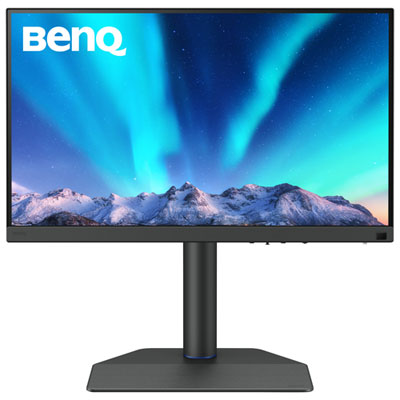
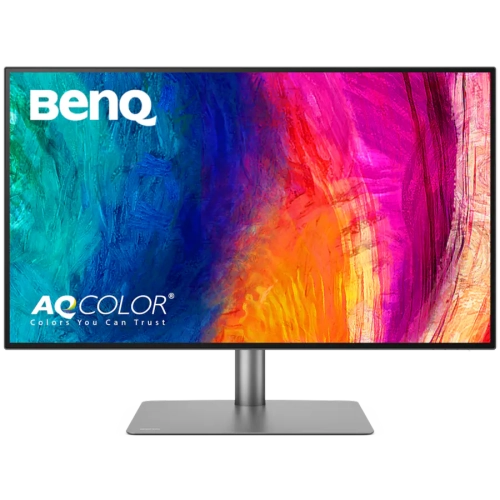
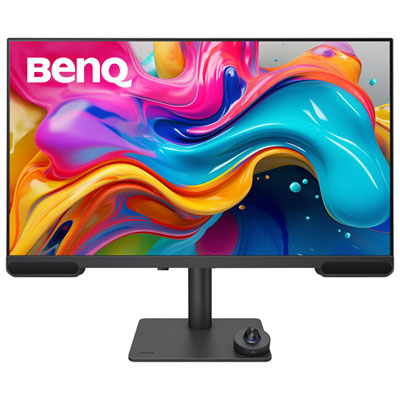
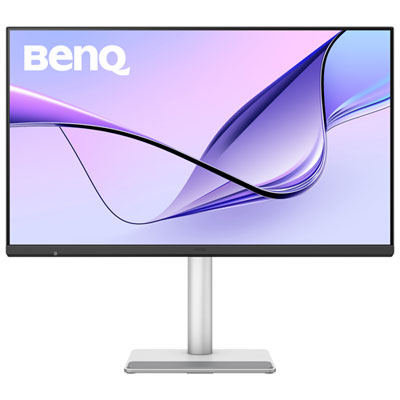
Professional monitors bring detailed imagery, readable text, and controlled colour reproduction to work that depends on seeing clearly. Their value extends beyond a sharp picture: different display features support the distinct demands of photography, graphic design, video editing, technical drawing, and software development. A photographer reviewing a portrait needs to distinguish subtle changes in skin tone, while a designer preparing packaging needs a dependable view of gradients, brand colours, and fine typography. For these tasks, colour gamut coverage and colour accuracy describe different aspects of performance. Gamut coverage indicates the range of colours a display can reproduce within a defined colour space; accuracy describes how closely displayed colours match reference values. Broad coverage alone does not guarantee accurate results. The sRGB colour space remains relevant to much web content, Adobe RGB is useful in certain photography and print workflows, and DCI-P3 coverage matters for many video and digital media applications. Factory calibration can provide a useful starting point, while supported hardware calibration allows compatible equipment and software to adjust the display’s internal colour settings. These capabilities vary between monitors, as do the tools required to use them. Panel uniformity also matters when a pale background or a neutral grey image extends across the screen: uneven brightness or colour can make an otherwise consistent file appear different from one area to another. IPS panels are often used for their wide viewing angles, which help maintain a consistent appearance when someone shifts position or a colleague looks over a layout. That characteristic does not make every IPS display equally accurate, and contrast performance still deserves attention. Professional displays are therefore best understood through the work they support rather than a single specification. Detailed illustrations, architectural plans, spreadsheets, and source code each place different demands on the same desktop space.
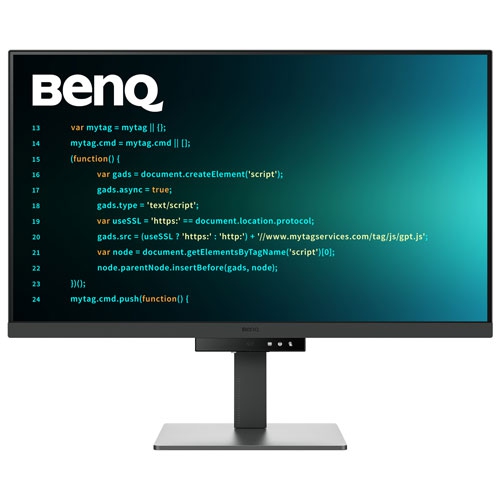
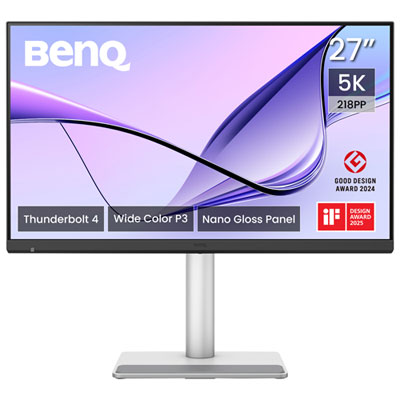
Screen size, resolution, and physical fit shape how comfortably that work comes together. For many desks, BenQ 27" Monitors represent a useful middle ground between a compact screen and a larger display that requires more room. A 27-inch screen can leave space for speakers, a drawing tablet, and printed reference material, depending on its stand and the depth of the desk. Larger screens can give complex timelines and multiple application windows more breathing room, but they also need an appropriate viewing distance. Resolution affects how much detail is visible, while pixel density influences how fine that detail appears at a given size. A 4K display can render photographs and small text with considerable definition, although interface scaling may be needed to keep menus and controls comfortably readable. The usable workspace consequently depends on both resolution and software settings, not screen dimensions alone. Height adjustment, tilt, swivel, and portrait rotation can help position the display around the task. A developer may appreciate a vertical screen for long stretches of code, while an editor may prefer a landscape layout with room for a preview window and timeline. Matte finishes help diffuse reflections, though the placement of desk lamps and windows still affects visibility. A sturdy stand and accessible controls make everyday adjustments less cumbersome; compatible mounting points provide another option where a monitor arm suits the desk. Connectivity is equally practical. HDMI and DisplayPort inputs connect many desktop systems, while some USB-C connections combine video, data, and laptop charging through one cable. Those functions depend on the monitor, computer, and cable specifications rather than the connector’s shape alone. A built-in USB hub can bring accessories within reach, and a supported keyboard, video, and mouse switch can let two computers share a display and compatible peripherals. These features can simplify a desk used for both a work laptop and a separate desktop without making every professional monitor interchangeable.
The details of daily use often reveal which features matter most. In a photo studio, a compatible shading hood can help limit stray light reaching the screen, while a consistent room-lighting setup makes colour judgements more repeatable. In video production, HDR support requires closer attention than a compatibility label: peak brightness, contrast, colour capability, and backlight control all influence the picture. Being able to accept an HDR signal does not necessarily mean a display can reproduce demanding highlights and shadow detail convincingly. For programming and document-heavy work, clear text, comfortable brightness adjustment, and useful window layouts may matter more than an expansive colour gamut. Reduced-flicker designs and optional low-blue-light settings can support viewing preferences, although modes that alter colour temperature may be unsuitable during colour-critical review. Likewise, a monitor cannot make a print match automatically. Image profiles, application settings, printer characteristics, paper, and viewing light all contribute to the final result. These distinctions are relevant to working professionals, students developing a portfolio, and enthusiasts building a more capable editing space. Physical care helps protect that investment in a dependable workstation. Screen coatings require gentle treatment, usually with a clean, soft microfibre cloth and any cleaning method specified by the manufacturer. Spraying liquid directly onto the panel, pressing hard on the surface, or using an unsuitable cleaner can damage the finish. Plastic or metal housings, stable bases, and secure mounting hardware all contribute to everyday durability, while adequate clearance around ventilation openings supports normal operation. Keeping cables routed away from moving stand components also helps preserve adjustment range and reduces strain on connections. A well-matched professional monitor fits the available desk, works with the connected computer, and supports the actual applications in use, whether that means checking a finely drawn line, comparing image edits, or keeping a long project comfortably in view.
Screen size, resolution, and physical fit shape how comfortably that work comes together. For many desks, BenQ 27" Monitors represent a useful middle ground between a compact screen and a larger display that requires more room. A 27-inch screen can leave space for speakers, a drawing tablet, and printed reference material, depending on its stand and the depth of the desk. Larger screens can give complex timelines and multiple application windows more breathing room, but they also need an appropriate viewing distance. Resolution affects how much detail is visible, while pixel density influences how fine that detail appears at a given size. A 4K display can render photographs and small text with considerable definition, although interface scaling may be needed to keep menus and controls comfortably readable. The usable workspace consequently depends on both resolution and software settings, not screen dimensions alone. Height adjustment, tilt, swivel, and portrait rotation can help position the display around the task. A developer may appreciate a vertical screen for long stretches of code, while an editor may prefer a landscape layout with room for a preview window and timeline. Matte finishes help diffuse reflections, though the placement of desk lamps and windows still affects visibility. A sturdy stand and accessible controls make everyday adjustments less cumbersome; compatible mounting points provide another option where a monitor arm suits the desk. Connectivity is equally practical. HDMI and DisplayPort inputs connect many desktop systems, while some USB-C connections combine video, data, and laptop charging through one cable. Those functions depend on the monitor, computer, and cable specifications rather than the connector’s shape alone. A built-in USB hub can bring accessories within reach, and a supported keyboard, video, and mouse switch can let two computers share a display and compatible peripherals. These features can simplify a desk used for both a work laptop and a separate desktop without making every professional monitor interchangeable.
The details of daily use often reveal which features matter most. In a photo studio, a compatible shading hood can help limit stray light reaching the screen, while a consistent room-lighting setup makes colour judgements more repeatable. In video production, HDR support requires closer attention than a compatibility label: peak brightness, contrast, colour capability, and backlight control all influence the picture. Being able to accept an HDR signal does not necessarily mean a display can reproduce demanding highlights and shadow detail convincingly. For programming and document-heavy work, clear text, comfortable brightness adjustment, and useful window layouts may matter more than an expansive colour gamut. Reduced-flicker designs and optional low-blue-light settings can support viewing preferences, although modes that alter colour temperature may be unsuitable during colour-critical review. Likewise, a monitor cannot make a print match automatically. Image profiles, application settings, printer characteristics, paper, and viewing light all contribute to the final result. These distinctions are relevant to working professionals, students developing a portfolio, and enthusiasts building a more capable editing space. Physical care helps protect that investment in a dependable workstation. Screen coatings require gentle treatment, usually with a clean, soft microfibre cloth and any cleaning method specified by the manufacturer. Spraying liquid directly onto the panel, pressing hard on the surface, or using an unsuitable cleaner can damage the finish. Plastic or metal housings, stable bases, and secure mounting hardware all contribute to everyday durability, while adequate clearance around ventilation openings supports normal operation. Keeping cables routed away from moving stand components also helps preserve adjustment range and reduces strain on connections. A well-matched professional monitor fits the available desk, works with the connected computer, and supports the actual applications in use, whether that means checking a finely drawn line, comparing image edits, or keeping a long project comfortably in view.
Top selling and popular products
-
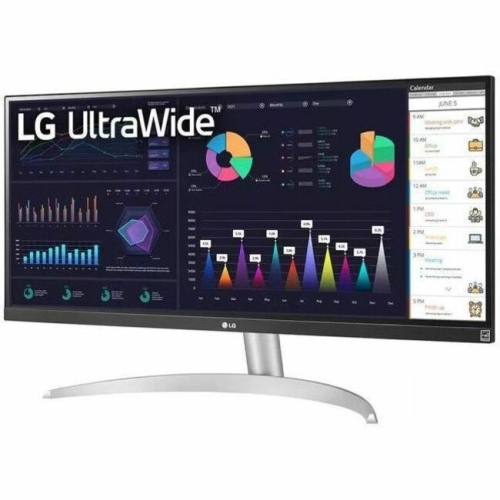 Your price for this item is $2237.68
-
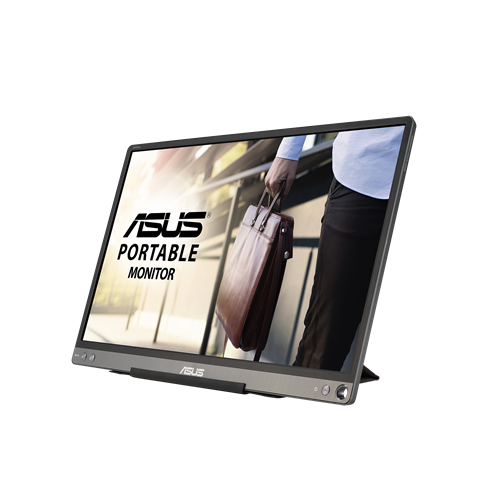 Your price for this item is $320.68
-
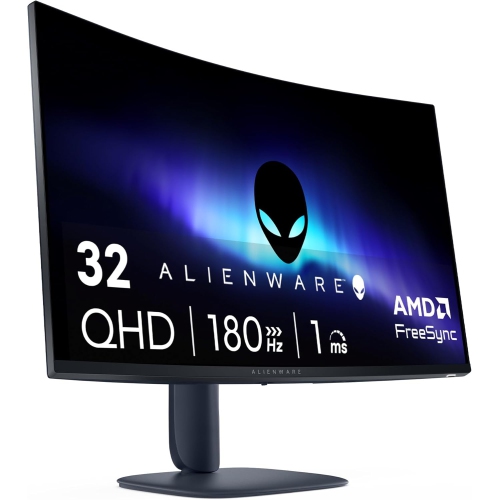 Your price for this item is $469
-
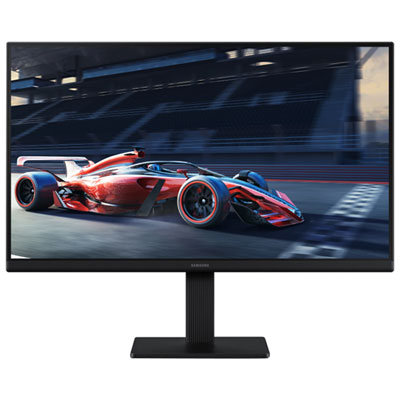 Your price for this item is $149.99
-
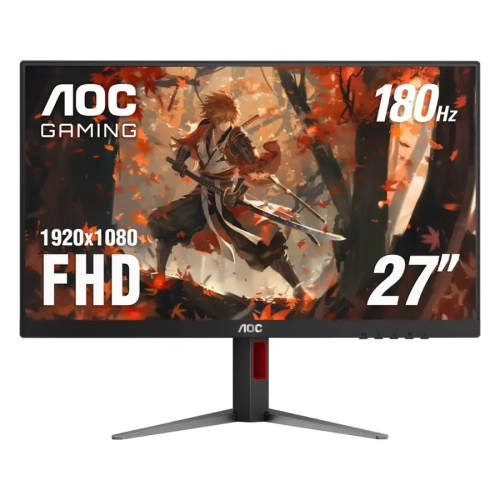 Your price for this item is $229.99
-
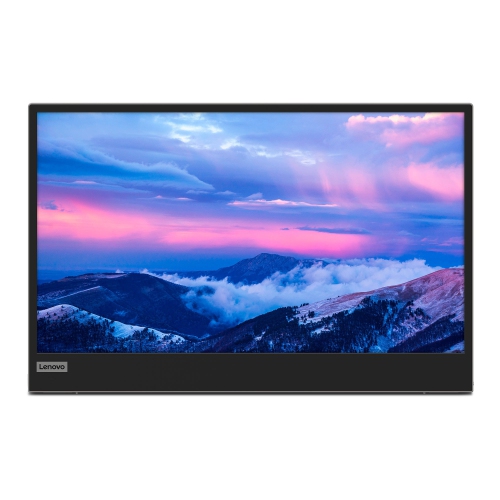 Your price for this item is $355.68
-
 Your price for this item is $313.99
-
 Your price for this item is $3297.99
Discover more categories related to Benq Professional Monitors
Top Collections:
Pokemon Centers, Best Black Friday Deals This Year, Best Black Friday Deals On Electronics, Kindle Devices, Best Budget Office Chairs, Best Black Friday Deals On Apple Products, Best Cameras for Sports Photography, Pokémon 30th Celebration Cards, Dyson Airwrap, Canon G7X Cameras
Some products may be subject to Environmental Handling Fees
(EHF) depending on your province.
Learn more about EHFs.