Best Monitors for Graphic Design
Bring your creative vision into focus with the best monitors for graphic design, ranked by user review ratings. Whether you’re editing photos, creating illustrations, or refining layouts, look for accurate colours, sharp resolution, and ample screen space to work comfortably. Explore top-rated options to find a monitor that suits your workflow and budget.
What to look for in monitors for graphic design
1. Colour Accuracy and Coverage
2. Screen Size and Resolution
3. Panel Technology and Uniformity
4. Connectivity and Ergonomics
-
1
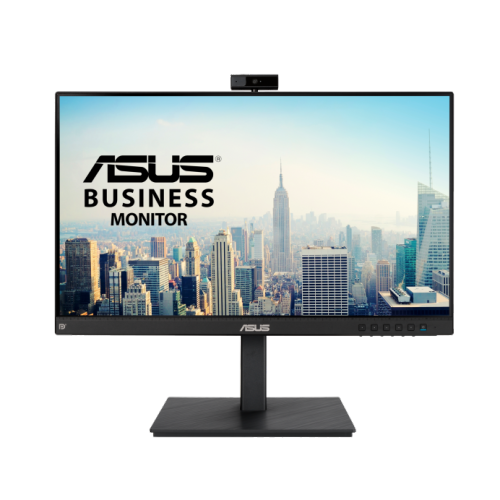
ASUS Be24Eqsk 23.8" 1080P HD Ips Led Monitor With Built-In Webcam/microphone/speakers - Flicker-Free/blue Light - 75Hz
About this product
A Full HD IPS monitor with built-in webcam, LED backlight, and multiple connectivity options.
(2)$219.00 Your price for this item is $219 -
2
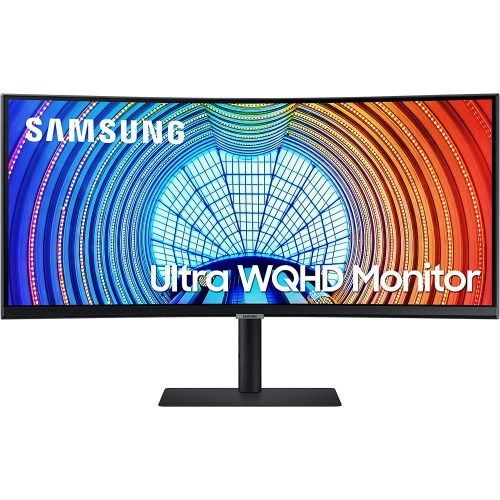
SAMSUNG 34" Ultrawide Curved 1440P Wqhd Va Monitor (Ls34A654Ubnxgo) - 100Hz - HDr10 - Freesync - 3 Year Warranty
About this product
An ultrawide curved WQHD monitor with 21:9 aspect ratio and USB-C 90W charging for immersive viewing.
(13)$596.68Your price for this item is $596.68SAVE $59 -
3
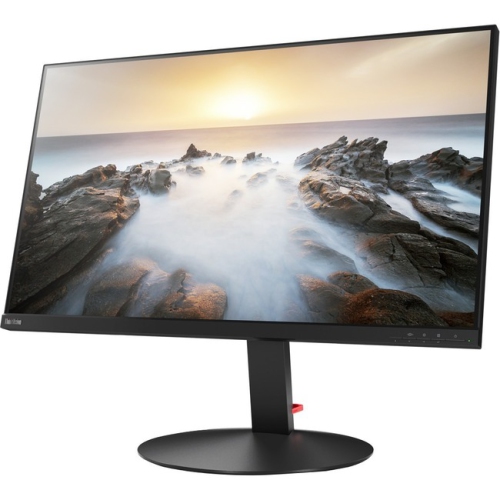
LENOVO Thinkvision P32U-10 32" 4K Uhd Wled Lcd Monitor (61C1Rar2Us) - Rose In Black
About this product
A 32-inch 4K UHD WLED LCD monitor in sleek black, offering vibrant visuals and wide viewing angles.
(11)$1,759.99 Your price for this item is $1759.99 -
4
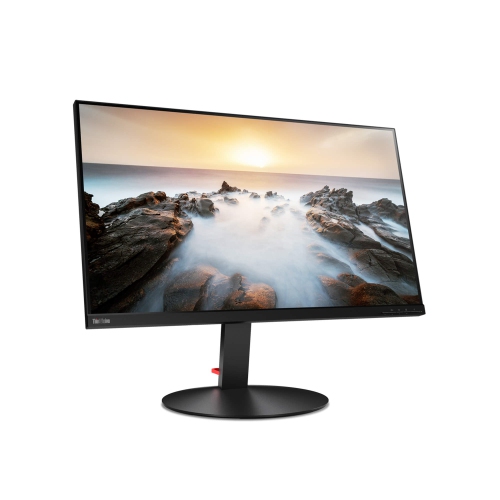
LENOVO Thinkvision 32" 4K Uhd Wled Lcd Monitor (P32U-10) - Adobe RGB - Rose In Black
About this product
A 32-inch UHD 4K monitor with Adobe RGB color and Thunderbolt 3 connectivity for vibrant visuals.
(11)$1,159.99 Your price for this item is $1159.99 -
5

VIEWSONIC 24" 1440P Qhd Ips Lcd Monitor (Vg2455-2K) - Flicker-Free/blue Light
About this product
A versatile IPS monitor with 1440p resolution, USB-C, HDMI, DisplayPort, and 40-degree ergonomic tilt.
(10)$518.68Your price for this item is $518.68SAVE $20 -
6

BenQ DesignVue 31.5" 4K Ultra HD 60Hz 5ms GTG IPS LED Monitor (PD3205U)
About this product
A 31.5" 4K Ultra HD IPS monitor with multiple ports, ergonomic design, and eye-care technologies.
(8)$719.99 Your price for this item is $719.99 -
7
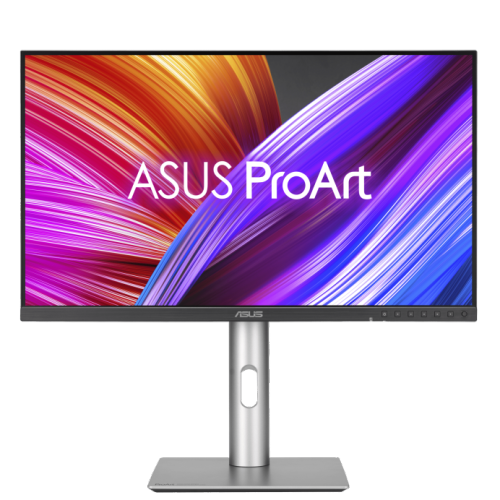
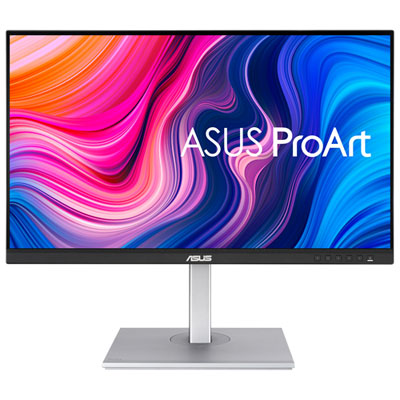
ASUS Proart 27" 1440P Qhd Ips Creator Monitor (Pa278Cfrv) - Displayhdr 400 - 95% Dci-P3 - 100Hz
About this product
A professional 27-inch QHD IPS monitor with 100Hz refresh rate, 95% DCI-P3, and ergonomic stand.
(3)$499.00 Your price for this item is $499 -
8
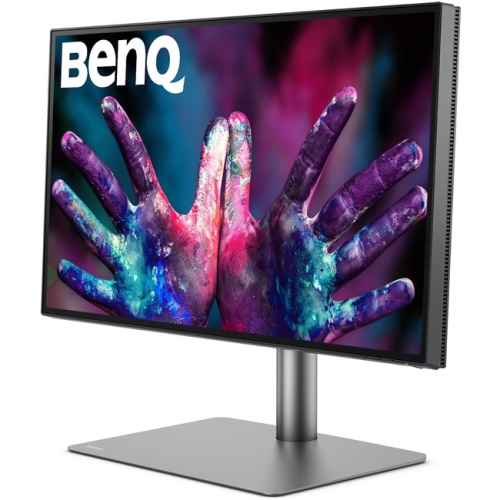
BENQ Pd2725U Pd2725U?27-Inch 4K Uhd P3 Thunderbolt 3 Mac Compatible Designer Monitor (Pd2725U)
About this product
A 27-inch 4K UHD IPS monitor in black with Thunderbolt 3, HDR, and Mac compatibility.
(1)$1,199.99Your price for this item is $1199.99SAVE $235 -
9
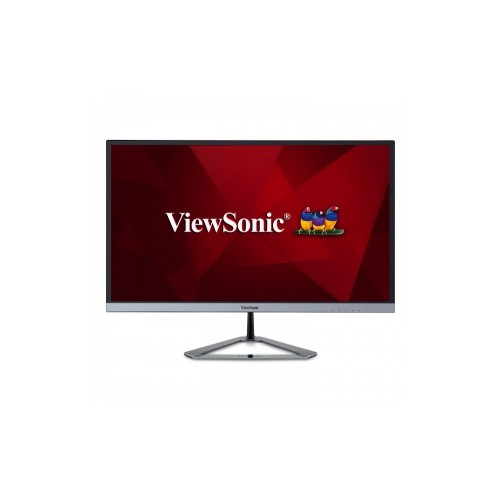
VIEWSONIC Vx2476 24" 1080P HD Ips Led Monitor (Vx2476-Smhd) - Flicker-Free/blue Light - 75Hz - In Silver
About this product
A sleek silver monitor featuring Full HD resolution, 75Hz refresh rate, and SuperClear IPS technology.
What customers like
(20)$193.99Your price for this item is $193.99SAVE $34 -
10
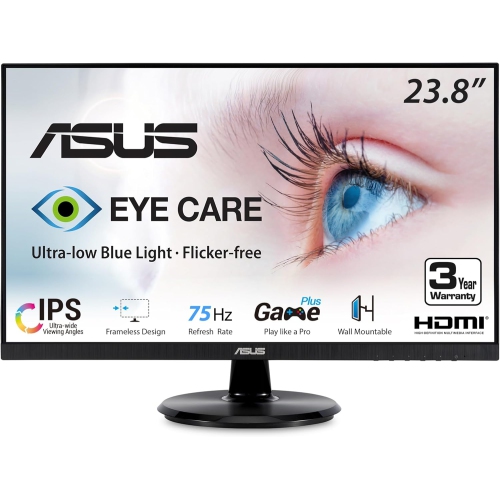
ASUS Eye Care 23.8" 1080P HD Ips Led Monitor (Va24Dq) - Flicker-Free/low Light - 75Hz - Freesync In Blue
About this product
An IPS monitor with Full HD resolution, 75Hz refresh rate, and eye care technologies for comfortable viewing.
(6)$160.99Your price for this item is $160.99SAVE $27
FAQ
sRGB is widely used for web graphics and digital content, while Adobe RGB is useful for print-focused workflows. DCI-P3 is relevant to video and some wide-gamut creative work. Look for stated coverage of the colour space you use, along with factory calibration details and colour accuracy specifications.
IPS panels are a common choice because they offer consistent colours across wide viewing angles. OLED panels provide deep blacks and strong contrast, though text rendering and care requirements vary by model. VA panels also offer strong contrast, but colour and brightness can shift more noticeably when viewed off-centre.
Factory calibration means a monitor’s colour output has been adjusted before purchase, sometimes with an included calibration report. Hardware calibration lets a compatible measurement device adjust the monitor’s internal colour settings directly. Not all monitors support hardware calibration, and a factory-calibrated monitor may still need periodic checks as its output changes over time.
HDMI and DisplayPort are common display connections. USB-C can carry video, data and power through one cable when both the monitor and computer support those features. Check compatibility with your computer, the supported display modes and the monitor’s USB-C power delivery rating. A built-in USB hub or KVM switch can also simplify a workspace with multiple peripherals or computers.
Matte finishes diffuse reflections, making them a practical option for workspaces with windows or overhead lighting. Glossy finishes can give images a crisp appearance, but reflections are more visible. For graphic design, consider your room’s lighting and whether you can control glare around your workspace.
Top selling and popular products
Discover more categories related to Best Monitors for Graphic Design

Some products may be subject to Environmental Handling Fees (EHF) depending on your province. Learn more about EHFs.