Best Monitors for Watching Movies
Bring movie night to your desk with the best monitors for watching movies, ranked by user review ratings. Whether you enjoy cinematic blockbusters or weekend movie marathons, explore options with the screen size, resolution, and display features that suit your setup. Look for rich colours, deep contrast, and wide viewing angles to help make every scene more immersive.
What to look for in monitors for watching movies
1. Screen Size and Aspect Ratio
2. Resolution and Content Quality
3. Contrast and HDR
4. Audio and Connectivity
-
1

LG Ultrawide 26" 1080P HD Ips Lcd Monitor (26Wq500-B) - HDr10 - Amd Freesync - 75Hz
About this product
An ultrawide IPS monitor with HDR10, AMD FreeSync, 2560 x 1080 resolution, and 75Hz refresh rate.
What customers like
(144)$219.99Your price for this item is $219.99SAVE $50 -
2
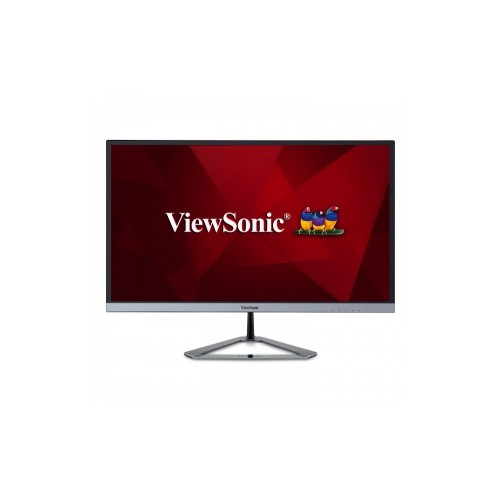
VIEWSONIC Vx2476 24" 1080P HD Ips Led Monitor (Vx2476-Smhd) - Flicker-Free/blue Light - 75Hz - In Silver
About this product
A sleek silver monitor featuring Full HD resolution, 75Hz refresh rate, and SuperClear IPS technology.
What customers like
(20)$193.99Your price for this item is $193.99SAVE $34 -
3
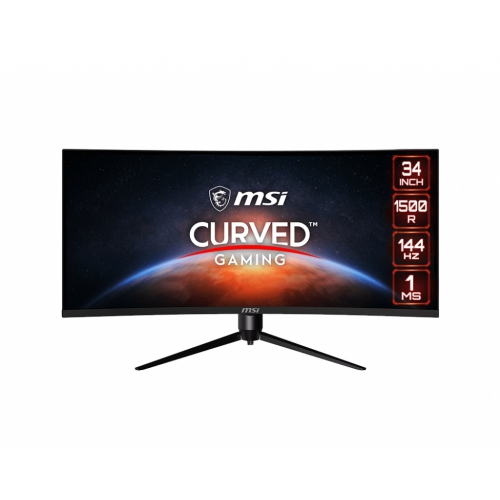
MSI Optix 34" Ultrawide Curved Uwqhd Va Lcd Gaming Monitor (Mag342Cqr) - Adaptive-Sync - 1Ms Gtg - 144Hz
About this product
A 34" curved monitor with UWQHD resolution, 144Hz refresh rate, Adaptive-Sync, and customizable RGB LED.
What customers like
(20)$666.68Your price for this item is $666.68SAVE $30 -
4
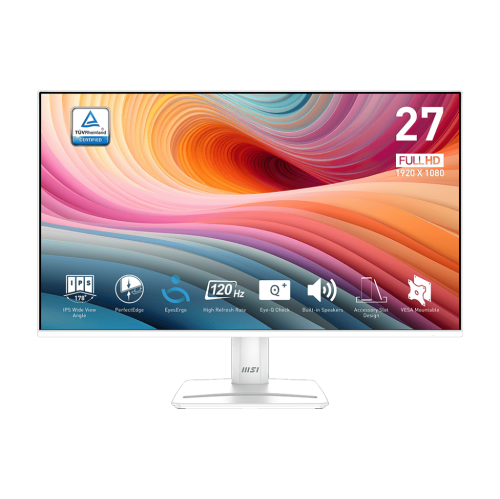
MSI Pro 27" 1080P HD Ips Led Monitor (Pro Mp275W E2) - Flicker-Free - 120Hz - HDr Ready - Matte In White
About this product
A tilt-adjustable IPS monitor with 120Hz refresh rate and 1ms response time for smooth business performance.
(16)$215.99Your price for this item is $215.99SAVE $44 -
5
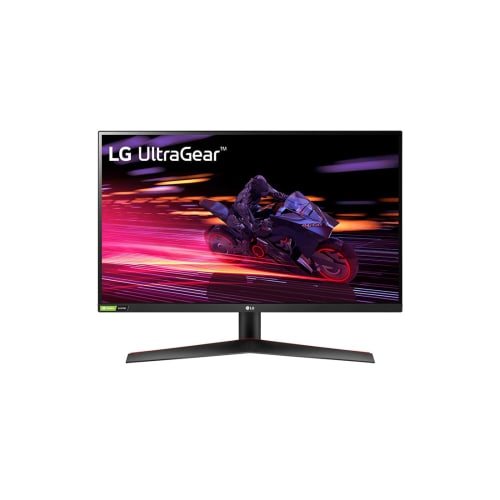
LG Ultragear 27" 1080P HD Ips Lcd Gaming Monitor (27Gp700-B) - Freesync Premium/gsync Compatible - 240Hz - HDr10
About this product
A high-speed IPS gaming monitor with 240Hz refresh rate, 1ms response, and FreeSync/G-Sync compatibility.
What customers like
(170)$449.99Your price for this item is $449.99SAVE $45 -
6
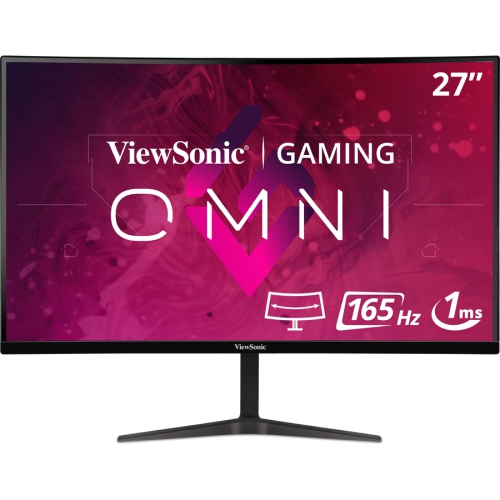
VIEWSONIC 27" Curved 1440P Qhd Mva Lcd Gaming Monitor (Vx2718-2Kpc-Mhd) - Adaptive-Sync - 165Hz
About this product
A curved black gaming monitor featuring WQHD resolution, 165Hz refresh rate, and adaptive sync technology.
What customers like
(28)$292.69Your price for this item is $292.69SAVE $29 -
7
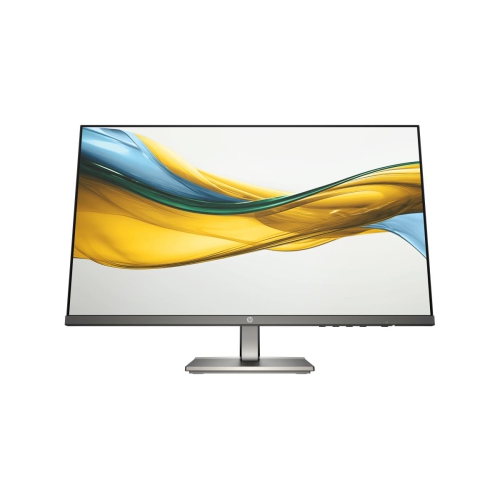
HP Pro 23.8" 1080P HD Ips Led Monitor (B11W5At#aba) - Light - 100Hz In Blue
About this product
A sleek IPS LED monitor with 100Hz refresh rate, 5ms response time, and built-in dual speakers.
(15)$220.99Your price for this item is $220.99SAVE $39 -
8

VIEWSONIC 32" 4K Uhd 150Hz 3Ms, 1Ms Gtg Ips Lcd Freesync Gaming Monitor (Xg320U)
About this product
A 32" 4K UHD IPS gaming monitor with 150Hz refresh rate, 1ms response, and FreeSync support.
(11)$1,886.68Your price for this item is $1886.68SAVE $30 -
9
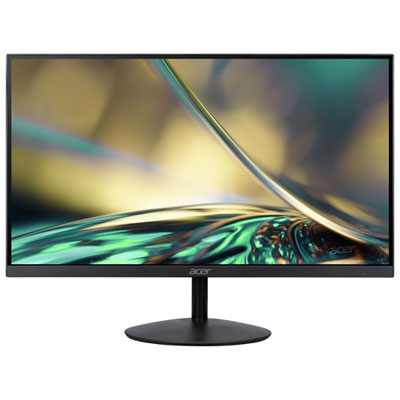
Acer SA 31.5" 1080p HD IPS LED Gaming Monitor (SA322Q) - FreeSync - 1ms GTG - 75Hz - Only at Best Buy
About this product
An ultra-thin black IPS monitor offering 75Hz refresh rate, 1ms response, and FreeSync for smooth gaming.
(5)$179.97 Your price for this item is $179.97 -
10
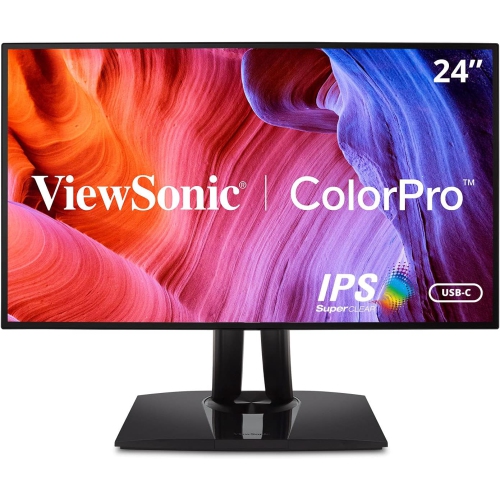
VIEWSONIC Vp 24" 1080P HD Ips Lcd Monitor (Vp2468A)
About this product
A frameless Full HD IPS monitor with 75Hz refresh rate and 5ms response time for vivid visuals.
(2)$409.99Your price for this item is $409.99SAVE $83
FAQ
OLED panels offer deep blacks and strong contrast, making them well suited to dark movie scenes. VA panels typically provide higher contrast than IPS panels, while IPS panels offer consistent colours and wide viewing angles—helpful when several people are watching together.
High Dynamic Range (HDR) can reveal more detail in bright highlights and dark scenes while displaying a wider range of colours. For a more noticeable HDR experience, look for strong peak brightness, wide colour gamut coverage, and either local dimming or an OLED panel. Your movie, playback device, and connection must also support HDR.
Most films use 24 frames per second. A 120 Hz monitor can display this footage with an even frame cadence because 120 is a multiple of 24, provided the playback setup supports it. A 60 Hz monitor is still suitable for everyday viewing, though slow camera pans may show some judder.
HDMI is useful for connecting streaming devices, game consoles, and Blu-ray players. DisplayPort is common for computer connections, while USB-C can carry video from compatible laptops. For protected streaming content, check that the monitor and the rest of your playback setup support the required HDCP version.
Built-in speakers are convenient for casual viewing, but their bass and dialogue clarity vary. External speakers, a compatible soundbar, or headphones can provide fuller sound. Check the monitor’s audio outputs or connect your audio equipment directly to the playback device.
Top selling and popular products
Discover more categories related to Best Monitors for Watching Movies



Some products may be subject to Environmental Handling Fees (EHF) depending on your province. Learn more about EHFs.