Best Monitors
Find the best monitors for work, gaming, and everyday use, ranked based on customer review ratings. Whether you need a larger screen for multitasking or a sharper display for movies and games, explore top-rated options to find the right fit for your space and budget.
What to look for in the best monitors
1. Screen Size and Resolution
2. Panel Type and Image Quality
3. Refresh Rate and Response Time
4. Connectivity and Adjustability
-
1
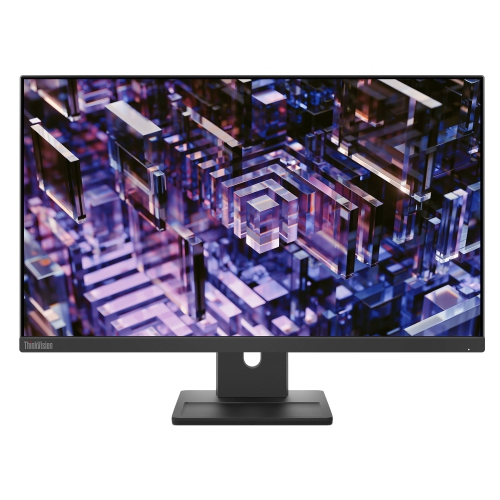
LENOVO Thinkvision 23.8 Inch Ips Qhd 100Hz Monitor - E24Q-30
About this product
A high-resolution 23.8-inch monitor delivering sharp visuals, ideal for work or entertainment setups.
(3)$300.68Your price for this item is $300.68SAVE $30 -
2
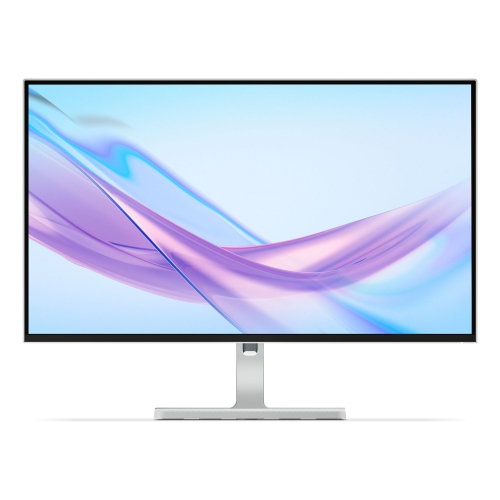
LENOVO L27Q 27" 1440P Qhd Ips Lcd Monitor (L27Q-4A) - 100Hz - Cloud In Grey
About this product
A 27-inch IPS monitor featuring QHD resolution and a smooth 100Hz refresh rate for vibrant visuals.
What customers like
(26)$265.99Your price for this item is $265.99SAVE $84 -
3

Alienware 32" Curved 4K UHD QD-OLED Gaming Monitor (AW3225QF) - 0.03ms - 240Hz - HDR - Lunar Light
About this product
A curved QD-OLED display delivering 4K UHD visuals, 240Hz refresh rate, and ultra-fast 0.03ms response time.
What customers like
(905)$1,199.99Your price for this item is $1199.99SAVE $150 -
4

LENOVO L27H 27" 1440P Qhd Ips USB-C Monitor (L27H-4A) - Low Light - 100Hz - Cloud Grey In Blue
About this product
A 27-inch IPS QHD monitor with 100Hz refresh rate and USB-C connectivity for vibrant, smooth visuals.
(18)$237.99Your price for this item is $237.99SAVE $172 -
5
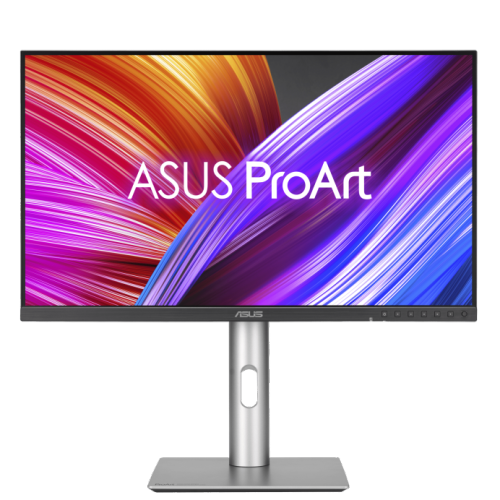
ASUS Proart 27" 1440P Qhd Ips Creator Monitor (Pa278Cfrv) - Displayhdr 400 - 95% Dci-P3 - 100Hz
About this product
A professional 27-inch QHD IPS monitor with 100Hz refresh rate, 95% DCI-P3, and ergonomic stand.
(3)$499.00 Your price for this item is $499 -
6
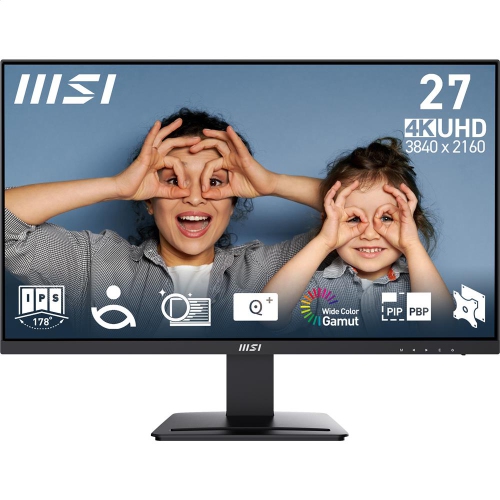
MSI Pro 27" 4K Uhd Ips Led Monitor (Mp273U) - Flicker-Free - HDr Ready - Adaptive-Sync
About this product
A 27-inch UHD IPS monitor with 4ms response time, 60Hz refresh rate, and tilt adjustment.
(13)$279.99 Your price for this item is $279.99 -
7
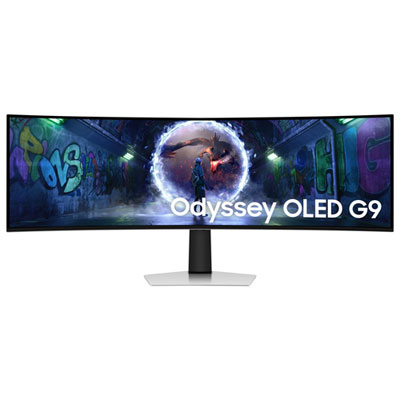
Samsung Odyssey G9 49" Ultrawide Curved 1440p WQHD OLED Gaming Monitor (LS49DG936SNXGO) - G-Sync/FreeSync - 0.03ms GTG - 240Hz - Silver - Only at Best Buy
About this product
An ultra-wide curved OLED gaming monitor in silver with 240Hz refresh rate and G-Sync/FreeSync support.
(10)$1,399.99Your price for this item is $1399.99SAVE $700 -
8
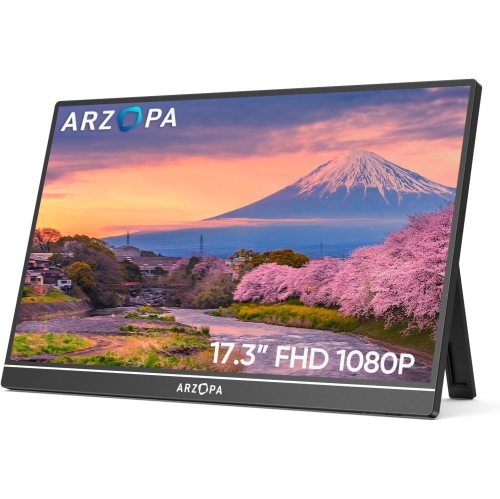
ARZOPA Portable Monitor 17.3", 1080P Fhd 100% Srgb Ips Laptop Monitor Gaming Monitor Built-In Kickstand HDMI USB C - A1M
About this product
A portable 17.3" IPS monitor with 1080P FHD, 100% sRGB, built-in kickstand, HDMI, and USB-C connectivity.
$164.99Your price for this item is $164.99SAVE $95 -
9
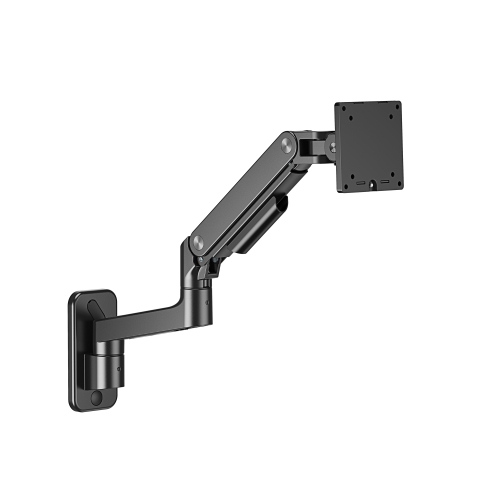
AMER MOUNTS - Single Hydralift Articulating Monitor Wall Mount w Extension Supports 4.4-44 Lbs Monitors w 100X100MM Or 75X75MM Mounting Patterns
About this product
An articulating wall mount with hydralift extension, supporting 4.4-44 lbs monitors and easy topside installation.
$169.99 Your price for this item is $169.99 -
10
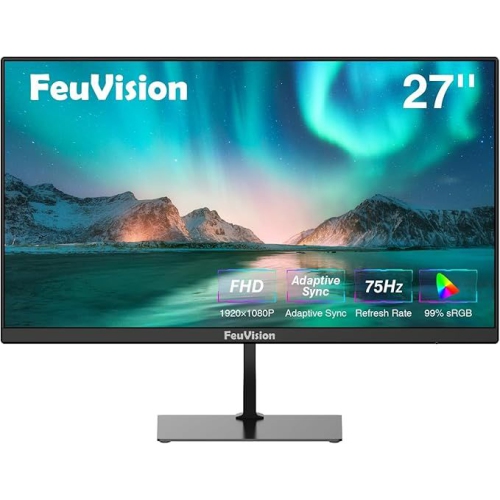
FEUVISION 27" 1080P HD Led Monitor - 75Hz - Adaptive Sync - Built-In Speakers
About this product
A Full HD monitor with 99% sRGB, 75Hz refresh rate, built-in speakers, and wide viewing angles.
$209.00 Your price for this item is $209
FAQ
Common panel types include IPS, VA, TN and OLED. IPS panels are known for wide viewing angles, while VA panels typically offer higher contrast ratios than IPS or TN panels. TN panels are often found in gaming displays. OLED panels use individually lit pixels rather than a separate backlight.
Refresh rate, measured in hertz (Hz), describes how many times a monitor updates its image each second. Common options include 60 Hz, 75 Hz, 144 Hz and 240 Hz. The refresh rates available to you depend on the monitor, your computer’s graphics hardware, the connection and the selected resolution.
HDMI and DisplayPort are common connections for carrying video and audio. Some monitors also accept video over USB-C, while select models provide USB-C power delivery to charge a compatible laptop. Check that your computer’s ports and cables support the functions you want, as not every USB-C connection carries video or power.
Check how many displays your computer supports and which video outputs it offers. Consider monitors with matching resolutions and similar panel types for a consistent desktop layout. Some models support daisy-chaining through compatible DisplayPort or Thunderbolt connections, though this also depends on your computer and operating system.
Look at colour gamut coverage, colour accuracy specifications and calibration options. sRGB is commonly used for web content, while Adobe RGB is relevant to some print workflows. DCI-P3 coverage is often listed for video-focused displays. Also check colour depth and whether the monitor supports hardware calibration if your workflow requires it.
Top selling and popular products
Discover more categories related to Best Monitors
Some products may be subject to Environmental Handling Fees (EHF) depending on your province. Learn more about EHFs.