Color Accurate Monitors
Color accuracy is a big issue for computer monitors. The reason is that the color of your display is what you're going to see on your screen, so it's important that it looks good. If your monitor doesn't get accurate colors, it will show inaccurate colors.
Sort
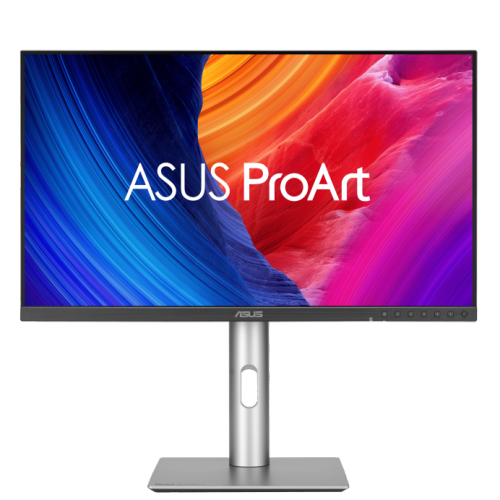
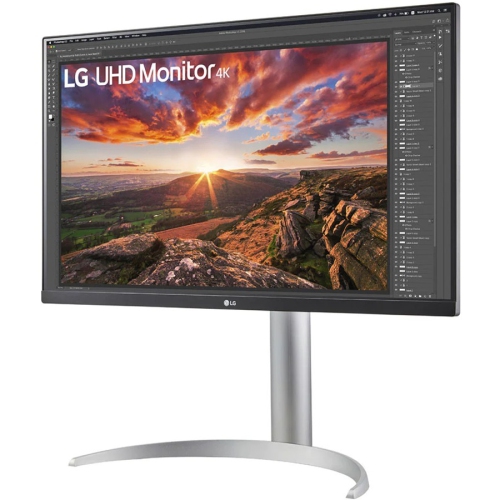
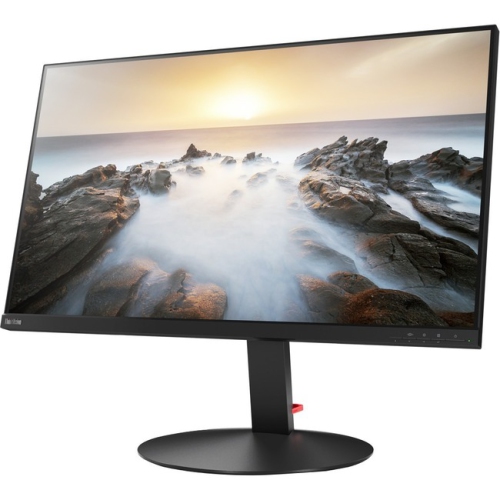

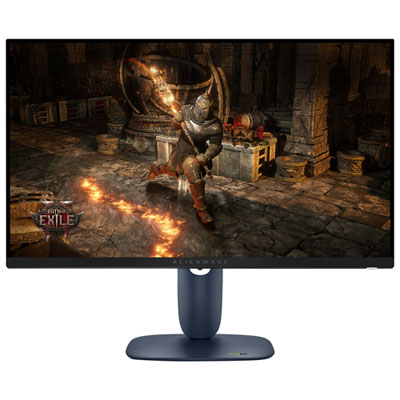
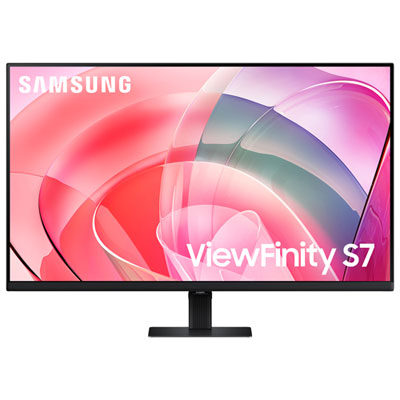
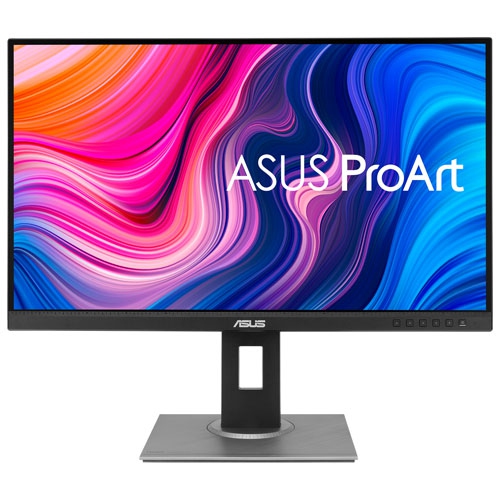
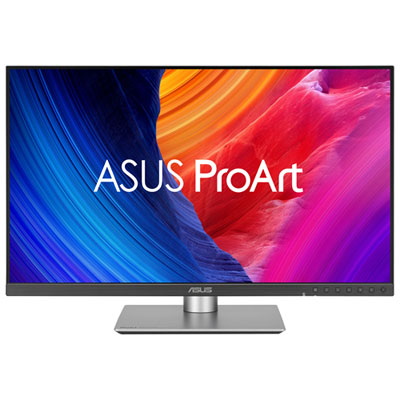
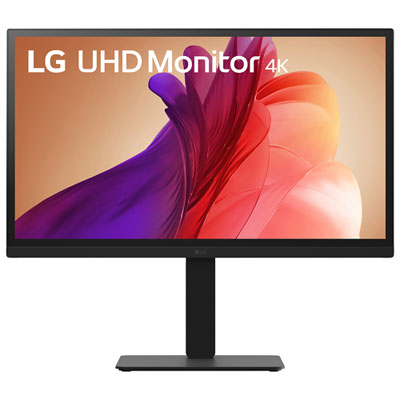
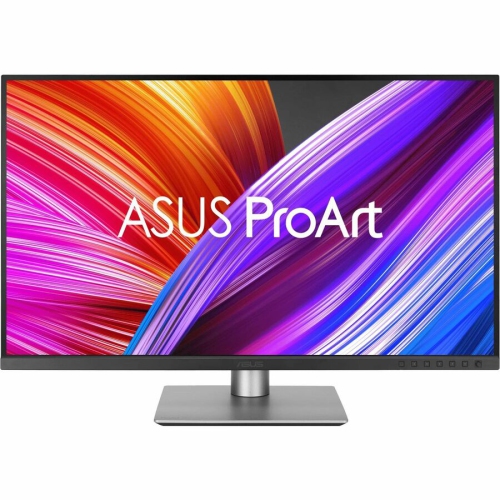

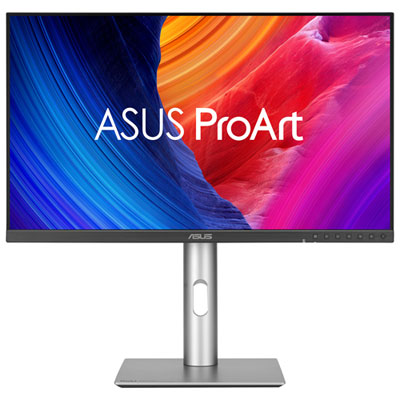

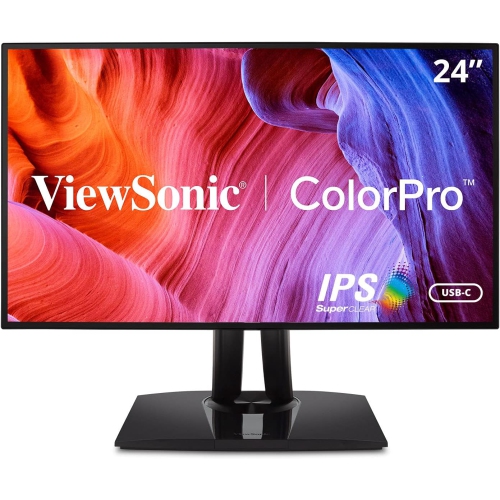
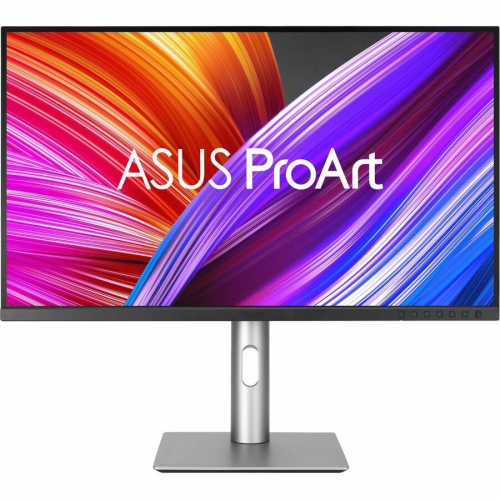
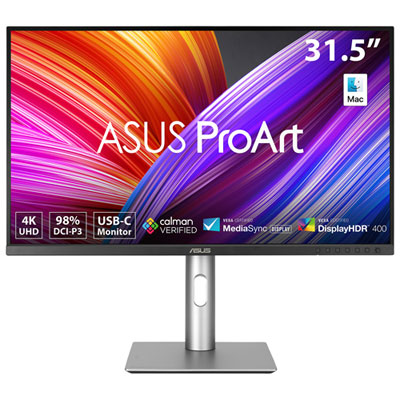
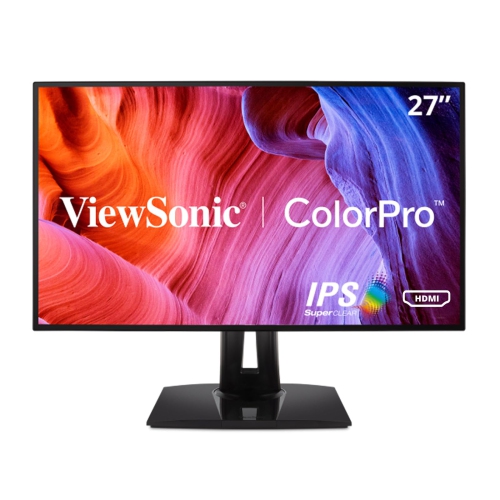
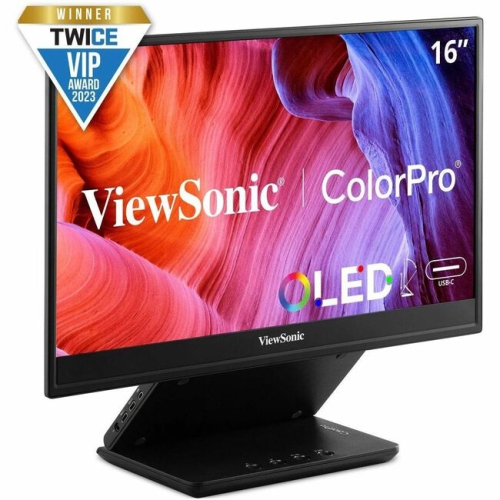
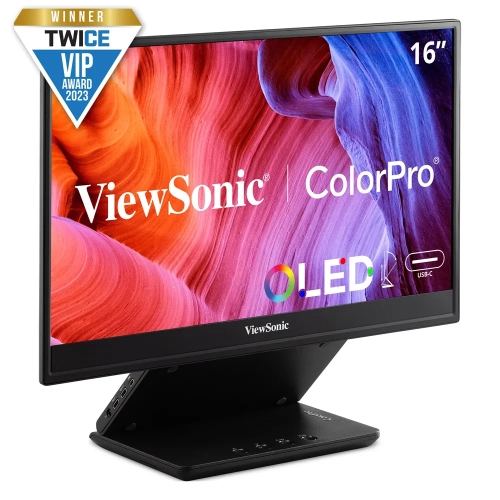
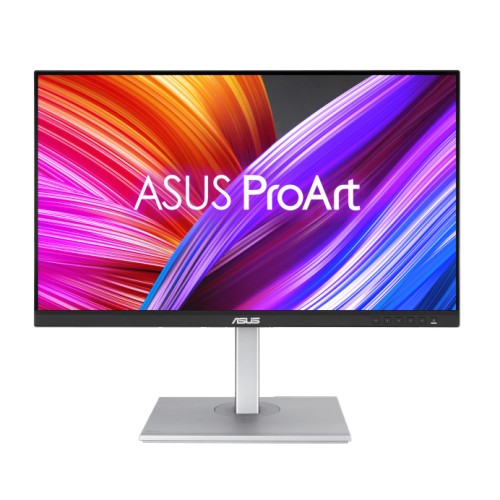
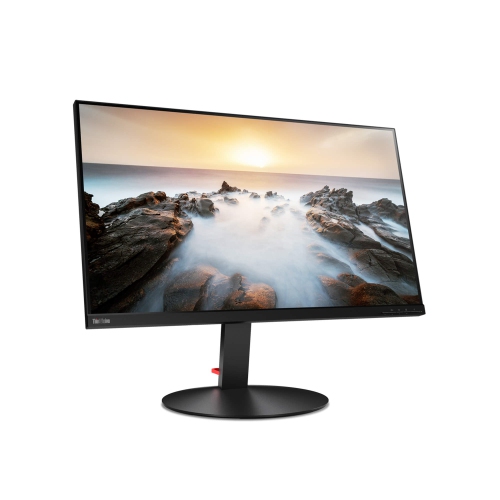
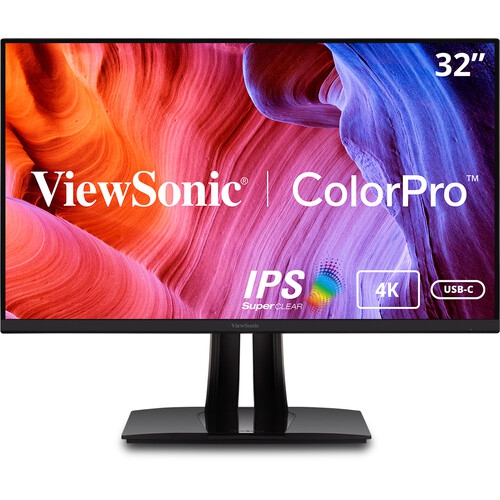
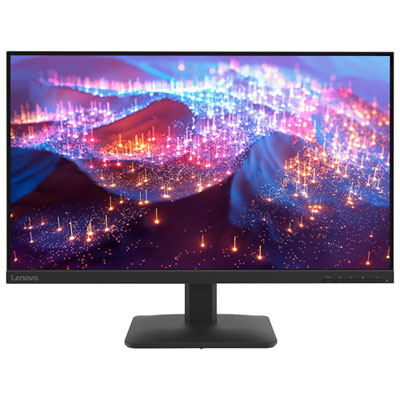
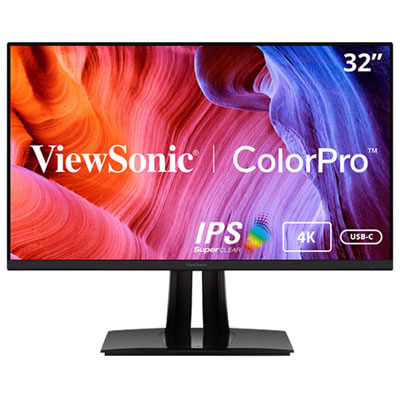
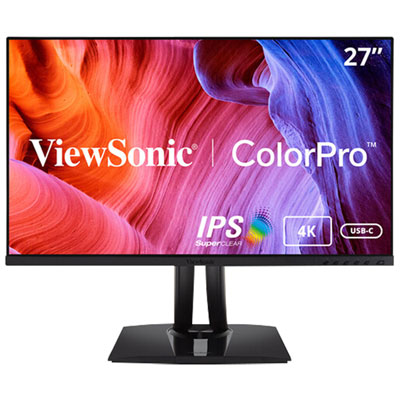

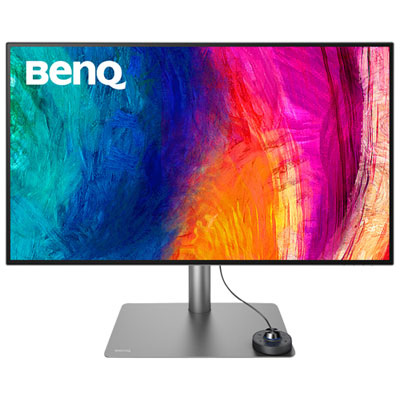
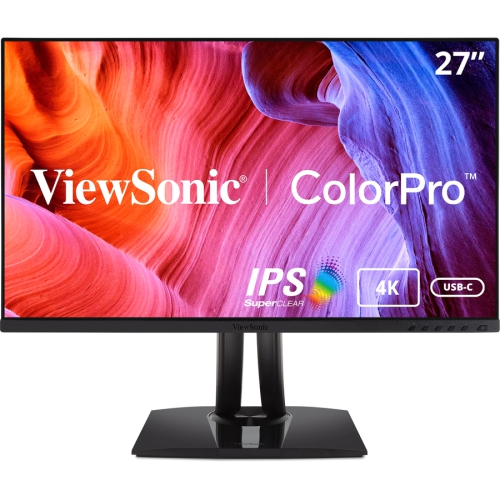
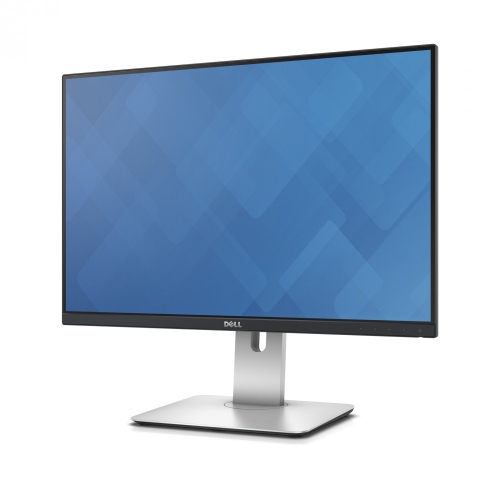
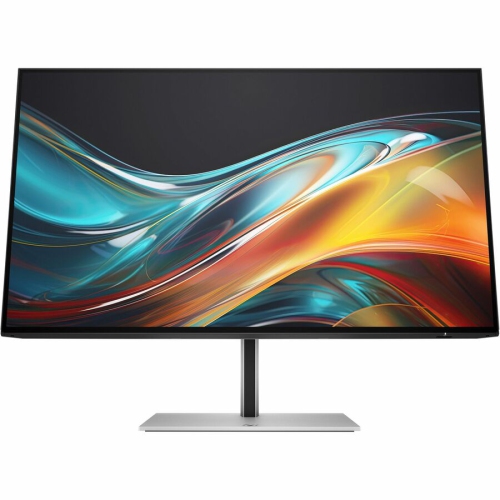
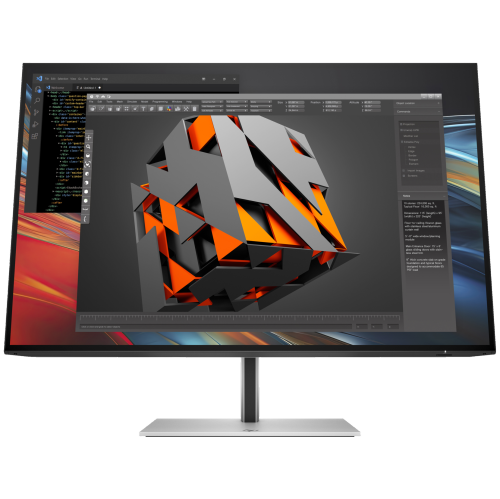
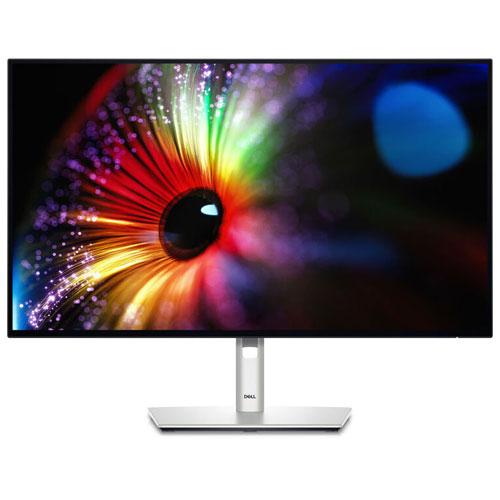
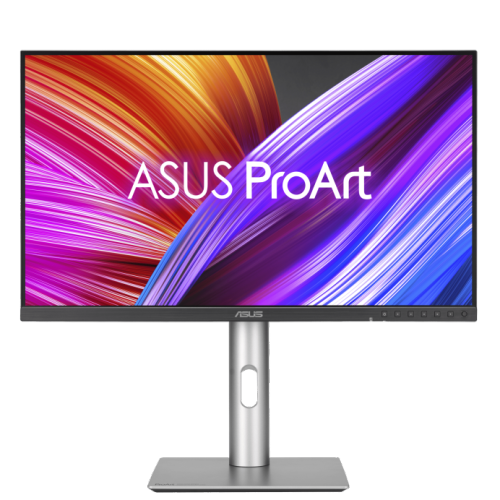

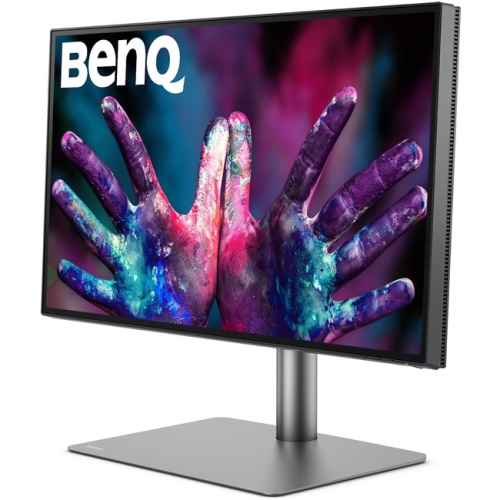
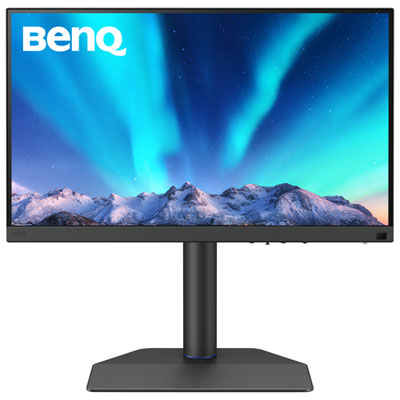
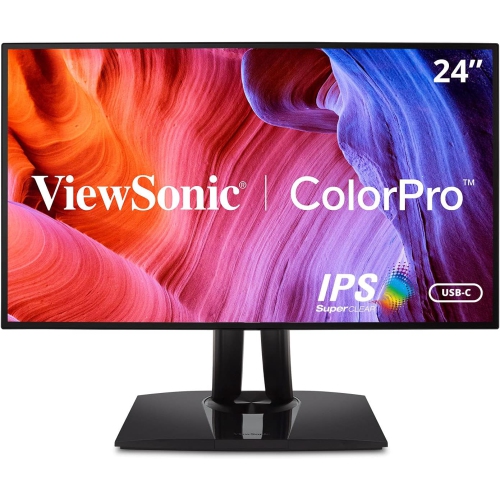
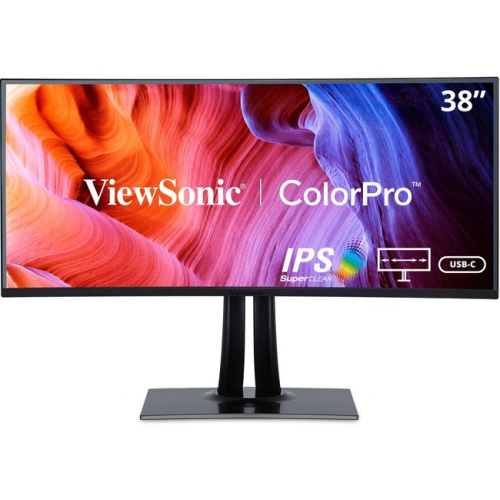
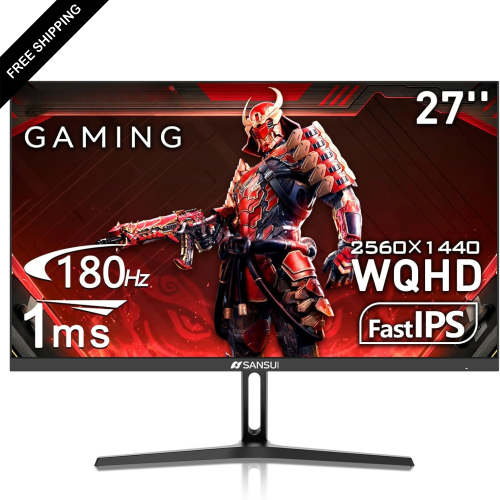
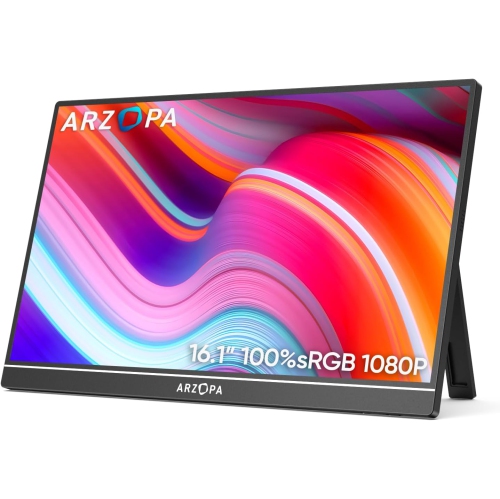
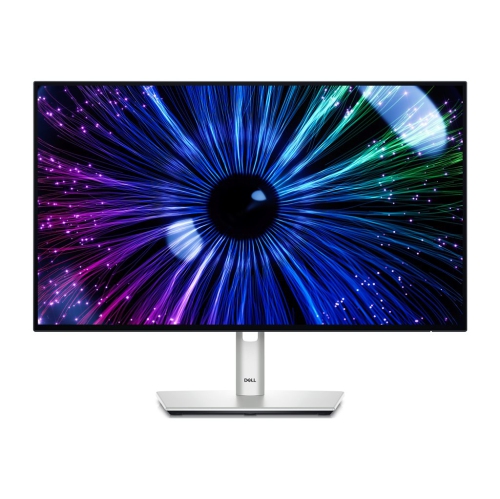
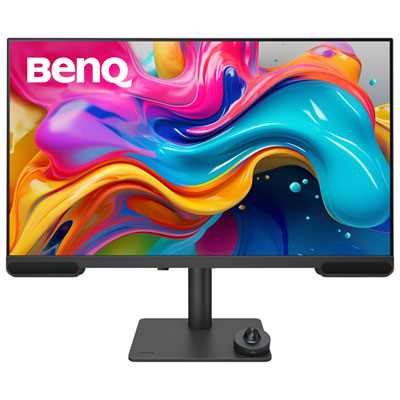
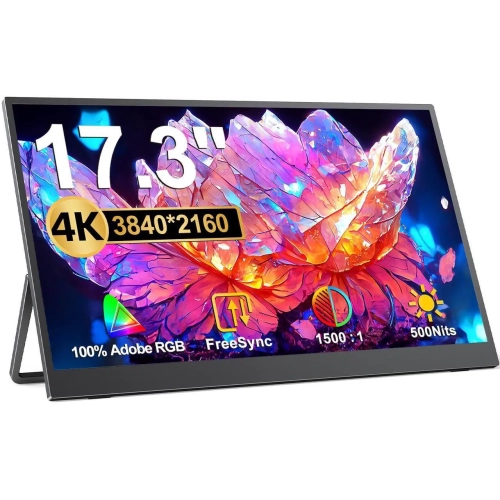
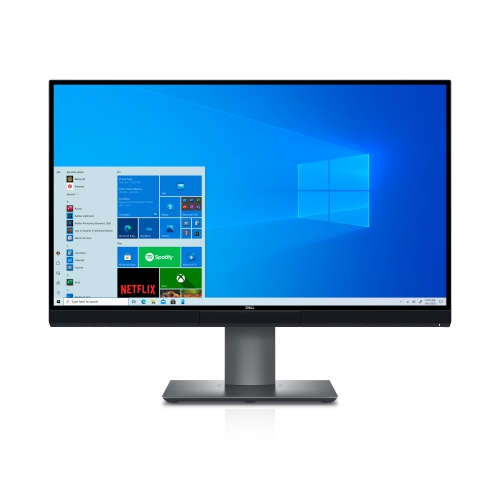
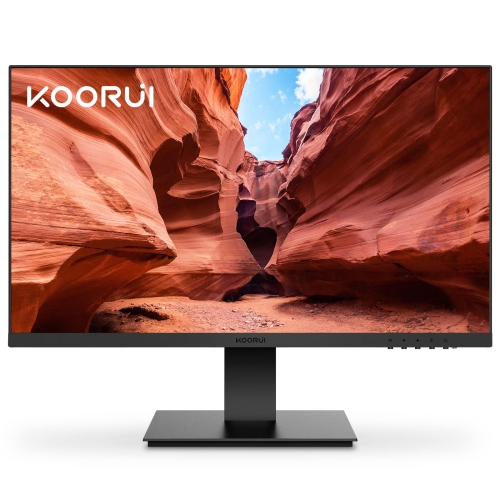
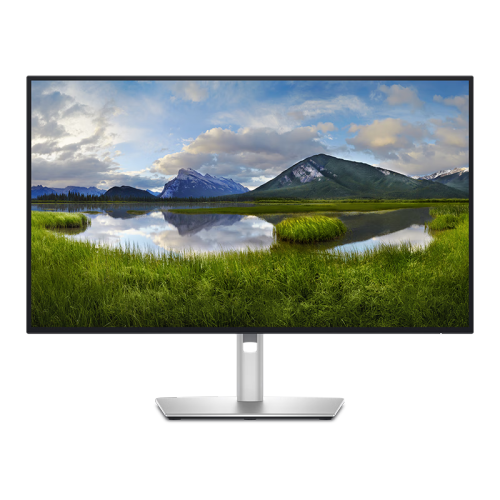
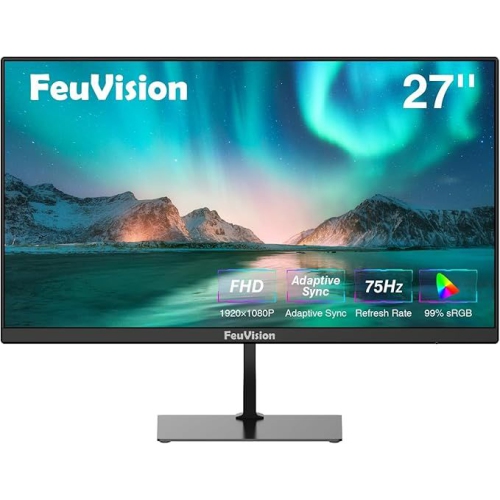
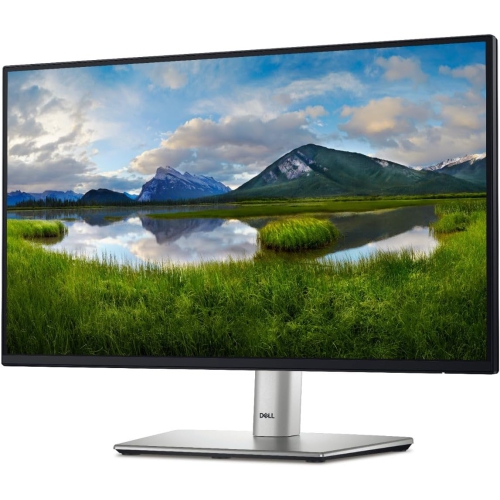
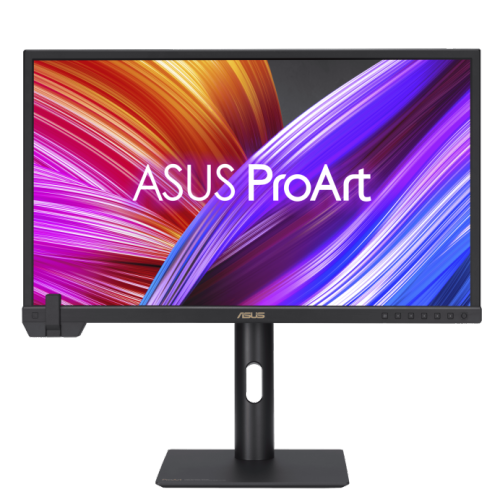
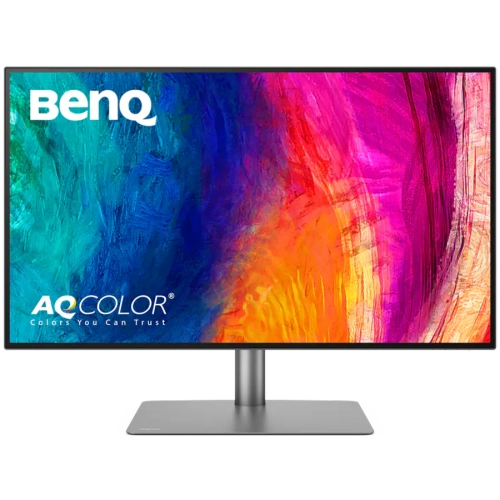
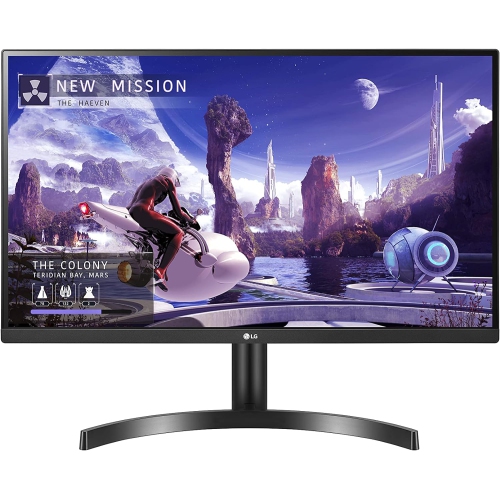
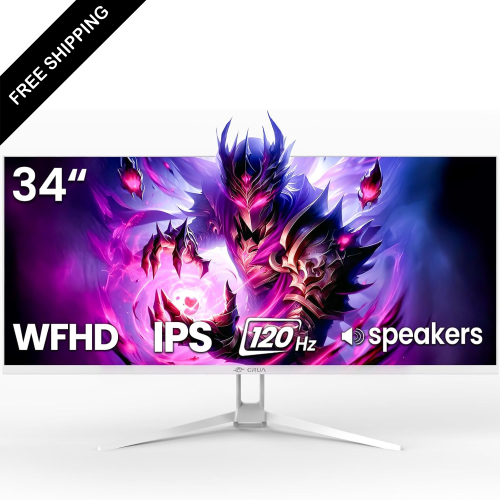
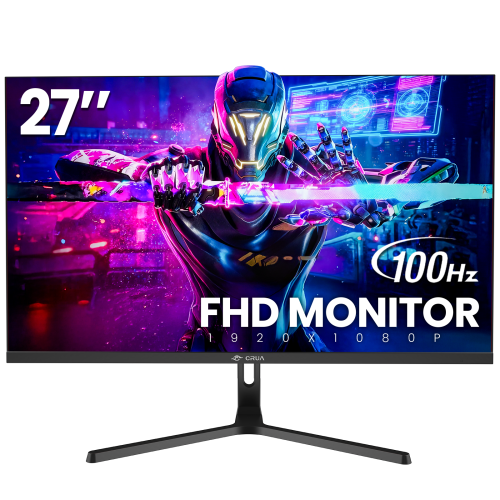
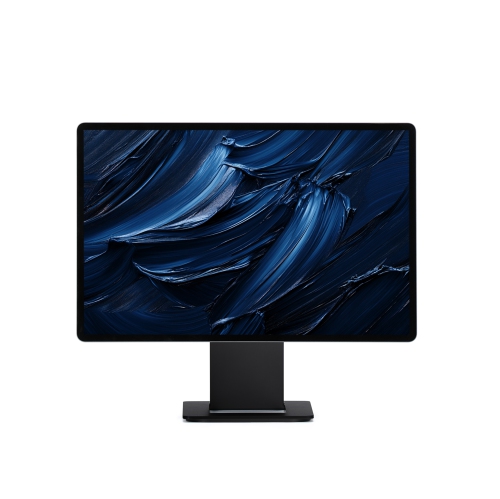



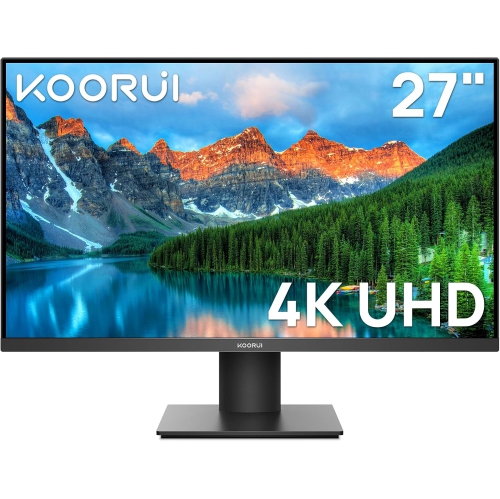
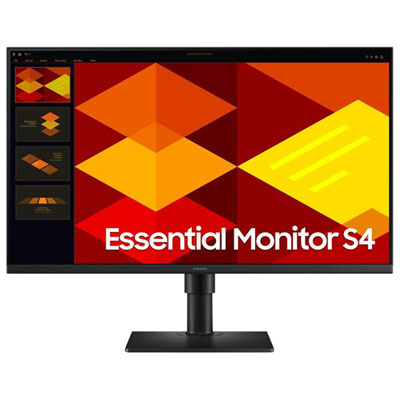
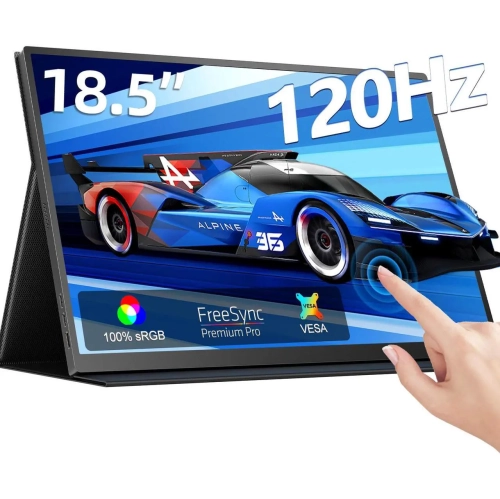
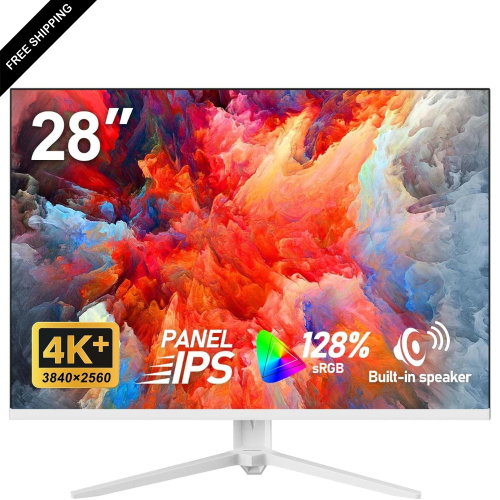
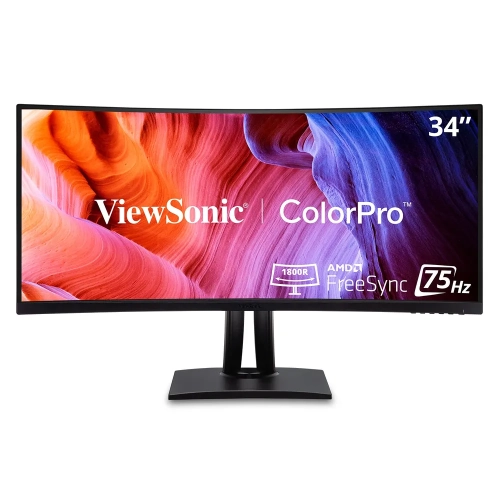
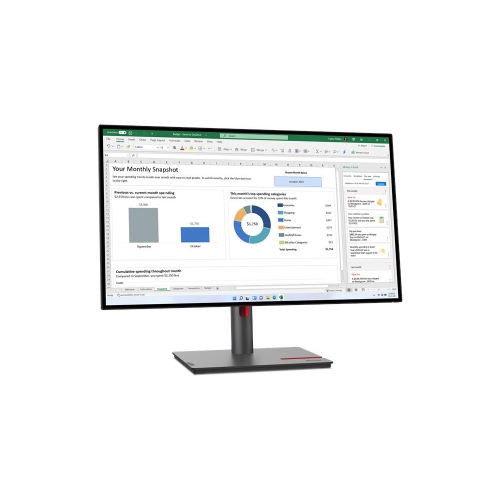
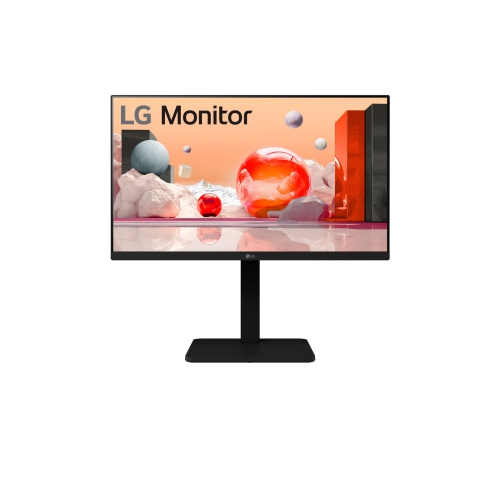
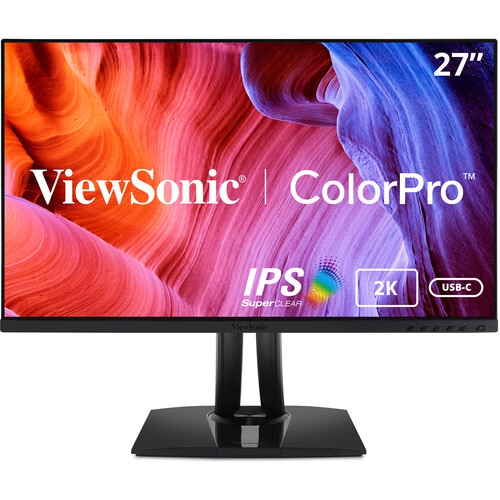
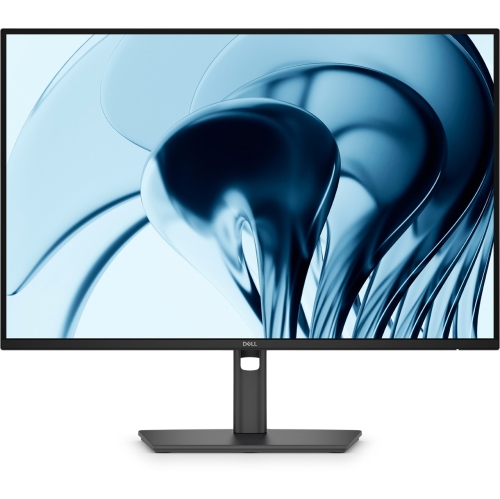
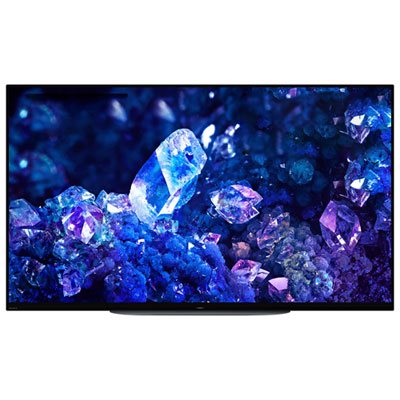



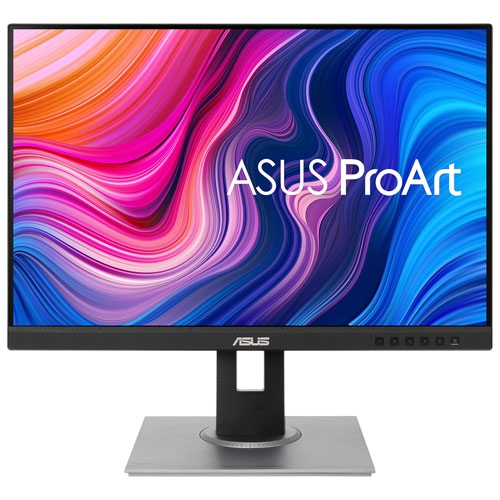
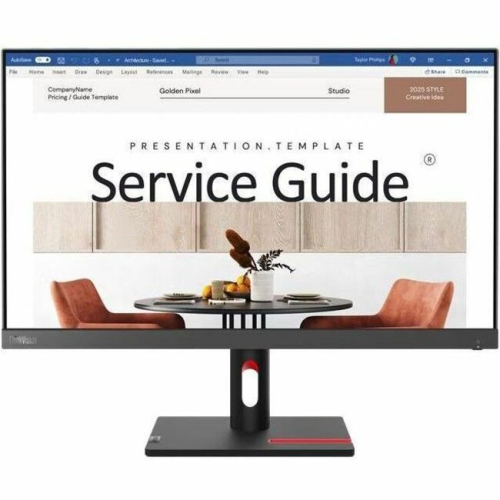
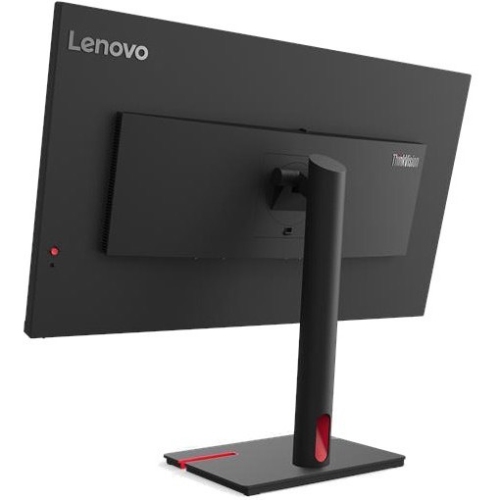


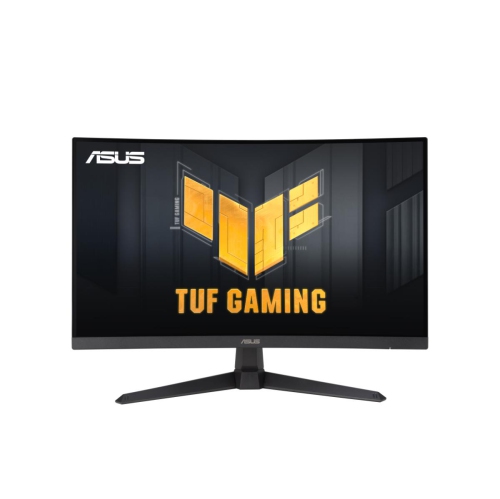

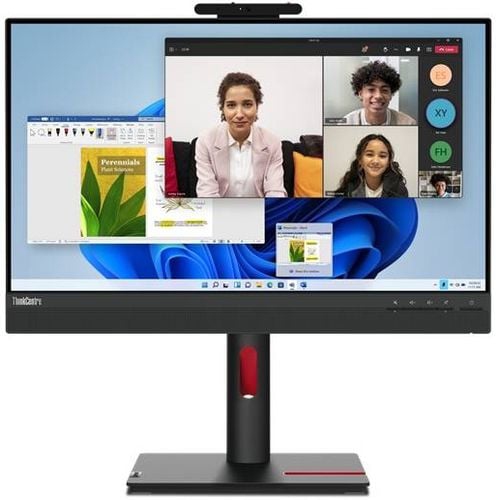
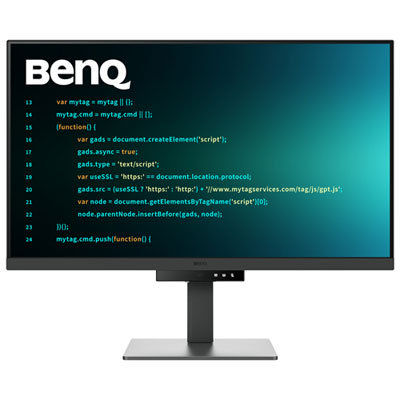
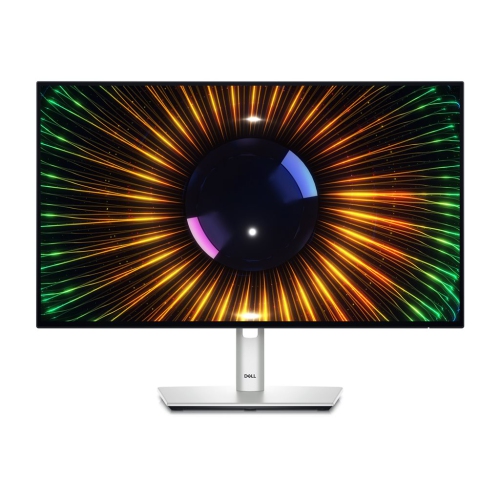
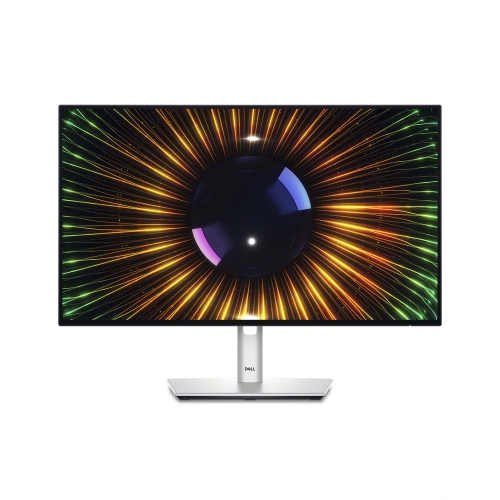
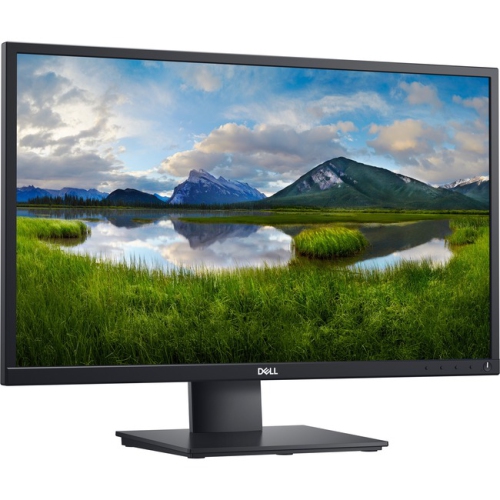
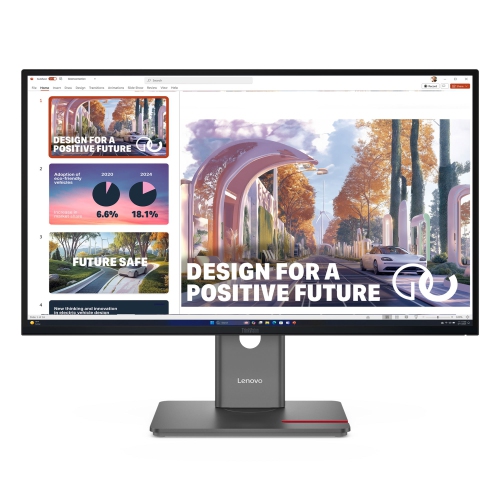
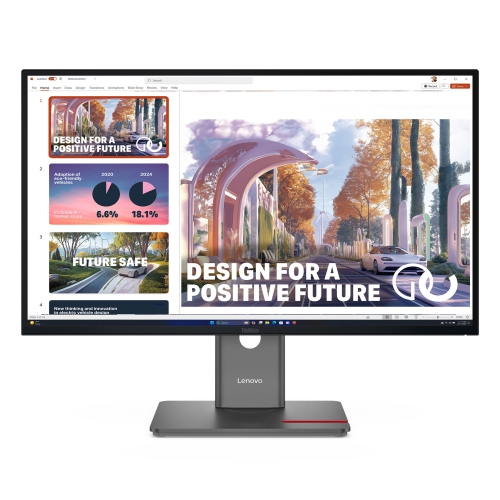
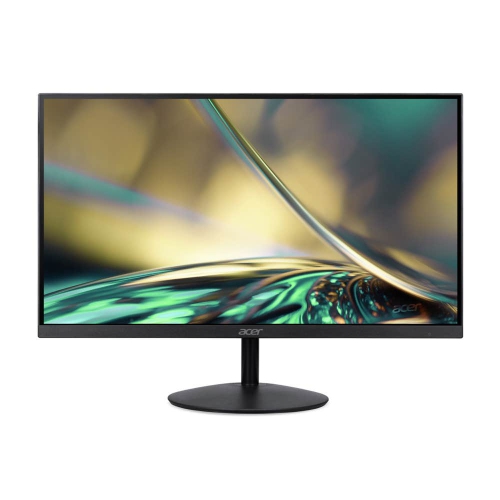
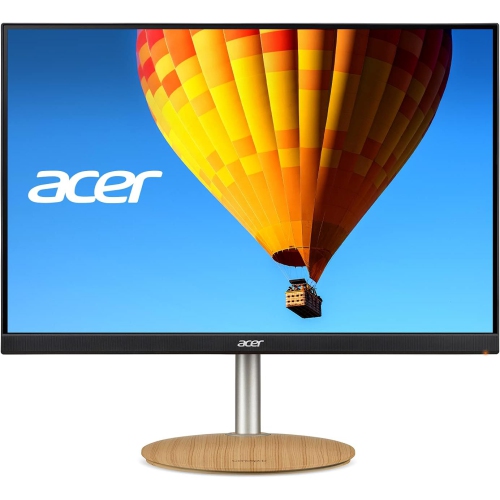
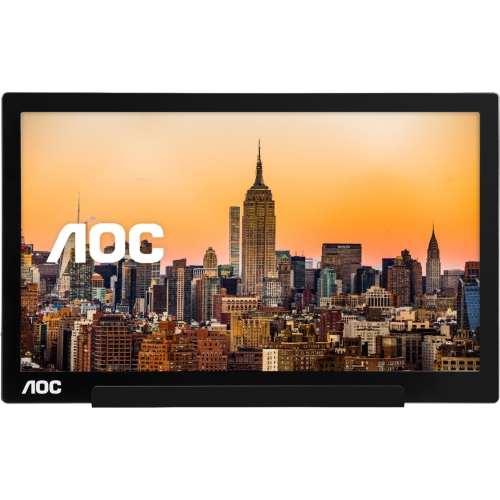
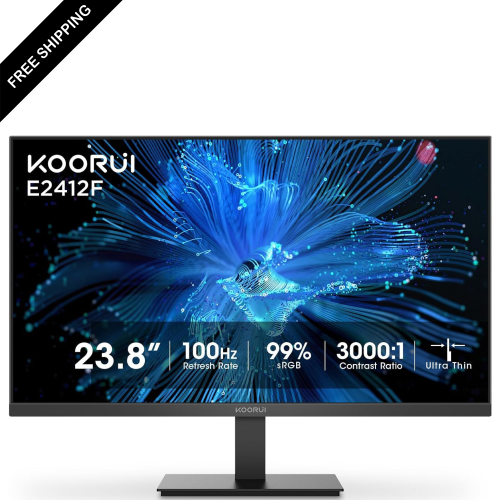
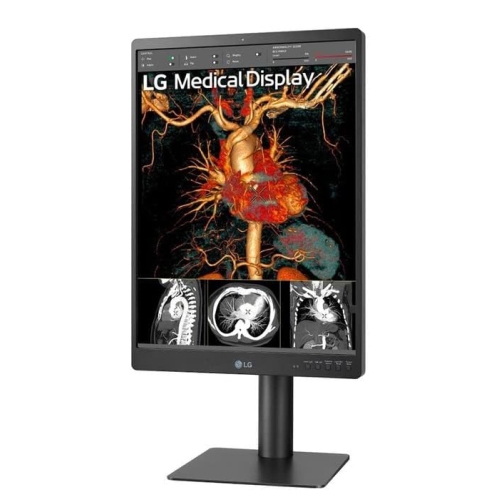
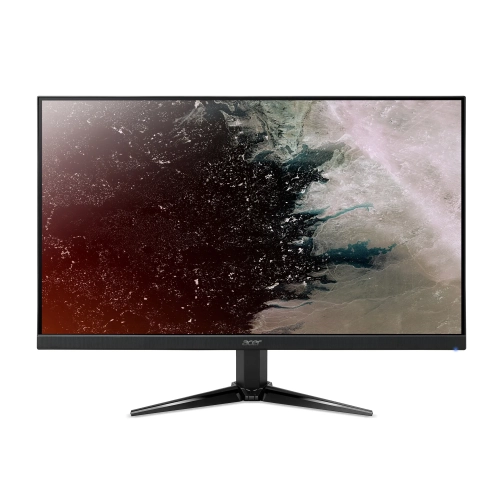
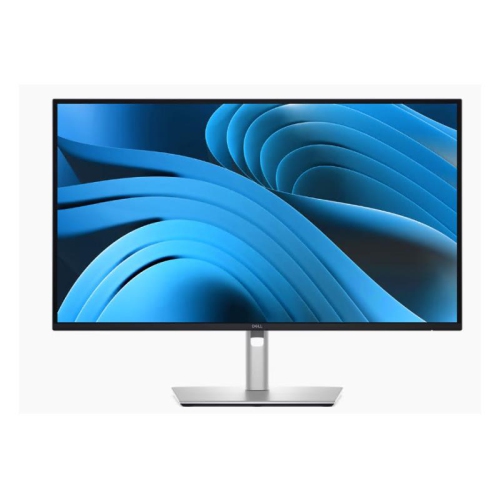

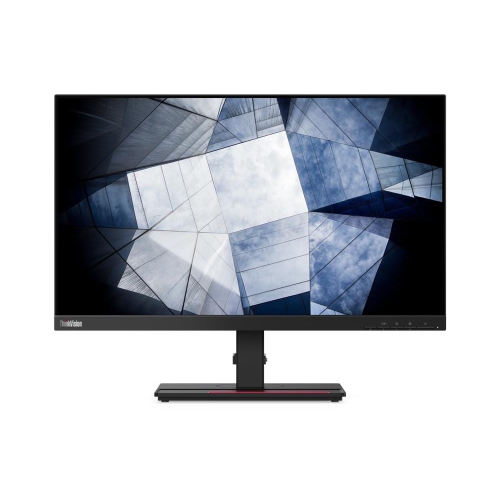

Accurate colour reproduction supports demanding creative workflows
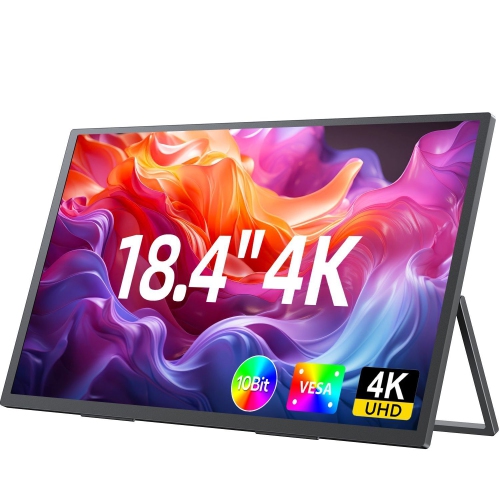
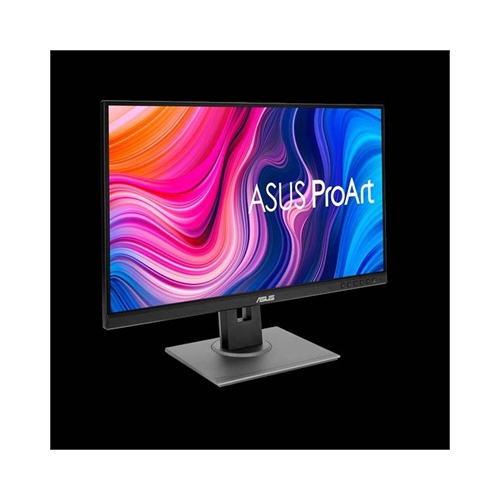
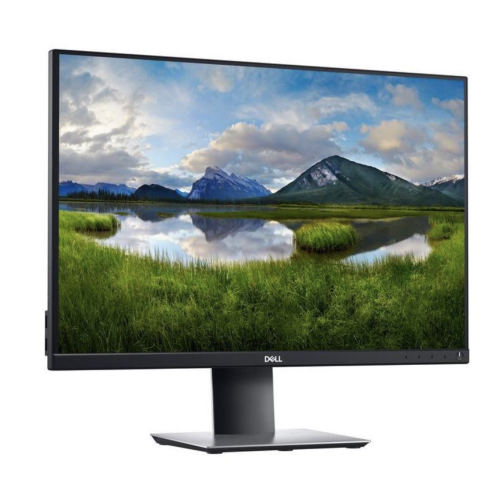
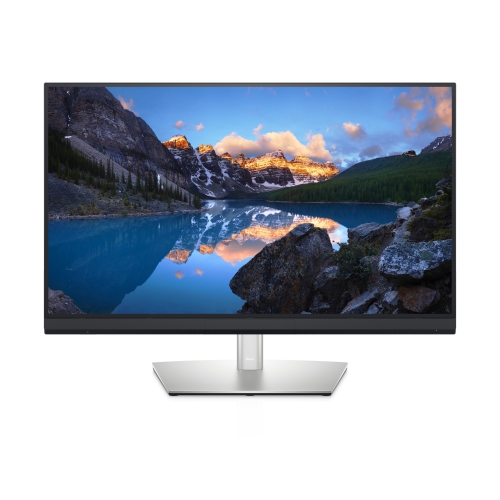
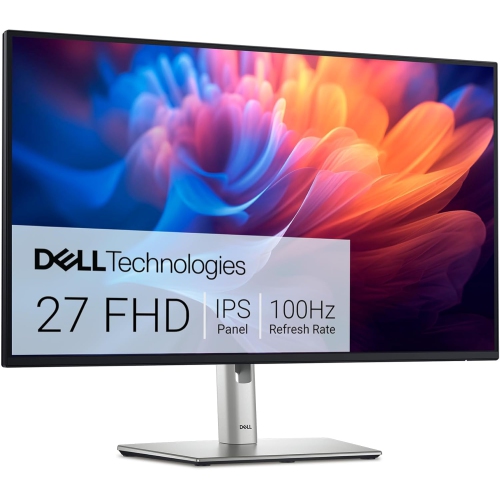
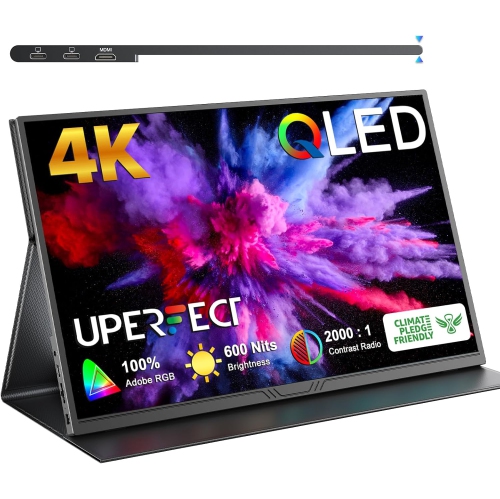
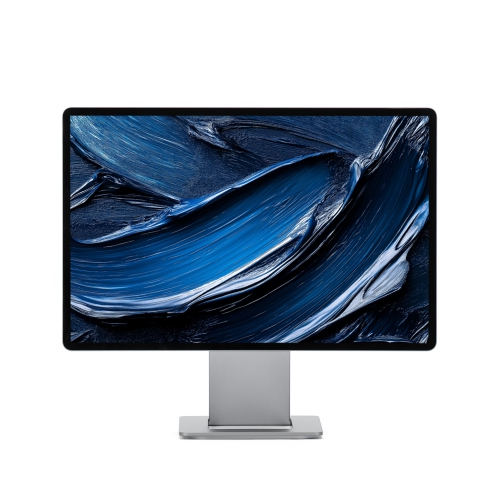
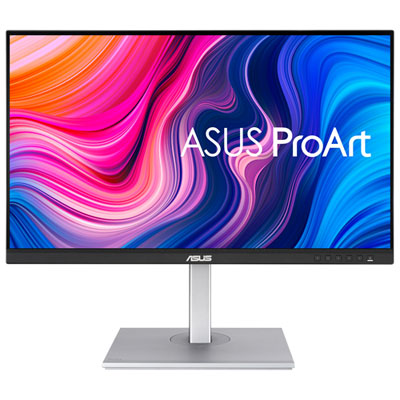
Color accurate monitors are designed to display colours with a high level of consistency, making them a valuable choice for photographers, graphic designers, illustrators, video editors, content creators and anyone who needs on-screen colours to look close to the finished result. A regular monitor may be perfectly suitable for browsing, streaming and everyday office work, but colour-focused projects demand more control. When a subtle difference between warm white and cool white affects the mood of a photograph, or a carefully selected shade needs to match a printed package, accurate colour reproduction becomes part of the creative process. Look for monitors with an IPS or OLED panel, high resolution and wide colour-gamut coverage. IPS panels are popular for their dependable viewing angles and consistent image across the screen, while OLED displays can provide rich contrast and deep blacks that help reveal detail in darker scenes. Resolution also matters: a 4K display can show fine texture, crisp typography and intricate artwork with impressive clarity, particularly on a 27-inch or larger screen. For professional workflows, specifications such as 10-bit colour depth, more than 99% sRGB coverage, and strong Adobe RGB or DCI-P3 coverage can help a monitor reproduce a broader range of tones. Colour gamut describes the range of colours a display can show, while colour accuracy describes how closely those colours match an accepted reference. These are related but different features, so a wide gamut alone does not guarantee accurate results. Factory calibration, calibration reports and a low Delta E rating are useful indicators when comparing options, although the result can also depend on your computer, cables, software and room lighting.
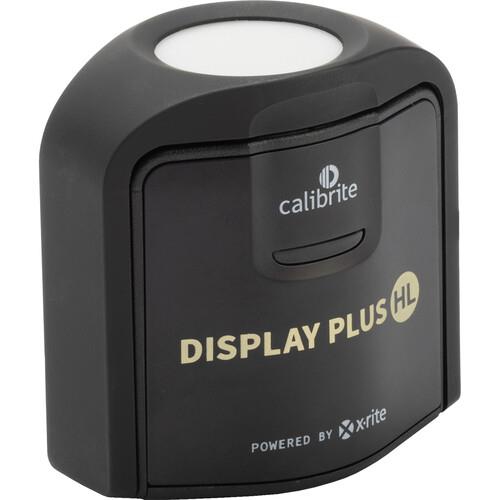
A well-chosen colour accurate monitor can support a remarkably wide range of work. Photographers may use one to sort through a large collection of images, recover detail in shadowed areas and make skin tones appear natural before sharing or printing their photographs. Graphic designers can work with brand colours, illustrations and layouts while keeping an eye on small differences that might be missed on a general-purpose display. Video editors benefit from a broad colour range and reliable contrast when reviewing footage, creating titles or adjusting the balance between highlights and shadows. Artists and digital illustrators may appreciate a screen that shows smooth gradients without distracting banding, while architects, engineers and product designers can use the sharp resolution to inspect drawings, plans and three-dimensional models. These monitors can also be useful for people who spend long hours moving between documents, creative applications and reference material, especially when a larger screen or higher resolution provides more room for toolbars and side-by-side windows. Connectivity is another practical consideration. USB-C can simplify a desk setup by carrying video, data and, on compatible monitors, power through one cable. HDMI and DisplayPort provide useful flexibility for desktops, laptops and other devices, while a built-in USB hub can keep accessories within easy reach. Ergonomic features such as height adjustment, tilt, swivel and pivot rotation help position the display so that the top of the screen sits at a comfortable level. A matte coating may reduce reflections near windows or lamps, and a monitor hood or carefully placed lighting can further limit glare. For colour-sensitive work, allow the display to warm up, use a consistent room-lighting setup and consider a compatible colourimeter for periodic calibration. Even a screen with excellent specifications benefits from sensible brightness settings and a profile that matches the applications and operating system being used.
When choosing among colour accurate monitors, start with the type of work you do most often, then match the specifications to that workflow rather than paying for features that will remain unused. A photographer preparing images for print may place greater value on Adobe RGB coverage, uniform brightness and a calibration report, while a video creator working for online platforms may prioritize DCI-P3 coverage, contrast and 4K resolution. A designer who moves between a laptop and desktop may prefer USB-C connectivity, charging support and a streamlined one-cable connection. Screen size affects both comfort and workspace: a compact display can suit a smaller desk, while a larger screen makes it easier to view detailed compositions without constant zooming. Multiple monitors can be helpful for keeping reference images, editing tools and a working canvas visible at once, provided the displays are calibrated to look consistent beside each other. Colour accurate monitors can also make a thoughtful gift for a student studying photography, a family member building a home design workspace or a creative friend who is ready to replace an older display. For shoppers balancing performance and price, the selection of Best Budget Color Accurate Monitors can help narrow the search while keeping key features in view. During the warmer and cooler seasons alike, a dependable monitor can bring more precision to home offices, studios and shared workspaces, whether it is used to edit a memorable photograph, refine a portfolio, prepare a presentation or enjoy sharp, richly detailed entertainment after the work is done.
A well-chosen colour accurate monitor can support a remarkably wide range of work. Photographers may use one to sort through a large collection of images, recover detail in shadowed areas and make skin tones appear natural before sharing or printing their photographs. Graphic designers can work with brand colours, illustrations and layouts while keeping an eye on small differences that might be missed on a general-purpose display. Video editors benefit from a broad colour range and reliable contrast when reviewing footage, creating titles or adjusting the balance between highlights and shadows. Artists and digital illustrators may appreciate a screen that shows smooth gradients without distracting banding, while architects, engineers and product designers can use the sharp resolution to inspect drawings, plans and three-dimensional models. These monitors can also be useful for people who spend long hours moving between documents, creative applications and reference material, especially when a larger screen or higher resolution provides more room for toolbars and side-by-side windows. Connectivity is another practical consideration. USB-C can simplify a desk setup by carrying video, data and, on compatible monitors, power through one cable. HDMI and DisplayPort provide useful flexibility for desktops, laptops and other devices, while a built-in USB hub can keep accessories within easy reach. Ergonomic features such as height adjustment, tilt, swivel and pivot rotation help position the display so that the top of the screen sits at a comfortable level. A matte coating may reduce reflections near windows or lamps, and a monitor hood or carefully placed lighting can further limit glare. For colour-sensitive work, allow the display to warm up, use a consistent room-lighting setup and consider a compatible colourimeter for periodic calibration. Even a screen with excellent specifications benefits from sensible brightness settings and a profile that matches the applications and operating system being used.
When choosing among colour accurate monitors, start with the type of work you do most often, then match the specifications to that workflow rather than paying for features that will remain unused. A photographer preparing images for print may place greater value on Adobe RGB coverage, uniform brightness and a calibration report, while a video creator working for online platforms may prioritize DCI-P3 coverage, contrast and 4K resolution. A designer who moves between a laptop and desktop may prefer USB-C connectivity, charging support and a streamlined one-cable connection. Screen size affects both comfort and workspace: a compact display can suit a smaller desk, while a larger screen makes it easier to view detailed compositions without constant zooming. Multiple monitors can be helpful for keeping reference images, editing tools and a working canvas visible at once, provided the displays are calibrated to look consistent beside each other. Colour accurate monitors can also make a thoughtful gift for a student studying photography, a family member building a home design workspace or a creative friend who is ready to replace an older display. For shoppers balancing performance and price, the selection of Best Budget Color Accurate Monitors can help narrow the search while keeping key features in view. During the warmer and cooler seasons alike, a dependable monitor can bring more precision to home offices, studios and shared workspaces, whether it is used to edit a memorable photograph, refine a portfolio, prepare a presentation or enjoy sharp, richly detailed entertainment after the work is done.
Top selling and popular products
-
 Your price for this item is $299
 -
 Your price for this item is $599
 -
 Your price for this item is $94.99
 -
 Your price for this item is $329.99
 -
 Your price for this item is $499
 -
 Your price for this item is $265.99
 -
 Your price for this item is $1299.97
 -
 Your price for this item is $249.99
Discover more categories related to Color Accurate Monitors
Top Collections:
Pokemon Centers, Kindle Devices, Best Budget Office Chairs, Apple iPhones 16, Best Laptops for Writers, iPhone 15 Apple, Canon G7X Cameras, Refurbished Apple Laptops, Alarm Clock, Motorola Razr Phones
Some products may be subject to Environmental Handling Fees
(EHF) depending on your province.
Learn more about EHFs.