Best Budget Color Accurate Monitors
Find the best budget colour-accurate monitors for photo editing, design, and everyday use without stretching your budget. Ranked by user review ratings, this selection helps you compare affordable options for your workspace. Look for wide colour coverage, factory calibration, and an IPS panel to help you enjoy consistent, true-to-life colour.
What to look for in budget colour-accurate monitors
1. Colour Accuracy and Calibration
2. Colour Gamut Coverage
3. Panel Type and Image Clarity
4. Connections and Adjustability
-
1
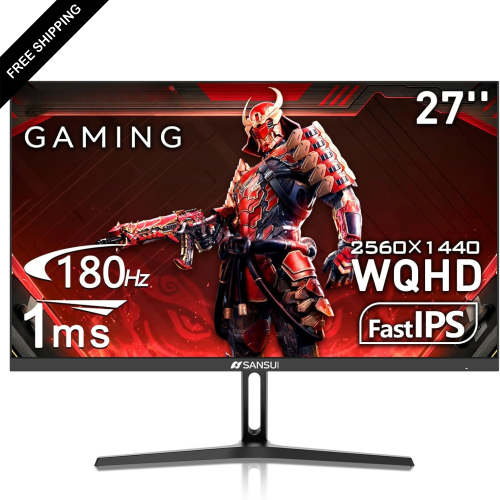
LDAS ELECTRONICS Koorui 27" 1440P Qhd Ips Led Gaming Monitor (27E3Q) - 1Ms Gtg - 180Hz - HDr400
About this product
A black fast IPS gaming monitor with 200Hz refresh rate, HDR400, adaptive sync, and wide colour gamut.
(1)$229.99Your price for this item is $229.99SAVE $130 -
2
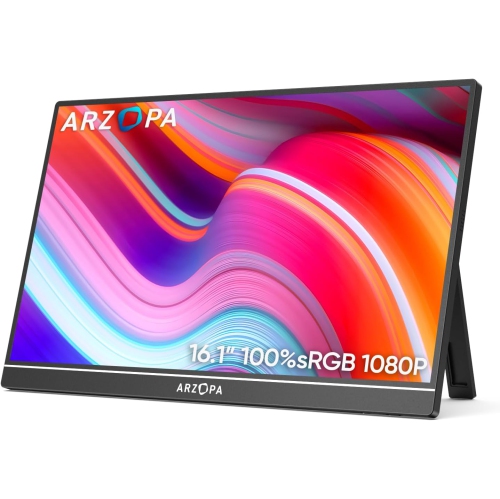
ARZOPA 16.1" 1080P HD Ips Lcd Portable Monitor (Z1C) - USB-C - HDr
About this product
A portable metal monitor with 1080P FHD resolution, 100% sRGB color, and adjustable built-in kickstand.
(1)$109.99Your price for this item is $109.99SAVE $70 -
3
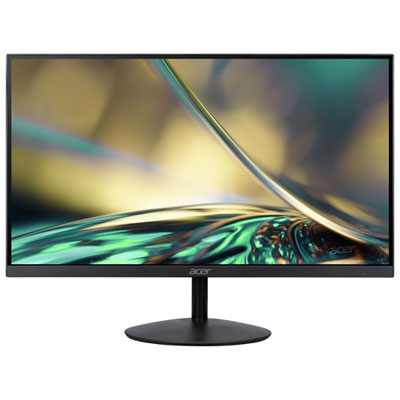
Acer SA 31.5" 1080p HD IPS LED Gaming Monitor (SA322Q) - FreeSync - 1ms GTG - 75Hz - Only at Best Buy
About this product
An ultra-thin black IPS monitor offering 75Hz refresh rate, 1ms response, and FreeSync for smooth gaming.
(6)$179.97 Your price for this item is $179.97 -
4
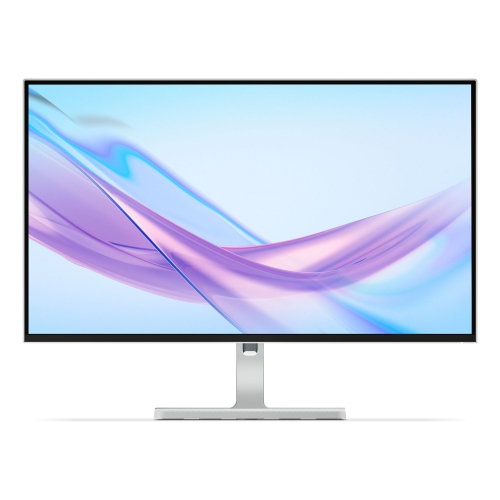
LENOVO L27Q 27" 1440P Qhd Ips Lcd Monitor (L27Q-4A) - 100Hz - Cloud In Grey
About this product
A 27-inch IPS monitor featuring QHD resolution and a smooth 100Hz refresh rate for vibrant visuals.
What customers like
(26)$265.99Your price for this item is $265.99SAVE $84 -
5
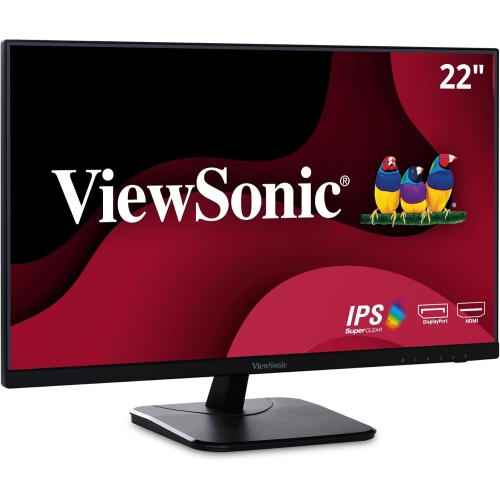
VIEWSONIC 22" 1080P HD Ips Led Monitor (Va2256-Mhd) - Flicker-Free/blue Light - 75Hz - Freesync
About this product
A black IPS LED monitor offering Full HD resolution, 75Hz refresh rate, and a frameless three-sided design.
(18)$156.99Your price for this item is $156.99SAVE $22 -
6
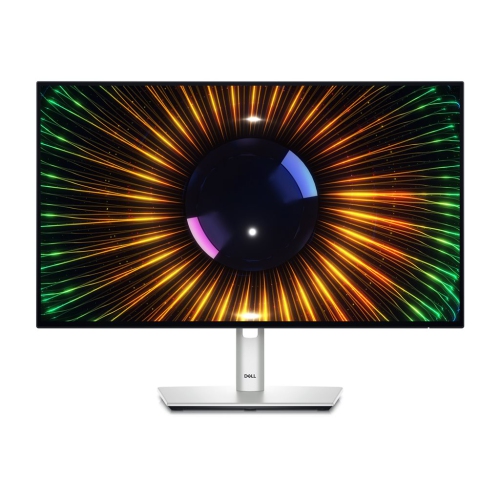
DELL Ultrasharp 23.8" 1080P HD Ips Led Monitor (-U2424H) - Light - 120Hz In Blue
About this product
A high-performance 24-inch monitor offering sharp visuals and vibrant colors for enhanced productivity.
(4)$373.99Your price for this item is $373.99SAVE $66 -
7
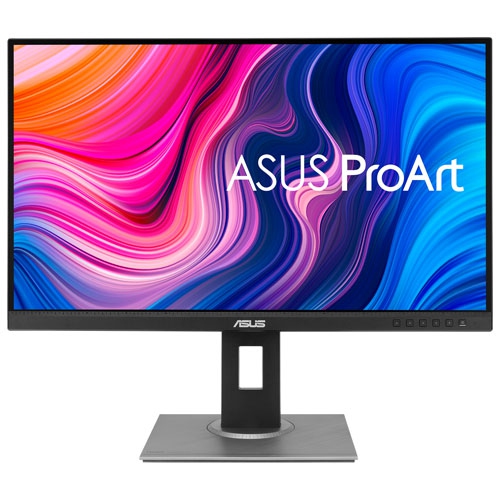
ASUS Refurbished (Good) - Proart 27" 1440P Wqhd 75Hz 5Ms Gtg Ips Led Monitor (Pa278Qv) - In Black
About this product
A refurbished black IPS LED monitor offering 1440p WQHD resolution, 75Hz refresh rate, and accurate colour calibration.
What customers like
(188)$372.66Your price for this item is $372.66SAVE $37 -
8
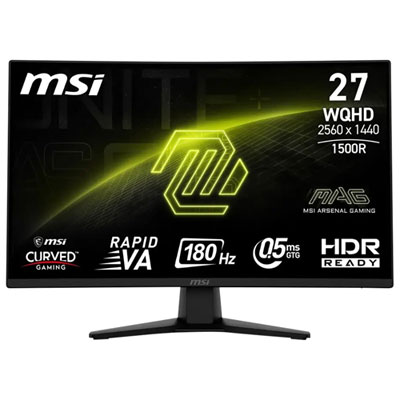
MSI MAG 27" 1440p QHD Curved VA LED Gaming Monitor (MAG 274CQFB E18) - Adaptive Sync - 0.5ms GTG - 180Hz
About this product
A metallic black curved gaming monitor with WQHD resolution, 180Hz refresh rate, and 0.05ms response time.
What customers like
(81)$249.99 Your price for this item is $249.99 -
9
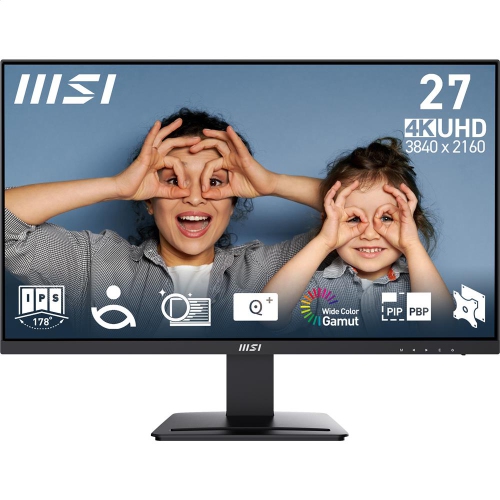
MSI Pro 27" 4K Uhd Ips Led Monitor (Mp273U) - Flicker-Free - HDr Ready - Adaptive-Sync
About this product
A 27-inch UHD IPS monitor with 4ms response time, 60Hz refresh rate, and tilt adjustment.
(13)$279.99 Your price for this item is $279.99 -
10
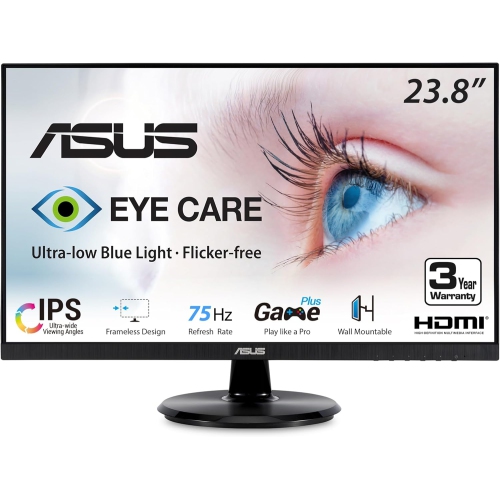
ASUS Eye Care 23.8" 1080P HD Ips Led Monitor (Va24Dq) - Flicker-Free/low Light - 75Hz - Freesync In Blue
About this product
An IPS monitor with Full HD resolution, 75Hz refresh rate, and eye care technologies for comfortable viewing.
(6)$160.99Your price for this item is $160.99SAVE $27
FAQ
Colour gamut describes the range of colours a monitor can display, while colour accuracy describes how closely those colours match a reference standard. A wide colour gamut does not automatically mean accurate colours. When comparing budget monitors, look for both colour-space coverage and published colour-accuracy measurements.
sRGB is commonly used for web graphics, everyday photography and general desktop content. Adobe RGB is relevant to some print photography workflows, while DCI-P3 is associated with digital cinema. For web-focused work, near-complete sRGB coverage is a practical starting point.
Delta E expresses the difference between a displayed colour and its reference value. Lower numbers indicate a closer match, and a stated Delta E below 2 is a common benchmark for colour-focused work. Check whether the specification lists an average or maximum value and which picture mode was measured.
Factory calibration means the manufacturer has adjusted the monitor's colour settings before it leaves the factory. Some monitors include a report showing measurements for a particular picture mode or colour space. This differs from user calibration, which involves measuring and adjusting the display after setup.
Common connections include HDMI and DisplayPort, while some models also offer USB-C video input. Match the monitor's inputs to your computer's outputs and check support for the intended resolution, refresh rate and colour depth. If you want a single-cable laptop setup, verify USB-C video support and power delivery separately.
Top selling and popular products
Discover more categories related to Best Budget Color Accurate Monitors
Some products may be subject to Environmental Handling Fees (EHF) depending on your province. Learn more about EHFs.