Curved Monitors for Excel Work
Enhance your productivity with a curved monitor for Excel work, designed to provide an immersive and comfortable viewing experience that can transform the way you handle spreadsheets. With their innovative design, curved monitors help reduce eye strain and offer a wider field of view, making it easier to manage multiple tasks and data sets efficiently. Whether you're analyzing complex data or simply organizing your daily tasks, a curved monitor can be an invaluable addition to your workspace, offering both style and functionality. Explore our selection to find the perfect match for your professional needs.
Sort
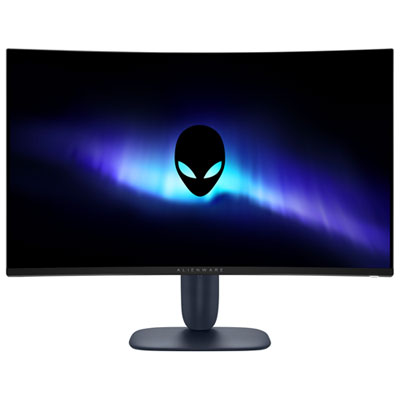

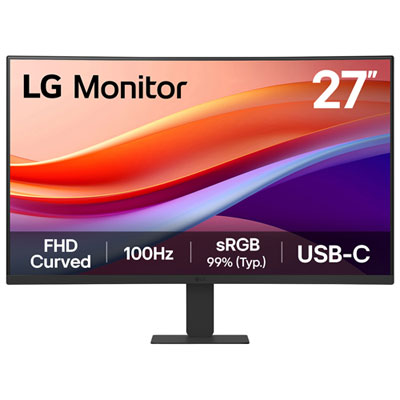
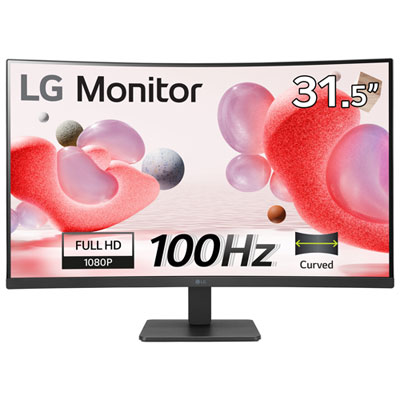
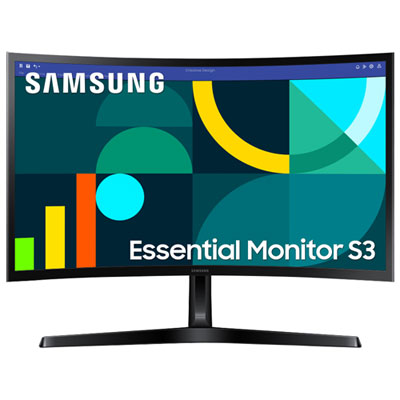
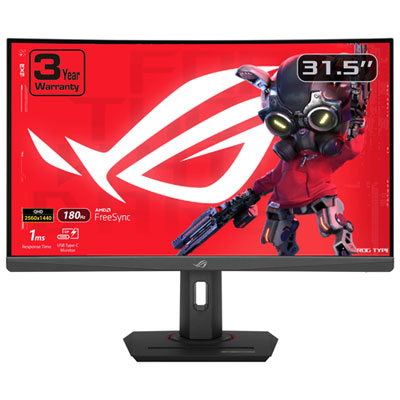
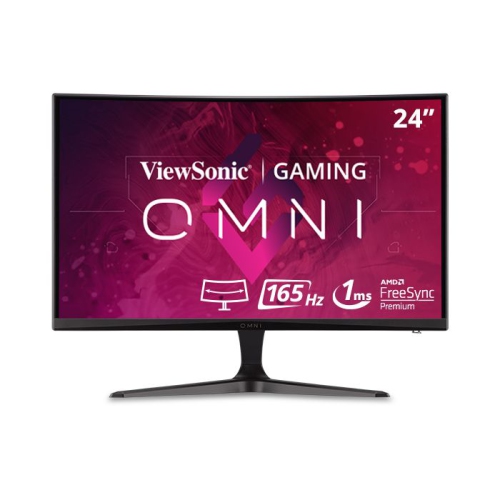
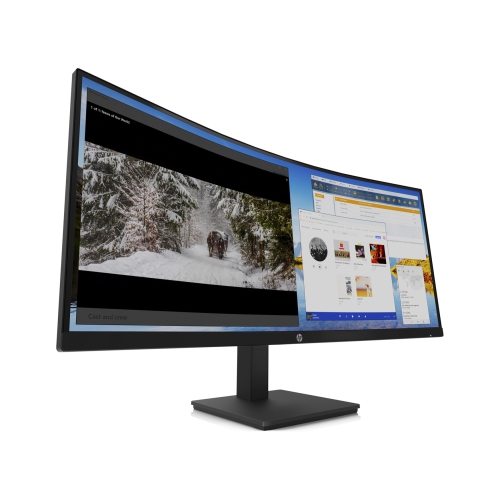
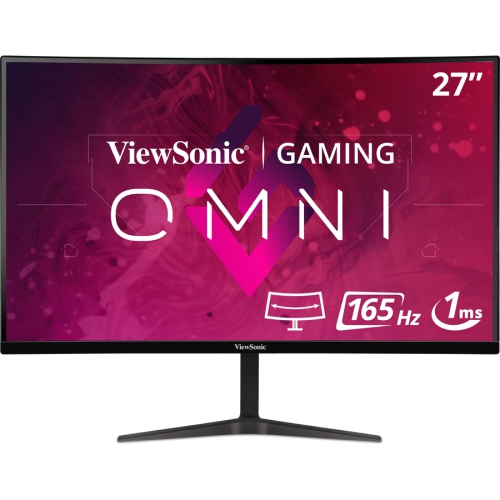
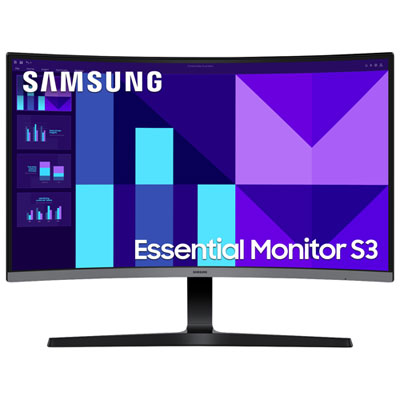
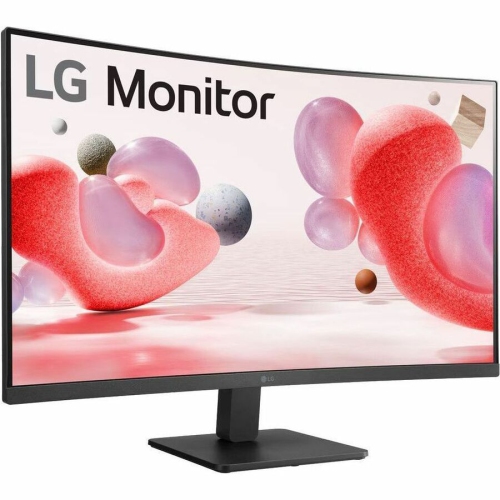
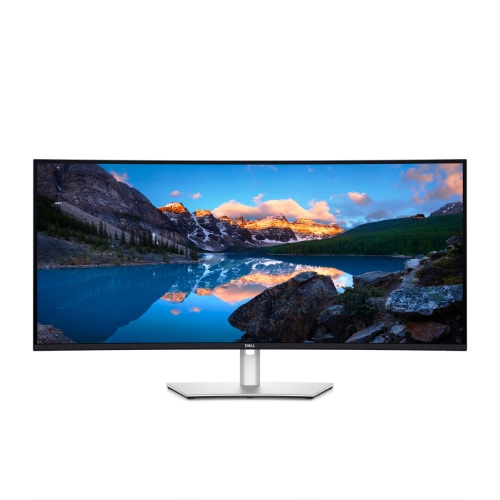
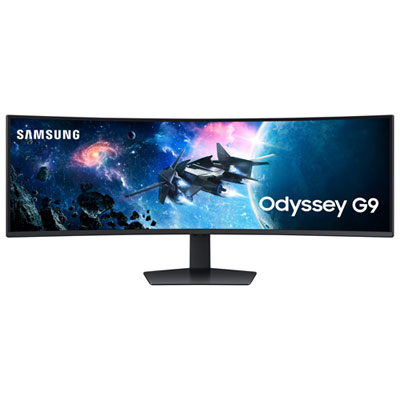
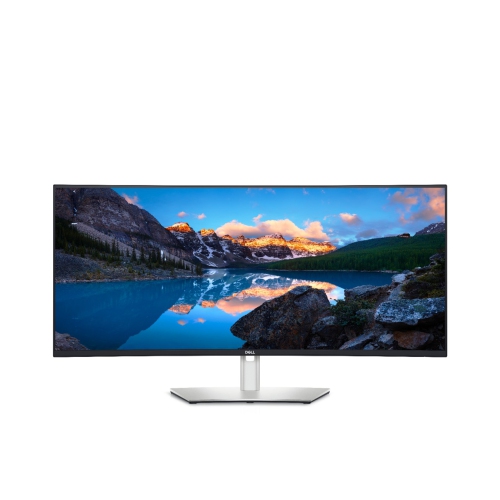
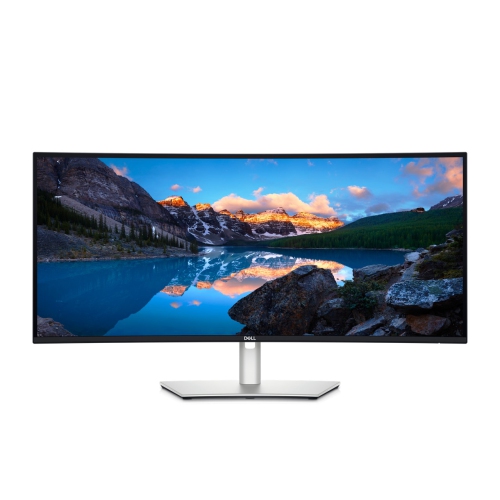
More room to compare spreadsheets and keep references visible
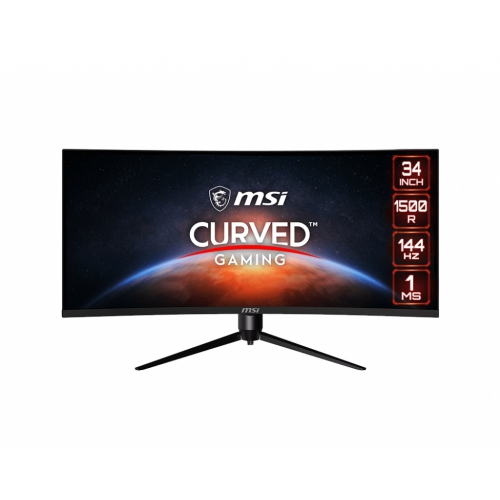
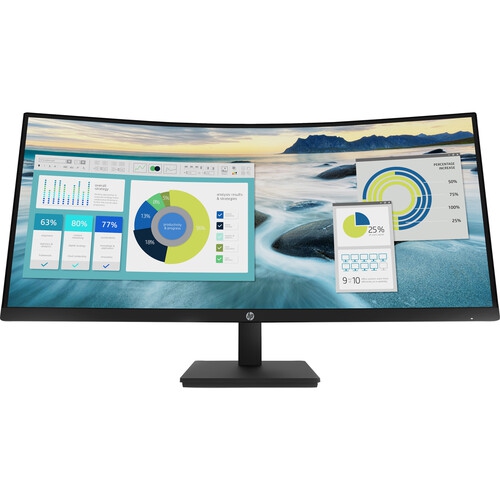
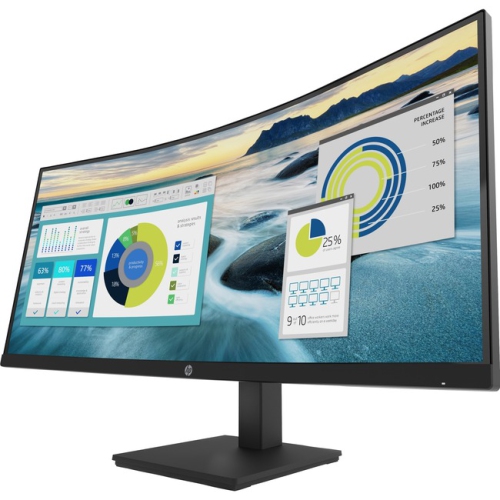
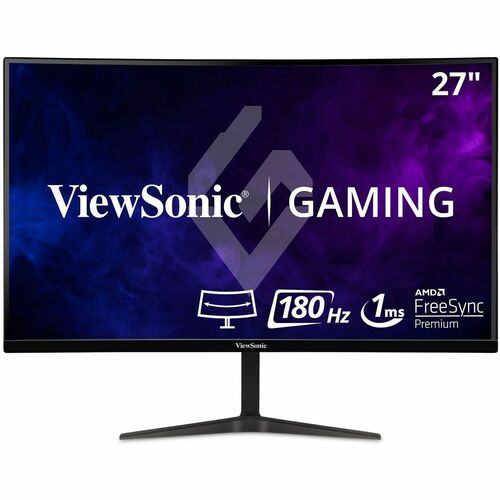
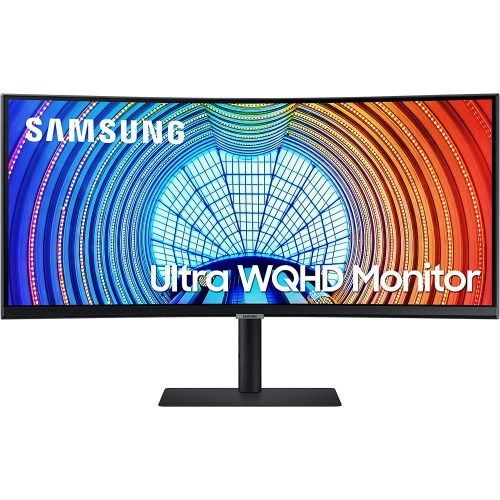
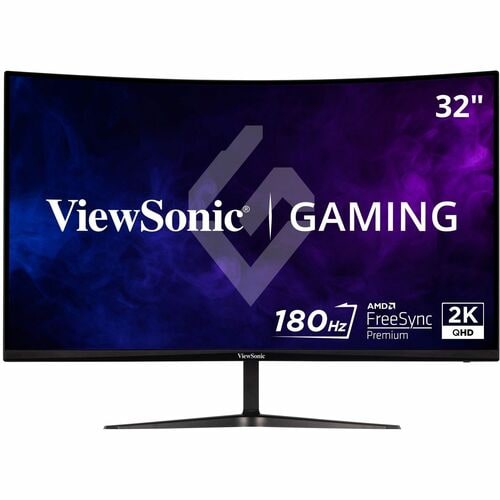
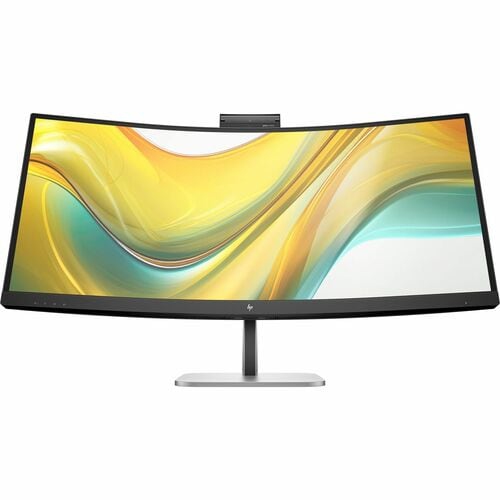
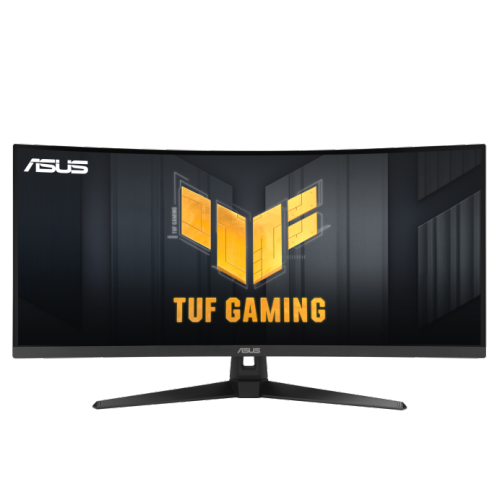
Curved monitors for Excel work give spreadsheet-heavy setups a wider, more comfortable canvas for reviewing data, comparing workbooks, and keeping reference material visible without constantly switching between windows. A gentle curve brings the outer edges of the display into a more consistent viewing distance, which can make a large spreadsheet feel easier to scan from left to right during long work sessions. The biggest advantage is horizontal workspace: a 34-inch ultrawide monitor with a 3440 x 1440 resolution can show many more columns than a standard 16:9 display, while still leaving room to place two workbook windows side by side. This is useful for comparing budgets, invoices, inventory lists, schedules, sales reports, and other files where moving back and forth between tabs can interrupt concentration. A larger 49-inch curved monitor can provide a dual-monitor-style experience from one continuous screen, making it possible to keep a main workbook, a source document, email, or a calculator visible at the same time. For a more compact desk, a 27-inch curved monitor can still add a sense of depth and provide a comfortable central workspace without taking up as much room. When choosing a display for Excel, resolution is especially important because crisp text and clearly separated numbers help reduce visual clutter. Full HD may be suitable for basic spreadsheets, but QHD at 2560 x 1440 is a strong choice for a sharp 27-inch or larger screen, while UWQHD at 3440 x 1440 is well suited to a 34-inch ultrawide layout. Higher resolutions can make fine text easier to read and allow more rows and columns to remain visible, although operating system scaling and viewing distance also affect how comfortable the result feels. A 1500R or 1800R curvature offers a subtle wraparound effect that supports broad spreadsheet layouts without creating an overly dramatic arc. Some people notice that a pronounced curve can make straight grid lines appear slightly distorted, particularly when viewing a very large spreadsheet or working with charts that require precise geometry, so a moderate curve may be preferable for users who value a natural-looking grid.
The right curved monitor for Excel work depends on the way the desk is used, the size of the files being handled, and the number of applications that need to remain open. A finance professional may appreciate an ultrawide display for placing a forecast beside historical results, while a small-business owner can use the extra width to manage bookkeeping, order details, and customer communications in one view. Students, home-office workers, administrators, analysts, and anyone who spends hours sorting columns or checking formulas may also benefit from the expanded layout. It can be a thoughtful gift for someone setting up a home office, returning to school, or taking on a role that involves regular reporting and data entry, particularly when paired with a sturdy monitor arm, an ergonomic chair, or a full-size keyboard. Before selecting a display, measure the available desk width and depth, including space for a stand, laptop, speakers, and any documents that need to stay nearby. VESA compatibility can be useful for mounting the screen to an adjustable arm, freeing up desk space and making it easier to position the display at eye level. Height adjustment, tilt, and swivel controls are practical features that can make a noticeable difference over a full day. Connectivity matters as well. HDMI and DisplayPort support broad compatibility with desktop computers and laptops, while USB-C with power delivery can simplify a laptop-based setup by carrying video, data, and charging through one cable. A built-in USB hub is convenient for connecting a keyboard, mouse, storage drive, or webcam directly to the monitor, and integrated speakers can help keep a smaller workstation uncluttered. For more ideas that suit a broader home-office layout, explore the Curved Monitor for Office Setup collection. Window-snapping tools, including features built into many operating systems and utilities such as Microsoft PowerToys FancyZones, can divide an ultrawide screen into practical zones for two or more applications. This helps turn a broad, uninterrupted panel into an organized workspace instead of leaving windows scattered across the display.
A few display specifications deserve extra attention when the main task is reading and editing spreadsheets rather than gaming or watching video. Look for a monitor with clear text rendering, consistent brightness, and an easy-to-adjust on-screen menu. Matte or anti-glare screen coatings can help limit reflections from windows and desk lamps, which becomes especially useful as daylight changes during the cooler months or when a home office is used in the evening. Brightness should be comfortable rather than excessive, and flicker-reduction or low-blue-light modes may help some users manage extended viewing, although good posture, regular breaks, and suitable room lighting remain important. Refresh rate is less critical for Excel than resolution and text clarity, but a smoother refresh can make cursor movement and everyday scrolling feel more responsive. Colour accuracy is valuable for users who work with charts, dashboards, presentations, or design elements, while built-in picture-by-picture and picture-in-picture modes can be helpful when one monitor needs to display two separate computer sources. Consider the computer’s graphics output before purchasing an ultrawide or 49-inch display, since the system must support the monitor’s native resolution at the desired refresh rate. It is also worth checking whether the stand, cables, and power arrangement fit the intended workspace. A well-matched curved monitor can make a crowded spreadsheet easier to navigate, reduce the need for repeated window changes, and create a focused central view for everyday office tasks. Whether it sits in a dedicated study, a compact apartment workspace, or a shared family desk, the best choice balances screen size, resolution, curvature, connectivity, and adjustability with the habits of the person using it.
The right curved monitor for Excel work depends on the way the desk is used, the size of the files being handled, and the number of applications that need to remain open. A finance professional may appreciate an ultrawide display for placing a forecast beside historical results, while a small-business owner can use the extra width to manage bookkeeping, order details, and customer communications in one view. Students, home-office workers, administrators, analysts, and anyone who spends hours sorting columns or checking formulas may also benefit from the expanded layout. It can be a thoughtful gift for someone setting up a home office, returning to school, or taking on a role that involves regular reporting and data entry, particularly when paired with a sturdy monitor arm, an ergonomic chair, or a full-size keyboard. Before selecting a display, measure the available desk width and depth, including space for a stand, laptop, speakers, and any documents that need to stay nearby. VESA compatibility can be useful for mounting the screen to an adjustable arm, freeing up desk space and making it easier to position the display at eye level. Height adjustment, tilt, and swivel controls are practical features that can make a noticeable difference over a full day. Connectivity matters as well. HDMI and DisplayPort support broad compatibility with desktop computers and laptops, while USB-C with power delivery can simplify a laptop-based setup by carrying video, data, and charging through one cable. A built-in USB hub is convenient for connecting a keyboard, mouse, storage drive, or webcam directly to the monitor, and integrated speakers can help keep a smaller workstation uncluttered. For more ideas that suit a broader home-office layout, explore the Curved Monitor for Office Setup collection. Window-snapping tools, including features built into many operating systems and utilities such as Microsoft PowerToys FancyZones, can divide an ultrawide screen into practical zones for two or more applications. This helps turn a broad, uninterrupted panel into an organized workspace instead of leaving windows scattered across the display.
A few display specifications deserve extra attention when the main task is reading and editing spreadsheets rather than gaming or watching video. Look for a monitor with clear text rendering, consistent brightness, and an easy-to-adjust on-screen menu. Matte or anti-glare screen coatings can help limit reflections from windows and desk lamps, which becomes especially useful as daylight changes during the cooler months or when a home office is used in the evening. Brightness should be comfortable rather than excessive, and flicker-reduction or low-blue-light modes may help some users manage extended viewing, although good posture, regular breaks, and suitable room lighting remain important. Refresh rate is less critical for Excel than resolution and text clarity, but a smoother refresh can make cursor movement and everyday scrolling feel more responsive. Colour accuracy is valuable for users who work with charts, dashboards, presentations, or design elements, while built-in picture-by-picture and picture-in-picture modes can be helpful when one monitor needs to display two separate computer sources. Consider the computer’s graphics output before purchasing an ultrawide or 49-inch display, since the system must support the monitor’s native resolution at the desired refresh rate. It is also worth checking whether the stand, cables, and power arrangement fit the intended workspace. A well-matched curved monitor can make a crowded spreadsheet easier to navigate, reduce the need for repeated window changes, and create a focused central view for everyday office tasks. Whether it sits in a dedicated study, a compact apartment workspace, or a shared family desk, the best choice balances screen size, resolution, curvature, connectivity, and adjustability with the habits of the person using it.
Top selling and popular products
-
 Your price for this item is $299
 -
 Your price for this item is $599
 -
 Your price for this item is $94.99
 -
 Your price for this item is $329.99
 -
 Your price for this item is $499
 -
 Your price for this item is $265.99
 -
 Your price for this item is $1299.97
 -
 Your price for this item is $249.99
Discover more categories related to Curved Monitors for Excel Work
Top Collections:
Pokemon Centers, Kindle Devices, Best Budget Office Chairs, Apple iPhones 16, Best Laptops for Writers, iPhone 15 Apple, Canon G7X Cameras, Refurbished Apple Laptops, Alarm Clock, Motorola Razr Phones
Some products may be subject to Environmental Handling Fees
(EHF) depending on your province.
Learn more about EHFs.